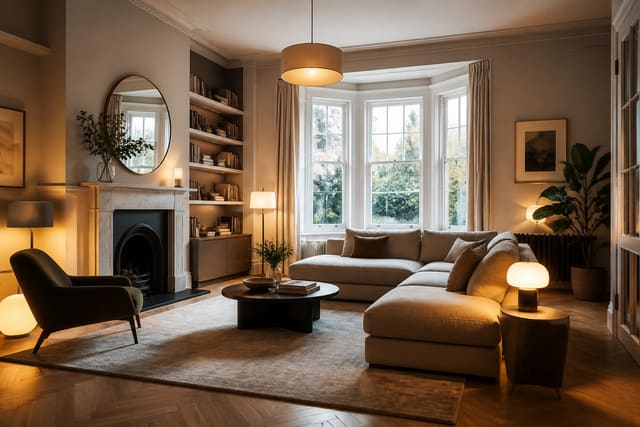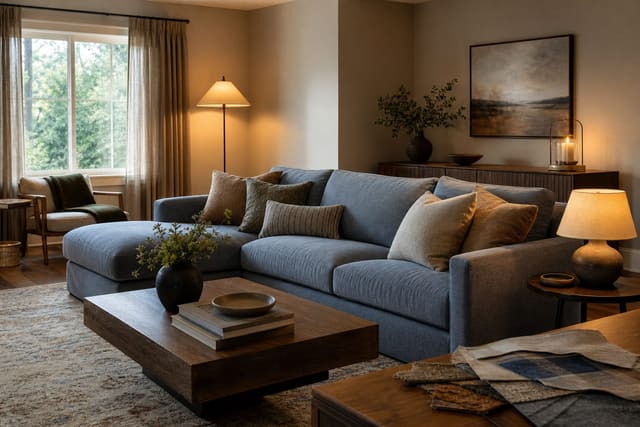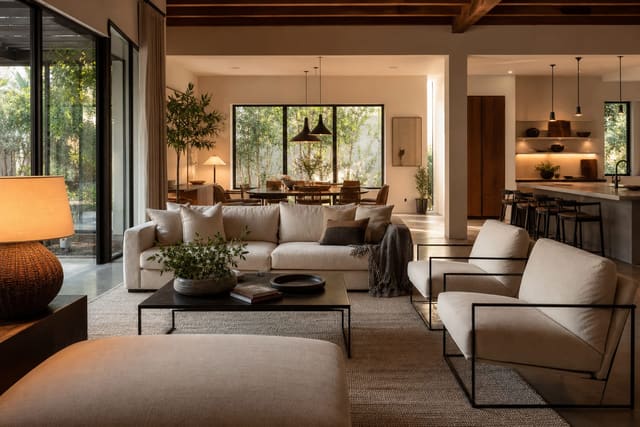
AI home design limitations come down to one thing: AI can show you a beautiful look, but it cannot verify dimensions, construction constraints, comfort, codes, or material feel. It's a fast sketch partner for testing direction, not a finished plan, so treat generated images as a starting point, not a purchase order.
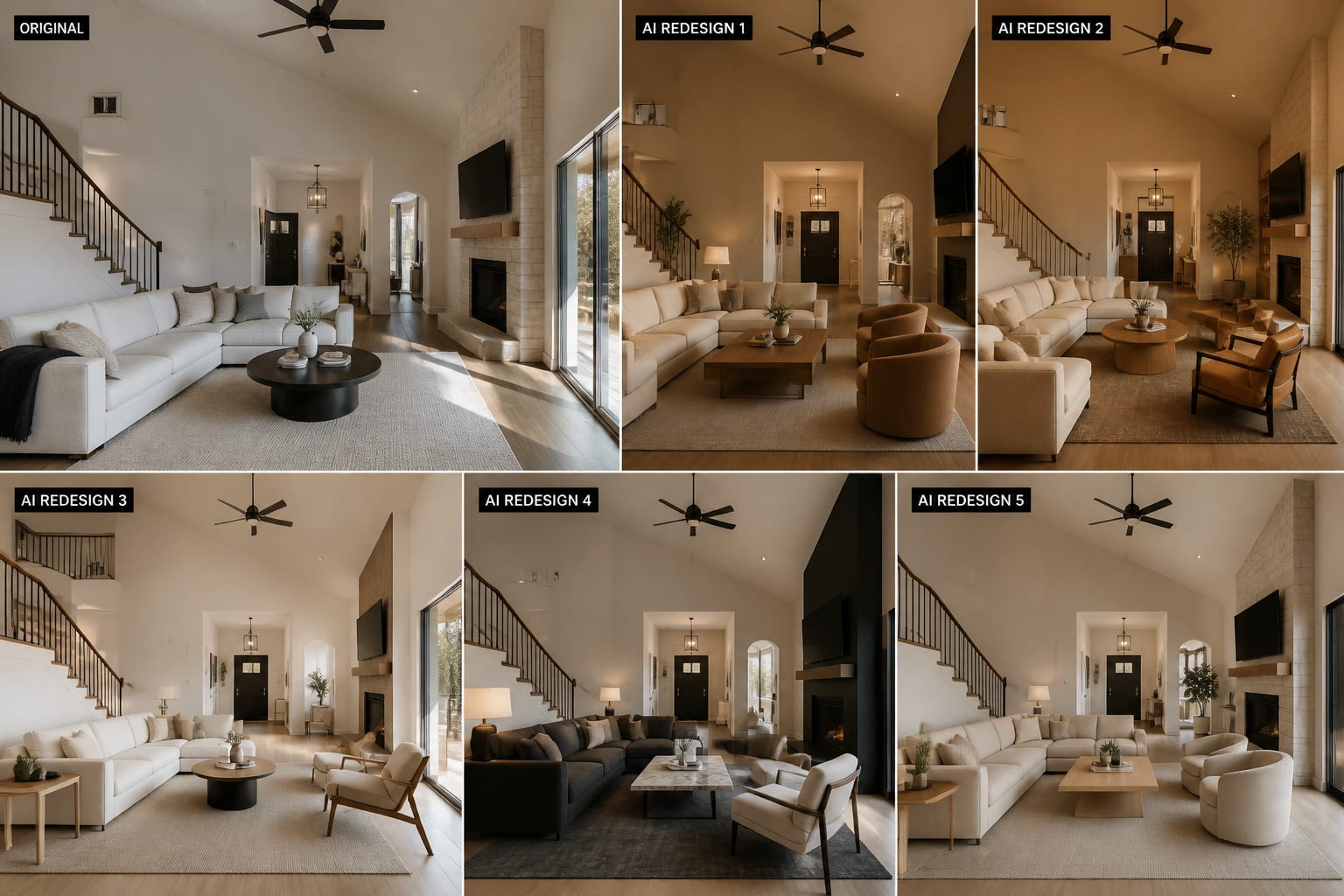
What Are the Real Limitations of AI for Home Design?
A generated image might show a built-in bookcase around your fireplace without knowing the wall hides a vent or a 28-inch clearance pinch point. It may place a sofa that looks balanced while ignoring the 36-inch walking path you actually need. It may make a north-facing beige wall look warm and calm, even though the real paint sample turns gray-green by afternoon.
AI compresses the visual guessing stage. It does not replace measuring, sampling, sitting in the room, checking swing clearances, or calling a licensed pro when plumbing, electrical, structure, or code is involved.
What Is AI Genuinely Good At?
AI shines when the question is visual and reversible. Many bad purchases come not from poor taste but from an inability to picture the whole room at once. Use it for:
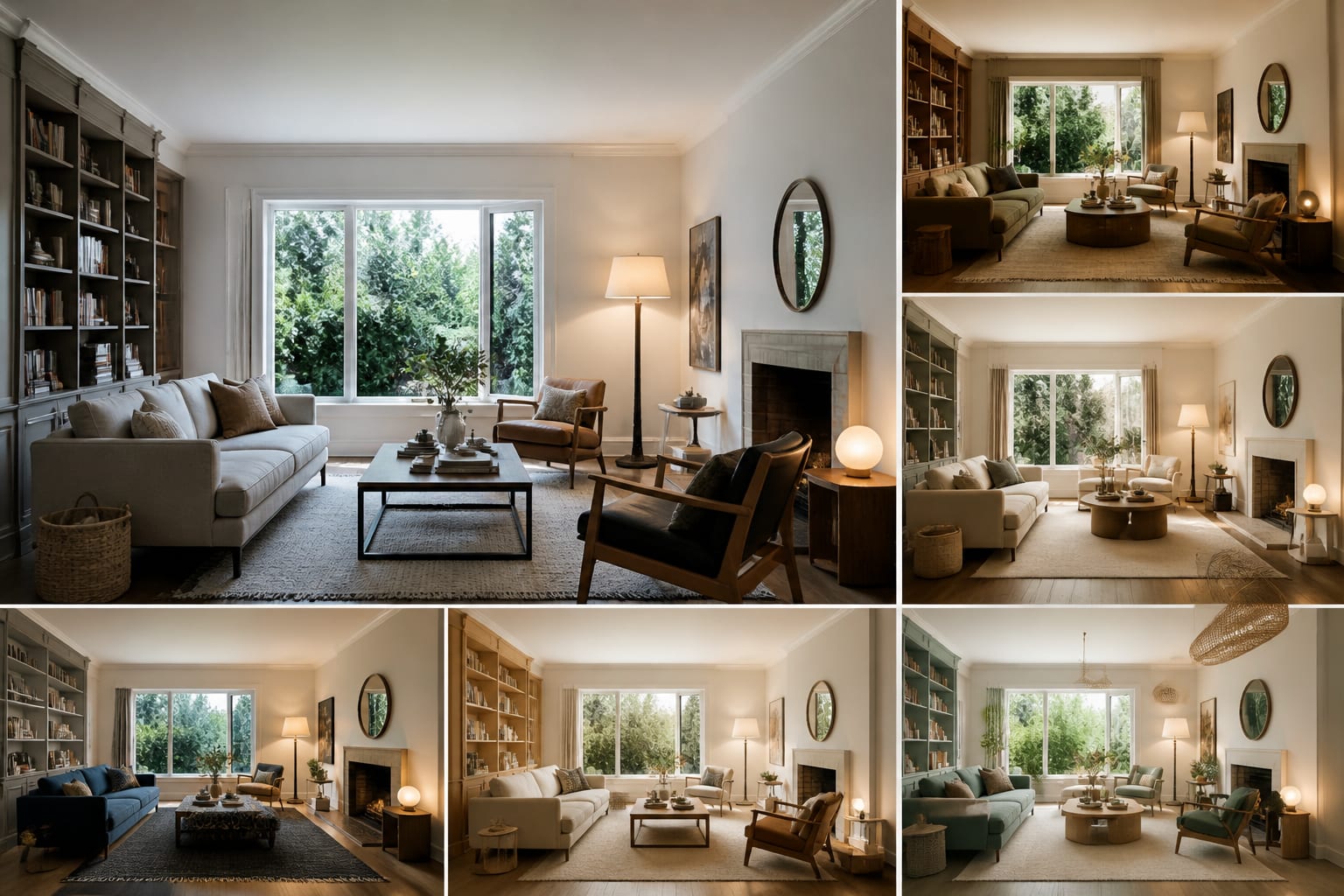
- Testing style direction before shopping — compare 3 or 4 looks like warm minimal, traditional, or organic modern on your actual room.
- Comparing color families before sampling — then paint at least a 12x12-inch swatch on two walls before choosing.
- Pressure-testing furniture scale — a render can flatter a 96-inch sofa, so tape the footprint on the floor afterward and leave 30-36 inches for walkways.
- Exploring lighting mood — a room can feel sterile at 5000K and relaxed at 2700K; the preview sets the mood, the bulb label and dimmer decide the result.
- Spotting undertone clashes — if a beige tile fights a pink-gray wall, read the clashing undertones room fix guide before repainting.
For a broader take, see this honest AI interior design review: the tool isn't magic, but it's faster than redrawing the same room in your head for three weekends.
What Can't AI Judge From a Photo?
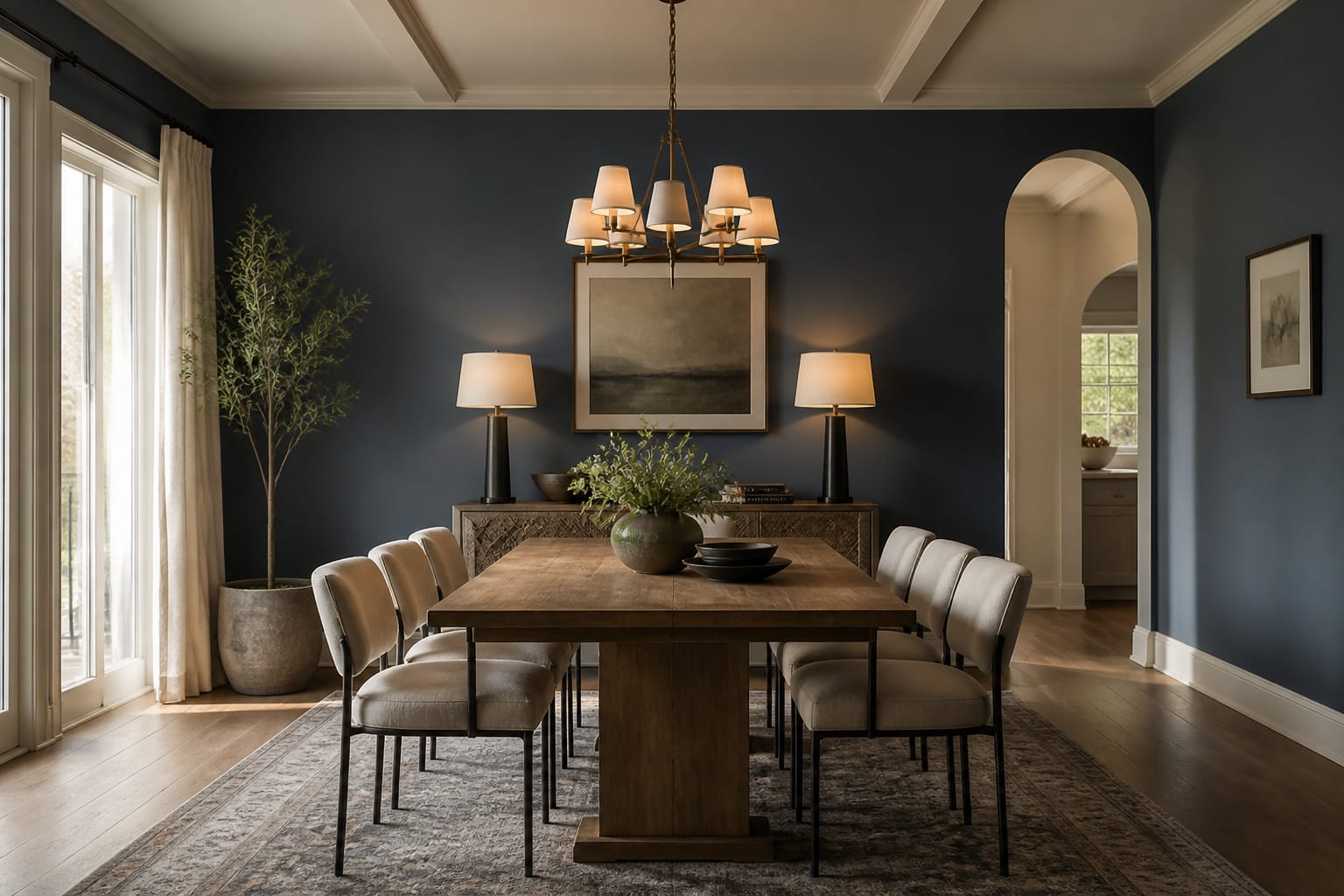
A photo lies in ways AI can't correct. Wide-angle lenses stretch corners, evening bulbs warm up white walls, and cropped shots hide the radiator, the toy bin, or the door that hits the nightstand.
Dimension is the biggest gap. AI can show a king bed floating between sconces without preserving the 24-30 inches you want on each side, or draw a dining table for eight without the 36 inches needed behind chairs. Measure rod height to floor yourself before ordering drapery.
Material honesty is next. Rendered boucle never pills, rendered marble never etches, and rendered concrete floors never show real slab cracks or sealer issues — compare any concrete idea against a practical guide to stained concrete floors at home first. AI also can't feel comfort: seat depth, glare, drawer weight, and rug texture are still physical experiences a preview can't test.
What Mistakes Do People Make With AI Home Design?
The biggest mistake is asking for a "beautiful room" instead of naming a specific constraint. Vague prompts produce fantasy rooms; specific prompts naming the existing floor, the disliked element, and the budget produce useful ones.
- Trusting generated furniture sizes. Tape the real footprint before ordering; measure width, depth, and delivery clearance.
- Changing every surface at once. Keep fixed elements like flooring or counters visible in at least one preview so you know what actually needs to change.
- Accepting impossible lighting. Count your real outlets, switches, and junction boxes before buying fixtures a render invented.
- Ignoring undertones because the image looks pretty. Check samples together in daylight and lamplight before painting.
- Treating one preview as the whole plan. Generate several variations and look for the repeated move that keeps working, such as lower contrast or warmer bulbs.
The fix isn't avoiding AI — it's making it argue with reality earlier, before the delivery truck arrives.
How Should You Use AI Design Without Overspending?
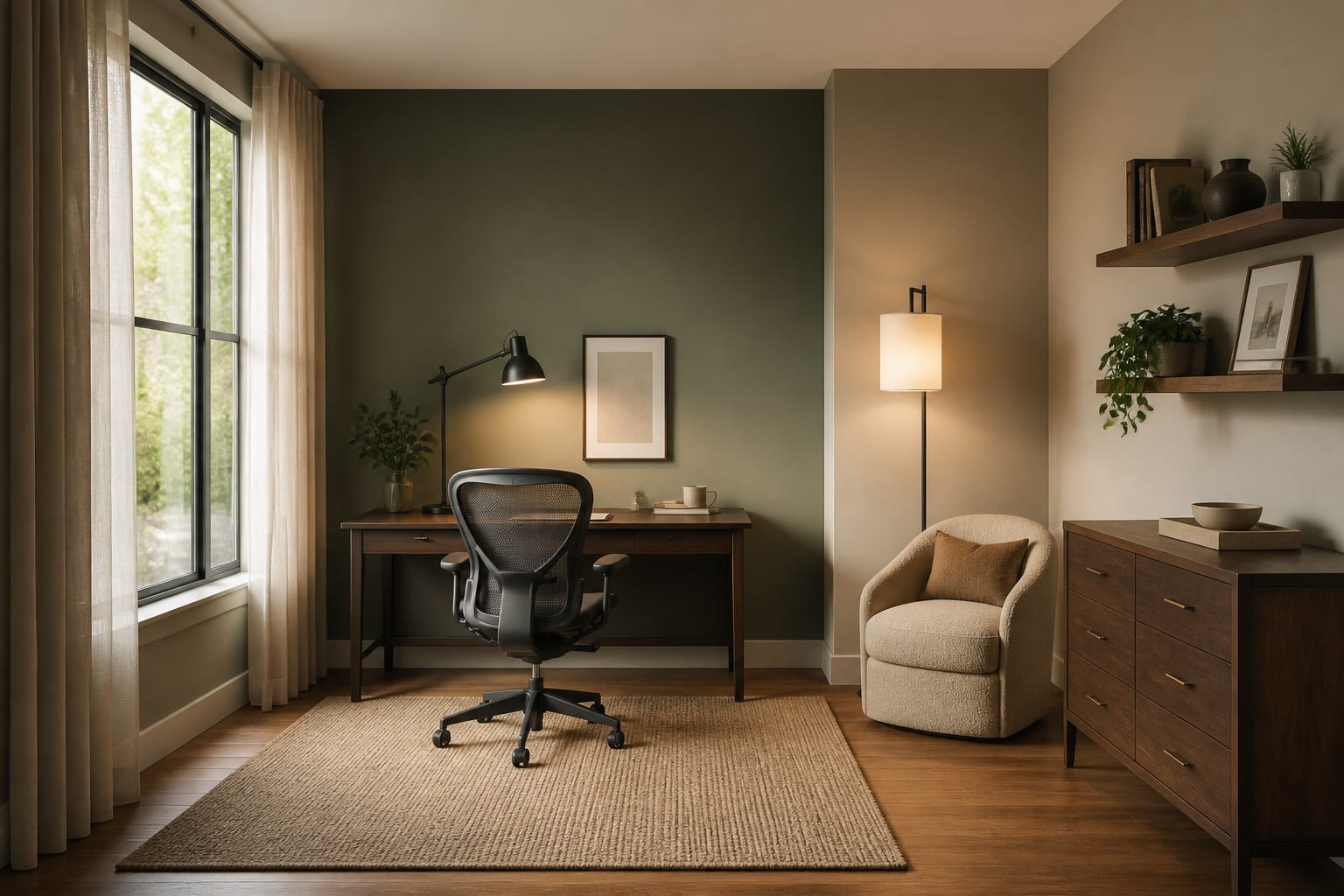
A strong workflow keeps AI in its lane: speed and visual clarity, then hands the final call back to the real room.
- Photograph the room straight on in natural light with all four corners visible, so the design accounts for doors, vents, and outlets.
- Ask for 3 distinct directions with the same major furniture to see if the palette, rug size, and lighting choices actually work.
- Translate the best preview into measurements: rug size, sofa width, curtain rod height, and art centerline (usually 57-60 inches from the floor).
- Order samples before large purchases — paint, wood, stone, and upholstery shift under your bulbs across morning, afternoon, and night.
- Buy the hardest-to-return items last, confirming a sofa or custom drapery only after the palette and scale survive the room.
Renters can test peel-and-stick color, plug-in sconces, and a larger washable rug. Owners can preview built-ins or new flooring before paying for drawings or contractor visits.
What Decisions Should Stay Human?
Design isn't only an image — it's a set of tradeoffs you live with daily. AI can show a moody black bedroom, but only you know if you read at night or own a white cat that turns dark duvets into maintenance. It can suggest open kitchen shelves, but you know whether your family stacks mismatched mugs in plain view.
Keep human judgment on anything affecting safety, comfort, cost, or permanence: electrical work, structural changes, plumbing moves, and stair clearances need qualified professionals. Big-ticket items deserve boring verification — dimensions, lead times, return fees, and whether the finish sample matches the room, not the website photo.
Frequently Asked Questions
Can AI home design tools accurately show real room dimensions?
No. AI previews are visual approximations, not scaled drawings, so a sofa or bed that looks proportional on screen may not fit your actual floor plan. Always measure the real furniture and tape its footprint on your floor before ordering, and confirm clearances of at least 30-36 inches for walkways.
Is AI interior design good enough to replace a designer?
AI is strong for early visual exploration — testing style, color, and layout ideas fast — but it doesn't replace a designer's judgment on code, structure, comfort, or sourcing. Use it to narrow direction, then verify measurements and materials yourself or with a professional for larger projects.
Why does my AI-generated room look different from the real paint or material?
Renders show idealized color and texture under simulated light, while real paint and materials shift with your room's actual daylight, bulbs, and finishes. Always test a physical sample — at least 12x12 inches for paint — in your space at different times of day before committing.
What's the safest way to use AI before buying furniture?
Generate a few directions, pick the strongest one, then translate it into real measurements: width, depth, height, and clearance. Order samples for finishes, tape out furniture footprints on your floor, and buy the hardest-to-return items — like a sofa or custom rug — last.