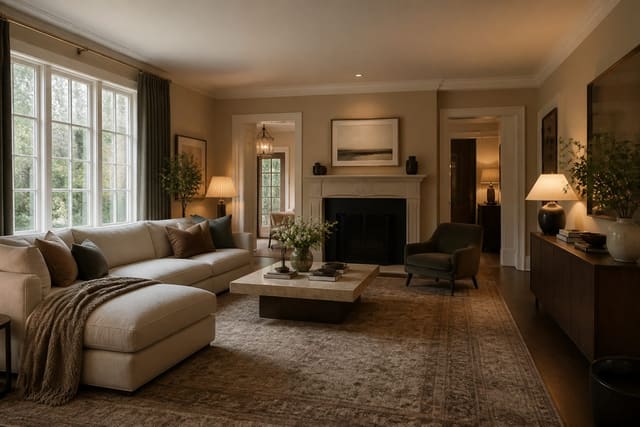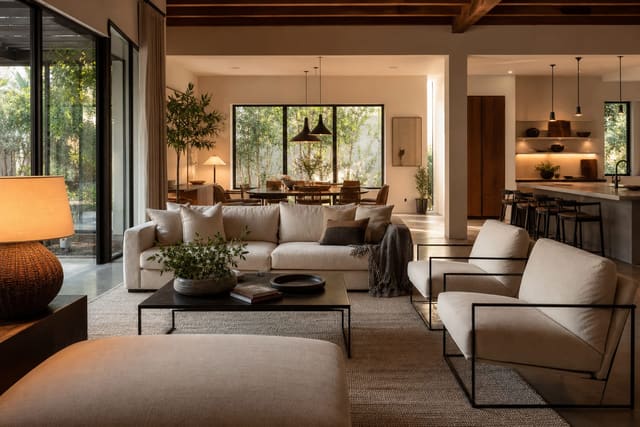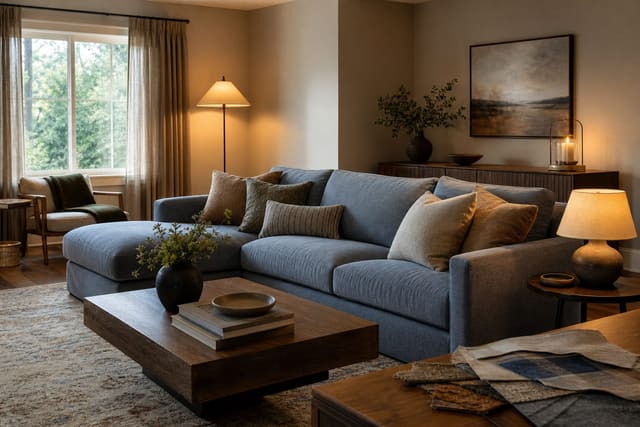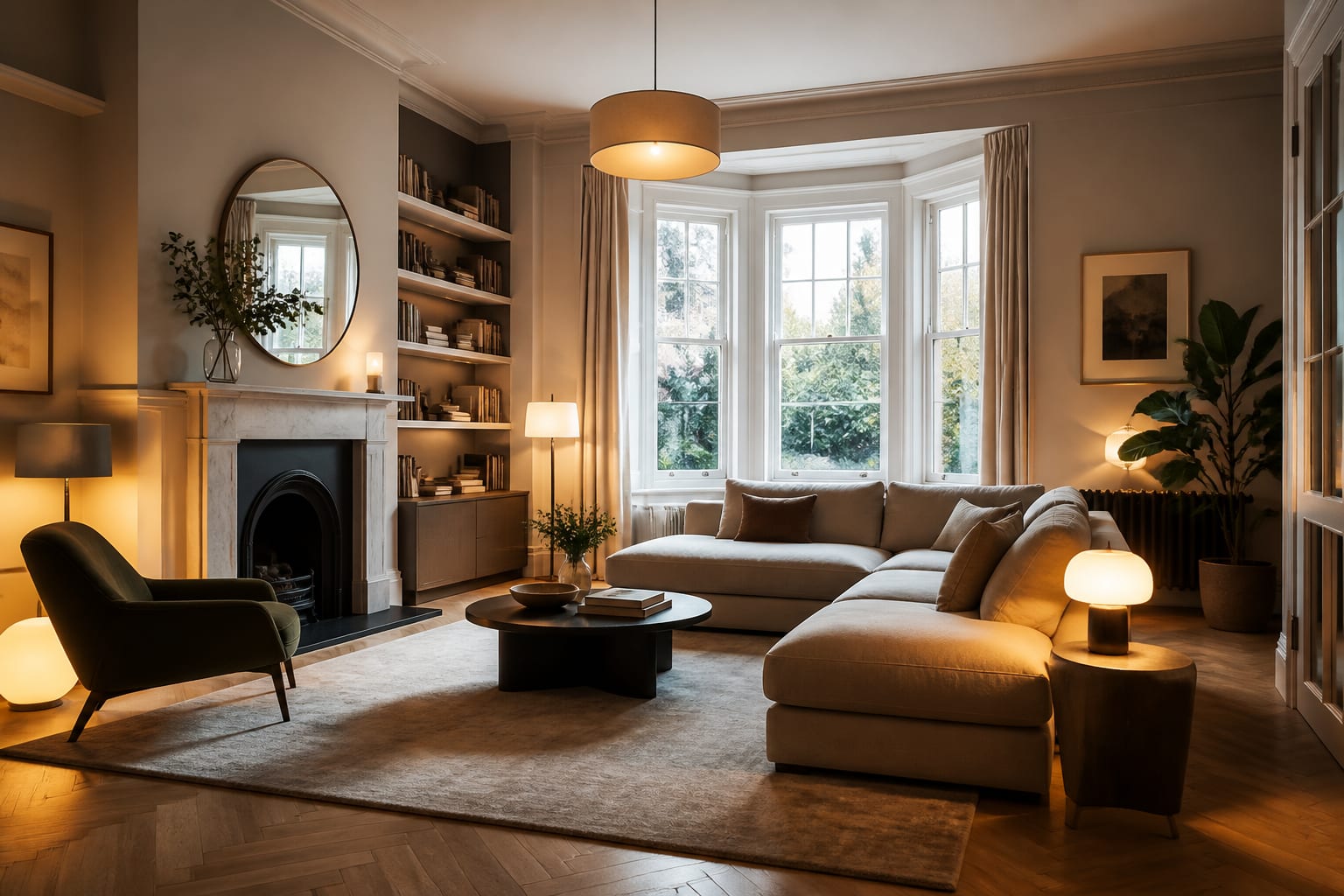
Is AI interior design good? Yes, it's strong for fast visual direction, palette testing, and layout ideas, but it can't replace a tape measure, fabric samples, or a contractor's advice. Use previews to test color, furniture scale, and lighting mood before spending money, then verify every measurement against your actual room.
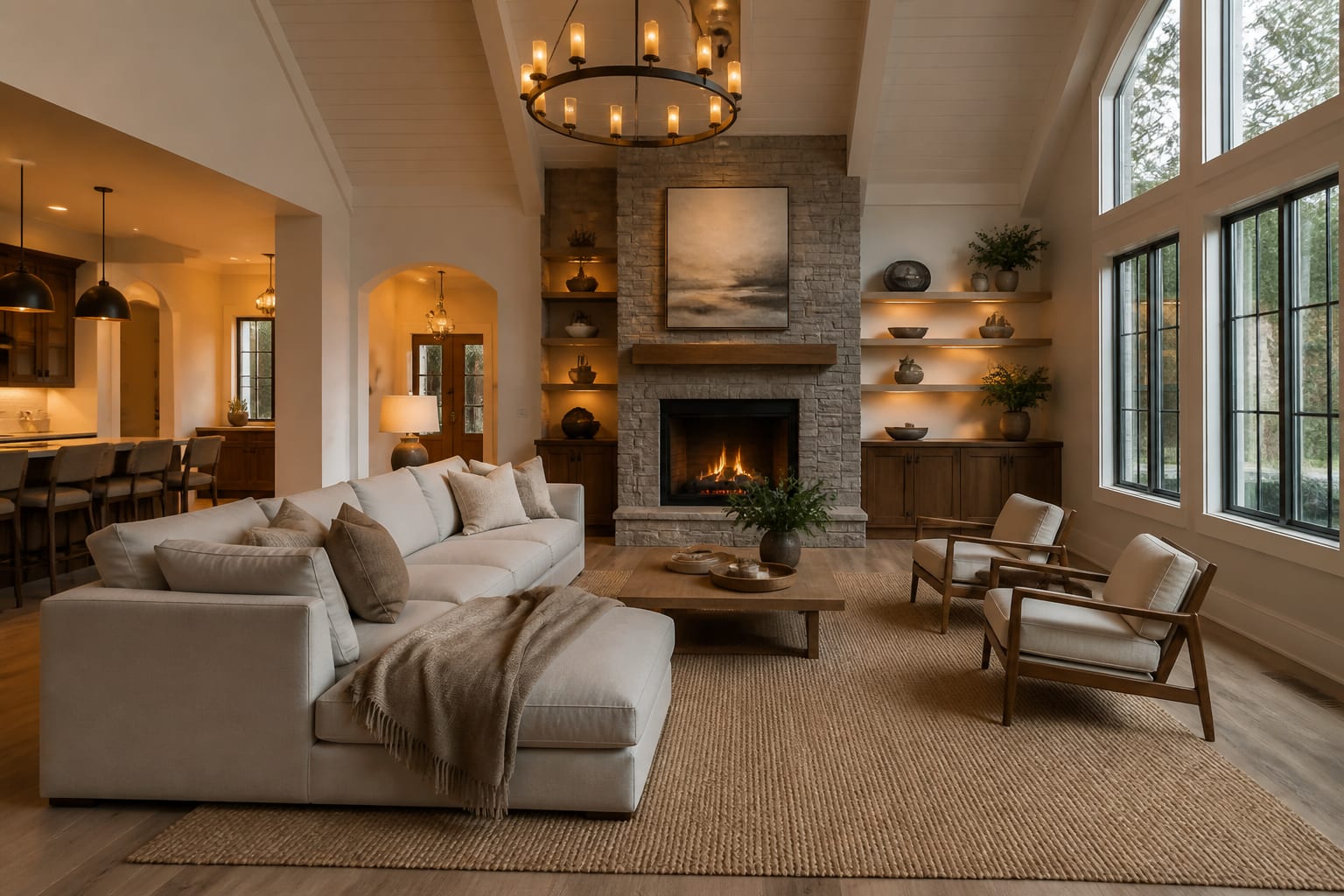
How good is AI interior design really?
AI interior design is good enough for fast visual direction, layout testing, and palette decisions. It is not good enough to replace measured plans, samples, contractor advice, or your own judgment about daily life.
A strong preview can show that a living room needs a warmer wall color, a larger rug, softer lamps, and less clutter. Weaker results often look polished while dodging harder facts: an added window, a stretched wall, a flattened recliner, a pendant placed where no wiring exists.
For the broader yes-or-no version of this question, see whether AI can design the whole room for you. This article focuses on what results actually look like and where to stay suspicious.
What AI interior design gets right
The strongest AI interiors are clarifying, not perfect. They make a room's likely direction visible before you commit to paint, furniture, or a weekend of rearranging.
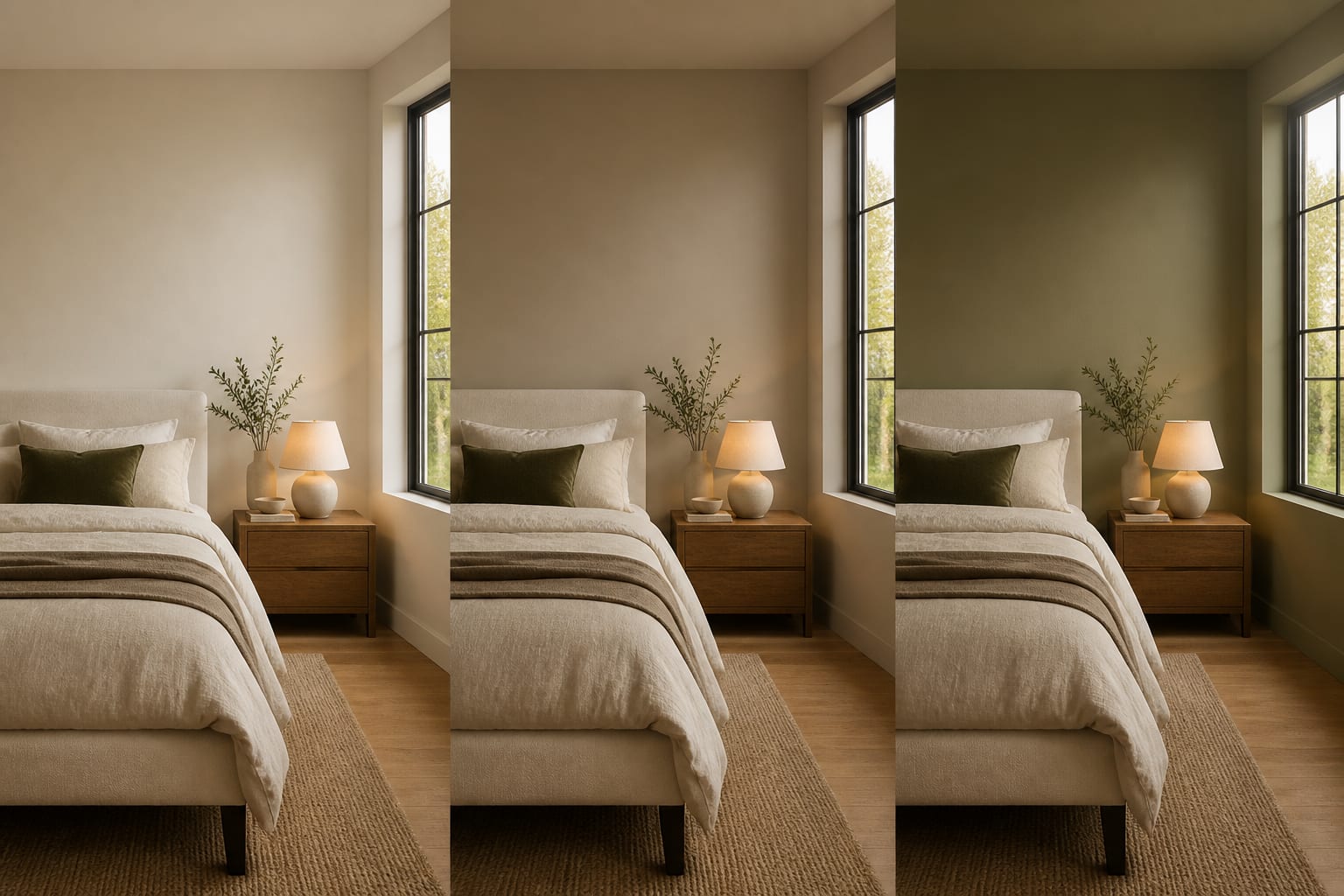
- Palette testing: color decisions get easier when floor, trim, sofa, and daylight stay in the image. Ask for three controlled directions, such as warm white, mushroom, and muted olive walls, then sample the top 2-4 on at least a 24 by 36 inch board.
- Furniture weight, not final sizing: a preview can show whether a room wants a low sofa, taller storage, or a quieter chair shape. Check numbers yourself; an 8 by 10 rug may work in a compact room, while a 9 by 12 grounds adult seating better.
- Lighting atmosphere: many rooms just suffer from one harsh ceiling fixture. Ask for two table lamps, one floor lamp, shaded bulbs around 2700K-3000K, and no fake recessed lighting unless the ceiling can actually change.
- Exposing material conflicts: AI makes it easier to spot when cool gray, yellow oak, red brick, or black metal is driving the room. Compare results against advice on designing around stained concrete floors before adding finishes in the same temperature.
Where the results still fall apart
AI interiors fail most in proportion, texture, permission, and undertone. An image can make a 96 inch sofa look casual in a room where the door swing says no, or render linen, wool, and oak as one smooth, expensive blur. It also tends to ignore boring boundaries that matter most: rental rules, kids, pets, outlets, vents, and budget.
The most suspicious previews look expensive without explaining how the room works. A kitchen image hiding the trash zone and outlets isn't a real plan, and a bedroom with floor-to-ceiling drapery may still fail if 96 inch panels stop 5 inches short from the proposed rod height.
Undertone is another common failure: AI may soften a pink-beige tile or orange oak floor until the room looks easier than it is. If a preview keeps feeling slightly sour, the issue may be color conflict, not taste; see fixing clashing undertones in a room before chasing another style label.
Common AI interior design mistakes
The problem is rarely that homeowners use AI. It's that they trust the prettiest output too quickly.
- Asking for "a beautiful room" fails because beauty isn't a constraint. Name the actual irritation: gloomy light, undersized rug, cold floor, no storage, or too much beige.
- Trusting generated furniture scale fails because renders flatter impossible clearances. Tape the footprint before ordering a sectional, table, or bed, and protect 30-36 inches for walking paths.
- Letting the tool erase fixed features fails because the new room stops belonging to your home. Keep the prompt stubborn about the ceiling height, existing flooring, or fireplace that is staying.
- Choosing paint from the screen fails because monitors smooth out undertones. Buy large samples and check them in morning, afternoon, and night light with your normal bulbs.
- Copying the whole image fails because rooms need editing, not obedience. Pull the 2-3 ideas that solve the problem and ignore the decorative noise.
A good AI result should make you more disciplined, not send you shopping for twelve items before measuring one wall.
How do you use AI to judge a result before committing?
Upload a clear photo that includes the floor, ceiling line, windows, doors, and the largest pieces staying put. Shoot from normal standing height, about 48-60 inches up, and avoid the stretched wide-angle view that makes a small room look like a listing photo.
Write the brief like a homeowner with limits, not a fantasy client. For example: redesign this 12 by 14 foot living room with an 8 foot ceiling, keeping the oak floor, white trim, and gray sofa, then test a warm modern direction with a 9 by 12 textured rug, walnut media storage, two shaded 2700K lamps, and at least 32 inches clear from entry to hall.
That kind of prompt gives the preview less room to lie. Generate two or three versions, then compare them by the decision they answer: warmer palette, better layout, or softer light.
When is a preview good enough to act on?
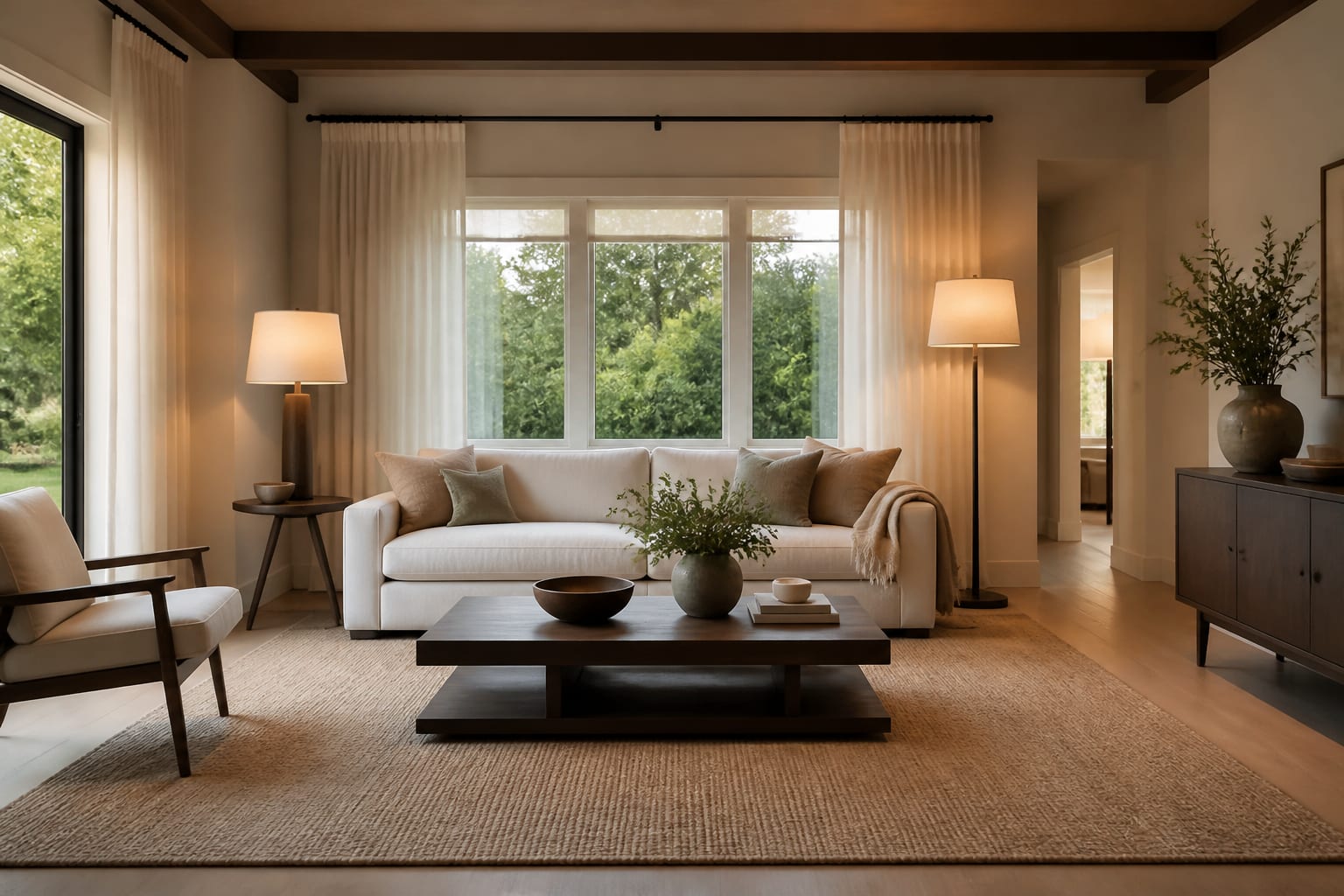
A result is ready to act on when you can translate it into plain, measurable language. "Cozy modern living room" is a mood; "gray sofa, 9 by 12 rug, 34 inch round coffee table, warm white walls, two shaded lamps" is a testable plan.
Before buying, make the room prove the image. Tape furniture footprints, open doors and drawers against the taped layout, hold fabric and paint samples beside the real floor and trim, and check whether lamp locations actually have outlets.
For renters, the pass/fail test is permission: if the image depends on hardwired sconces, new flooring, or drilled masonry, ask for a version using plug-in lighting and freestanding pieces instead. For owners, the test is cost and sequence, since a preview can inspire a built-in wall but can't price carpentry or lead times.
So, is AI interior design good? Yes, as a fast design rehearsal. No, as an authority. The room still gets the final vote.
Frequently Asked Questions
Is AI interior design accurate enough to shop from directly?
Not on its own. Use it to settle on direction, palette, and furniture weight, then verify every dimension with a tape measure before ordering anything.
Can AI interior design handle small or oddly shaped rooms well?
It can struggle without a clear, unstretched photo and specific measurements in the prompt. Include exact room dimensions, ceiling height, and fixed features so the tool has real constraints instead of guessing at scale.
Will AI interior design get the paint color right?
Usually not precisely, since screens smooth out undertones. Use the preview to pick a color family, then buy physical samples and check them in your room's morning, afternoon, and evening light before committing.
Does AI interior design work for renters?
Yes, if you prompt for rental-safe solutions: plug-in lighting, freestanding storage, washable rugs, and paint-free color changes instead of built-ins, hardwired fixtures, or drilled masonry.
How many AI design versions should I generate before deciding?
Two or three focused versions are usually enough. Compare them by the specific decision each answers, such as a warmer palette, a better layout, or improved lighting.