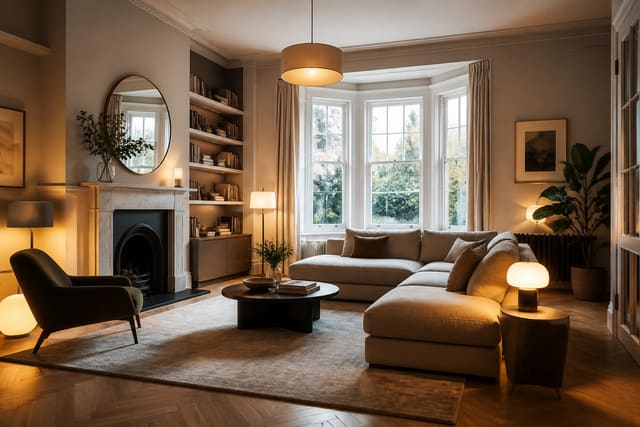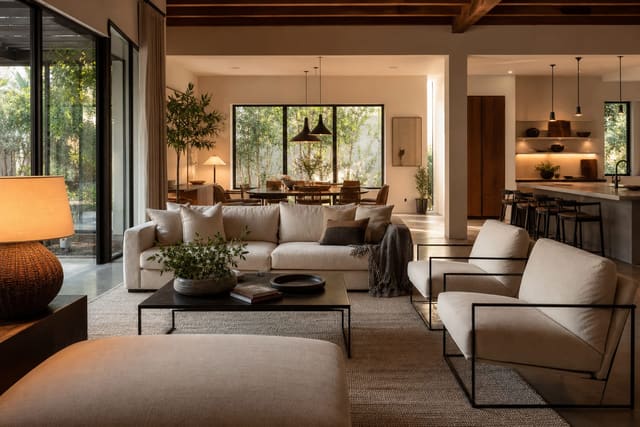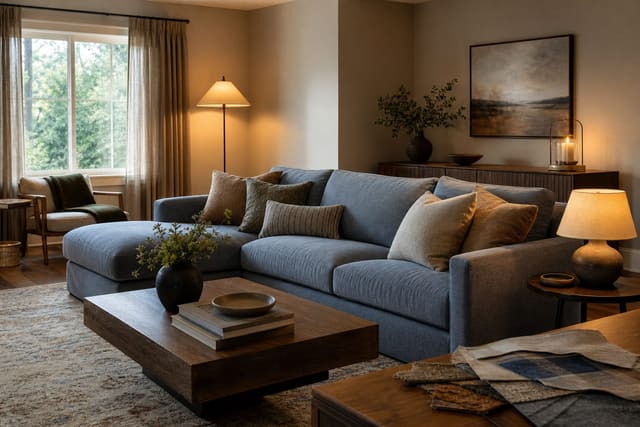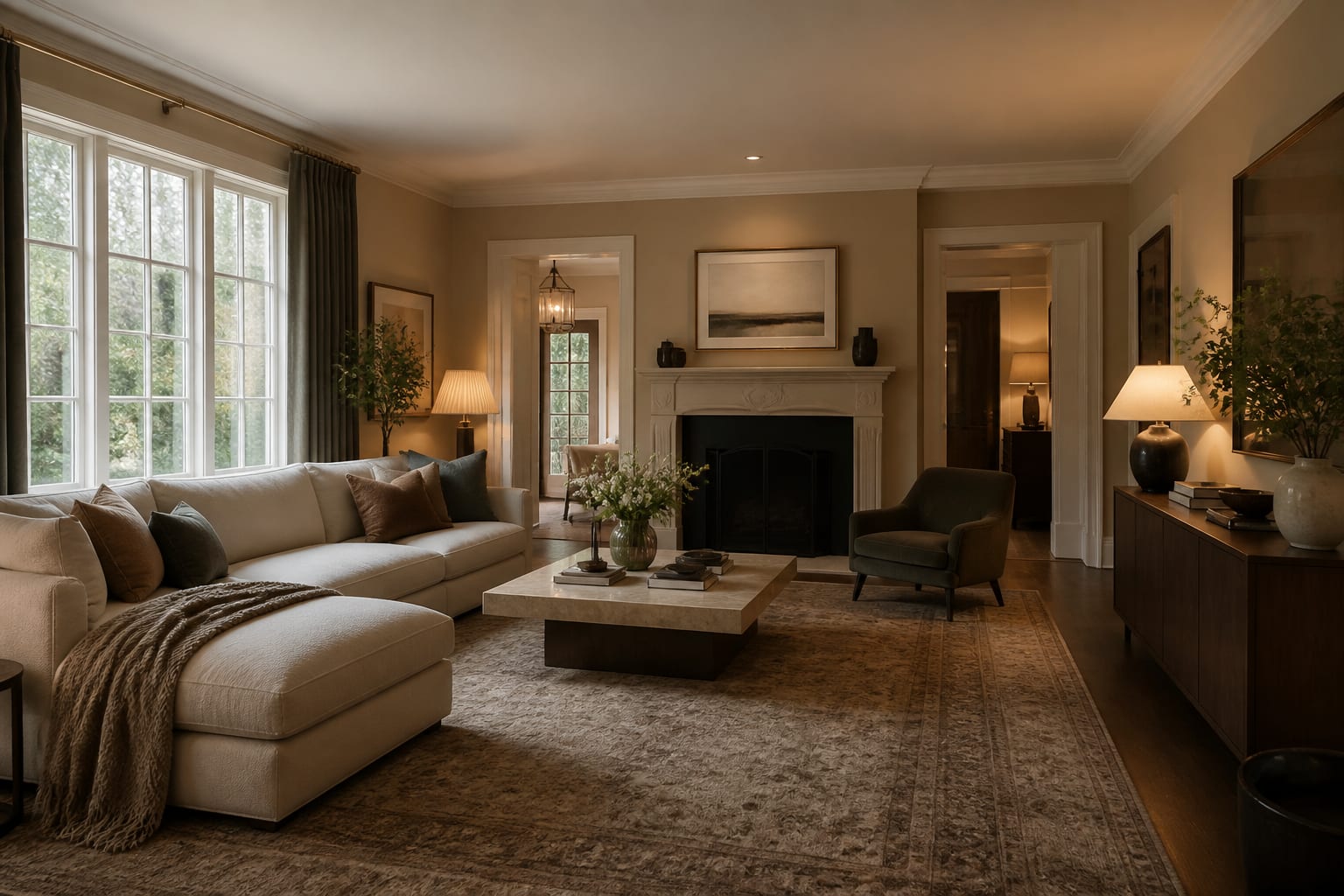
AI can design a room for you in the sense that it creates a convincing visual direction fast, but it cannot fully design the room without your measurements, constraints, and judgment. It's excellent for testing palette, layout, and mood before spending money. It's weak on scale, budget, construction limits, and anything hidden inside a wall.
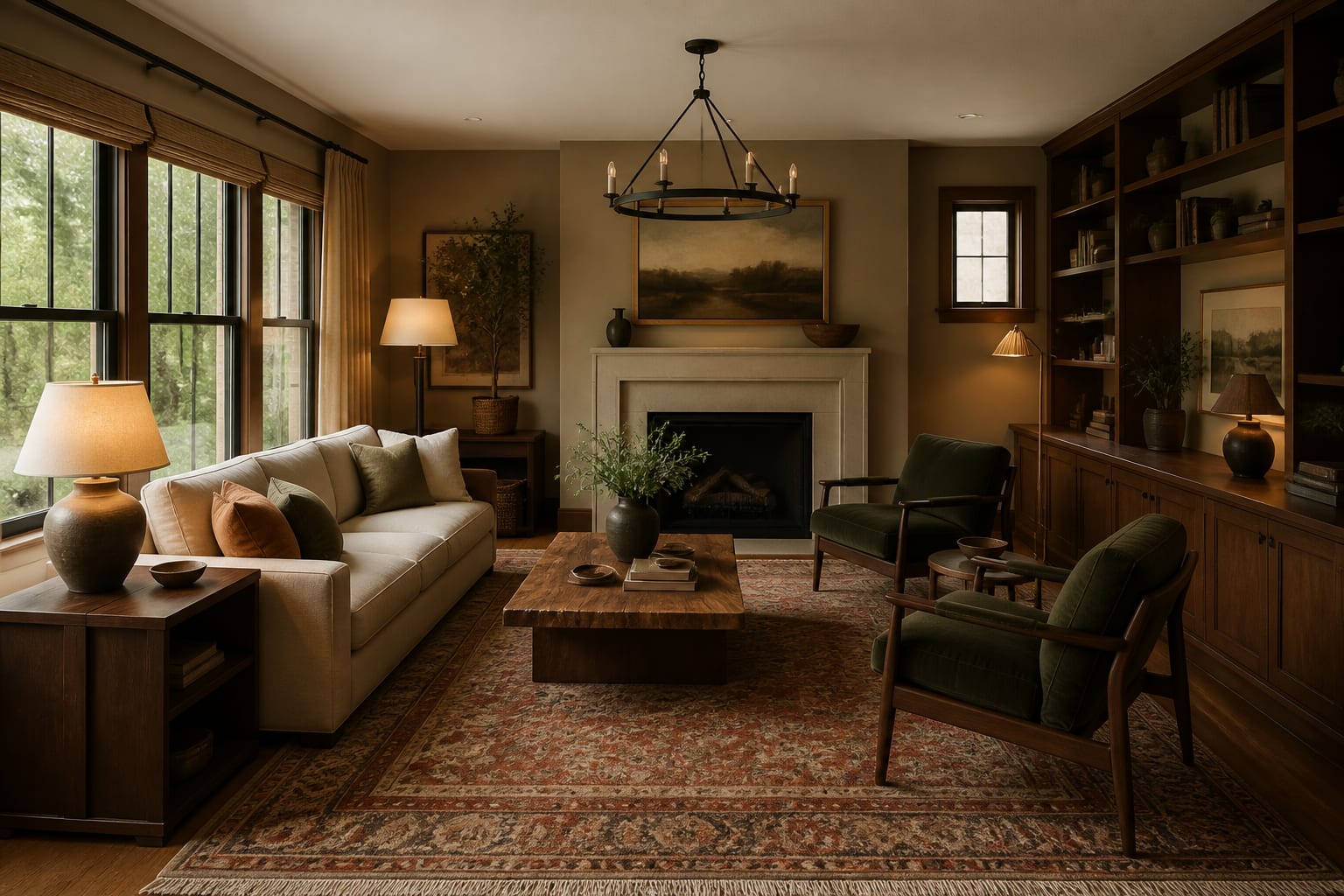
Can AI really design a room completely?
A generated room can show you that the sofa wall wants warmer paint, a bigger rug, closed storage, and better lamps. It cannot guarantee the coffee table leaves 16-18 inches from the sofa, that the rug clears the door swing, or that the fabric survives kids, pets, and pasta night.
The best results work like a visual rehearsal, not a finished design package. They answer questions like "should this room go warmer?" or "would a darker cabinet help the floor?" They fall short when the decision depends on construction, codes, exact dimensions, or product availability.
That doesn't make AI useless. It means you use it for what it does well: seeing options before money, labor, and ego get involved. For the broader argument, see whether AI interior design is good enough.
What can AI actually decide for your room?
AI earns its keep on decisions that are visual and comparative. It can show a bedroom in mushroom walls, warm white walls, and muted olive textiles before you buy sample sheets. It can reveal that a dining area needs a round 42 inch table instead of another rectangle fighting the walkway.
- Test palette against fixed finishes. If the room has orange oak floors, gray tile, brick, or stained concrete, keep those surfaces in the prompt; see designing with stained concrete floors for how a floor's undertone bosses around every wall color.
- Compare furniture weight before buying. Product photos hide scale; a 78 inch sofa, 84 inch console, or 9 by 12 rug reads very differently in a 10 by 12 foot room than in a showroom.
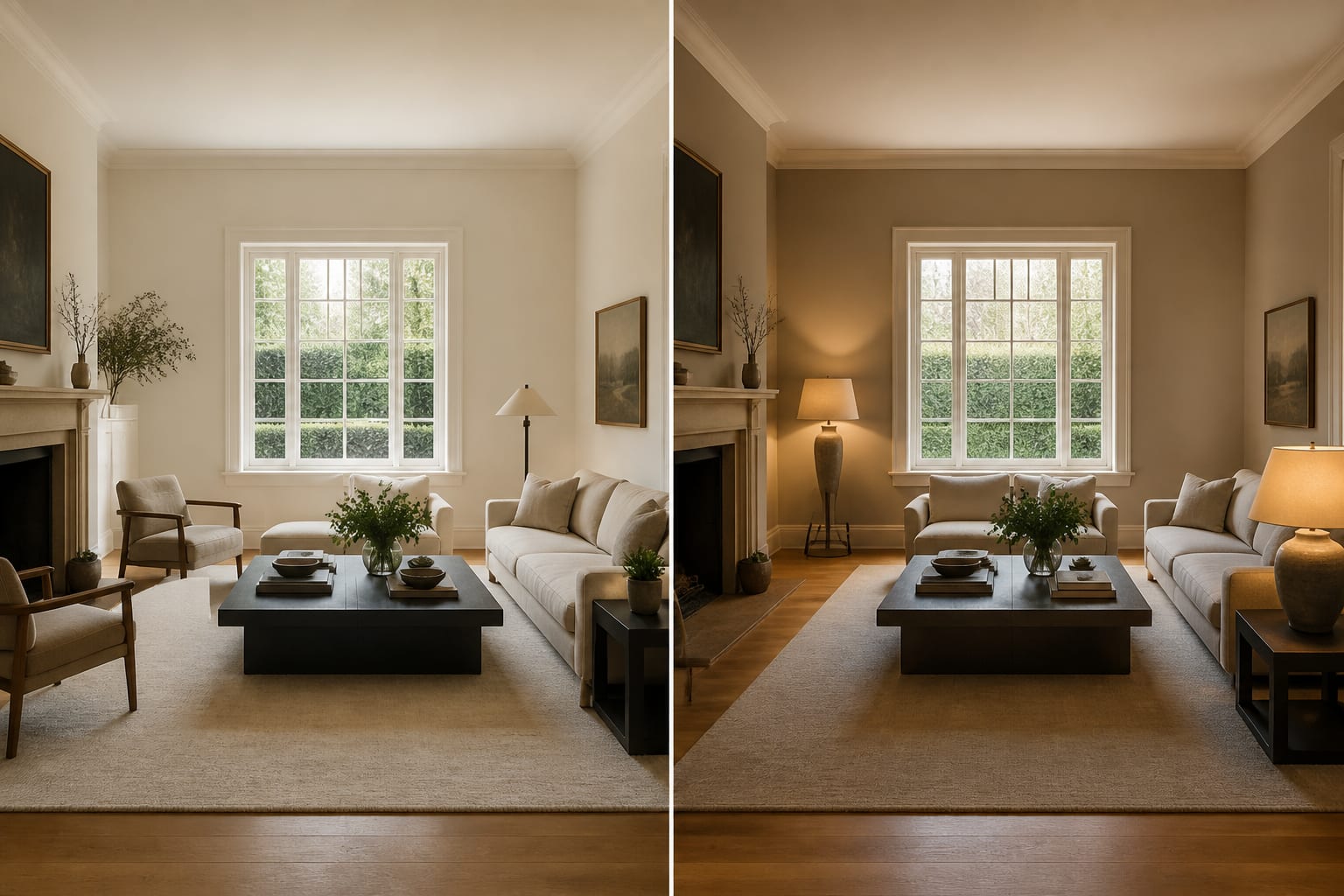
- Preview lighting layers. Ask for two shaded table lamps, one floor lamp, and bulbs around 2700k-3000k so the image tests real atmosphere, not fake glow.
- Explore style language. AI can separate warm modern from traditional, or industrial from accidentally cold and gray, faster than a mood board.
The value is speed: ten minutes of previews can replace hours of saved images and arguments over whether a room feels "too beige."
Where does AI still need your judgment?
AI has no body, no landlord, no delivery crew, and no cleaning routine. It can make a slim chair look comfortable without checking whether a six-footer will hate it, or place drapery perfectly without confirming 96 inch panels reach the floor from a rod hung 6 inches above the casing.
Four gaps show up most often:
- Scale. Plausible-looking furniture can still break circulation. Keep main paths at 30-36 inches and leave about 24 inches behind dining chairs.
- Undertone. AI can smooth over a demanding beige tile or cherry floor. If previews look almost right but still sour, study the fixed color conflict; see fixing clashing undertones in a room.
- Budget. Without limits, a prompt can wander into custom millwork, new flooring, or hardwired sconces. Specify "paint, textiles, and freestanding storage only" if that's the reality.
- Permission. Renters and shared-wall owners need prompts that rule out demolition, electrical work, new tile, and built-ins.
AI can make a room look resolved. Your job is confirming that resolution is legal, affordable, comfortable, and physically possible.
What mistakes should you avoid with AI room design?
- Asking for "a beautiful room." Beauty isn't a brief. Name the real friction: too dark, too narrow, too much orange wood, no storage, no clear walkway.
- Trusting the first polished image. Polish can hide bad scale. If the preview shows a 96 inch sofa or a king bed crammed into a small room, tape the footprint on the floor first.
- Letting AI erase fixed features. Repeat what must stay: 8 foot ceiling, oak floor, white trim, existing sectional, brick fireplace, landlord-approved wall color.
- Skipping samples. Screens flatten color and texture. Test paint on at least a 24 by 36 inch patch and check fabric beside the floor and trim in morning and evening light.
The best prompt is physical, not poetic: "Keep the gray 84 inch sofa, add a larger wool-look rug, warm white walls, walnut storage, two shaded lamps, and 32 inches clear to the hallway."
How do you use AI to test a room before committing?
Treat the image as a test, not a verdict. Upload a straight photo showing the floor, ceiling line, windows, doors, fixed finishes, and any furniture that has to stay. Shoot from roughly standing height, 48-60 inches off the floor, and skip the ultra-wide look that turns a normal wall into a ballroom.
- Ask for one preview that keeps the layout and changes only color.
- Ask for one that keeps the palette and tests rug size.
- Ask for one that tests lighting without moving furniture.
A useful prompt: "Redesign this 12 by 14 foot living room with an 8 foot ceiling. Keep the oak floor, white trim, gray sofa, black television, and balcony door. Test a warm modern direction with a 9 by 12 rug, walnut media storage, cream curtains hung 6 inches above the casing, two 2700k shaded lamps, and a 34 inch clear path to the hall." That gives the tool facts, mood, a no-change list, and protective measurements.
When is an AI concept ready to become a real room?
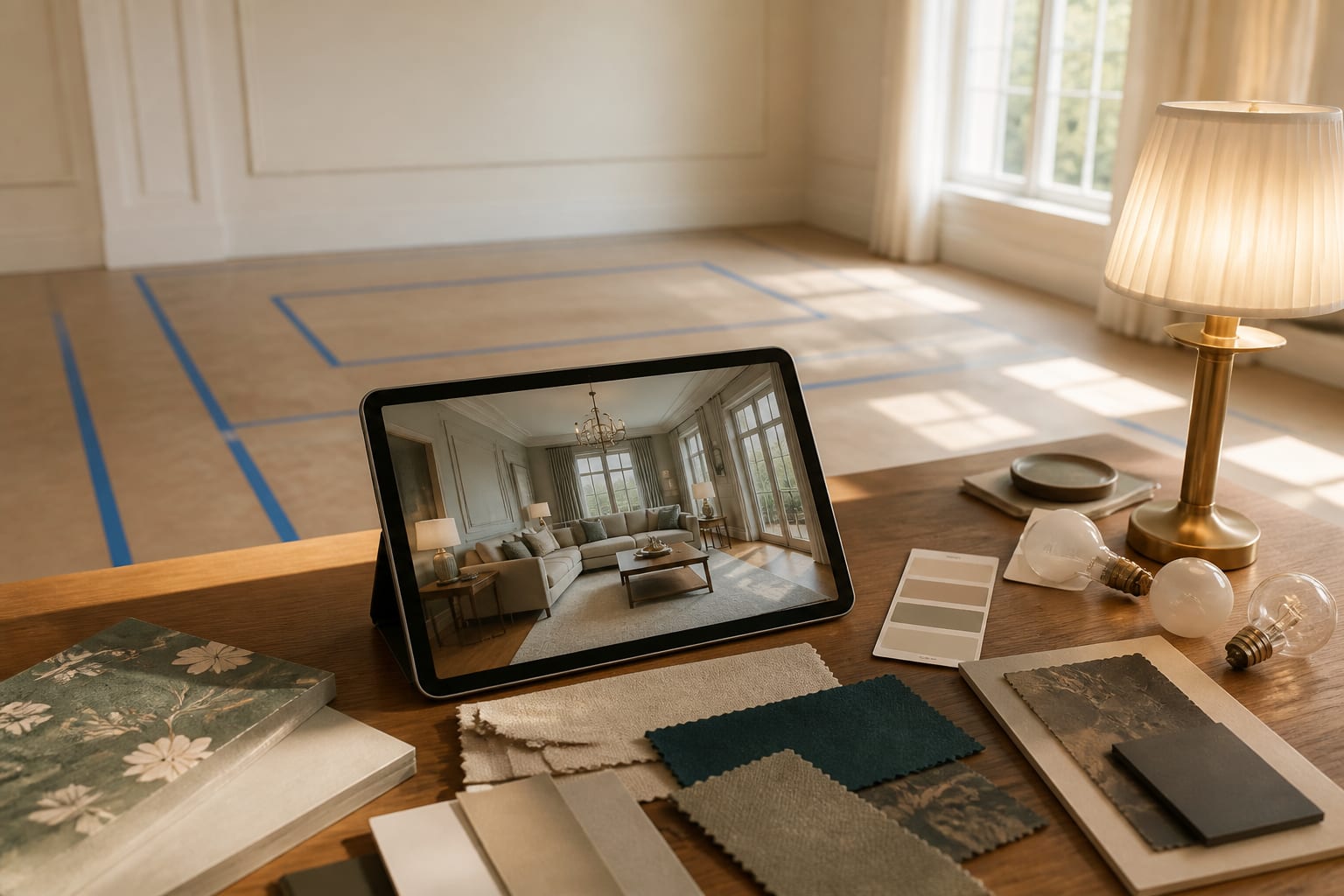
A concept is ready when you can translate it into a measurable plan. "Cozy organic living room" is still a mood. "8 by 10 rug, 84 inch sofa, 32 inch round coffee table, warm white walls, linen curtains to the floor, two table lamps, walnut console, no new flooring" is a plan.
Before buying, run it through reality: tape the rug, sofa, table, or storage footprint on the floor. Open doors, drawers, and windows against that layout. Check outlet access, hold paint samples near the trim, and view fabric under the bulbs you actually use at night.
AI can design a room enough to end vague guessing, but not enough to excuse you from thinking. Use it to see faster and reject weak ideas earlier, then let the room and your actual life make the final call.
Frequently Asked Questions
Can AI design an entire room by itself?
No. AI can generate a strong visual direction for color, furniture style, and layout, but it can't verify measurements, budget, permissions, or comfort. Treat its output as a draft to test with tape, samples, and real dimensions before buying anything.
What should I include in an AI room design prompt?
Include fixed features that must stay (floor, trim, ceiling height), the furniture you're keeping, your style direction, and hard limits like budget or rental restrictions. Add measurements such as rug size, sofa length, and clearance width so the result is testable, not just pretty.
Why does AI furniture placement sometimes look wrong in person?
AI images can make oversized furniture look proportionate because there's no real walkway to violate. Always tape the footprint of a sofa, rug, or table on your actual floor and check that main paths stay 30-36 inches clear before ordering.
Can AI handle rooms with clashing colors or undertones?
AI often smooths over undertone conflicts, like a warm beige tile fighting a cool gray sofa, making the room look more resolved than it is. If previews still feel slightly off, address the fixed-finish undertone directly rather than blaming your taste.
Is AI room design useful for renters?
Yes, if you tell it so. Specify no demolition, no electrical work, no new tile, and no permanent fixtures so the design stays within what a landlord will actually allow.