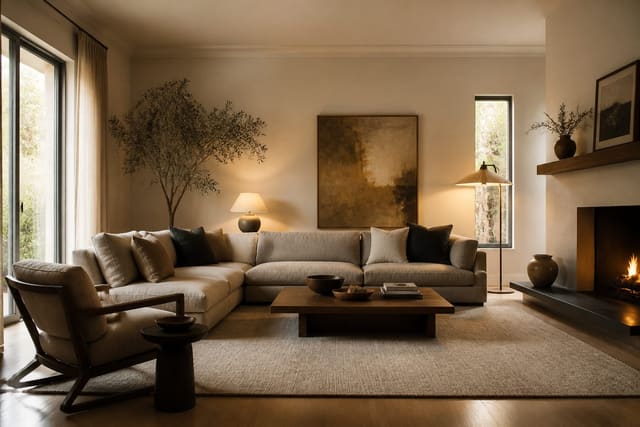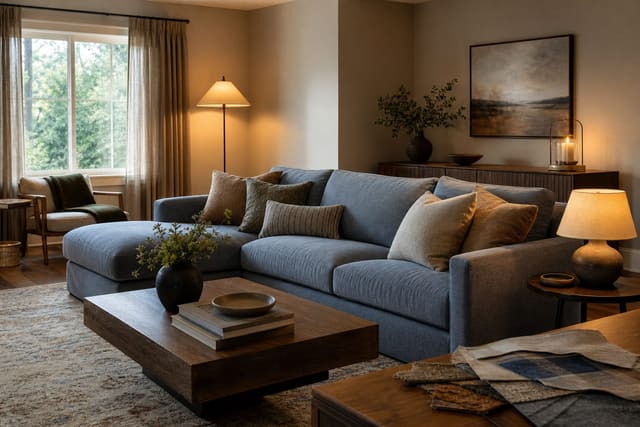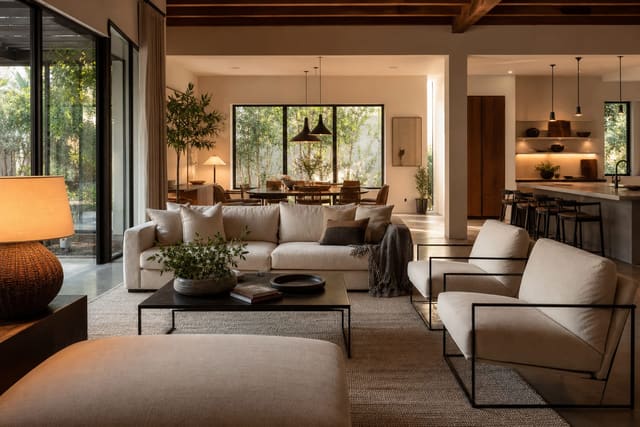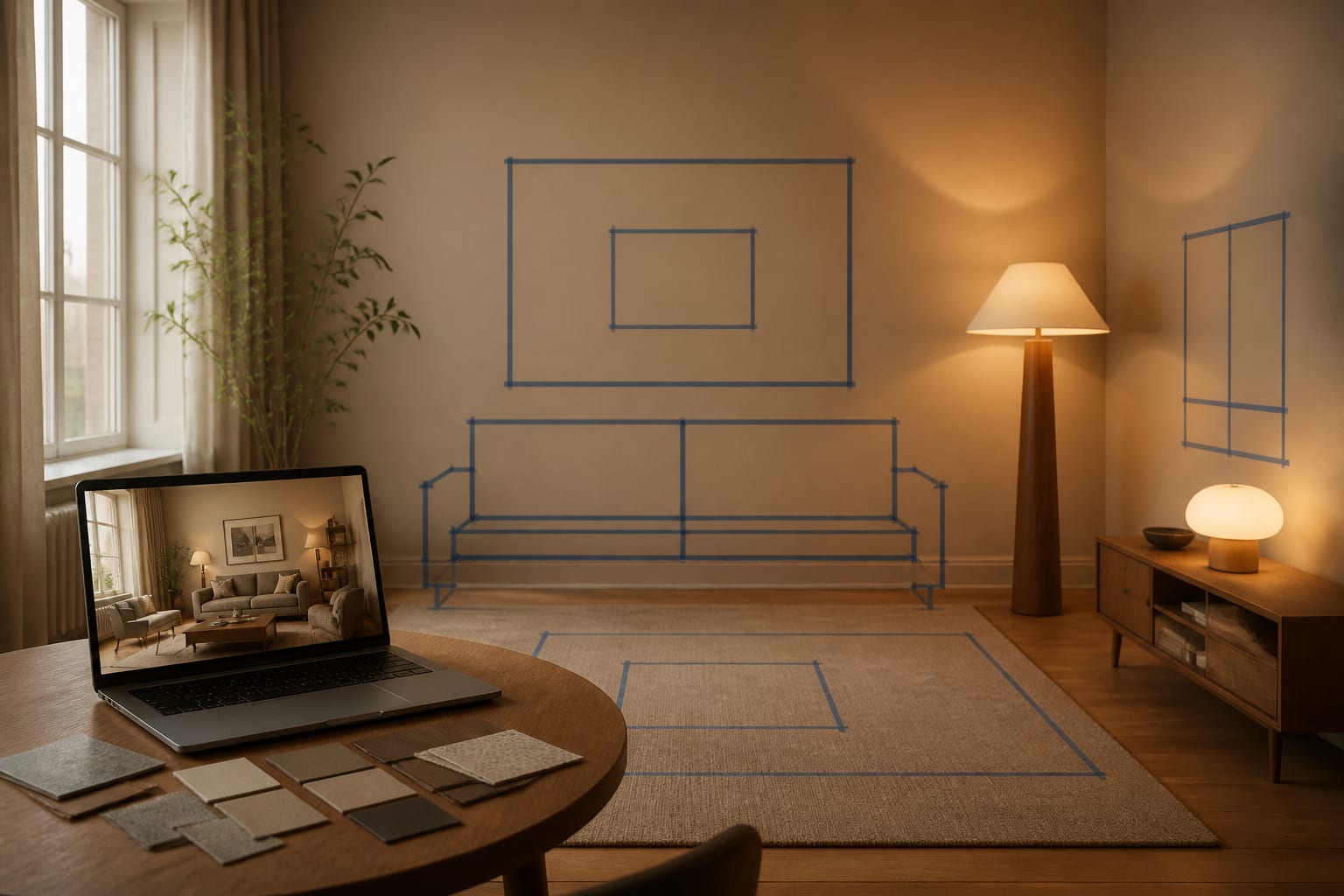
AI room design accuracy is strongest for style, mood, and general furniture direction when you upload a clear photo of your actual room, but it's weaker on exact clearances, materials, and lighting. Treat the preview as a design draft: judge the mood first, then verify every measurement, finish, and product size before spending money.
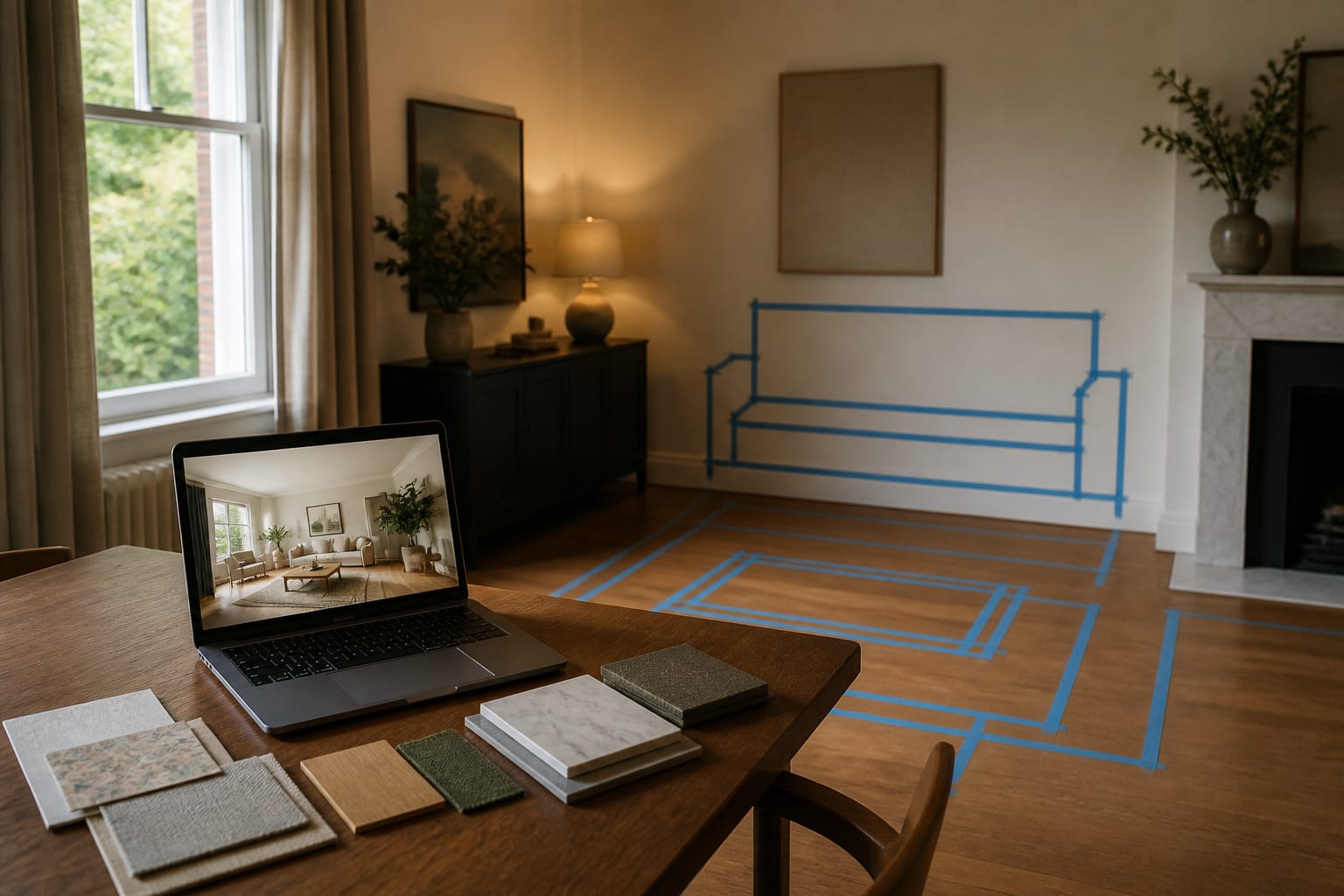
Where is AI room design accurate, and where does it cheat?
AI reads the big shell of a room well: warm oak floors, a visually heavy sofa, an undersized rug, or a window wall that deserves attention. That's why photo-based previews beat generic inspiration boards for direction.
The cheating starts once the image needs to look finished. A preview may widen a walkway by shrinking a chair, brighten a north-facing room with invented sunlight, or smooth busy tile into a neutral surface. It can also label a fabric "linen" or "boucle" with no real weave or durability behind the word.
| Confidence level | What falls here |
|---|---|
| Reliable for direction | Wall color families, wood warmth, contrast level, rug shape, furniture mood, curtain fullness |
| Needs verification before buying | Sofa length, table diameter, bed clearance, rug footprint, curtain length, cabinet depth, chair pullback space |
| Never trust from the render alone | True paint undertone, fabric hand, stone veining, lighting temperature, product availability, installation feasibility |
If renders feel slippery, check the prompt and photo before blaming the app. See getting photorealistic AI room results for a full fix.
How do you photograph a room for the most accurate AI result?
The uploaded photo decides more than most people admit. A great prompt can't rescue a photo that hides the floor, crops the window, or distorts vertical walls.
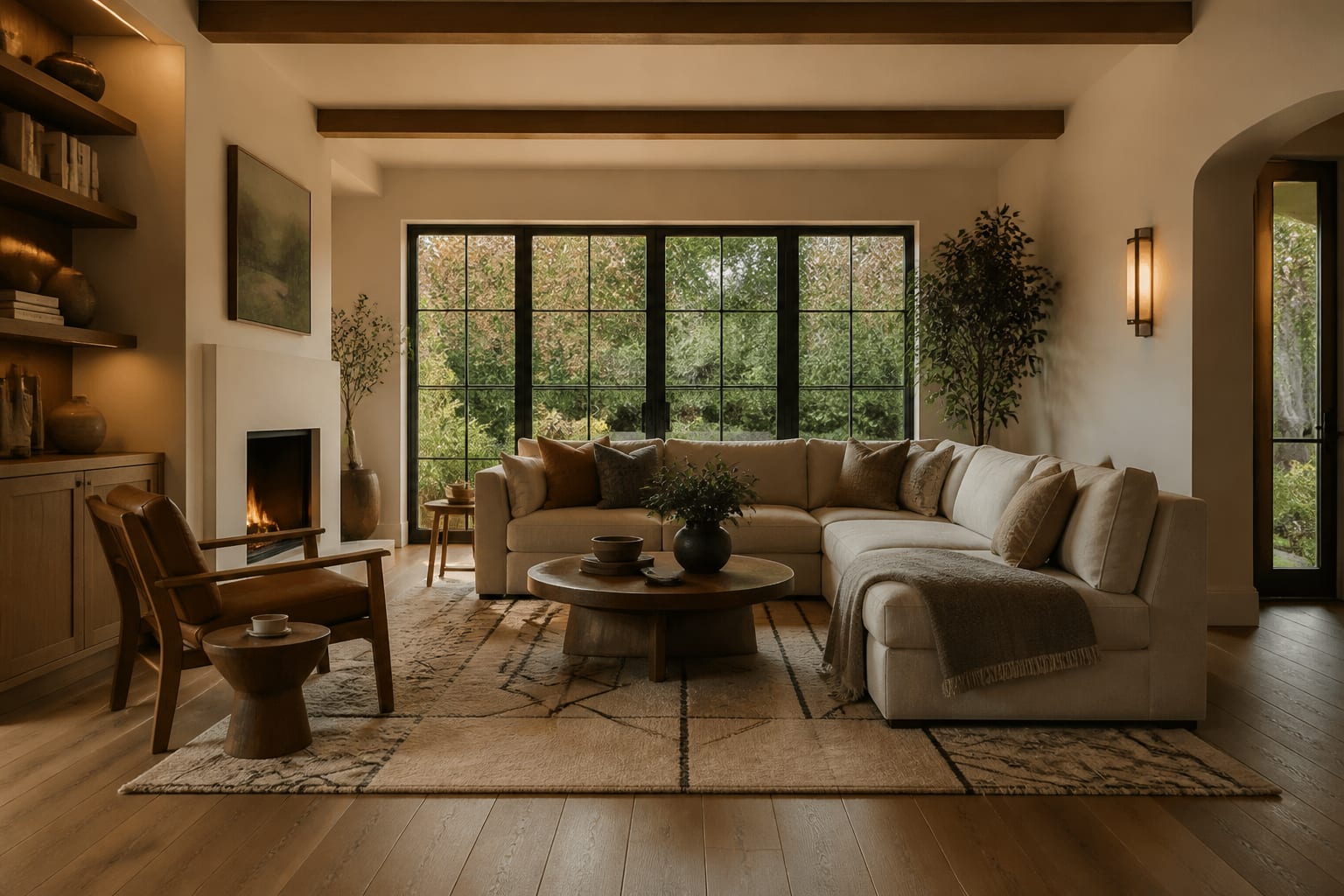
- Shoot from standing height (48-60 inches) with the phone level, so casings and cabinet sides stay vertical.
- Show at least two walls so the AI can read corners, window placement, and the distance between furniture zones.
- Keep scale anchors in frame, such as the queen bed, 84-inch console, dining table, or existing sofa.
- Add real measurements to the prompt: an 8-foot ceiling, a 10 by 12 bedroom, a 9 by 12 rug target, 30-36 inches for circulation.
- Name fixed finishes that can't change, like tile, brick, stone, or cabinet stain. Beige tile or orange wood pairs well with the guide on fixing clashing undertones in a room.
Lighting needs the same discipline. Ask for warm 2700k-3000k light if the room is used at night, and name where lamps can actually sit; if the render only looks good because it invented sunshine, it isn't accurate.
What accuracy mistakes should you avoid?
The biggest mistake is trusting the prettiest version because it feels like relief. A polished image can still be wrong where it matters: paths, door swings, glare, undertone, and comfort.
- Using a cluttered lifestyle photo. The AI redesigns laundry piles and cords instead of reading the architecture. Clear temporary mess, but keep furniture and fixed finishes in frame.
- Vague prompts with no facts. "Make this modern" invites guessing on scale and budget. State the room size, ceiling height, fixed floor, and required clearance instead.
- Treating material words as proof. "Walnut" or "marble" in a caption doesn't match a real finish. If flooring dominates the room, see designing around stained concrete floors.
- Letting the image invent construction. New windows, hidden wiring, or removed soffits can look effortless on screen. Renters should ask for freestanding storage, plug-in lighting, and no demolition.
Revise around the tool's errors: if it changes the floor, say the floor must stay unchanged; if it widens the room, give it the wall length.
How do you use AI to audit a design before spending money?
AI is most useful when it produces several controlled versions of one room, not a single glamorous answer. Upload one clear photo, write a measured prompt, and generate 2-3 variations that each test a different question: color only, rug size only, lighting only.
A strong prompt example: redesign this 12 by 15 foot living room with an 8-foot ceiling, keeping the existing oak floor, white trim, gray sofa, and black TV. Test a warm modern direction with a 9 by 12 textured rug, walnut storage, cream curtains mounted 6 inches above the casing, two 2700k lamps, and at least 32 inches clear from entry to hallway.
That prompt limits the AI's room to guess. After the previews appear, check: Did the doorway stay clear? Did the floor stay believable? Did the rug size actually help the seating group?
When is an AI room design accurate enough to trust?
An AI room design is accurate enough to trust once the idea survives physical testing. Translate the preview into a plain sentence before buying: keep the gray sofa, add a 9 by 12 rug, use a 34-inch round coffee table, hang cream curtains to the floor, add two warm lamps, and sample the wall color first.
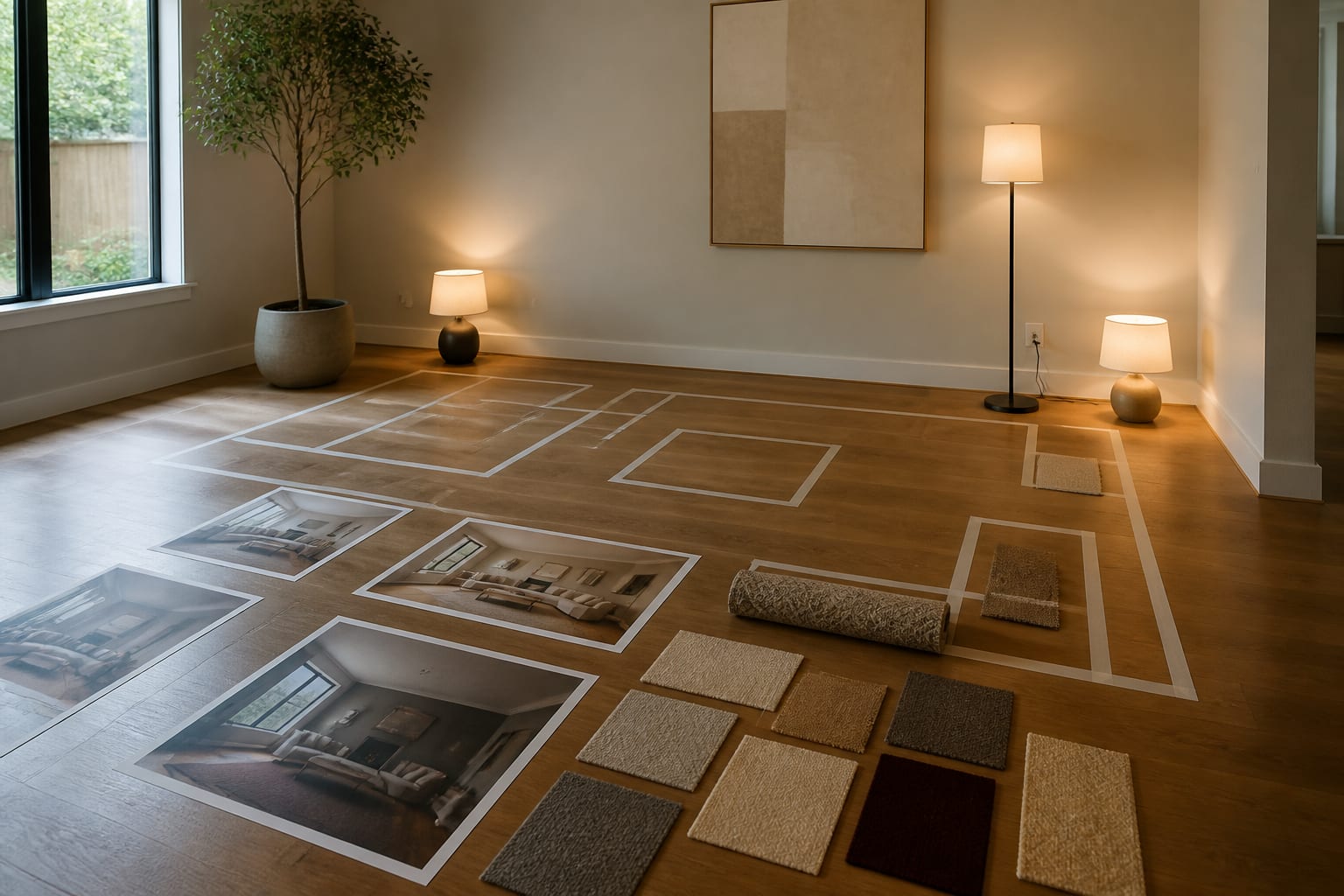
Tape the rug and table footprint on the floor. Open doors and drawers against that layout. Test paint on a large sheet near the trim, and test bulbs in the lamps you'll actually use. Trust the preview for direction once it respects the room's fixed facts, and trust it for purchases only after the numbers check out.
Frequently Asked Questions
How accurate is AI room design?
AI room design is accurate for style, mood, and rough furniture placement when given a clear photo, but it's less reliable for exact clearances, materials, and lighting. Treat results as a starting hypothesis, then verify measurements, samples, and product dimensions in the real room before buying anything.
Can AI get room dimensions wrong?
Yes. AI reads visual scale from objects in the photo, not actual measurements, so it can shrink a walkway or oversize a rug to make the image look finished. Always add real dimensions like ceiling height, room size, and clearance needs to the prompt to reduce this error.
Does AI accurately show paint colors and materials?
Not reliably. Renders can label a color or fabric with a name like "walnut" or "linen" without matching a real product's undertone, texture, or durability. Always sample paint on a large board near existing trim and floor, and request physical material swatches before ordering anything shown in the preview.
What's the best way to improve AI design accuracy?
Upload a level, well-lit photo showing at least two walls and key scale anchors like a bed or sofa. Add exact measurements, name fixed finishes that must stay, and specify lighting temperature. A detailed, constrained prompt gives the AI far less room to guess or invent details.
Should I trust an AI preview before buying furniture?
Trust it for direction, not for final purchases. Translate the preview into a plain sentence listing specific items and sizes, then test that plan physically: tape footprints on the floor, check door swings, and sample materials. Only buy once the taped and sampled version confirms the preview's claims.