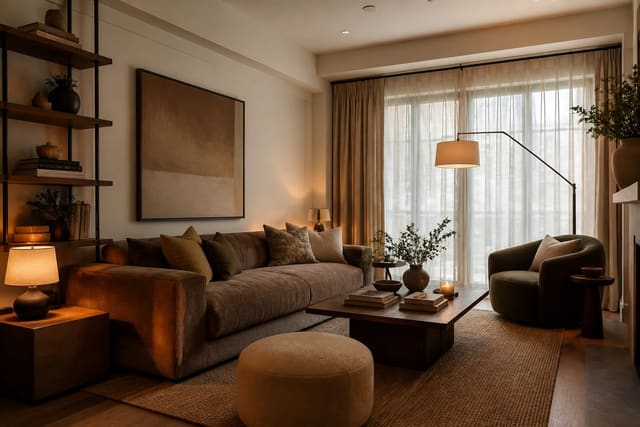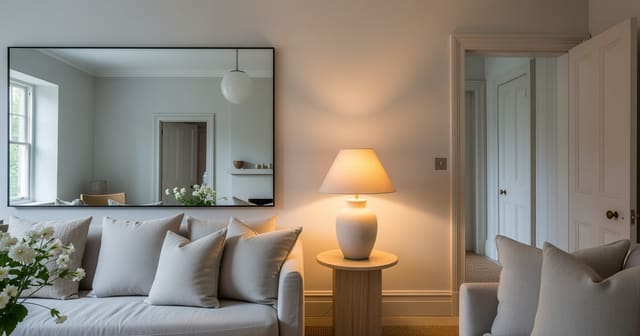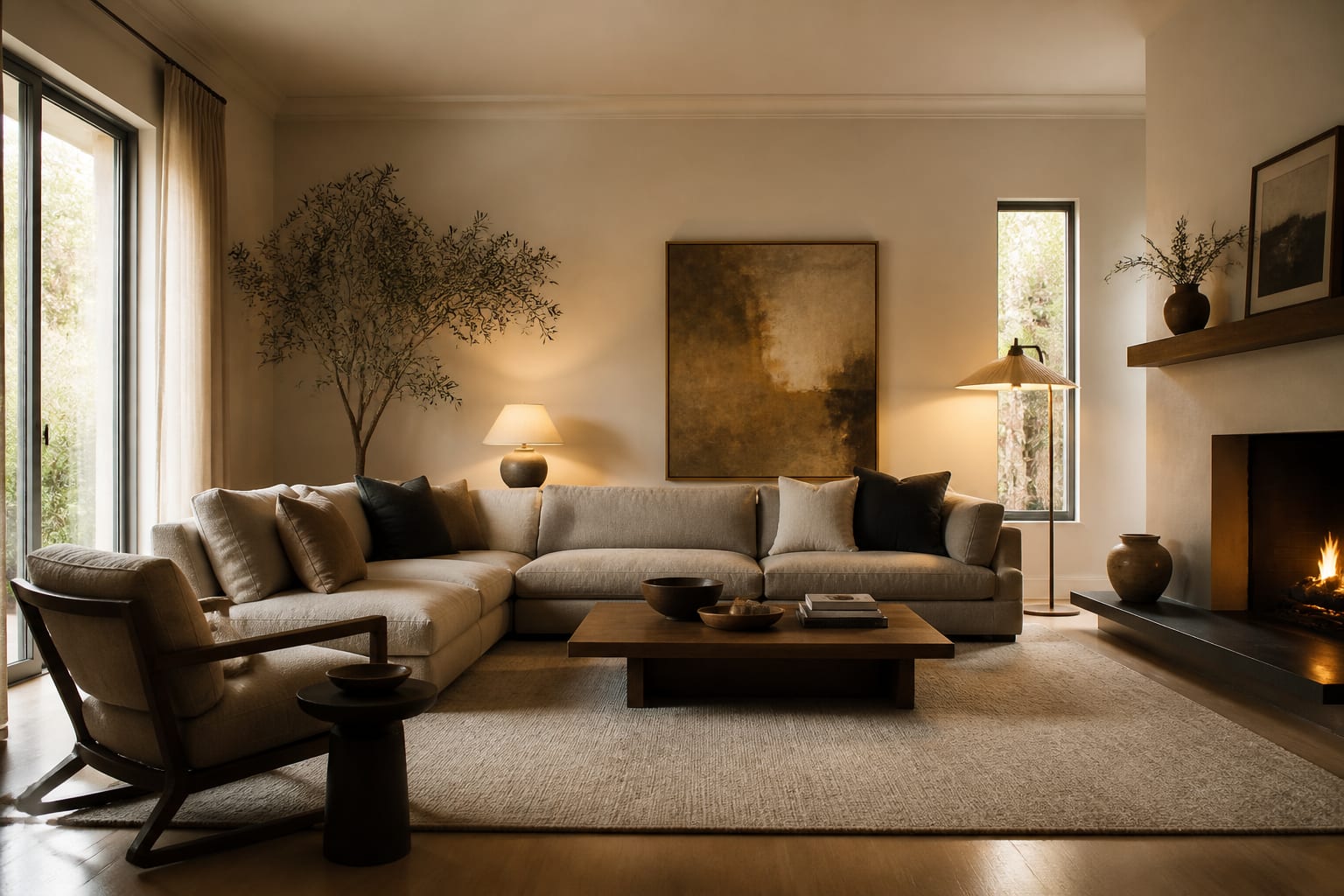
Get photorealistic AI room design results by feeding the tool a sharp, straight room photo, real measurements, and a prompt that names materials and fixed constraints instead of style adjectives. Most fake-looking renders come from weak inputs: crooked photos, unspoken scale, and vague prompts that let the AI default to showroom fantasy. Fix the inputs and the realism follows.
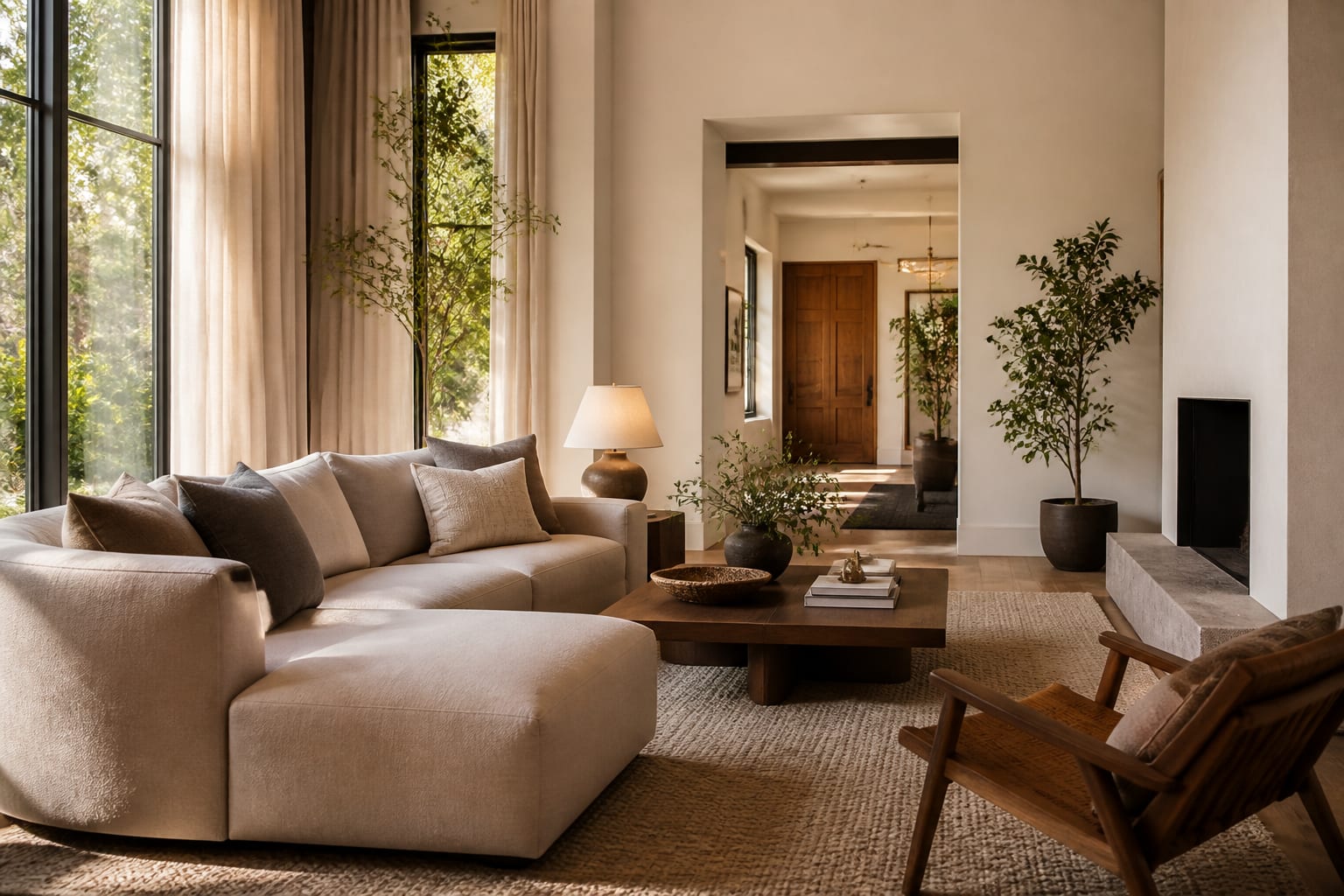
A render usually fails in one of four spots: perspective, light, scale, or material texture. If the AI misreads your 10-foot wall as 16 feet, every sofa looks generous. If it treats a dim corner as mood lighting, it invents glowing windows that don't exist. Realism starts with boring facts, not design vocabulary.
What must the source photo show?
The source photo is your design brief in visual form, so it needs to show the room's bones. Stand back far enough to include the floor, ceiling line, windows, doors, and the largest furniture staying put. A corner view usually beats a straight-on wall shot because it gives the AI depth cues, and a camera height of 48-60 inches keeps perspective human, not drone-like.
Use daylight when you can, but don't flood the room into a white blur. Open window treatments, kill colored LED strips, and avoid mixing icy daylight with orange bulbs unless that's how the room truly looks. For rooms that stay dark even by day, shoot with warm lamps near 2700K-3000K and tell the AI the room has weak natural light; the same principles apply in making fake natural light look believable.
A good source photo does three jobs:
- Shows fixed architecture clearly. Windows, door swings, fireplaces, beams, radiators, and ceiling slopes define what the AI can plausibly change.
- Keeps scale anchors visible. Leave the queen bed, 84-inch console, 30-inch nightstand, or existing sofa in frame so the tool has real size references.
- Removes visual noise. Clear laundry, mail, cables, and dishes, but keep furniture that controls circulation.
Which prompt details make realism survive?
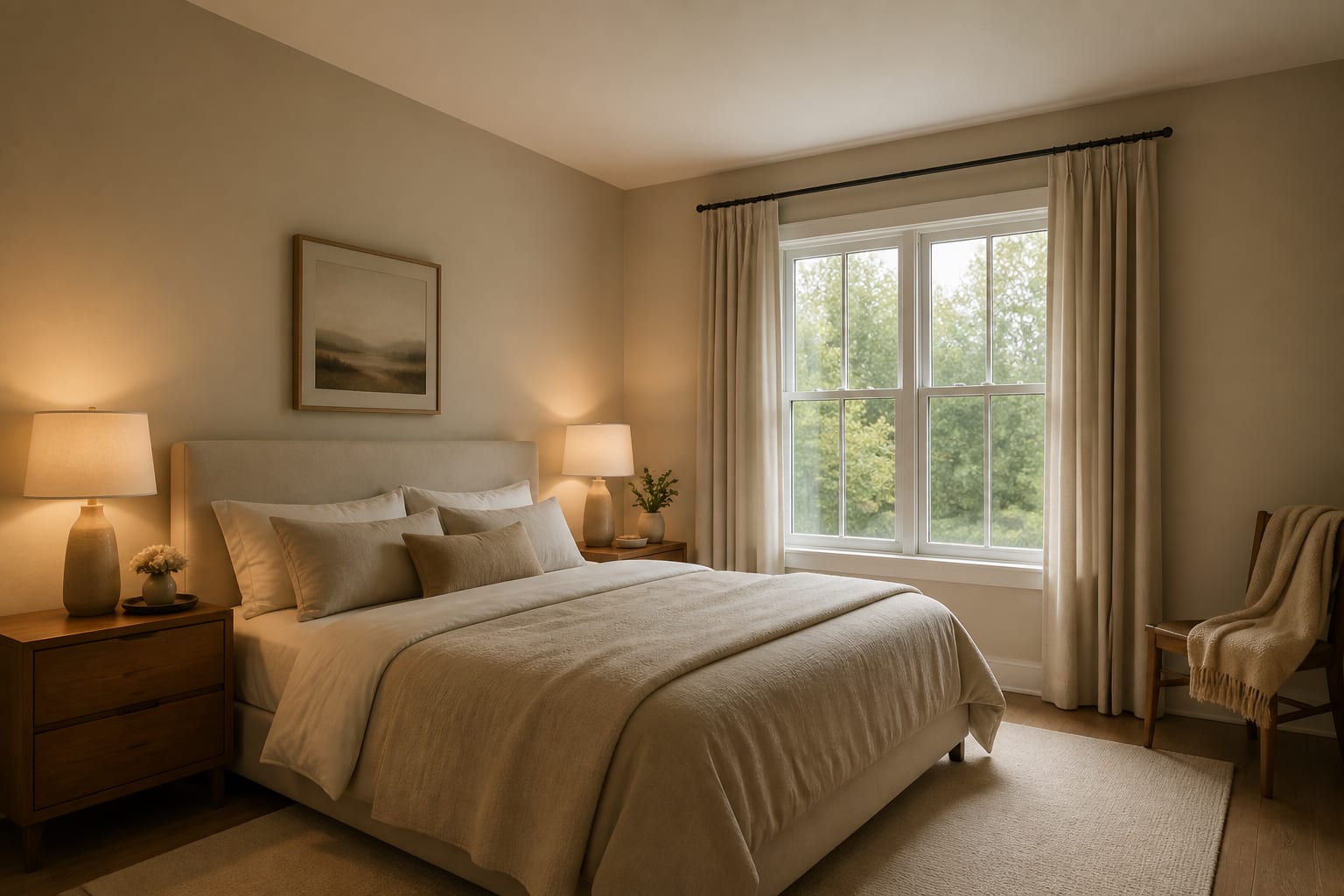
A realistic prompt reads like a short renovation boundary, not a wish list. Start with room type and dimensions: "12 by 15 foot living room with 8 foot ceilings" beats "cozy lounge." Name the fixed finishes too, oak floor, black windows, brick fireplace, so the AI doesn't quietly design a different house.
State what must stay before the style direction: existing sofa, rental flooring, ceiling fan, or 96-inch curtain panels. Then give one dominant mood and material palette, something like "warm modern with walnut, cream linen, matte black metal, textured wool, and warm white walls." That's specific enough to render; "modern luxurious cozy" is not.
If prompt writing is where results fall apart, use AI room design prompt writing as a checklist. Add a realism clause that bans common cheats: no impossible windows, no changed flooring, no oversized furniture, no floating shelves without brackets, no hardwired lighting in a rental.
Numbers protect scale better than adjectives:
- Rug size: 8x10 or 9x12 feet, since rugs are where AI often oversizes a room.
- Clearances: 30-36 inches for main walkways, 16-18 inches from sofa to coffee table.
- Curtains: rods 4-8 inches above the casing, panels reaching the floor.
- Furniture limits: sofa under 84 inches, nightstands under 24 inches, or a desk under 24 inches deep in tight rooms.
What mistakes make AI rooms look fake?
The biggest mistake is asking for a photorealistic result while feeding the AI an unrealistic brief. Real rooms have outlets, vents, awkward corners, and furniture that can't vanish just because a render wants cleaner lines.
- Mixing too many styles borrows clichés from each and loses a coherent point of view. Pick one style phrase, one palette, one material direction.
- Letting the AI swap fixed finishes hides the real problem instead of solving it. Repeat constraints like "keep the orange oak floor" in every revision.
- Ignoring light direction invites fake sunbeams. State whether the room is north-facing, tree-shaded, or lamp-dependent after sunset.
- Trusting rendered furniture depth skips real clearance checks. Tape the sofa, table, or bed footprint on the floor before buying.
- Accepting waxy materials is an AI habit. Prompt for linen weave, wool pile, matte painted wood, honed stone, or visible oak grain.
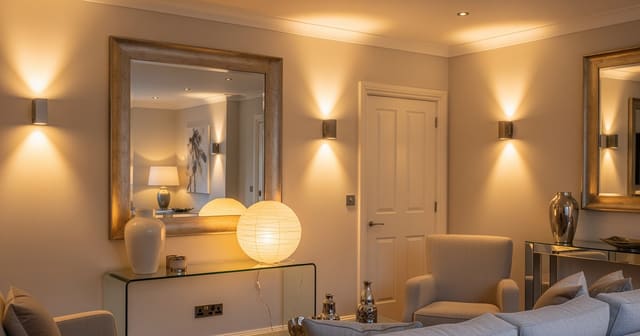
Mirrors are another giveaway. A mirror should reflect something useful, a window, a lamp, a long sightline, not a blank corner. Borrow placement logic from using mirrors to amplify light and ask for a version that reflects an actual light source.
How do you use AI to test realism before committing?
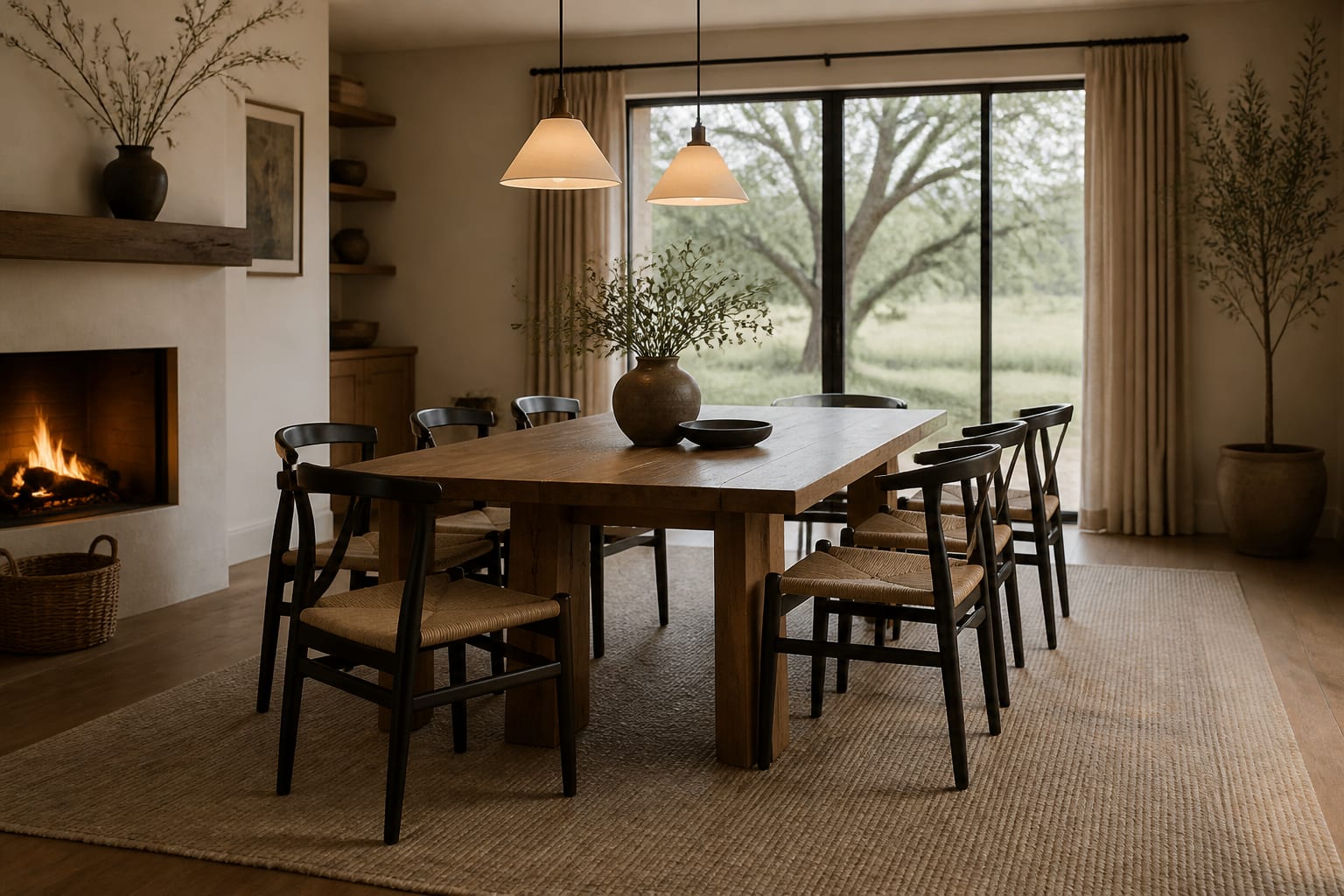
AI design lets you compare believable versions of the same room before spending on paint, furniture, or a contractor. Upload your strongest photo, write one grounded prompt, and generate two or three variations testing different answers: one keeping your layout but changing light and materials, another testing a larger rug and better storage, a third exploring a bolder color while keeping floor and windows untouched.
This is where photorealism turns practical. If a preview shows warm white walls, a walnut console, a 9x12 rug, and linen curtains, test those ideas physically: paint sample boards, tape the rug outline, check whether the console blocks an outlet, and confirm curtains can reach the floor from the proposed rod height.
Don't ask for a perfect room in one pass, ask for a truer one. A good revision might say: keep the existing sofa length, shrink the coffee table to 32 inches round, remove the fake skylight, and shift the wall paint toward warm white instead of bright gallery white.
How do you know when a render is realistic enough?
A render is realistic enough when it survives contact with measurements, samples, and your fixed architecture. It doesn't need to be flawless, it needs to tell you what to do next without lying about the room.
Check scale first: does seating leave 30-36 inches of walking clearance, does the coffee table sit 16-18 inches from the sofa, can dining chairs pull back at least 24 inches? Check light next: reject any image relying on sunlight from a windowless wall, and revise around real fixtures, two table lamps, one floor lamp, shaded sconces, if everything glows like a film set.
Check materials last. Wood should show grain and undertone, fabric should show weave and weight, paint should look matte or eggshell rather than plastic, and stone shouldn't repeat the same vein every 12 inches. If it passes these checks, you have a direction worth sampling in the real room, not just a pretty picture.
Frequently Asked Questions
What's the single biggest fix for fake-looking AI room renders?
Start with a clean, straight, well-lit photo that shows the full floor, ceiling line, and fixed furniture. Most unrealistic results trace back to a weak source image, not weak prompting, since the AI fills in gaps with generic showroom details when it can't read your actual room's scale and architecture.
What color temperature should I use for realistic lighting?
Use 2700K-3000K for bedrooms and living rooms to match warm, livable lighting. Avoid mixing cool daylight bulbs with warm ones in the same shot, and if a room is naturally dark, photograph it under warm lamps and tell the AI directly that natural light is limited.
How specific should furniture measurements be in a prompt?
Very specific: name actual sizes like an 84-inch sofa max, a 9x12 rug, or 30-36 inches of walkway clearance. Numbers stop the AI from scaling furniture to an imagined larger room, which is one of the most common ways renders drift into fantasy proportions.
Can AI room design replace measuring and sampling in person?
No. AI previews are a fast way to compare directions before spending money, but real paint samples, taped-out rug and furniture footprints, and clearance checks around doors and outlets still confirm whether an idea actually fits your room.
Why do AI renders often get materials wrong?
Image tools default to smooth, glossy surfaces unless told otherwise. Prompting for specific textures, linen weave, wool pile, matte paint, honed stone, unlacquered brass, forces the AI to render believable material depth instead of plastic-looking finishes.