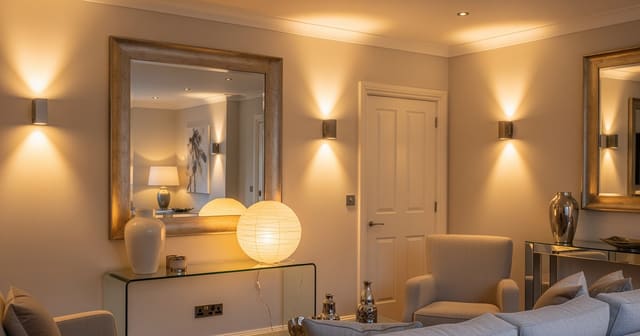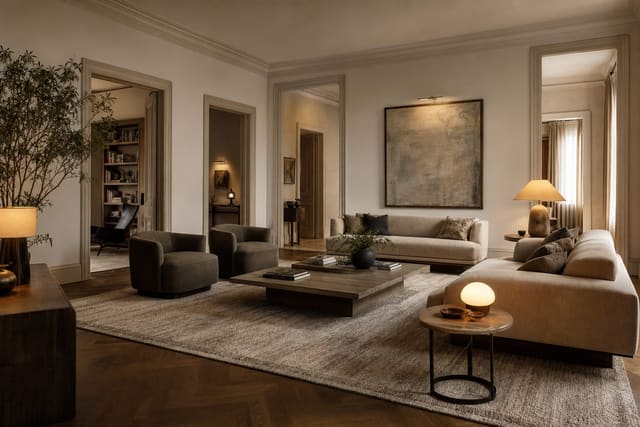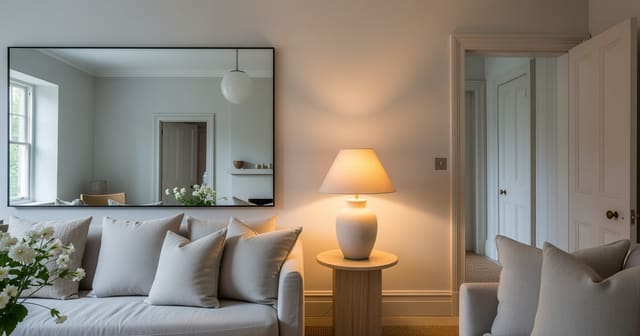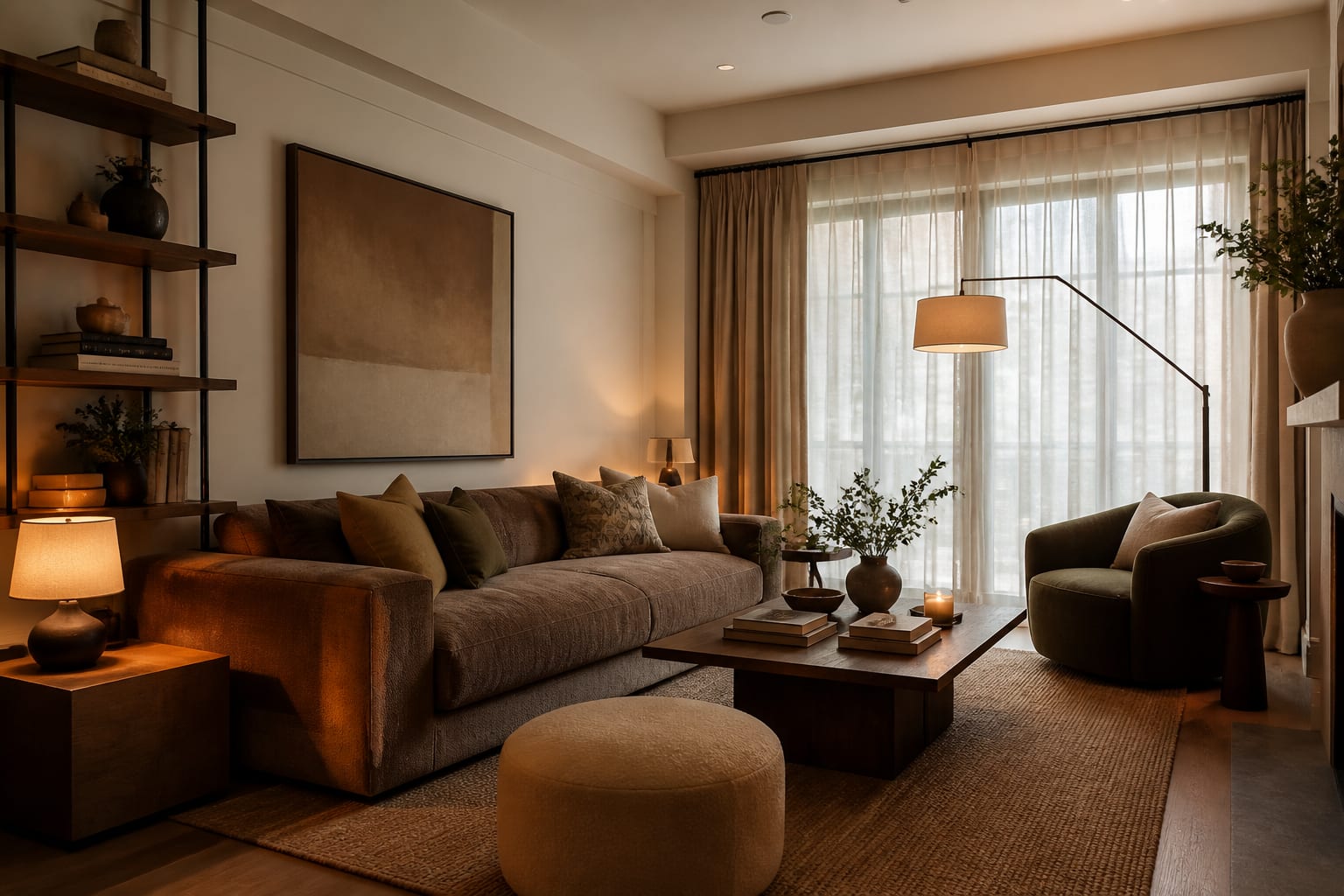
Write an AI room design prompt that names the room and its dimensions, lists fixed features and items to keep, states one style direction, sets a budget level, and asks for a specific outcome. Vague prompts like "make it modern" force the AI to guess; specific prompts turn the preview into a usable plan for your actual room.
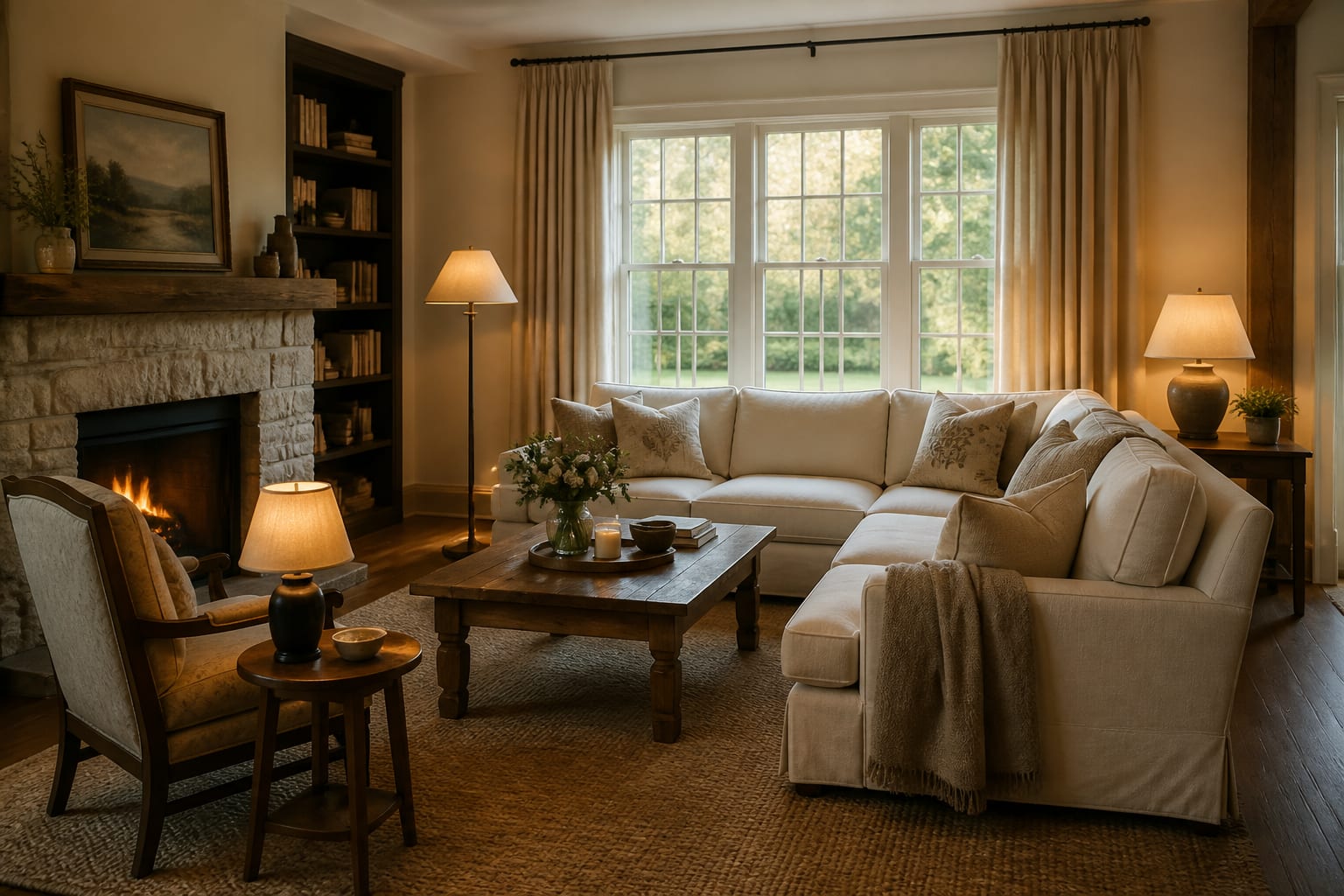
What Should an AI Room Design Prompt Include?
A strong prompt includes the room type, fixed features, measurements, natural light, items to keep, style direction, budget level, and the exact change you want previewed. Use this order: name the room, describe what cannot change, give the style in plain language, then ask for a specific outcome.
Example: "Redesign this 11 by 13 foot bedroom with the existing oak floor, white trim, 8 foot ceiling, and queen bed. Make it warm modern with linen texture, walnut nightstands, mushroom walls, two plug-in sconces, and no built-ins." That gives the AI a room, a set of handrails, and a finish line.
If the real issue is dim light rather than style confusion, pair the prompt with ideas from making fake natural light feel believable so the AI tests warmer bulbs and reflective surfaces instead of just whitening the walls.
The Six-Part Prompt Framework
A compact brief beats a long wish list. Each part below prevents a specific bad output:
- Room and size – "10 by 14 foot living room, 8 foot ceiling" gives a scale anchor a soft phrase like "small living room" cannot.
- Fixed architecture – Note windows, doors, fireplaces, or sloped ceilings. If a wall has three openings, say so; see fixing a room with too many doorways for protecting circulation instead of filling every wall.
- What stays – List the sectional, floor, ceiling fan, or console you're keeping before asking for new rugs or lighting.
- One style phrase – "Warm traditional with tailored upholstery and aged brass" beats "cozy modern vintage luxury farmhouse."
- Palette and materials – "Warm white walls, walnut, cream linen, black metal accents" outperforms "neutral and cozy."
- The output – Ask the AI to redesign the seating area, test a paint color, or preview a rental-friendly bedroom.
Full example: "Redesign this 12 by 15 foot living room. Keep the tan sofa, oak floor, white walls, and two black-framed windows. The room faces north and feels dim. Create a warm modern look with a 9 by 12 rug, walnut coffee table, cream curtains hung 6 inches above the casing, shaded lamps, and no new flooring."
How Much Detail Is Too Much?
Add detail until the major decisions are protected, then stop. Specifying 40 objects means the AI may obey the least important ones while missing the actual layout problem.
Prioritize details that affect cost, comfort, or permission:
- A renter should say "no wall paint, no hardwired lighting, removable curtain rods only" before mentioning art style.
- A pet owner should say "washable rug, performance fabric, no boucle chairs" before describing a palette.
- A small bedroom should say "queen bed, 24 inch max nightstands, keep walking space on both sides" before describing the headboard.
Give wall length, ceiling height, rug size, bed size, and window height when they affect the design; "42 inch round table" behaves differently from "small table." For flat lighting, say "north-facing room, weak afternoon light, use 2700K to 3000K bulbs, add two table lamps and one floor lamp." If you're using mirrors to brighten a space, ask the AI to reflect a window or lamp rather than a blank wall, per using mirrors to amplify light.
What Mistakes Make AI Previews Generic?
The most common mistake is asking for beauty when you need a decision. A better prompt names the actual conflict: too dark, too narrow, ugly floor, no storage, or rental limits.
- Too many styles blends the loudest cliches from each. Replace "Japandi coastal glam industrial" with one clear phrase.
- No no-change list risks the preview removing the expensive feature you're keeping. State it before asking for a new look.
- Hidden budget invites stone slabs and built-ins for a room that needs a $500 refresh. Say "budget refresh" or "paint and textiles only."
- Unscaled furniture lets renders make oversized pieces look harmless. Ask for exact dimensions, like "84 inch sofa, 30 inch round coffee table."
- Accepting the first image wastes the signal it gives you. If it deletes a window or adds hardwired sconces in a rental, rewrite the prompt around that error.
Bad prompts are emotional; good ones are physical. "Add a larger wool-look rug, closed storage, two warm lamps, and keep the blue sofa" gives the AI objects it can actually show.
How Do I Refine a Prompt After the First Preview?
Treat the prompt as a conversation, not a one-shot command. Upload a clear photo, write a first brief, study what the preview misunderstood, then revise with sharper constraints.
Start with three variations, not fifteen: one testing color, one testing layout, one testing material direction. For a living room, try "same layout with warmer finishes," then "new layout with sofa facing the window," then "rental-friendly version with no paint or hardwired lighting."
Use negative instructions when a strong fixed element needs a workaround: "no gray walls, no open shelving, no glass coffee table, no white sofa." The final preview should tell you what to verify in the real room — tape an 8 by 10 rug outline, test warmer bulbs, or check outlet access before ordering furniture.
Prompt Examples You Can Copy
Use these as starting points, then add your own measurements and fixed finishes.
Living room: Redesign this 12 by 16 foot living room. Keep the gray sofa, oak floor, white walls, and black TV. Create a warm modern design with a 9 by 12 rug, walnut storage, linen curtains, two shaded lamps, a 36 inch coffee table, and no sectional.
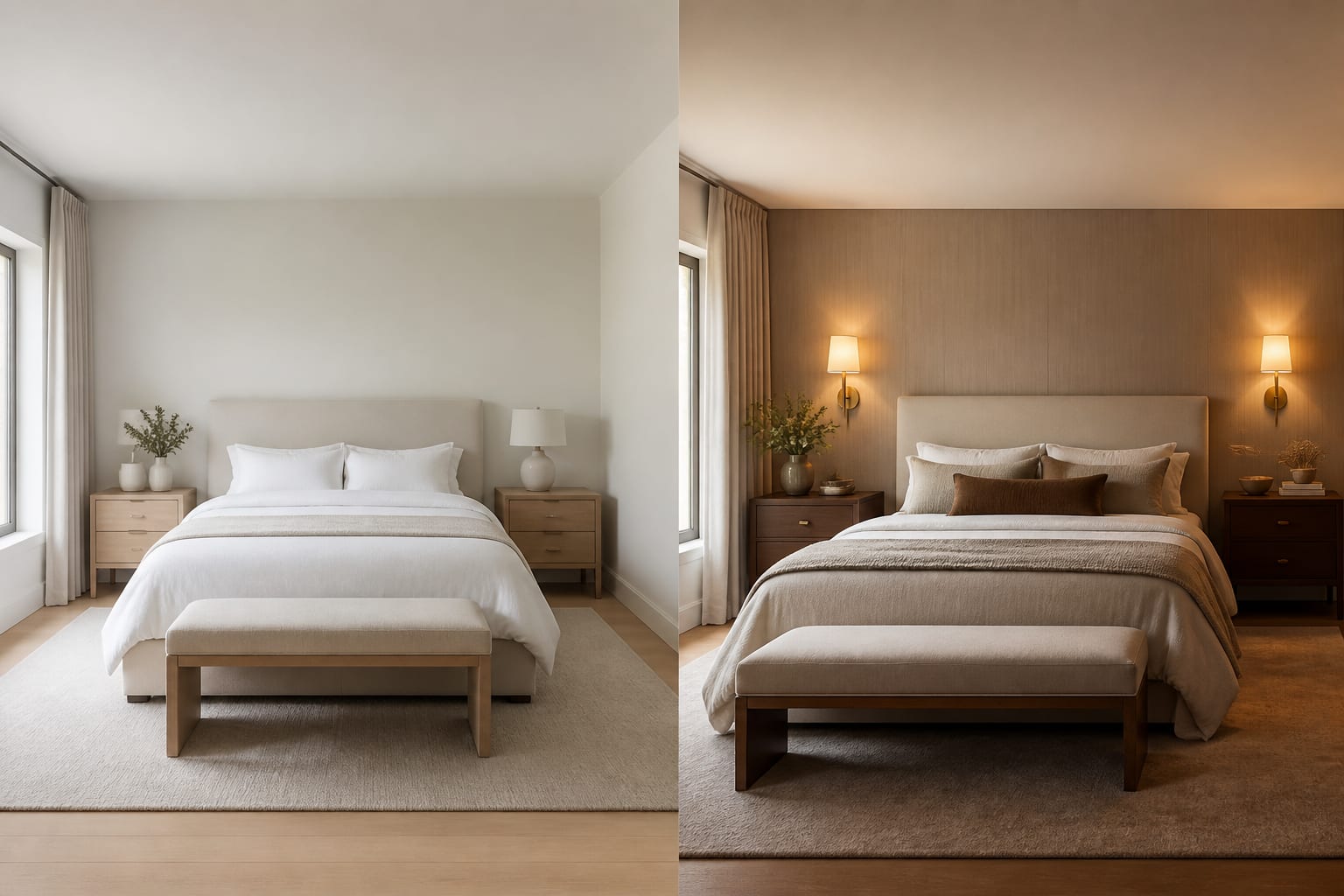
Bedroom: Redesign this 10 by 12 foot bedroom with an 8 foot ceiling. Keep the queen bed and existing carpet. Make it calm and renter-friendly with warm white walls, a low upholstered headboard, two 24 inch nightstands, plug-in sconces, blackout curtains, and no drilling into tile or ceiling.
Kitchen: Refresh this builder-grade kitchen without replacing cabinets, counters, floor, or appliances. Test a warmer wall color, simple hardware, two counter stools, under-cabinet lighting, a washable runner, and a less cluttered counter. Keep the budget modest and avoid open shelving.
Awkward room: Redesign this family room with three doorways, one off-center window, and a fireplace that must stay. Keep a 30 to 36 inch walking path between doors. Create a cozy seating plan with closed toy storage, a durable rug, warm lamps, and no furniture blocking door swings.
Frequently Asked Questions
Do I need exact measurements for AI room design prompts?
No, but the major dimensions should be close. Give wall length, ceiling height, and furniture size when they affect the design, since "42 inch round table" produces a different preview than "small table." Rough numbers still give the AI a scale anchor it can't infer on its own.
How many styles should I include in one prompt?
Use exactly one dominant style phrase. Mixing several styles, like "Japandi coastal glam industrial," forces the AI to blend competing visual cliches into a mushy result. A single clear direction such as "quiet modern, pale oak, off-white walls, linen texture" produces a sharper preview.
Should I test more than one prompt per room?
Yes, start with three targeted variations instead of one broad request. Test color in one prompt, layout in a second, and material direction in a third, such as a rental-friendly version with no paint or hardwired lighting. Comparing three specific answers teaches you more than many unrelated styles.
What's the most common mistake in AI room design prompts?
The most common mistake is describing a mood instead of a decision, like asking to "make it cozy" instead of listing objects and constraints. A stronger prompt names the actual problem, such as a dark north-facing room or a rental that bans wall paint, and asks for specific fixes.
Can negative prompts improve AI room design results?
Yes, telling the AI what to avoid, such as "no gray walls, no glass coffee table, no white sofa," can control the output more precisely than adding more adjectives. Negative prompts work especially well when a room already has a strong fixed element, like orange oak floors, that needs to be worked around.