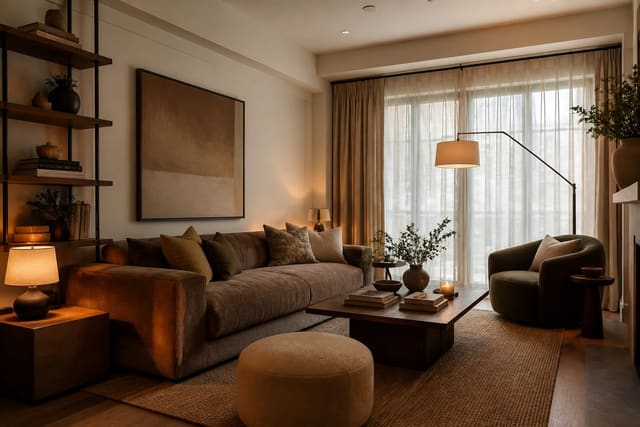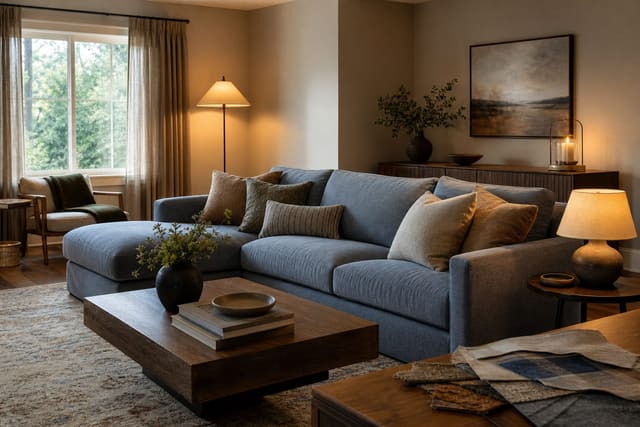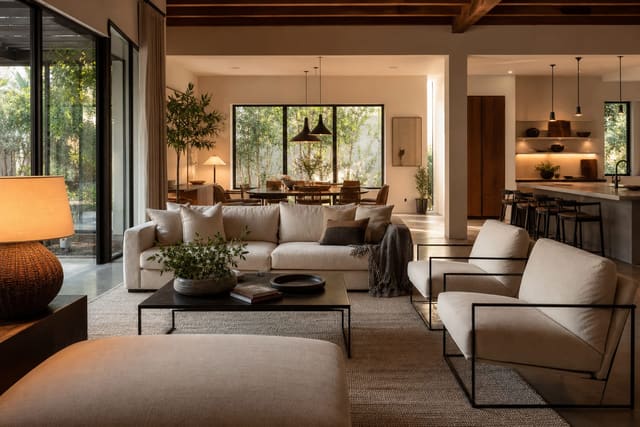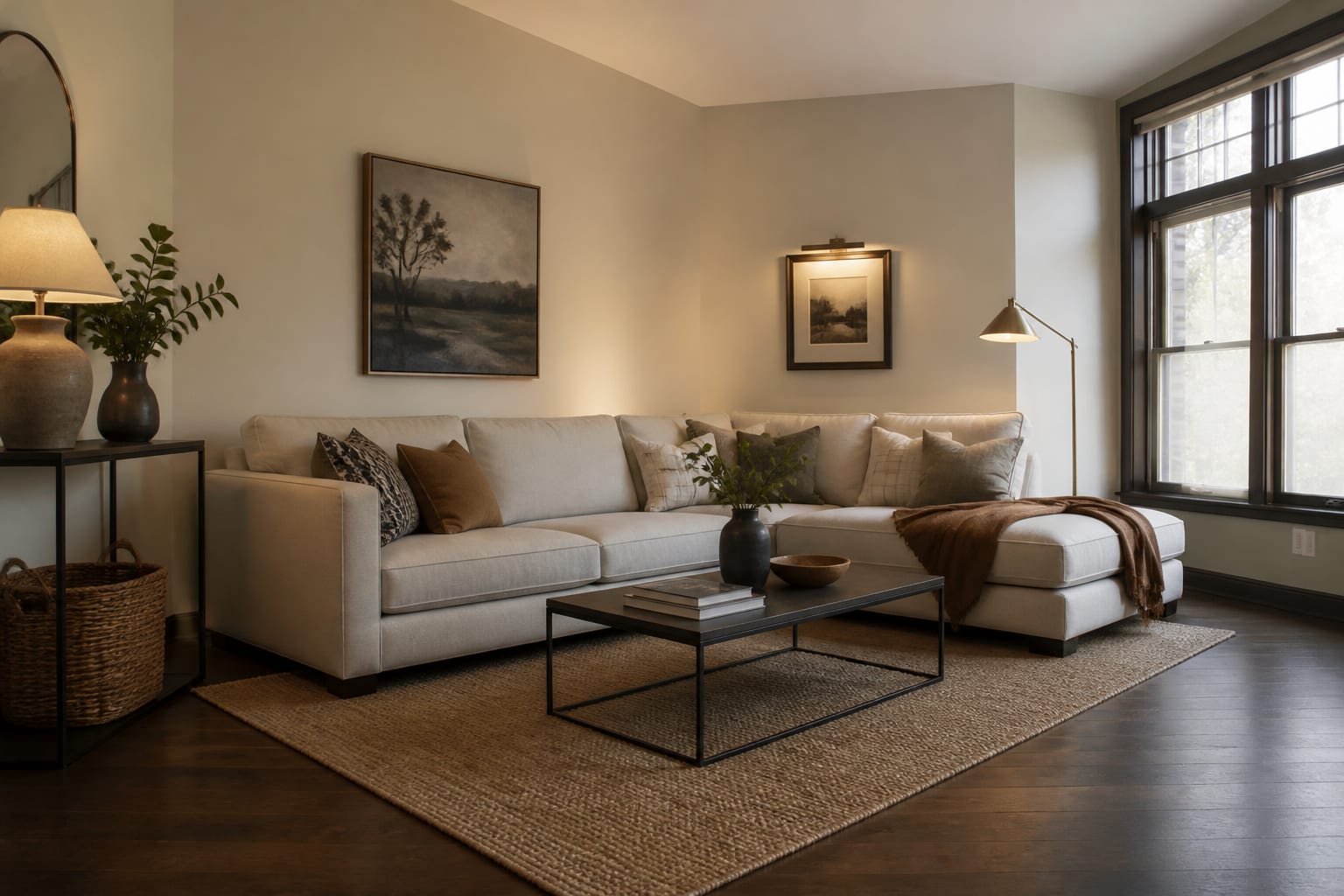
A good AI room design prompt names the actual room, its fixed constraints, and the specific problem you want solved, then asks for a design direction rather than a finished fantasy. Following clear AI room design prompt rules — real dimensions, must-keep items, and a stated issue — turns a vague wish into options you can actually compare and shop.
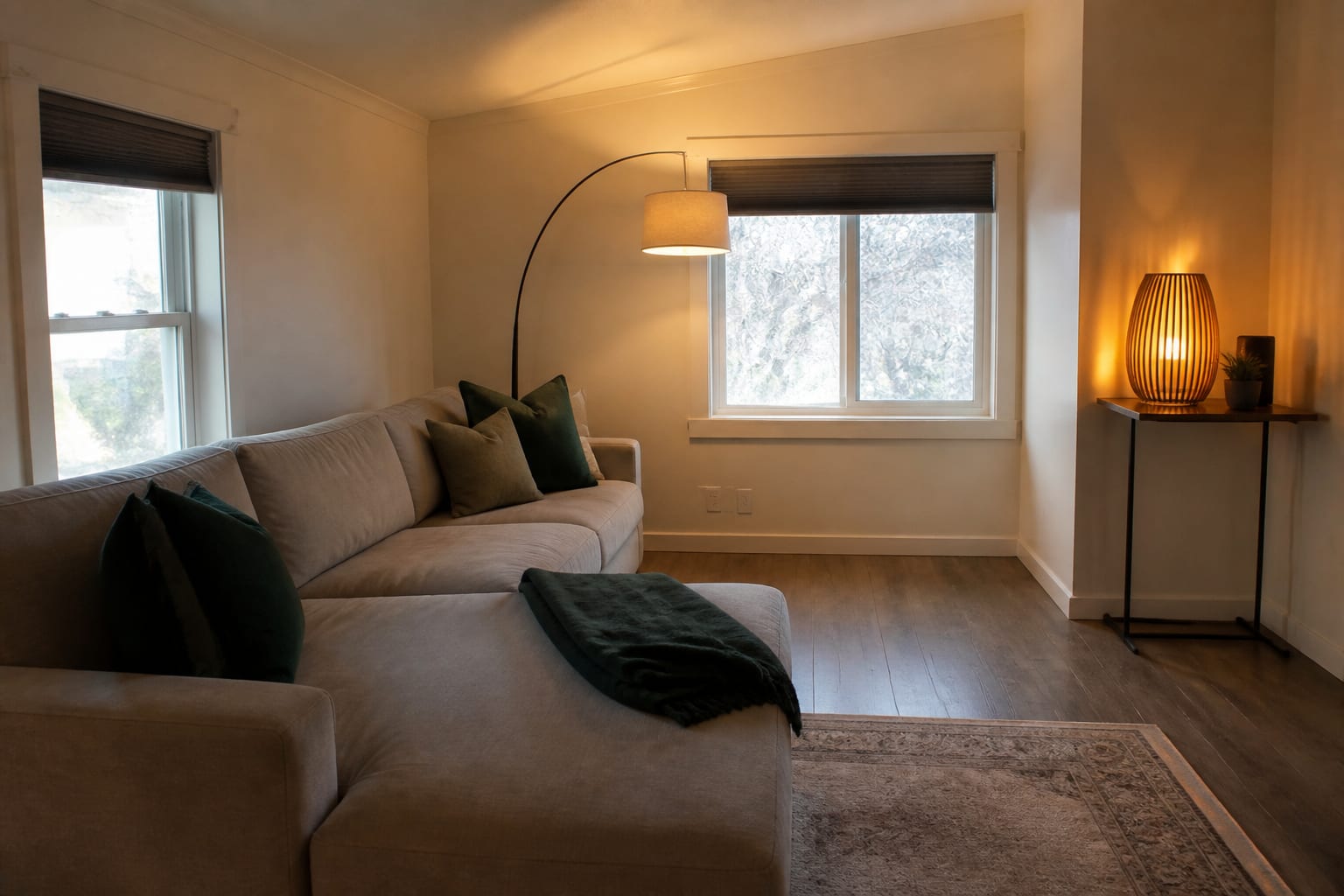
Rule 1: Anchor the Prompt in the Real Room
AI tools smooth away awkward details — the orange floor, off-center window, rental blinds, the sofa you can't replace — but those details are exactly what the design has to solve. Start with room type, approximate dimensions, light direction, and fixed items. "Small bedroom with an 8' ceiling" or "rental kitchen with honey oak cabinets" is more useful than "small bedroom."
Build the prompt around these points:
- Name the room and size. "10' x 12' bedroom with one north-facing window" guides bed size, nightstand width, and rug scale better than "small bedroom."
- List what must stay. Mention the brown sofa, beige tile, black appliances, or landlord-approved flooring before asking for a style change.
- State what can change. Say plainly if paint, lamps, art, and rugs are fair game but flooring is not.
- Include daily-use constraints. Pets, kids, wheelchair access, and a 30" to 36" main walkway deserve a line in the prompt.
For a deeper workflow, see this guide to writing AI room design prompts that keep real constraints visible.
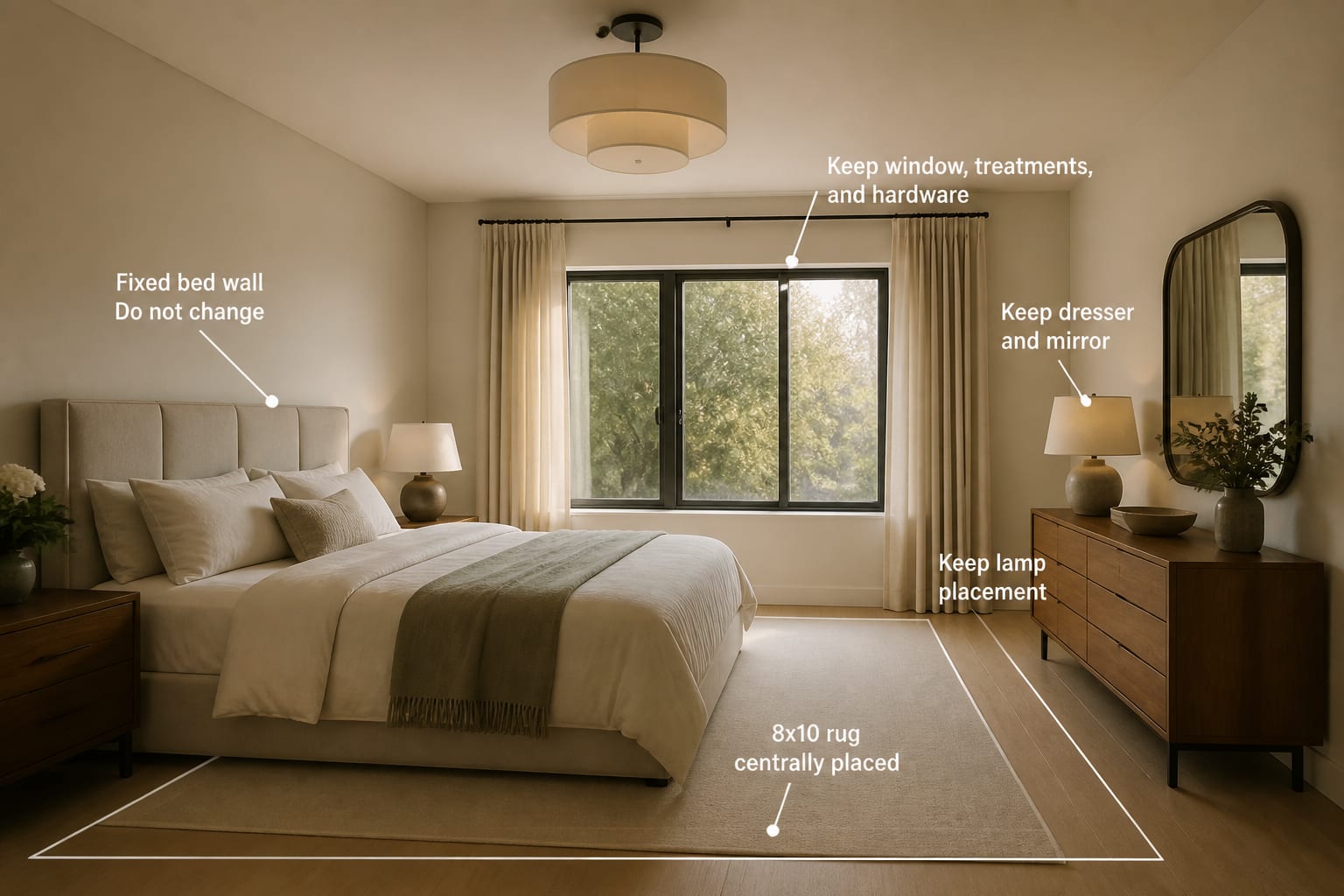
Rule 2: Name the Design Problem, Not Just a Style
Style words are slippery: "modern," "cozy," and "minimal" mean different things depending on the floor, light, and furniture already in the room. Better prompts diagnose the issue first. A living room may not need a new personality — it may need a larger rug, warmer bulbs, and hidden cables.
Write the problem in plain language: "The room feels cold because the gray walls fight the warm oak floor," or "The seating area feels scattered because the rug is too small." That gives the AI something concrete to fix instead of a mood to chase.
Undertone clashes show this clearly. A prompt asking for "warm neutral style" may just soften a pink-beige sofa's clash with yellow oak floors on screen without solving it. Instead try: "Keep the pink-beige sofa and yellow oak floor visible; suggest wall colors, rug tones, and wood finishes that reduce the undertone clash." See this guide to fixing clashing undertones in a room for more on naming that conflict.
Style can still follow the diagnosis: "Make the room feel calmer and warmer using a soft traditional style, medium wood tones, warm white walls, and lamps around 2700K" gives far more direction than "make it timeless."
Rule 3: Ask for Controlled Variations You Can Compare
One image can be seductive; three controlled versions are educational. Ask for options that hold major constraints steady while testing one variable, such as rug size, lamp warmth, or storage.
Example: "Create three redesign options for this 11' x 14' bedroom, keeping the queen bed, oak dresser, beige carpet, and closet doors. Option one warm neutral, option two muted green and cream, option three deeper blue walls. Keep 24" of bedside clearance and use realistic plug-in lighting."
Controlled variation reveals patterns. If every good version uses a larger rug and warmer lamps, those are the moves worth testing first; if only one version looks good because it replaced the floor and widened the window, it's entertainment, not a plan.
This matters for hard surfaces too. If concrete, stone, or tile is part of the plan, ask AI to keep the surface realistic — renders can smooth over sheen, cracks, and maintenance issues that matter in real life. Compare results against this guide to using stained concrete floors at home before treating any image as proof.
What Prompt Mistakes Create Generic AI Rooms?
Most weak prompts ask for taste when they need judgment. AI can generate a beautiful room from nearly any vague phrase, but the image is worthless if it ignores the room you actually live in.
- Asking for a "beautiful room" gives the tool no reason to preserve constraints — state what must stay and what problem should improve instead.
- Loading the prompt with ten styles produces a blended catalog scene; pick one main style and two supporting adjectives.
- Hiding an ugly feature means the redesign solves the wrong room; keep the almond tub or popcorn ceiling in frame if it's staying.
- Changing every variable at once makes results impossible to evaluate; test paint and lighting separately from layout and storage.
- Forgetting measurements lets the image imply furniture that won't fit; add specs like an 84" max sofa or 8' x 10' rug.
How Should I Use AI Previews Before Committing?
Treat each result as feedback on the prompt, not just the room. Generic output usually means the prompt lacked constraints; if the sofa keeps disappearing, the prompt didn't mark it as fixed strongly enough.
Start with a clear, bright, straight-on photo showing the floor, ceiling, windows, and main furniture. Run one prompt focused on the problem, one on style, and one on constraints, then compare what changes and what still looks believable.
Frequently Asked Questions
What should every AI room design prompt include?
Every prompt should include the room type, approximate dimensions, light direction, fixed items that cannot change, and the specific problem you want solved. Adding a style direction after those details helps, but skipping the constraints is the most common reason results look generic or unrealistic.
How specific do measurements need to be?
They don't need to be exact, but at least one real number helps: room length, ceiling height, walkway width, or rug size. A dimension like "144 inches of room length" or a 30" to 36" walkway keeps the AI from suggesting furniture that couldn't physically fit.
Why do AI-generated rooms often look generic?
Generic results usually come from vague prompts like "make it nicer" or "cozy modern living room," which give the tool no constraints to respect. Naming fixed furniture, real dimensions, and a specific design problem forces the AI to solve your actual room instead of generating a stock scene.
Should I request one AI design or several variations?
Request three variations that keep the same fixed furniture and dimensions while testing one variable, such as rug size or wall color. Comparing controlled versions shows which design moves consistently improve the room, rather than judging a single, possibly lucky, result.
Can AI design tools work around rental restrictions?
Yes, if the prompt states the restriction clearly. Mention limits like "cannot paint," "cannot change flooring," or "landlord-approved fixtures only" so the tool suggests removable rugs, lamps, art, and furniture instead of permanent changes you're not allowed to make.
How do I confirm an AI-suggested material will look right in person?
Treat the render as a draft, not a guarantee. Order physical samples of paint, rug, or flooring materials and check them under your room's actual light before buying anything difficult to return, since screen colors and finishes can shift under different lighting.