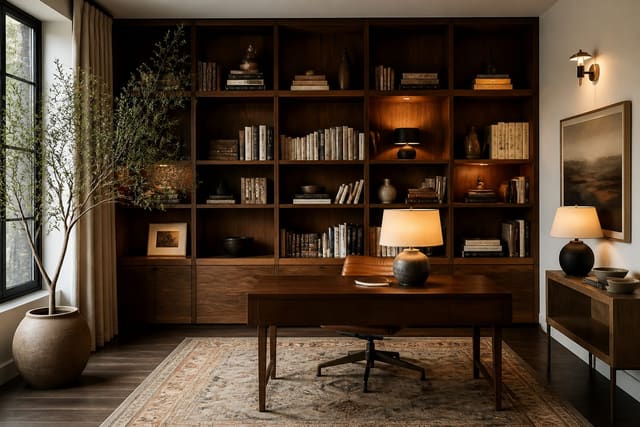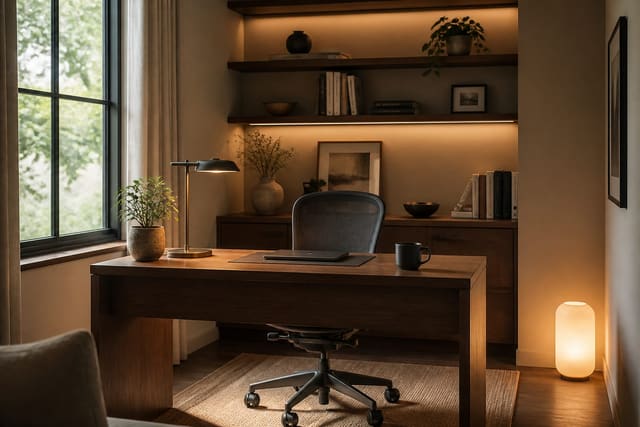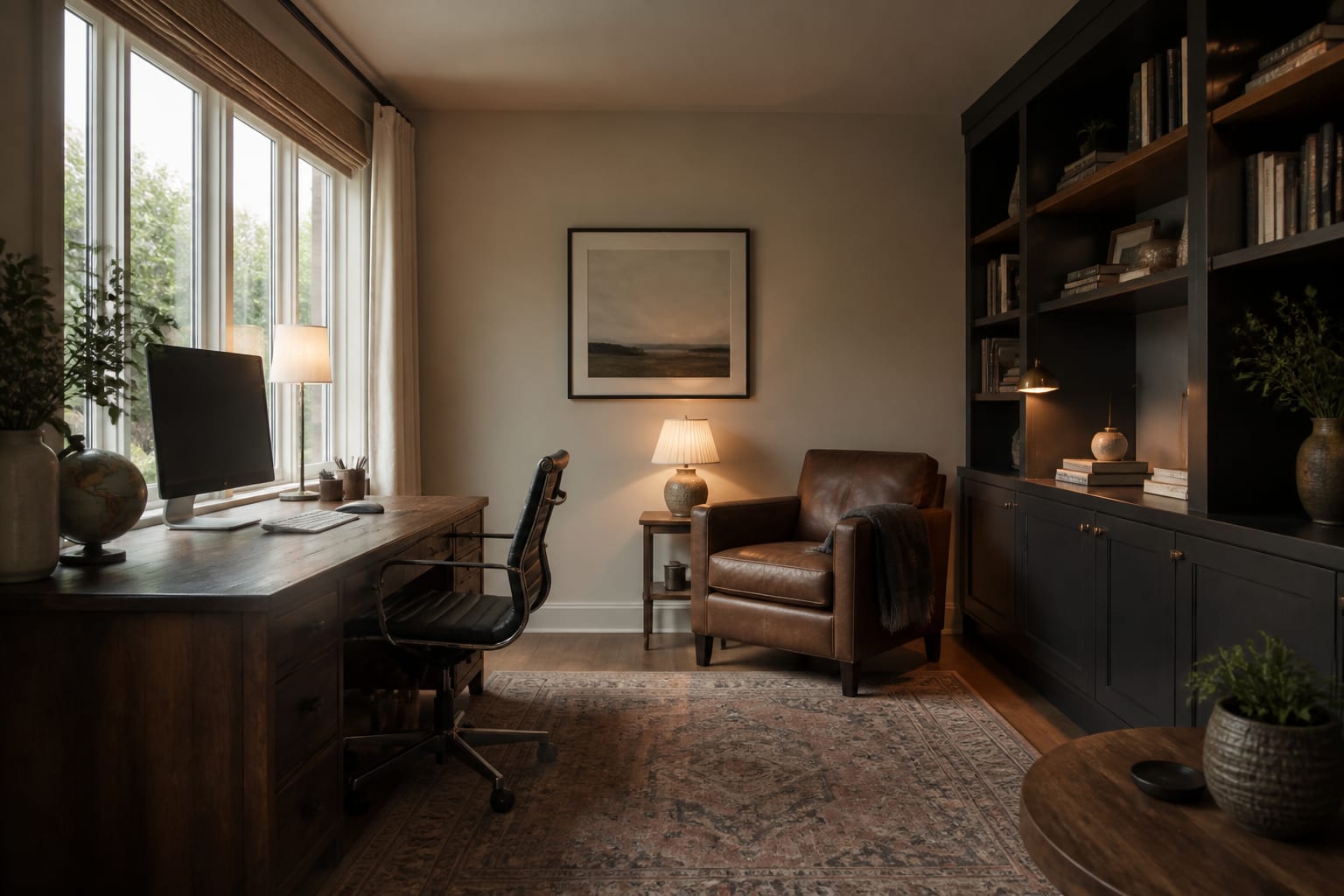
A home office setup that makes you want to work starts with placement: put a window to the side, not behind or in front of your screen, raise the monitor to eye level, layer ambient and task lighting, hide cables under the desk, and style the wall behind you as a clean video-call backdrop.
Where Should You Place the Desk?
Desk placement decides more about your day than any chair or gadget. Put a window to your left or right rather than behind the monitor, which silhouettes you on camera, or in front of it, which forces you to squint against glare. Side light gives natural illumination without reflecting onto the screen.
Pull the desk a few inches from the wall so cables and the monitor stand have room, and face into the room with your back toward a corner for a sense of command. Floating the desk in a larger room works if you solve power first: run a floor cord channel or sit near an outlet rather than draping a cable across a walkway. In shared spaces, angle the screen away from the main traffic path for visual privacy.
See also Home Office Bookcase Ideas for more setup ideas.
How Do You Set Up an Ergonomic Workspace?
Start with the chair: feet flat, thighs roughly parallel to the floor, and a backrest that cradles your lower spine. No lumbar support? A small rolled cushion works fine.
Set the monitor's top edge at or just below eye level so your neck stays neutral instead of tipping down toward a laptop. A laptop stand paired with an external keyboard and mouse fixes the most common posture trap in any setup. Keep elbows near a 90-degree angle and wrists level, not bent upward.
A standing desk or sit-stand converter adds welcome variety through the day. None of this requires a big budget; adjusting what you already own delivers most of the benefit.
For more, read AI Home Office Design Ideas.
What Lighting and Cable Setup Works Best?
Aim for three light layers: ambient overhead, a task lamp angled at your work surface, and a soft fill near the screen so your face isn't lost in shadow on calls. Put the task lamp on the side opposite your writing hand to avoid casting shadows.
Cable management is the detail people skip and regret. Mount a cable tray or adhesive raceway under the desk, bundle loose runs with velcro straps, and route charging cords through a single grommet hole. The payoff is a desk that photographs well and wipes clean in seconds.
Keep daily tools within reach and everything else out of sight with a two-drawer file cabinet, a slim shelf above the monitor, or a rolling cart. A clear desktop lowers the low-grade mental noise a cluttered desk generates, helping you settle into work faster.
How Do You Style a Video-Call Backdrop?
A framed print, a low-maintenance plant, and a rug to define the zone give the space warmth without clutter. Choose a calm palette and let one accent color carry the personality.
The wall behind you doubles as your video-call backdrop. A bookshelf styled with restraint, a single piece of art, or a textured panel reads far better on camera than a blank or cluttered wall. Keep some depth in the frame; a flat wall pressed against your back feels like a hostage photo.
Running dual monitors? Plan for a desk at least 60 inches wide for two 27-inch panels. Center your primary screen, angle the second slightly inward, and mount both on a dual arm to reclaim desk depth.
Bring the Look Home with Re-Design
Upload a photo of your current workspace to Re-Design and preview different desk placements, lighting moods, and backdrop styles before moving any furniture. Seeing the redesign rendered in your actual room helps you commit to a layout and color palette with confidence instead of rearranging twice.
Frequently Asked Questions
Where should I put my desk in a home office?
Place the desk so a window sits to one side rather than behind or in front of your monitor, which causes silhouetting or glare. Facing into the room with your back to a corner gives a sense of command and keeps the doorway in view. Leave a few inches behind the desk for cables and the monitor stand.
How do I make a good video-call background?
Treat the wall behind you as set design. A bookshelf styled with restraint, a single framed artwork, or a textured panel reads far better than a bare or cluttered wall. Keep depth in the frame and add a warm light near the camera so your face stays evenly lit.
What is the right monitor height for comfort?
Set the top edge of the screen at or just below eye level so your neck stays neutral instead of tipping downward. For a laptop, add a stand plus an external keyboard and mouse. For dual monitors, center the primary screen and angle the second slightly inward.
How wide should a desk be for two monitors?
Plan for a desk at least 60 inches wide to fit two 27-inch monitors without bumping bezels or losing keyboard space. Center the primary screen directly in front of you and angle the second slightly inward. Mounting both on a dual monitor arm reclaims desk depth and lets you fine-tune height.
Do I need a task lamp if I have overhead lighting?
Yes. Overhead ambient light alone tends to leave your face in shadow on video calls and creates uneven light on your desk. A task lamp angled from the side opposite your writing hand, plus a soft fill near the screen, rounds out the three lighting layers a well-lit setup needs.