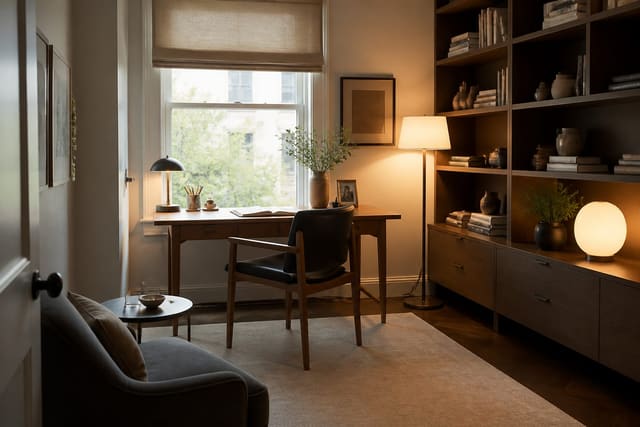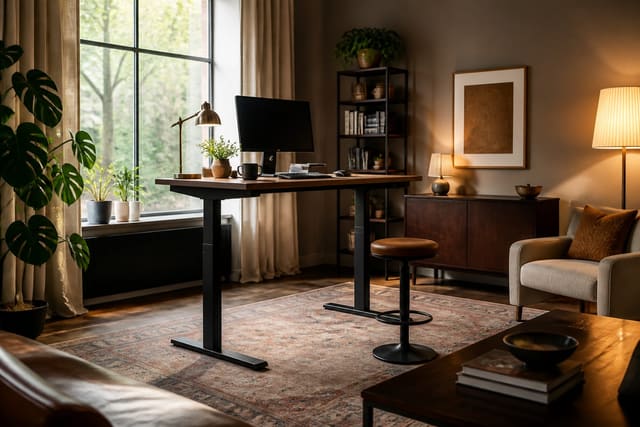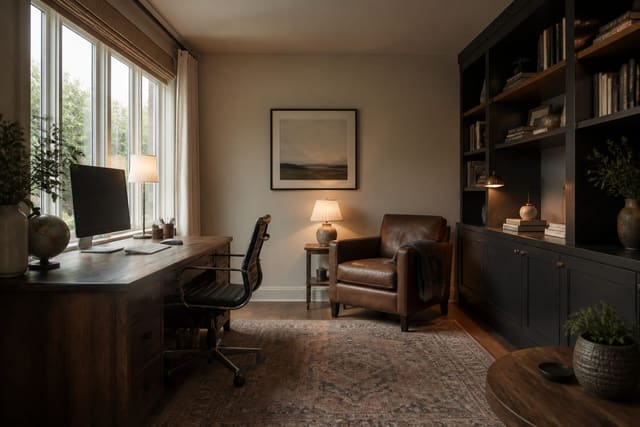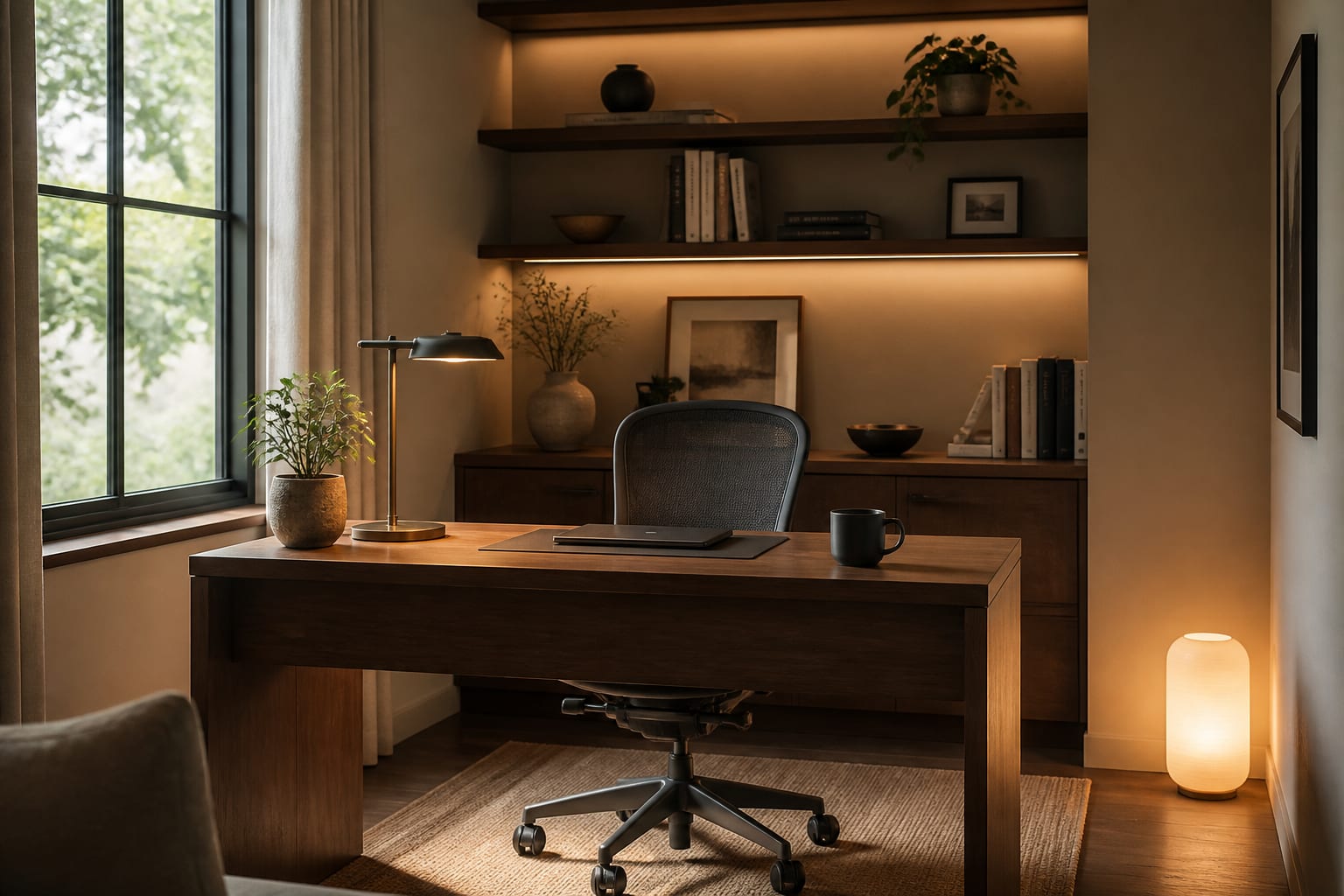
AI home office design turns a photo of your room into layout, desk, storage, and lighting options you can test before buying anything. Yes, AI can design a workable home office, but it works best as a fast visual sketch, not a substitute for measuring your chair, outlets, door swing, and window glare.
If you're working with a corner or small bedroom, see small home office space ideas before prompting for a full layout.
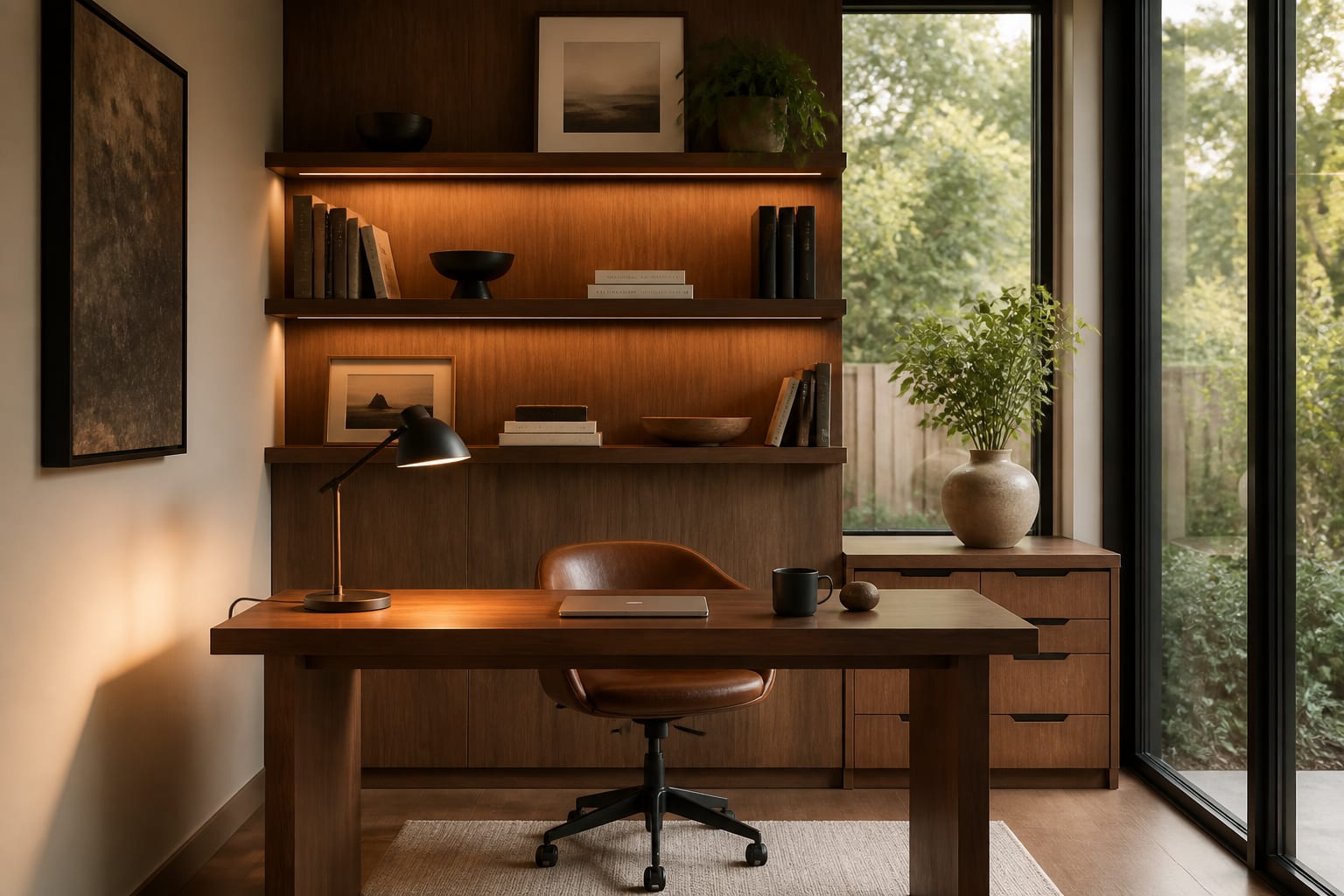
What should your desk face before you buy anything?
The best desk direction balances daylight, privacy, and a calm camera background. Facing a window can create glare on the screen, while sitting with your back to the door can feel exposed even in a good layout.
A 30-by-60-inch desk fits most laptop-plus-monitor setups; a 24-by-48-inch desk works if storage sits beside it rather than on top. Leave at least 36 inches behind the chair for rolling and 30 inches of clear path to the door. If the room doubles as a guest room, mark the sofa or bed's footprint before placing the desk.
For calls, aim the camera at one controlled wall, not a hallway or bright window. A bookcase, curtain, painted niche, or shallow 4-to-6-inch ledge can create a calm background without feeling staged. In narrow rooms, place the desk perpendicular to the window so light comes from the side instead of behind or in front of you.
Standing desks change the clearance math: wiring, monitor arm, and chair storage must work at both heights. See standing desk setup ideas before treating an adjustable desk like a normal table with a motor.
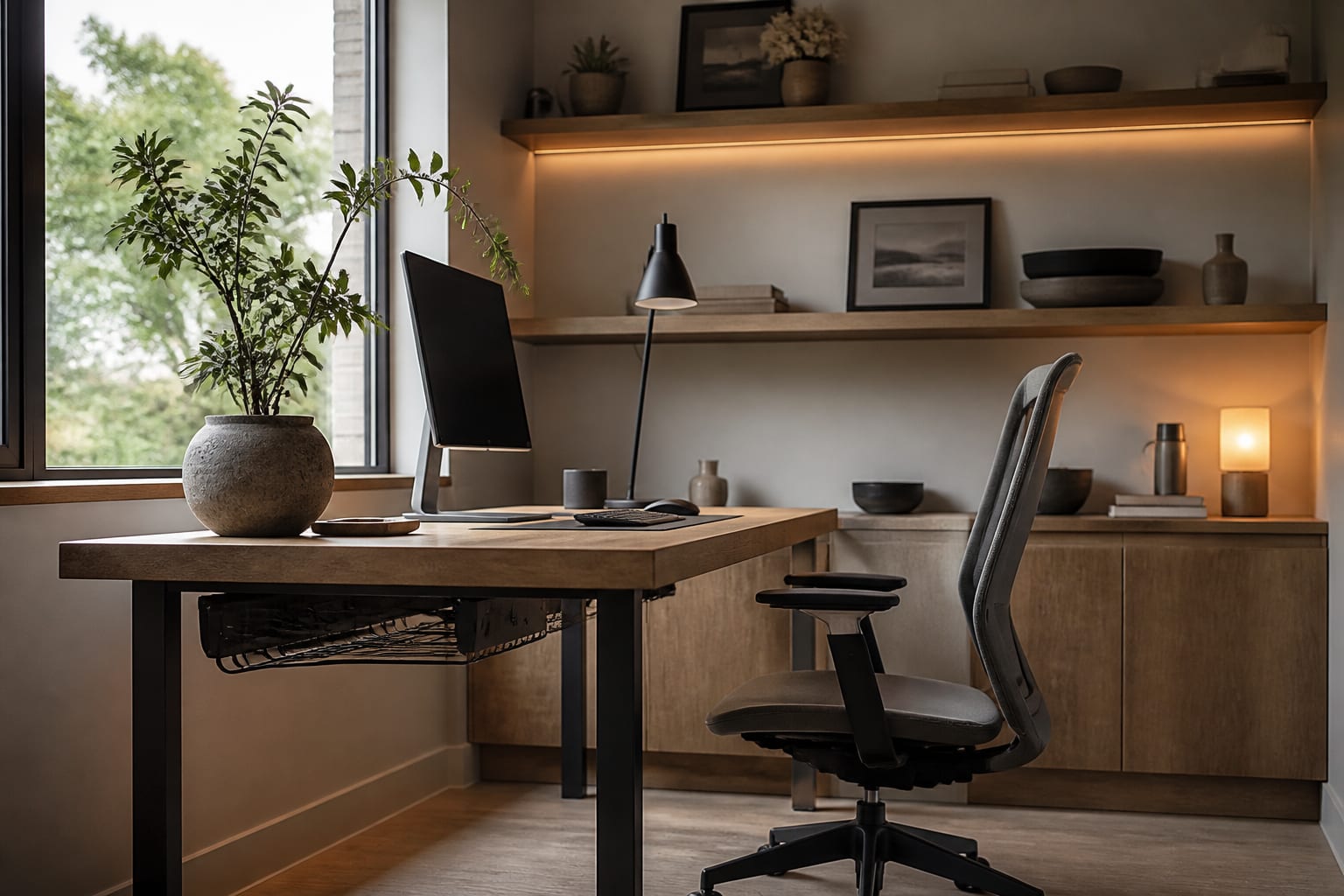
How should lighting, storage, and ergonomics work together?
Include the boring pieces in your AI prompt: task lamp, cable route, file storage, printer, and camera background, all in the same preview. Separating them turns the room into a collage instead of a working office.
Checklist before approving a layout: - Keep desktop height near 28-30 inches; most dining tables sit too high for long keyboard use. - Set the monitor 20-30 inches from your eyes with the top third near eye level. - Choose a task lamp bulb around 3000-3500K, warm enough to avoid feeling clinical, neutral enough to keep paperwork legible. - Leave 18 inches of pullout clearance for file drawers or printer shelves. - Keep daily supplies within 48-60 inches of the seated position.
Storage should stay mostly hidden. Real offices collect chargers, folders, tape, and stray mugs, so reserve open shelves for books and display items, and put everything else behind doors or in drawers.
Common AI home office design mistakes
Most mistakes come from designing the photo instead of the workday.
- Choosing the most dramatic wall over outlet access: keep the desk within 6 feet of power and hide cords with a tray, raceway, or grommet.
- Buying the chair last: its footprint, arm height, and caster clearance should shape the layout, not the other way around.
- Relying on open shelving for storage: reserve open shelves for the top 30-40% of the wall and use closed storage below.
- Painting the whole room dark: in north-facing offices this makes the screen the brightest object, so test a sample behind the monitor first.
- Treating the guest bed as untouchable: a daybed or wall bed can free the floor if the room is worked in 250 days a year.
Building from scratch? Compare choices in complete home office setup ideas so desk, chair, lighting, and storage are planned as one system.
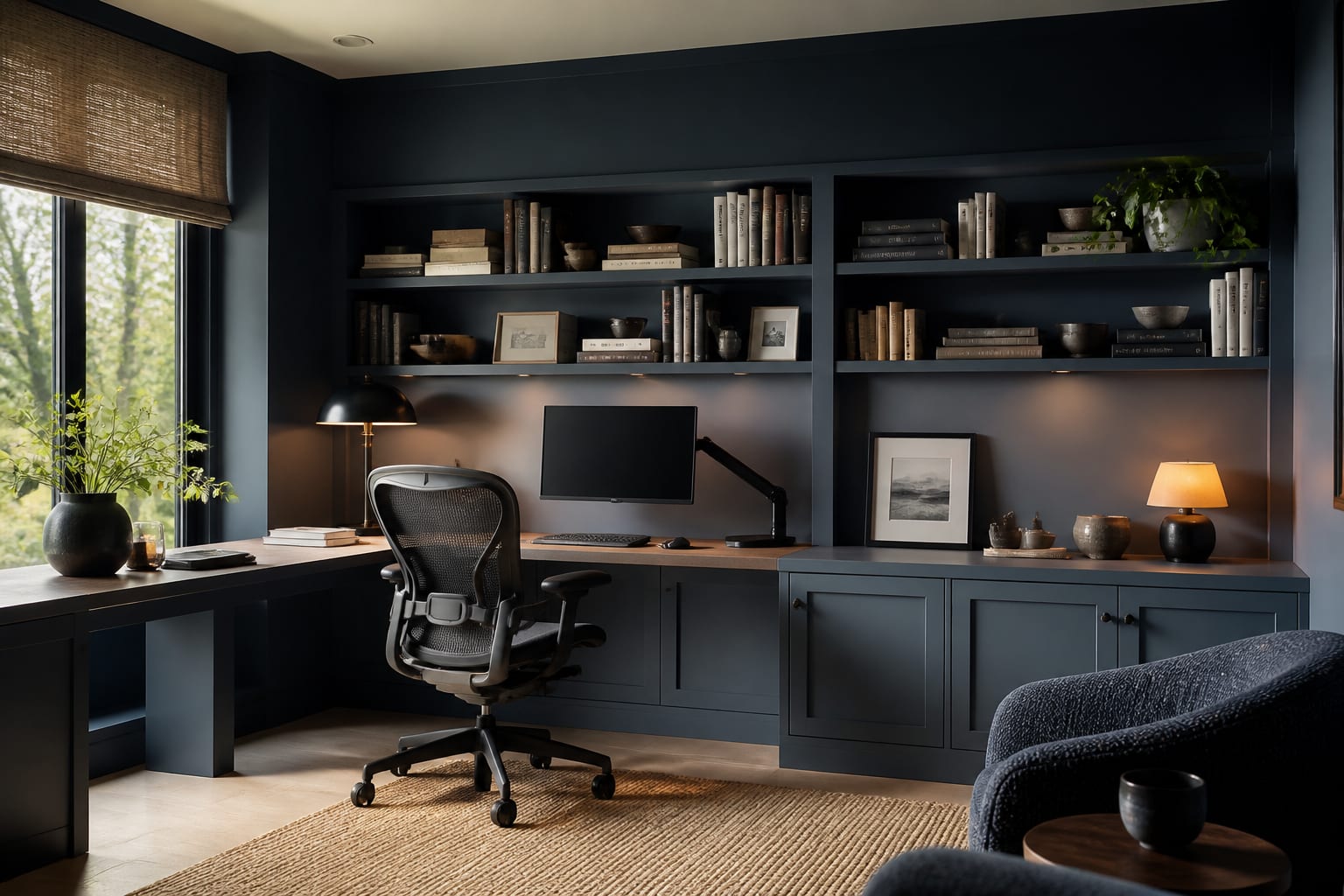
How do you use AI to preview your workspace before buying?
Measure the room first, then upload a straight daylight photo showing the window, closet, radiator, or any fixed feature that must stay.
A strong prompt: "Keep the existing window and closet doors, add a 30-by-60-inch walnut desk perpendicular to the window, use a comfortable task chair, hide cables, add closed white storage on the back wall, create a calm video-call background, and use warm-neutral lighting." Specific boundaries produce a usable design instead of a fantasy office with no outlets.
Run three versions with different priorities: one for focus, one for guest-room function, one for camera background. The best design isn't the fanciest; it's the one where the chair pulls out, the monitor avoids glare, and storage has a believable home.
Which finishes keep the office calm on camera and off?
Avoid busy, high-contrast patterns behind your head; they shimmer on video and read as clutter. Large art, fabric panels, or a simple shelf grid usually work better.
Pick one wood tone, one metal finish, and one quiet wall color before adding accessories, for example white oak, matte black, and warm off-white. Repeat the darker finish at least three times (lamp, frame, cabinet pull) so the room feels intentional.
Use real rug scale: a 5-by-8-foot rug lets a chair roll without catching an edge. If casters damage the pile, switch to a low-pile rug, flatweave, or a trimmed chair mat.
Keep the desktop at least 70% clear at day's end; no AI preview can fix a permanent pile of mail and cables.
Frequently Asked Questions
Can AI actually design a home office that works?
Yes. AI can turn a clear room photo into layout, desk, storage, and lighting options that match your space, but it works best as a quick visual filter. Always verify chair clearance, outlet locations, and monitor distance before buying anything the preview suggests.
What size desk fits most home offices?
A 30-by-60-inch desk suits most laptop-and-monitor setups, while a 24-by-48-inch desk works if storage sits beside it rather than on top. Leave at least 36 inches of clearance behind the chair and 30 inches of walking path to the door.
What color light is best for a home office?
A task lamp bulb around 3000-3500K works best: warm enough to feel comfortable, neutral enough to keep paperwork and screens legible. Very warm 2700K bulbs can look muddy on documents, while 4000K can feel clinical in a converted bedroom.
How do I keep a home office guest-room friendly?
Mark the footprint of the sofa bed or bed frame before placing the desk, and consider a daybed or wall bed if the room is used for work most days. This keeps both functions usable without one crowding out the other.
What's the biggest mistake in home office layouts?
Picking the best-looking wall before checking outlets, chair clearance, and camera background. A dramatic desk placement fails fast if cables run across the floor or the chair can't roll back far enough.