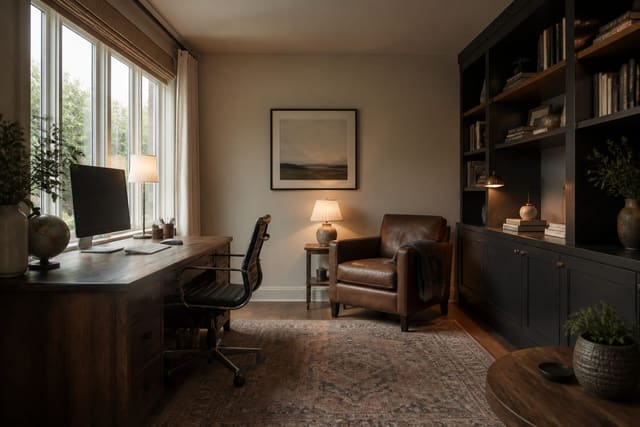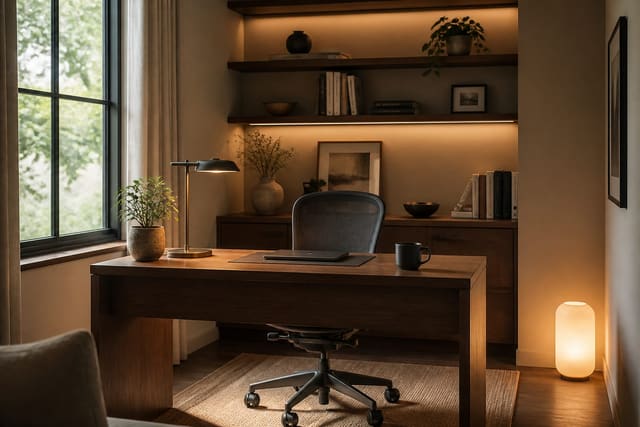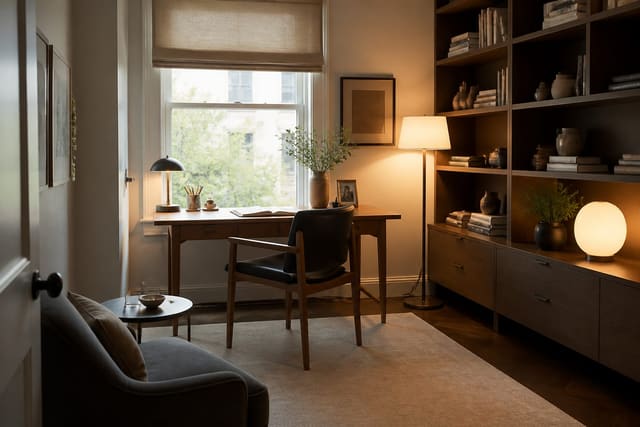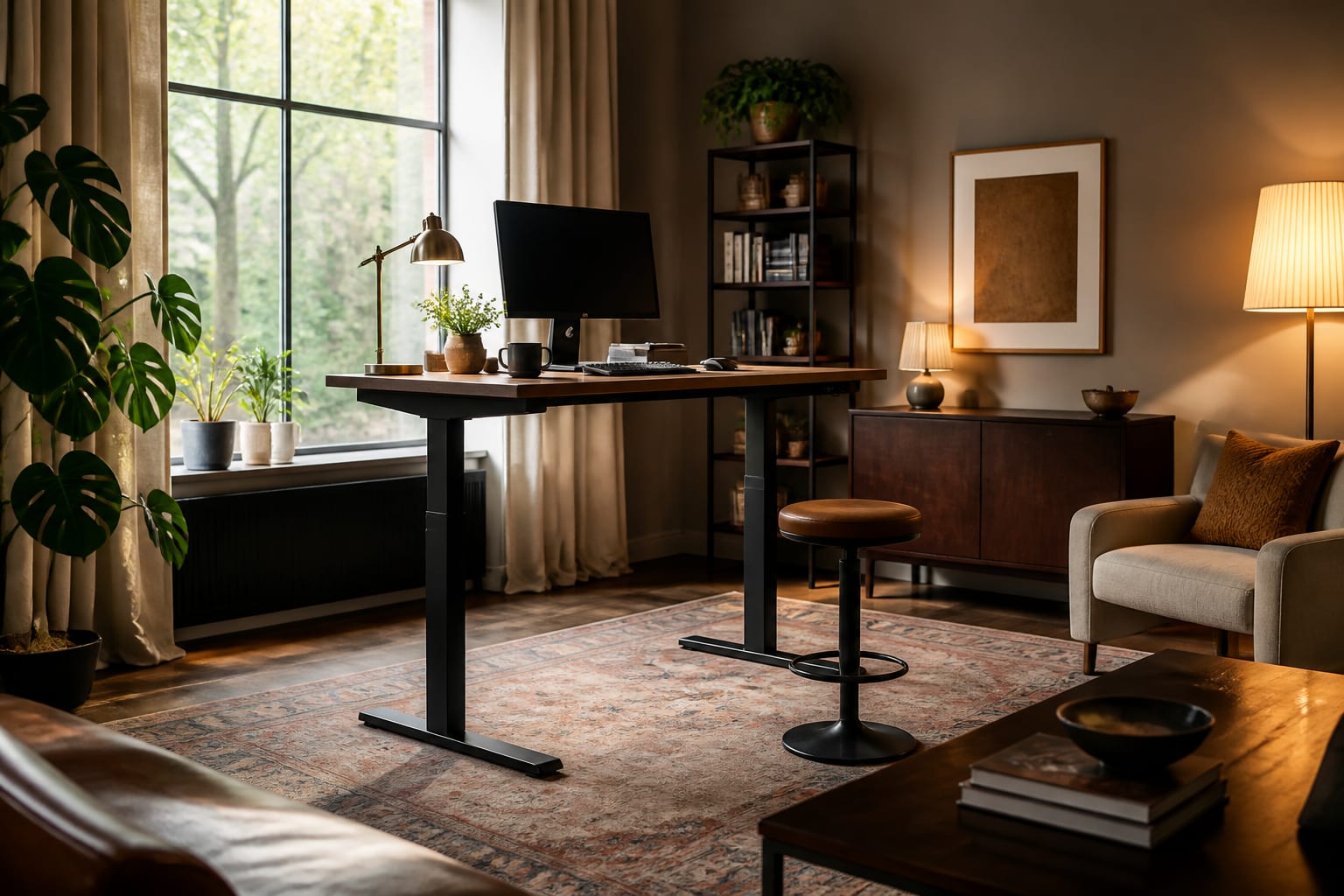
Get a standing desk setup right by dialing in two exact heights, standing and seated, fixing monitor distance at eye level, and choosing a solid wood top with hidden cables. That combination is what makes a desk both genuinely ergonomic and something you actually want to look at, instead of equipment you abandon after the first week.
How do you get the ergonomics right?
Two numbers matter: desk height and monitor height, and both are personal. Stand tall with relaxed shoulders, bend your elbows to 90 degrees, and set the desk surface to meet your hands there, around 42 to 44 inches for someone near 5-foot-10, adjusted for your stature. Set the seated height the same way, usually about 29 inches. A dual-motor electric base with programmable presets is worth the cost because it saves both heights and lets you switch with one button, removing the friction that kills the standing habit.
The monitor is where most setups fail. Keep the top of the screen at or just below eye level so your gaze drops 15 to 20 degrees, with the screen an arm's length away, roughly 20 to 28 inches from your face. A laptop alone forces a choice between good neck angle and good wrist angle, so raise it on a stand and add an external keyboard, or run a separate monitor. Our home office setup ideas cover the chair and monitor-arm pairings that keep the seated half of a sit-stand routine just as healthy as the standing half.
How do you make a standing desk look good?
Most standing desks ship looking like gym equipment, all black steel and exposed cables, which is why they end up shoved against a wall and ignored. Swap a flimsy laminate for a solid wood or warm woodgrain top at least 1 inch thick, and the desk instantly reads as furniture. A 48 to 60-inch top in oak or walnut anchors a room far better than a thin gray slab.
Cable management is the other half. A motorized desk moves, so dangling cables snag at every height. Mount a cable tray under the desk, run everything to one power strip fixed underneath, and the floor stays clear as it rises and falls. Add a small shelf or riser for plants and a lamp so the surface carries warmth, not just hardware; our AI home office design ideas cover coordinating a desk with the room around it.
How should the desk fit the room?
A standing desk needs more depth than a fixed one because the monitor sits farther back. Plan at least 24 inches, and 30 is better, so the screen can sit a full arm's length away. Leave a clear 30 by 48-inch zone of floor where you stand so a mat fits and you can shift your weight, and keep daylight coming from the side rather than behind the monitor or in front of you, both of which cause glare.
In a tight room, a desk that folds flat or pushes against the wall when seated frees the floor; wall-mounted fold-down desks claim almost no footprint when stowed, suited to a bedroom corner or hallway nook. Our home office small space ideas cover fitting a real setup into a few feet. Wherever it lives, give the desk a defined zone: a small rug, art on the wall behind it, a plant, so it reads as intentional rather than parked equipment.
Common mistakes to avoid
- Guessing one height instead of measuring both the 90-degree standing and seated positions for your body.
- Leaving the monitor too low, forcing you to crane your neck instead of keeping the screen top near eye level.
- Standing all day from day one instead of alternating every 30 to 60 minutes.
- Skipping the anti-fatigue mat, which makes standing on a hard floor uncomfortable enough to quit.
- Letting cables dangle on a desk that moves, so cords snag with every height change.
- Buying a top under 24 inches deep, which crowds the monitor and leaves no room for real work.
See your standing desk setup in Re-Design
It's hard to picture how a standing desk will sit in a room, since its scale and the wall behind it change the whole feel of an office corner. Photograph the spot and upload it to Re-Design to preview the setup before you buy. Compare a walnut top versus pale oak, test the desk against a window wall versus a blank wall, and see how a rug, plants, and framed art behind it pull the workstation together, showing whether a 60-inch top overwhelms the space or fits.
Frequently Asked Questions
What height should a standing desk be?
Set it so your elbows bend at 90 degrees with relaxed shoulders while standing tall, which lands around 42 to 44 inches for someone near 5-foot-10 and varies with height. Set the seated preset the same way, usually about 29 inches. A programmable base that saves both heights removes the friction that otherwise stops people from switching positions.
How high should the monitor be on a standing desk?
Position the top of the screen at or just below eye level so your gaze drops 15 to 20 degrees, with the screen roughly 20 to 28 inches from your face. If you use a laptop, raise it on a stand and add an external keyboard to keep both neck and wrist angles neutral. The same screen height applies whether you sit or stand.
How long should I stand at a standing desk?
Alternate rather than standing all day; switching between sitting and standing every 30 to 60 minutes is far better than holding either position for hours. Standing all day fatigues your feet, legs, and lower back. A 3/4-inch anti-fatigue mat and a regular sit-stand rhythm matter more than maximizing standing time.
How deep should a standing desk be?
Plan at least 24 inches of depth, and 30 inches is better, so the monitor can sit a full arm's length back while leaving room for a keyboard. A shallower top forces the screen too close to your eyes. Pair the depth with a 48 to 60-inch width so the surface holds a monitor, laptop, and everyday work.