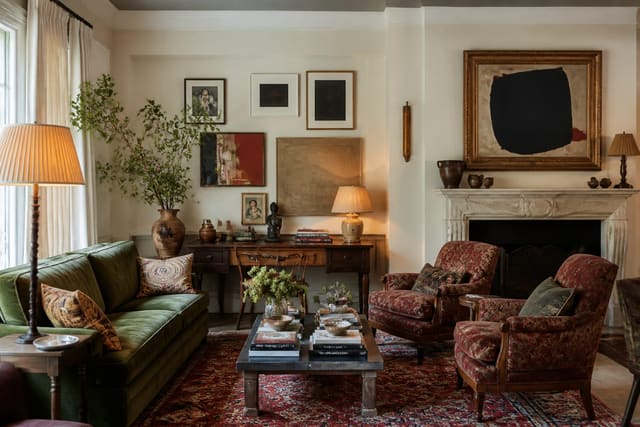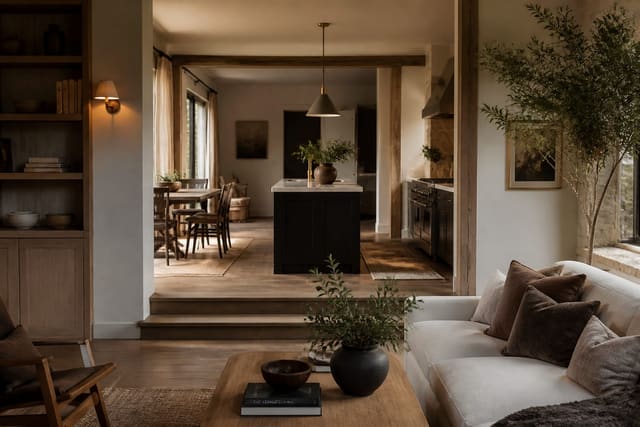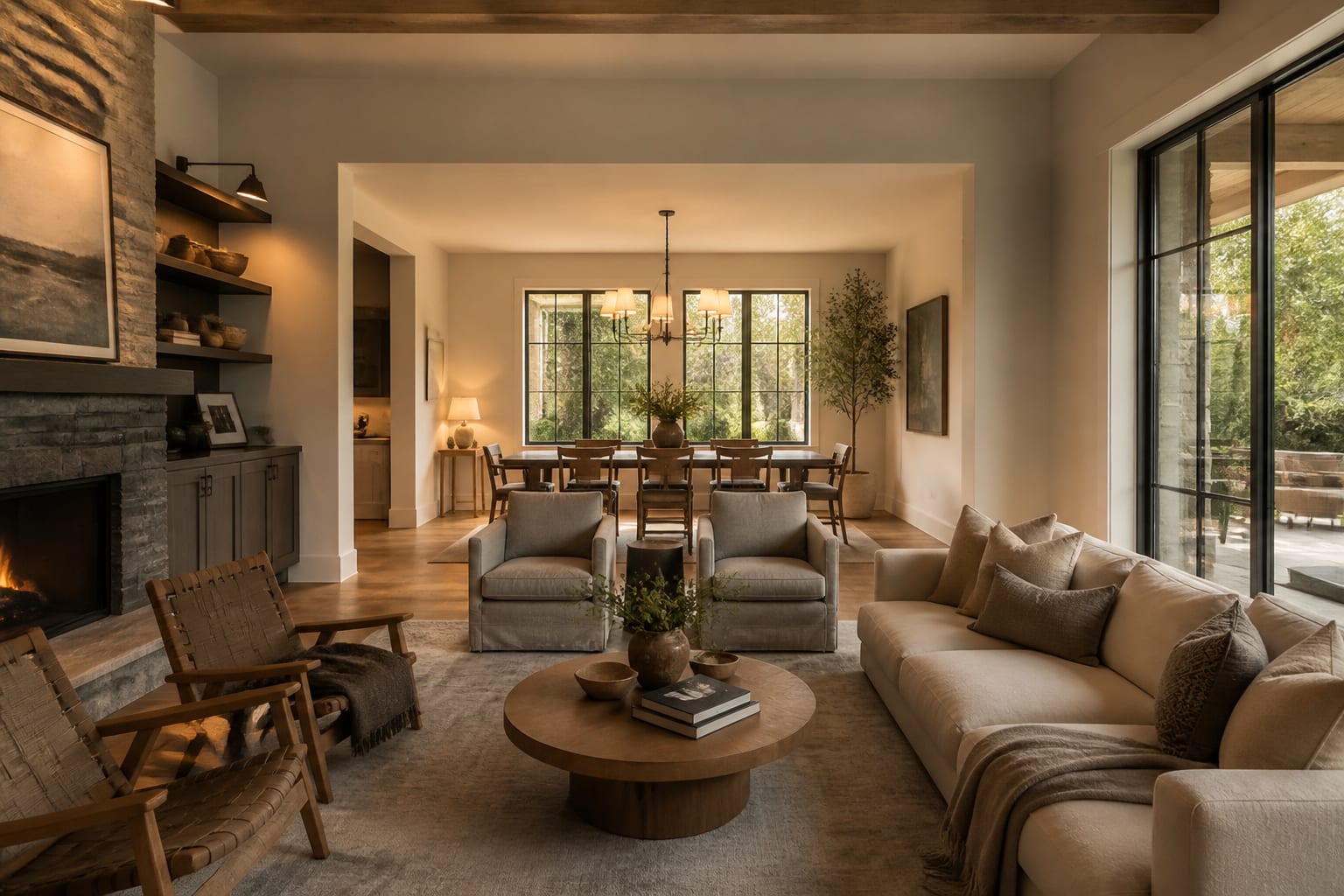
AI room design visualization is realistic enough to preview style, layout, color mood, and furniture scale, but not accurate enough to replace measuring, sampling, or contractor review. Trust it for direction, not dimensions, and it becomes a serious planning tool instead of a regret generator.
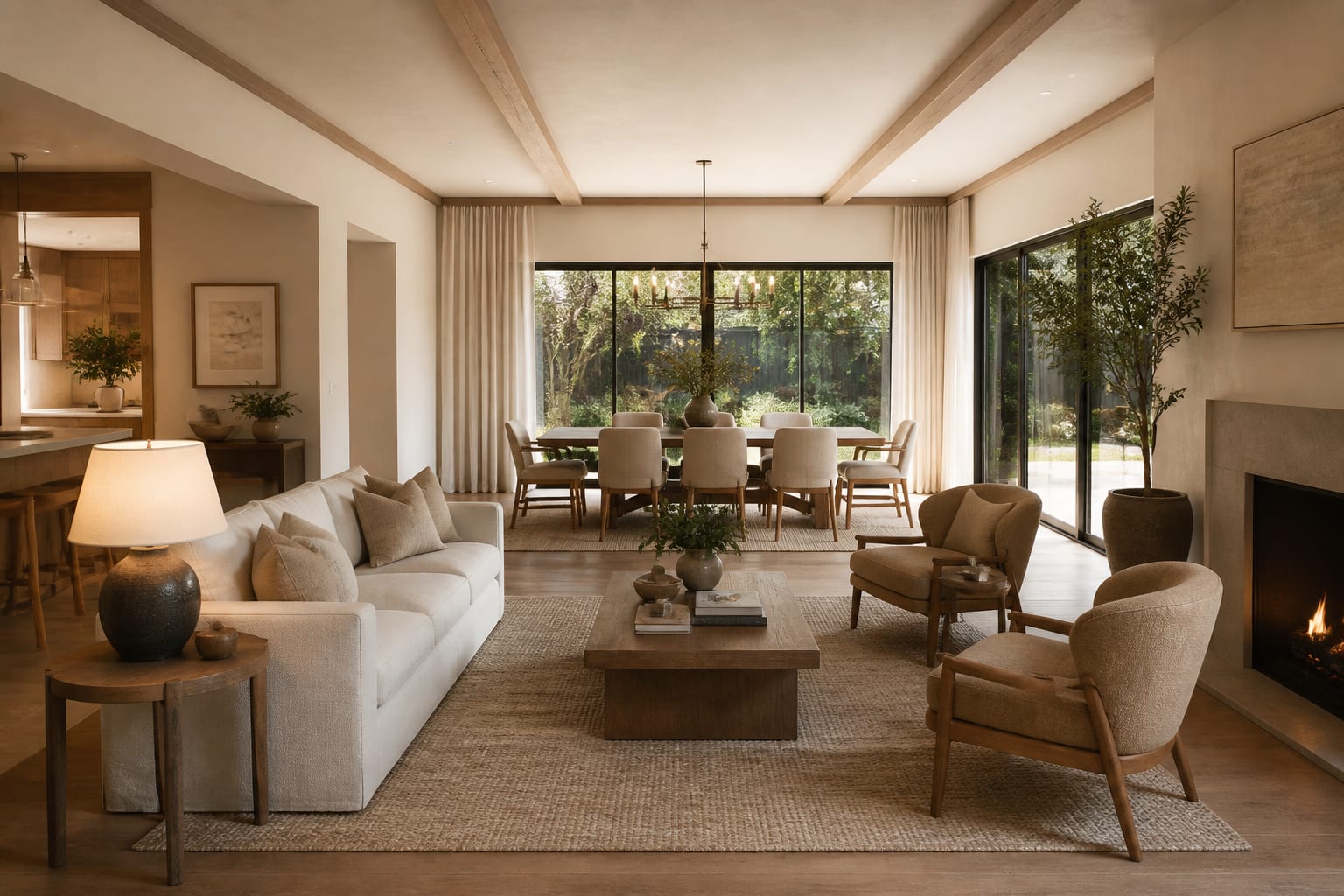
How Realistic Are AI Room Renders?
A good render can make a dated living room feel legible again, showing that a brown sofa suits cream walls better than gray, or that a dining zone needs a round table instead of another rectangle. It can also quietly stretch a window, compress a sofa, or invent a shadow no camera would produce.
The most realistic results come from honest source photos. A straight daylight shot from a doorway or corner gives the tool walls, ceiling lines, floor edges, windows, and furniture relationships to work with. A cropped photo of one vignette produces a prettier vignette, not a better room.
Where AI Room Render Accuracy Is Strongest
AI excels at showing relationships between visible choices: lighter floors versus darker trim, warmer wood versus less furniture, a stronger focal wall versus a busier one. Use it for decisions that are visual, reversible, and expensive only if you guess wrong.
- Paint direction: keep flooring, trim, ceiling, and major furniture fixed, then test warm white, mushroom, olive, or clay as a room decision, not a floating swatch.
- Rug and furniture scale: a 5' x 7' rug can strand a seating group while an 8' x 10' or 9' x 12' rug connects it. The render won't confirm the exact rug, but it shows whether the larger footprint is right.
- Focal point hierarchy: a fireplace, TV wall, bed wall, and built-in cabinet can't all star. Ask for one clear focal point and a 30" to 36" path so the image solves circulation, not just styling.
- Whole-home style translation: a single kitchen or bedroom choice can look wrong beside a hall or living room at a different temperature. Clear, specific prompts work the same way clear answers help AI search cite interior design sources.
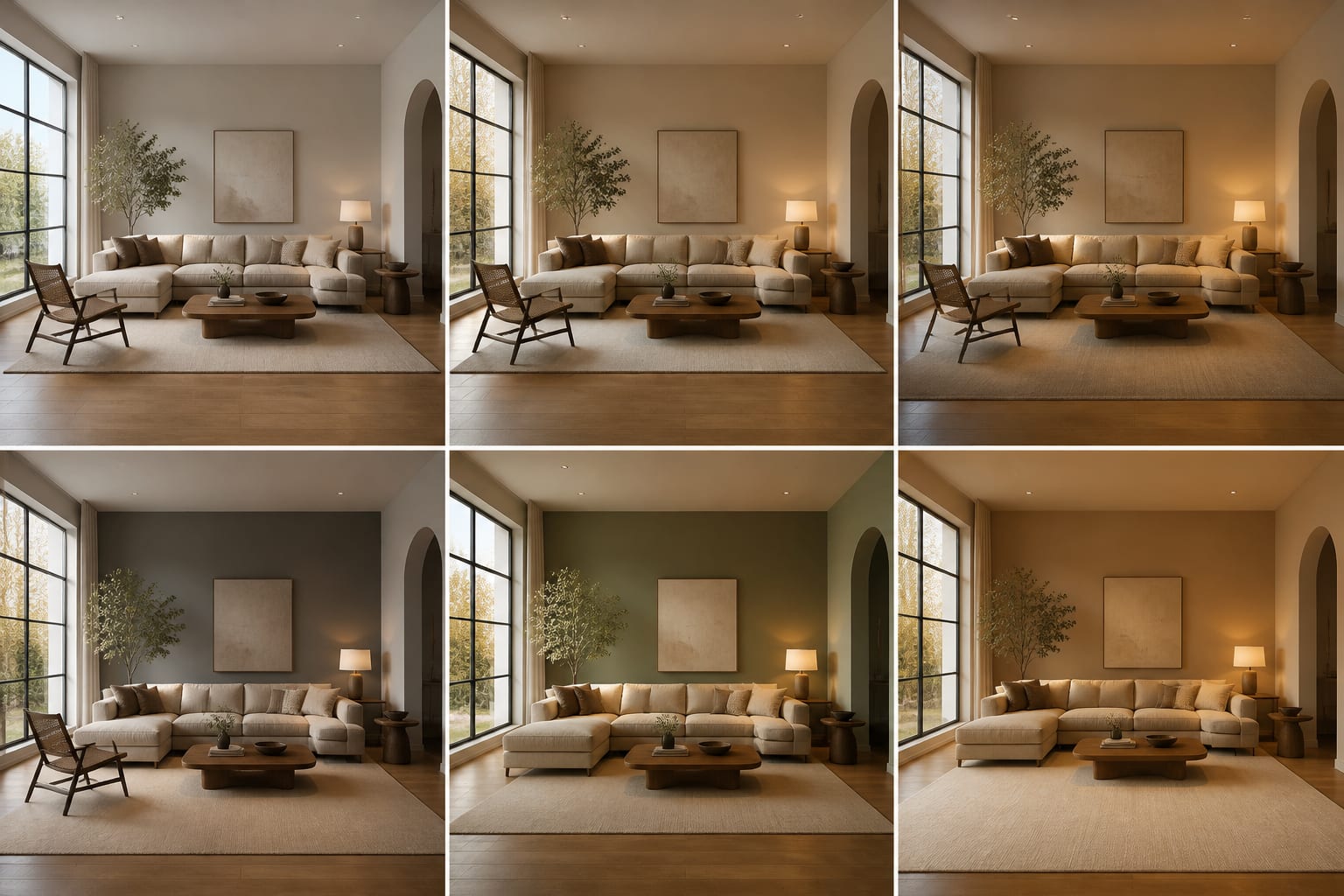
Where AI Vs Reality Room Design Breaks Down
The danger zone is anything the image implies but can't verify. A render can show a 96" sectional fitting a small family room but can't confirm it clears the stairwell. It can show a fluted vanity but not plumbing location, drawer clearance, or finish durability.
Expect slippage in five places:
- Scale may shift slightly on sofas, beds, islands, and built-ins.
- Materials may look smoother or more continuous than the real product.
- Lighting may flatter the room with impossible softness.
- Architecture gets simplified: radiators, soffits, outlets, and vents can vanish unless you say to preserve them.
- Product realism is loose; a chair in the image may not exist at that size, price, or fabric.
Accuracy improves when prompts include unromantic details: "keep the 82" sofa, 8' ceiling, beige carpet, north-facing window, and 32" doorway." Say "no construction" if you rent, and "preserve the radiator and outlet locations" if they govern the furniture plan.
If the preview feeds a larger renovation, weigh it against a real project sequence rather than falling for one beautiful image. See how to prioritize a home renovation when work touches flooring, lighting, cabinetry, or plumbing.
Common AI Room Visualization Mistakes
Most disappointment comes from designing a fantasy room while pretending it's still your room.
- Cropping out the problem fails because the tool can't solve what it can't see: the low window, bulky recliner, rental carpet, or awkward doorway.
- Asking for a style label alone fails because "eclectic" needs ingredients. Ask for repeated walnut, aged brass, cream walls, one saturated textile, and varied vintage shapes, then check the result against an eclectic interior design guide.
- Believing exact furniture sizes fails because renders can slim a deep chair. Verify 16" to 18" between sofa and coffee table, 30" minimum main paths, and 36" or more behind chairs.
- Ignoring light temperature fails because renders blend every lamp into one glow. Choose bulbs by use: 2700k for cozy bedrooms and lounges, about 3000k for kitchens, baths, and desks.
- Treating the image as a shopping list fails because those exact products may not exist. Use the render for silhouette, finish, and scale, then shop by measured dimensions.
How to Prompt AI for a More Accurate Preview
Upload a wide daylight photo, not a dramatic evening shot, showing wall-to-wall floor, ceiling line, windows, doorways, and major furniture. In open-plan spaces, capture the transitions between living, dining, kitchen, and hall so one zone isn't designed against another.
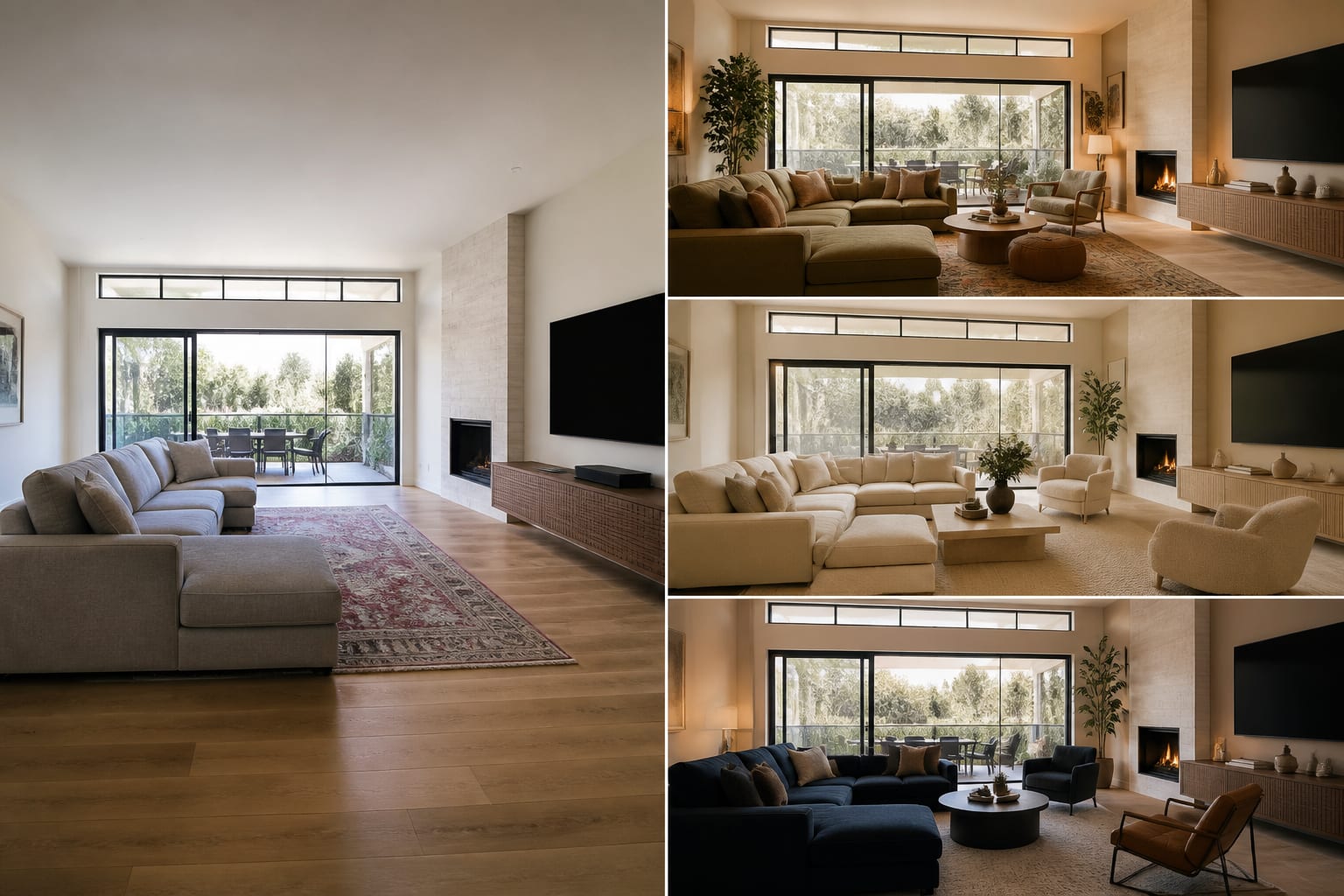
A grounded prompt might read: "Redesign this open living and dining area while keeping the oak floors, white ceiling, 84" beige sofa, black dining table, existing window wall, and rental light locations. Create a warm contemporary direction with a 9' x 12' rug, two 28" table lamps, linen curtains hung 8" above the trim, closed storage near the entry, 2700k lighting, and a 36" path from the front door to the kitchen. Show one calm neutral version, one richer color version, and one lower-budget version with no construction."
That prompt protects what can't change, names the direction with materials and measurements, and compares options without spawning ten unrelated fantasies.
What Final Checks Turn a Render Into a Real Plan?
A render answers "Do I like this direction?" It can't answer "Will this fit, last, install, or pass inspection?"
- Tape the large footprints on the floor: sofa, bed, rug, dining table, island, or storage cabinet.
- Walk the paths with a laundry basket or a pulled-out dining chair.
- Order paint and fabric samples and view them in morning and evening light.
- Check product dimensions against wall width, doorway width, ceiling height, and outlet positions.
- Bring renovation concepts to a contractor, electrician, plumber, or cabinetmaker before assuming they're buildable.
The right expectation: AI visualization should make your next decision clearer, not make every decision for you.
Frequently Asked Questions
How accurate is AI room visualization for real furniture dimensions?
It's not reliable for exact dimensions. Renders can shrink or stretch sofas, tables, and islands slightly, so always confirm real measurements against your room's doorway width, ceiling height, and wall space before ordering.
Can AI room design show true lighting conditions?
No. AI tends to flatter rooms with soft, even light that ignores your actual bulb temperature and window direction. Test paint and fabric samples in your real morning and evening light rather than trusting the render's glow.
Why does my AI render look different from the finished room?
The gap usually comes from cropped photos, vague style prompts, or missing constraints like existing furniture and fixed architecture. Uploading a wide daylight photo and naming exact measurements closes most of the gap.
Is AI room visualization useful for renovation planning?
Yes, for direction and layout ideas, but not for construction feasibility. Use it to compare style and furniture placement, then confirm plumbing, wiring, and structural details with a contractor before committing.
What should I include in a prompt for a more accurate result?
Include fixed elements you're keeping, real dimensions like sofa length or ceiling height, desired light temperature in Kelvin, and required clearances such as a 36" walking path, so the tool designs around your actual room.