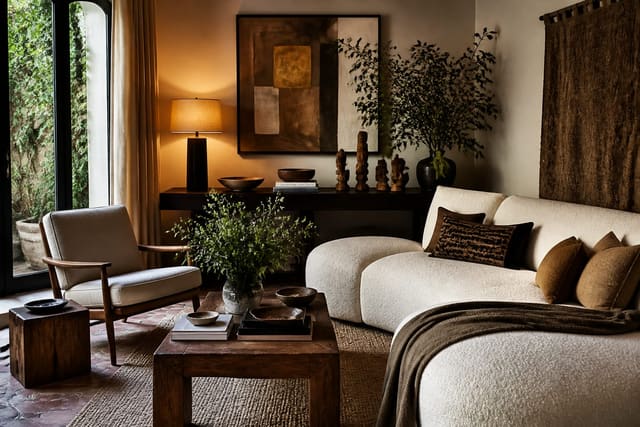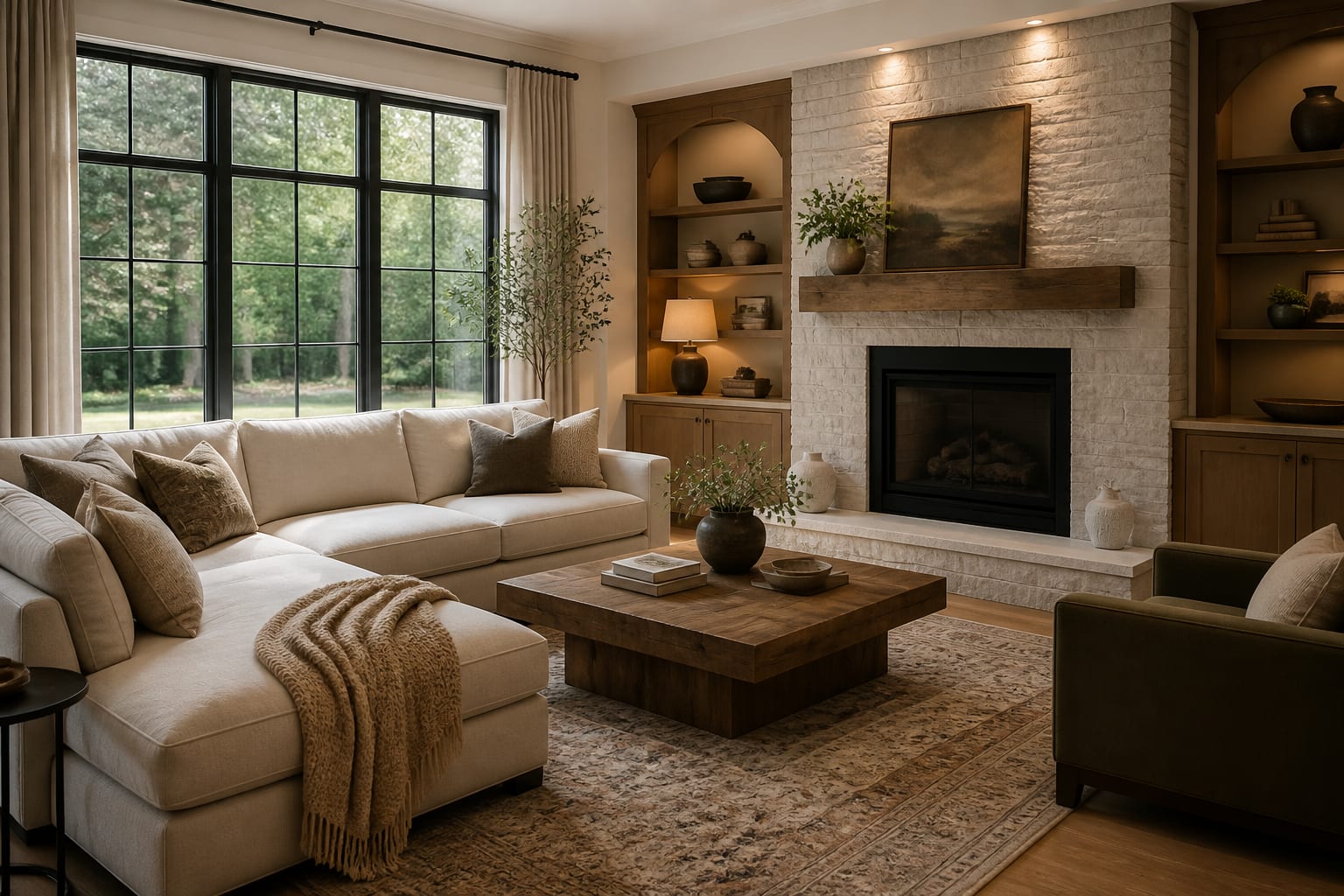
To prompt AI room design well, give the tool a clear photo, the room's function, fixed elements that must stay, real measurements, a specific style direction, and the exact changes you want to see. Vague prompts like "modern cozy living room" produce vague results because the AI has no real constraints to work from.
What Should You Tell an AI Room Design Tool First?
Start with the room's job before naming a style: family living room, renter bedroom, open-plan dining area, or small entry needing shoe storage. Then name the anchors the tool must respect, such as a fireplace, radiator, window wall, sloped ceiling, or 84-inch sofa, so it doesn't vanish unless you're asking for a full gut-renovation concept.
State real numbers: an 11' x 14' room, an 8' ceiling, or a 36" clear walkway from door to sofa. These constraints work because they mirror what a human designer would measure on site.
If you don't know your style yet, run a quick style audit first so your prompt words describe an actual direction rather than a shopping mood.
What Belongs in a Complete AI Room Prompt?
Write the prompt like a compact design brief, not a paragraph of adjectives.
- Room and users. Name the room's daily job and who uses it: two adults, a toddler, a dog, or a renter who can't drill into tile.
- Fixed elements. List what must stay, such as "keep the brick fireplace, oak floor, north-facing windows, and 90-inch sectional," then ask for new paint, rug, or furniture placement around them.
- Real dimensions. Add sofa length, rug size, ceiling height, wall width, or the 36" clearance a walking path needs.
- Lighting condition. Note whether the room is bright and south-facing or narrow and north-facing, and specify bulb temperature, such as 2700K for cozy rooms or 3000K for task areas.
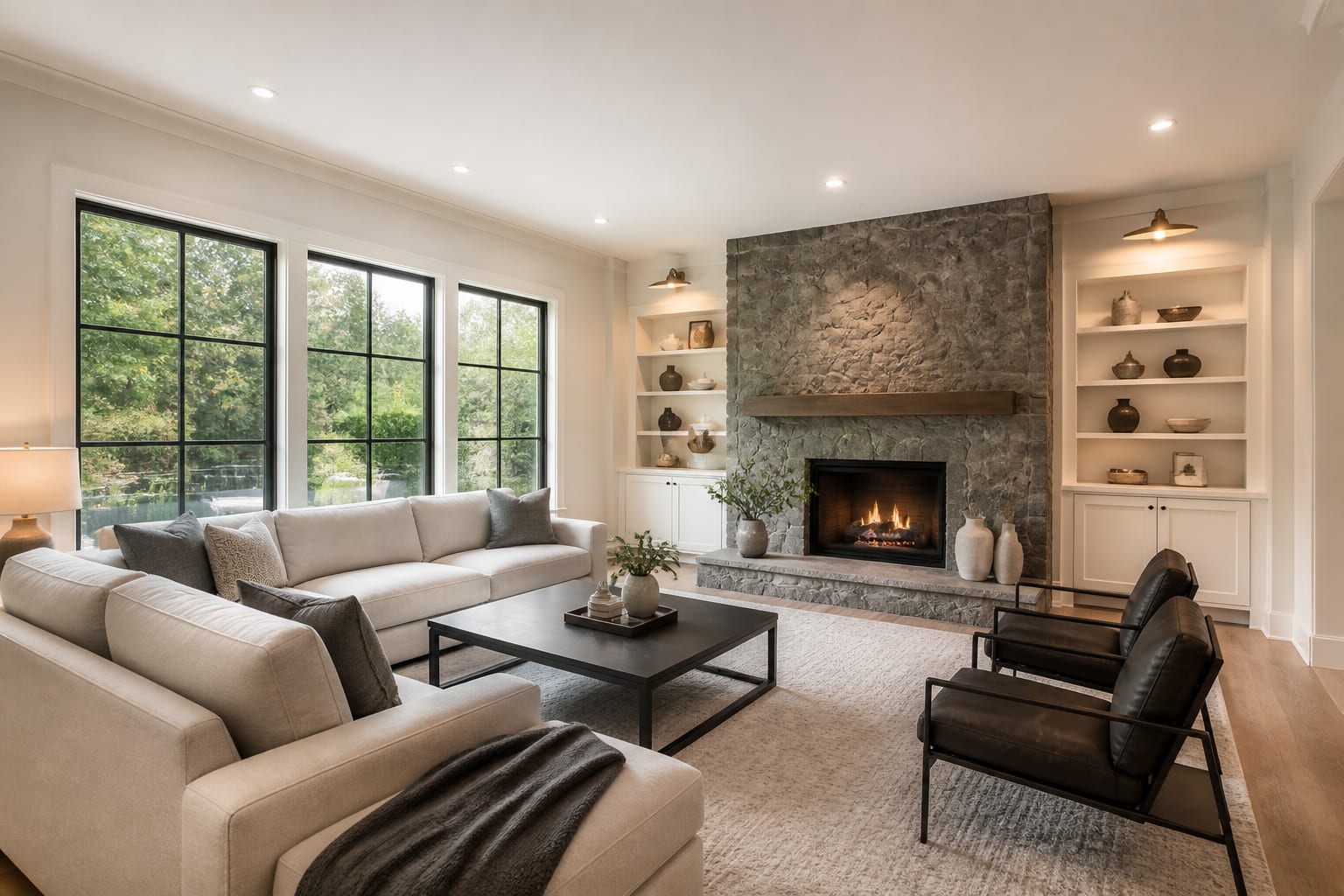
- Style through materials. Say "warm minimal, white oak, boucle texture, matte black accents, no glossy marble" instead of just "luxury."
- Budget lane. Clarify "no construction, keep flooring, budget furniture swaps only" versus "full renovation concept allowed."
This framework works because it gives the model boundaries. The more a prompt names the room's real limits, the less the result drifts into a generic showroom.

How Do You Describe Style Without Trapping the Tool?
Style words only work when translated into visible choices. "Scandinavian" can mean pale wood, white walls, thin black accents, and wool texture; "traditional" can mean skirted upholstery, pleated drapery, and antique brass. Write the ingredients, not just the label, for better AI interior prompts.
A mood board separates what you actually like from what the algorithm assumes a label means. If your references share linen sofas, mushroom paint, and aged brass, put those words in the prompt; a structured mood board for interior design builds that vocabulary.
Keep the style line to three or four cues, not twelve competing ones. For example: "warm contemporary with walnut, cream upholstery, sculptural black lighting; avoid gray floors, mirrored furniture, and blue accents."
What Mistakes Ruin AI Room Design Prompts?
Most weak outputs hide the room's real problem behind a polished image.
- Style before layout. If a sofa blocks a door or chairs lack 36" of pullout space, fix circulation before requesting a palette.
- Cropped photos. Show the full wall-to-wall condition, including door swings and neighboring openings, even if it's less flattering.
- Hidden ugly items. Include the radiator, litter box, or bulky recliner if the design needs to work around it.
- Emotional-only words. Translate "calm" or "expensive" into specifics: an 8' x 10' rug, two 28" lamps, warm white walls, linen drapery.
- Changing everything at once. Revise layout, then palette, then furniture style, then lighting, one variable per pass.
Treat AI images as direction, not a shopping list. Verify any suggested 72-inch console or round dining table against your actual room before buying.
How Should You Use and Refine AI Previews?
Upload the clearest daylight photo, then paste a prompt naming the room, fixed items, measurements, style, and required changes. Example: "Redesign this 12' x 15' living room for a renter. Keep the beige sofa, wood floor, and white walls. Add a 9' x 12' rug, closed toy storage, black floor lamp, and a 36" path to the balcony. Avoid construction, gray furniture, and open shelving."
Run three versions with different priorities: maximum seating, calmest mood, and smallest budget. A design mood board keeps these versions aligned instead of starting over each time.
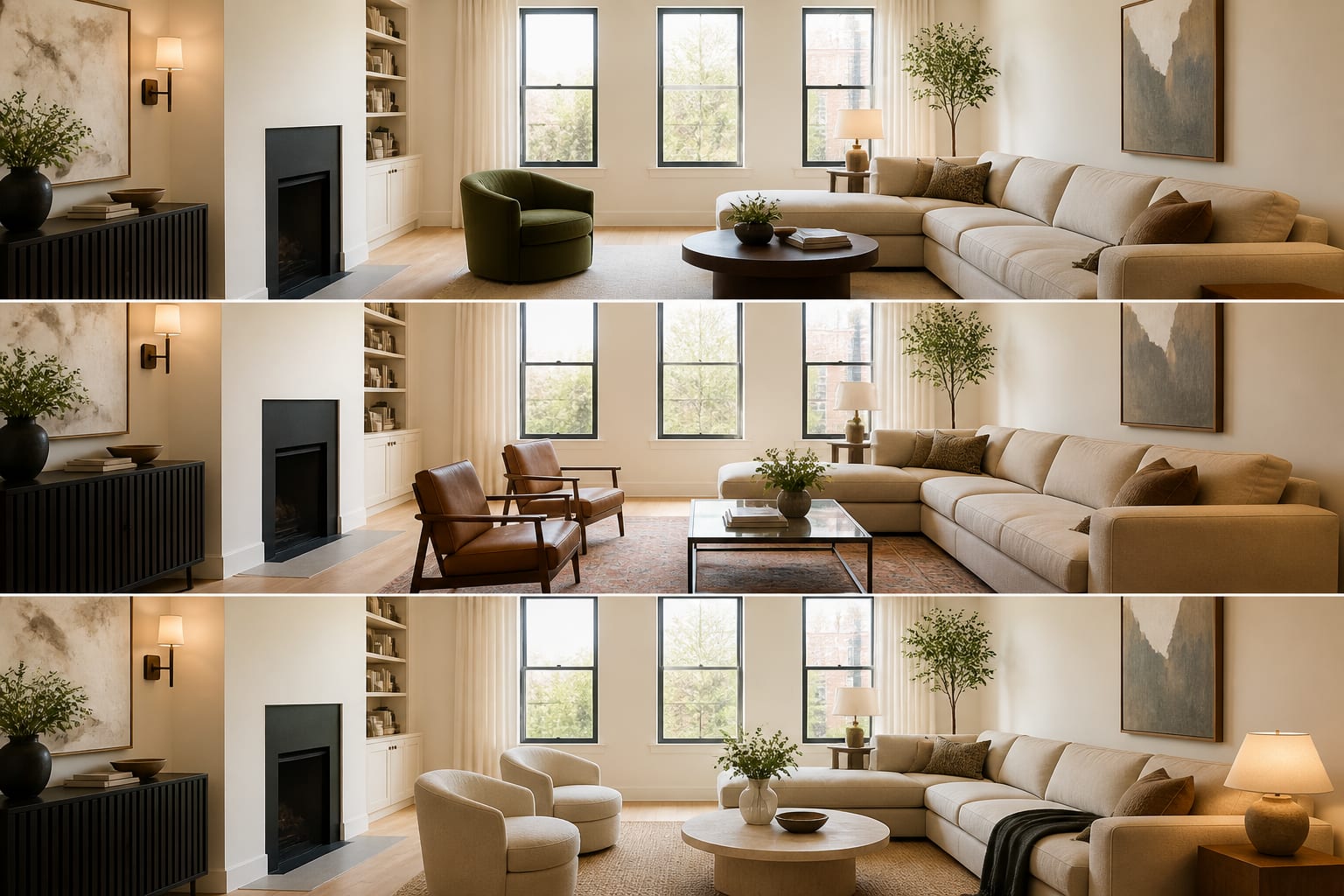
The first preview should create direction; the second should create decisions. Check whether curtains cover a radiator, a bench blocks a walkway, or a pendant floats where there's no junction box. Fix these with concrete edits: "keep the sofa at 90 inches," "use a 24-inch-deep console," or "show battery sconces because this is a rental."
AI can show you palette, layout, and mood quickly, but a tape measure, samples, and your landlord or contractor decide what's actually buildable.
Frequently Asked Questions
What is the most important thing to include in an AI room design prompt?
The room's function and fixed elements matter most. Naming what stays, such as a fireplace, flooring, windows, or key furniture, before requesting a style keeps the AI from erasing things you need and grounds the result in your actual space.
How specific should measurements be in an AI prompt?
Include any dimension that affects the decision: room size, ceiling height, sofa length, rug size, and clearances like a 36-inch walkway. These numbers keep the AI's scale realistic instead of producing a showroom that wouldn't fit your room.
Can I use AI room design for a rental?
Yes. State "no construction" or "renter-friendly" and list restrictions like no drilling or no paint changes. Ask for battery sconces, removable wallpaper, or furniture-based solutions instead of built-ins or fixed lighting changes.
How many AI design variations should I generate?
Request two to three versions with different priorities, such as maximum seating, calmest mood, or smallest budget. Comparing variations shows which trade-offs matter most instead of judging a single image in isolation.
Should I trust the furniture sizes shown in an AI preview?
No, verify them yourself. AI previews can suggest a console, table, or rug size that looks right but doesn't match real-world dimensions. Always measure your room and the actual product before purchasing anything shown in the render.