AI bathroom design from one photo works best when the app keeps the plumbing wall, window, and tub/shower position fixed while previewing finishes — wall tile, vanity color, mirror size, light fixtures, and paint — so you test a renovation on screen for free instead of guessing through a $25,000 remodel. Bathrooms reward AI design more than any other room. A bathroom remodel is the second most expensive renovation in most homes — and the second most likely to disappoint, because the materials interact in ways that are nearly impossible to picture from a sample chip. My opinion is blunt: the right AI bathroom design app is not the one with the prettiest renders, it is the one that lets you upload your actual bathroom and test specific tile, vanity, and lighting combinations against the fixed pieces you cannot change. Anything else is mood-boarding with extra steps.
What is the best AI app for bathroom design?
The best AI app for bathroom design is the one that accepts a photo of your real bathroom, respects the fixed plumbing locations, and lets you test specific tile, vanity, fixture, and lighting choices on top of that photo instead of generating a new room. The strongest apps in the current market — including Re-Design — work from real photos, support targeted prompts ("change the floor tile to a 12x24 matte porcelain"), and produce side-by-side previews you can save and share. Free apps that only generate stylized renders are useful for inspiration; they are not useful for buying. Pick a tool that gets you closer to a contractor-ready decision, not closer to a Pinterest board.
What AI bathroom design actually does well
The clearest wins are in the decisions that cost real money and are hardest to reverse. Tile, vanity finishes, mirror sizing, lighting placement, and paint colors all interact, and AI is excellent at showing those interactions before you commit.
- Floor tile preview. A 12 by 24 inch matte porcelain reads completely different from a 4 by 4 hex, and both read different again under warm versus cool light. Test three tile options in your real room before ordering samples — most disappointing remodels are tile decisions that looked great in the showroom and wrong on the floor.
- Vanity color and counter material check. A walnut vanity with a white quartz top looks calm in one photo and heavy in another, depending on wall color and tile undertone. The AI preview lets you see the same vanity against your actual wall color, with your actual mirror, before paying for delivery.
- Sconce-versus-overhead lighting test. The difference between one overhead can-light and a pair of 60-inch-mounted sconces flanking the mirror is dramatic and impossible to see from a fixture catalog. The geometry in the bathroom mirror lighting guide translates directly into prompt language.
- Color palette across daylight conditions. Run versions in cool gray, warm white, soft greige, and a saturated accent wall. The version that holds across morning, noon, and night light is the right one. If the bathroom has no window, treat that with the moves in brighten a windowless bathroom first.
Smaller bathroom-finish moves AI handles well
- Grout color contrast — a high-contrast dark grout reads modern; a tone-matched grout reads calm.
- Mirror size and shape — a single oversize mirror almost always beats two small mirrors in a shared vanity.
- Towel-bar finish coordination with the faucet, hardware, and sconce — the room calms when all four match.
- Niche placement — vertical niche on the back wall versus horizontal niche above the tub, previewed in your real tile.
Test this on your own room photo with ReDesign before you choose the final direction; keep the doorway, walls, windows, main furniture, lighting, and awkward fixed features visible so the preview solves the room you actually have.
What AI bathroom design does badly
The render is not a contract, and bathrooms are the room where the hallucinations cost the most. Treat the preview as a styling demonstration and verify the constraint pieces offline.
- Plumbing is where AI hallucinates most. Drains move, supply lines disappear, and toilets relocate themselves to a new wall — none of which is actually possible without a $4,000–$8,000 rough-in change. If the preview shows the toilet on a new wall, ignore that change.
- Scale is the second weakness. AI may shrink a 60-inch double vanity to look like a 36-inch single, or stretch a standard tub into a freestanding 72-incher that does not fit your room. Verify dimensions against the actual product spec sheet before purchasing.
- Niches, grab bars, and accessibility hardware tend to be invented or removed. Lock these into the prompt explicitly and re-run if the preview removes them.
- Grout color is wildly inconsistent. Two renders of the same tile may show three different grout colors. Make grout a separate decision — confirm with a real grout sample on a real tile board.
- Camera angle matters more in bathrooms than in any other room. Take the picture from the doorway at chest height; avoid wide-angle phone modes that distort the proportions.
How to use Re-Design for a bathroom preview
For bathrooms, the prompting pattern matters more than for living rooms. Be specific about what stays, what changes, and which constraints are fixed.
Example prompt: "Keep the existing toilet, the tub footprint, the window location, and the door. Replace the floor tile with 12 by 24 inch matte porcelain in a warm gray. Replace the vanity with a 48 inch walnut single vanity with a white quartz top. Add two wall sconces at 64 inches above the floor, 32 inches apart, flanking the mirror. Repaint the walls in warm white. Keep the existing trim color."
Save the best version, screenshot any details that matter (tile direction, sconce height, mirror size), and walk those into the showroom. The render becomes a shopping list, not a fantasy. If the bathroom is small to start with, the strategies in small bathroom tile choices pair well with an AI preview — test the rules in your actual photo rather than trusting them abstractly.
Common AI bathroom design mistakes
- Treating renders as floor plans and assuming plumbing relocations are free.
- Skipping dimension verification and ordering a vanity that doesn't fit.
- Letting the AI choose tile size — tile scale is the single biggest perception lever and deserves explicit prompting.
- Ignoring grout color in the render and being surprised by it on install day.
- Running only one version per question — comparisons are how AI design earns its keep.
- Photographing the bathroom in wide-angle phone mode and getting a distorted preview.
- Designing in cool light when the room actually runs on warm bulbs, or vice versa.
Use AI design to preview your bathroom before you buy
Bathrooms are unforgiving — a wrong tile choice lives on your floor for fifteen years. Run two or three serious previews before any sample order. Lock the plumbing, lock the dimensions, change one variable at a time, and use the comparison to make a confident decision. The render is not the bathroom. The render is the shortcut to knowing which bathroom to actually buy.
Frequently Asked Questions
Can AI design a bathroom from one photo?
Yes — upload a wide-angle photo from the doorway and ask the AI to keep the vanity position, plumbing wall, tub or shower, and window fixed while testing tile, paint, mirror, fixtures, and lighting changes. Use the room photo to compare the visible layout and fixed constraints before committing, because door swings, windows, outlets, storage reach, circulation, and existing furniture decide whether the idea survives daily use.
What AI features matter most for bathroom design?
Locked-architecture editing (the AI does not move plumbing or windows), tile-pattern preview, fixture and finish swap, and color-temperature lighting preview matter more than gimmick features like 3D walk-through or photorealistic furniture rendering. Keep the preview honest by leaving the problem area visible in the frame, then compare one conservative version against one bolder version before you buy lighting, paint, furniture, or storage.
How accurate is AI bathroom design to real-world cost?
AI predicts the look but not the cost — pair the AI preview with a contractor estimate before committing; AI is for direction, not budget. Check the result against ordinary movement first: drawer clearance, chair pullout, walkway width, glare, switch access, and sightlines matter more than a perfect catalog angle.
Can AI suggest bathroom layouts for renovation?
Yes when the existing plumbing constraints are documented in the prompt (toilet stack, drain locations, vent stack) — AI generates layout options inside those constraints; without them, the AI proposes layouts that double the renovation cost. Use the image to narrow priorities and measurements before ordering anything custom; final purchases still need real dimensions, outlet locations, installation limits, and product clearances.
What is the biggest mistake when using AI for bathroom design?
Treating the AI render as a final spec — AI hallucinates fixtures and finishes that do not exist, and tile patterns that scale incorrectly; use the render as direction, then source real products and confirm dimensions before purchase. If the preview invents architecture or hides the awkward feature you need solved, rerun it with stricter instructions so the result remains tied to your actual room.
> Try this: Ready to see this on your own room? Open ReDesign and run the preview.
Three transformations to try
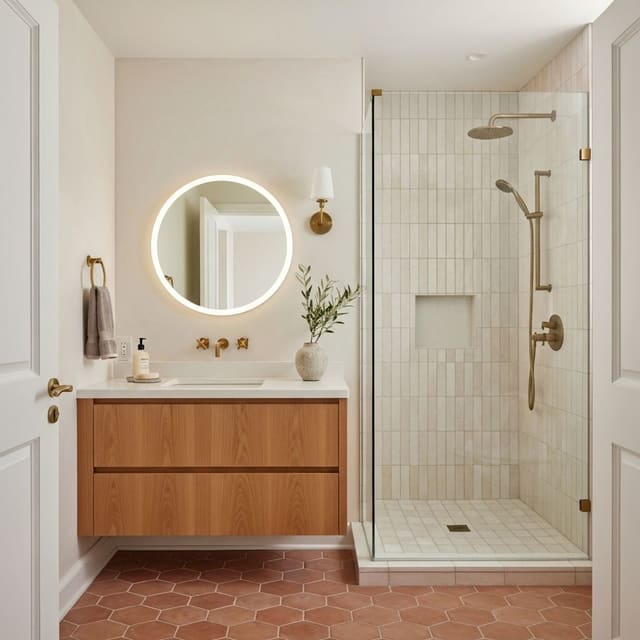
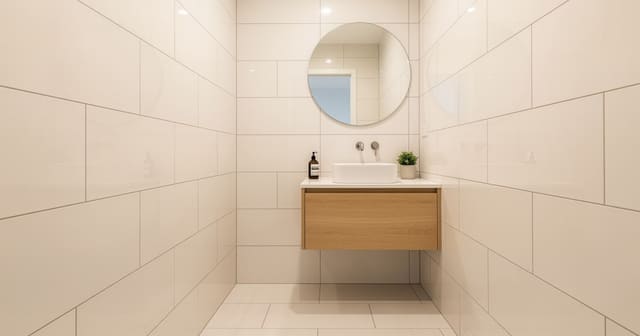
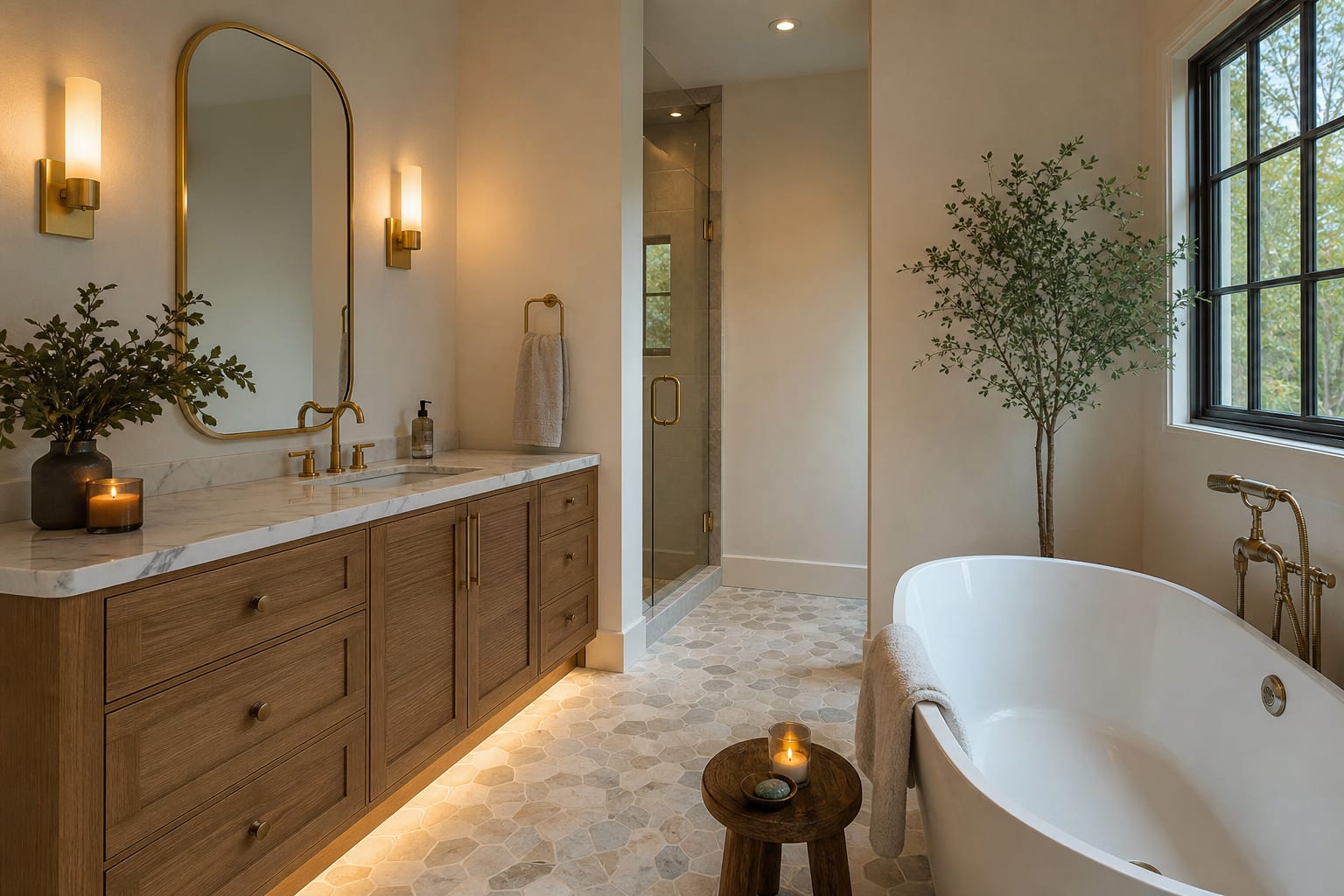
1. AI tile preview on existing shower wall 2. AI vanity color and mirror swap 3. AI lighting fixture and color-temp preview