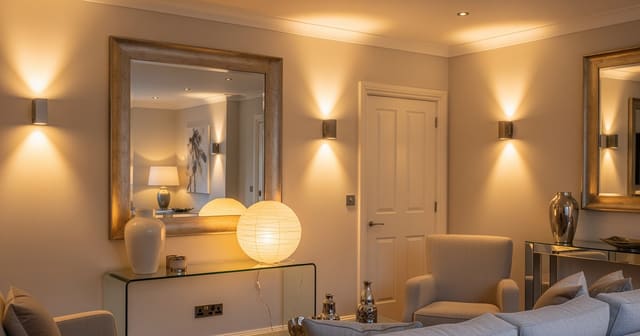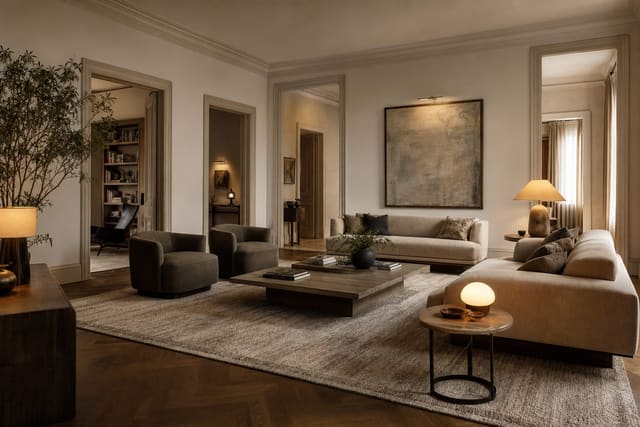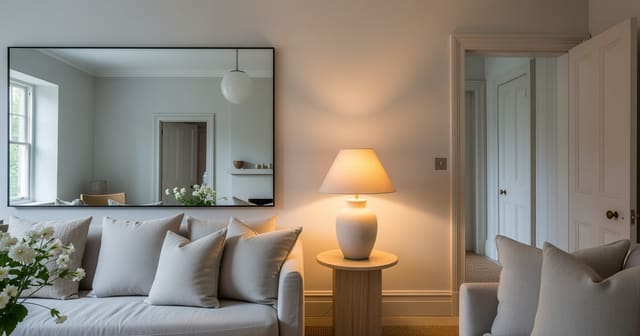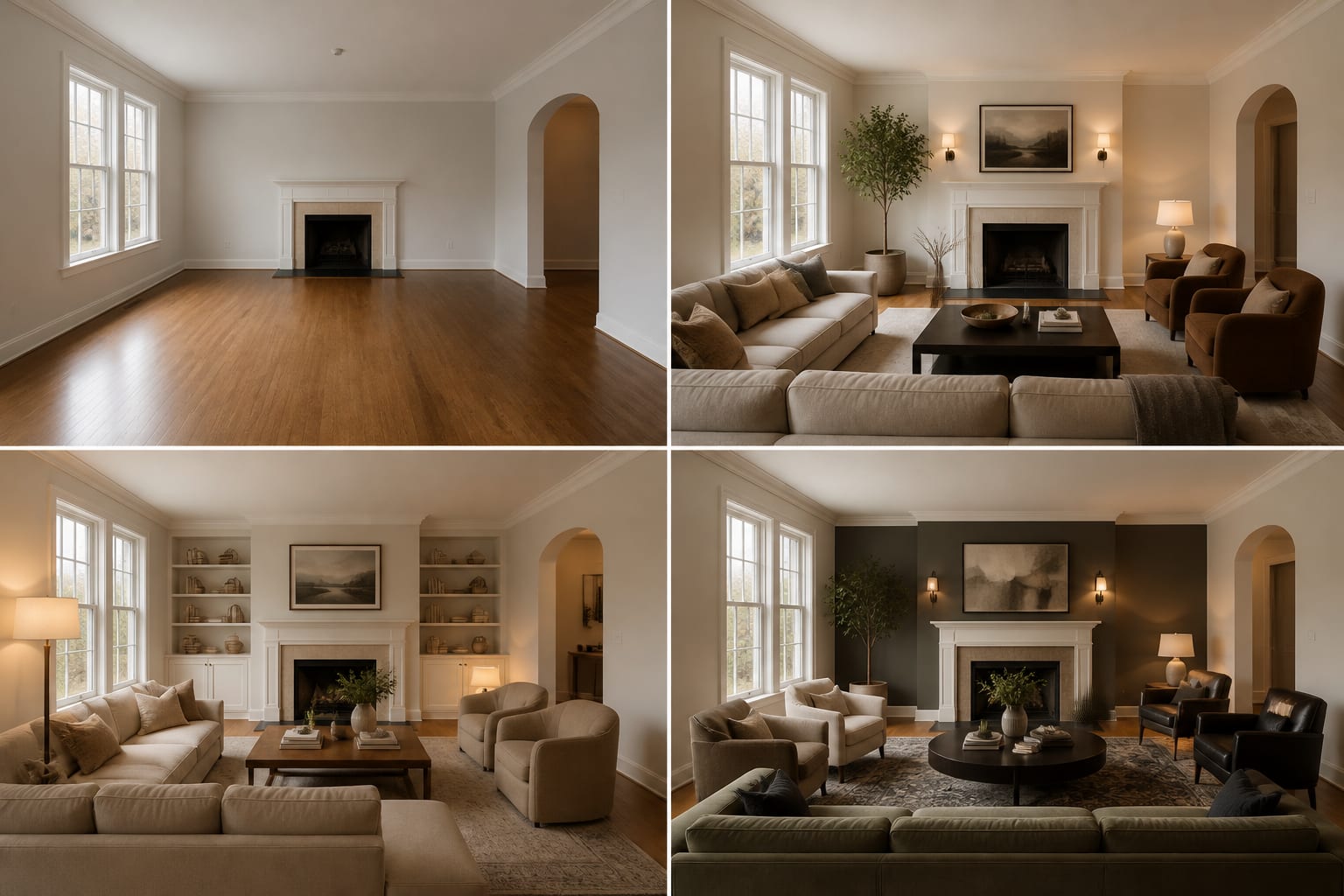
To run an AI room before after design test, photograph the room from a fixed angle, save that image untouched as your baseline, generate two to three targeted redesign options, and compare each one against the original using the same layout, light, scale, and cost criteria. The before photo matters more than the after image, since a weak baseline makes every redesign look better than it is.
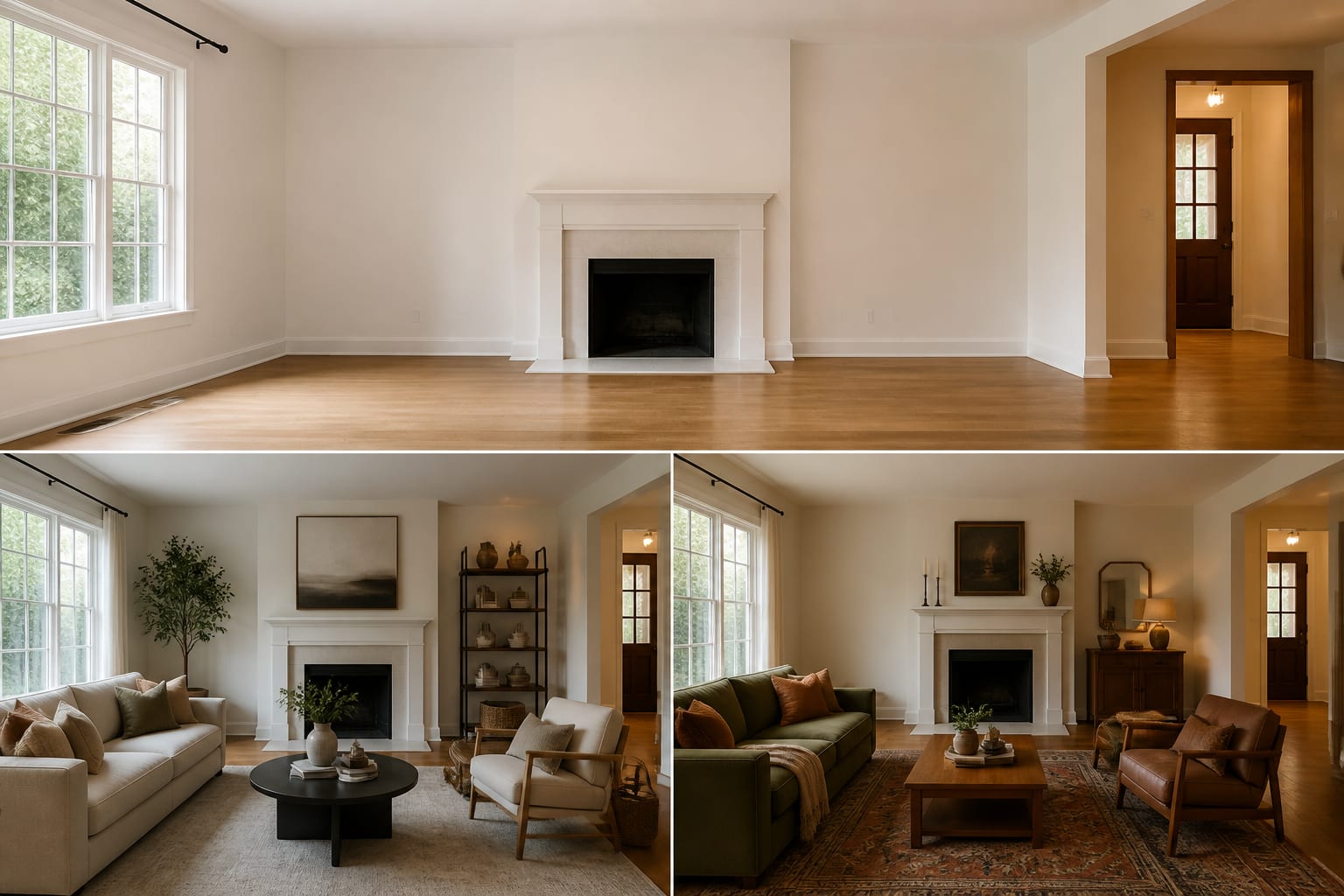
How do you set up the before photo?
Pick one problem, not a whole-room fantasy: does the living room need a bigger rug, should the bedroom go darker, can the office feel brighter without new windows? If the room just reads flat and gloomy, try the fixes in making fake natural light feel believable before asking AI for another pale sofa.
Shoot from standing height, about 48–60 inches off the floor, from a repeatable position. A corner or doorway view works best because it shows both walls, the floor plane, the ceiling line, and the main furniture. Save the untouched photo in its own folder before you crop, edit, or upload anything.
What should stay identical between the before and after?
If the AI changes the floor, widens a window, deletes a doorway, or turns an 8-foot ceiling into a loft, the image may look better but the test has failed. Keep the room's real limits visible so the preview has to solve the actual space.
- Camera angle: stand on the same spot and keep vertical lines straight; if an option only looks good from a different angle, it's hiding scale problems.
- Permanent materials: flooring, trim, tile, brick, and cabinet stain decide whether new colors and furniture actually belong.
- Constraints in the prompt: state "rental, no wall paint, keep the gray sofa, keep the 84-inch console" before asking for style. For rooms with broken circulation, see fixing a room with too many doorways before adding storage to the only usable path.
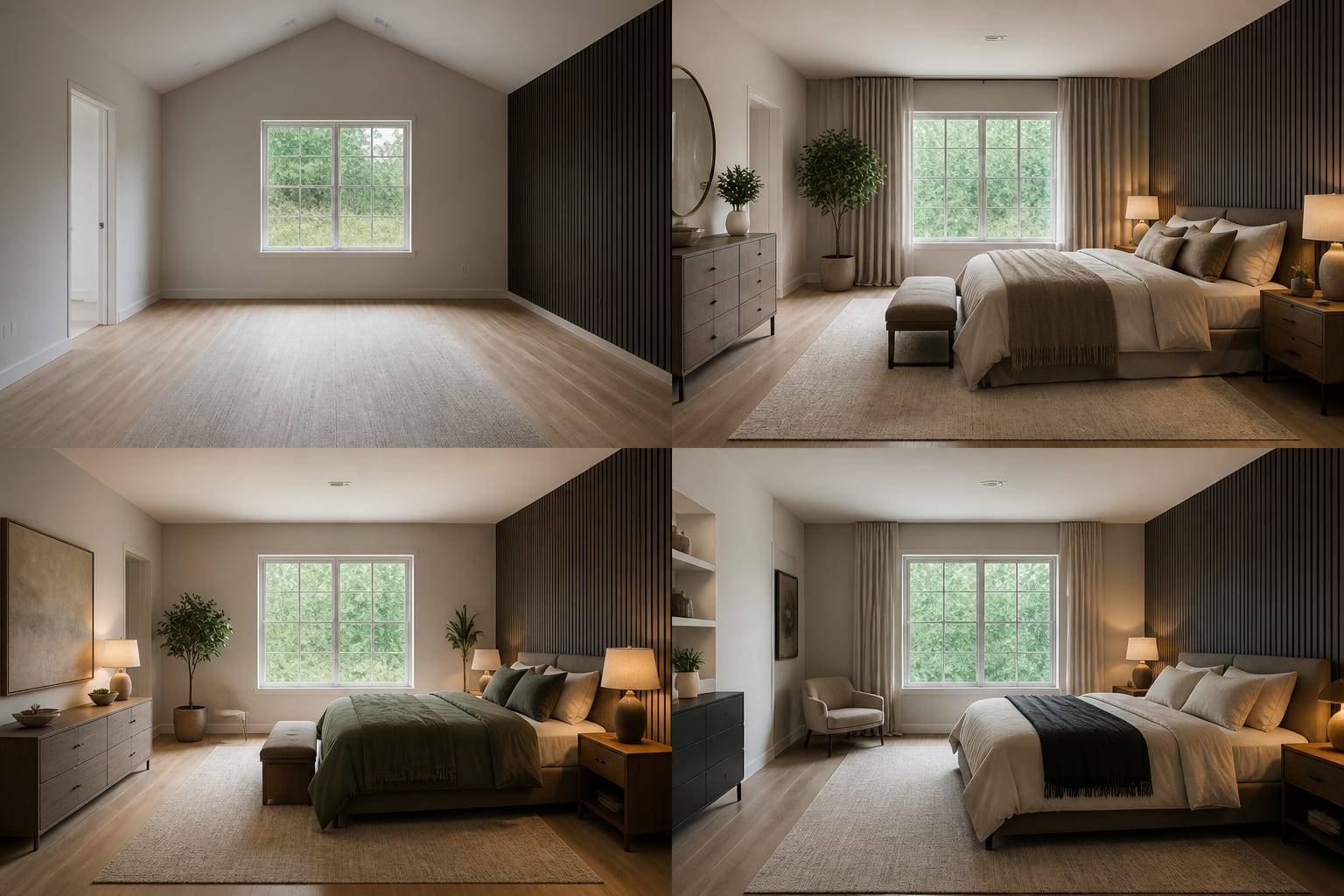
How do you build a comparison board that tells the truth?
Put the original image first, then place each AI option at the same size, labeled by the decision it tests: warmer palette, better layout, more storage, brighter light. Then run a short scoring pass:
- Circulation before style. Main walkways need about 30–36 inches; check that doors, drawers, and chair legs still clear that space.
- Furniture scale. Write real dimensions beside each image, such as a 96-inch sofa, 9x12 rug, 36-inch coffee table, or 24-inch nightstand, and tape them out later.
- Honest light. Living rooms and bedrooms usually feel warmer with bulbs at 2700K–3000K; confirm the preview shows real lamp locations, not just brighter surfaces.
- What got removed. If the after image quietly drops the ceiling fan, radiator, pet bed, or printer, add it back into the next prompt.
- The next action. The winning image should tell you what to buy or test next, whether that's paint samples, a taped rug outline, or a mirror placement.
Mirrors deserve extra scrutiny here. A mirror reflecting a blank wall is decoration, not a light strategy; apply the placement rules from using mirrors to amplify light so it aims at a window, lamp, or long sightline.
What mistakes distort an AI room comparison?
The biggest mistake is pitting a bright, styled after image against a dark, cluttered before photo. That compares photography, not design.
| Mistake | Why it fails | Fix |
|---|---|---|
| Changing too many variables | You can't tell what helped | Test one decision per comparison |
| Using different crops | A wider shot can fake more space | Keep floor edges and doorways visible in both |
| Ignoring budget | AI adds built-ins and new wiring freely | State limits like "under $750, freestanding only" |
| Trusting the first attractive option | It may hide a rule violation | Revise the prompt around any failure before judging style |
A second mistake is saving every version generated. Keep the original, the best two or three afters, and the prompt behind each one; a folder of 30 images clouds the decision instead of clarifying it.
How do you use AI design to preview changes before committing?
Upload the baseline photo and write a narrow prompt asking for versions that keep the same architecture while changing only the one decision you're studying. A bedroom test might compare warm white walls and darker nightstands while keeping the queen bed and existing floor. A living room test might compare an 8x10 rug against a 9x12, or test two table lamps plus a floor lamp against flat overhead light.
Write prompts like a brief, not a mood board: "Use this same 11x14 foot living room, keep the oak floor, white trim, gray sofa, and black TV. Test a warmer design with a 9x12 rug, walnut storage, linen curtains mounted 6 inches above the casing, two shaded lamps, and a 32-inch clear path to the hallway." That gives the tool a room, a style lane, and guardrails.
Treat the result as a rehearsal, not permission to buy: tape the layout on the floor, hold sample sheets against the wall, and check product dimensions against doorways.
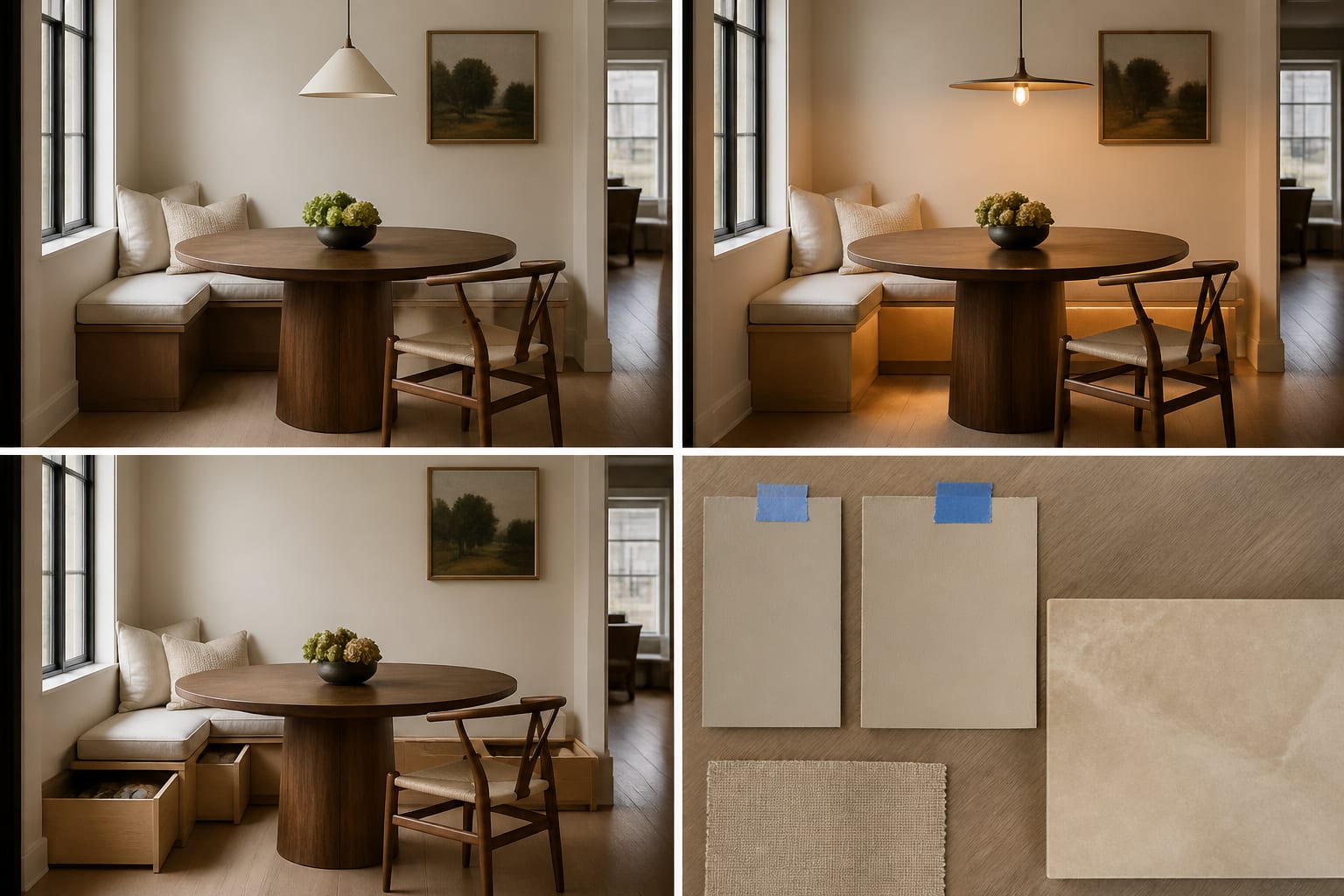
When is the test convincing enough to act on?
The test is convincing when the same idea survives three checks: the image looks better, the measurements still work, and the next purchase is obvious. If the winning image depends on vague charm alone, keep testing.
Write the result as one plain sentence, such as: "Keep the sofa, add a 9x12 rug, use a 36-inch round coffee table, hang curtains close to the ceiling, add two 2700K lamps, and paint the walls warm white." If you can write that sentence, verify the biggest risks first: tape the footprint, check drawers and doors against it, and hold paint samples up in both morning and evening light.
A good before-and-after test should make you more decisive, not more dazzled. The right after image tells you exactly what to measure, sample, move, or skip.
Frequently Asked Questions
How many AI redesign options should I generate per test?
Generate two to three options per test, each testing one specific decision such as palette, layout, or lighting. More versions make comparison harder, not easier, because you lose track of which single change produced the improvement you liked.
Why does the before photo matter more than the after image?
Because a dark, cluttered, or crooked baseline makes any styled AI image look like a dramatic improvement even if the actual design choices are weak. A clean, well-lit, properly framed before photo forces the after image to win on design merit alone.
Should the AI change the room's architecture in the after image?
No. If the preview alters the floor, window size, ceiling height, or doorways, it has stopped testing your real room. Keep permanent materials and the camera angle identical so only furniture, color, and lighting decisions are being evaluated.
What measurements should I check before trusting an AI comparison?
Check walkway width (30–36 inches), furniture dimensions like rug and sofa size, and lamp color temperature (2700K–3000K for warmth). Confirm these against the actual room with tape and samples before buying anything the AI preview suggested.
How do I stop an AI test from ignoring my budget?
State explicit limits in the prompt, such as "under $750" or "paint and textiles only," since AI models default to adding custom built-ins, stone slabs, and new wiring without any cost awareness otherwise.