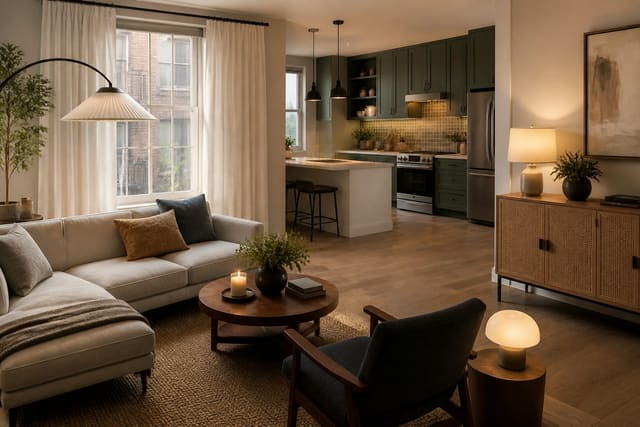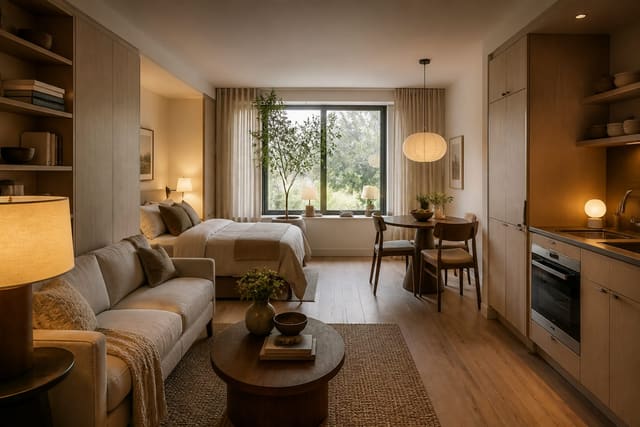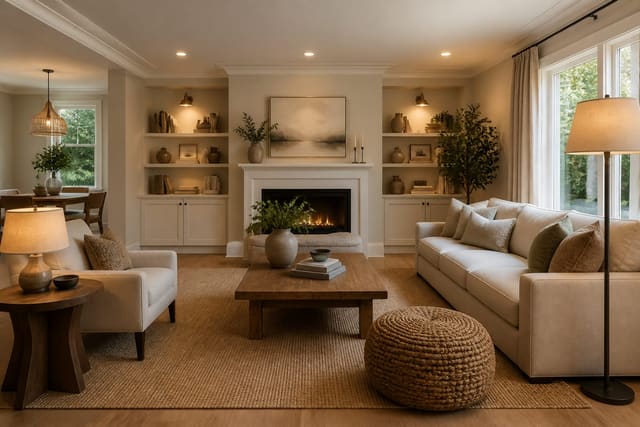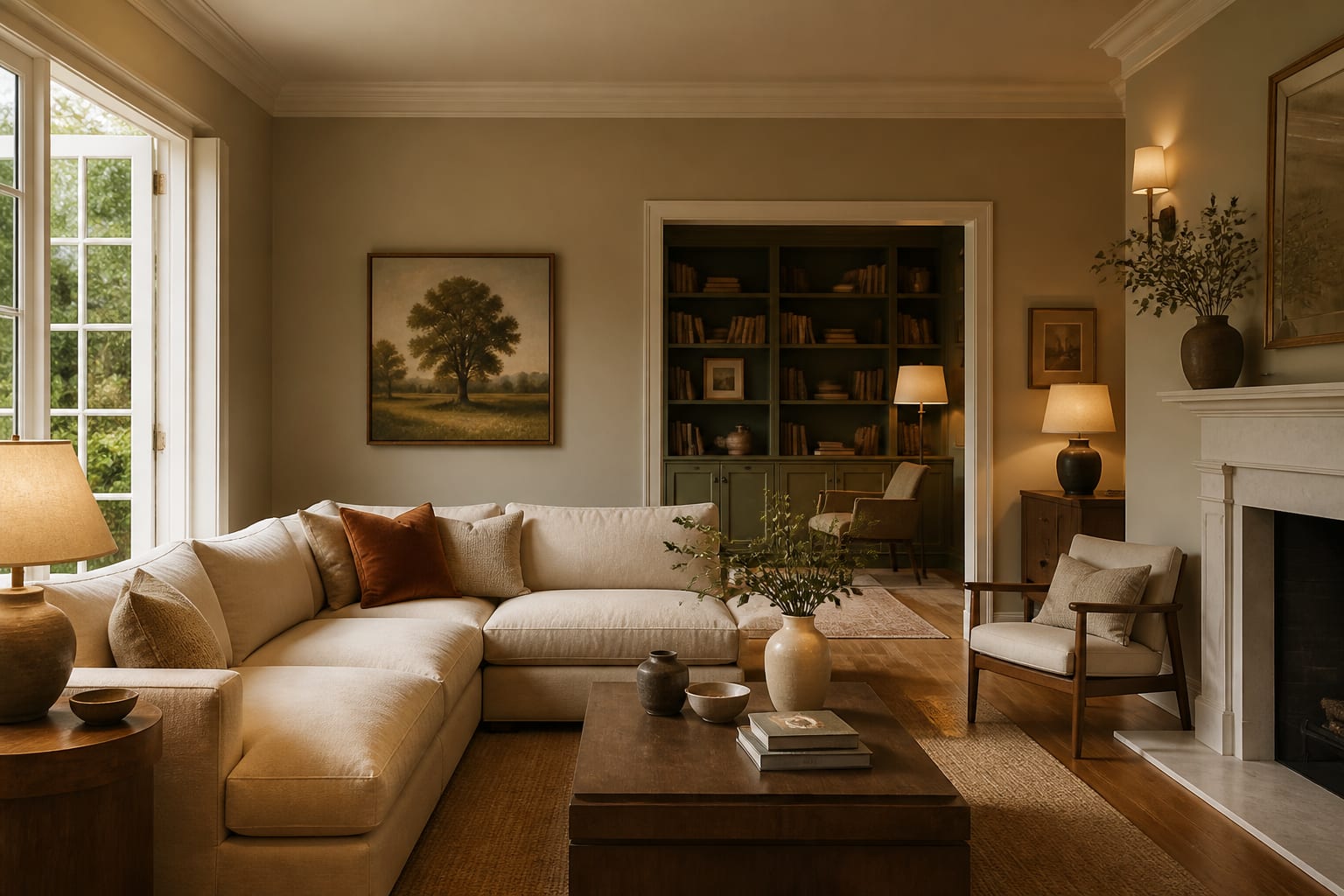
An AI color palette generator room tool reads your actual walls, flooring, trim, and light from a photo, then proposes colors that work with what you already own instead of a fantasy swatch board. It won't replace physical paint samples, but it narrows dozens of options to a short, testable list before you buy anything.
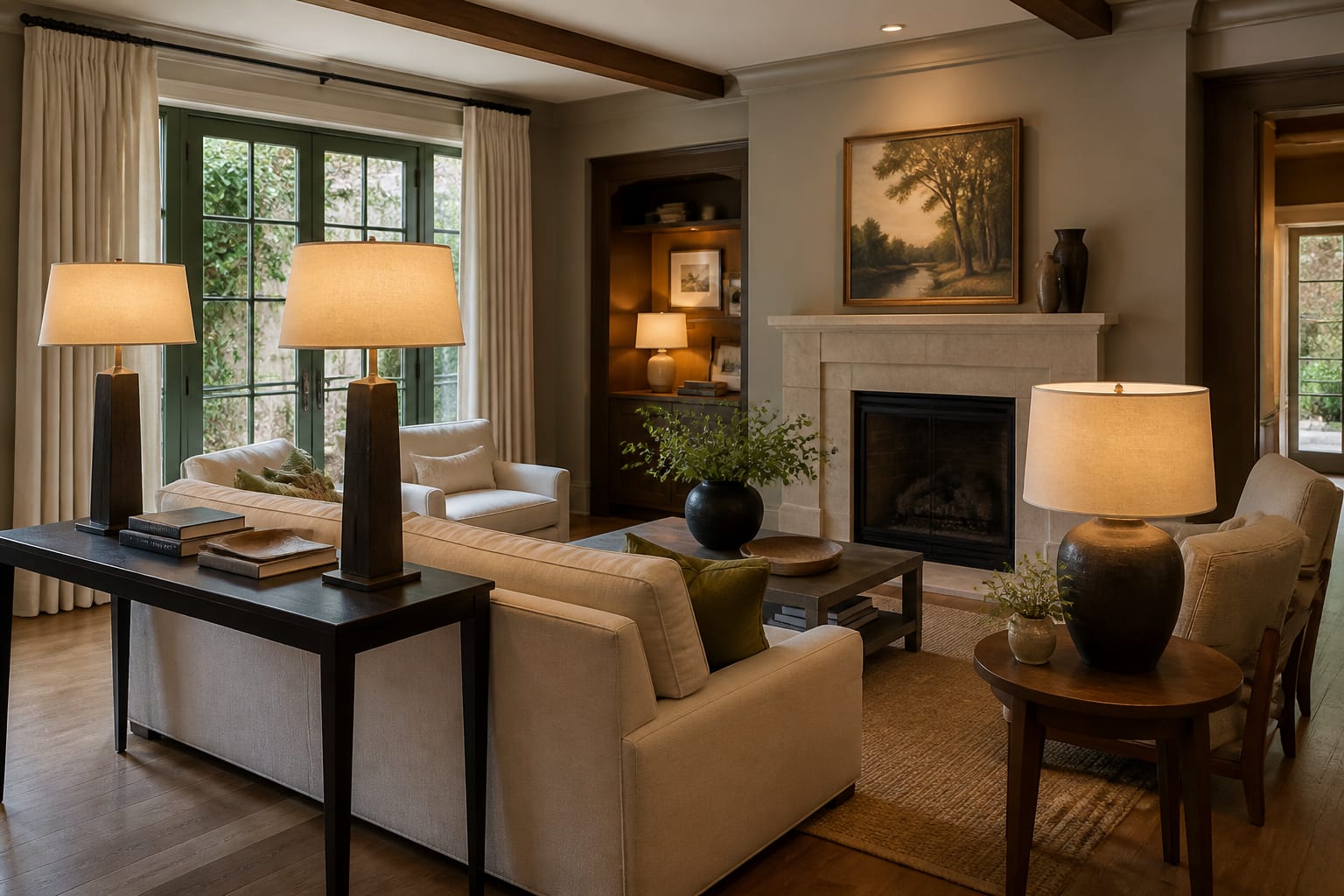
What makes an AI-generated room color palette accurate?
Accuracy depends on the photo, not the algorithm. A shot of the full room, taken in daylight, gives the tool the floor tone, trim color, furniture, and fixed finishes it needs to build a palette that actually belongs there. One flattering corner or a dim evening photo will produce a palette that looks great on screen and wrong on the wall.
Camera exposure, screen brightness, and mixed bulbs all distort color, so treat the output as a comparison tool rather than a paint match. It's useful for testing warm white against mushroom or navy against charcoal before you buy samples. For renters, the palette usually has to work through rugs, curtains, art, and removable accents rather than paint; the constraints in AI room design for rental apartments apply directly here.
The palette decision that makes every other choice easier
The first real decision isn't the wall color, it's the undertone you're agreeing to live with. Honey oak floors, gray vinyl plank, red brick, black window frames, and cream upholstery all push a palette in a direction before paint enters the picture.
Warm oak and cream trim usually fight cool blue-gray walls. Bright white cabinets with black hardware can handle sharper contrast. Taupe carpet often looks better with warm off-white, clay, olive, or muted plum than with stark white that makes the carpet look dingy.
Let the AI preview reveal which finish is bossy. Build around flooring, tile, cabinets, or stone that's staying for years, not a sofa you plan to replace. This matters most in compact rooms, where one wrong undertone repeats across every view; the scale logic in AI interior design for small spaces applies to color just as much as furniture.
A framework for building a room color scheme that survives real life
Give the AI a tight structure so it doesn't return a random mix of beige, sage, brass, terracotta, and blush.
- Choose one fixed anchor first. Use the floor, countertop, fireplace stone, or cabinet color as the nonnegotiable starting point and ask the tool to build around it.
- Limit the palette to five main colors. Aim for roughly 60 percent field color, 30 percent secondary, and 10 percent accent, counting wood and metal in the total.
- Test paint with large samples. A one-inch chip lies in low light; use samples close to 2 by 2 feet next to trim and flooring under daylight and your actual bulbs.
- Keep bulb temperature consistent. Living rooms and bedrooms often read better around 2700K, while kitchens and bathrooms can handle 3000K for task clarity.
- Repeat the accent at least three times. One isolated color looks accidental; a black lamp, frame, and curtain rod make it feel intentional.
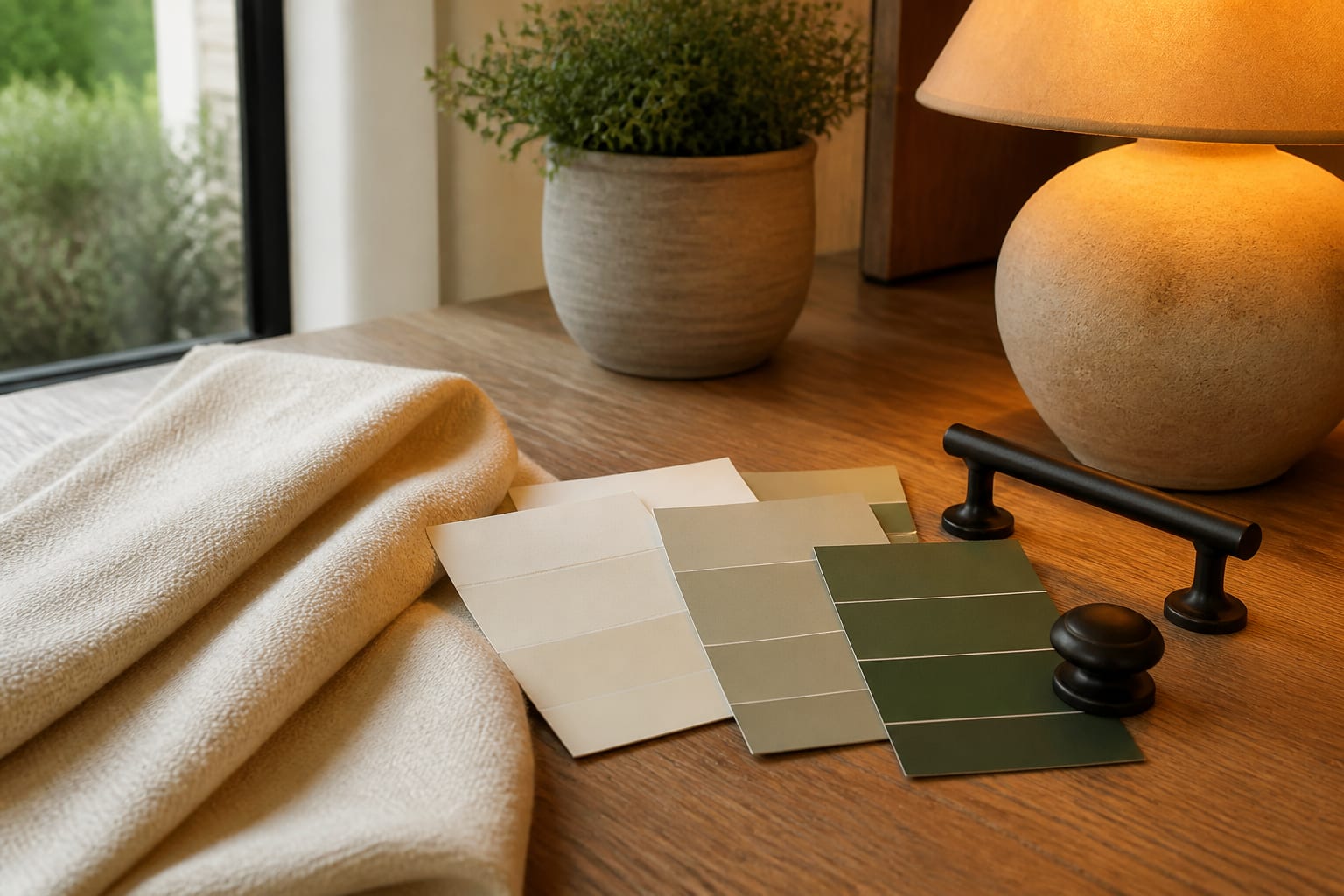
Common room color palette mistakes
- Picking the wall color before reading the floor. Floors cover more visual territory than walls in most seated views, so respond to their undertone instead of pretending they're neutral.
- Stacking too many near-neutrals. Beige, greige, mushroom, and taupe can clash when undertones differ; pick one neutral family and add contrast through wood, black, brass, or a real accent.
- Trusting a palette from a dark photo. Shadows flatten walls and upholstery, so shoot in daylight with lamps off, then run a second version with lamps on for evening mood.
- Copying a resale palette into a lived-in home. Staging discipline from AI design home staging suits a sale, but a home you live in can carry more character.
- Forgetting sheen. Matte hides bumps, satin trim cleans easily, glossy tile reflects more light, and black hardware shows dust and fingerprints faster than lighter finishes.
How do you use AI to preview a room palette before committing?
Upload a straight daylight photo showing the floor, trim, windows, largest furniture, and light sources. Don't crop out the dated tile or sofa you can't replace; those are the exact constraints the palette has to solve.
A grounded prompt: redesign this living room palette while keeping the oak floor, cream sofa, white trim, and black media cabinet. Show a warm neutral scheme with mushroom walls, olive accents, aged brass, linen curtains hung 6 to 8 inches above the trim, and 2700K lamps.
Run three versions: one safe and resale-friendly, one richer and personal, one that keeps cost low by changing only textiles and decor. Compare which fixed finish looks best, which feels calmer, and which would still hold up after a week of shoes, mail, and laundry.
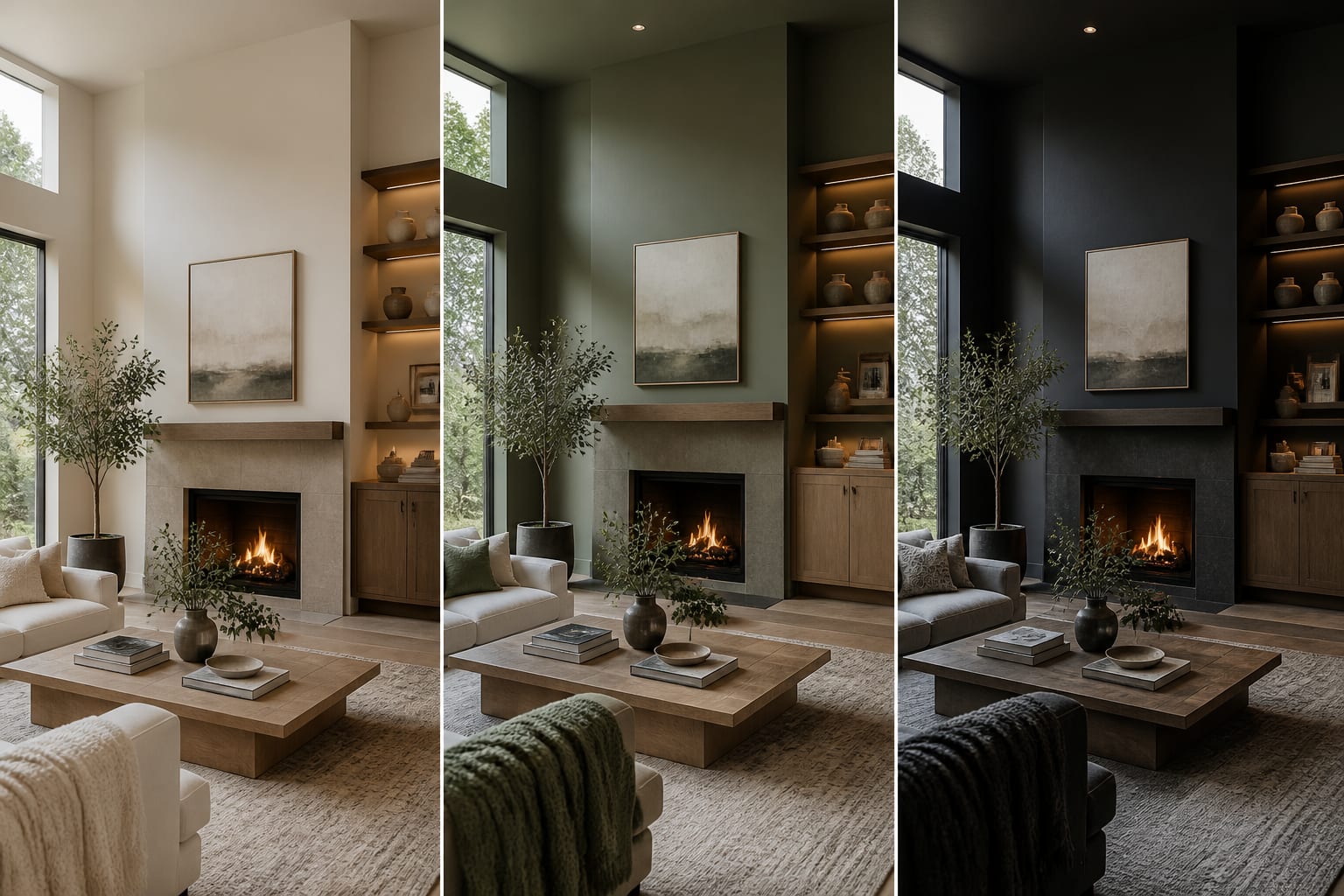
Which finishing choices make the palette feel intentional?
Choose one wall family, one textile family, one wood or painted furniture tone, one metal finish, and one movable accent. That structure lets you shop without buying identical pieces.
Hang curtains 6 to 8 inches above the window casing on a rod wider than the trim so fabric stacks off the glass. A cream linen panel can soften a green wall; a tan woven shade can connect oak flooring to white walls. Rugs need the same restraint: a bold wall often wants a quieter rug, while a pale room can handle pattern. Larger living room rugs, 8 by 10 or 9 by 12 feet, keep furniture from floating on separate color islands.
Before buying everything, build a small physical board with the paint sample, fabric, rug corner, metal finish, wood sample, and accent color, then view it by window light and evening lamp. The AI preview sets direction; real materials make the final call.
Frequently Asked Questions
Does an AI paint color picker match real paint exactly?
No, it gives a close visual direction, not an exact match. Camera exposure and screen calibration shift color, so use the AI output to shortlist a family of hues, then confirm with physical samples viewed in your room's actual daylight and lamp light before buying full cans.
What size paint sample should I test on the wall?
Use samples close to 2 by 2 feet rather than a 1-inch chip. Small chips distort in low light and can't show how a color reads against your trim and flooring. Paint or tape up larger samples in at least two spots and check them morning, afternoon, and evening.
How many colors should a room palette include?
Most rooms work best with five main colors total, including wood tones and metal finishes. A rough split of 60 percent field color, 30 percent secondary, and 10 percent accent keeps the palette from feeling scattered once furniture, art, and daily clutter enter the room.
Can I use an AI color palette generator in a rental apartment?
Yes, but focus the palette on removable elements like rugs, curtains, art, lamps, and peel-and-stick accents instead of wall paint. Ask the tool to keep existing cabinets, flooring, and trim untouched so the scheme works entirely through decor you can take with you when you move.
What lighting should I use when photographing a room for AI color analysis?
Shoot in daylight with lamps off first to capture true undertones, then take a second photo with lamps on if you want to see evening mood. Avoid dim, shadowed shots, since they flatten color and can lead the AI to suggest a palette that looks wrong once real light hits it.