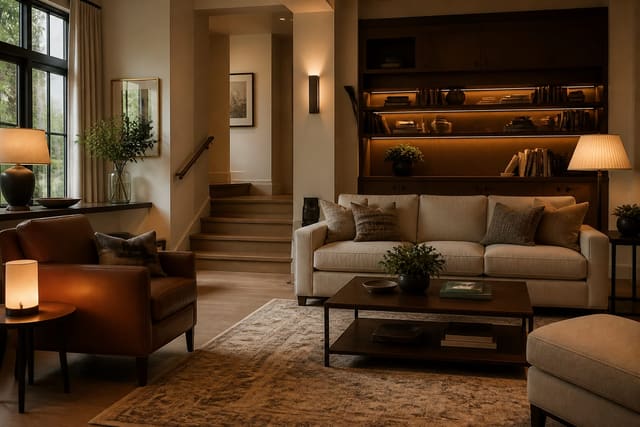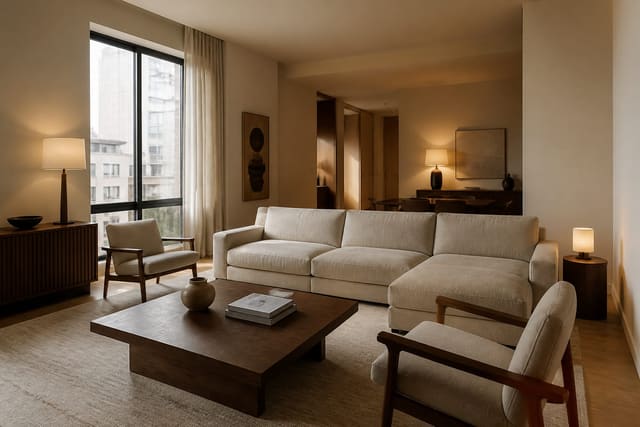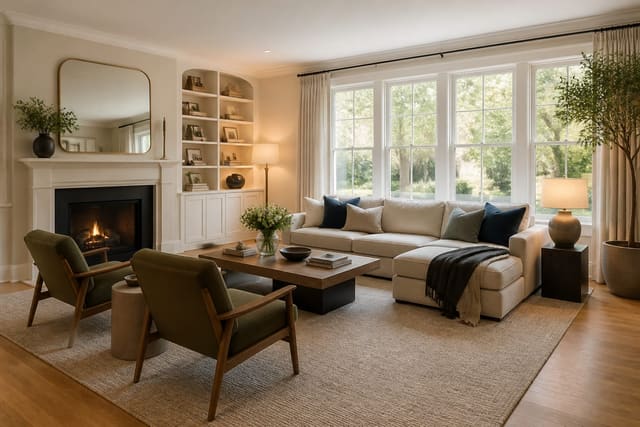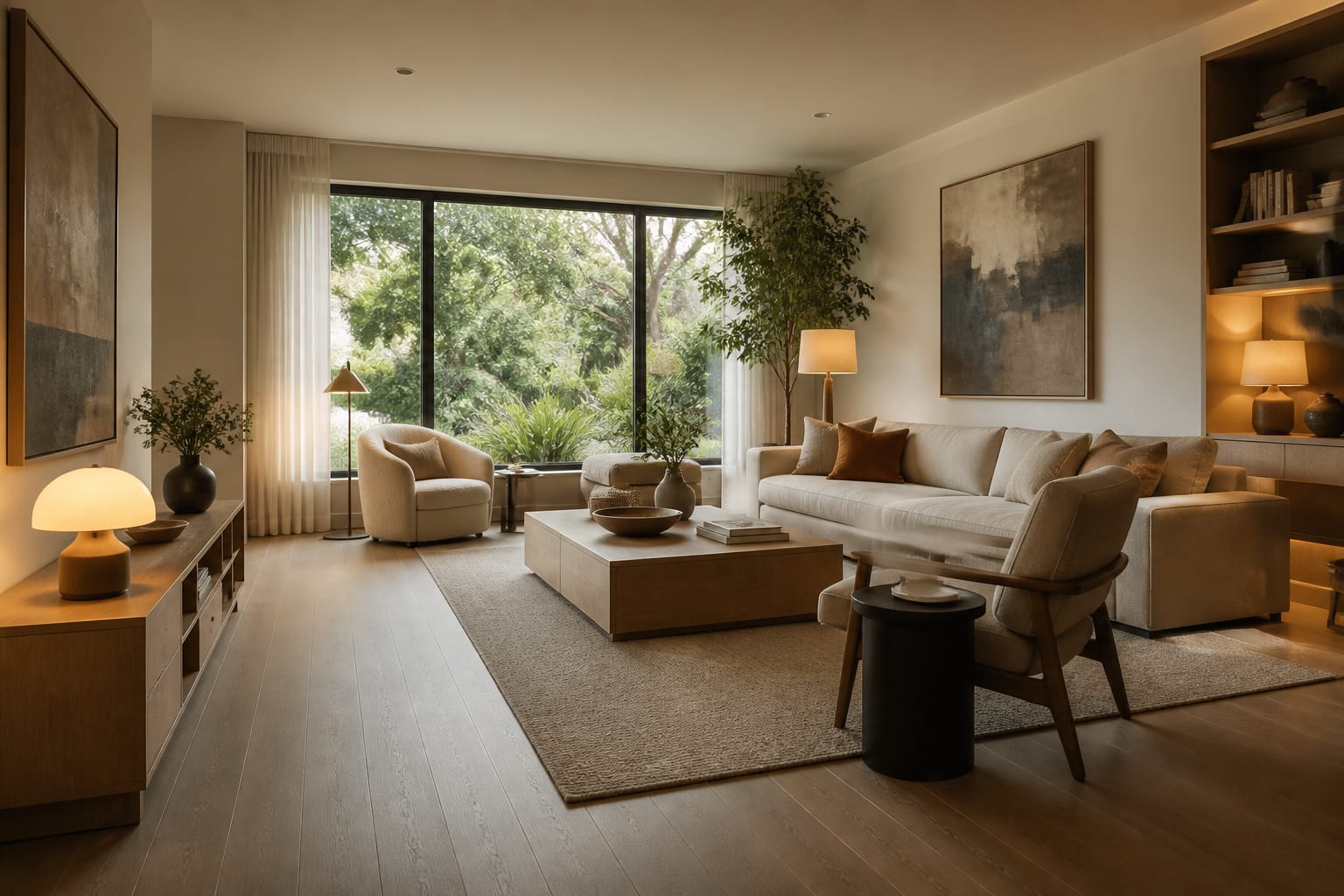
AI accessible home design lets you upload a room photo and preview wheelchair clearances, safer lighting, reachable storage, and coordinated grab bars before buying or building anything. It won't replace an occupational therapist or contractor for structural work, but it shows whether a layout, finish, or fixture actually works for the space.
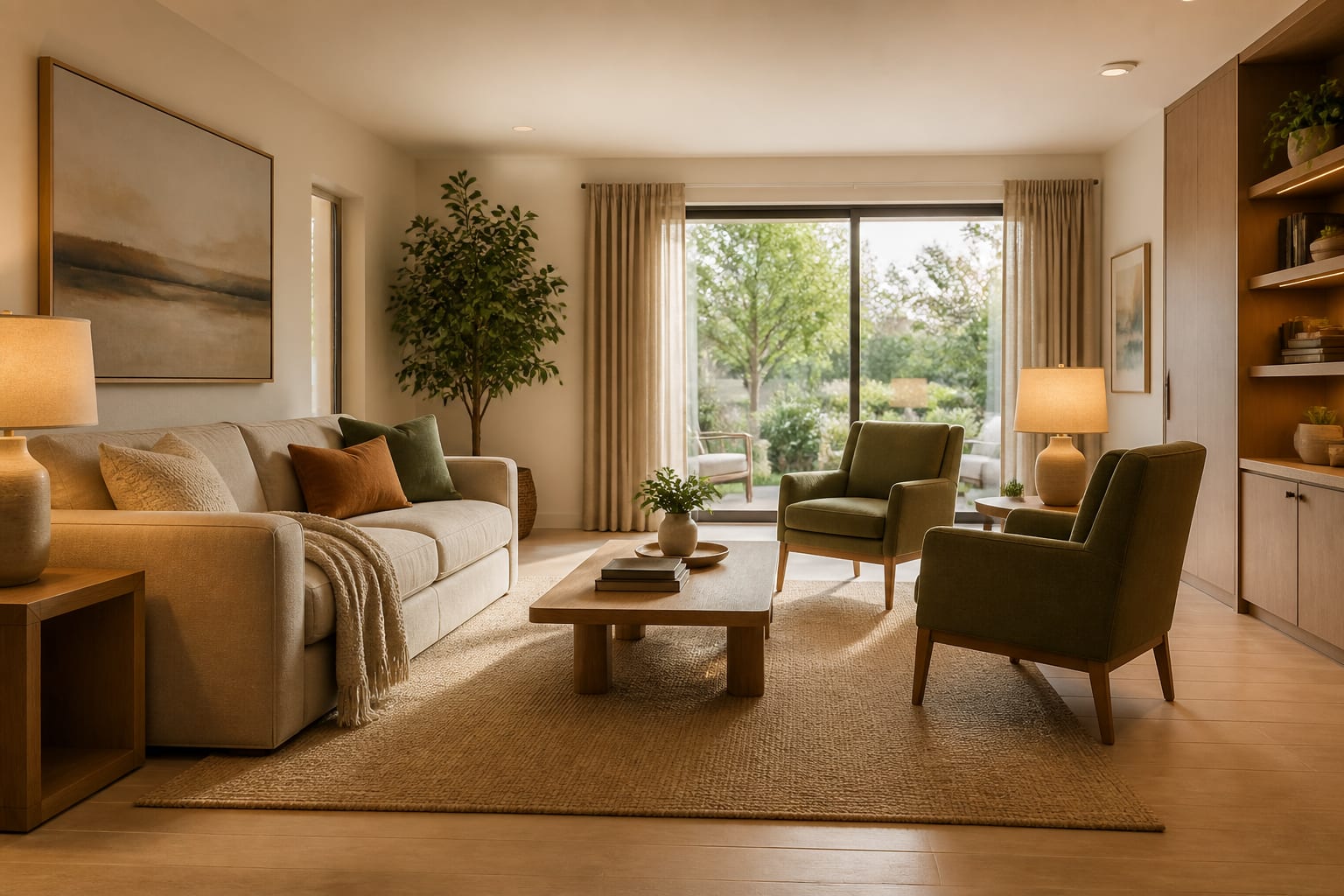
How does AI preview accessibility from a photo?
Photograph the room from the main doorway at chest height, including the floor, threshold, door swing, windows, outlets, and any furniture that must stay. Add measurements to the prompt: doorway width, clear path, bed height, vanity width, shower opening, and turning space available. This lets you check whether a sofa blocks the turning route, whether the vanity has knee space, and whether a matte floor reads warmer than glossy tile before you order anything.
What makes universal design feel beautiful instead of medical?
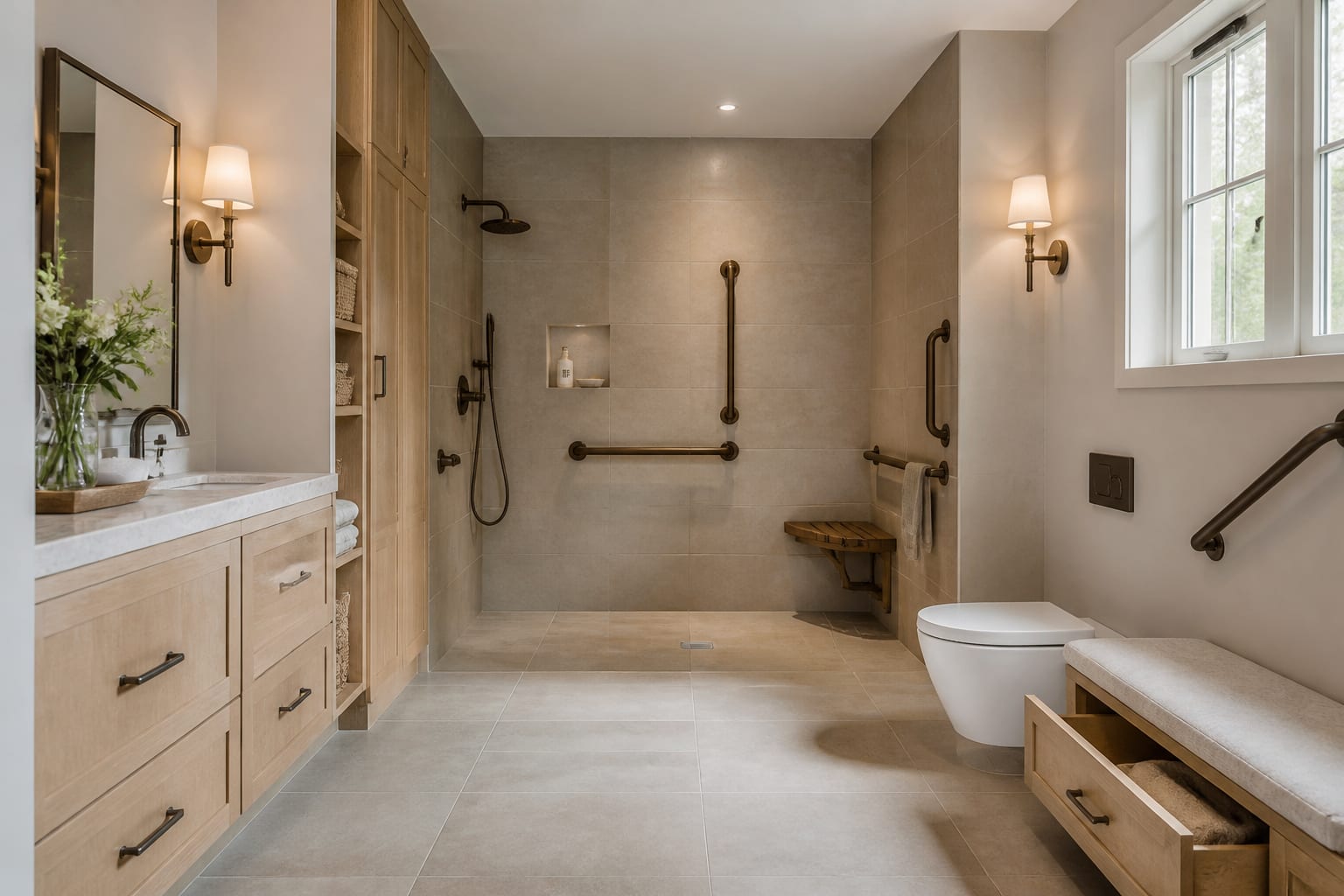
Universal design feels beautiful when accessible elements share the room's design language. A black grab bar looks deliberate next to a black faucet and towel hook; a brass support rail suits a traditional bath with matching sconces. The problem isn't the support itself, it's support with no visual allies.
Plan movement first, then finish. Most wheelchair users need a clear route close to 36 inches wide, and many rooms need a 60-inch turning area at the bed, table, vanity, or main seating zone. If the whole room can't provide that, protect the route that matters most: entry to bathroom, entry to bed, or entry to the kitchen work zone.
Choose surfaces that cut glare and slipping without losing personality. Matte porcelain, low-pile rugs with firm pads, honed stone, cork, and textured vinyl all read residential with the right palette. Glossy floors under cool bulbs can flatten depth perception; warm 2700K lighting suits living rooms and bedrooms, while 3000K works better in kitchens and baths.
Reach matters as much as width. Daily objects should sit between seated knee height and shoulder height. A pantry isn't accessible if everything useful sits above 60 inches, and a nightstand isn't functional if it's placed as a symmetrical prop 8 inches too far from the bed.
Which room-by-room changes matter most?
Universal design spends attention where daily friction happens, not evenly across the budget.
- Entry: Keep the landing clear. A 36-inch route, an 18-to-20-inch bench, lever hardware, and low-glare lighting make arrival safer without looking institutional.
- Living room: Choose fewer pieces with better clearance. Leave about 18 inches between sofa and coffee table if mobility allows, or use a smaller round table if turning space is tight.
- Bedroom: Design the bed wall around transfers, not symmetry. Wheelchair transfers often need more than 24 inches of clear space, plus a stable surface and a reachable lamp or switch.
- Bathroom: Plan support where hands actually go. Towel bars aren't grab bars, and a shower still fails without a coordinated threshold, slope, seat, and wall blocking.
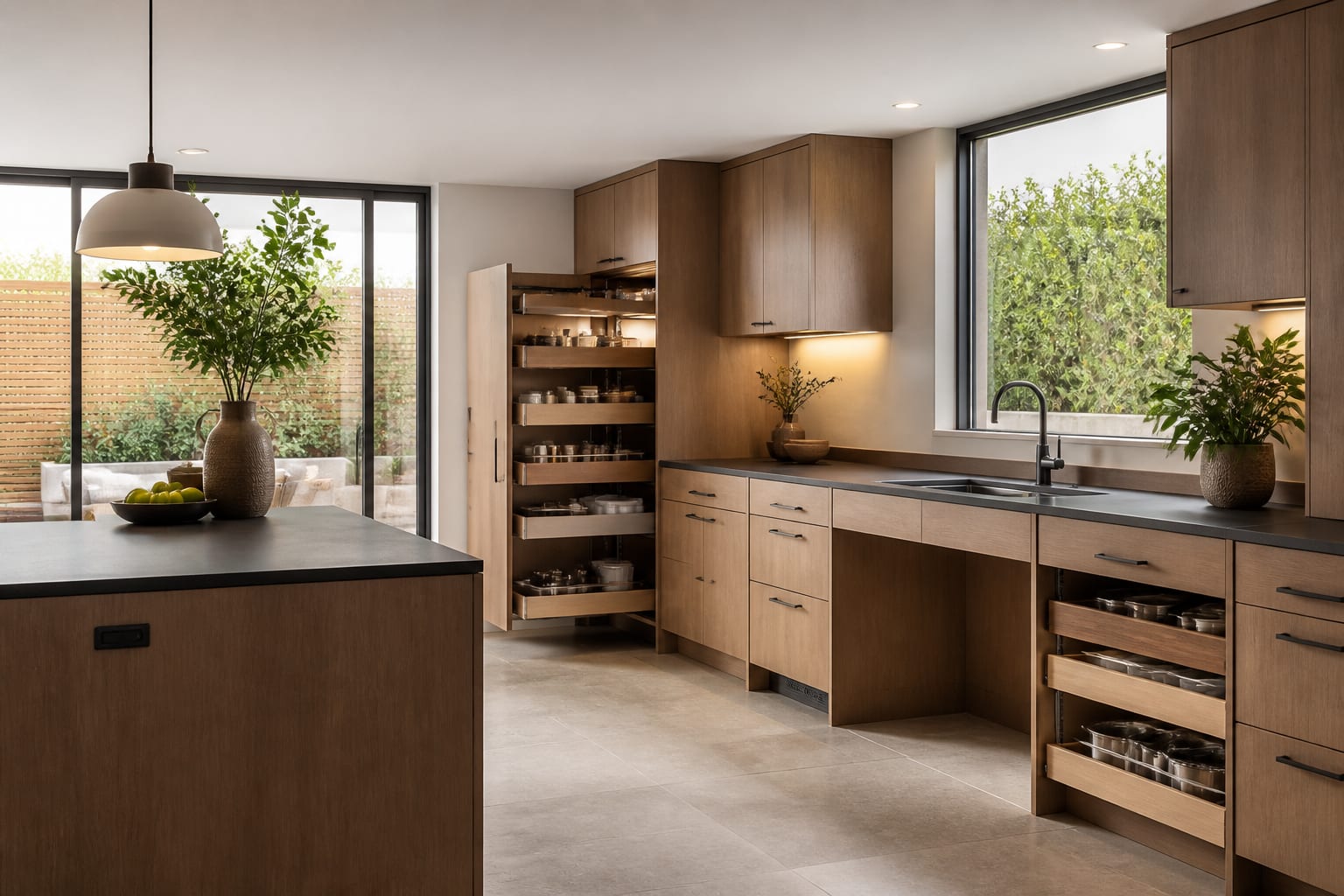
- Kitchen: Prioritize seated reach. Pull-out shelves, D-shaped pulls, knee space at one work surface, and a low-mounted microwave matter more than another decorative backsplash.
If disability access overlaps with aging-in-place planning, compare the room against senior-friendly home design with AI so mobility, vision, and reach get considered together.
How do you use AI design to test accessibility before buying?
Upload the clearest photo of the room and request one accessibility improvement at a time: wider circulation, lower storage, safer bathroom hardware, better lighting, or a wheelchair-friendly seating layout. A strong prompt names real constraints, for example: "design this 11 by 13 foot bedroom for wheelchair access, keep the window and closet, leave a 36-inch route to the bed, add transfer space on the right, and include closed storage below 54 inches."
Generate a few versions, then compare the same facts across each: door clearance, turning space, bed access, switch location, storage height, and whether the room still feels personal. Privacy deserves care too, since accessible rooms often show medications, mobility equipment, or medical paperwork. Crop anything unnecessary and review private AI room design options before uploading sensitive images.
What mistakes should you avoid in accessible design?
- Treating clearance as empty space. A bare center can look unfinished if edges are cluttered and lighting is weak; furnish the edges with intention instead.
- Buying medical-looking pieces first. A supportive chair with an 18-to-20-inch seat height and firm cushioning can look like real furniture; grab bars and shower seats can match existing finishes.
- Trusting a preview that deletes hard parts. If AI widens a doorway, removes a radiator, or flattens a threshold, keep the mood but reject the logistics.
- Confusing resale neutrality with universal design. Wider routes and better light help most people; the restraint used in an AI redesign for resale can keep access looking like quality, not adaptation.
- Leaving caregivers out of the geometry. A bathroom can fit a wheelchair and still fail without side access for assistance; a bedroom can look calm and still block a caregiver's reach.
When is an accessible plan ready to build or buy from?
The plan is ready when the beautiful version and the usable version match. Before ordering furniture, tile, hardware, or storage, confirm the real doorway width, turning space, bed height, transfer side, cabinet depth, shower opening, threshold height, and every door swing.
Buy in order: circulation changes first, then bathroom and entry safety, then lighting, then seating and bed setup, then storage, then rugs and decorative layers. A disability-accessible home should look calm and personal, with every practical choice quietly earning its place.
Frequently Asked Questions
Can AI design an accessible bathroom from a photo?
Yes. Upload a photo showing the shower, vanity, toilet, and door, then request wider clearance, a curbless shower, grab bar placement, and knee space at the vanity. AI can preview the look and layout, but a contractor must verify wall blocking, slope, and code compliance before installation.
How wide should a wheelchair-accessible route be?
Most wheelchair routes need to stay close to 36 inches wide, with 32-inch minimum door openings where possible. Key zones like the bed, vanity, or main seating area often need a 60-inch turning circle if the room can support it.
Does accessible design have to look clinical?
No. Matching finishes, like a black grab bar next to a black faucet, or a brass rail beside brass sconces, make support hardware look intentional. Warm lighting, matte surfaces, and coordinated textiles keep accessible rooms feeling residential rather than medical.
Can AI replace an occupational therapist for home modifications?
No. AI room design previews layout, lighting, and finishes visually, but it cannot verify structural requirements, mounting, slope, or medical needs. Use it to test ideas before consulting an occupational therapist, architect, or contractor for anything involving construction or plumbing.
What should I avoid uploading in an accessible room photo?
Crop out medications, mobility equipment details, medical paperwork, and personal documents before uploading a room photo. The AI tool only needs room geometry and fixed features like doors, windows, and cabinets, not sensitive personal information.