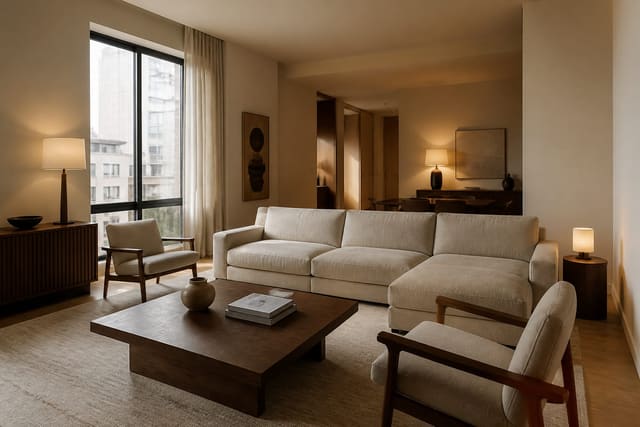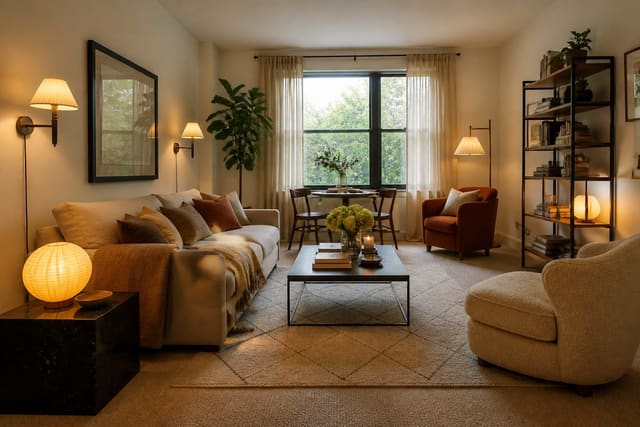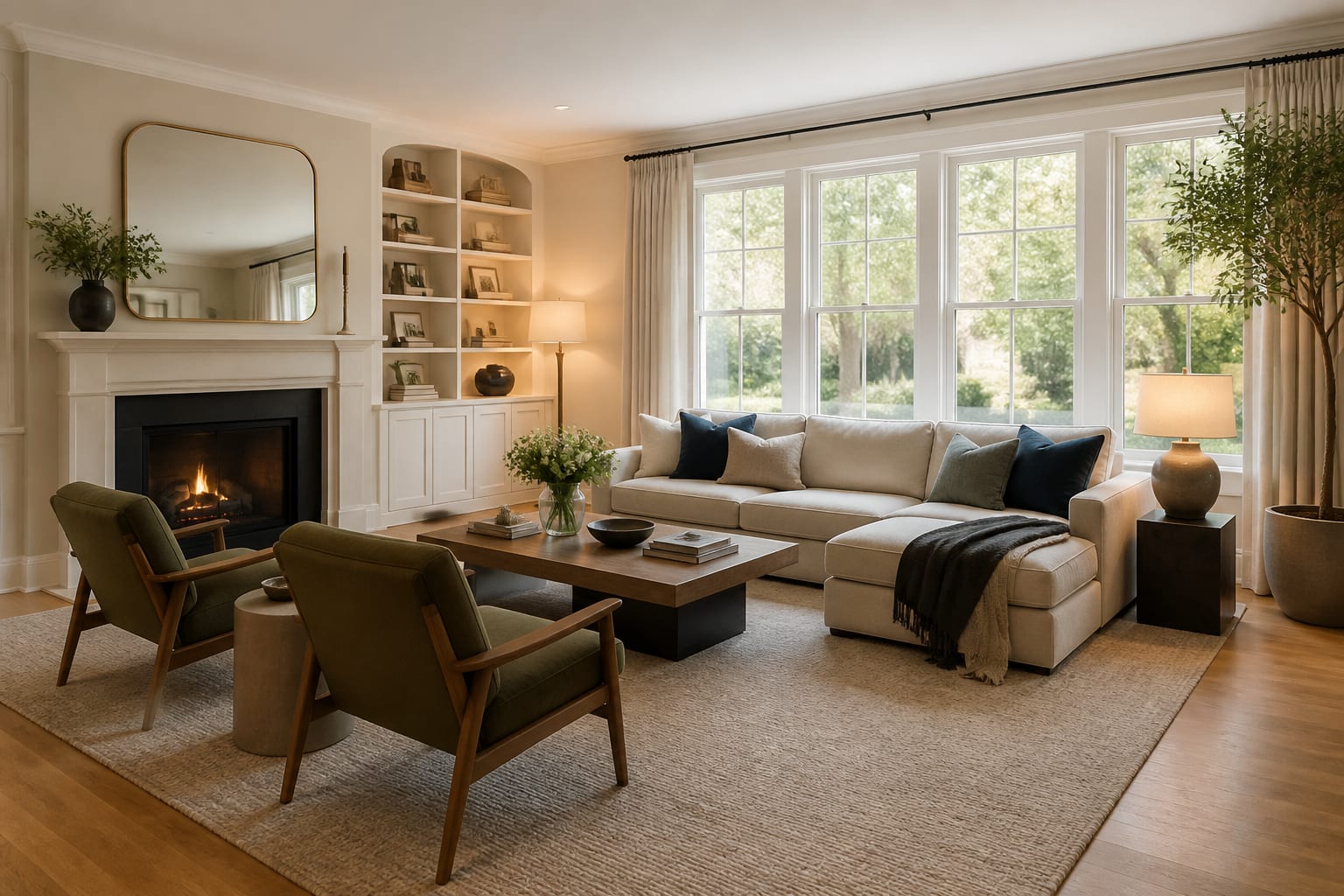
AI room redesign for home sale lets you preview buyer-friendly layouts, paint colors, lighting, and staging edits on photos of your actual rooms before you list. It shows whether a wall needs to lighten, furniture needs to shrink, or a room needs a clearer purpose, so you spend on changes that actually help buyers picture themselves living there.
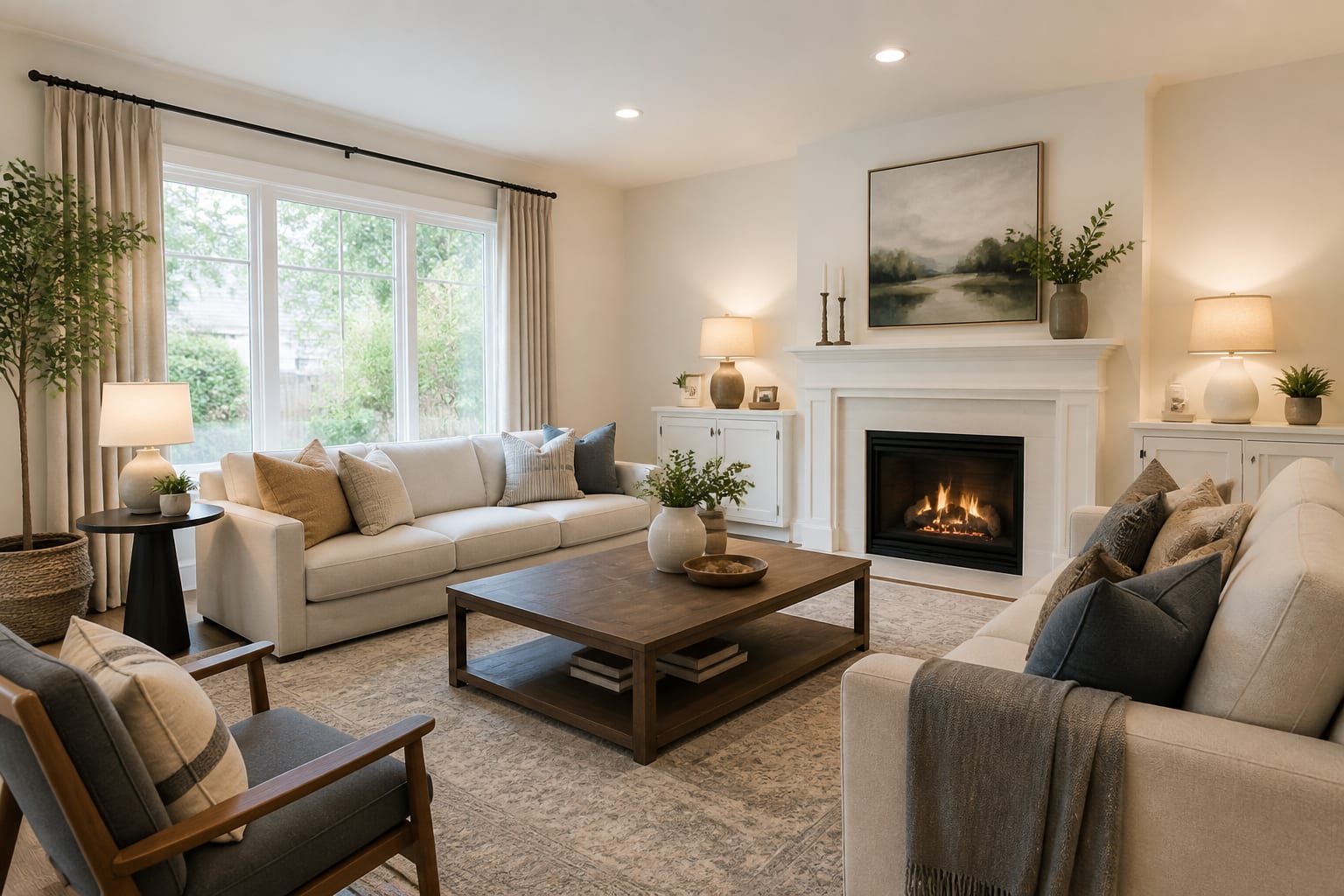
How does AI redesign help before you sell?
Treat the AI preview as a resale filter, not a promise of a higher sale price. A good pass makes a room easier to read in photos, cleaner at the doorway, and less tied to your personal taste. If the output just looks trendy, it has missed the point. Pair this process with AI home staging design basics, especially for rooms photographed empty or partly furnished.
Write a specific brief: ask for a neutral, warm, camera-ready version that keeps flooring, windows, ceiling height, doors, and built-ins unchanged. If AI removes the fireplace, widens the hallway, or raises an 8-foot ceiling, revise the prompt before judging the design.
Which rooms deserve the first resale pass?
Start where buyers make fast emotional calls: the entry, living room, kitchen-adjacent dining area, primary bedroom, and any room whose purpose is unclear. A bonus room that reads as storage isn't neutral, it's unanswered square footage. AI can show the same room as an office, guest room, or lounge without you moving furniture four times.
- Entry or first visible room: buyers form the house's visual language at the threshold. Keep the path at least 30 inches clear and remove shoe piles and extra hooks.
- Living room scale: listing photos punish undersized rugs and scattered seating. An 8x10 or 9x12 rug usually reads better than a small floating rug, with a 30-36 inch main route.
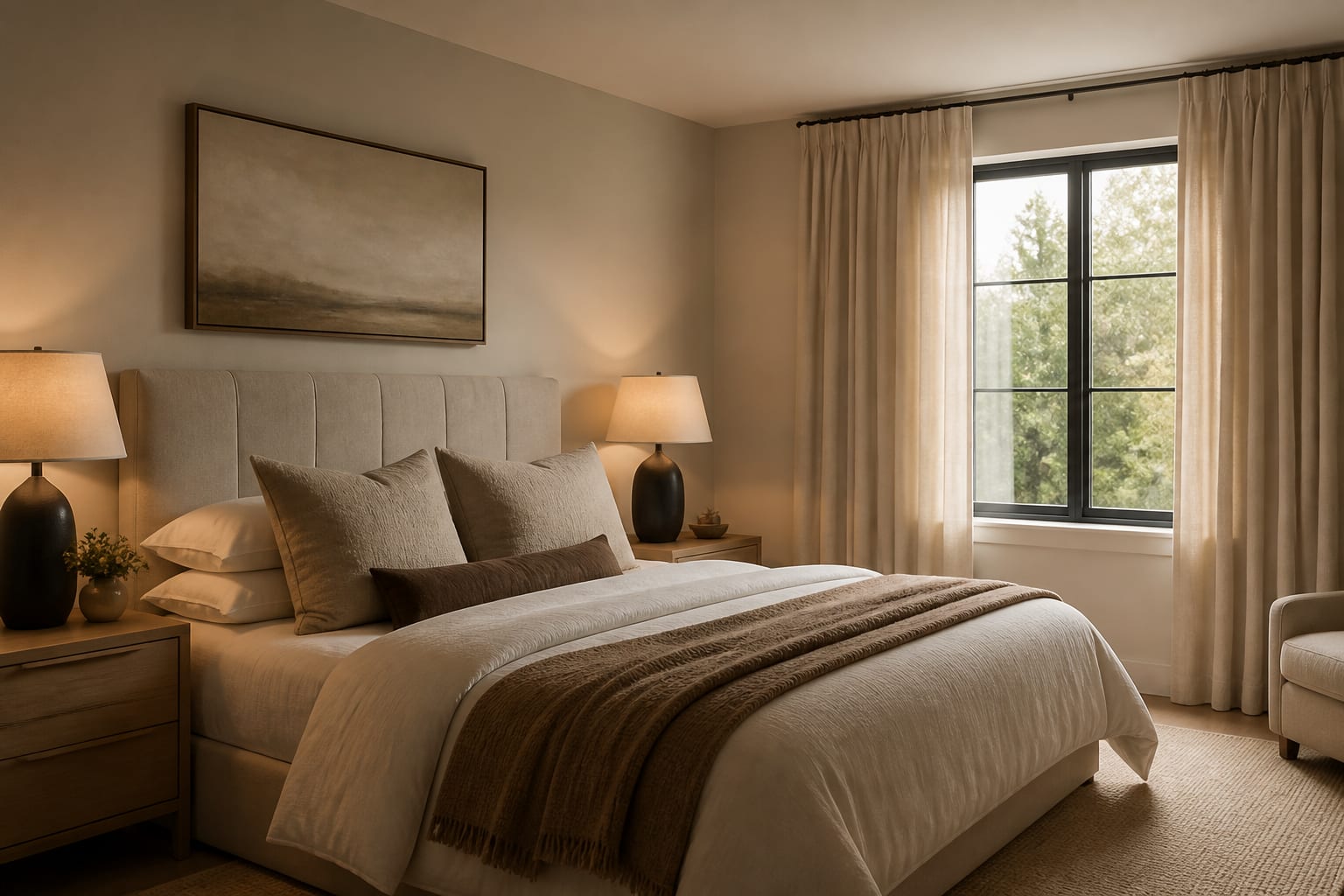
- Primary bedroom calm: preview warm white, mushroom, or soft taupe walls; keep nightstands 24-30 inches wide; use two matching lamps or sconces.
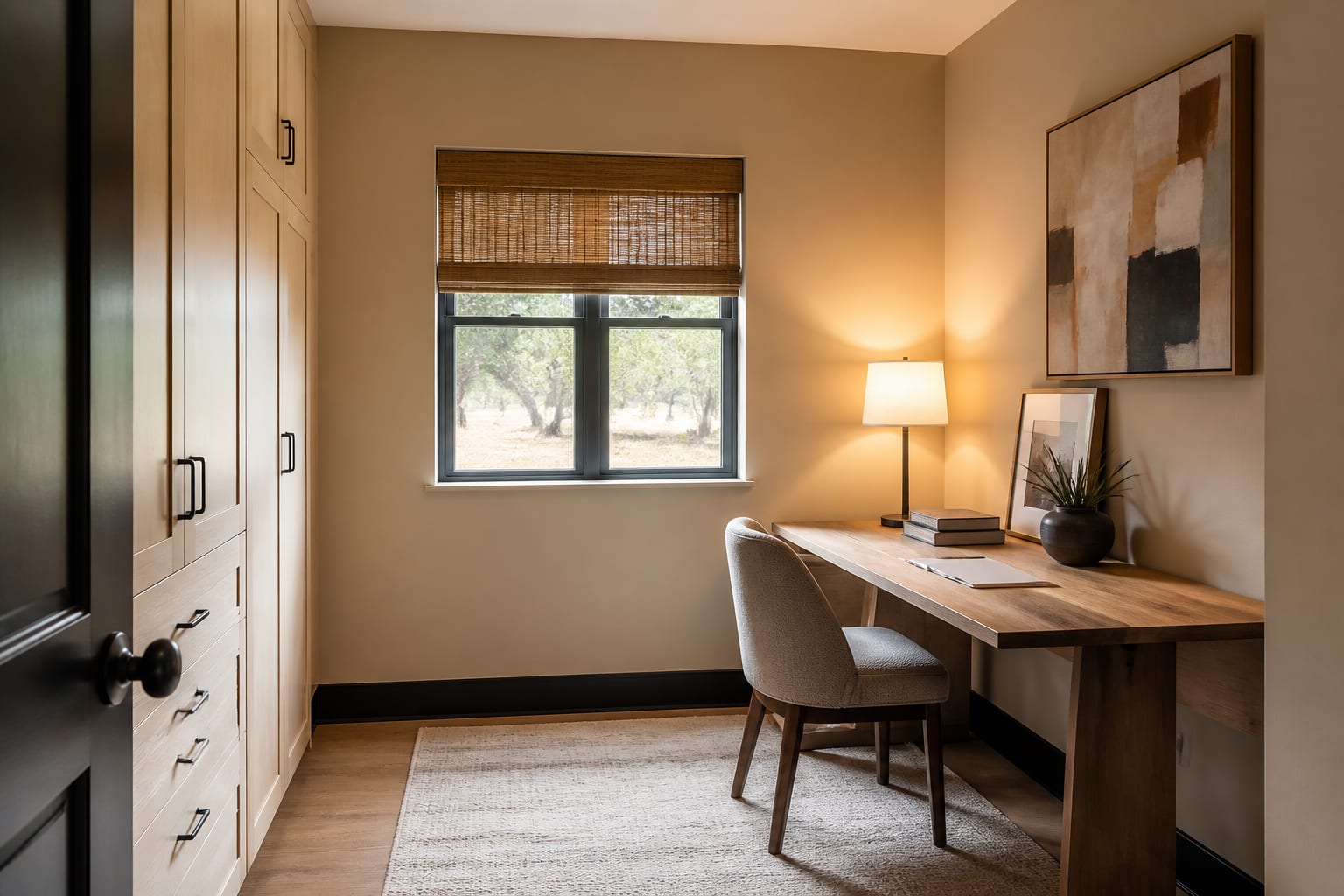
- Ambiguous rooms: a half-office, half-storage room lowers buyer confidence. Show one clean purpose with a desk no deeper than 24 inches, a simple chair, and closed storage.
If you're selling after a short-term lease, the same restraint applies. AI design ideas for renters covers removable, no-drill fixes that can leave with you after closing.
What changes make buyers see space instead of your stuff?
The best resale redesigns cut the decisions a buyer has to decode without stripping the room cold. Each space needs a clean purpose, a believable furniture plan, and enough warmth that photos don't feel vacant.
Paint is the first test in rooms with strong taste or tired walls. Preview colors against the existing floor and trim, not an idealized sample room. Warm whites, greiges, putty, and pale clay often photograph better than stark white over orange oak, beige carpet, or gray tile. Sample at least a 24x36 inch area before painting a listing-critical room.
Furniture scale is the second test. Drop one bulky piece and compare: a living room often looks larger with the recliner gone and a 30-36 inch round coffee table, while a bedroom benefits from a lower bed and curtains mounted 4-8 inches above the casing.
Lighting is the third test, since buyers read dim rooms as work. Ask for warm bulbs around 2700K-3000K, two table lamps in a living room, and a floor lamp in dark corners. Avoid vague "make it bright" prompts that invent sunlight instead of naming fixtures.
What resale redesign mistakes should you avoid?
- Designing for your own taste, not the buyer's needs; the house must look cared for and flexible, not like a last statement.
- Over-neutralizing into flat beige; add texture through linen curtains, a wool-look rug, wood, ceramics, or black frames for depth.
- Buying furniture too late; tape footprints on the floor and check doors, drawers, and paths before ordering anything.
- Skipping privacy checks; crop family photos, paperwork, and address clues before uploading. See AI room design privacy options for bedrooms, nurseries, and occupied homes.
- Letting AI erase real problems; if the ceiling fan, brick fireplace, gray tile, or narrow doorway stays, keep it visible in the preview.
- Over-styling every surface; one tray, plant, or lamp helps a console, but five small objects looks unfinished.
How do you preview a listing room with AI?
Upload a straight, well-lit photo from the angle buyers will likely see first, keeping the floor, ceiling line, windows, doors, and built-ins in frame. Write the prompt like a resale brief: "redesign this 12x14 foot living room for a home sale, keep the oak floor, white trim, fireplace, 8-foot ceiling, and gray sofa, create a warm neutral layout with an 8x10 rug, two shaded lamps, simplified art, no construction, and a 32 inch path from entry to hall."
Generate two or three versions at different intervention levels: edit-only with decluttering and better lamps, a paint-and-rug test, and a fully staged look. Comparing them shows whether the room needs a $150 styling day, a weekend paint project, or professional staging.
How do you know the room is ready for photos?
A room is ready when the AI idea survives the real camera angle. Stand where the photographer will stand and check for blocked paths, cords, crooked lampshades, and furniture backs dominating the shot; the room should read one clear function within three seconds.
Translate the winning preview into a work order: remove two chairs, add a 9x12 rug, paint walls warm white, hang 96 inch curtain panels, swap to 2700K bulbs, clear personal photos, style one console, and leave 36 inches to the patio door. If the house is occupied, use closed baskets, a landing tray for keys, and washable bedding so daily life survives the showings.
Frequently Asked Questions
Which rooms should I redesign first before selling?
Start with the entry, living room, primary bedroom, and any room with an unclear purpose, since these shape a buyer's first impression fastest. Keep entry paths at least 30 inches wide, size living room rugs to 8x10 or 9x12, and give ambiguous rooms one clean, obvious function before moving to secondary spaces.
Will AI staging make my house sell for more?
AI staging doesn't guarantee a higher price; it helps you spot which edits make rooms easier to photograph and understand. Use it to test paint, furniture scale, and lighting cheaply, then confirm the winning changes with real staging, since the AI preview is a planning tool, not a valuation tool.
Should I let AI remove permanent features like fireplaces or fans?
No, keep fixed features like fireplaces, ceiling fans, tile, and doorway width visible in every preview. Buyers will see these elements during the actual showing, so a redesign that hides them creates a mismatch between the listing photos and the real walkthrough.
How do I protect my privacy when uploading photos for AI staging?
Crop or clear family photos, paperwork, valuables, and any visible address details before uploading a room photo. This matters most in bedrooms, nurseries, and offices in an occupied home; see AI room design privacy options for a full workflow.
Is a virtual AI preview enough, or do I need physical staging too?
An AI preview is a planning step, not a substitute for physical staging. Use it to decide what to change, then execute with real paint samples, taped rug footprints, decluttering, and updated lighting so the listing photos match what buyers see in person.