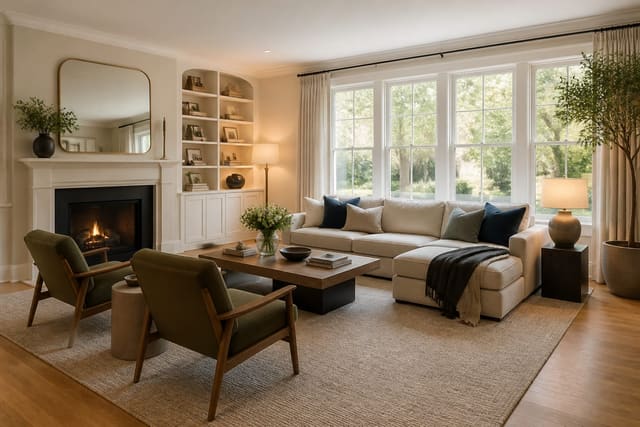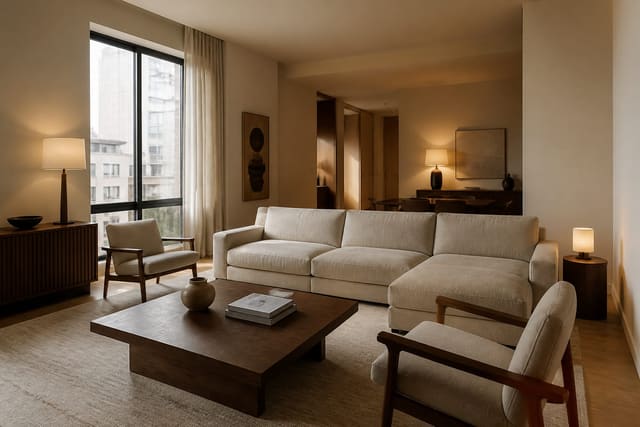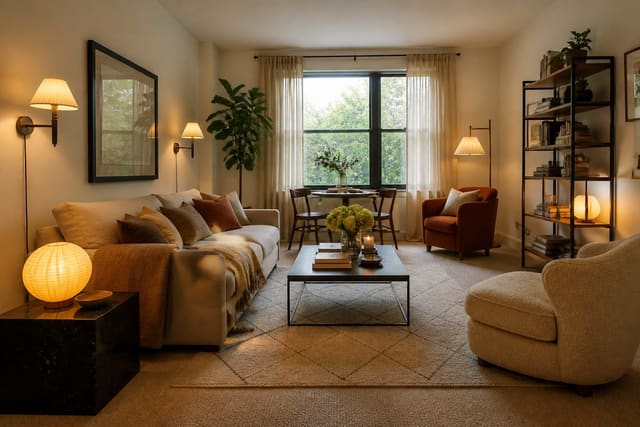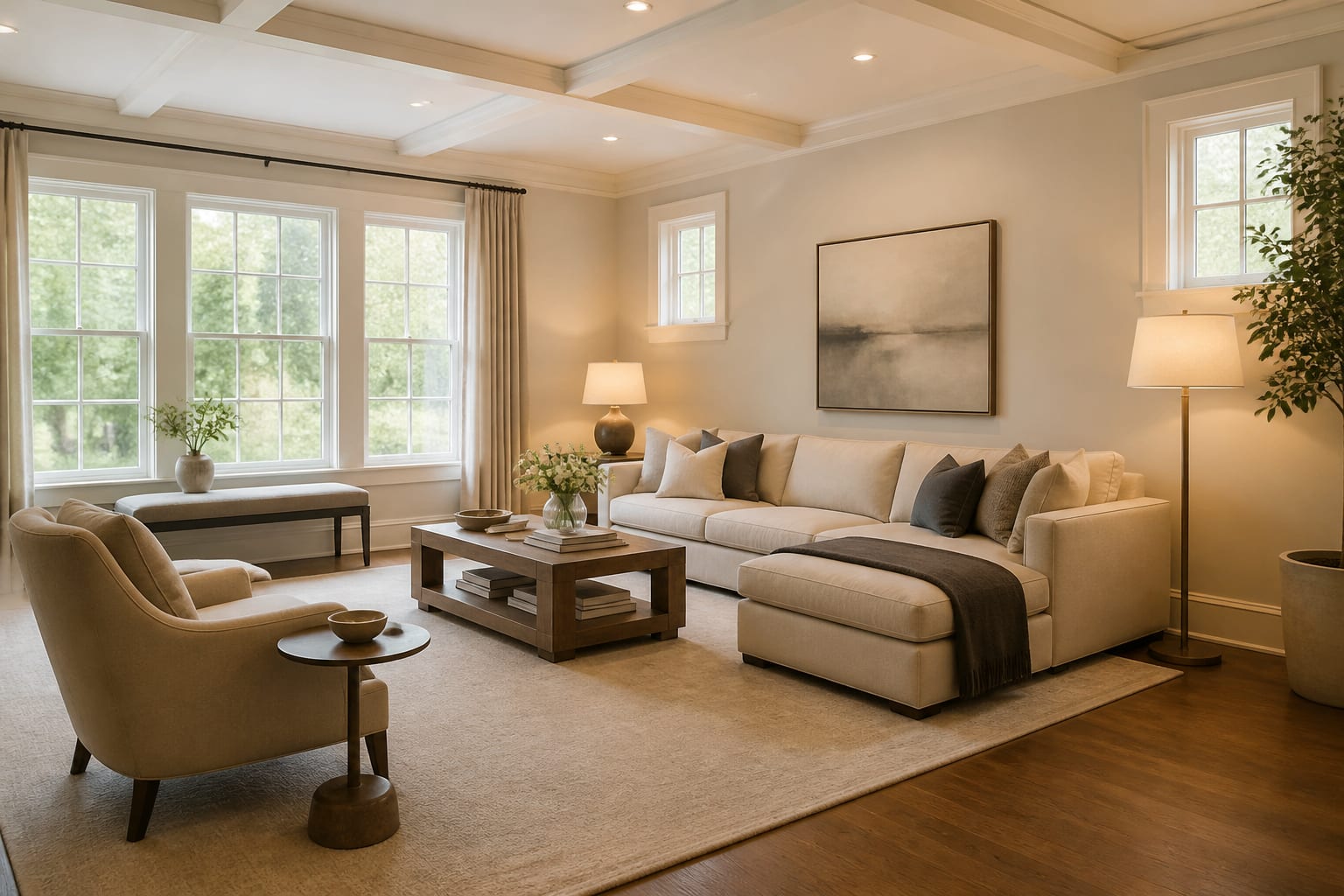
An AI home staging app lets you upload real room photos, test buyer-friendly furniture layouts, and preview lighting and scale before you rent furniture or repaint. Staging isn't about hotel-perfect rooms; it's about removing buyer confusion so photos and showings match. The goal is staging for belief, not fantasy.
How do you use AI for home staging?
Upload clear photos of each room, ask for buyer-friendly staging options, choose the version that clarifies space, then verify every visible change before listing. Start from the real house: existing floors, windows, fireplace, ceiling height, dated tile, or an awkward layout nobody understands.
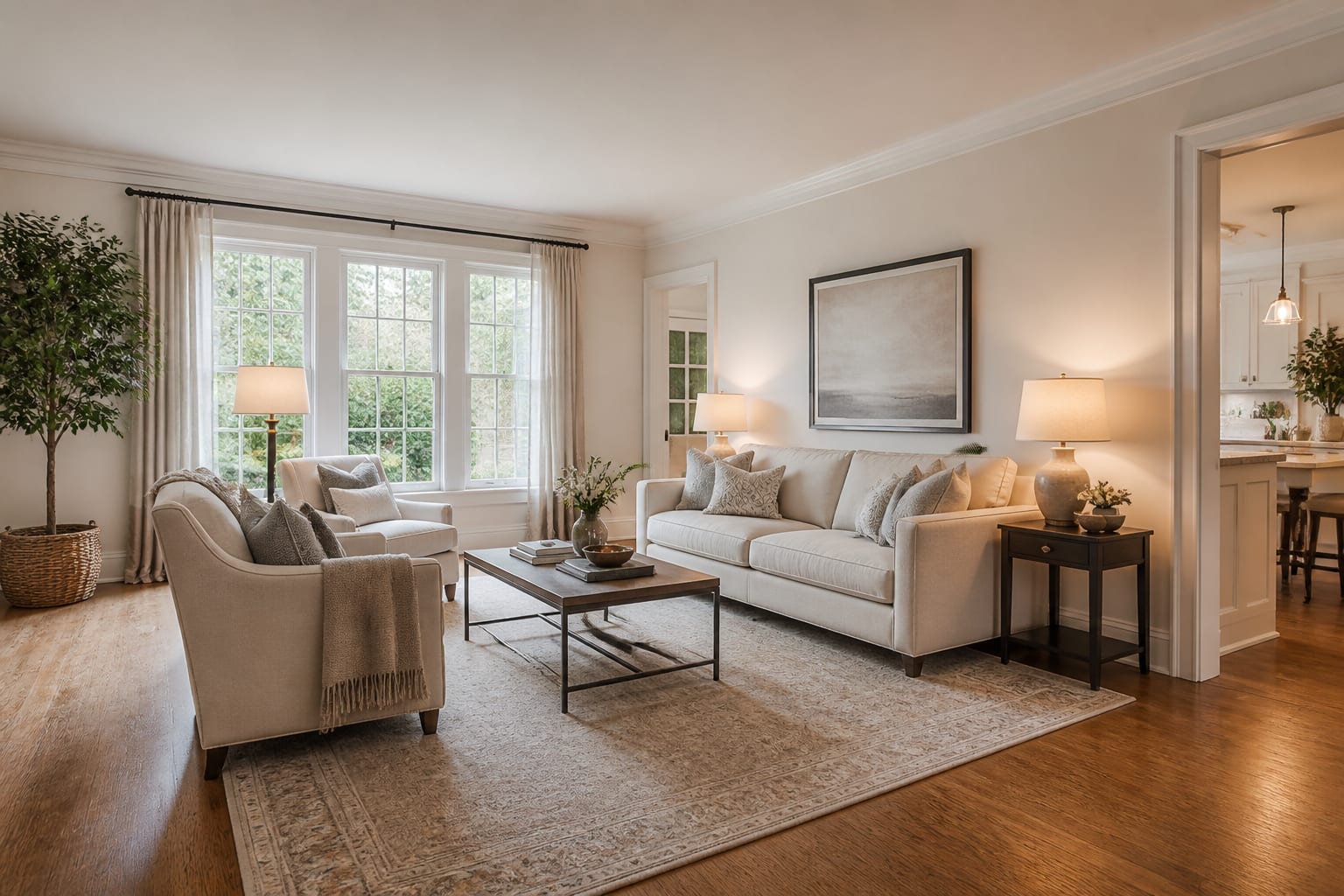
Don't ask for "a beautiful living room." Ask for the selling problem to be solved: "stage this 12' x 16' living room so buyers understand where the sofa, reading chair, and TV wall belong; keep the oak floor, white trim, fireplace, and window placement."
Treat the output as a staging brief, not a deception plan. A larger rug or cleaner lamp placement are real clues worth using. If the preview changes window size, hides a sloped ceiling, replaces flooring you're not replacing, or invents built-ins, treat it as inspiration only. Pair the preview with redesigning rooms for resale with AI so choices support buyer perception over personal taste.
What should stay, go, or just look better?
Keep architectural facts visible in every AI pass: window placement, ceiling height, floor color, fireplace location, stair railings, cabinets, tile, and any fixed feature a buyer will see in person. If a dated brick fireplace is staying, stage around it with cleaner furniture and better balance rather than asking the tool to turn it into limestone.
Remove the noise blocking the buyer's read: family photos, tiny rugs, extra side tables, storage bins, pet gear, and hobby piles. Aim for one obvious purpose per room; a spare room should read as an office or guest room, not both at once.
Some improvements sit in the middle: not fake, but not necessarily purchased exactly as shown. AI might show a cream sofa, two lamps, and a 9' x 12' rug to prove the room can handle adult furniture. Use that image to guide rented pieces or a partial refresh, as long as the listing matches what buyers will see in person.
What staging moves help buyers understand a room?
Buyer-friendly staging is mostly scale, circulation, and light. Furniture doesn't need to be expensive; it needs to explain the room fast.
- Size the rug up. An 8' x 10' rug is usually the minimum to connect a sofa and chairs; 9' x 12' can make an open-plan area read as a deliberate zone.
- Protect the walking path. Keep 30" to 36" for the main route from entry to sofa, bed, table, or patio door, and avoid poufs or plant stands in that lane.
- Stage bedrooms around calm symmetry. Leave 24" to 30" beside a queen or king bed, use nightstands in the 18" to 28" range, and keep lamps within reach.
- Warm the lighting. Bulbs around 2700K to 3000K read more inviting than cool white in most living rooms and bedrooms with beige carpet, oak floors, or cream walls.
- Hang art and mirrors at human height. A centerline around 57" to 60" from the floor works well; adjust for tall headboards, mantels, or sofa backs.
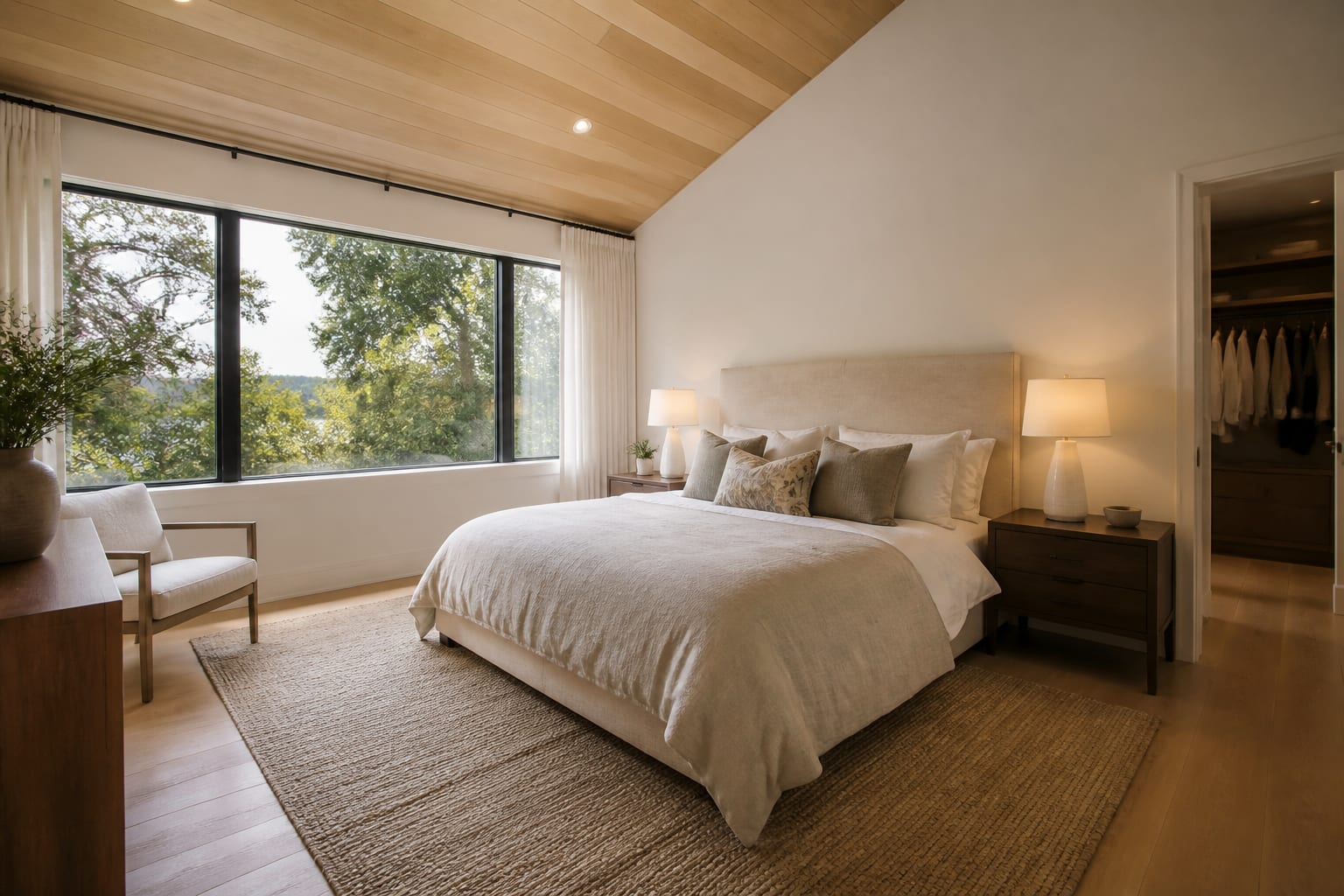
Curtains can change a listing photo fast. Mount rods 6" to 10" above the window casing where the wall allows it, and let panels touch the floor or hover about 1/2" above it. Short panels signal a rushed staging job.
How do you preview a listing with AI before you spend?
Test several staging versions on the same room photo and look for the fix that keeps repeating. One AI image is easy to overtrust; three controlled versions reveal what actually improves the room.
Upload working reference photos, not flattering crops. Show the floor edge, ceiling line, windows, doorways, and the awkward corner you'd rather hide. If personal items, addresses, or kids' rooms appear in frame, review AI room design privacy options first.
Run three passes: layout only (where the sofa or dining table belongs, whether the bonus room reads as an office), surface mood (wall color, rug tone, curtains, bedding, lamps), and listing-photo polish (fewer objects, cleaner sightlines, stronger focal points).
Renters and sellers under strict condo rules should avoid suggestions implying drilling, painting, or permanent fixtures. For non-owner-occupied properties, borrow from AI design for renters: removable lighting, freestanding storage, washable rugs, no hardwired fixtures.
Once you pick a direction, turn it into a checklist: rug size, sofa width, bed clearance, table diameter, lamp height, curtain length, art width, bulb temperature, and what clutter leaves before photos.
What are common AI home staging mistakes?
The common mistake is letting AI make the house more impressive than it is. That might win a click but damages trust when a buyer walks through the door.
- Replacing architecture in the image backfires because buyers are buying the real shell; rerun the prompt and require the existing structure to stay.
- Overfurnishing small rooms starts selling square footage the room can't support; a bench blocking a closet isn't helping.
- Hiding condition issues conceals defects instead of clarifying potential; scuffed floors, cracked tile, and water staining need repair or disclosure, not a prettier render.
- Styling for your own taste picks the version you'd live in, not the one buyers understand fastest.
- Copying the screen color exactly ignores how real paint shifts under daylight and bulbs; test a 12" x 12" sample on two walls before the photographer arrives.
What should you check before photos and showings?
Walk the house like a buyer who's never seen it. Stand at each doorway and ask: what is this room for? If the answer isn't obvious in three seconds, simplify the staging.
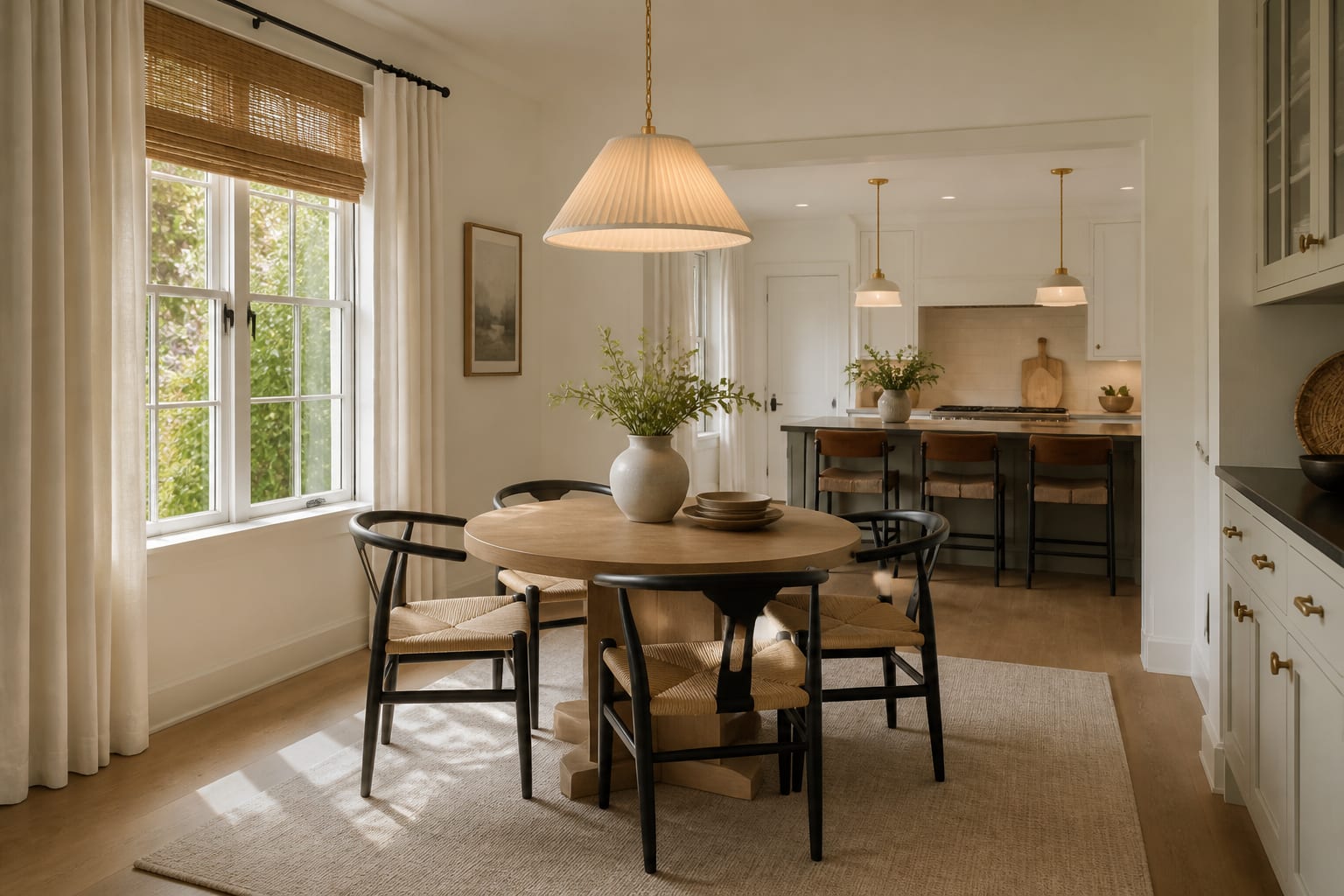
Open every cabinet, closet, and patio door. Dining chairs need about 30" to 36" behind them to pull back, and a coffee table shouldn't block the only route to a balcony. Check every listing image against the real staged room: if the AI preview used a pale sofa but the real one is dark, confirm the room still balances, and decide where toys, crates, or overflow storage go before the first tour.
Frequently Asked Questions
Should virtual staging change a room's architecture?
No. Virtual staging should keep windows, ceiling height, fireplaces, and floor color exactly as they are, since buyers are purchasing the real structure. If an AI preview adds beams, taller windows, or new cabinets, rerun the prompt and require the existing architecture to stay unchanged.
What rug size works best for a staged living room?
An 8' x 10' rug is typically the minimum to visually connect a sofa and chairs. A 9' x 12' rug works better in open-plan spaces, helping the seating area read as an intentional zone rather than furniture scattered on bare floor.
How many AI staging passes should I run?
Run at least three: one for layout, one for surface mood like color and rug tone, and one for listing-photo polish that removes excess objects. Comparing versions on the same photo reveals which changes genuinely improve the room instead of trusting a single output.
Is virtual staging safe for renters or condo owners?
Yes, if you stick to removable elements. Base prompts on freestanding storage, washable rugs, and removable lighting rather than painting or drilling, and check AI design for renters for guidance before finalizing a plan.
What's the biggest AI home staging mistake sellers make?
Hiding real condition issues instead of fixing or disclosing them. Scuffed floors, cracked tile, and worn carpet need repair or honest photography; a prettier AI render that conceals defects creates distrust once buyers see the actual house in person.