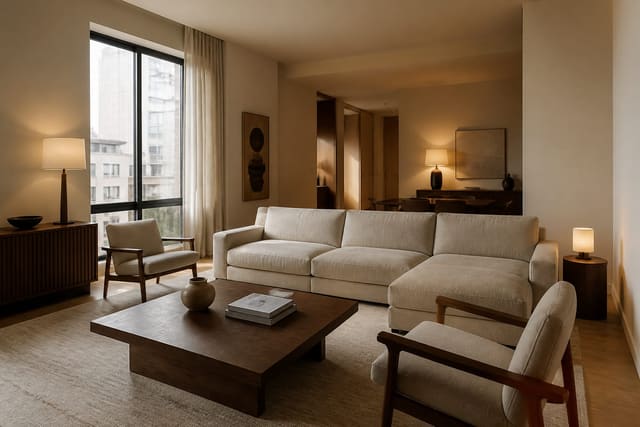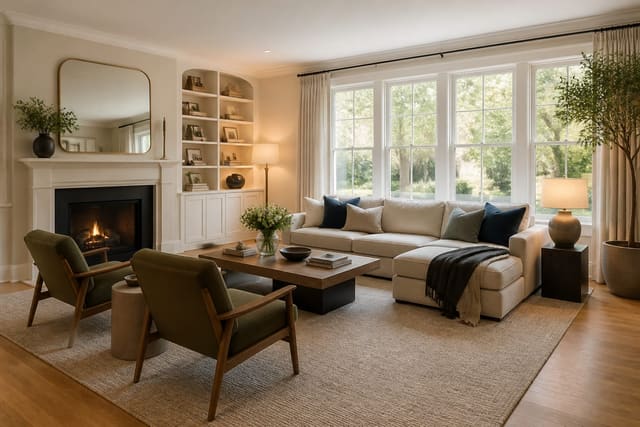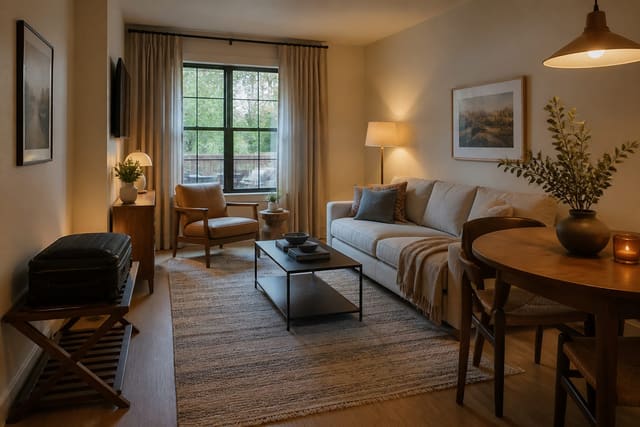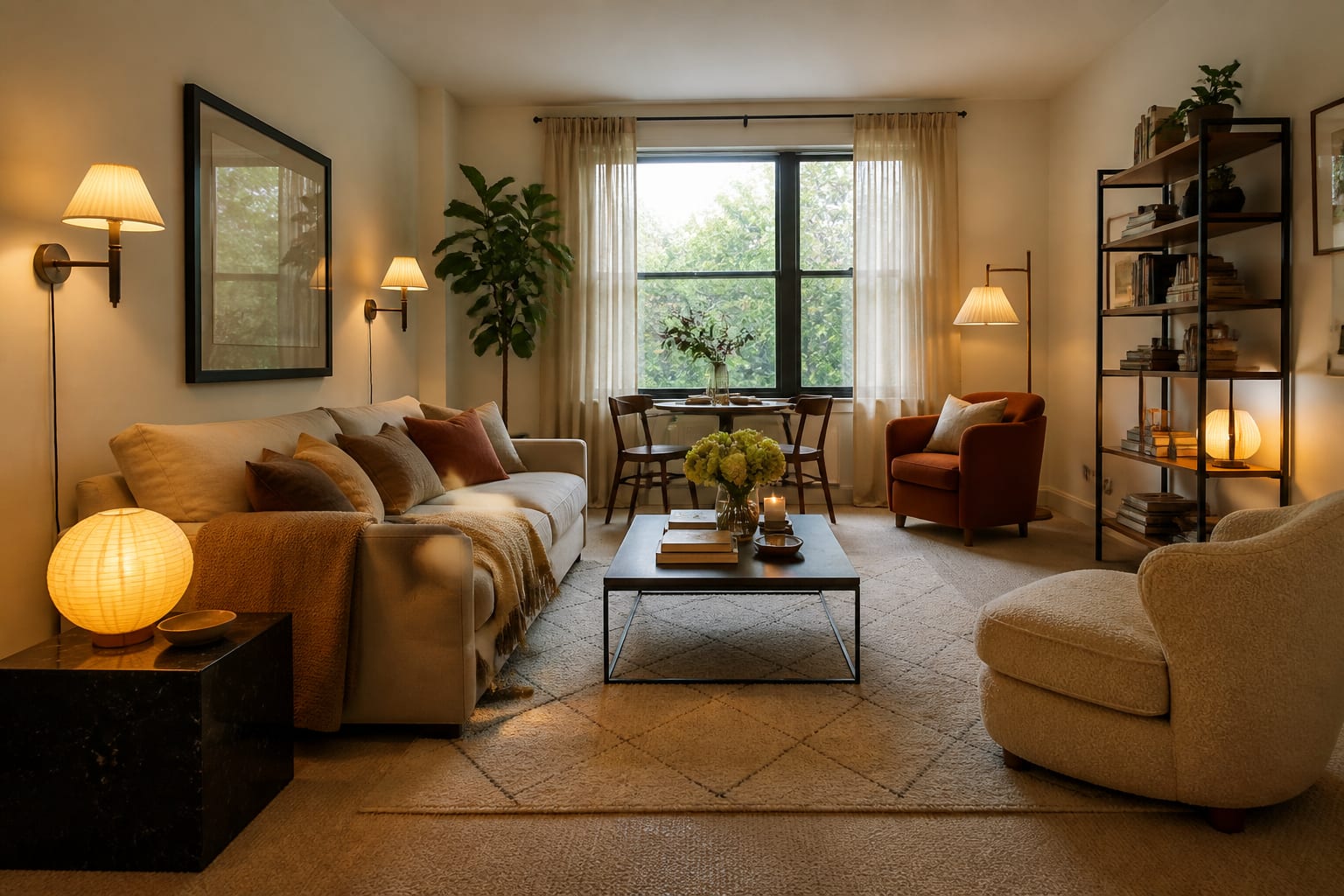
AI interior design for renters works when you upload your actual apartment—carpet, blinds, and all—and ask for removable, lease-safe changes like rugs, curtains, and freestanding storage. The tool can preview bold layouts and lighting fast, but it can't check your lease, test your walls, or protect your deposit. That part is still on you.
Can renters use AI room design tools without breaking the lease?
Renters can use AI room design tools by uploading a clear photo of the actual apartment, asking for removable changes, and checking every preview against lease rules before buying. The tool works best on visual, reversible projects: rugs, lamps, curtains, art, freestanding storage, bedding, peel-and-stick color, temporary backsplash, slipcovers, and layout.
There's a hard boundary, though. AI can't tell you whether your landlord allows adhesive tile, whether plaster will crumble under anchors, or whether "no holes" rules out curtain brackets. It can show a warmer, larger-scaled living room; it can't protect your deposit.
Write specific prompts: "Redesign this 11' x 13' rental living room, keeping the beige carpet, white walls, brown sofa, mini blinds, and TV wall. No construction, no hardwired lighting, no floor replacement, and keep a 30-inch path to the balcony." Specifics stop the AI from designing a different apartment.
If you're worried about uploading photos with personal items visible, see AI room design privacy options before photographing closets, desks, or address-visible entryways.
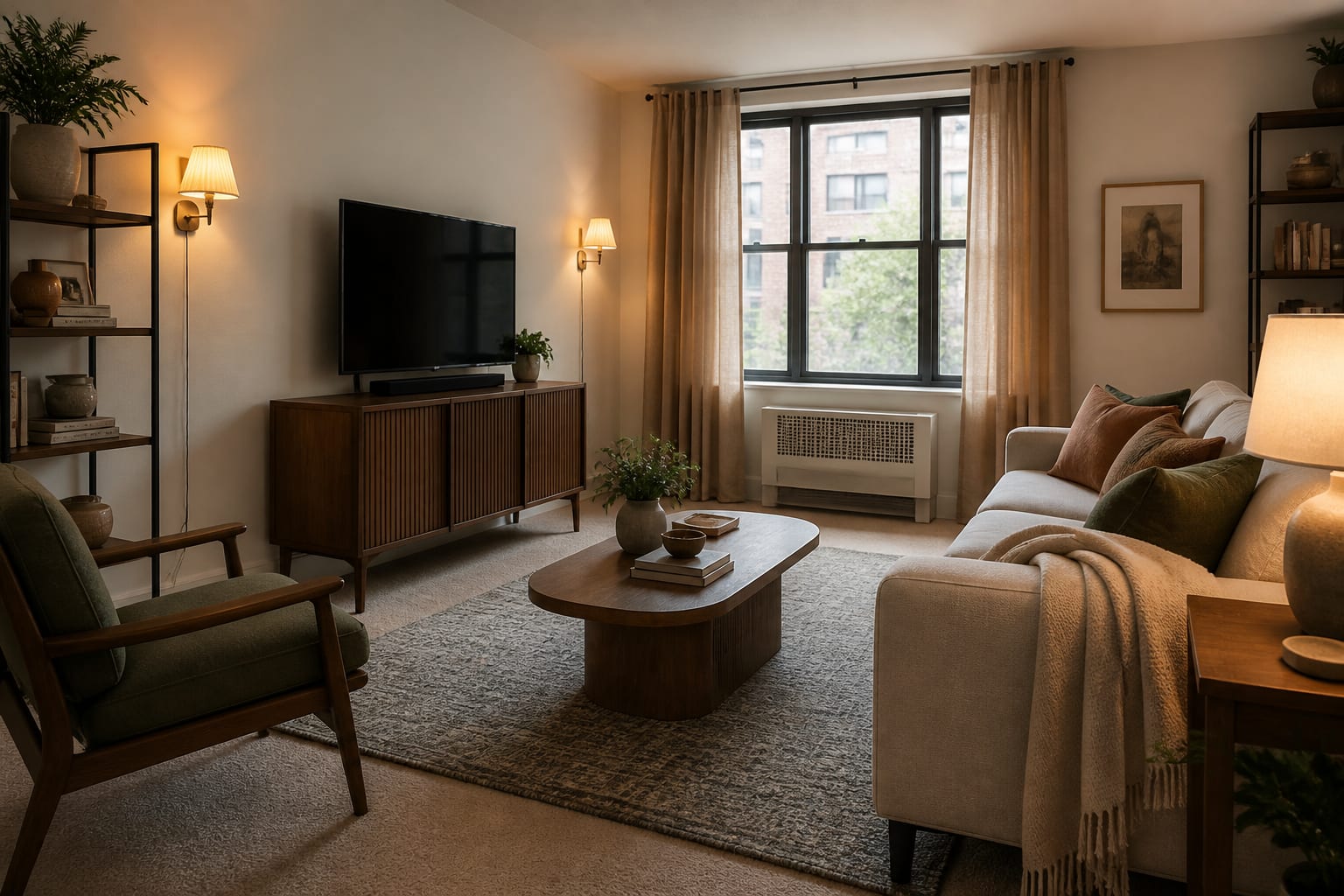
Which renter-friendly changes are worth previewing?
Preview the moves that change scale, light, and storage first. Rental rooms usually feel temporary because these large elements are weak, not because of small accessories.
- Rugs: An 8' x 10' rug usually does more than a 5' x 7' because it lets furniture legs share one zone instead of floating separately.
- Curtains: Mount rods 6-10 inches above the window casing where allowed, and let panels hit the floor (or hover about 1/2 inch above) to make walls look taller.
- Lighting: Layer floor lamps, table lamps, and plug-in sconces with 2700K-3000K bulbs to replace a single harsh ceiling fixture.
- Freestanding storage: A 72-inch bookcase, entry cabinet, or storage bench solves clutter without built-ins or wall repair.
- Temporary surfaces: Preview removable backsplash, contact paper, or wall panels, then test a hidden spot for 48 hours to check how heat, steam, or old paint react.
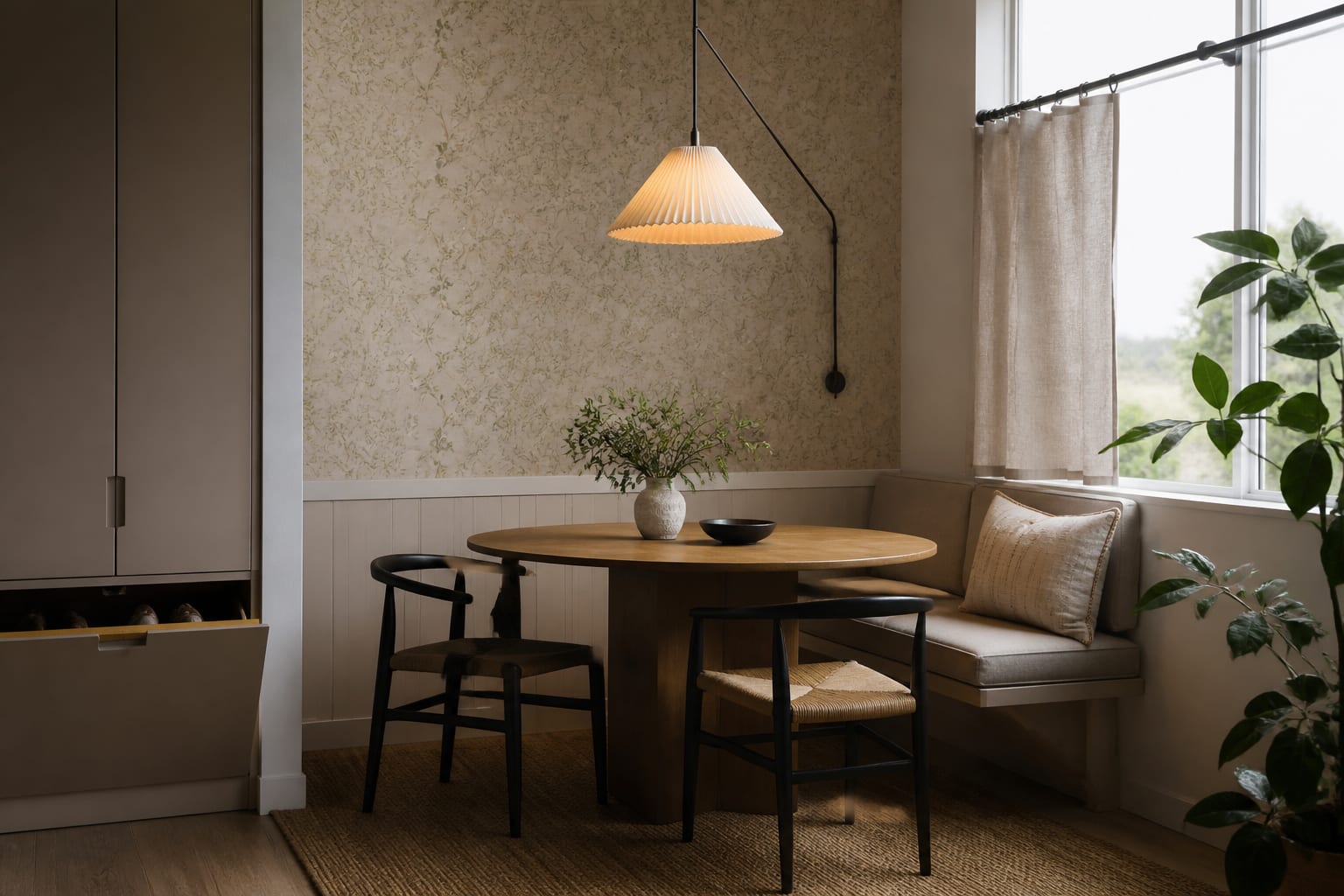
AI is good at showing which move repeats across styles. If every version improves with a bigger rug, warmer light, and taller curtains, buy those first. If only one version works because it secretly swaps your carpet for oak floors, that's fantasy, not a plan.
How should you test rental limits before buying?
Change one layer at a time on your uploaded photo. Start with layout only: sofa placement, bed orientation, desk location, walking paths. Then test light and textiles: rug size, curtain color, lamp shape, bedding, art scale. Save temporary surfaces like peel-and-stick tile or removable wallpaper for last.
This order matters because renters get fewer do-overs. A sofa that blocks the closet doesn't return itself because the unit is rented, and a backsplash that pulls paint off an old wall can cost more than it saved.
Photograph the room honestly, including the floor, ceiling line, outlets, radiators, and the corner you hate. Crop that out and the AI designs the wrong apartment. If you're furnishing a short-term rental or income unit instead of your own home, durability and turnover matter more than personal taste; see AI design for vacation rental spaces for that separate problem.
Once you find a favorite version, translate it into measurements: rug size, lamp height, curtain length, table diameter, storage depth, art width, and number of wall holes required.
What are the most common rental AI design mistakes?
- Letting AI renovate a lease you don't own. If the preview removes carpet, paints cabinets, or adds floating shelves without permission, ask for "rental-safe, removable, no construction" instead.
- Trusting "damage-free" labels blindly. Adhesive hooks and peel-and-stick products behave differently on textured walls, humid bathrooms, or sun-heavy windows, so test a hidden spot first.
- Buying for the render, not the room. Check width, depth, delivery path, and door swing, and keep 30-36 inches clear for main walking routes.
- Ignoring move-out. Save hardware, label parts, and photograph the room before changes so undoing them is as easy as installing them.
- Skipping storage. A clean AI preview with no plan for mail, shoes, or chargers is just clutter with better lighting.
If you're preparing a room to sell or list rather than live in, the goal shifts to buyer perception; see AI room redesign for resale.
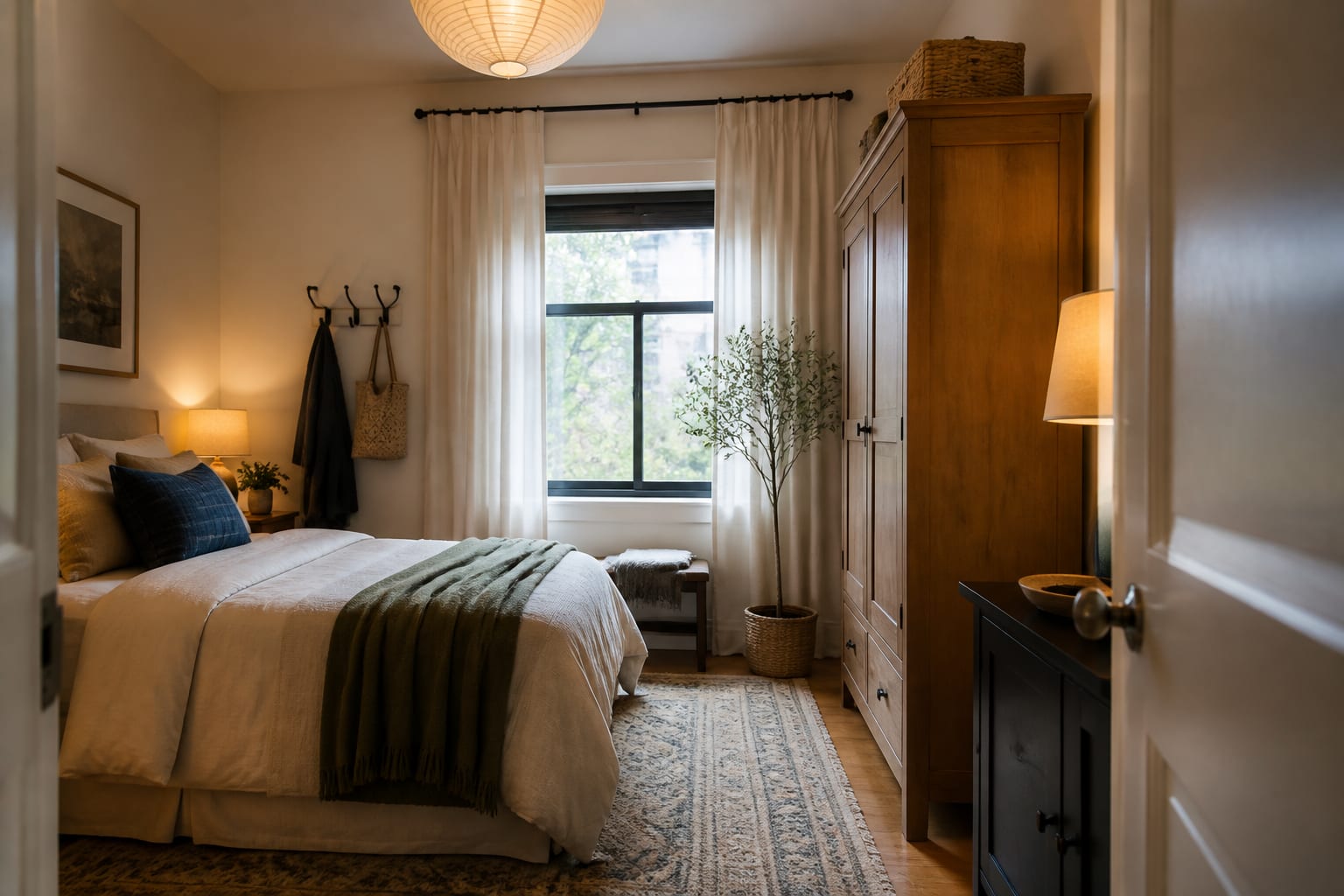
What should you verify before changing a rental room?
Read the lease for rules on paint, adhesives, holes, balconies, and appliances. Measure the room and tape out the largest footprints, such as sofa, bed, table, cabinet, and rug, on the floor before ordering anything.
Check your walls before committing to anything sticky or heavy. Textured paint, old plaster, and humid rooms can turn "removable" products into repair jobs, so confirm stud locations or use tension and freestanding hardware instead.
Preview the room at night, too. Rentals often improve most from better lighting, not new furniture. A floor lamp, a desk lamp, and a plug-in sconce can change a room's feel without a contractor or landlord approval.
Use AI to get braver about your apartment, not careless. Let the preview show a stronger version of the room, then let the lease, tape measure, and surface test decide what's realistic.
Frequently Asked Questions
Can I use AI interior design if my landlord doesn't allow paint or holes?
Yes. Focus prompts on rugs, curtains, lighting, freestanding furniture, and removable surfaces, none of which require paint or wall damage. Tell the AI to avoid construction, hardwired fixtures, and floor changes, and it will generate options that fit strict no-holes leases.
Will AI room design tools know my lease restrictions automatically?
No. AI tools only see the photo and prompt you provide; they cannot read your lease or know local rental rules. State your constraints directly in the prompt, then manually verify every idea against your lease before buying anything.
What's the safest first purchase after an AI rental redesign?
A larger area rug or upgraded curtains are usually the safest first buys. Both change a room's visual scale dramatically, require no lease exceptions, and move with you. Measure your space and door path first to avoid returns.
How do I photograph my rental for the most accurate AI preview?
Use a wide, well-lit shot that includes the full floor, ceiling line, windows, outlets, and awkward features like radiators or mismatched blinds. Avoid cropping out problem areas; the AI needs the real room to generate lease-safe, realistic suggestions.
Are peel-and-stick products actually safe for rentals?
Usually, but not always. Test any adhesive product on a hidden section of wall or cabinet for 48 hours first, since old paint, texture, humidity, and sun exposure affect removal. Manufacturer "damage-free" claims don't guarantee results on every surface.