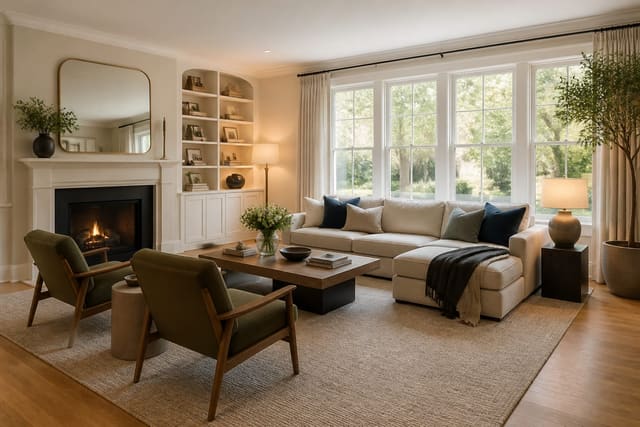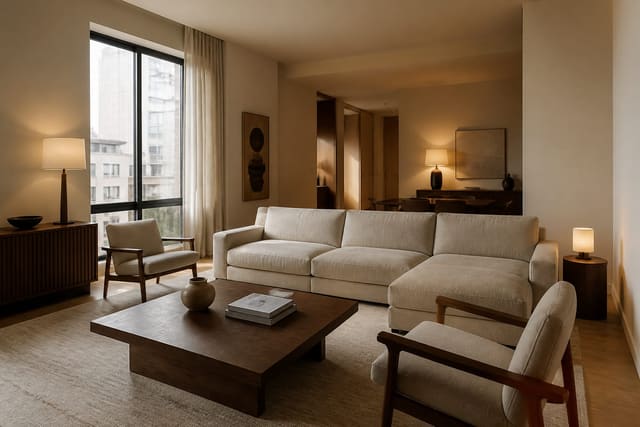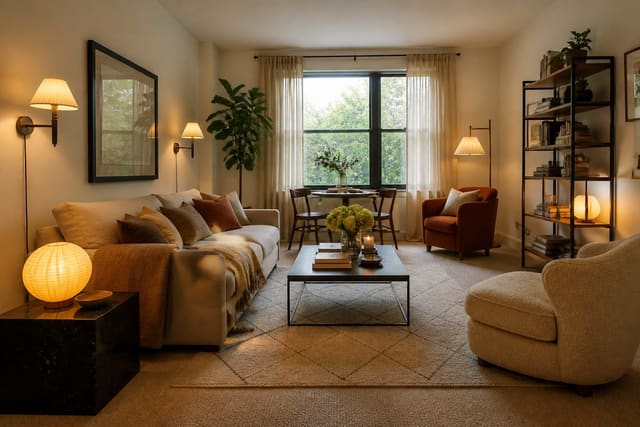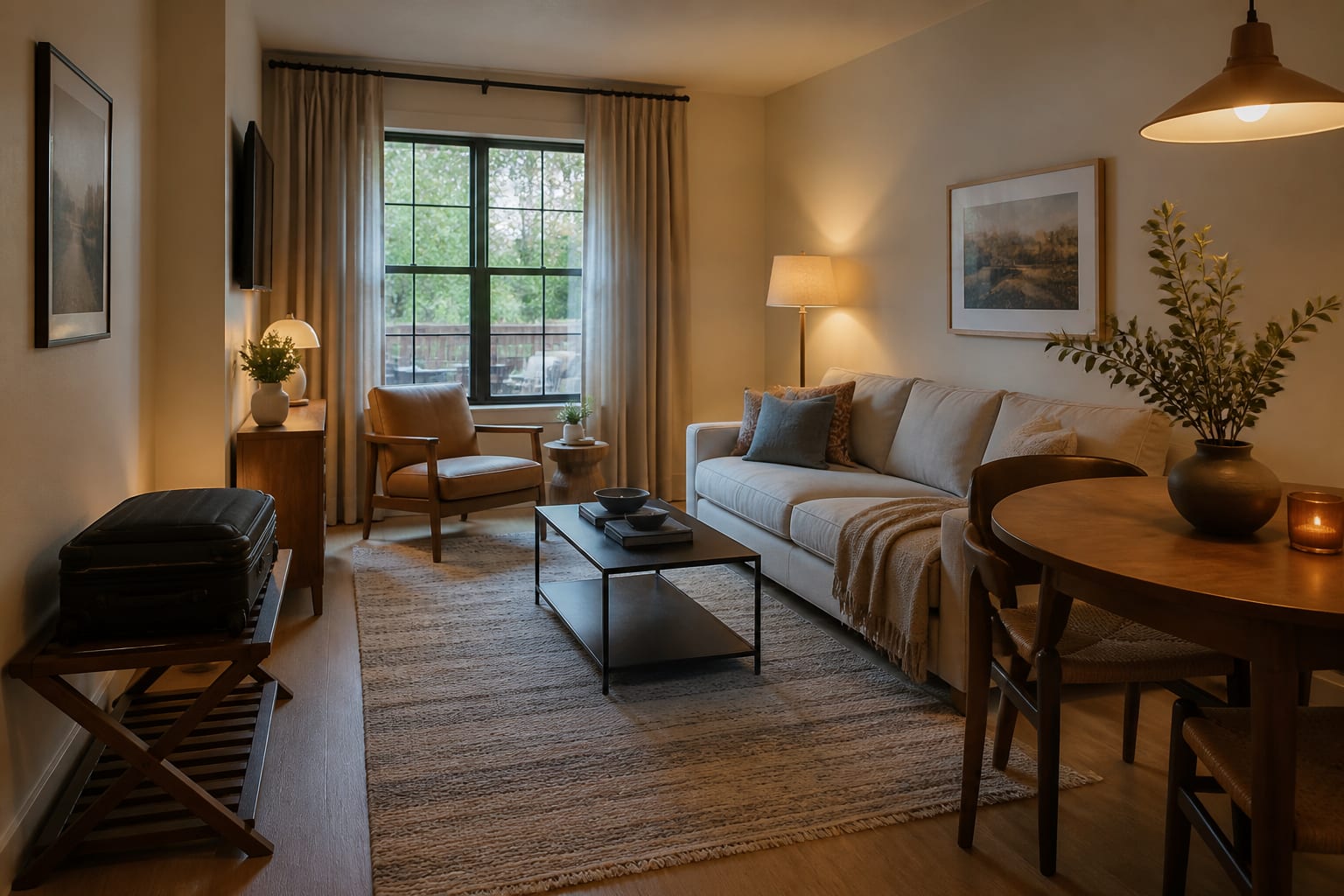
AI room design for Airbnb rental hosts turns real property photos into fast previews of layout, color, lighting, and storage so you can test guest-ready updates before buying anything. The goal isn't a fantasy render; it's a plan that photographs well, cleans fast, and survives suitcases without wasting money on a styling mistake.
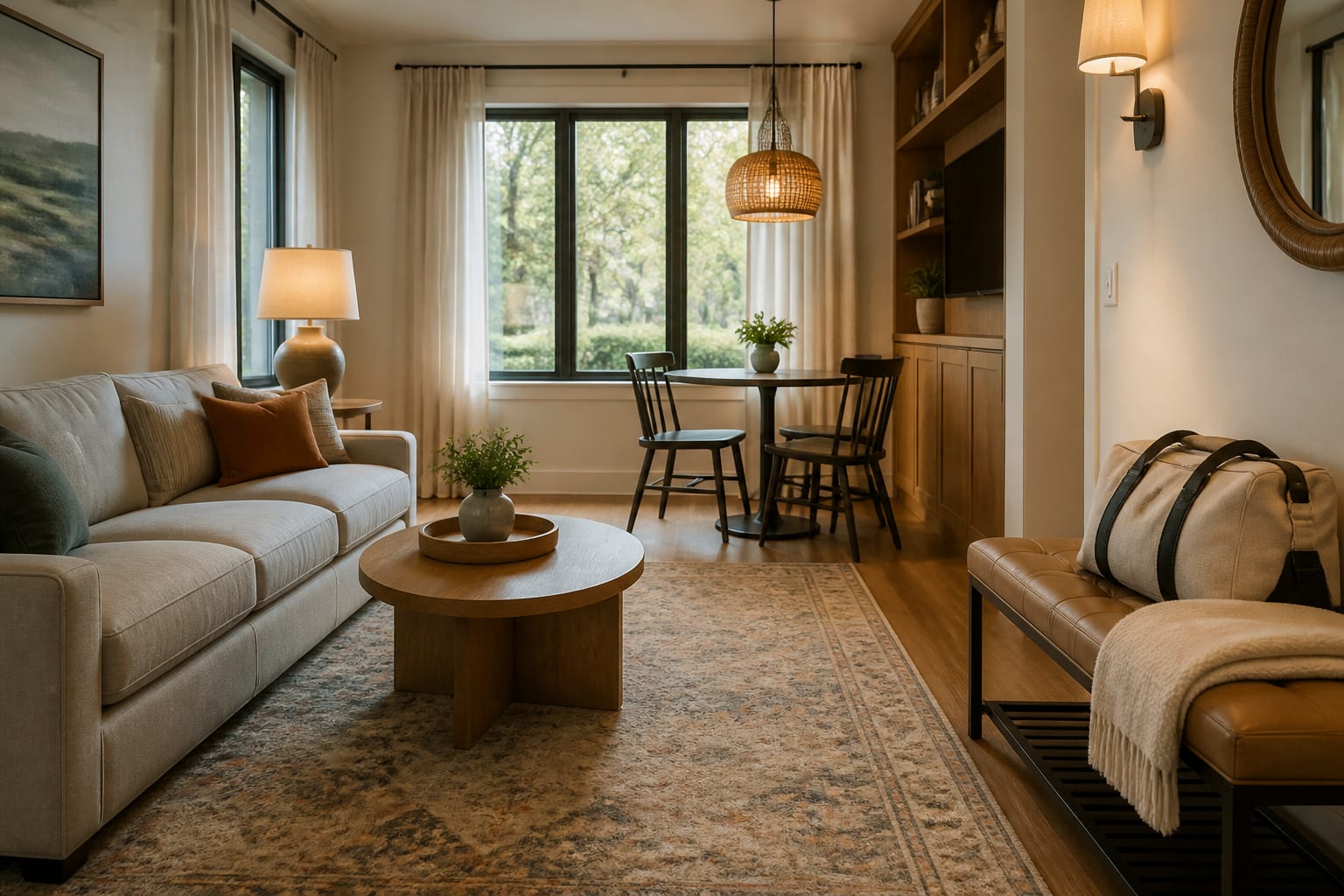
Can AI Help Design a Vacation Rental Property?
Yes. AI can turn photos of your actual bedroom, living room, entry, or kitchen nook into fast visual previews of layouts, palettes, lighting, and storage before you spend a dollar. The best use isn't inventing a dream suite; it's testing whether your existing rooms can look clearer and more bookable with targeted changes.
Every design choice serves two audiences: the guest, who needs comfort and obvious function, and the listing photo, which needs scale and contrast. AI can compare a coastal direction against a warmer traditional one, or show whether a bland living room improves with a larger rug and better lamps.
What AI can't do matters too. It doesn't verify mattress comfort, cleaning time, fire codes, or whether a chair survives suitcase abuse. Treat previews as a design shortlist, then confirm the plan against dimensions, product specs, and maintenance reality.
What Makes a Rental Feel Guest-Ready Instead of Staged?
A guest-ready rental has obvious zones, forgiving materials, and a visual promise the stay can actually keep. Staged rooms often look good for one photo and fail the moment someone opens a suitcase or tries to read in bed.
Start with the arrival path: a guest should know where to drop keys, shoes, and luggage within the first minute. A 36-inch console near the door often works better than another accent chair because it solves that ritual. If the door opens straight into the living room, a bench, hooks, and a washable runner help without any construction.
Bedrooms need the most discipline since reviews often start with sleep quality:
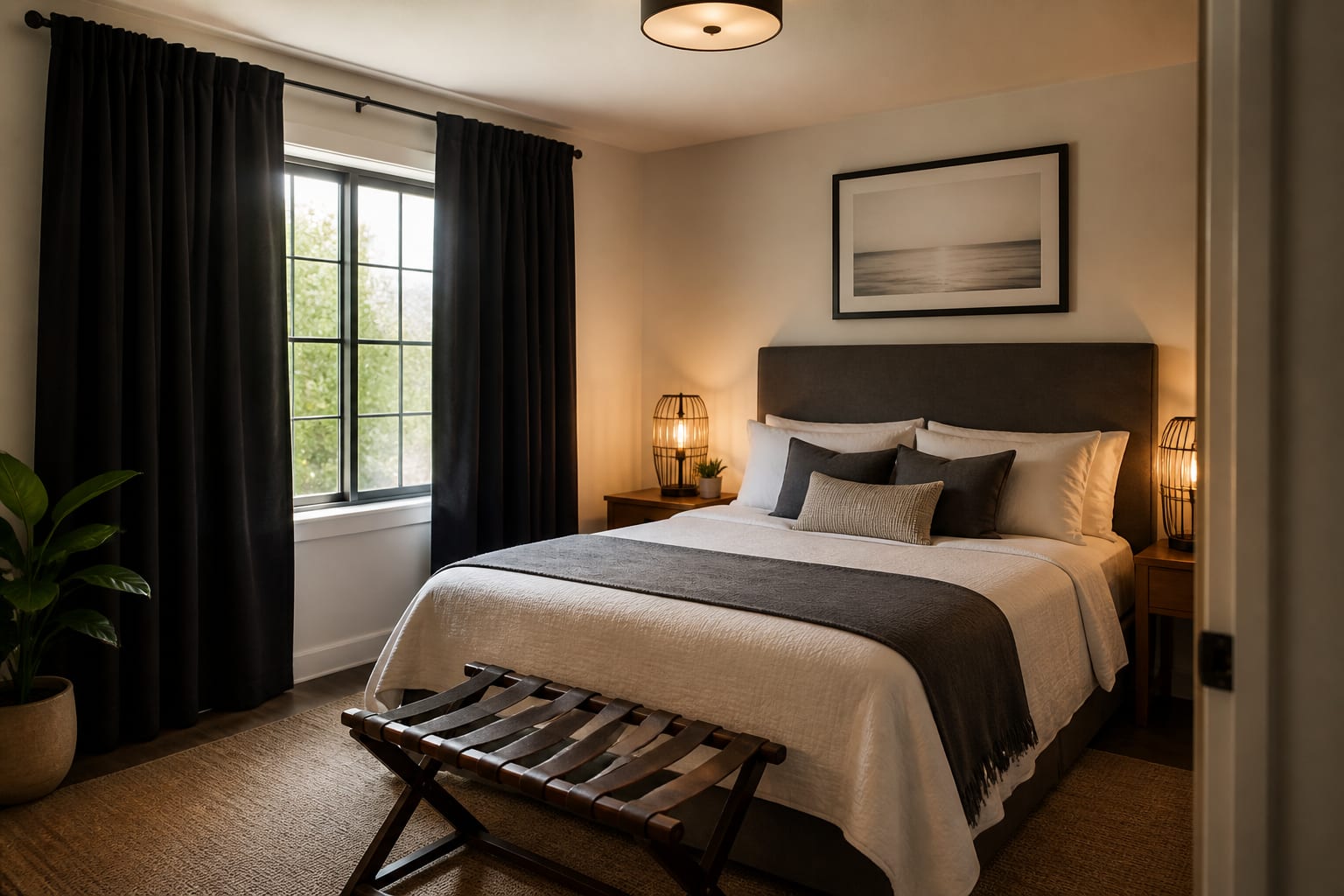
- Nightstands within reach, typically 18 to 24 inches wide in compact rooms, with non-glaring lamps or sconces
- Blackout curtains that fully cover the window, hung 6 to 10 inches above the casing when possible
- Side tables within about 18 to 24 inches of seating so guests aren't using the floor
Hosts who may eventually sell the property should separate booking appeal from resale appeal; see AI room redesign for resale decisions when a rental refresh could become a listing refresh.
Which Updates Should Hosts Preview Before Buying?
Preview the changes that affect how guests read the room in photos and how it survives turnover. Small accessories can wait; scale, light, fabric, storage, and contrast are the real levers.
- Rug size before pattern. An undersized rug reads as temporary; an 8x10 under a sofa lets front legs land on it for a cohesive area.
- Bulb warmth before repainting. Aim for 2700K to 3000K with at least two lamp sources in the living room so it doesn't rely on one ceiling fixture.
- Closed storage before decorative shelves. A 42 to 48 inch bench, closed entry cabinet, or real dresser drawers improves the stay more than open shelves.
- Darker contrast at the photo focal point. An all-white rental can vanish online; a deeper headboard or framed art gives structure without heaviness.
- Dining scale before the table purchase. A 30 to 36 inch round table can seat two in a tight rental, but four diners need more chair pullback than a render shows.
How Do You Use AI Design Before the Photographer Arrives?
Upload straight, bright photos of the actual property, including floors, windows, doors, and the awkward corners you're tempted to hide. Those corners are usually the real design brief.
Run controlled variations instead of one total makeover. For a living room, keep the sofa, floor, and windows fixed while testing three directions: warmer neutral, stronger color, and boutique-hotel tailored. For a bedroom, keep the mattress size and window placement fixed while comparing headboard, curtain color, bedding contrast, and lamp height.
If the rental doubles as your personal apartment part of the year, use a stricter prompt drawn from AI design guidance for renters: no hardwired lighting, no permanent flooring, no drilling if the lease demands it.
Before uploading photos, remove guest paperwork, addresses, family photos, Wi-Fi labels, and lockbox codes. Review AI room design privacy options before photographing a lived-in short-term rental.
After each preview, record the physical assumptions: rug size, sofa width, table diameter, curtain length, lamp temperature, and wall color. Art typically photographs best centered 57 to 60 inches from the floor, unless a tall headboard changes that math.
What Are the Most Common Vacation Rental Design Mistakes?
- Designing for compliments, not operations. A white boucle chair looks charming in a render, but sunscreen, wine, pets, and quick turnovers demand performance upholstery, slipcovers, and washable rugs.
- Copying a boutique hotel without hotel infrastructure. Hotels have staff and commercial cleaning; your property may have one supply closet. Simplify layered bedding, fragile ceramics, and ten pillows per bed before guests arrive.
- Under-lighting for a daytime-only photo. Guests arrive after dark. Put lamps within bedside reach, add a floor lamp near the sofa, and skip cool blue bulbs that make beige walls look harsh.
- Forgetting suitcases. A bedroom with no luggage spot forces bags onto the bed. Add a bench or rack wide enough for a carry-on to open without blocking the door.
- Making every room generic. Neutral is fine, anonymous is not. One local art piece or a distinctive headboard makes the property memorable while staying broadly appealing.
Frequently Asked Questions
Does AI room design work for real vacation rental photos?
Yes. Upload straight, well-lit photos of your actual rooms, including awkward corners, and the AI generates styled previews of the same layout. This works best for testing paint, lighting, rugs, and furniture scale before purchasing anything for the property.
How many AI design variations should a host generate per room?
Generate at least three controlled variations per room, changing one variable at a time such as color direction or lighting warmth. Repeated fixes that show up across multiple previews are more reliable signals than a single dramatic-looking image.
What should hosts avoid uploading when using AI design tools?
Remove guest paperwork, visible addresses, family photos, Wi-Fi passwords, and lockbox codes before uploading any rental photo. This protects current occupants and future guests, and it matters most for lived-in short-term rentals or shared properties.
Can AI design previews replace a professional stager?
No. AI previews are a fast, low-cost way to shortlist directions like color, layout, and lighting, but they don't verify mattress comfort, cleaning time, fire codes, or furniture durability. Confirm any favorite preview with real measurements and finish samples before buying.
What is the biggest design mistake vacation rental hosts make?
The biggest mistake is designing for a flattering photo instead of the operational reality: cleaning turnover, luggage storage, and durable materials. A fragile, all-white styled room may photograph well once but fail reviews after repeated guest use.