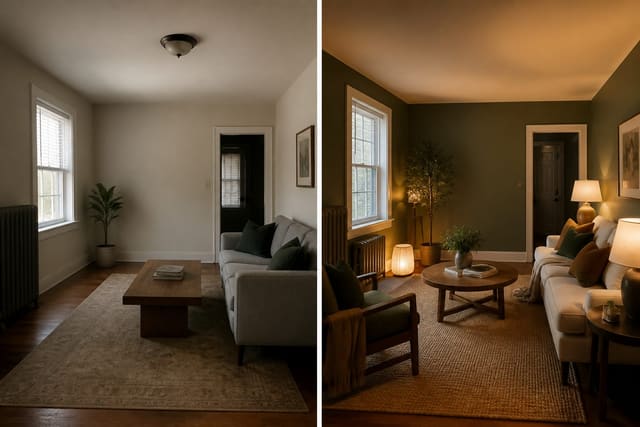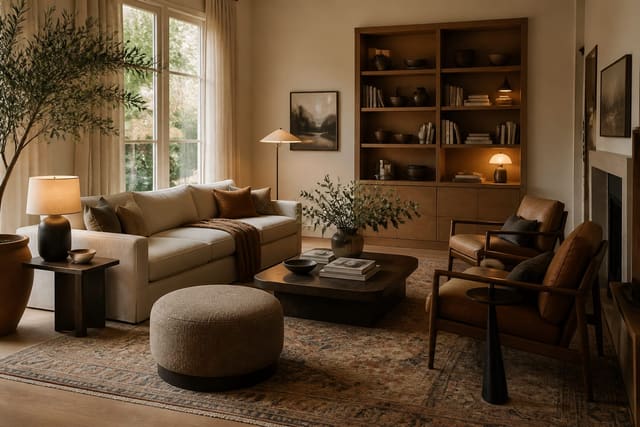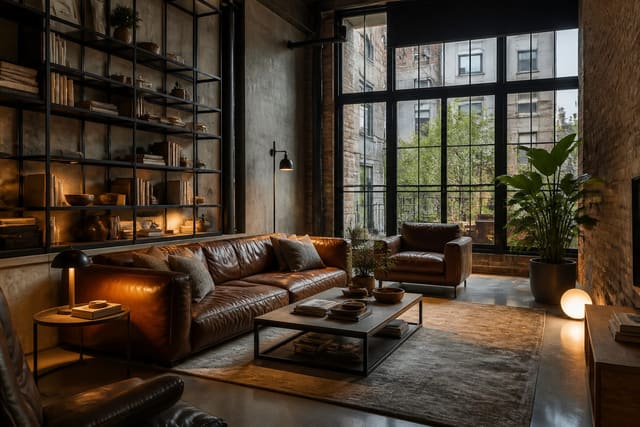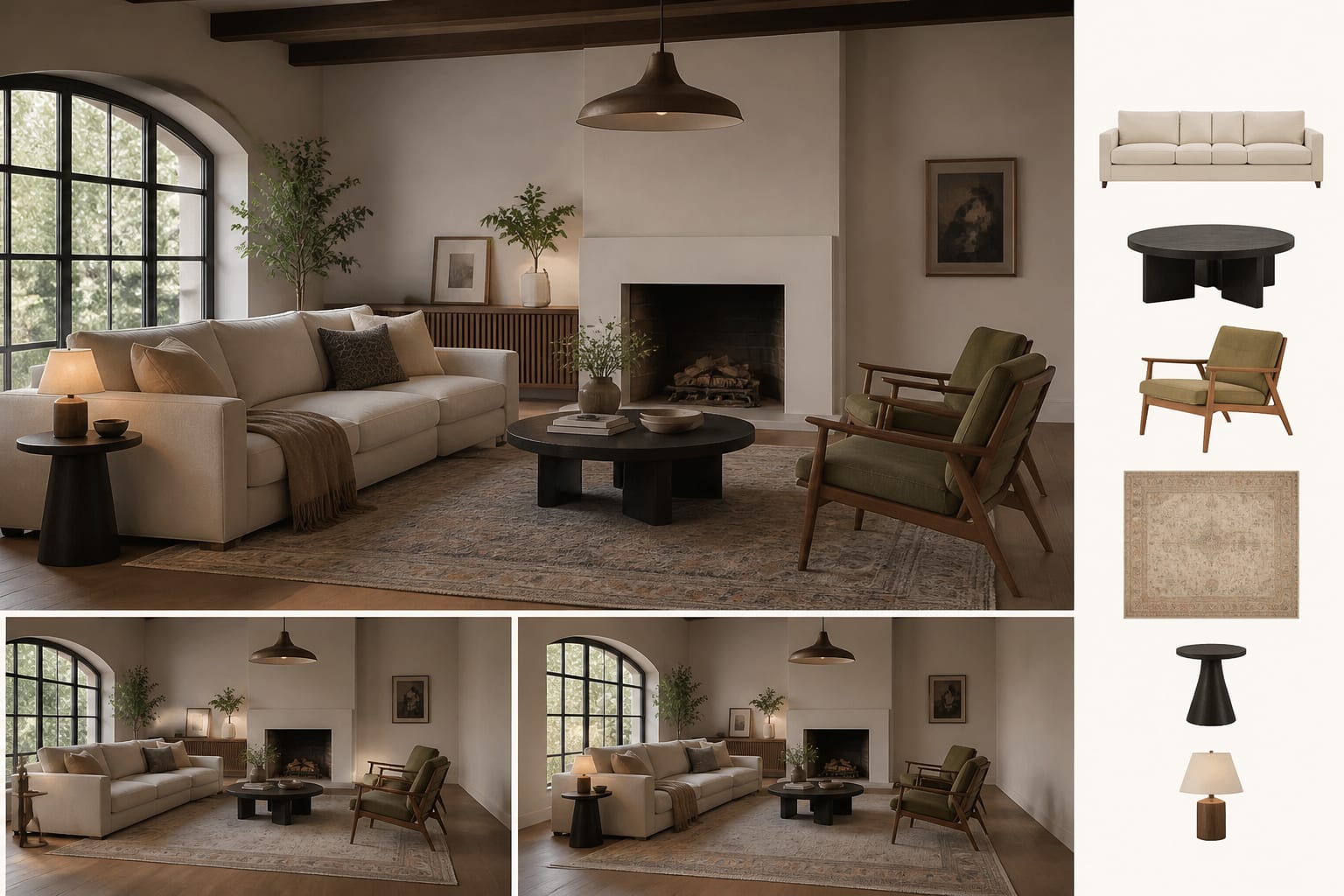
An AI room design shopping list app turns your uploaded photo into named furniture categories, sizes, and retailer links, not just a styled image. Pure image generators help you name a look but won't confirm sofa length, rug size, or finish choices, so check for real product recommendations before you buy.
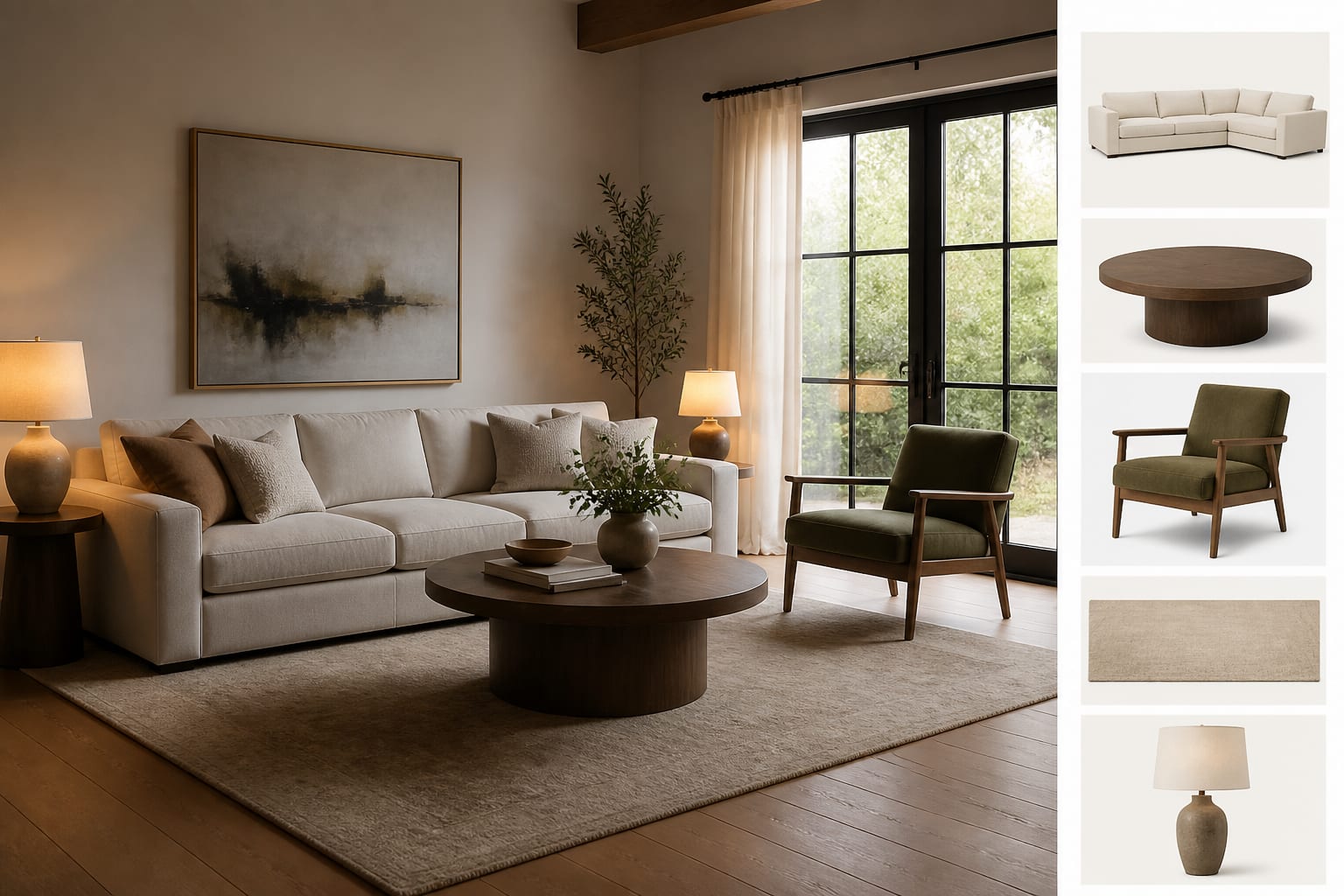
Which AI apps actually generate a shopping list?
An AI room design app earns the "shopping list" label when it converts a room preview into product categories, suggested dimensions, and buyable recommendations instead of stopping at a rendered image. The strongest versions work like a visual brief: upload the room, choose a direction, review the preview, then inspect the pieces that would make it real.
The feature varies by app. Some give product cards with retailer links. Others output a generic list like "linen sofa, round oak coffee table, wool rug" that still requires you to shop. The best let you export a plan with categories, approximate sizes, and notes you can hand to a partner or contractor. For a broader comparison of AI interior tools, see the full interior AI app review.
How do you compare shopping-list features without getting fooled?
"Shopping recommendations" can mean anything from a vague mood board to a real product feed. Judge an app by what it returns after a real room photo, not by its homepage demo.
| App behavior | Best for | Weak spot | Designer test |
|---|---|---|---|
| Render only | Exploring style direction (warm modern, industrial, traditional) | No buy list, no sizing, no product accountability | Ask it to keep your existing sofa and see if the preview respects it |
| Generic item list | Turning a look into search terms | You still find the exact products yourself | Check whether it names dimensions, like an 8x10 rug or 30-inch table |
| Product recommendations | Comparing real furniture after style is set | Retailer bias may push what's in stock, not what fits | Verify the sofa depth leaves 30-36 inches of walkway |
| Exportable furnishing plan | Sharing a direction with a spouse, landlord, or designer | May need manual edits before purchase | Look for editable notes and replacement options |
Don't reward an app for naming expensive pieces if it ignores scale. A good list stays specific about rug size, table diameter, seat height, lamp scale, and walkway clearance. In a 10x12 bedroom, a king bed, two 30-inch nightstands, and a dresser can look fine in a render while making the door swing miserable in real life.
What belongs on a useful AI furniture shopping list?
A good list reads like a draft order plan, not a Pinterest caption. It doesn't need to pick every SKU, but it should narrow the field enough to make your search faster and safer.
- Furniture category with a size range. "Sofa" is too broad; in a compact living room, a 78- to 84-inch sofa often protects the walkway better than a 96-inch one.
- Rug size before accent chairs. A living room usually settles better with front sofa legs on an 8x10 or 9x12 rug; a 5x7 often floats under adult furniture.
- Finish family, not just color. "Wood table" could mean oak, cherry, blackened ash, or maple. If your floor leans orange, steer toward walnut, black, painted, or woven texture.
- Lighting by role and temperature. Separate ambient, task, and accent lighting, and keep bulbs near 2700K-3000K for living rooms and bedrooms.
- What should stay. If your existing 84-inch console works with the new palette, the app should build around it instead of replacing it for novelty.
Some tools handle this better than others. The Collov AI room design breakdown shows how one shopping-oriented app handles edits and the gap between a render and a furnishable room.
What mistakes happen when you trust the list too fast?
The risk isn't that AI suggests ugly furniture. It's furniture that photographs well for three seconds and annoys you for five years.
- Buying the largest piece first can fail if the preview stretched the room. Tape the footprint on the floor; keep 30-36 inches for main paths and 24 inches behind dining chairs.
- Treating links as design approval ignores your doorways, elevators, pets, and kids. Check delivery dimensions, cleanability, and return shipping before falling for a bouclé chair that can't survive a muddy dog.
- Matching every listed item turns a room into a furniture set. If the list is all oak, swap one piece for metal, stone, or woven texture.
- Ignoring fixed finishes creates a palette that fights the room. If dark industrial suggestions feel too harsh, review warmer industrial interior design examples and prompt for leather, walnut, wool, and softer lamps.
- Skipping samples is risky since a rendered beige or olive can shift under your bulbs. Order fabric swatches and test paint on two walls before committing to anything custom.
A list is a design argument, not a command. The more expensive the item, the more evidence it needs before checkout.
How do you turn the AI list into a real order?
Start with one clean room photo showing fixed finishes: flooring, trim, window size, ceiling height, and furniture you're keeping. Ask for a specific result, such as "keep the gray sofa, add a larger wool rug, use walnut storage, warm white walls, brass lamps." Compare two or three variations, not twenty, so the decision stays clear.
Then move in passes:
- Protect the layout. Tape every large footprint: sofa length, rug width, desk depth, dining diameter, dresser clearance.
- Protect the palette. Order samples for the two or three dominant materials: upholstery, wood finish, or paint.
- Protect the budget. Spend on what people touch daily: sofa cushions, dining chairs, desk chairs, mattresses, and rugs in high-traffic rooms. Save on side tables, lamps, baskets, and art.
For renters, prioritize freestanding storage, plug-in sconces, washable rugs, and curtain panels that can move with you. Finally, rewrite the AI list in your own words: "84-inch performance-fabric sofa, 9x12 wool-look rug, 36-inch round coffee table, two plug-in sconces, walnut media storage." If the list can't survive plain language, it isn't ready for your credit card.
Frequently Asked Questions
What is an AI room design shopping list app?
It's an app that converts your uploaded room photo and chosen style into named furniture categories, sizes, and often retailer links or an exportable list, rather than just producing a styled image. This lets you shop with specifics like rug dimensions and finish tones instead of guessing from a render alone.
Do AI room design apps give exact product recommendations?
Some do, with product cards and retailer links; others only generate generic terms like "linen sofa" that you still have to shop for yourself. Test any app with your own room photo and check whether it names dimensions and finishes, not just style words.
How do I know if AI-suggested furniture will actually fit?
Tape the suggested footprint on your floor before ordering, using the dimensions the app provides or standard sizes for that category. Keep 30-36 inches clear for main walkways and at least 24 inches behind dining chairs so the room functions, not just photographs well.
Should I buy everything the AI recommends?
No. Treat the list as a draft, not a command, and swap in one different material or finish so the room has visual tension instead of matching perfectly. Keep any existing furniture that already works with the new palette instead of replacing it for novelty.
What should I check before ordering large furniture pieces?
Confirm delivery dimensions fit your doorways and elevator, verify fabric cleanability if you have pets or kids, and order paint or fabric samples to test under your actual lighting. Rendered colors like beige or olive can shift significantly once you see them in your room morning and night.