Collov AI is good for redesigning a room when you need guided visual concepts, but its prettiest render is not a finished plan. It works well at the decision stage, showing a stronger style direction and more finished mood, while your tape measure, light, and budget still make the final call before you buy anything.
What is Collov AI actually useful for?
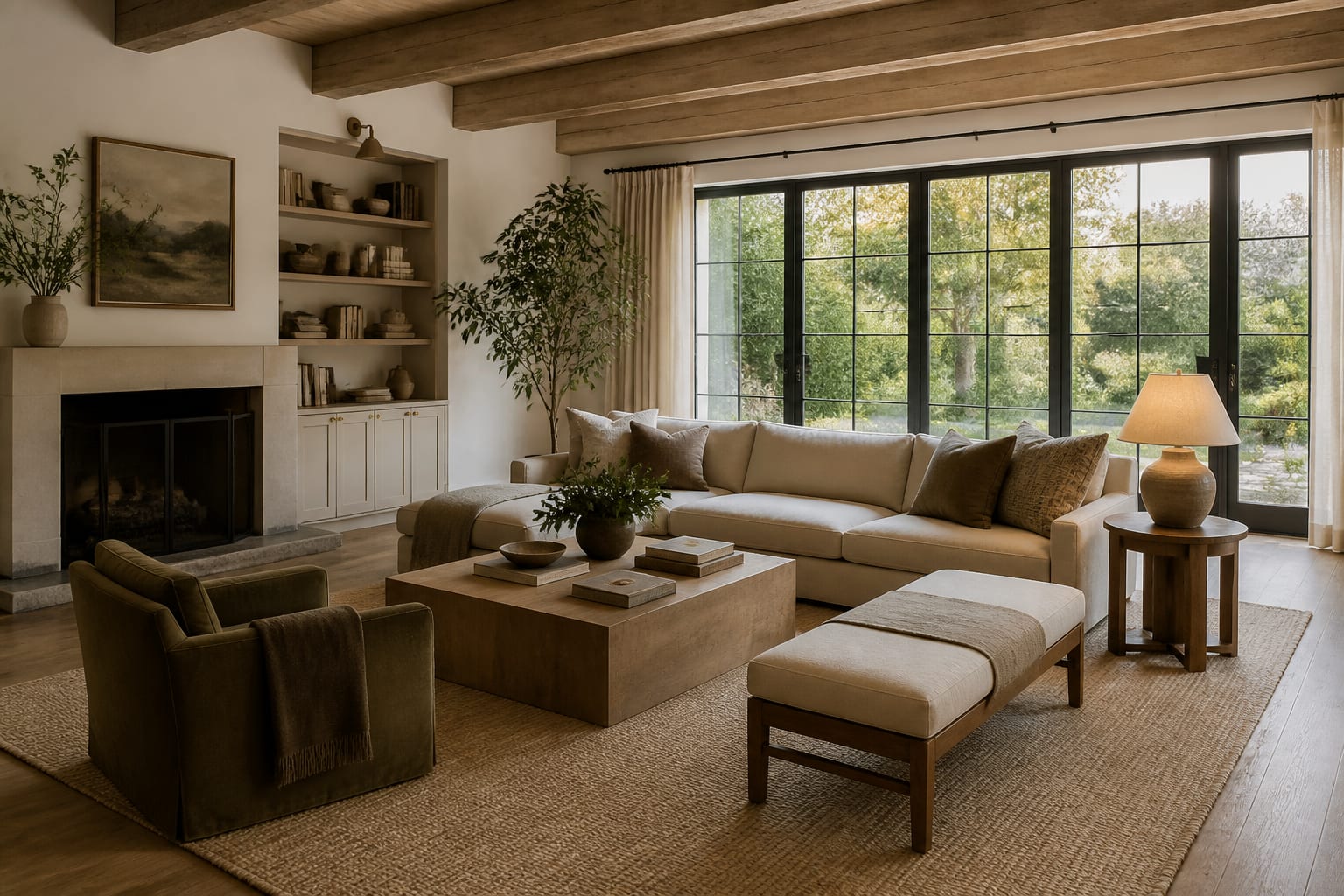
Collov AI turns a real room photo into a more designed concept with clearer style, furniture direction, color mood, and decor structure. It sits between magic and failure: it can make a blank room feel resolved, but it doesn't remove your responsibility to verify fit.
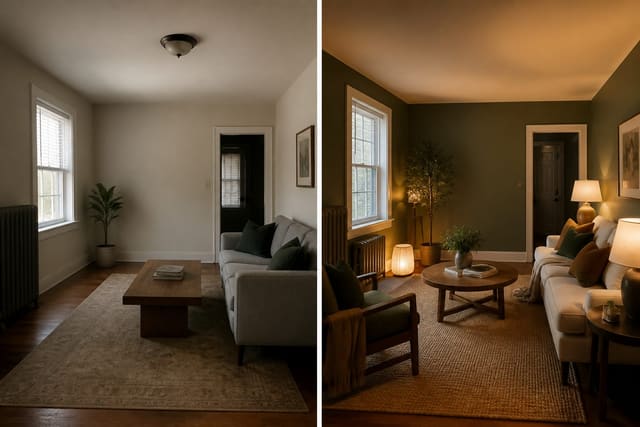
Its best use is early design confidence. A tired living room with a small rug and one overhead light can be shown with warmer upholstery, a larger rug, better side tables, and a coherent wall color — decisions that are hard to imagine from swatches alone.
Get cautious when a render looks too complete. Perfect nightstands and a calm headboard wall still need real dimensions: are the nightstands 24 or 32 inches wide, does the closet door clear the bed, can the lamp cord reach an outlet? For a broader look at fast photo-based tools, see this Interior AI app review for room redesigns.
Collov AI vs Re-Design vs Interior AI vs Planner5D
The best app depends on the decision at hand. Collov suits a guided design path; photo-first tools are faster for testing several looks from the same image; planner-style tools matter more when layout control outweighs mood.
| Tool | Strongest use | Watch closely | Best fit |
|---|---|---|---|
| Collov AI | Guided room concepts and styled visual options | Renders that look finished before scale and product fit are proven | Homeowners wanting a curated redesign direction |
| Re-Design | Fast photo upload previews for comparing styles and practical changes | Still need real measurements before buying large pieces | Renters and homeowners testing ideas quickly from a real photo |
| Interior AI | Quick style exploration and dramatic before/after views | Changed architecture, flattering light, furniture that may not fit | Choosing a general aesthetic before narrowing the plan |
| Planner5D | Layout-minded planning with manual refinement | Setup time and correcting dimensions | Users adjusting the room model after the first concept |
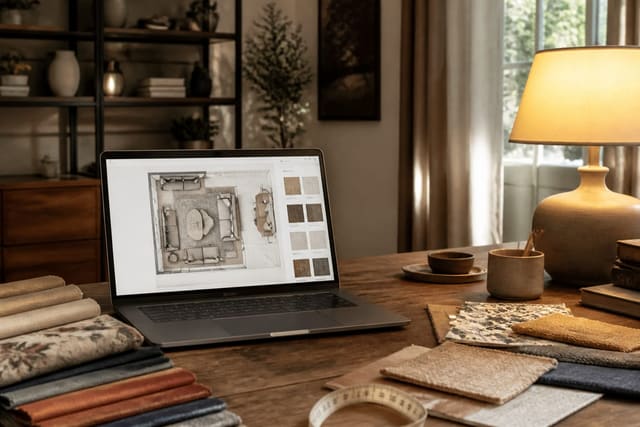
For mostly emotional questions — can this room feel warmer or cleaner? — a quick preview is enough for round one. For a tight dining nook or awkward office, use a tool that lets you pressure-test dimensions; see the Planner5D AI review for layout planning. Collov can feel more directed than a raw image generator, but a directed result can earn more trust than it deserves — a polished room can still fail if a 92-inch sofa blocks the only path to the balcony.
What does Collov AI get right and wrong?
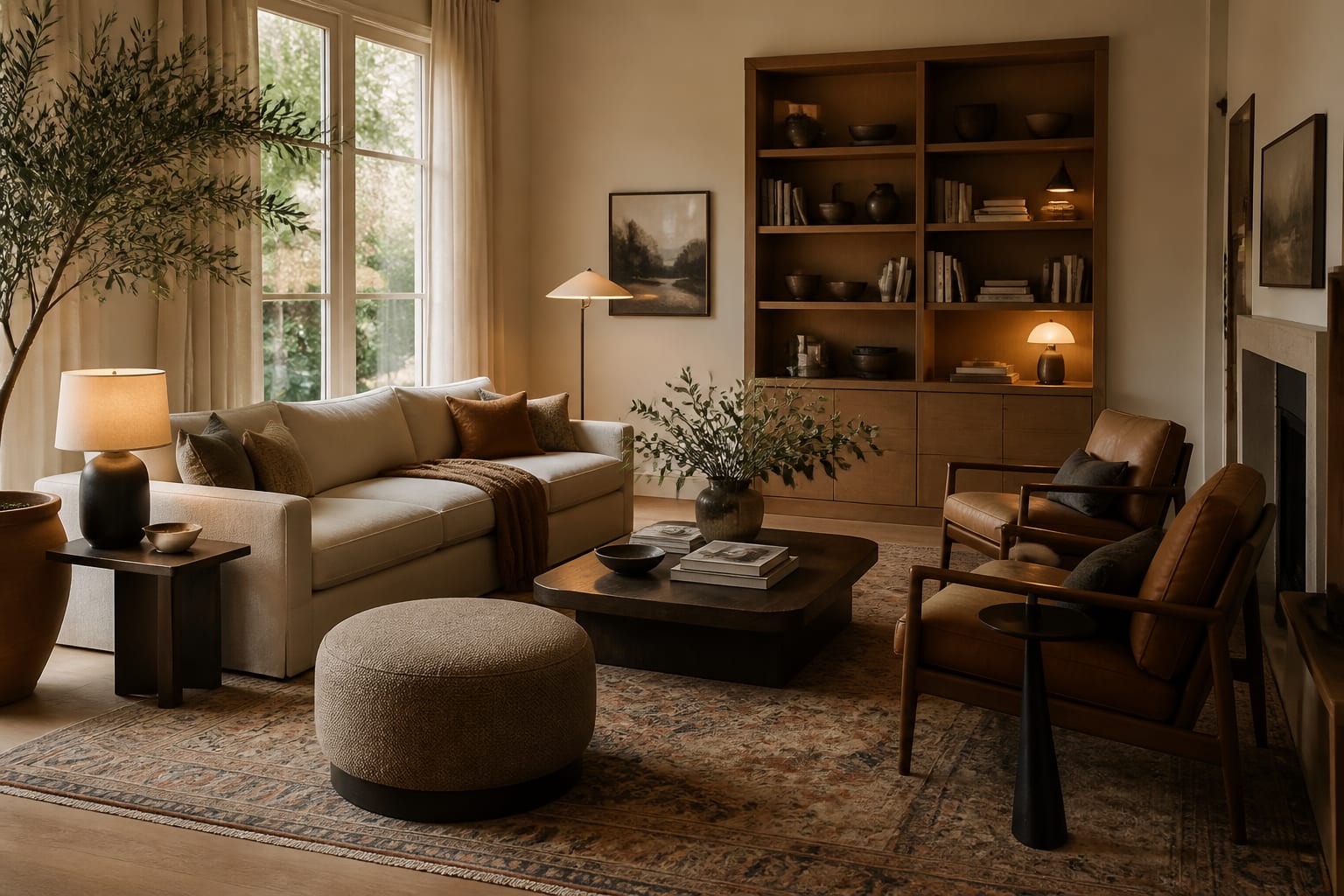
Collov's results are strongest at visual coherence: a scattered room can gain a palette, a main furniture story, and a cleaner rug and wall treatment. That matters because many rooms fail not from one bad purchase but from several reasonable purchases that don't agree.
Stronger results usually show:
- One large anchor first — an 84-90 inch sofa, an 8x10 rug, or a 60-inch media cabinet changes a room more than another accent pillow.
- Lighting at seated height — warm 2700K bulbs for lounges and bedrooms, moving toward 3000K for desks, vanities, or kitchen tasks.
- Visible storage — closed cabinets around 14-18 inches deep calm a wall without stealing the walkway.
- One repeated material — walnut, black metal, oak, linen, or aged brass repeated at least twice keeps the concept deliberate.
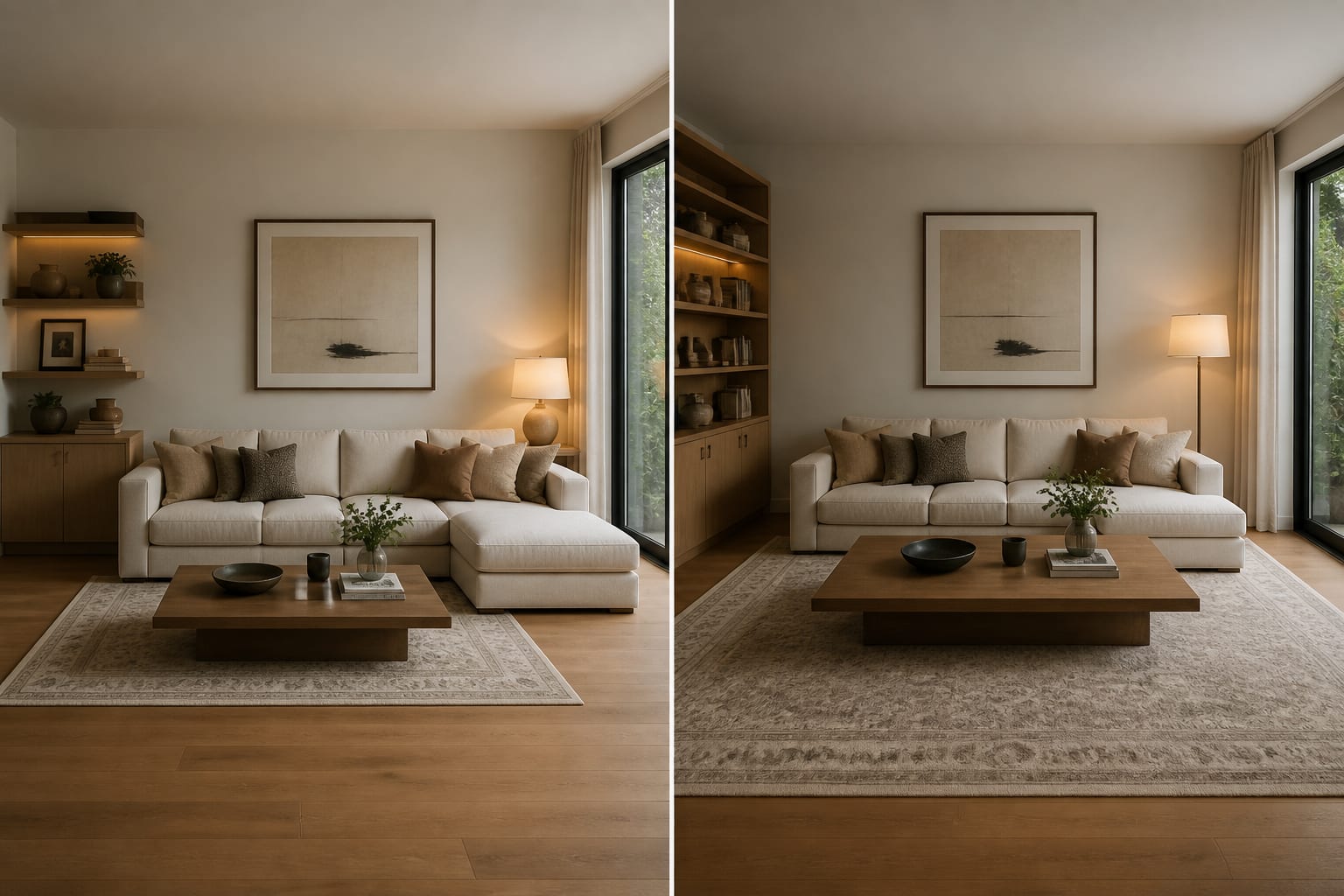
Weaker results appear when the rendering quietly improves the house: taller windows, smoother floors, missing radiators, invisible cords, and perfect daylight. A less glamorous image that keeps your baseboard heater and low sill is more useful than a fantasy room that deletes the problems you actually live with.
What mistakes should you avoid with Collov AI?
- Don't treat the prettiest result as the most accurate. Check the shell first: ceiling height, window size, door swing, floor color, trim, and anything that can't move.
- Don't ignore product scale. Measure the real wall before shopping; keep 30 inches for main walkways and 16-18 inches between seating and a coffee table, and confirm doors and drawers can still open.
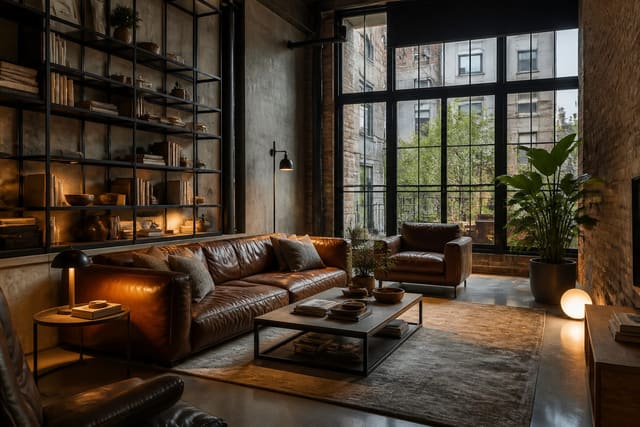
- Don't prompt with a style name alone. "Modern" or "industrial" is too vague; for raw finishes like black metal and concrete, compare results against this AI industrial interior design guide so the room doesn't become a fake loft.
- Don't let the app hide the budget. A render with built-ins, new floors, and full-height drapery isn't the same cost as a rug and paint update — ask for a modest version, a renter-safe version, and a higher-investment version.
How do you test Collov ideas on your own room?
Save the Collov concept you like, then test it against your actual room photo with stricter constraints. Use a small set of controlled previews rather than one prompt and one decision.
- Photograph the room from the doorway or main sightline, showing floor, ceiling, windows, doors, trim, outlets, and anything that must stay (radiator, low window, sloped ceiling, off-center fireplace).
- Generate one version that keeps most furniture and changes only color, lighting, textiles, and decor.
- Generate one version that changes the largest furniture piece and the rug.
- Generate a bolder version with a stronger wall color or different room identity, keeping the camera angle consistent across all three.
A strong prompt: "Redesign this living room while keeping the existing 8-foot ceiling, oak floor, white window trim, and current sofa. Add an 8x10 textured rug, closed media storage 16 inches deep, full-length curtains, two 2700K lamps, warmer wood tones, and no new fireplace or changed windows." That forces the AI to work with your room instead of decorating a better one.
Collov AI is worth trying for guided inspiration and a more decorated room direction before you spend money. It's less convincing as the only source for final furniture sizes, renovation scope, or tight layouts. A good result should survive a tape measure, an evening lighting check, and the ordinary mess of a lived-in room.
Frequently Asked Questions
Is Collov AI accurate for real room dimensions?
No. Collov AI renders are style concepts, not measured plans. Always verify furniture width, walkway clearance (about 30 inches), and door swings against your actual room before buying anything shown in a render.
Does Collov AI change the real architecture of a room?
Yes, it can. Renders sometimes show taller windows, smoother floors, or missing radiators that don't exist in your actual space. Check ceiling height, window size, trim, and fixed elements against your original photo before trusting the concept.
How is Collov AI different from Re-Design?
Collov leans toward guided, styled concepts, while Re-Design focuses on fast photo-based previews for comparing multiple room styles quickly. Choose Collov for a curated direction and Re-Design when you want to test several looks fast from one photo.
What's the best way to prompt Collov AI?
Name specific constraints, not just a style word. Include ceiling height, floor material, fixed furniture, rug size, storage depth, and lighting temperature (like 2700K) so the AI works within your real room instead of inventing a better one.
Should I use Collov AI for a small or awkward room?
Use it for style direction, but pair it with a layout-focused tool for tight spaces. Apps built for dimension testing, like Planner5D, are better suited to verifying furniture arrangements in dining nooks, studios, or offices with limited clearance.