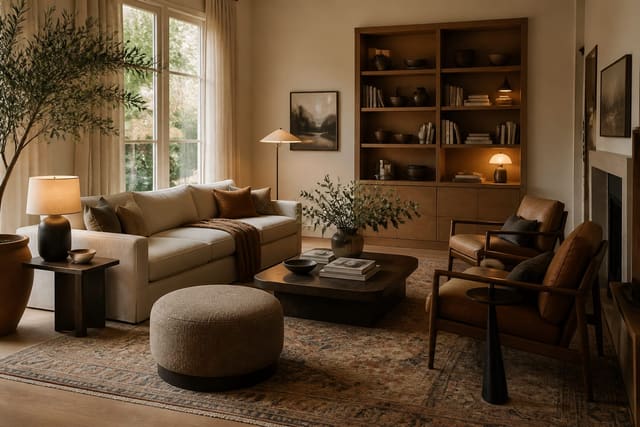
Interior AI is good for fast style exploration but not a complete room design plan. Upload a bedroom, living room, or office photo and it quickly shows new styles; the harder work is checking whether the furniture, lighting, and clearances actually survive contact with your real room.
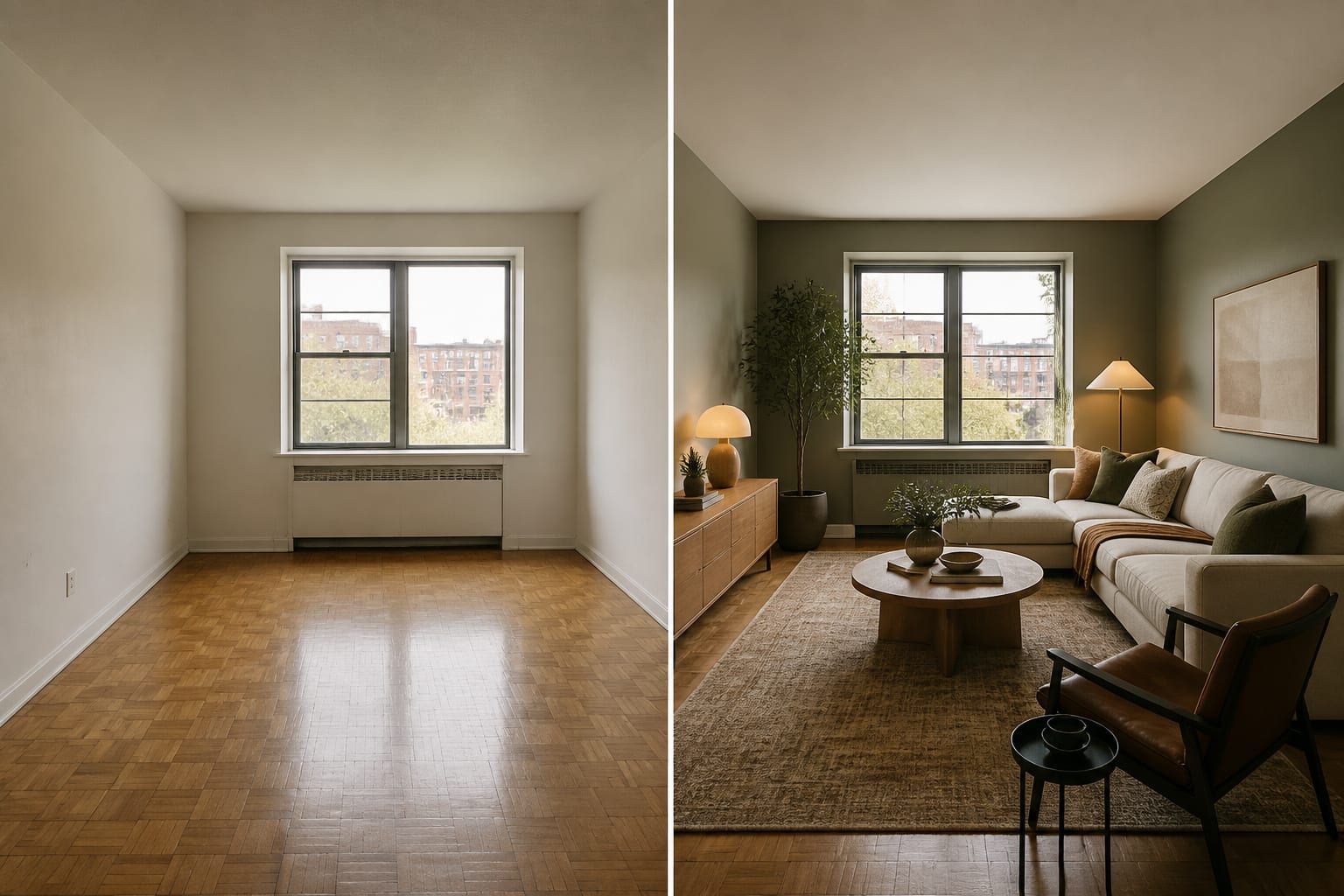
Is the Interior AI App Good for Room Design?
Interior AI works well for fast visual concepts but isn't enough alone for a measured layout, fixture plan, or purchase-ready furniture list. The core promise at [Interior AI](https://interiorai.com/) is simple: upload an interior photo and generate redesigned versions in different styles. That's useful when a room feels stuck and you can't decide between warm minimalism, industrial, coastal, or something moodier.
The catch is that visual confidence can arrive before practical confidence. A render may show a 96 inch sofa and full curtains in a room that actually has a radiator, closet swing, and 10 feet of usable wall. That doesn't make the app bad; it means it belongs at the concept stage, not as a stand-in for a designer who measures your house.
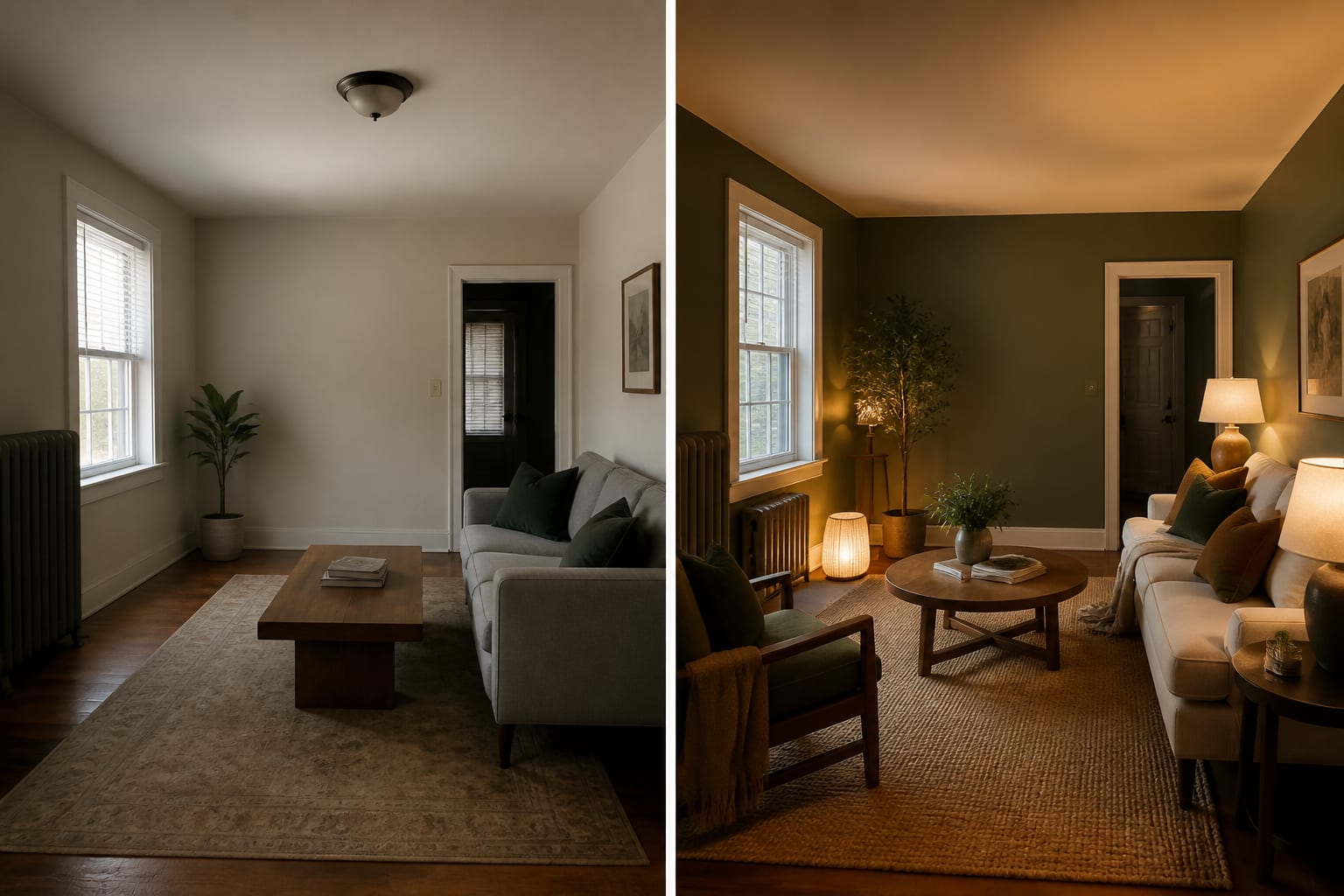
What Do the Before-After Photos Actually Reveal?
The most useful before-after photo isn't the most dramatic one. It keeps the same camera angle, respects window and door locations, and changes the room through decisions you can name, like an 84 inch linen sofa, an 8x10 rug, and warmer wall color rather than invented taller windows and custom millwork.
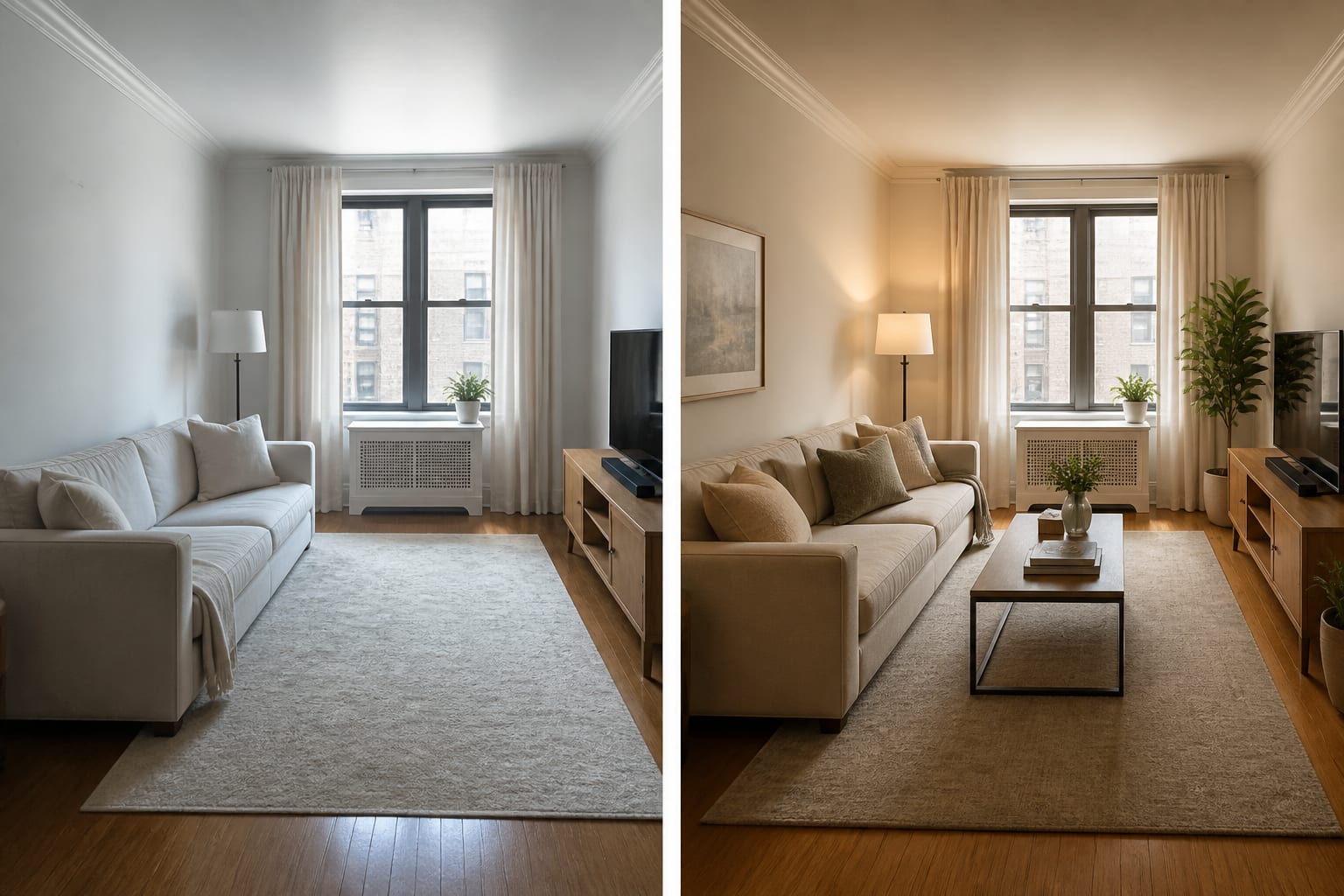
Judge images in this order:
- Check the shell first. Walls, floors, windows, and openings decide whether the redesign is honest; if a window size changes or a closet door disappears, reject the plan.
- Check the largest furniture next. A sofa, bed, or desk exposes bad scale fast: a queen bed needs clearance on at least one side.
- Read the lighting last. AI loves golden glow. A believable room shows where lamps or sconces actually live, using warm bulbs around 2700K-3000K.
A strong result gives you a color direction, material mix, and furniture hierarchy. A weak one gives you a fantasy that only works because the software edited out the annoying parts of your house.
How Does Interior AI Compare to Re-Design, Collov AI, and Planner 5D?
The right app depends on the decision you're making. For a fast mood shift, Interior AI is satisfying; for comparing furniture scale or a practical renovation path, look elsewhere first.
| Tool | Best Use | Watch Closely |
|---|---|---|
| Interior AI | Quick style previews from a room photo | Invented architecture, furniture scale, overly polished lighting |
| Re-Design | Uploading your real room and comparing practical redesign directions | Still measure furniture before purchase |
| Collov AI | Guided interior-design planning and decor direction | Can feel more product-led than concept-led |
| Planner 5D | Layout-minded planning with more structural control | Needs more setup than a quick photo-to-render tool |
Read the Collov AI room design review before assuming every AI tool solves the same problem; Collov feels more service-oriented, while Interior AI feels like a fast visual generator. The Planner 5D AI review helps if layout accuracy worries you more than style mood.
Interior AI's advantage is speed; its weakness is that speed can make a half-true room look finished. That's fine for testing paint color, riskier for deciding sectional placement or table clearance.
What Mistakes Should You Avoid With Interior AI?
Most bad results come from treating the prettiest image as the most useful one. A homeowner still has to ask boring questions about size, light, storage, and maintenance.
- Don't prompt by style name alone. Specify ceiling height, furniture widths, preserved windows, and one or two material priorities.
- Don't accept fake architecture. Invented beams or new built-ins change the cost category entirely; regenerate with stricter limits.
- Don't ignore circulation. Keep about 30 inches for walkways and 16-18 inches between sofa and coffee table.
- Don't trust rendered lighting blindly. Ask for evening versions with lamps shown, then confirm you can actually place them there.
- Don't buy from one image. Generate at least three versions and trust ideas that survive across all of them.
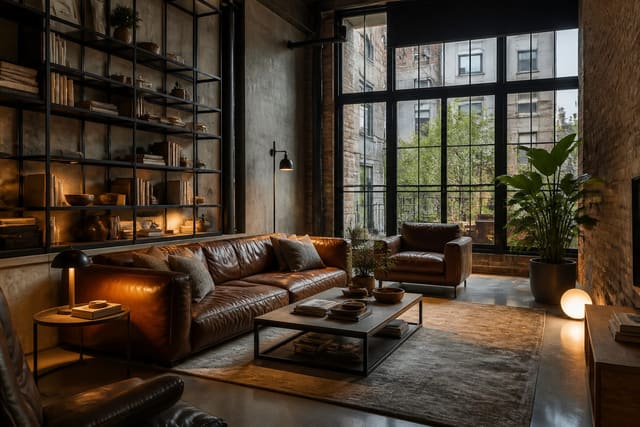
This caution matters most for styles like industrial, which can turn fake fast when AI adds brick and black metal without respecting the real shell; see AI industrial interior design for more.
How Should You Test a Room With Interior AI?
Run a controlled comparison, not a random style binge. Upload one clean photo from the doorway, chest height, showing floor and ceiling, with awkward elements visible: radiators, outlets, closet doors, and furniture that must stay.
Write prompts as constraints, not wishes. A living room prompt might specify an 84 inch sofa, an 8x10 rug, warm ivory walls, 16-inch-deep closed storage, and 2700K lamps.
- Generate a conservative version changing only color, rug, and lamps.
- Generate a moderate version changing the largest furniture piece and storage wall.
- Generate a bold version that changes the room's identity entirely.
- Generate a practical, rental-safe version with no drilling or built-ins.
- Generate an evening version to judge lamps, shadows, and color temperature.
If the same wall color, rug size, or storage move keeps working, you have a real direction. If every version depends on a different fantasy, the app is giving you moodboards rather than decisions.
Who Should Actually Use Interior AI?
Interior AI is worth trying if you're stuck at the visual-direction stage: renters testing reversible changes, homeowners previewing a style before calling a designer, or anyone unsure if their room can handle darker paint or larger curtains. It's less convincing as a standalone plan for complicated layouts, tight rooms, built-ins, or kitchen work requiring accurate dimensions.
Use Interior AI for inspiration, then make it prove itself with measurements. A good after photo should survive a tape measure, a lighting check, and a normal messy Tuesday; if it can't, it's still a useful image, just not a design to shop from.
Frequently Asked Questions
Is Interior AI accurate for real room dimensions?
No. Interior AI generates style previews, not measured layouts, so it can invent proportions, window sizes, or furniture scale that don't match your room. Always verify with a tape measure, checking clearances like 30 inches for walkways and 16-18 inches between sofa and coffee table, before buying anything shown.
Can I trust the before-after photos to plan a renovation?
Not on their own. Before-after photos are useful for testing style and color, but they can quietly alter architecture, such as window size, making the "after" impossible to build. Treat them as concept sketches and confirm structural elements against your real room before committing to a renovation.
How is Interior AI different from Re-Design?
Interior AI focuses on fast, style-driven previews from a single photo, while Re-Design keeps your room's scale and practical redesign directions more visible throughout. Both start from an uploaded photo, but Re-Design stays closer to what you can realistically shop for and build.
What's the best way to prompt Interior AI?
Write prompts as constraints rather than style names alone. Include ceiling height, furniture dimensions, preserved windows, and one or two material priorities, such as "84 inch sofa, walnut accents, 2700K lamps," so the output respects your room instead of generating a generic fantasy.
Should I generate more than one Interior AI image before deciding?
Yes. A single image can be a lucky or misleading accident, so generate at least three versions, conservative, moderate, and bold, of the same room. Trust the colors, materials, or furniture moves that repeat across versions, since those represent a real direction rather than a one-off render.