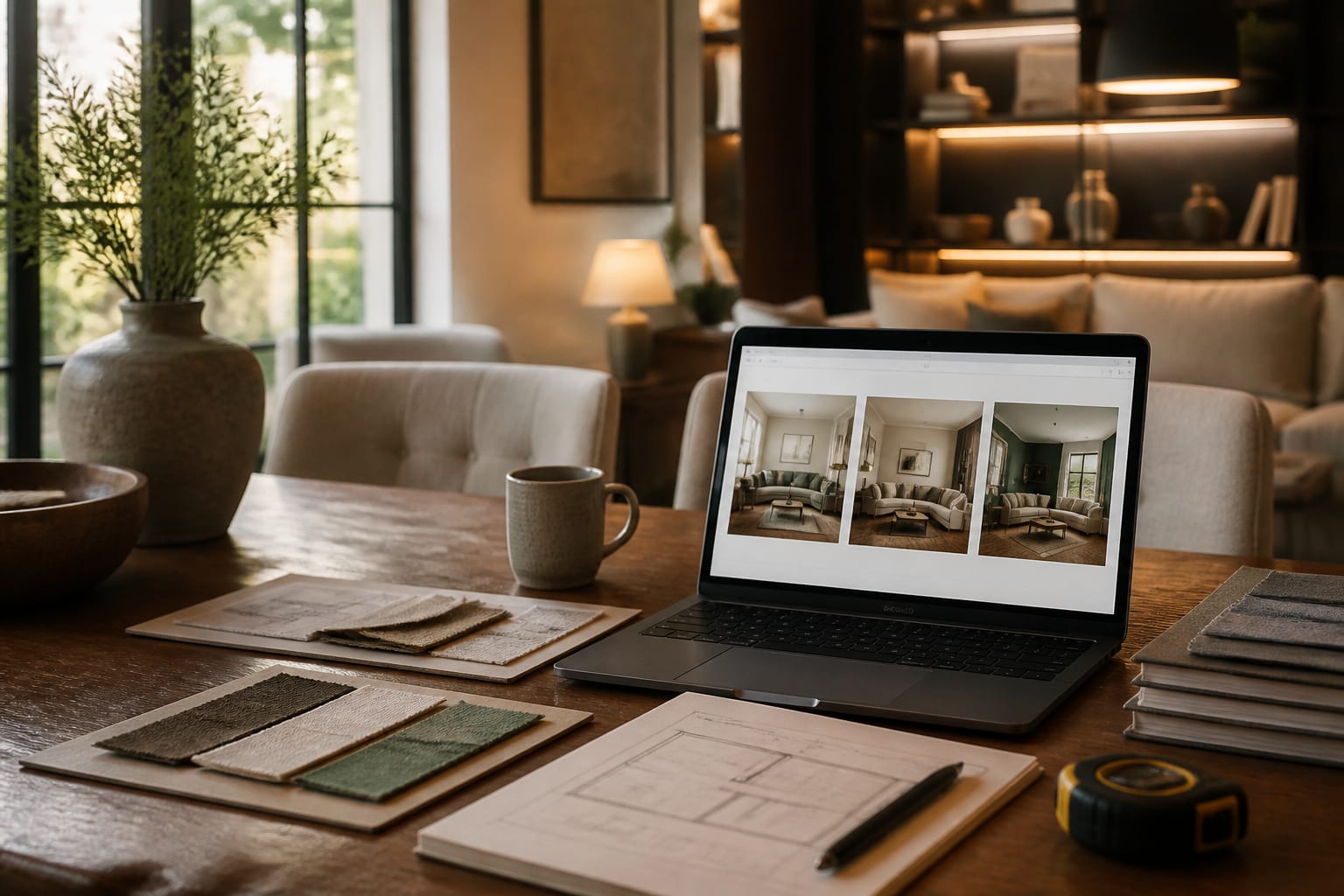
Use AI design to brief an interior designer by pairing 2-3 annotated concept images with hard facts: room measurements, must-keep furniture, lifestyle needs, and budget scope. This gives the designer evidence of your taste and real constraints to price and refine, instead of a mood board they have to decode from scratch.
Which AI concept images are worth showing a designer?
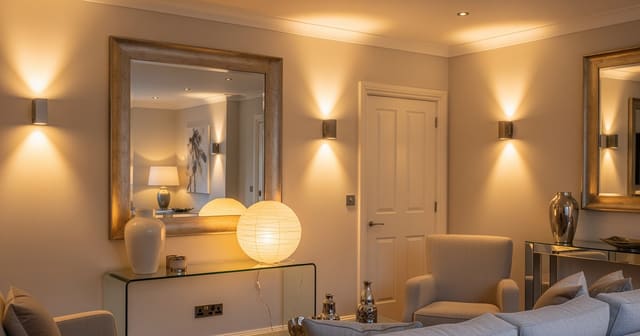
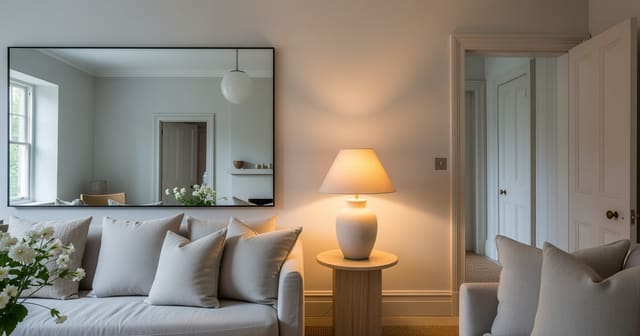
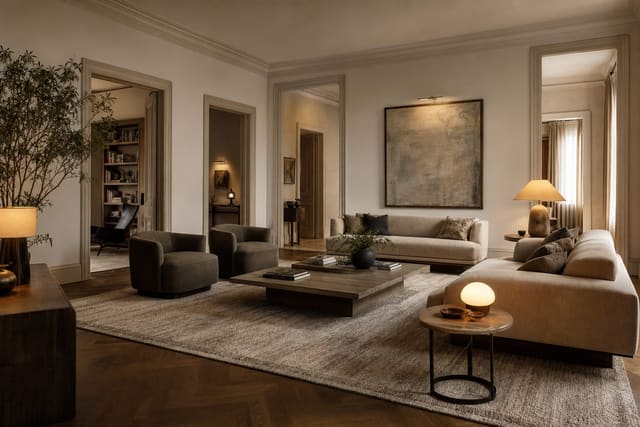
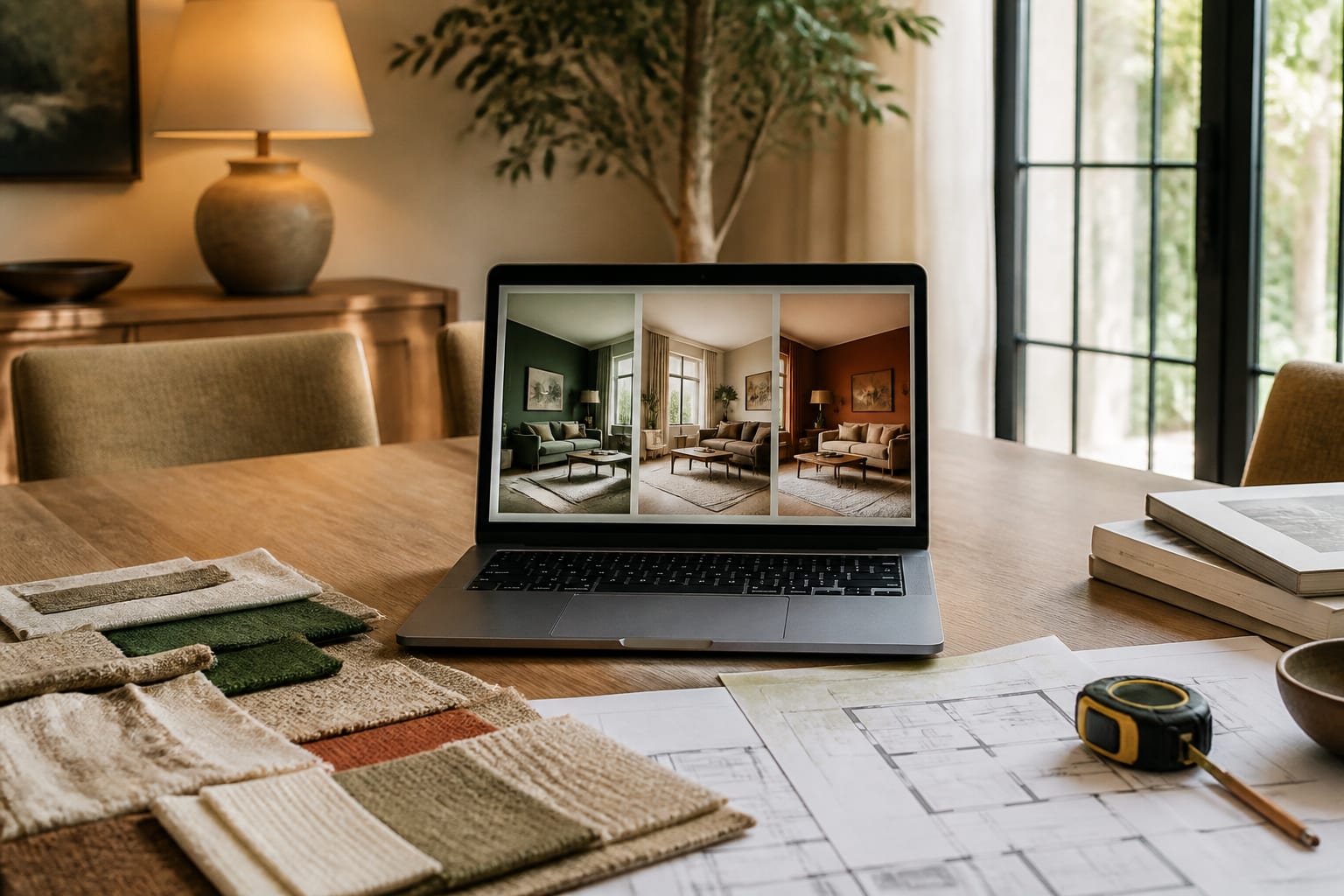
Show images that reveal a decision, not ones that just look expensive. A designer is listening for patterns: warmer wood, quieter contrast, closed storage, a tailored sofa shape, a moodier wall color. If every saved image has cream walls, walnut, and shaded lamps, that repetition matters more than any single render.
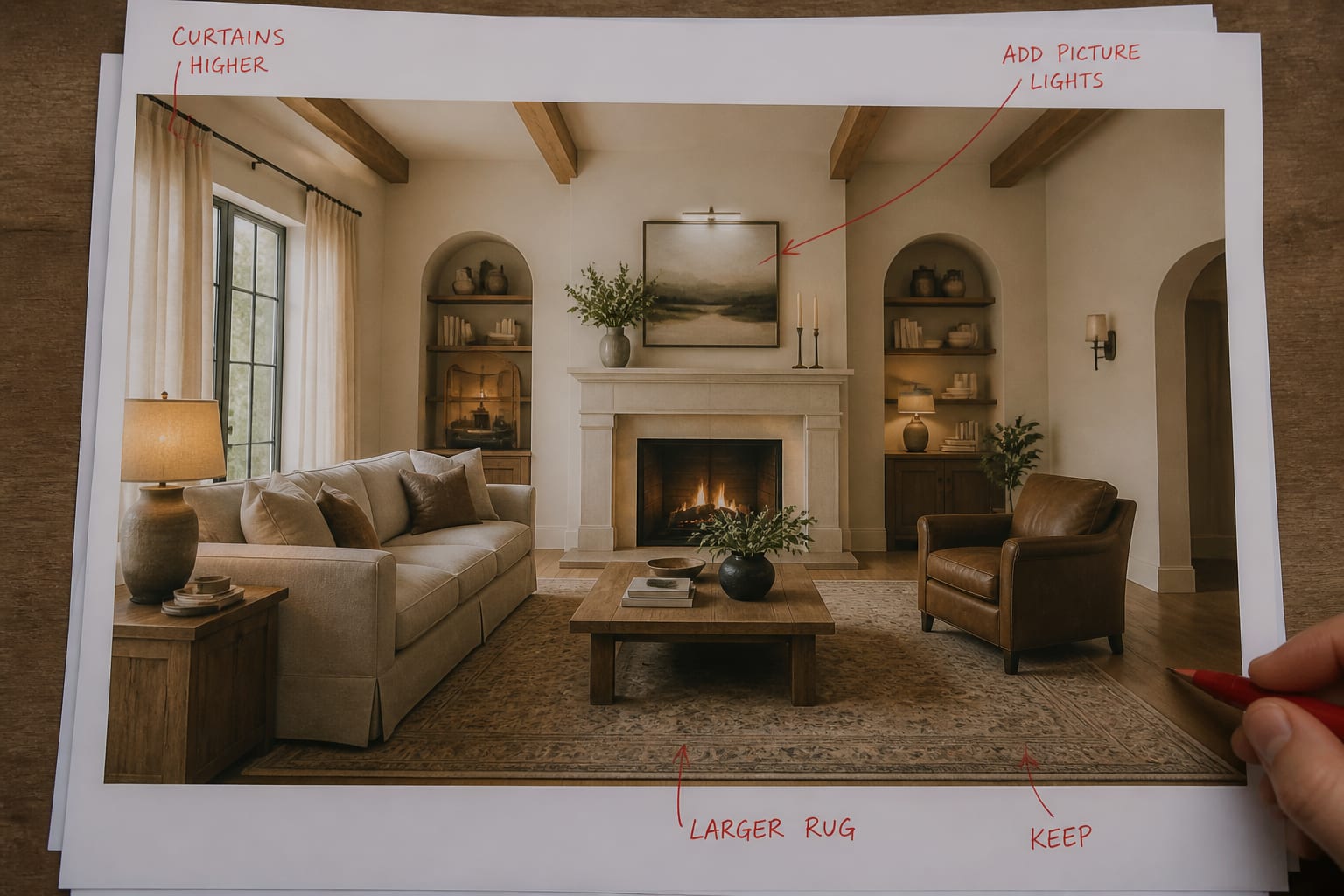
Send one favorite, one alternate direction, and one "not quite, but this has something" image — three concepts create comparison without fatigue. Annotate each one in plain language: "like: curtain height and softer wall color" or "dislike: open shelves and tiny coffee table." If a mirror shows up in the concept, note whether you like its placement or just the extra brightness; see using mirrors to amplify light for placement logic that separates a real light strategy from decoration.
What belongs in the brief before the first consultation?
Your designer needs the room's facts before poetic style words. "Warm modern" only helps once the brief explains the 8-foot ceiling, the 92-inch sofa that stays, the orange oak floor, and the no-paint lease. Include these in the handoff:
- Fixed architecture and measurements: room length/width, ceiling height, window width, sill height, door swings, vent locations. Protect 30-36 inches of walking space in circulation-heavy rooms.
- Must-keep pieces with dimensions: sofa length/depth, bed size, rug size, console width, table diameter. A 24-inch deep cabinet changes a hallway differently than a 15-inch bookcase.
- Lifestyle pressure: washable upholstery, closed toy storage, blackout curtains, a desk no deeper than 24 inches, pet-friendly rugs.
- Honest budget language: "paint, lighting, rug, and accessories only," or "open to custom storage on one wall if the rest stays simple."
- Annotated AI concepts: mark "explore this palette," "avoid this glossy finish," or "do not copy this layout."
For rooms with awkward walls, include photos of every doorway and the path people actually use. See fixing a room with too many doorways if your AI concepts keep filling the only usable path with furniture.
What mistakes should you avoid when briefing with AI?
The biggest mistake is treating an AI image as an order instead of evidence. A designer isn't there to trace the render; they're there to interpret what attracted you and build something that actually works in your house.
- Image dumps give the designer no hierarchy. Rank 2-3 concepts and write one sentence under each.
- Hidden budgets waste time if the AI implies custom millwork or new wiring you can't afford. State your real scope upfront.
- Ignoring scale lets oversized furniture look calm in a render. Tape out the footprint of any major proposed piece before the call.
- Copying the image literally repeats AI errors: moved windows, vanished fireplaces, curtains hung from nowhere.
- Skipping the no-change list invites scope creep. State "floor stays," "rental-safe only," or "keep the existing sectional" on page one.
How can you preview a brief before you commit?
Upload a clear room photo, write the same constraints you plan to send the designer, and generate a few concepts from that text. If the output ignores your must-keep items, your brief is too vague.
A useful test prompt: redesign this 12x15-foot living room with an 8-foot ceiling, keep the gray 88-inch sofa, oak floor, white trim, and 84-inch console; create a warm modern direction with a 9x12 textured rug, walnut tables, linen curtains mounted 6 inches above the casing, and no built-ins. That gives the AI a measurable room — and gives your designer the same facts later.
Generate no more than three versions: one testing better finishes in the current layout, one testing a more efficient furniture plan, one testing a bolder palette. Compare what each clarifies — color temperature, rug scale, storage need, or whether the room wants curved or squared furniture. If the best version needs three lamps, check outlet locations before assuming lighting is solved.
How do you hand off the brief without boxing the designer in?
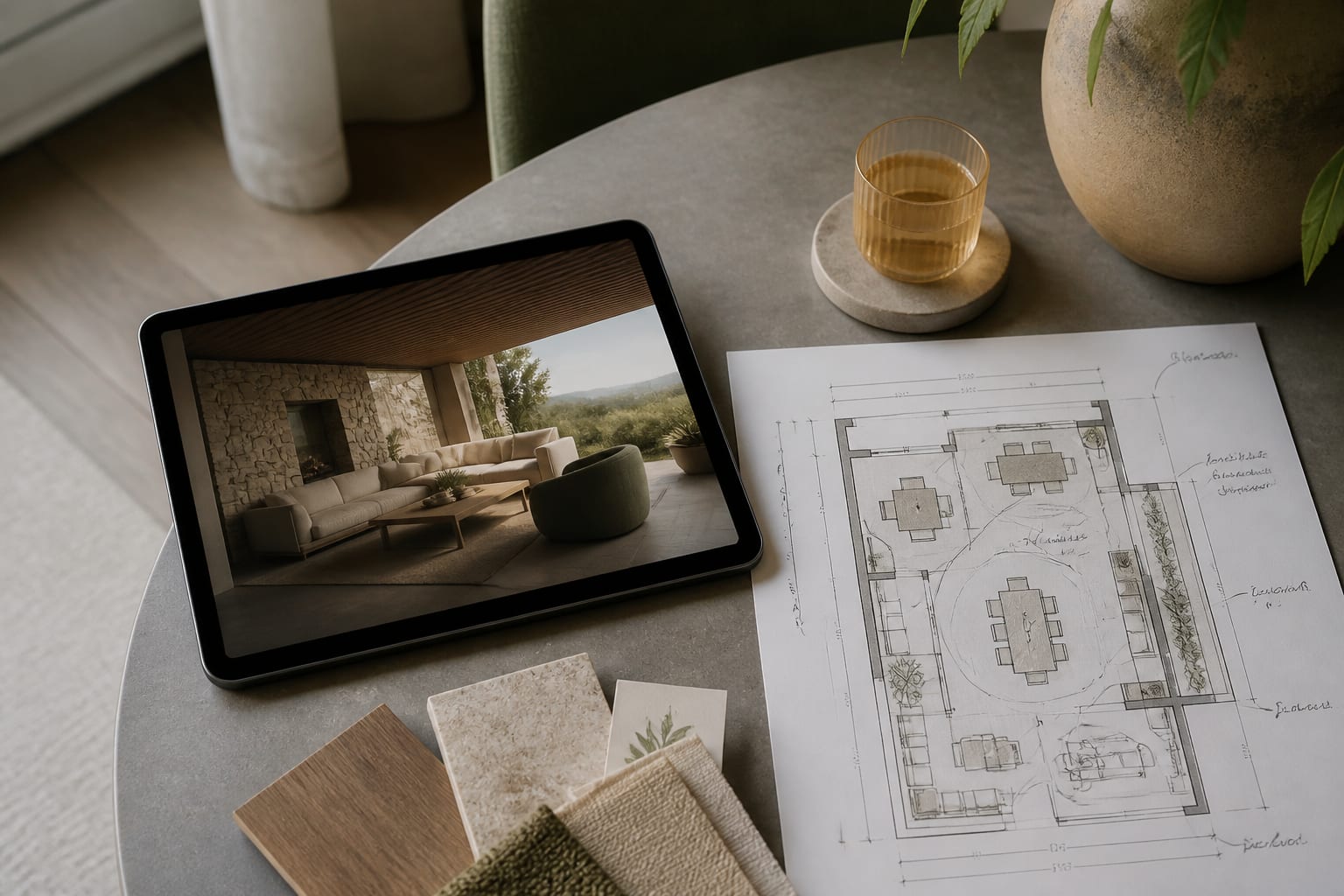
The handoff should feel like a starting point, not a commandment. Send one page of room facts, 2-3 annotated AI concepts, photos from multiple angles, a rough measurement list, and links or images for must-keep pieces.
Add a short paragraph titled "What I want help deciding," written in plain prose: "Can this room handle a darker wall color?" or "Should the storage be freestanding or built in?" Be explicit about decision rights — say if you want the designer to challenge the AI direction, or if you're attached to a specific piece regardless of what the render suggests.
A strong closing line works well: "The AI concepts helped me realize I want a warmer, calmer room with better storage and softer lighting, but I need professional help translating that into furniture scale, materials, and a plan that fits our existing floor and budget." You're not outsourcing taste to a machine, and you're not asking a designer to guess from scratch.
Frequently Asked Questions
How many AI concept images should I send a designer?
Send two to three annotated images, not a full batch. Pick one favorite, one alternate direction, and one near-miss that shows a useful detail, then write a one-sentence note under each explaining what it represents. More than that turns the designer into an archaeologist instead of a collaborator.
Should I tell the designer my budget upfront?
Yes. AI concepts can imply custom millwork, new wiring, or a full furniture swap that costs far more than you intend to spend. State your real scope, such as "paint, lighting, rug, and accessories only," before the designer plans around a render's hidden assumptions.
What measurements does a designer actually need?
Give room length and width, ceiling height, window width and sill height, door swings, and vent locations, plus dimensions for any must-keep furniture like sofa length or rug size. These facts let the designer price and plan instead of guessing at scale from a photo.
Can I ask the designer to copy the AI render exactly?
You can ask, but it's rarely a good idea. AI concepts often distort reality by moving windows, enlarging ceilings, or floating curtains with no visible rod. Treat the render as inspiration for palette and mood, then let the designer verify what will actually fit your room.
What's the biggest mistake people make when briefing with AI images?
Treating the image as a finished order instead of evidence of taste. A designer's job is to interpret what attracted you and correct what would fail in real dimensions, so a brief that only says "copy this" wastes their expertise and often produces a room that doesn't fit.