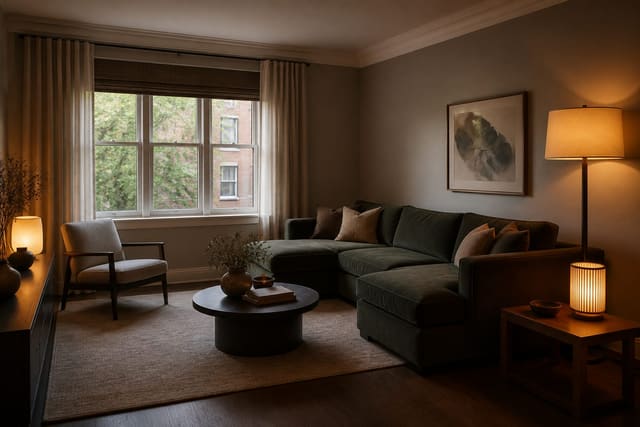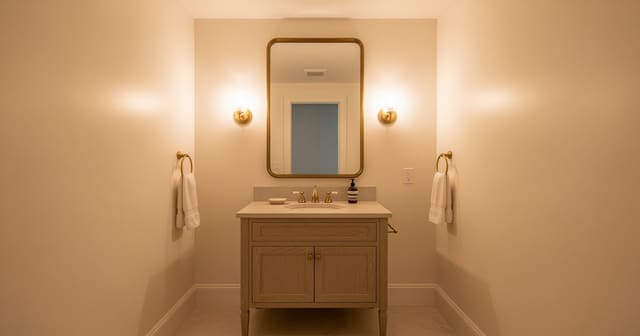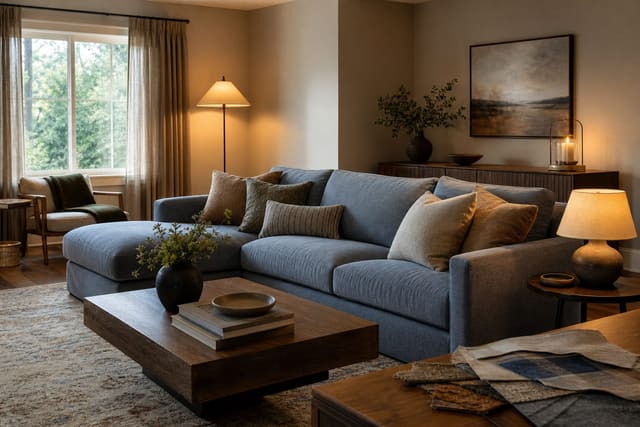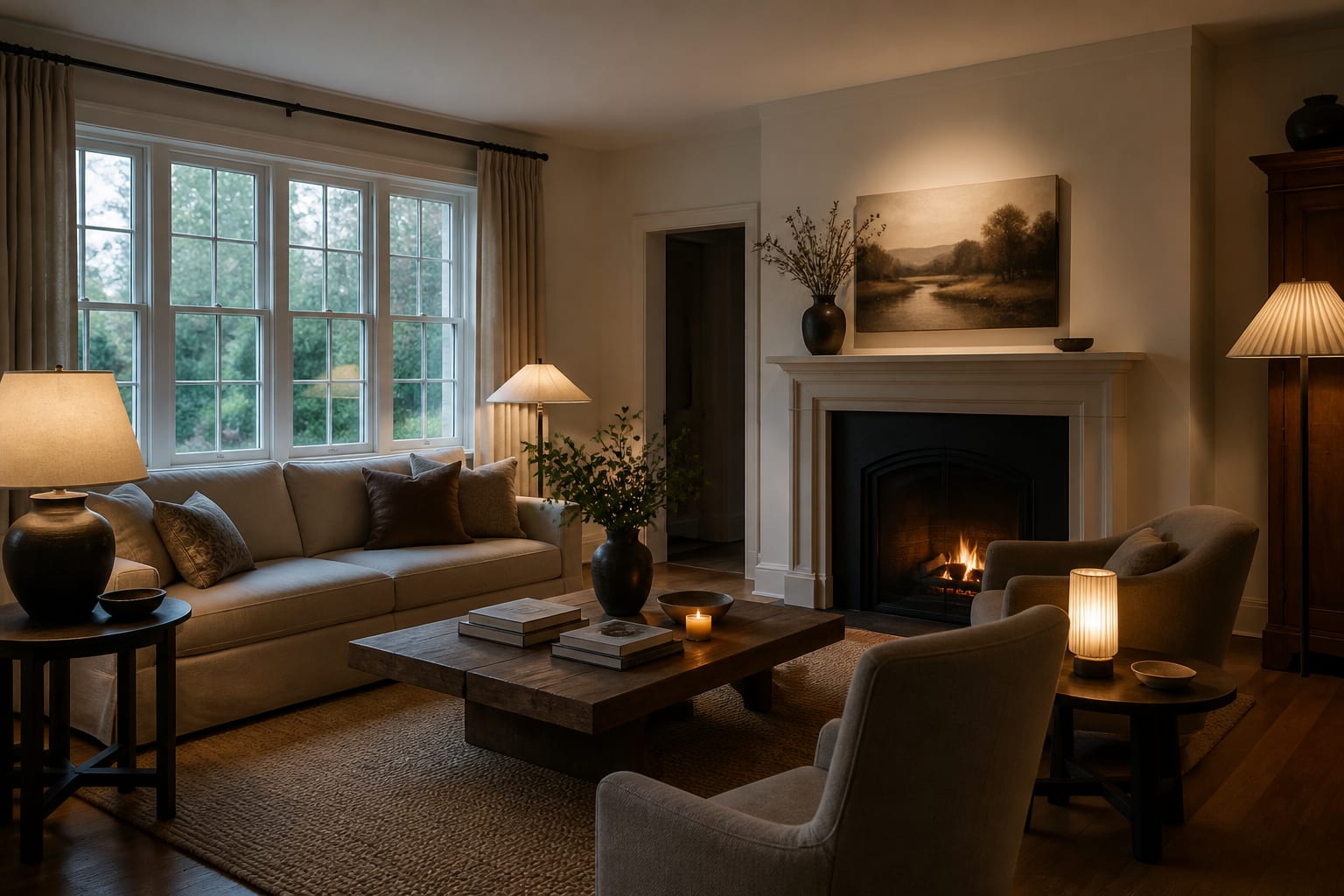
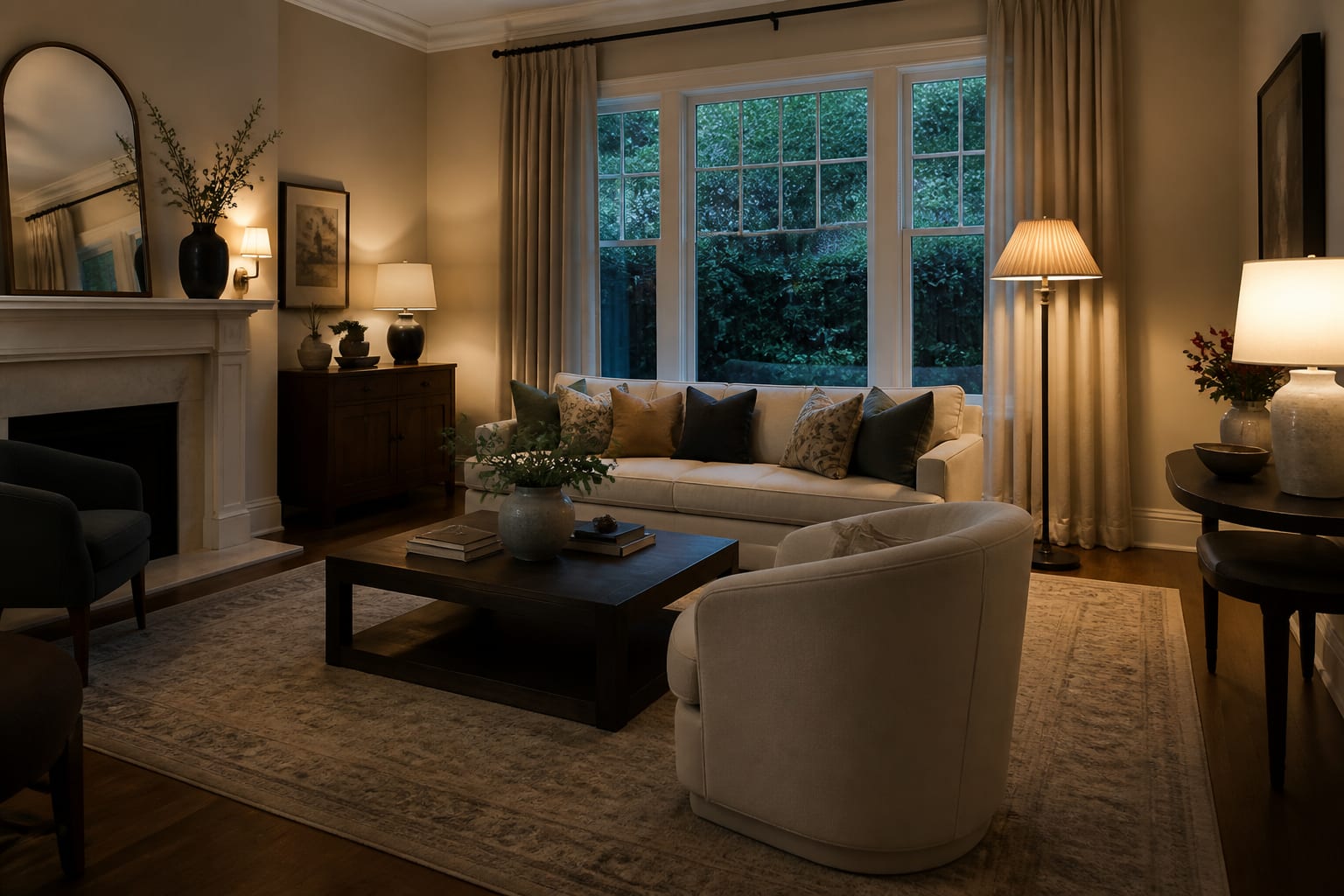
AI room design can work in dark rooms, but only when the source photo shows enough structure—walls, floor, windows, furniture edges—for the tool to interpret accurately. Underexposed photos flatten depth and distort color, causing the AI to invent lighter floors, cleaner corners, or windows that don't exist. Better photos produce trustworthy results.
Why do dark photos hurt AI redesigns?
A dark photo hides the details a designer checks first: the baseboard line, window trim, and floor finish that set the room's real palette. When those vanish, the AI fills gaps with generic assumptions instead of your actual space.
The most common failure is color drift — a brown floor reads as charcoal, a cream wall turns gray, a deep green sofa goes black. If every preview looks slightly off, use the same logic as a clashing undertones room fix: identify the fixed surface that can't change, then build the palette around it.
The second failure is flattened depth, especially in basements, north-facing rooms, and windowless spaces. The AI may widen a narrow room or erase the oppressive feeling that actually needs better lighting and contrast. A preview that erases the hard part isn't useful — it's a good-looking lie. A crowded dark space compounds this; see dark cluttered room AI design for staging tips before you upload.
How do you photograph a dim room for accurate results?
The goal isn't a magazine shot — it's giving the AI enough honest information to redesign the real room.
- Shoot from the doorway, chest height (48–60 in). This angle captures floor line, ceiling line, windows, and major furniture together without distorting scale.
- Turn on every consistent light source. Avoid mixing bulb temperatures; 2700K suits living rooms and bedrooms, 3000K works for kitchens and baths needing a cleaner read.
- Open every curtain, blind, and door. Hidden windows lead to previews that ignore real limits. If the window is tiny, show it — the fix may resemble a windowless bathroom brightening plan, not fake daylight.
- Take one wide shot and one detail shot of fixed finishes. The wide photo shows layout; the detail shot lets you check whether the preview respects your actual flooring, tile, or cabinet tone.
- Clear the floor. Shoes, cords, and clutter read as noise in low light; the AI needs to see furniture bases and walkways clearly.
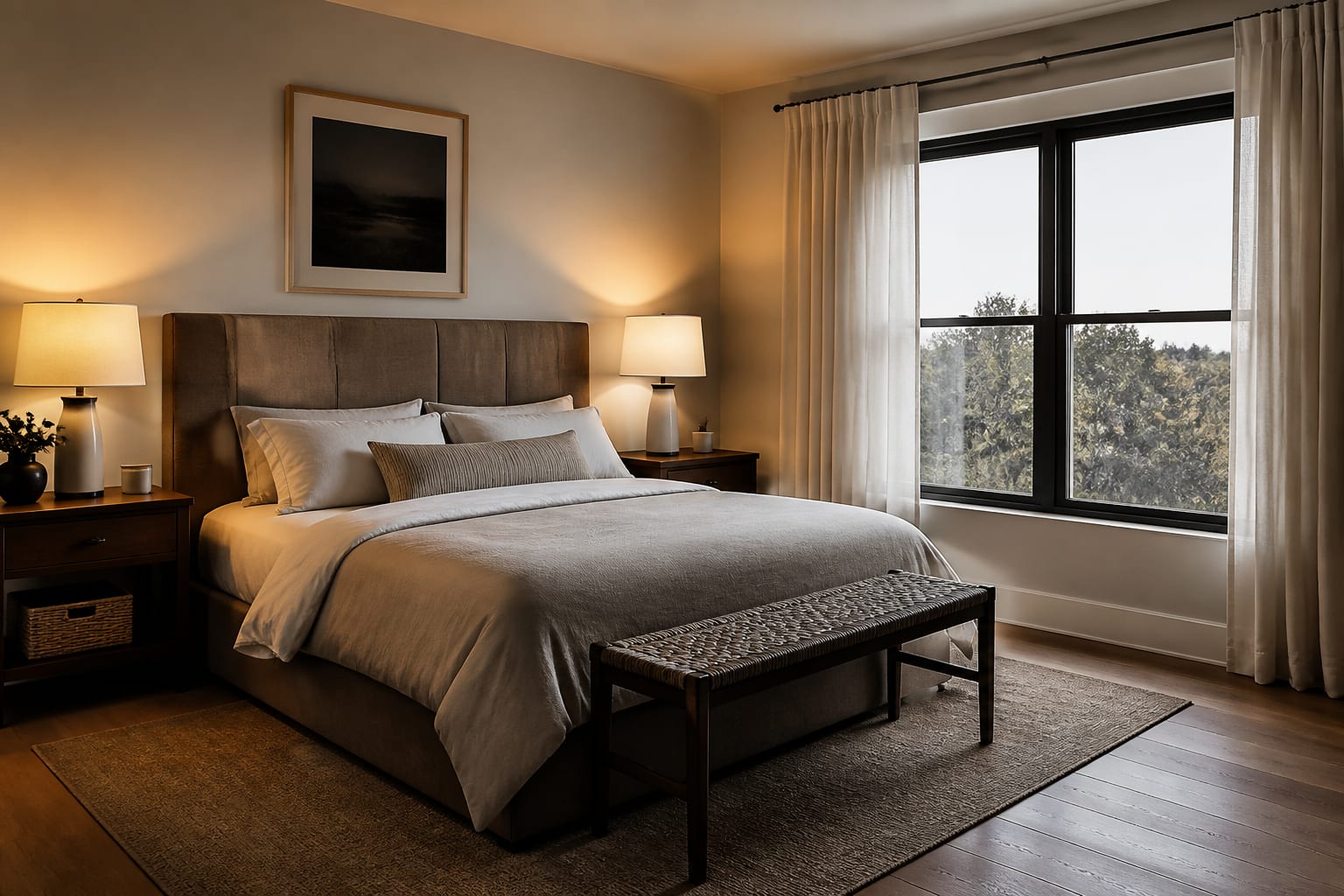
How can AI design help you fix a dark room?
AI design lets you test whether the problem is layout, lighting, palette, or lack of contrast — different rooms need different fixes. A north-facing bedroom may need warmer whites and layered lamps; a basement may need lighter textiles and vertical lighting; a dark rental kitchen may need under-cabinet lights and paler stools instead of a fantasy renovation.
Write prompts with constraints that protect reality. Example: design this dim 11 by 13 foot living room with the existing dark wood floor, no wall removal, an 84 inch sofa, an 8 by 10 rug, warm 2700K lamps, lighter curtains, and no change to window size.
Run at least two versions: one that keeps the dark mood and improves it with lamps and texture, one that tests a brighter direction with reflective surfaces and lighter textiles. If both only work by making the room unrealistically sunny, tighten the prompt and ask again. The best result isn't the brightest image — it's the one that makes the shadows feel intentional in a room you can actually build.
What mistakes should you avoid with low-light AI photos?
- Uploading a single-bulb night photo. One overhead light creates harsh spots and dead corners; add lamps and shoot during the brightest usable daylight instead.
- Requesting a style before fixing visibility. Ask first for a realistic, brighter version that preserves fixed materials, then request style once geometry holds up.
- Trusting invented windows or pale floors. If you rent, specify no new windows, no recessed lights, no new flooring, and no structural changes.
- Choosing paint from the preview alone. Sample it on two walls, check morning and evening light, and view it beside your actual floor and trim.
- Ignoring lamp height. Layer light at three levels — ceiling wash, eye-level lamps around 60–66 inches, and lower accent light near shelves or corners.
When should you trust the preview enough to buy?
Trust a preview that preserves the room's hard facts: same window size, same floor tone, same awkward corner, furniture that fits your actual wall lengths. If the AI makes the space larger or brighter by deleting constraints, keep the mood but reject the plan.
Before buying, measure against the preview. Keep about 18 inches between sofa and coffee table, protect 30–36 inches on the main walking path, and confirm a queen bed (60 inches wide) still leaves nightstand and closet clearance.
Buy in this order to fix darkness without gambling: lighting first, then rug or major textile, then storage, then wall color or art, then accents. A good low-light preview helps you reject bad directions early — it should make the real room easier to see, not sell you a room that only exists on screen.
Frequently Asked Questions
Does AI room design work in dark rooms?
Yes, if the uploaded photo shows enough structure — walls, floor, windows, and furniture edges — for the tool to interpret accurately. Severely underexposed photos cause color drift and flattened depth, leading the AI to invent details like lighter floors or extra windows that aren't real.
What light temperature should I use before photographing a dark room?
Use 2700K to 3000K bulbs. 2700K feels most residential for living rooms and bedrooms, while 3000K gives a cleaner read in kitchens and bathrooms. Mixing warm and cool bulbs in one shot can distort wall color and wood tone in the AI's interpretation.
Why does the AI keep changing my floor color?
Low light removes the subtle undertones your floor actually has, so the AI guesses based on shadow patterns instead of real color data. Photograph the floor in even, warm light and include a close-up detail shot so the tool has accurate reference material.
Can AI fix a room with no natural light?
AI can suggest lighting layers, paler surfaces, and layout changes to make a windowless or dim room feel better, but it can't add real daylight. Treat brightened previews as a goal for lamps and finishes, not proof that the room will look that bright in person.
How do I know if an AI preview is trustworthy?
Check that it preserves your window size, floor tone, and any awkward architectural features instead of erasing them. If the preview looks unrealistically bright or spacious compared to your actual room, request a stricter version that locks in those fixed constraints.