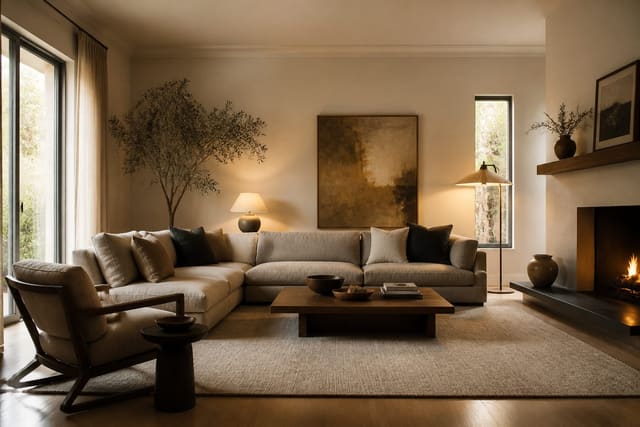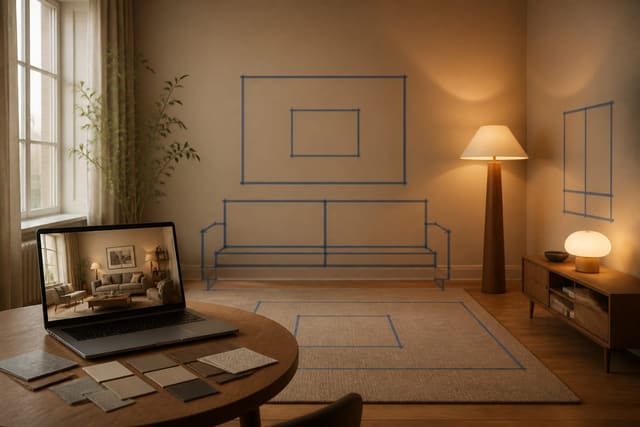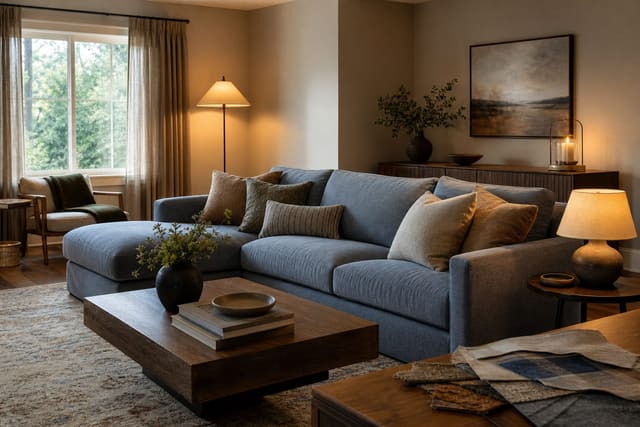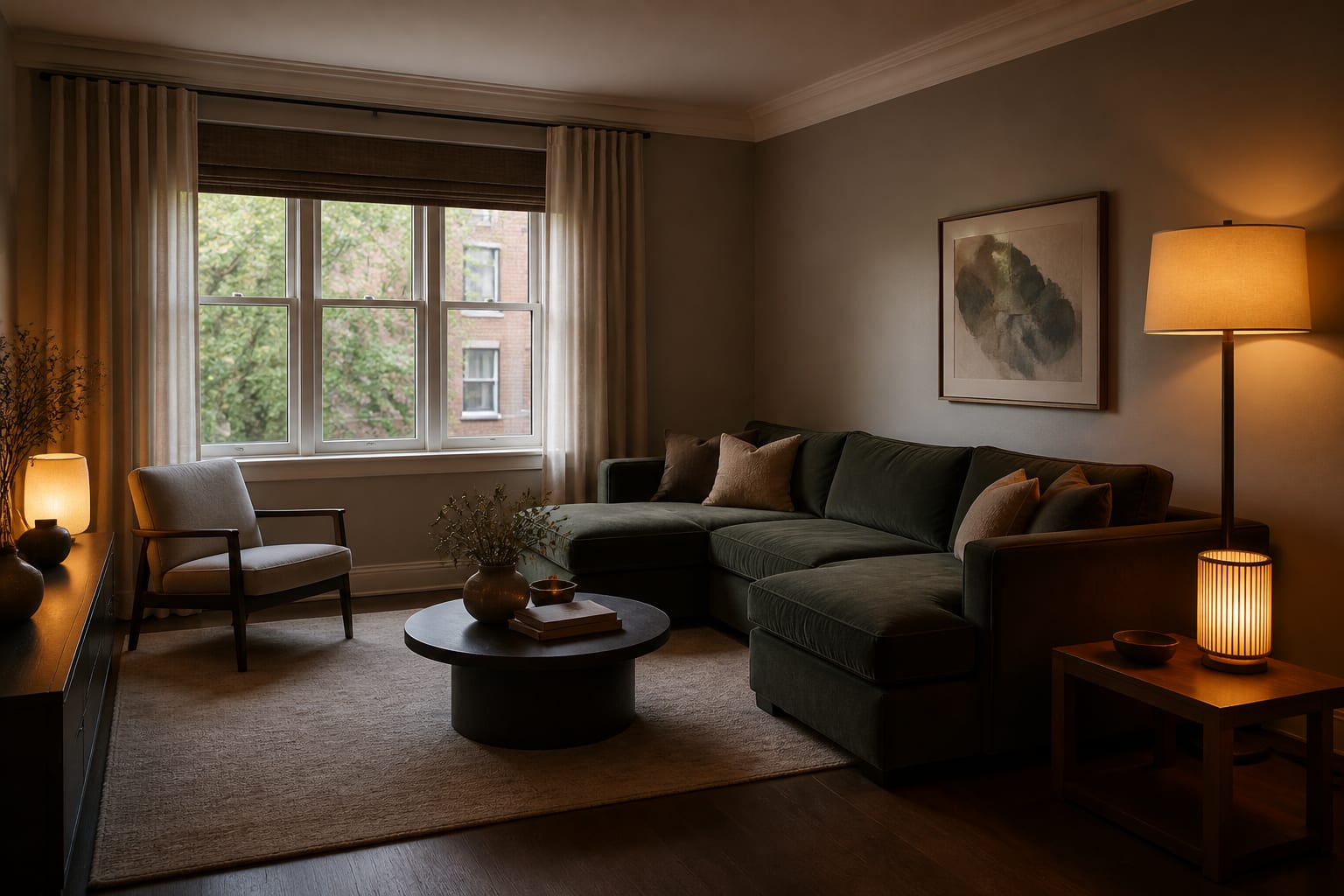
Yes, AI room design apps can work on a dark, messy room photo, but only if the shot still shows walls, floor, ceiling line, windows, and major furniture. Clear visible clutter, add light, and prompt the tool with specific measurements and instructions instead of asking it to guess what the mess is hiding.
What should you fix before taking the photo?
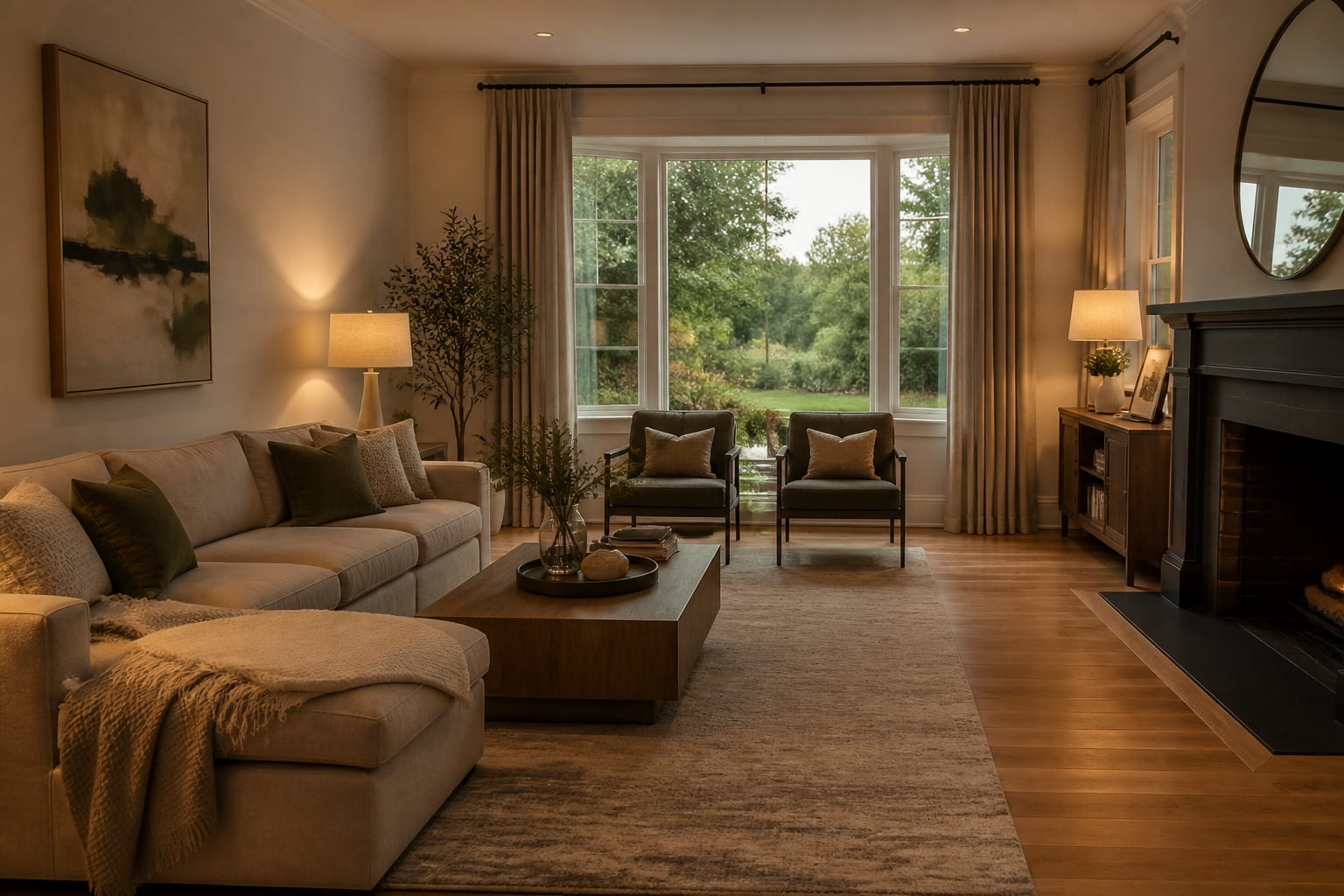
Fix the photograph, not the whole room. A clean AI input just needs to be readable: walls, floor, ceiling, and the furniture that's staying.
- Clear the floor. Remove laundry, toys, cords, and bags so the AI can judge circulation and whether a 30–36 inch walking path exists.
- Open curtains before adding lamps. Daylight reveals true wall color and finishes; if the room stays dim, use 2700K–3000K bulbs and tell the prompt the room has weak natural light.
- Shoot from standing height. Hold the phone 48–60 inches up, keep door frames vertical, and skip ultra-wide angles that distort scale.
- Crop to protect the room envelope. A 4:3 shot showing two walls, the floor, and the main window beats a tight, styled close-up.
- Keep scale anchors visible. Leave the bed, sofa, table, or console in frame so the AI sizes new furniture correctly.
How do you prompt AI for a dark or cluttered room photo?
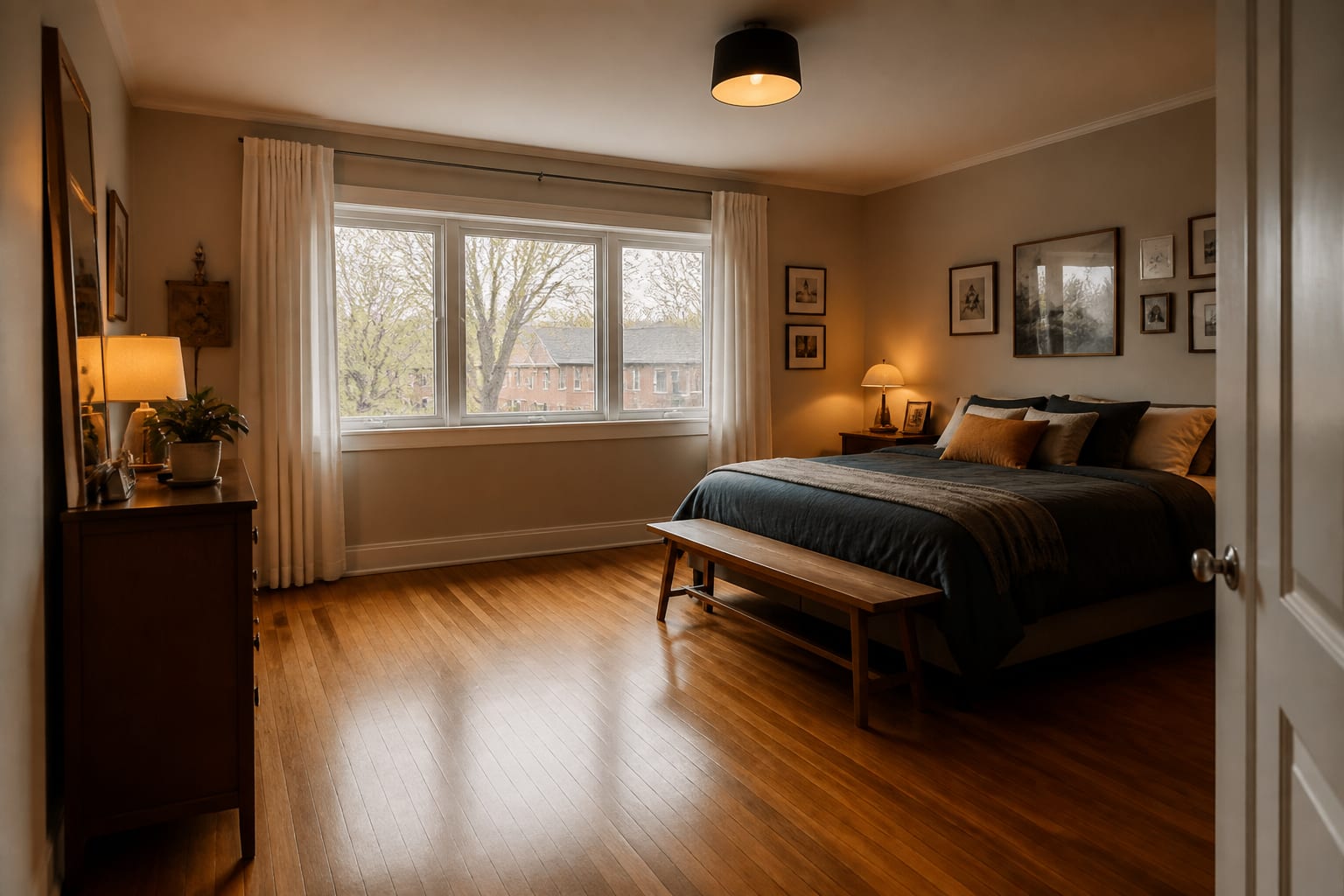
Tell the AI what's permanent, what's temporary, and what problem you want solved. Vague requests like "make this brighter" or "clean this up" invite the tool to whiten walls or delete storage entirely.
A stronger prompt: "Redesign this 11 by 14 foot living room, 8-foot ceiling. Keep the oak floor, gray 88-inch sofa, white trim, and window location. Ignore clutter on the side table. Brighten with warm white walls, closed storage, two table lamps, one floor lamp, and a larger rug, keeping 32 inches clear from entry to hall."
That prompt gives the AI measurement, permission, and intent — the three things a messy photo alone can't supply. Audit the first result: did it erase the floor, swap the window, or shrink the sofa? For deeper accuracy issues, see AI room design accuracy and getting photorealistic AI room results.
What mistakes make bad photos worse?
The biggest mistake is expecting AI to read clutter the way a person does — it may treat boxes and sofas as equally permanent unless told otherwise.
- Mistaking darkness for mood. Ask for specific fixes (lamps, lighter curtains, 2700K–3000K bulbs) instead of a vague "brighter" request.
- Cropping out the ugly corner. If a radiator or awkward doorway drives the layout, keep it visible so the AI designs around it.
- Clearing everything out. An empty-looking photo removes scale cues; keep large pieces that are staying.
- Trusting a clean-looking render as a storage fix. Ask for closed cabinets or a defined landing zone if clutter is a daily problem, not just a photo problem.
- Ignoring undertones. Keep tile, cabinets, and flooring visible and cross-check with fixing clashing undertones in a room before picking wall color from a screen.
How should you use the AI preview?
Use AI previews to test specific fixes, not to generate one final answer. Generate two or three versions targeting different problems: brighter walls and lighting, closed storage, or a new rug and curtains.
Name the constraint plainly: "brighten this north-facing bedroom without changing the carpet" or "add storage for toys without blocking the window." That keeps the AI solving your actual room instead of inventing a fantasy renovation.
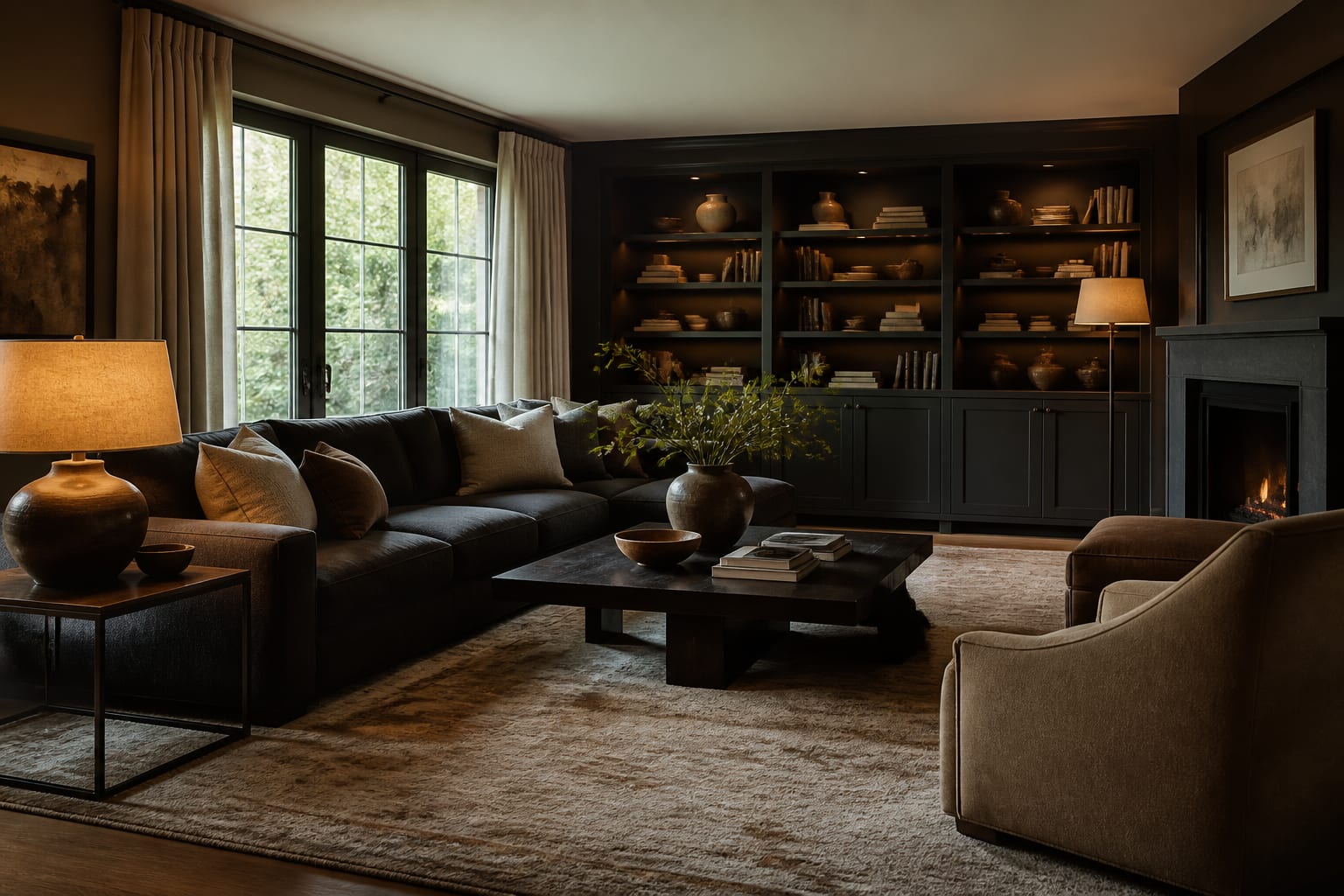
After the preview, verify in the physical room: tape the rug footprint, check the 16–18 inch gap between sofa and coffee table, and test paint against the real floor. The screen should sharpen your next move, not replace checking it.
Frequently Asked Questions
Can AI redesign a room from a dark photo?
Yes, but the result will only be as accurate as the visible information. If walls, floor, and windows are lost in shadow, add lamps or open curtains before shooting, and tell the prompt the room has weak natural light so it doesn't invent a bright window that isn't there.
Do I need to fully declutter before uploading a photo?
No. Clear enough clutter to reveal the floor, walkways, and major furniture, but leave large pieces that are staying so the AI can judge scale. A fully empty room removes the size cues the tool needs.
Why does the AI preview look wrong even though it's pretty?
It likely erased a permanent feature, like the floor material or window shape, while trying to "solve" clutter or darkness. Always audit the render against your prompt's kept items before trusting the layout or finishes.
What's the best lighting for taking a room photo?
Open window treatments for daylight first, since it shows true wall color and finishes accurately. If the room stays dim, add warm white lamps around 2700K–3000K and note the low natural light directly in your prompt.
Should I mention clutter in my prompt?
Yes. Explicitly tell the AI to ignore temporary items like laundry or boxes on a specific surface, and list the furniture and finishes it must keep. This prevents the tool from treating clutter and permanent features as equally important.