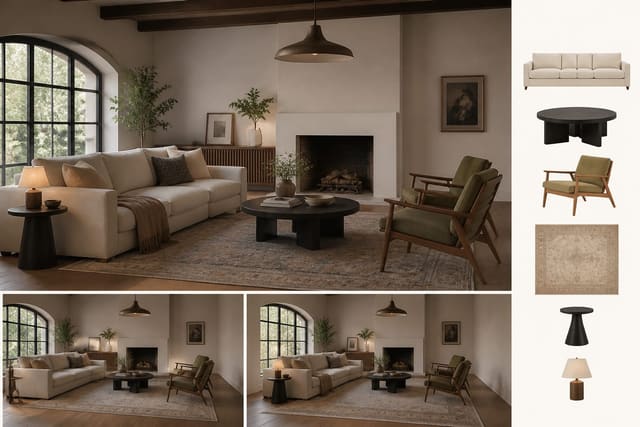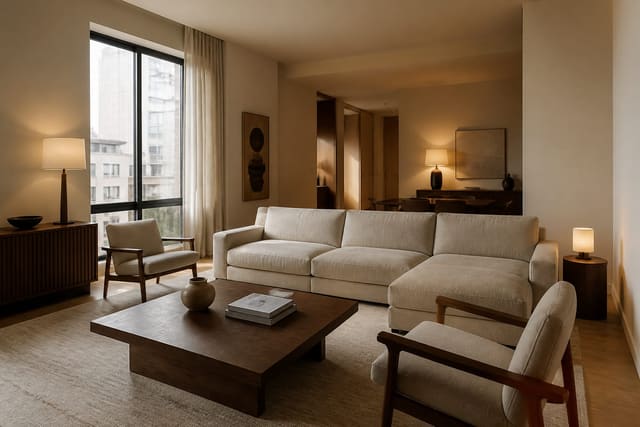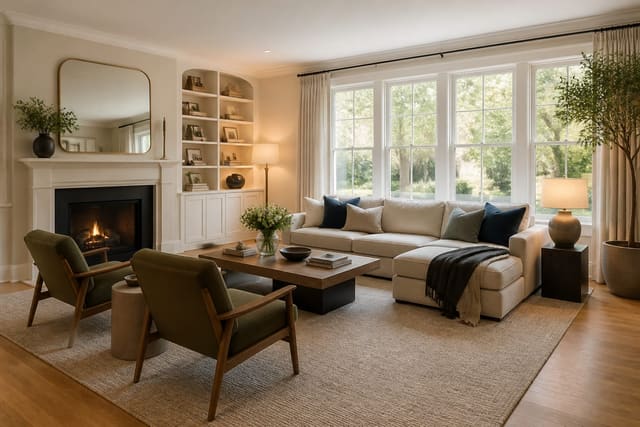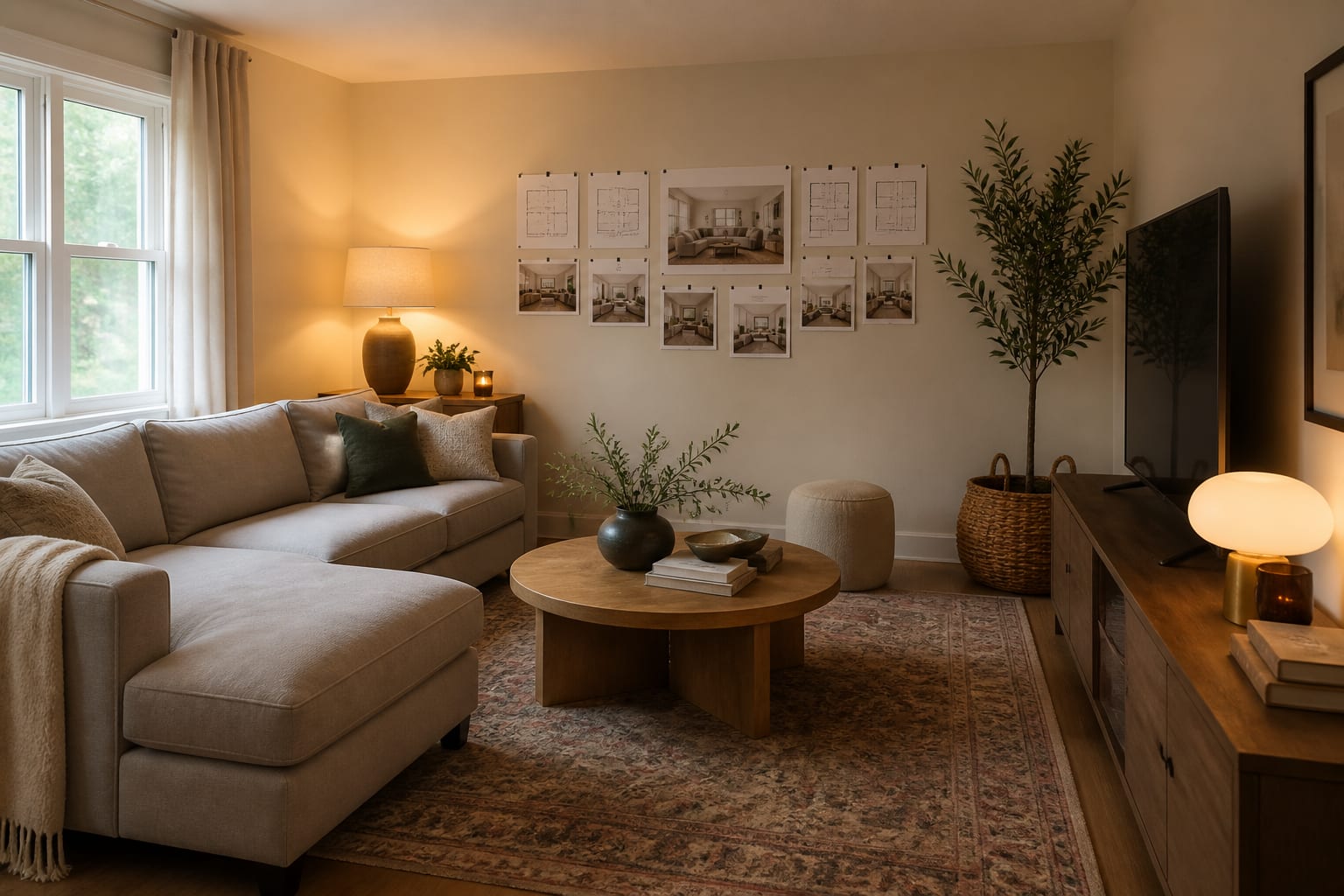
AI room design can work inside a fixed budget when the prompt states the total cap, must-keep pieces, room measurements, and spending priorities upfront. Skip that step and AI defaults to custom drapery and premium furniture that blow past $1,000 without warning. Treating the dollar limit as a design material, not an afterthought, is what makes ai room design budget specific and actually shoppable.
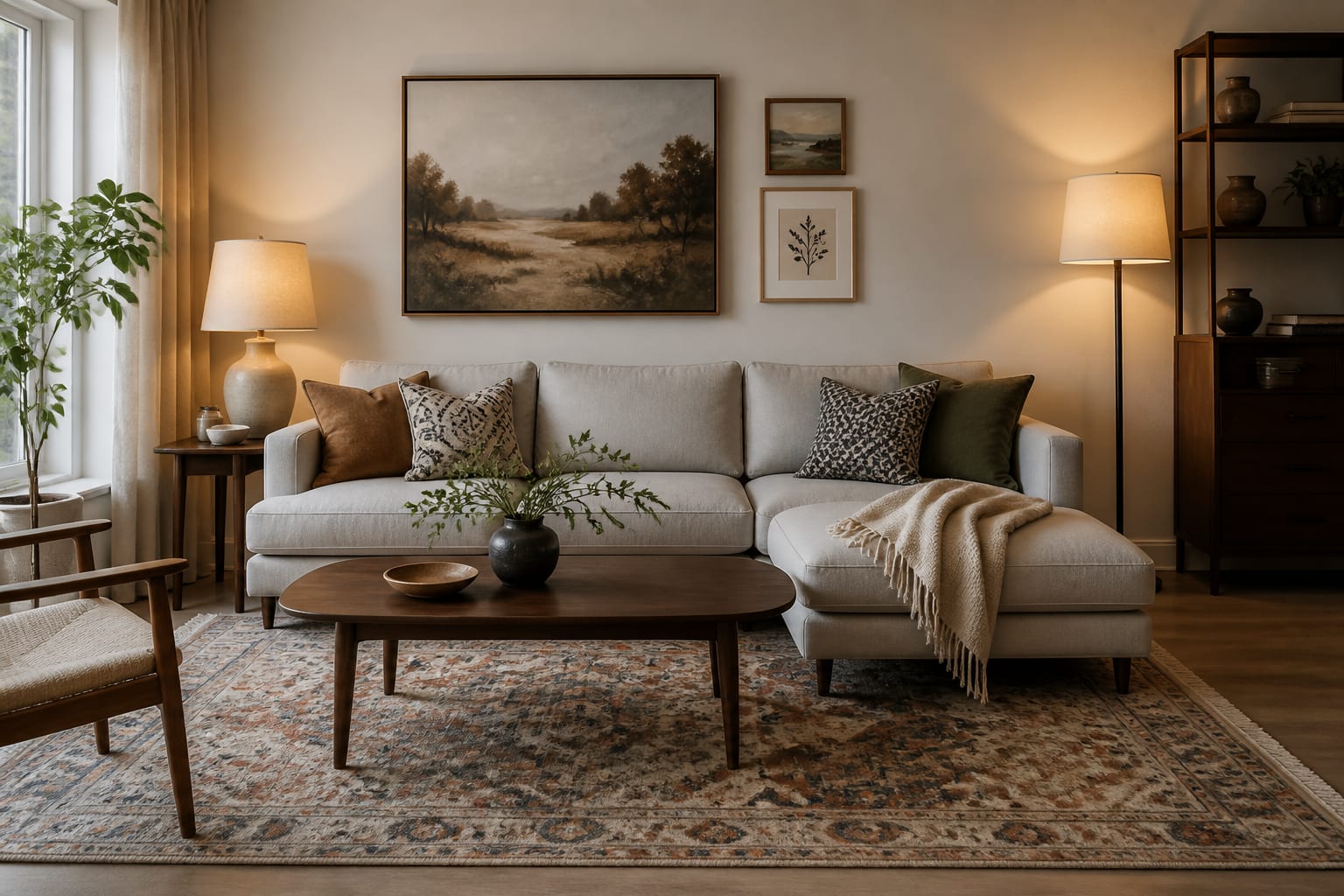
How Do Budget Tiers Change What You Should Buy?
Most rooms have one expensive-looking problem hiding behind several smaller annoyances, not equal damage everywhere. Match the spend to the specific weakness instead of buying evenly across categories.
| Budget | Focus | Example Purchases |
|---|---|---|
| Under $300 | Light and visual cleanup | Warm 2700K bulbs, one shaded lamp, a closed basket for clutter, one larger art piece |
| Around $500 | Fix one scale problem | 8x10 rug under the bed, two 24-inch nightstands, matching lamps, or a 72-84 inch media cabinet |
| Around $1,000 | One visible anchor plus support | Rug, storage cabinet, or accent chair, plus $150-$250 reserved for lighting, hardware, and textiles |
| $2,500-$3,000 | Reshape daily comfort | Sofa, rug, lamps, window treatment, and one serious storage piece |
These tiers are guardrails, not rules. If the mattress is broken or the sofa sags, comfort jumps ahead of style regardless of budget.
How Should You Brief AI to Stay on Budget?
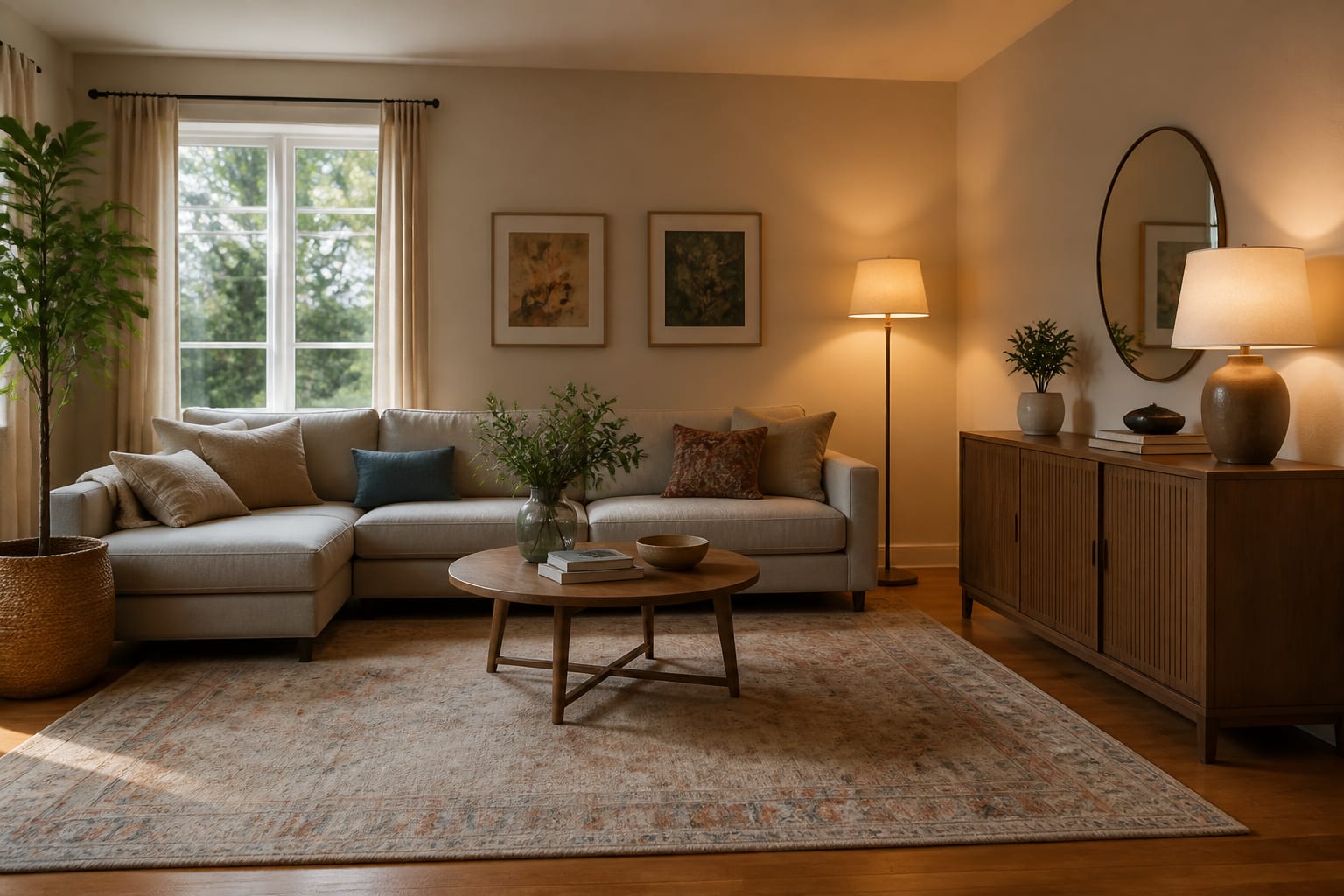
A budget prompt reads like a short design brief, not a wish. Name the room, total spend, dimensions, pieces staying, pieces leaving, and one specific feeling instead of a vague word like "luxury," which often makes AI invent construction.
Try: design a 12x14 foot rental living room with a $1,000 total budget, keep the tan 84-inch sofa and black bookcase, add an 8x10 rug, two warm lamps, closed toy storage, removable curtains, no new flooring, no built-ins, and no item over $300.
Add shopping rules for tight budgets by asking for retail, vintage, flat-pack, or DIY-friendly options. If the photo shows documents, an address, or a child's room, review AI room design privacy options before uploading and crop anything unnecessary.
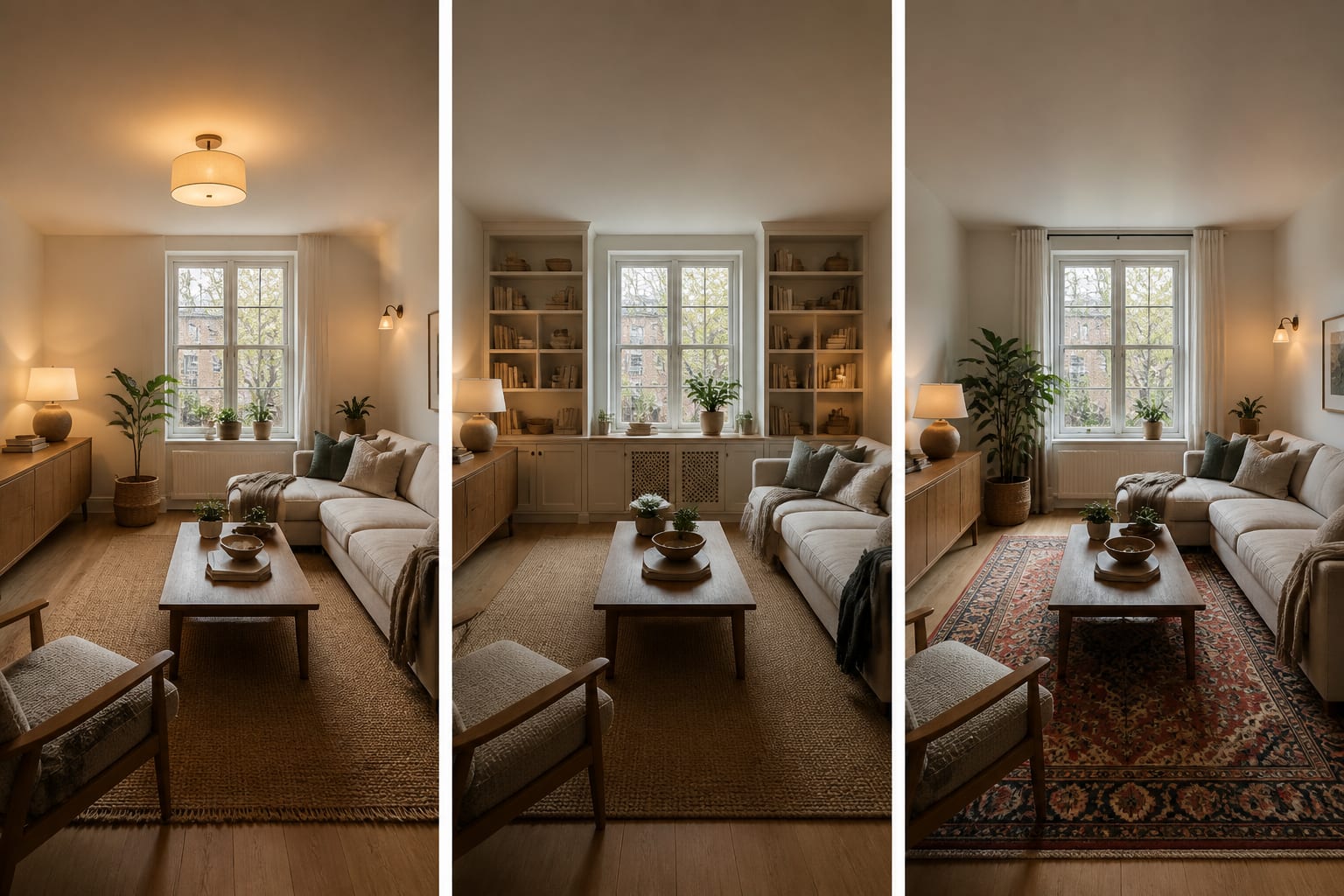
Request three versions with the same cap: one that spends on lighting, one on storage, one on the largest textile. Seeing the same room improve three different ways shows which weakness was actually driving the problem.
How Do You Preview Budget Tradeoffs Before Buying?
Upload a straight photo from the doorway, then test one decision at a time: layout, then budget anchor, then color, then accessories.
For a $1,000 bedroom, test whether money should go to a real headboard, larger nightstands, a 9x12 rug, or better window treatments. A queen bed is 60 inches wide, so 14-inch nightstands may look pinched even if they technically fit. If the preview shows the bed stranded, spend on scale before decorative bedding.
For a $1,000 living room, compare keeping the sofa versus replacing it. A $900 sofa with no rug, lamps, or storage is usually a bad room with a new receipt. If the existing sofa looks good with a larger rug and warmer lamps, trust that result.
For a resale timeline, restraint matters more than personal taste. See AI redesign room for resale for choices that photograph well without overspending on features you won't recoup.
What Mistakes Blow Up an AI Room Budget?
- Replacing the biggest piece too early. If the sofa or bed is structurally sound, preview it with better lighting and a larger rug before deciding it's the problem.
- Buying the cheapest version of everything. A too-small rug, flimsy lamp, and shallow bookcase can total less than one quality anchor but still look temporary.
- Ignoring delivery, taxes, and hardware. Keep a buffer, even if that means a $220 rug instead of $300, since shipping and curtain rings quietly eat the finishing money.
- Letting the preview hide fixed problems. If AI removes a radiator or widens a doorway, rerun the prompt with stricter instructions before buying anything.
- Spending on accessories before storage. Closed storage 15 to 18 inches deep changes daily life more than another pillow on a crowded surface.
When Is the Plan Ready to Shop?
Confirm the longest wall, ceiling height, window width, outlet locations, rug size, furniture depth, and walkway clearances before treating any image as a final plan. If it does not survive the tape measure, it is not ready.
Divide the budget roughly in half toward the piece that changes the room most, a third toward the lighting, storage, or textiles that support it, and the rest toward small finishing touches. Before ordering, write a no-buy list: if the preview depends on a new floor, custom built-ins, or a sofa that blocks a walkway, ban that item until the plan changes.
Frequently Asked Questions
Can AI room design actually work inside a fixed budget?
Yes. AI room design stays within a fixed budget when the prompt includes the total dollar cap, room measurements, must-keep pieces, and a ranked spending order. Without those details, AI tends to default to custom drapery, premium lighting, and furniture priced well past a typical $500 to $1,000 refresh budget.
How should I split $1,000 between furniture and lighting?
A common split is roughly half toward one visible anchor like a rug, storage cabinet, or accent chair, and $150 to $250 toward lighting, hardware, or textiles that support it. Spending everything on one piece usually leaves the room feeling unfinished around that new item.
What details should an AI budget prompt include?
Include the room type, total budget, exact dimensions, pieces staying, pieces leaving, and one specific mood word instead of "luxury." Add shopping constraints like a per-item price cap or a preference for vintage and flat-pack options so the preview matches what you can realistically buy.
Should I replace my sofa in a budget redesign?
Only if it is structurally damaged or clearly too small or large for the room. If it is simply outdated, preview it first with a larger rug, warmer lamp lighting, and better storage, since a new sofa alone often leaves no budget for the rug and lighting that make a room feel finished.
How do I avoid overspending after seeing an AI preview?
Set the dollar cap in the prompt before generating any image, then create a no-buy list for anything the preview assumes but you did not budget for, like new flooring or custom built-ins. Compare at least two budget versions of the same room to see which expensive idea is optional.