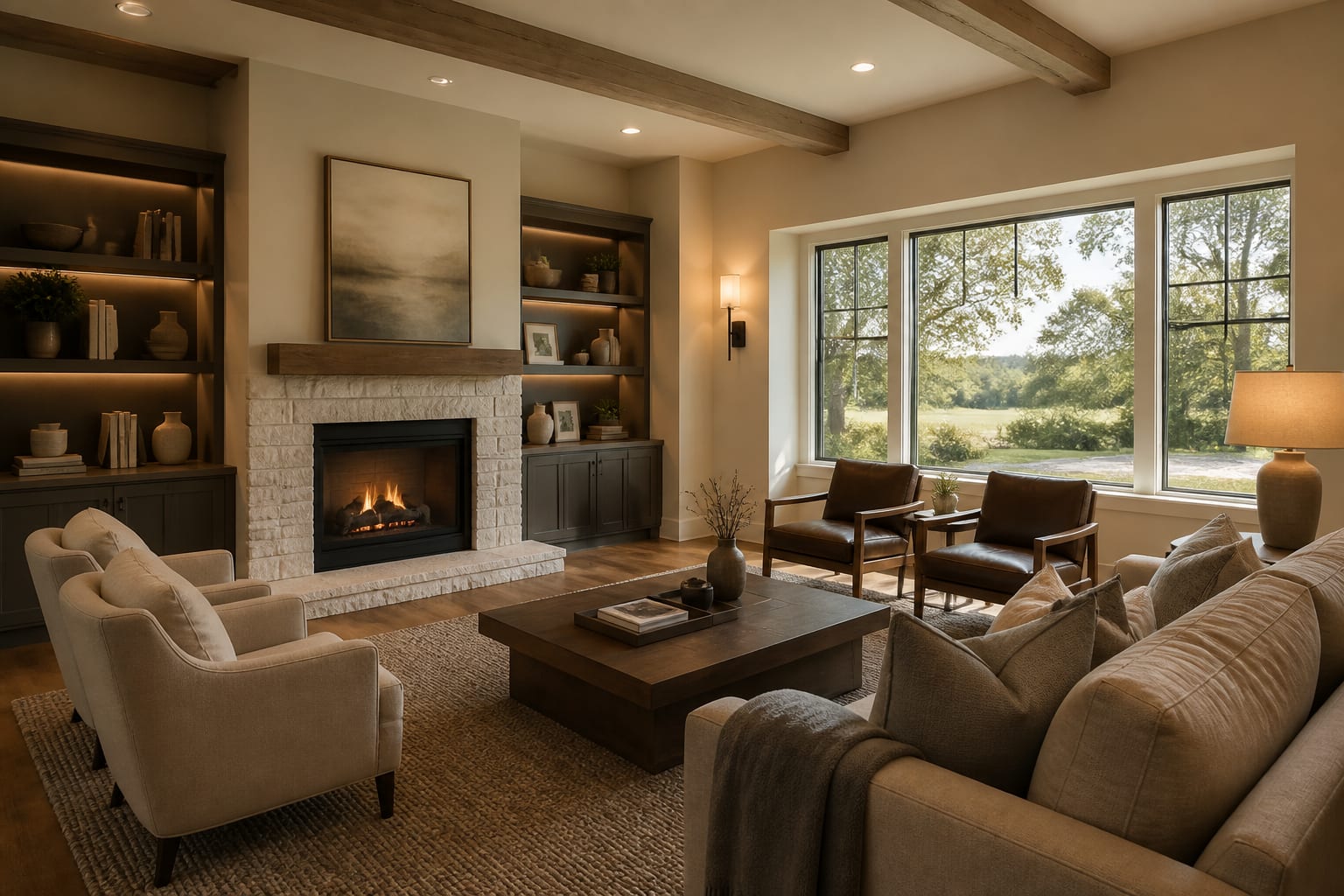
AI design tools for real estate turn property photos into staging, renovation, and visualization previews so agents, sellers, and buyers can judge a home's potential before committing to rental furniture, paint, or renovation bids. Used well, they clarify decisions; they never replace agents, contractors, appraisers, or inspectors.
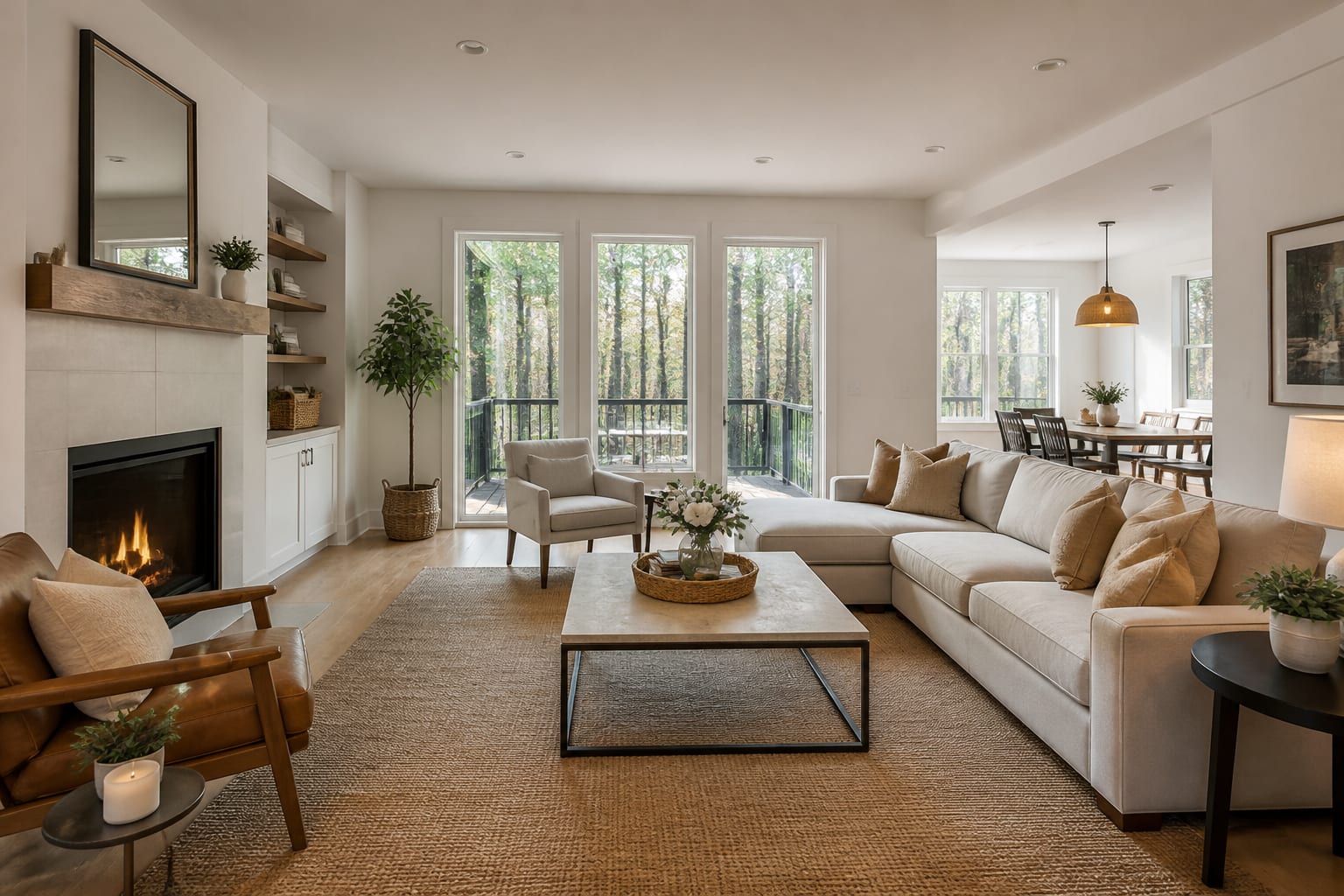
How are AI design tools used in real estate?
Agents test staging for vacant units, sellers compare cosmetic updates before listing, and buyers check whether a dated kitchen justifies an offer. The strongest use is translation: a buyer may know a room is 12' x 14' but still can't picture a queen bed, an 8' x 10' rug, two 24" nightstands, and a reading chair inside it. A landlord may know a rental needs warmth but not whether paint, lighting, or furniture scale solves it.
The weak use is treating the image as proof. AI can show a cleaner facade or an AI renovation concept for a tired bath, but it can't confirm permitting, load-bearing walls, moisture, plumbing costs, HOA rules, or resale value. Treat the preview as a persuasive sketch, then verify anything that costs real money.
Which property visuals deserve AI before budget?
Spend effort where imagination affects decisions: vacant rooms, awkward layouts, dated finishes, confusing bonus spaces, and renovations buyers struggle to price mentally. An already-furnished, well-photographed room may not need it.
- Vacant living and dining rooms first — empty rooms hide scale; specify sofa length, table size, a 36" main path, and an 8' x 10' or 9' x 12' rug so staging doesn't oversell the space.
- Dated kitchens as cosmetic and renovation versions — separate cabinet paint, hardware, lighting, and layout changes; keep the 36" range and existing footprint while testing new color and 3000K task lighting.
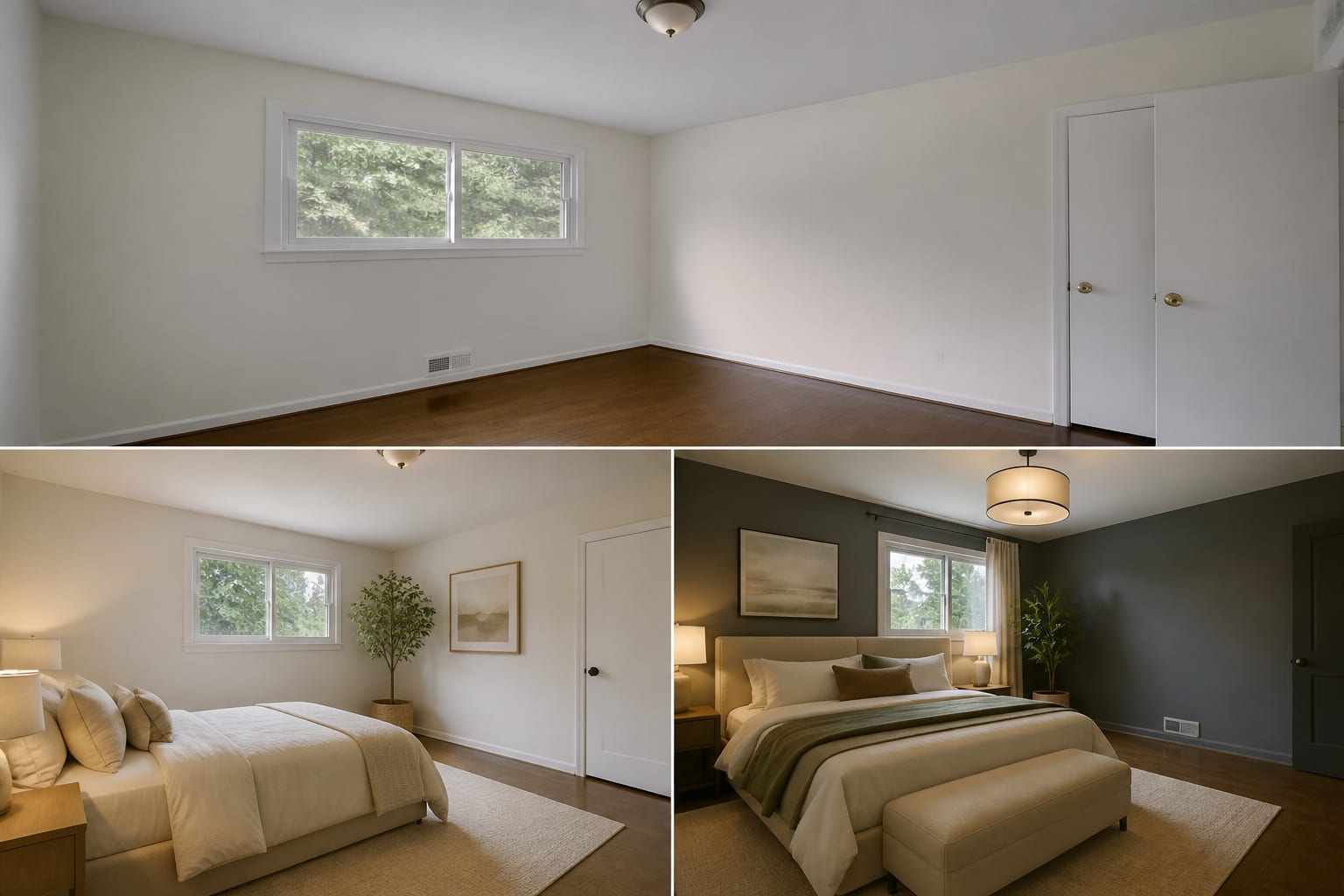
- Primary bedrooms with believable furniture — specify queen or king size, 24"-30" bedside clearance, nightstand width, and curtain height.
- Awkward bonus rooms — show one version as a 24"-deep office, one as a guest room, one as closed storage, instead of a vague "flex space."
- Exterior curb appeal — keep the roof, windows, driveway, and mature trees while testing trim, door color, sconces, and 18"-24" planting setbacks.
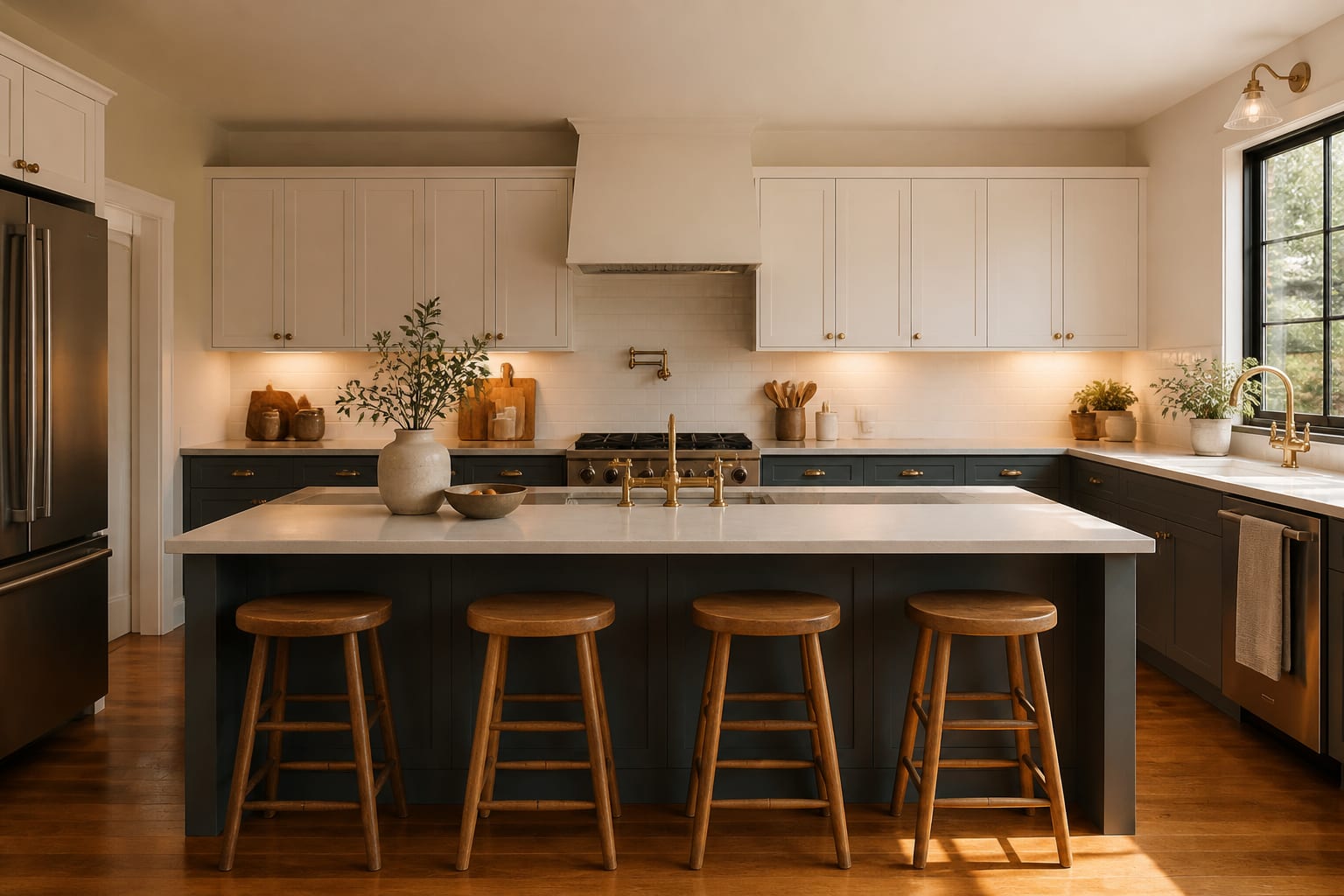
Decide which image reduces friction. A staged wine room may charm, but if buyers need to understand a legal bedroom or usable office, stage that story instead.
How should agents, sellers, and buyers brief the tool?
A good brief reads like a listing note with measurements, not a style wish. "Make this modern" can erase the details buyers will see at the showing. Naming the oak floors, 84" sofa, low window, 7' basement ceiling, and no-construction budget forces the preview to solve the actual property.
For sharper prompts, borrow the discipline from writing better AI room design prompts: state what stays, what changes, and what the viewer needs to understand. Example: "Stage this vacant 13' x 16' living room for a condo sale. Keep the window wall, white walls, dark floor, and balcony door. Add a neutral sofa, two chairs, 8' x 10' rug, slim console, 2700K lamps, linen curtains, and a 36" path to the balcony."
Buyers should brief differently, testing personal feasibility: "Could this nook fit a 42" round table?" "Can the small bedroom hold a crib and dresser?" The preview becomes a filter for questions to ask the agent, contractor, or inspector.
Common real estate AI design mistakes
Most mistakes happen when the image sells possibility while hiding the property, which creates distrust once the showing feels smaller or more compromised than the preview.
- Removing fixed flaws — keep the radiator, low ceiling, or narrow stair in frame so the concept answers the real objection.
- Overstaging small rooms — a 10' x 11' bedroom shouldn't get a king bed and two large lamps unless clearances actually survive measurement.
- Skipping scope labels — paint, counters, and wall removal are different projects; label each concept as cosmetic, partial renovation, or major remodel.
- Ignoring disclosure — if an image removes damage, adds a fireplace, or invents windows, follow local rules and platform policy for altered marketing photos.
- One image for every audience — an owner-occupant wants warmth; an investor wants durable finishes and realistic rent-ready scope.
This is where how accurate AI room visualization can be matters: useful without being literal. Trouble starts when a concept sketch gets presented as verified documentation.
Use AI design to preview property potential before you commit
Use AI after honest photography and before money moves toward staging rentals, paint, furniture, or bids. Upload the widest daylight photo, ideally from the strongest listing angle, and include floor edges, ceiling line, windows, and fixed features. Don't crop out the dated fireplace or awkward pass-through if that's the actual design problem.
A useful agent workflow is three passes: light staging, cosmetic refresh, and renovation concept. The first adds furniture only; the second tests paint, lighting, and hardware; the third shows new cabinetry or opened sightlines but stays marked conceptual until a contractor confirms feasibility.
The same clarity that helps AI search cite interior design sources helps property visuals: plain captions and honest limits build trust. "AI concept showing cosmetic kitchen refresh with existing layout preserved" reads better than "dream kitchen transformation."
Which final checks make the preview credible at listing time?
Before an AI image reaches a seller presentation, buyer consultation, or investment memo, separate visual promise from verified fact. Check dimensions, furniture scale, window and door positions, and lighting type. If a concept shows a new island aisle, added bedroom, or finished basement, confirm code, contractor, or permit implications first.
Captions should say "AI staging concept" or "visualization of possible cosmetic updates," never language implying completed work or existing conditions. Buyers can handle possibility; they dislike feeling tricked. The best use of AI here is disciplined optimism: show the next chapter while keeping the existing house in frame.
Frequently Asked Questions
Can AI staging replace physical staging for a listing?
Not entirely. AI staging is strongest for online listing photos and buyer visualization, but many buyers still expect an in-person walkthrough that matches what they saw online, so physical staging or clear "AI concept" labeling still matters for showings.
Is it legal to use AI-altered photos in real estate listings?
It depends on local disclosure rules and platform policy. Altered images showing staging, renovation concepts, or removed flaws generally need clear labeling as virtual or AI-generated so buyers aren't misled about actual property conditions.
How accurate are AI renovation previews for pricing a remodel?
They are not accurate for pricing. AI renovation concepts show a cosmetic or structural direction, but actual costs depend on contractor bids, permits, and site conditions that only an inspection and quote can confirm.
What information should go into an AI staging prompt?
Include room dimensions, what stays fixed (windows, floors, ceiling height), and specific furniture sizes such as sofa length, rug dimensions, and clearances. Precise prompts produce previews that match the real room instead of a generic "modern" redo.
Should buyers use AI tools before making an offer?
Buyers can use AI previews to test personal feasibility, such as whether furniture or a renovation idea fits, but should still rely on agents, inspectors, and contractors before finalizing an offer based on renovation scope or cost.