AI design unusual room shapes successfully when you upload photos that show the real architecture, name the fixed constraints in your prompt, and treat the result as a starting point rather than a finished plan. It's strongest on visual questions like ceiling treatment or storage placement, but can't confirm joist capacity, egress, moisture, or code. Verify clearances and structure before you buy or build.
Why are attics and garages harder to preview than normal rooms?
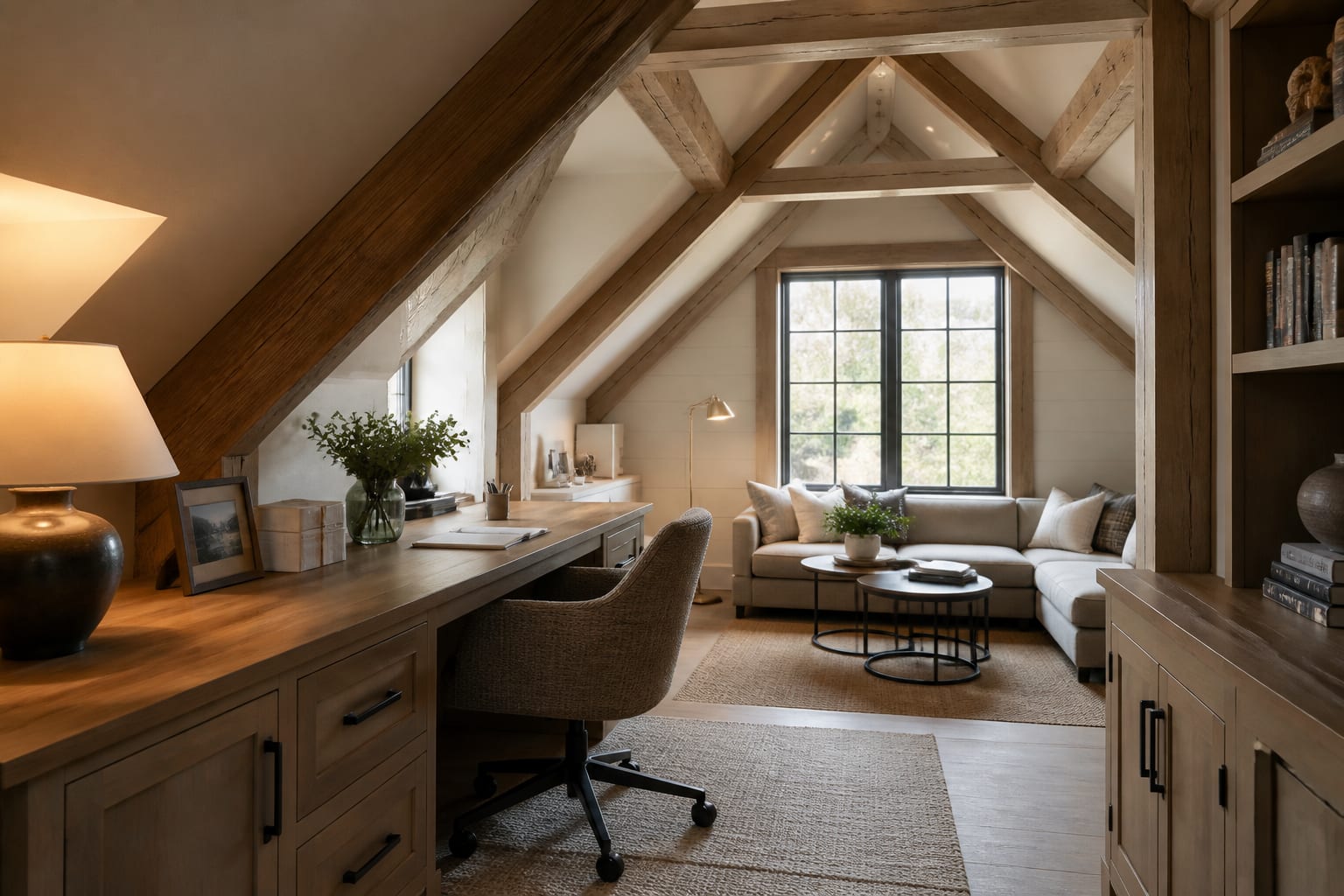
Unusual rooms have architecture that behaves like furniture. A sloped ceiling decides where a bed can sit and where a pendant can't hang; a garage door brings seams, tracks, and a strong visual grid into the room. Generic AI advice tends to erase these features instead of designing around them.
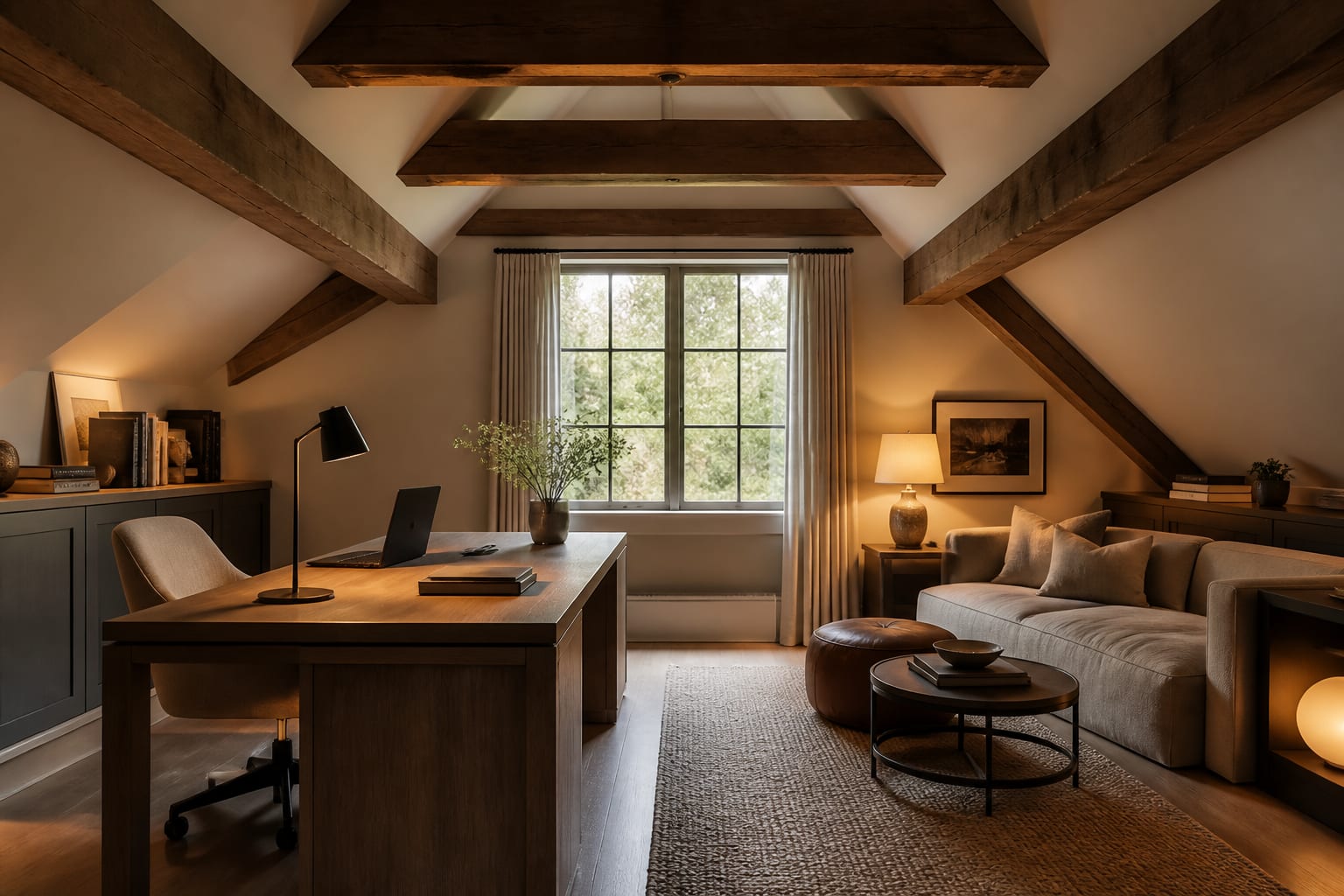
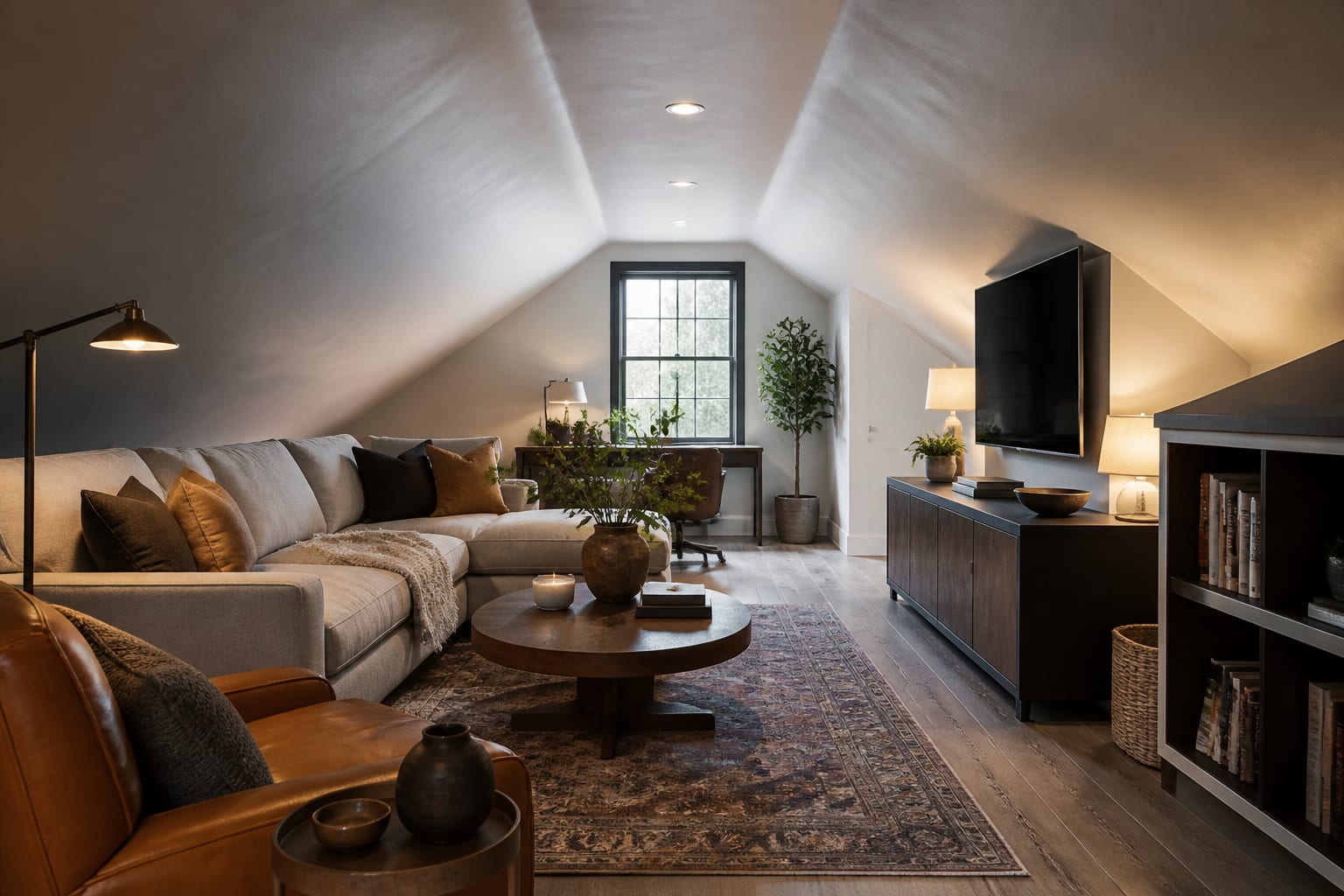
Attics distort scale in photos. A camera held too high can make the peak look generous while hiding that the usable standing zone is a narrow strip down the middle. If the knee wall is 36 to 48 inches high, the best use is often drawers, low shelving, a bench, or a lengthwise bed, not a tall wardrobe wall.
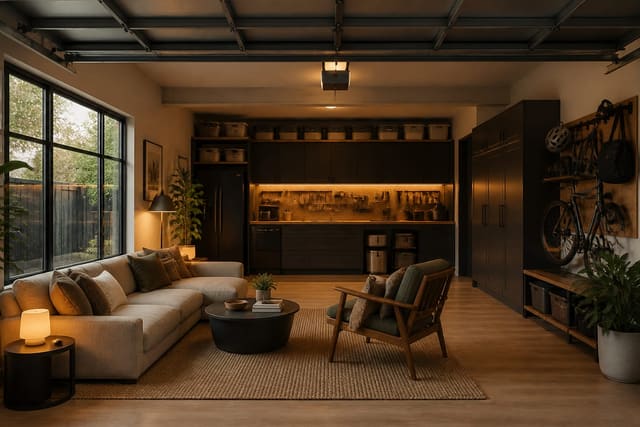
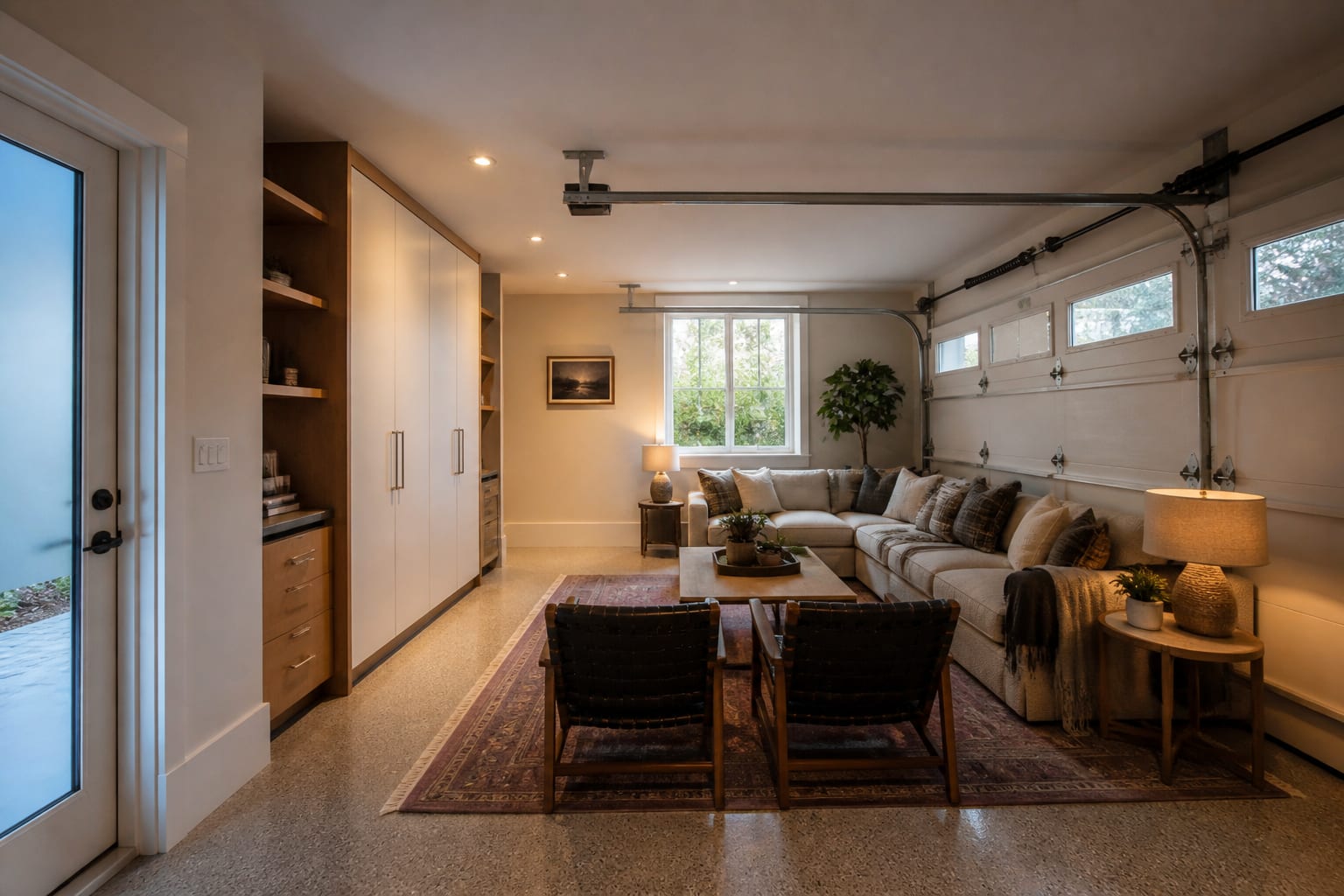
Garages bring a different problem: floor slope, slab texture, mechanical equipment, and exposed opener tracks all affect the design even when the room itself is a clean rectangle. If a garage is becoming a guest suite, office, gym, or den, the plan must account for flooring warmth, acoustic softness, and storage for what used to live there. Compare any preview against an AI garage conversion design workflow before treating furniture choices as settled.
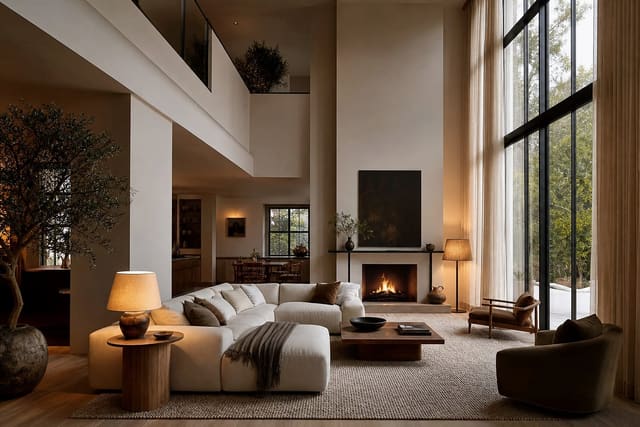
Lofts and mezzanines sit between the two: railings, ladder access, low beams, and sightlines from below decide whether the space feels clever or precarious. Check a specific AI loft and mezzanine design guide so vertical relationships don't get flattened into one pretty image.
How do you prompt AI to respect the room's real constraints?
A good unusual-space prompt is architectural before it's decorative. Describe what the room physically refuses to do, then ask for style.
- Photograph the longest view with the awkward element centered. Include floor and ceiling together, and add a second photo from the opposite corner if height changes sharply.
- Name the usable-height zones. In an attic, mark areas under about 60 inches as storage or seating territory, and reserve full-height zones for dressing, walking, or desk work.
- Keep circulation at 30 to 36 inches. Don't let lounge chairs, ottomans, or bins force anyone to duck under a beam or step around a stair guard.
- Favor low, long pieces over tall, narrow ones. A 72-inch low cabinet or under-eave drawers usually look more intentional than several skinny units under the same roofline.
- Test lighting at the real ceiling height. Use plug-in sconces, track heads, low-profile flush mounts, or 2700K–3000K floor lamps instead of a chandelier under a 7-foot beam.
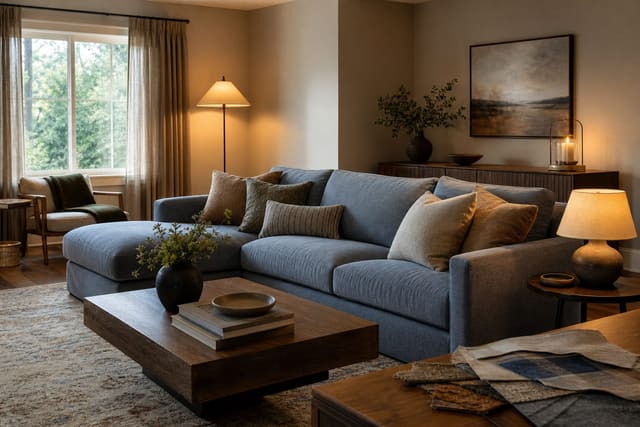
Unfinished wood, concrete, old brick, and orange-toned subfloor can also pull paint in unexpected directions. If a preview keeps rendering the room warmer than your samples, check it against a clashing undertones fix before repainting a whole sloped ceiling.
What mistakes make unusual-room previews unreliable?
The most common mistake is asking AI to "make it cozy" while cropping out the reason the room is difficult in the first place.
- Letting the preview erase the slope. If an attic returns with full-height walls and a tall wardrobe under the eave, ask it to preserve the low ceiling plane and keep furniture below the knee wall.
- Accepting full-size furniture because the render looks balanced. A 96-inch sofa may dominate a garage that also needs storage and a clear exit route; tape the footprint and check depth, not just width.
- Treating garage finishes like living-room finishes. A slab floor may need a rug pad or warmer layered surface, and a former overhead door may need insulation before the room feels comfortable.
- Ignoring sound. Hard roof planes echo in attics, and drywall-plus-concrete garages feel hollow; add rugs, upholstery, curtains, or closed storage.
- Copying the prettiest window treatment. Drapery may collide with an attic's ceiling angle, or need to clear a garage door's tracks and stack-back zone. Measure before ordering.
How do you use AI to test one awkward feature at a time?
Instead of asking for a total transformation, run separate previews that isolate the slope, the door wall, the floor, and the lighting.
For an attic, keep the same bed or desk location across three versions: built-in drawers under the eave, a low lounge chair with a floor lamp, and closed storage with a continuous top along the short wall. The repeated winner tells you whether the room wants function tucked low or a more open feel.
For a garage, generate one version that hides the door with drapery or paneling, one that softens it with a rug and seating, and one that treats it as a workshop or media backdrop, keeping slab, side door, and window positions constant. For odd polygon rooms, compare furniture orientation before style: a desk may work better across the short wall, or a round 36-inch table may solve an angled corner better than a rectangle.
What should you verify before you build or buy?
Save the strongest preview, then translate it into real specs: cabinet length, sofa width, rug size, desk depth, bed clearance, lamp height, paint color, and storage volume.
In attics, check head clearance where people sit up, stand, and walk. If the ceiling drops too low near a desk chair, move the desk rather than buying a smaller chair. In garages, check moisture, insulation, heating, cooling, and any local requirements before spending on finished surfaces; a jute rug and linen sofa in a render don't tell you whether the floor is cold or the door leaks air.
Odd spaces reward discipline: keep the strange feature visible, design around the real geometry, and use AI to generate options fast. Let the room's actual measurements decide which version gets built.
Frequently Asked Questions
Can AI design tools handle sloped attic ceilings accurately?
Yes, if your photo clearly shows the slope and low walls. AI can suggest built-ins, bed placement, and lighting that respect the geometry, but it can't confirm joist capacity, insulation, egress, or stair code, so verify structural details separately before building anything.
Will AI hide my garage door in a conversion preview?
It might, unless you ask it not to. Request versions that keep the garage door visible so you can judge whether to disguise it with paneling or drapery, soften it with a rug and seating, or use it as a design feature.
How much ceiling height do I need for attic furniture?
Aim to reserve zones under about 60 inches for storage, seating, or bed-adjacent uses, and keep full-height areas free for standing tasks like dressing or desk work. Always check clearance where you'll actually sit up or stand before finalizing placement.
Why does my AI garage preview look warmer or cooler than my paint samples?
Concrete, old brick, and orange-toned subfloor can shift how AI renders undertones. Compare the preview against real paint chips in the room's actual light, and check a dedicated undertone-matching guide before repainting a large surface.
What furniture width works best in a converted garage?
Keep primary walking paths at 30 to 36 inches and measure furniture depth, not just width, against your actual floor plan. A large sofa that looks balanced in a render can block routes to exterior doors or storage in a real garage.