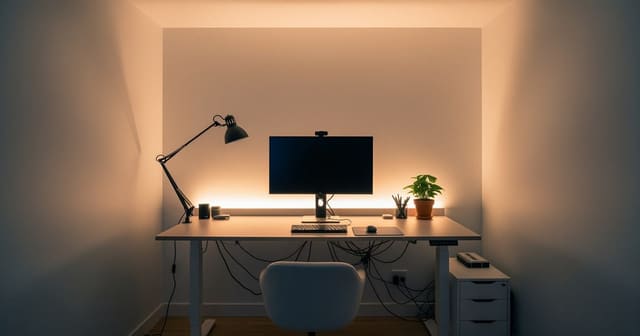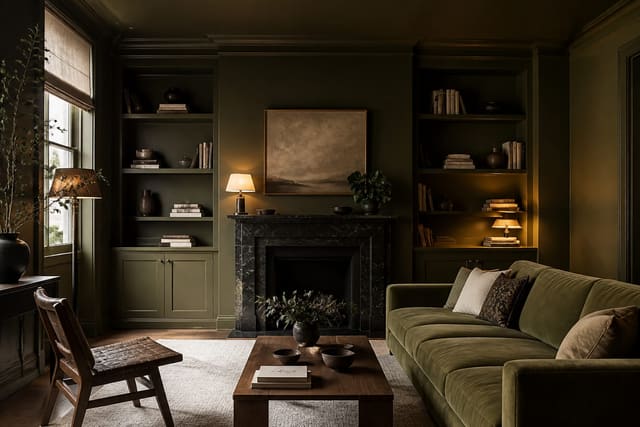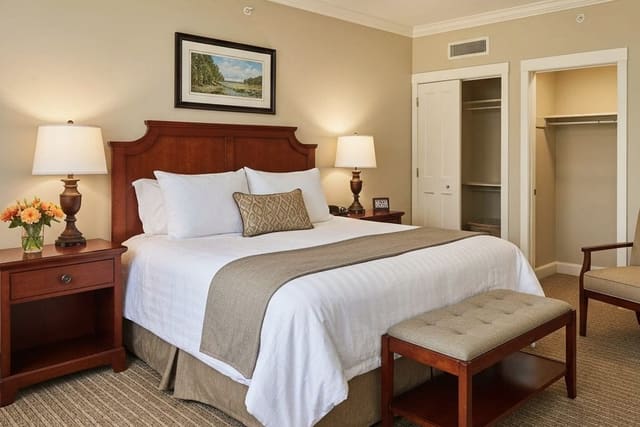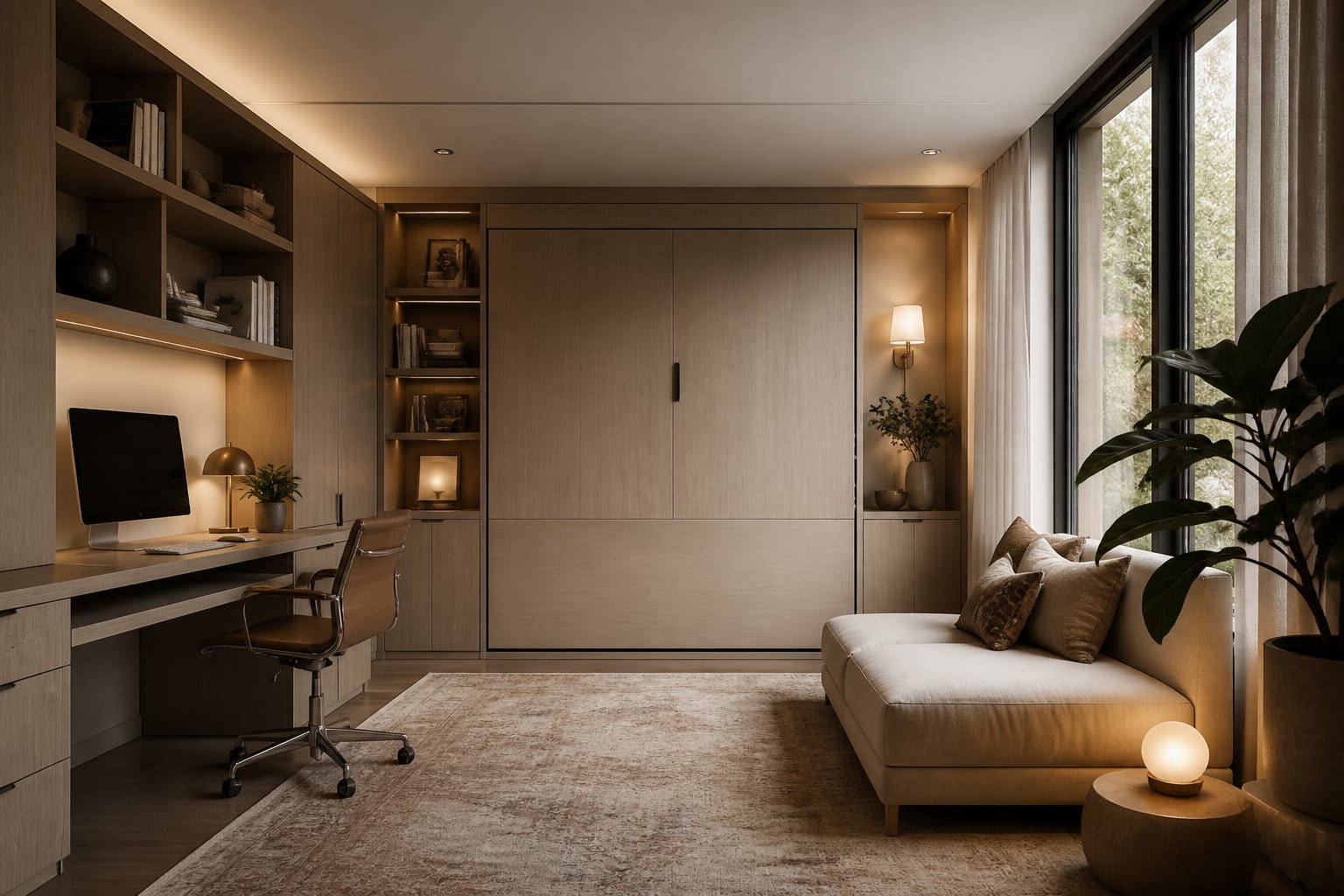
AI multi purpose room design works by turning one uploaded photo into separate visual concepts, letting you compare a work layout against a guest or play layout before moving furniture or drilling into a wall. The goal is one dominant daily use, one respectful secondary use, and a clear visual reset between them.
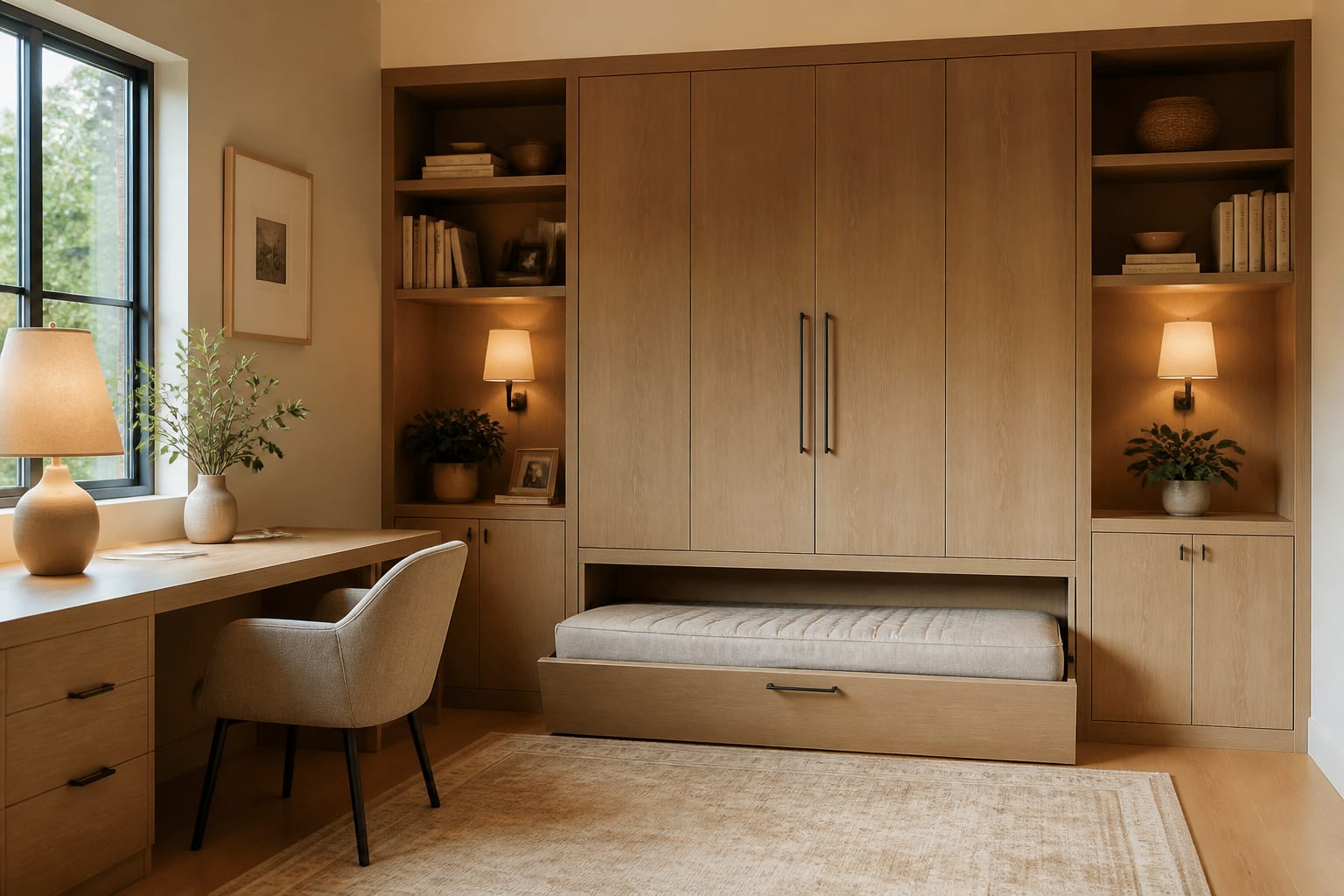
Can AI design a room that serves two purposes?
Yes. AI can generate multiple concepts from a single photo covering layout, furniture scale, color, storage, and lighting. The value is fast comparison: you see which version looks calm instead of improvised, rather than software guessing at your life.
Ask for two concepts from the same photo: a weekday mode (office, workout space, craft room) and an occasional mode (guest room, nursery overflow, dining). If both images still look like the same room with a different chair dragged in, the concept isn't flexible enough.
Name both jobs, the non-negotiable furniture, and your tolerance for visible storage. For example: "Turn this 10-by-12-foot spare room into a home office that can sleep two guests, with a queen sleeper, closed file storage, warm neutrals, and no permanent construction." That gives the AI real boundaries instead of a fantasy that ignores the closet door.
What does the "before" version usually get wrong?
A typical dual-use "before" room has furniture from both lives crammed into one rectangle: a bed for occasional guests, a desk for daily work, a laundry basket for overflow, and one ceiling light doing four jobs' worth of work. Nothing is wrong individually, but everything argues visually.
Fix the hierarchy first. If the room is an office five days a week and a guest room six nights a year, the desk gets the window, not the bed. See AI home office design choices for what a work zone needs before decorative shelving: camera background, task light, outlets, and chair clearance.
Scale is the second lever. A 30-inch-deep executive desk can wreck a 10-foot-wide room; a 20- to 24-inch-deep desk with drawers usually leaves enough clearance for a guest-bed path. Keep 30 inches for the main daily walkway and at least 24 inches beside a pullout bed.
Storage is the third lever. Open shelving suits a single-use office but can make a guest space feel like a supply closet. Closed cabinets, skirted storage benches, or shallow wardrobes keep the secondary function quiet when it's not in use.
How do you zone a room for two uses?
A successful flex-space design has a visible primary zone, a secondary zone, and a shared buffer, whether that's a rug border, low cabinet, curtain track, or lighting shift. Without that middle layer, the room reads as two incomplete rooms sharing an address.
- Anchor the daily zone with the best light. Keep the desk within 12 inches of an outlet and the chair clear of the bed path.
- Give the secondary zone a fast conversion mechanism. A 54- to 72-inch sleeper sofa, a wall bed with about 90 inches of open projection, or a nesting dining table keeps setup from becoming a weekly chore.
- Separate zones with height, not clutter. A 42-inch bookcase, ceiling-mounted curtain, or tall plant divides the room while preserving daylight.
- Repeat one material across both roles. Matching walnut tones, black metal legs, or linen shades keep both sides from looking like separate online orders.
Color can also separate zones. One deliberate, deep zone often reads cleaner than several timid accent pieces; a color-drenched wall behind a desk or daybed can make the function feel planned rather than improvised.
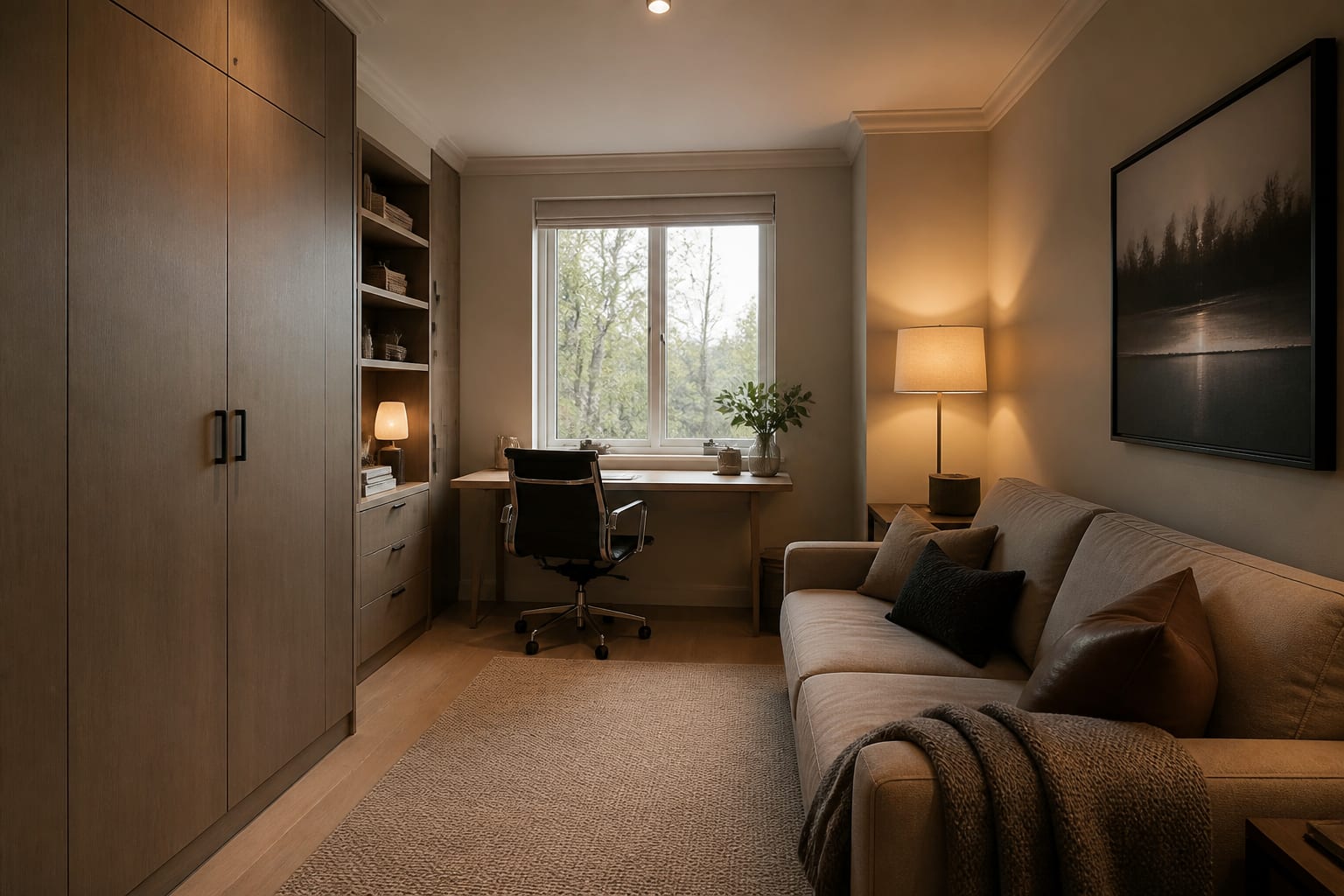
What are the most common dual-purpose room mistakes?
- Buying convertible furniture first. A wall bed, sleeper sofa, or storage ottoman only helps if it supports the room's hierarchy; a heavy sleeper sofa can steal the open floor an exercise room needs, so choose a narrow daybed or cabinet bed instead.
- Lighting the whole room from one fixture. Use at least three layers: a 2700K to 3000K ambient fixture, a focused task lamp at the desk or craft table, and a softer lamp near the guest or lounge zone.
- Leaving the guest setup exposed year-round. A permanent bed in a rarely used guest room makes the daily user feel like a visitor. Borrow from guest room design: a real side table, a lamp, hooks, and closed storage, with a compact mattress solution.
- Ignoring door swings and closet access. A 36-inch door swing can erase the perfect desk corner, and a closet that opens into a pullout bed makes every visit awkward. Photograph the room with doors open and closed before requesting previews.
How should you use AI to preview both versions of a room?
Build a small comparison set from one photo: daily mode, guest mode, storage-forward mode, and small-budget mode. Keep the camera angle identical so differences reflect design decisions, not a flattering new perspective.
Tell the tool what stays, what can move, and what must disappear visually. Renters should specify freestanding storage, plug-in sconces, and peel-and-stick color with no built-ins; owners can test wall beds, millwork, or pocket doors before calling a contractor.
Judge each preview with practical questions: Can a desk chair pull out 30 inches? Can a guest open a suitcase without blocking the door? Is there a 24-by-68-inch exercise mat footprint with breathing room? Does the video-call background look calm rather than announcing the bed? The image succeeds only if daily friction actually drops.
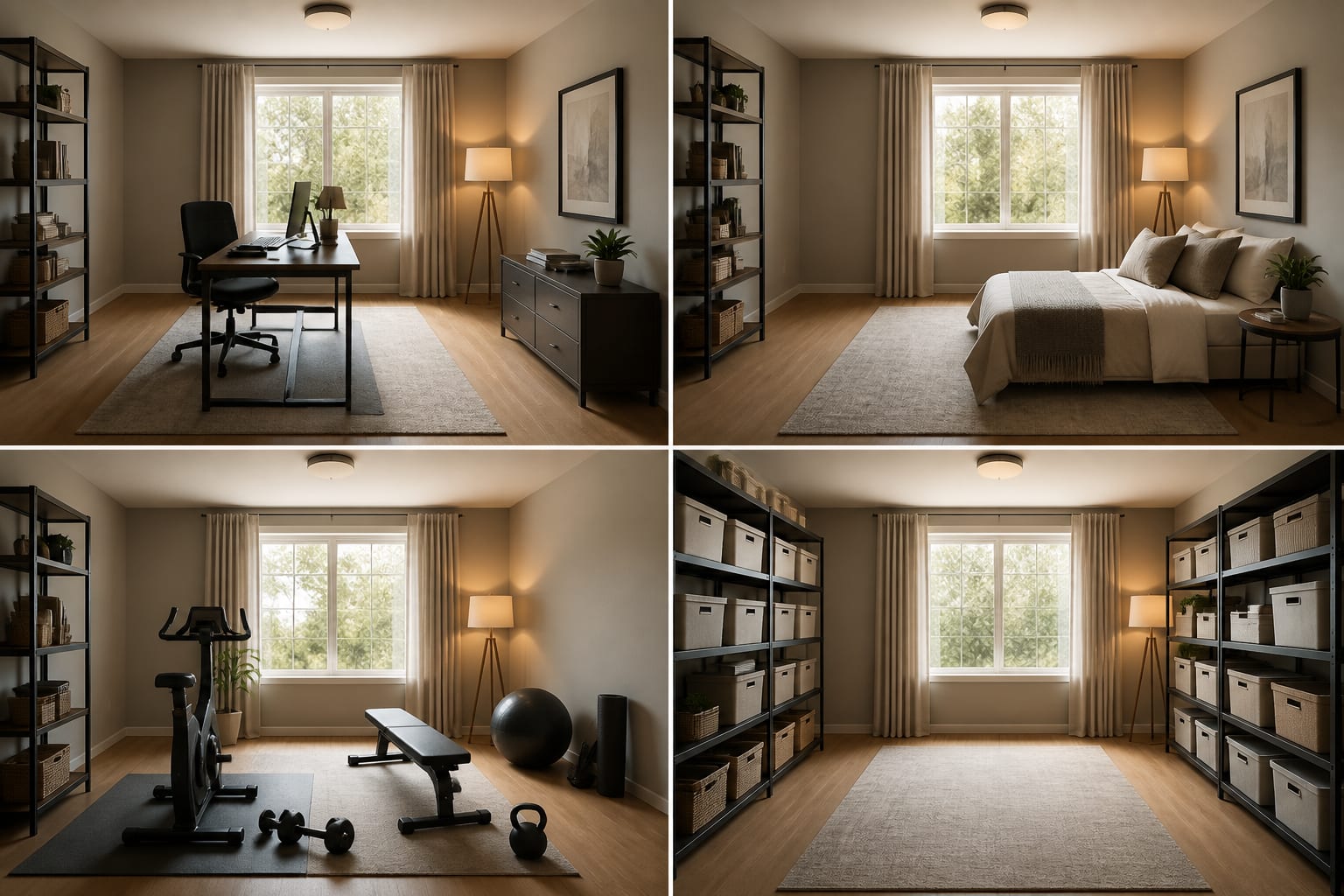
The goal isn't a theatrical reveal. It's a room that stops apologizing for having two jobs. When zones are legible, storage stays closed, lighting shifts mood, and furniture converts without a fight, a multipurpose room can look more intentional than a single-purpose room with too much stuff.
Frequently Asked Questions
Can AI design a room for two different uses at once?
Yes. AI tools generate multiple concepts from one uploaded photo, so you can compare a daily-use layout against an occasional-use layout before buying furniture. The key is asking for two distinct concepts naming both functions and the furniture that must fit.
What furniture works best in a dual-purpose room?
Compact, convertible pieces that fit the room's dominant use: a 54- to 72-inch sleeper sofa, a 20- to 24-inch-deep desk with drawers, or a wall bed with about 90 inches of projection. Choose based on which function needs the most daily floor space.
How do you separate zones without adding clutter?
Use height and material instead of extra furniture: a 42-inch bookcase, a ceiling-mounted curtain, or a tall plant can divide space while preserving light. Repeating one material, like matching wood tones or metal finishes, keeps both zones visually connected.
Should the guest bed stay out permanently?
No, unless guests are frequent. For occasional use, keep a compact mattress solution and store it away between visits, then add a real side table, lamp, and closed storage so the space still functions as a proper room daily.
What photo details matter most for AI previews?
Door swings, closet access, outlet placement, and window height all affect which layouts actually work. Photograph the room with doors both open and closed so the AI preview accounts for hidden movement paths before you commit to a layout.