AI creates a useful mood board from a room photo by reading your fixed surfaces first, then suggesting a palette, materials, and furniture direction that actually fits the space. Upload a clear photo, tell the AI what must stay, and generate a few focused directions instead of one generic makeover collage.
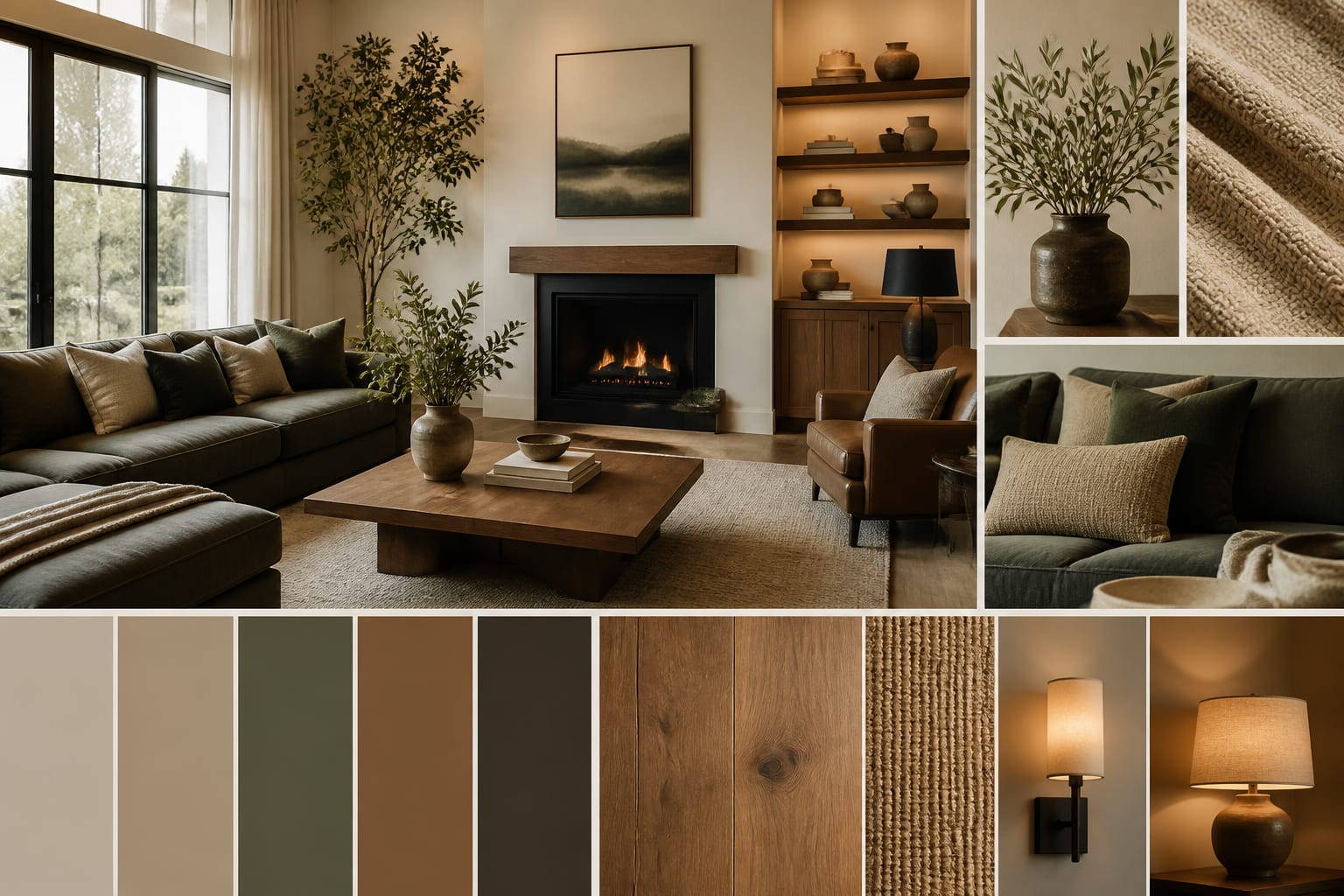
Can AI generate a useful mood board from your room photo?
Yes. AI builds a mood board from a photo by using the image as the starting point for color, material, furniture, and lighting direction, rather than assembling a collage of beautiful objects floating in space. A good ai room concept board respects what's already fixed: orange oak floors, cool gray tile, glossy cabinets, a north-facing window, an 8-foot ceiling.
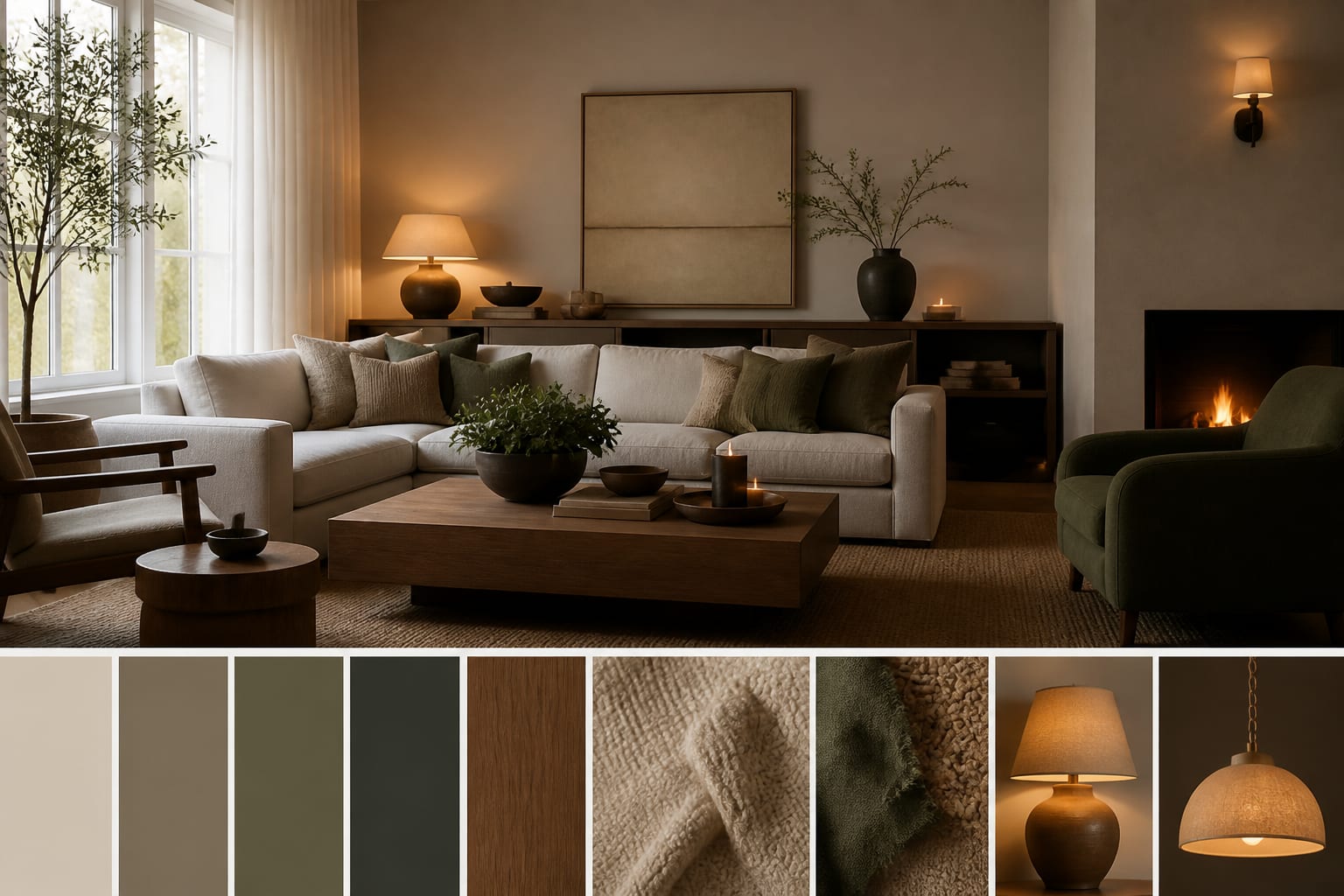
AI can suggest wall colors, wood finishes, rug textures, lamp shapes, and furniture silhouettes, but you still need to check measurements and samples before buying. Treat the first board as a sharp draft that narrows the room to a palette, a material family, and a furniture attitude, such as warm traditional with aged brass or quiet modern with walnut and linen.
What should the photo and prompt include?
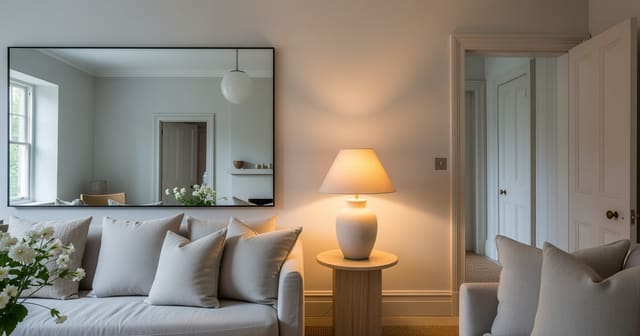
Don't upload a crooked, cluttered corner and expect a good result. Shoot from standing height (48-60 inches), keep at least two walls visible, and crop close to 4:3 so small rooms don't look stretched. If the room is dim, say so in the prompt instead of letting the AI invent sunshine; the same logic behind making fake natural light feel believable applies here.
- Keep fixed surfaces visible so the board harmonizes with the floor, tile, cabinet stain, and major upholstery already in the room.
- Name what must stay: the gray sectional, 84-inch console, or queen bed you're keeping, then ask for a direction around them.
- Add scale anchors, such as room size, ceiling height, sofa length, or a 30-36 inch walking path, so the board respects proportion.
- Give one style lane and one material lane. "Warm modern with walnut, cream linen, and matte black" beats a string of vague adjectives.
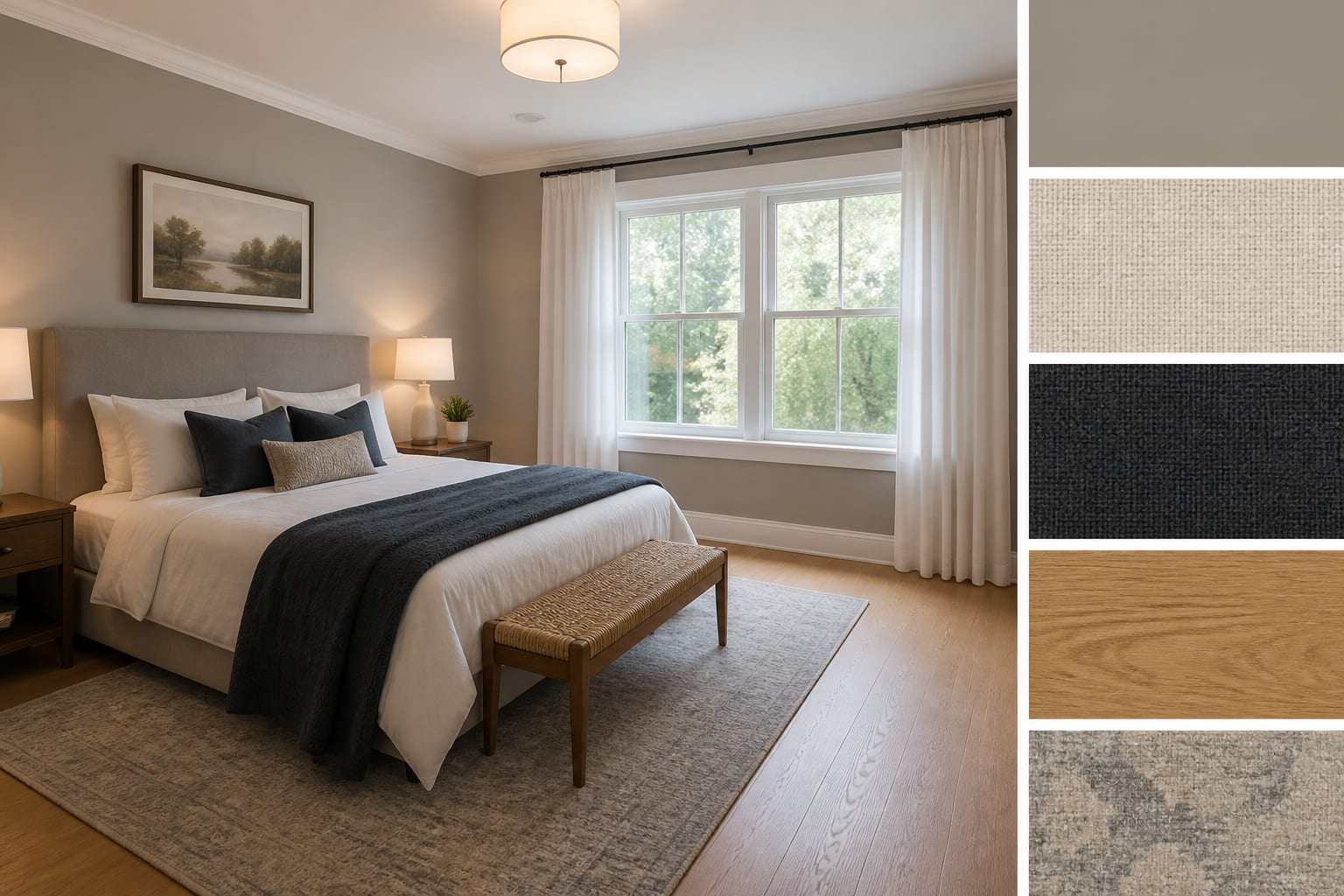
How do you turn one photo into a real concept board?
Ask AI for a board that preserves the room before it beautifies it. A strong prompt: "Create a mood board from this 11x13 bedroom, keep the oak floor, white trim, queen bed, and 8-foot ceiling, and suggest a calm warm modern palette with linen texture, walnut nightstands, plug-in sconces, and mushroom walls."
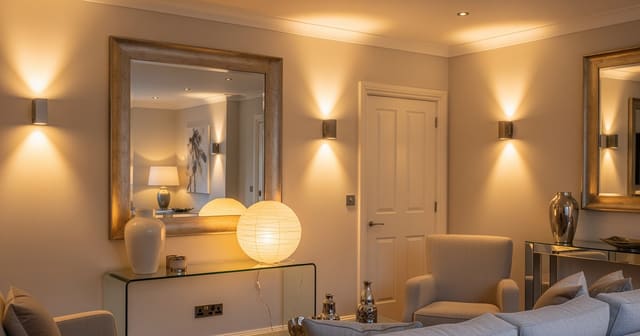
Generate two or three boards around different directions rather than twenty unrelated fantasies. Look for repetition across the strongest ones: if walnut, shaded lamps, a larger rug, and warmer walls keep appearing, the room is asking for warmth. Be strict with mirrors, too; the placement logic in using mirrors to amplify light matters more than another decorative rectangle over a console.
What mistakes should you avoid?
A mood board is a direction, not proof every item belongs in your room.
- Building from generic inspiration fails when your room has a stubborn undertone. Force the AI to keep the real floor or tile visible and choose materials that calm it.
- Requesting a finished makeover skips the design language you actually need. Ask for palette, material, and furniture-shape recommendations tied to the existing photo instead.
- Ignoring scale flattens big decisions into cute squares. A 96-inch sofa or 42-inch coffee table can look harmless on a board and still block a doorway.
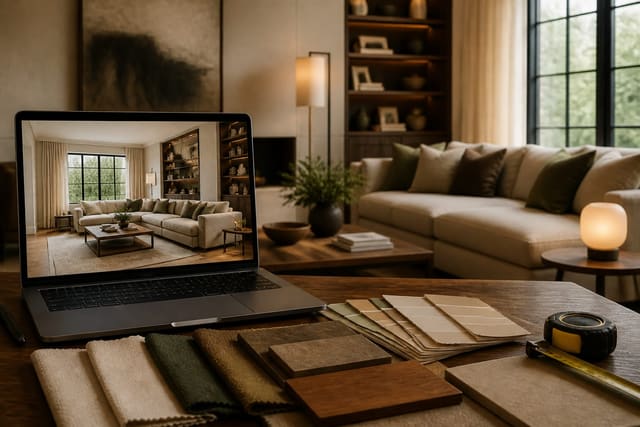
- Trusting screen color alone backfires because paint, fabric, and wood shift under real light. Order 2-4 physical samples and view them against your floor and trim.
- Letting AI assume permanent changes fails in rentals. State "no drilling, no permanent lighting, removable changes only" before the first generation.
How do you preview the board before you commit?
Upload the room, generate the board, then ask for a preview that applies the chosen palette, materials, and furniture shapes while keeping the architecture unchanged. This is where iterating an AI room design matters: fix a missing window before changing style, and test rug sizes (8x10 versus 9x12) once the mood is right.
The upload-and-preview loop exposes weak boards fast. Cream boucle and pale oak can look serene as a collage, then feel washed out against beige carpet; a darker board can look sophisticated until the preview shows it swallowing a small room. The goal is to make the room argue back before your credit card does.
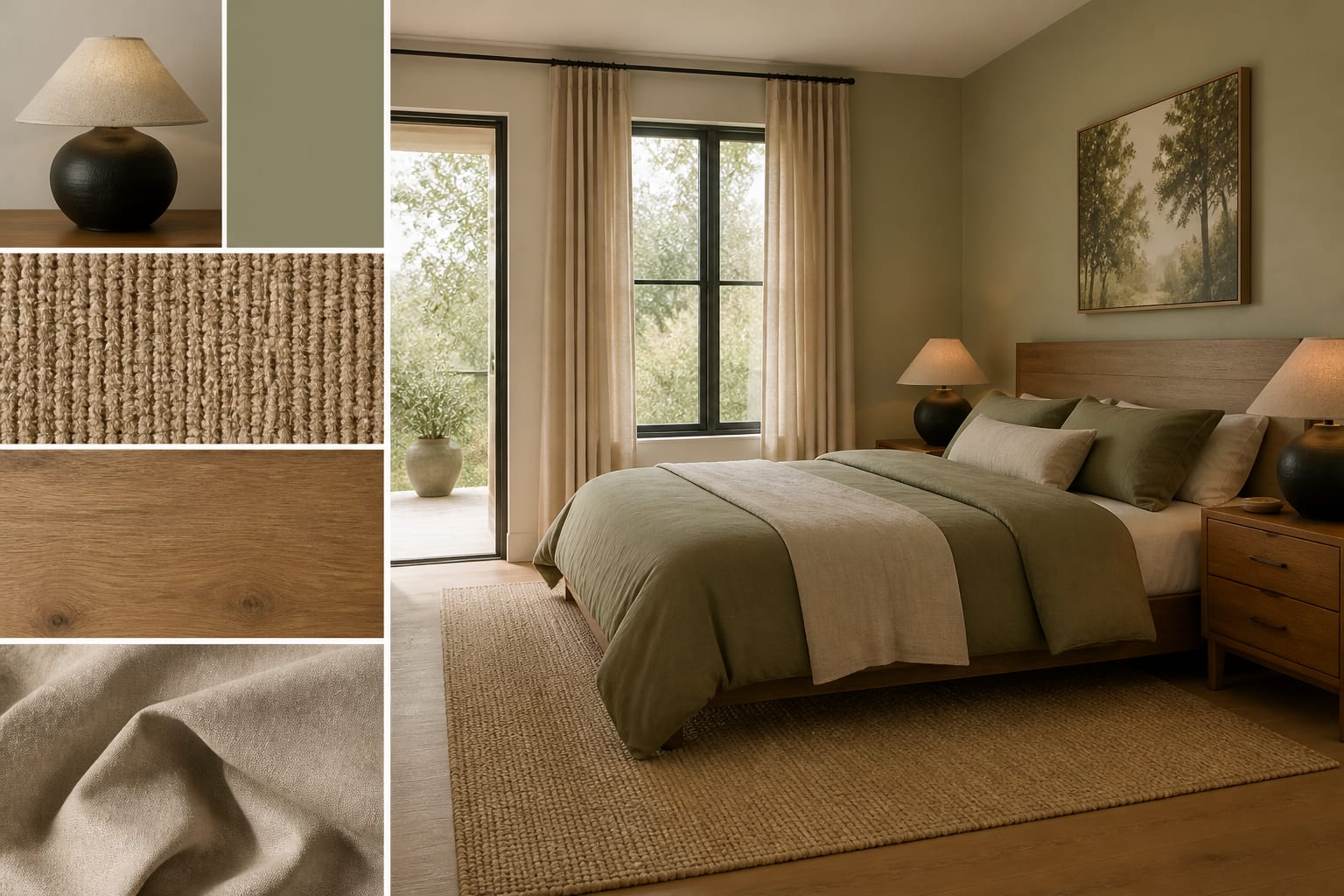
How do you turn the board into a room you can buy for?
Translate the board into a plain shopping brief before opening a product tab. "Warm modern bedroom" becomes: warm white walls, low upholstered headboard, two 24-inch walnut nightstands, linen curtains mounted 6 inches above the casing, plug-in shaded sconces, 2700K bulbs, a muted wool-look rug, and black metal frames.
That sentence can be priced, sampled, measured, and challenged. Before buying large pieces, tape the rug footprint, hold paint sheets near the trim, and measure the path from doorway to seat. The best AI mood board doesn't make the room feel imaginary; it makes the next step obvious, whether that's sampling paint, swapping a lamp's color temperature, or keeping the sofa you already own.
Frequently Asked Questions
Can AI make a mood board from just one photo of my room?
Yes. One clear, well-lit photo taken at standing height with two walls visible gives AI enough architecture to suggest a palette, materials, and furniture direction. You don't need multiple angles, though a second photo can help if the room has an unusual layout.
How is an AI mood board different from a Pinterest board?
A Pinterest board collects inspiration images disconnected from your actual room. An AI mood board built from your photo responds to your real floor color, wall tone, ceiling height, and furniture, so the direction it suggests is one you can actually shop and install.
What should I tell the AI to keep unchanged?
List every fixed surface and piece you're not replacing: the flooring, trim color, ceiling height, and any large furniture like a sofa or bed you plan to keep. Naming these upfront stops the AI from designing a room you can't actually build.
How many mood board directions should I generate?
Two or three focused directions are more useful than a dozen scattered ones. Generating too many options makes it harder to spot the palette, material, and lighting choices that repeat, and those repeats are usually the clearest signal for what the room actually needs.
Do I still need physical samples if I use an AI mood board?
Yes. Paint, fabric, and wood finishes shift under real light in ways screens can't show. Order 2-4 physical samples of the key materials and view them beside your existing floor and trim in both morning and evening light before buying anything large.