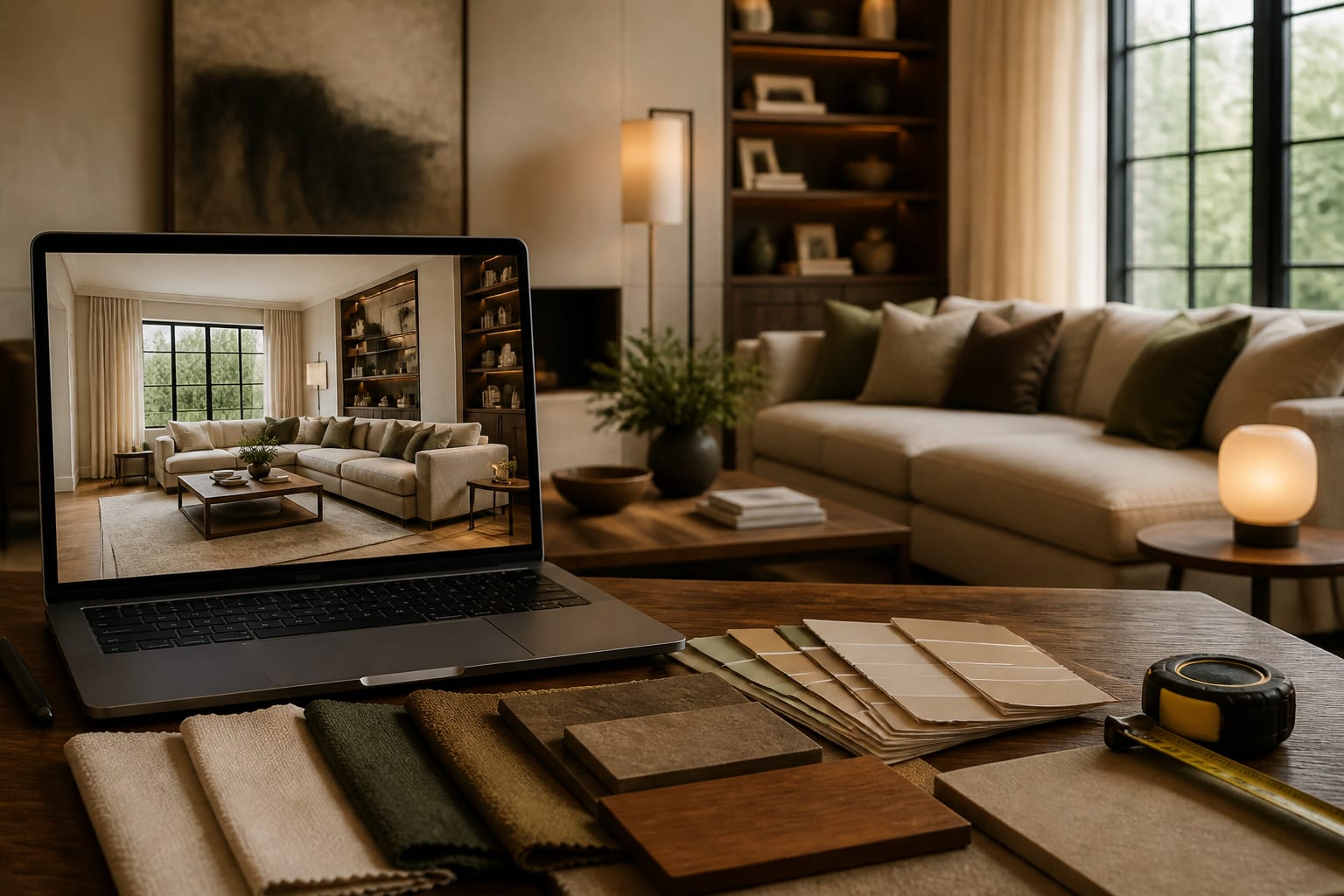
Refining an AI room design means changing one variable at a time, comparing each new preview against the room's fixed constraints, and using every flaw to sharpen the next prompt instead of generating dozens of unrelated versions. The second and third prompts matter more than the first because they turn a pretty accident into a design you can measure, price, and actually live with.

How do you keep improving an AI room design through iterations?
AI previews are persuasive even when wrong. A render can make a 96 inch sofa look harmless on a 10 foot wall or place a lamp where no outlet exists. Iteration works when each new image answers one narrow question instead of asking for everything at once. If version one nails the mood but ignores the window, fix the window before requesting new furniture.
What should change between the first and second preview?
The first preview reveals what the AI misunderstood. Don't reward it with ten new style words. Look at it like a skeptical homeowner: what did it replace, exaggerate, or invent?
Name the error in plain language: "the sofa wall is better, but the walkway to the kitchen disappeared." That sentence becomes the spine of your next prompt. A useful revision might read: keep the oak floor, keep the 84 inch console, keep the balcony door clear, shrink the coffee table to 32 inches round, and warm the palette with cream, walnut, and muted clay.
If the first prompt was vague, rebuild it using the structure from writing better AI room design prompts: room type, dimensions, fixed features, what stays, style direction, materials, and forbidden changes.
What's a reliable iteration loop for real rooms?
Use a repeatable loop so you end up with a plan, not a folder of 40 pretty maybes.
- Lock the non-negotiables. Repeat the floor, trim, window size, ceiling height, and pieces that stay; a rental bedroom needs different rules than a fully renovated suite.
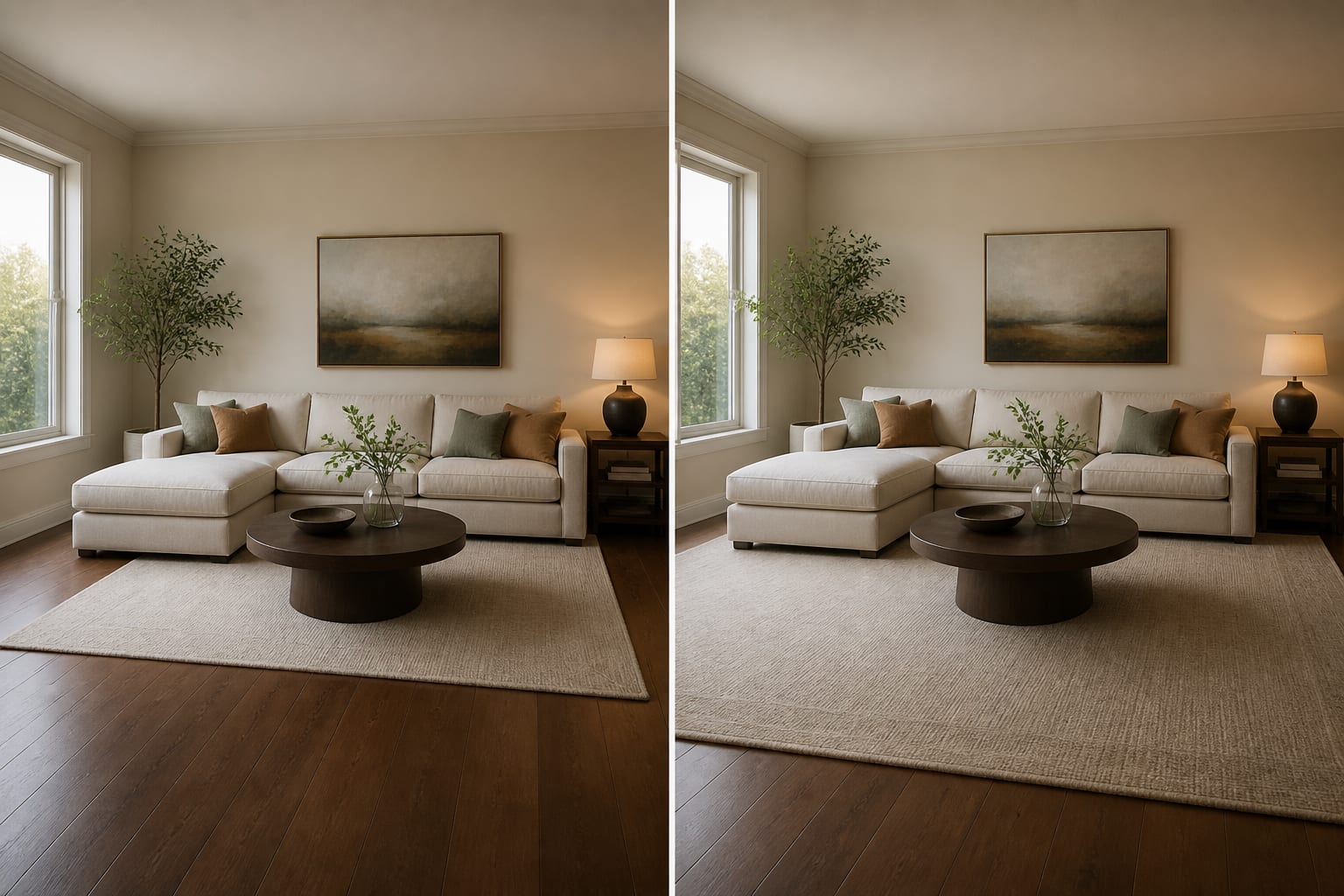
- Revise one category at a time. Test wall color while holding the layout, or test rug size while holding the furniture, so cause and effect stay readable.
- Add scale numbers. Specify an 8 by 10 or 9 by 12 rug, a sofa under 84 inches, or 24 inch nightstands so the render stops cheating on proportion.
- Check light separately. For a dim room, request 2700K–3000K bulbs, two shaded lamps, and a pale finish; pair chronic dimness with strategies for faking natural light instead of just whitening surfaces.
- Translate the winner into a physical test. Tape the rug outline, mark sofa length, and check outlet access before the preview becomes a shopping list.
What iteration mistakes waste the most previews?
The biggest mistake is treating every new version as progress, when more previews can just make the decision foggier.
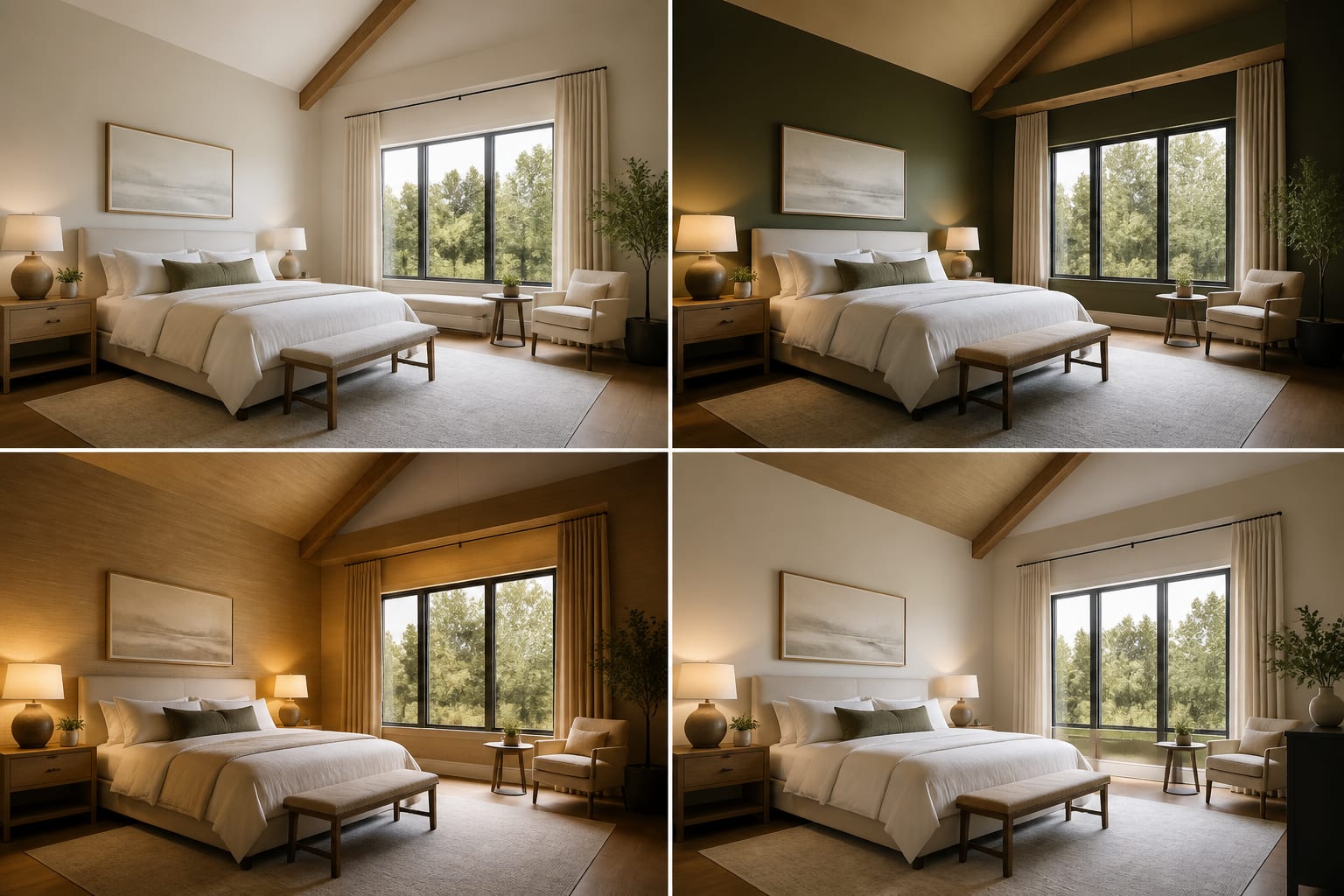
- Changing style, layout, color, and scale together makes it impossible to tell what improved. Hold three ingredients steady and test one, like comparing warm white, mushroom, and olive walls against the same sofa placement and rug.
- Letting the AI delete fixed problems means the final design no longer belongs to your house. If it removes a radiator or invents a window, tell the next prompt those features must stay visible.
- Chasing the most polished image can wreck comfort. A room isn't better if the coffee table sits 8 inches from the sofa or a dining chair can't pull back 24 inches.
- Using adjectives instead of materials invites cliché. Swap "cozy luxury" for linen curtains, wool rug, walnut table, and matte warm-white paint.
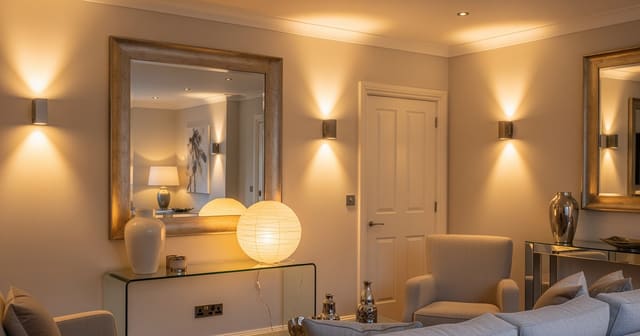
- Ignoring reflection and glare hurts rooms with mirrors or glossy floors. If a mirror reflects a blank corner, apply the logic from using mirrors to amplify light and reposition it.
How does the AI tool help you see the better version?
AI design makes small corrections visible before they become purchases. Upload the same room photo, revise the prompt, and compare a calmer layout, a warmer palette, and a better lighting plan without moving furniture twice.
The loop also exposes false confidence: a prompt may sound good until the image shows the rug crowding the doorway or a dark wall swallowing north-facing light. Treat each version like a draft. Version one finds the mood, version two protects the architecture, version three tests scale, and version four corrects one specific flaw like sofa depth or a fake recessed light.
When is the design ready to leave the screen?
The design is ready when the best preview reads as a measured plan, not a mood: warm white walls, existing gray sofa, 84 inch walnut console, 9 by 12 wool-look rug, 32 inch round coffee table, linen curtains to the floor, two shaded lamps. If it collapses into "modern cozy room," keep iterating.
Before buying anything large, run a final reality pass. Walk the daily route and protect 30–36 inches of clearance, measure the sofa-to-table distance, and hold paint samples on the wall at different times of day. Stop generating once the next action is obvious, whether that's ordering swatches, taping a rug outline, or testing two bulb temperatures.
Frequently Asked Questions
How many AI design iterations should I run before deciding?
There's no fixed number, but three to five focused revisions usually beat twenty random ones. Each pass should test a single variable, like palette or lighting, so you can see exactly what improved the room instead of guessing which change helped.
Why does the AI keep removing real features from my room?
AI models often "solve" a design problem by erasing it, such as deleting a radiator or widening a doorway. Prevent this by explicitly listing fixed features that must stay visible and unchanged in every prompt, not just the first one.
How do I stop AI renders from getting furniture scale wrong?
Add real dimensions to your prompt instead of relying on the image to guess. Specify rug size in feet, sofa length in inches, and table diameter so the AI has hard numbers instead of aesthetic guesswork.
Should I change multiple design elements at once to save time?
No. Changing style, layout, color, and furniture scale together makes it impossible to tell which change actually improved the room. Hold most variables steady and revise one category per iteration for a readable comparison.
How do I know an AI room design is finished?
It's finished when you can describe it as a list of specific materials and measurements rather than vague adjectives. If the best version still reads like "modern cozy room," it needs another focused iteration before you shop.