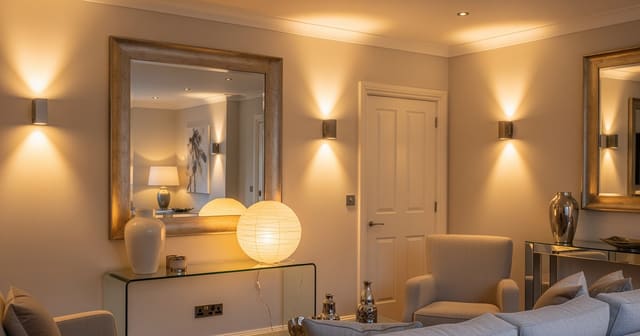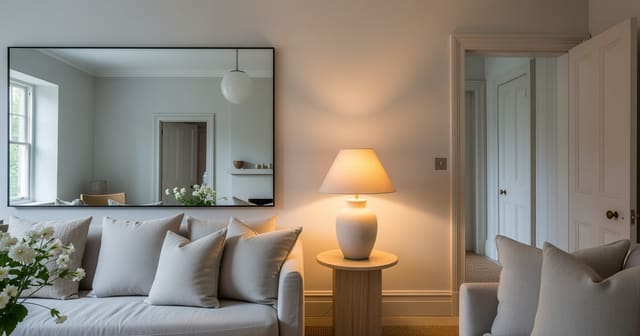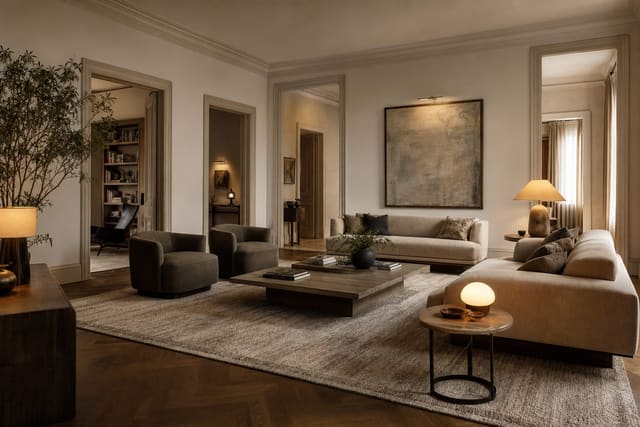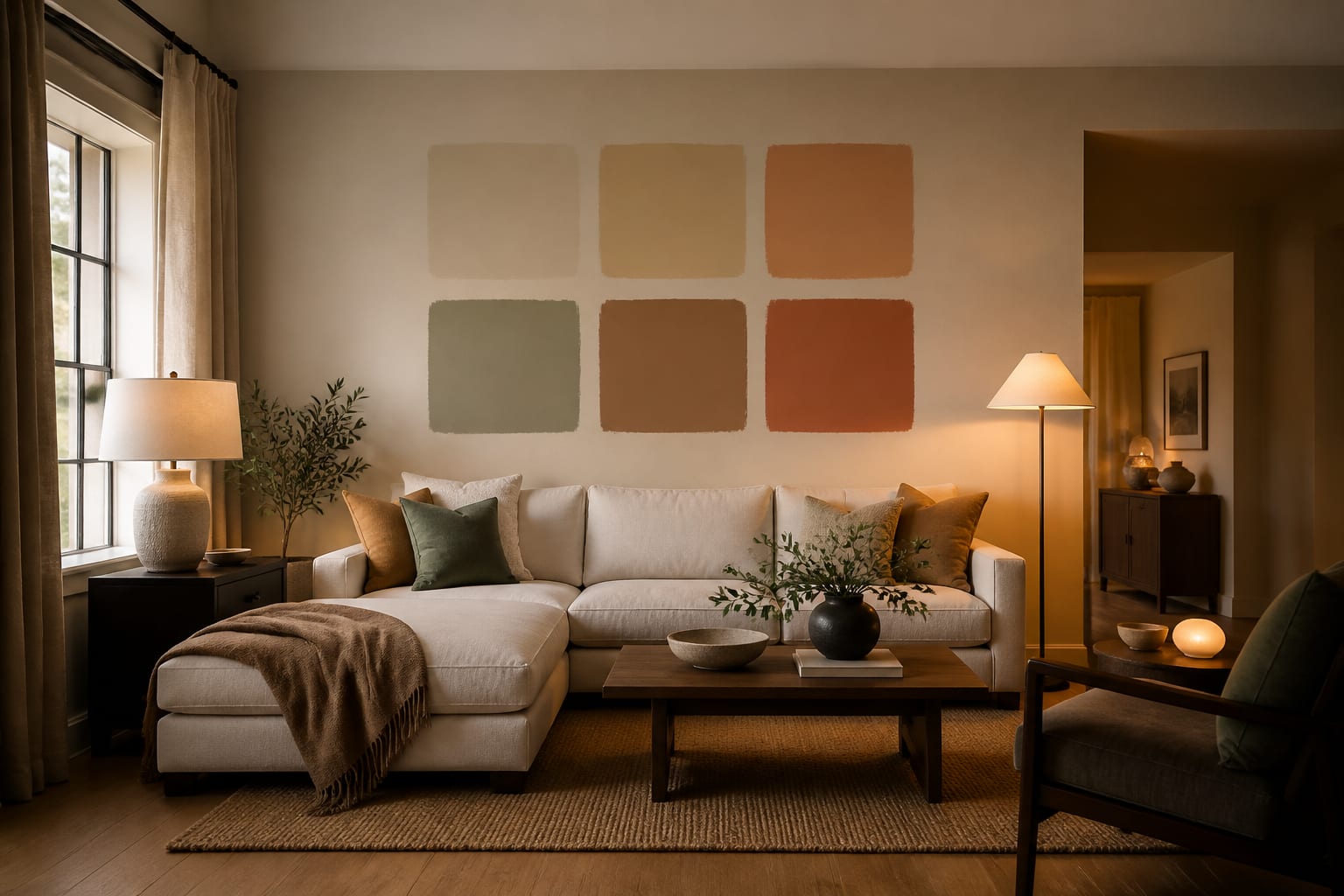
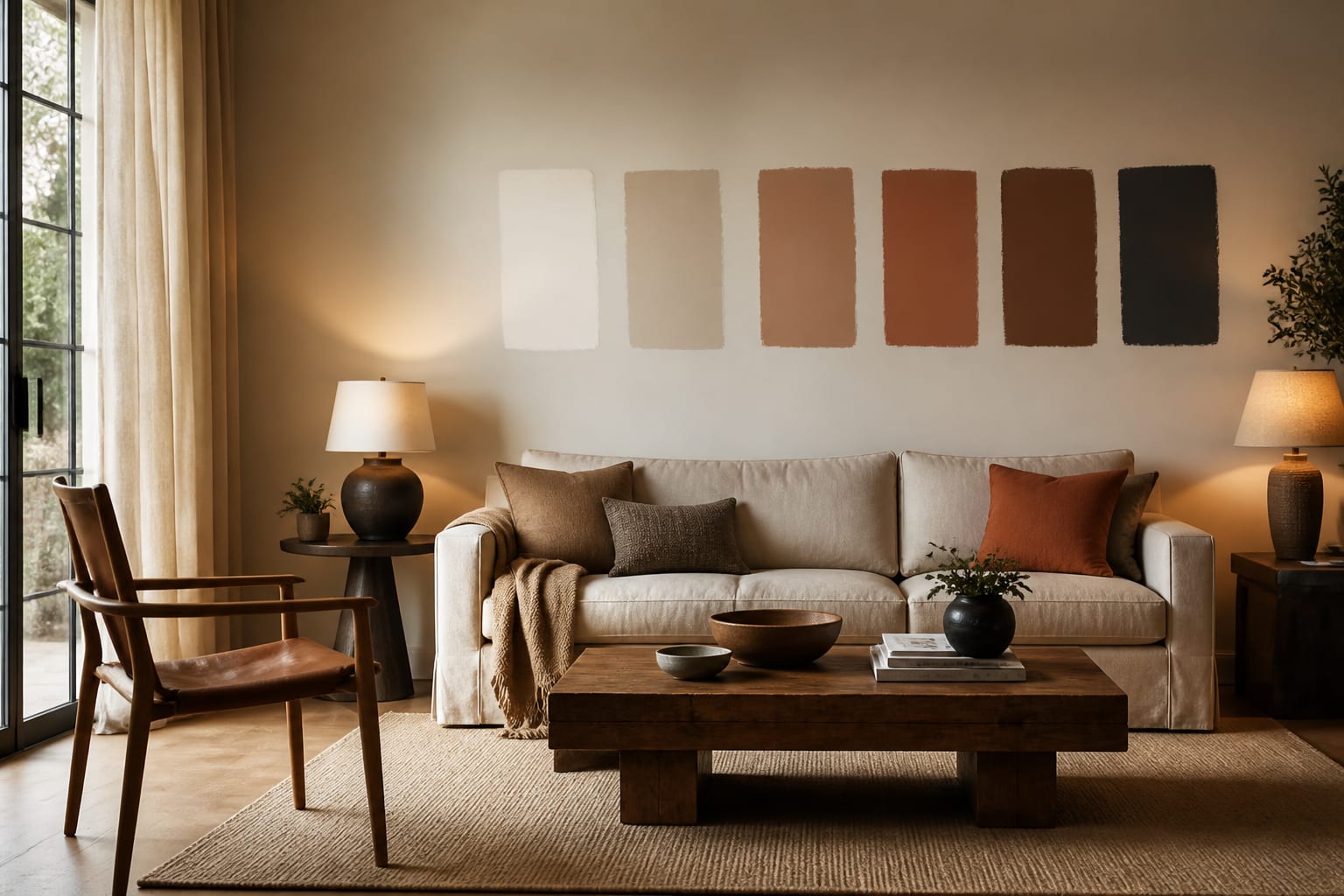
AI can help you pick a paint color for a room by previewing wall colors on a photo of your actual space before you buy samples. It won't replace real paint, but it kills the worst options fast: if five greens make your cherry floor look redder, or a warm white looks dingy against gray tile, you learn that before rolling a wrong color onto four walls.
Can AI help you choose a paint color for a room?
Yes. The value isn't a single "correct" color; it's seeing how a shade behaves next to your floor, trim, cabinets, and daylight. Treat AI suggestions as a rejection tool that narrows the field to a short list, then let a physical sample make the final call.
If the room feels dim before color even enters the conversation, solve light and color together. A shade that looks elegant in a sunny room can die in a north-facing den, so pair the preview with ideas for making fake natural light feel believable before blaming the paint.
What must the room photo reveal before color is believable?
A preview is only as honest as the photo behind it. If the image hides the floor, blows out the window, or crops the trim, the AI has to guess the very surfaces that decide undertone.
Shoot from standing height (roughly 48-60 inches), keep the phone level so frames don't lean, and use a 4:3 crop rather than a wide angle that bends walls. Show two walls when possible, plus the floor, ceiling line, window direction, and anything expensive that's staying.
- Keep fixed finishes visible. Show flooring, tile, cabinetry, countertops, and trim; a cream that flatters white oak can turn sour beside pink-beige tile.
- Shoot in clean daylight. Open shades and avoid colored LEDs; if lamps are needed, keep bulbs at 2700K-3000K so undertones stay accurate.
- Leave scale anchors in frame. Furniture, doors, and windows help the AI judge how a color reads across the actual wall size.
- Clear small clutter. Mail, cords, and toys push the preview toward busy styling instead of answering whether walls should be mushroom, olive, or blue-gray.
What framework beats guessing on paint color?
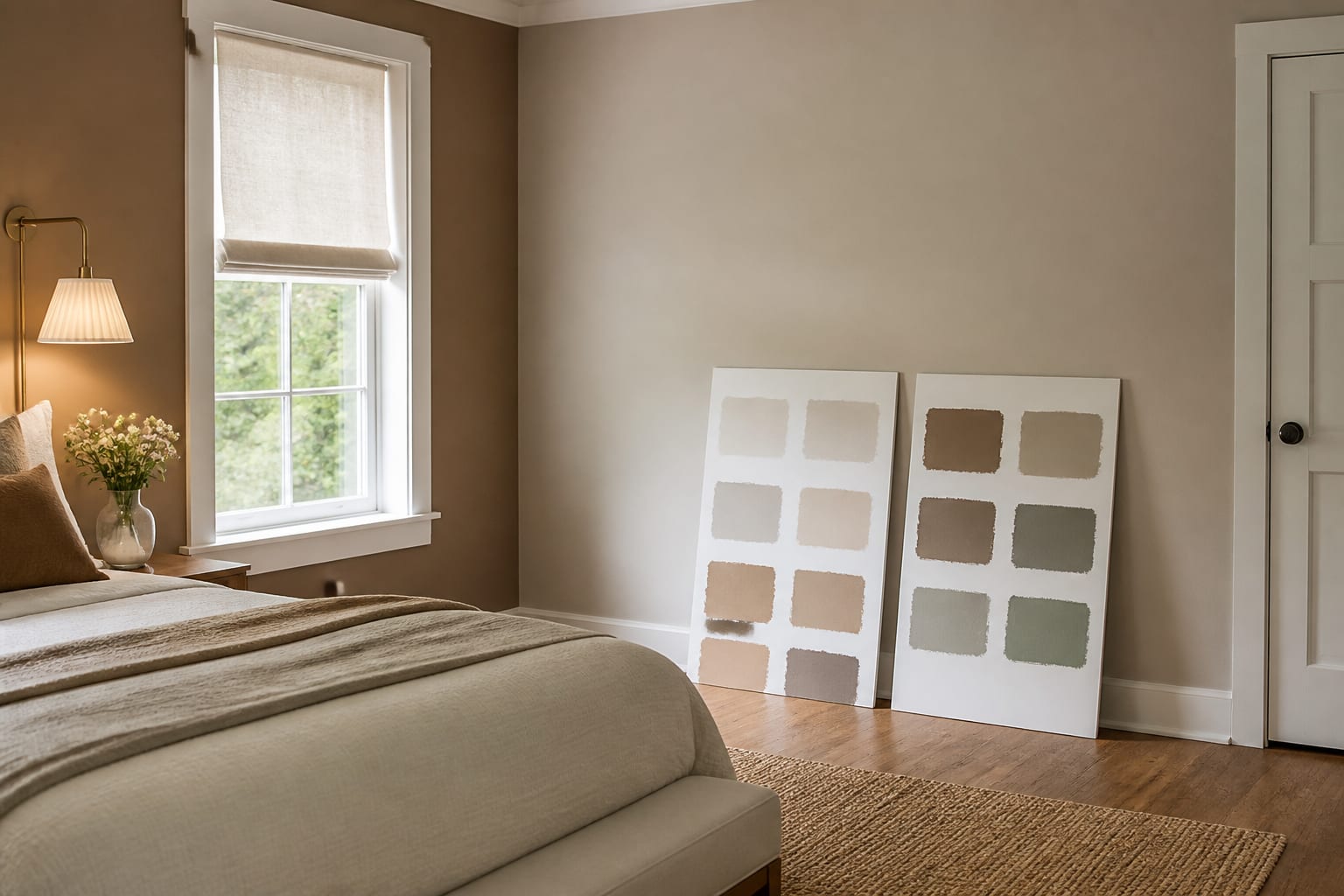
Start with the surfaces you're not changing. Paint should make fixed elements look intentional, not exposed as leftovers. Orange oak floors call for wall colors with less yellow; cool gray tile pairs better with clean whites or muted blue-grays than creamy beige.
Decide next whether the room needs to brighten, soften, deepen, or connect:
| Goal | Typical colors | Notes |
|---|---|---|
| Brighten | Warm whites, pale greige | Look for higher LRV |
| Soften | Mushroom, clay, sage, putty | Low-chroma, dusty tones |
| Deepen | Navy, charcoal, oxblood | LRV under 10 needs strong lighting |
Give the AI boundaries, not vibes. Try: "Preview three wall colors for this 11 by 13 foot north-facing bedroom with white trim, oak floors, an 8-foot ceiling, and warm 2700K lamps. Keep ceiling and trim white. Show warm white, muted mushroom, and soft sage."
If you're testing mirrors alongside a new color, ask the AI to place them where they reflect a window or lamp. The same logic behind using mirrors to amplify light applies here: reflection only helps when it bounces something worth seeing.
What are the most common paint color mistakes?
Paint is relational, not standalone. It changes depending on what floor, trim, and light push against it.
- Choosing white to fix a dark room. Bright white can look gray under weak or cold light; test warmer whites or soft putty beside your trim first.
- Ignoring trim color. A cool factory-white trim can make a creamy wall look dirty; warm ivory trim can make crisp blue-white walls look yellow.
- Trusting the screen completely. Paint at least 24 by 36 inches on two walls and check morning, afternoon, and evening under your normal lamps.
- Painting every wall dark with no lighting plan. Deep colors need contrast from pale art, warm lamps, or lighter textiles to avoid swallowing the room.
- Forgetting doorways. If a room opens into a hall or kitchen, test color from each threshold; see this guide to a room with too many doorways for protecting sightlines.
How do you use AI to preview wall color before committing?
Upload one clear photo, write one tight prompt, and ask for 3-5 color directions that solve a specific issue: too cold, too yellow, too dark, or disconnected from furniture.
- Skip vague requests like "a beautiful color." Ask for decisions: "make the oak floor look less orange" or "warm up this north-facing office."
- Correct the AI when it changes fixed elements: repeat "keep the existing floor" or "walls only, trim stays white."
- Request realistic lighting, such as the same room in evening light with two shaded lamps, instead of unrealistic sunlight.
- Narrow to 2-4 finalists and order physical samples of each.
- Place samples near the trim and floor, beside the largest piece of furniture that's staying.
If the AI preview and the real sample disagree, believe the wall.
Frequently Asked Questions
Can AI actually pick the right paint color for my room?
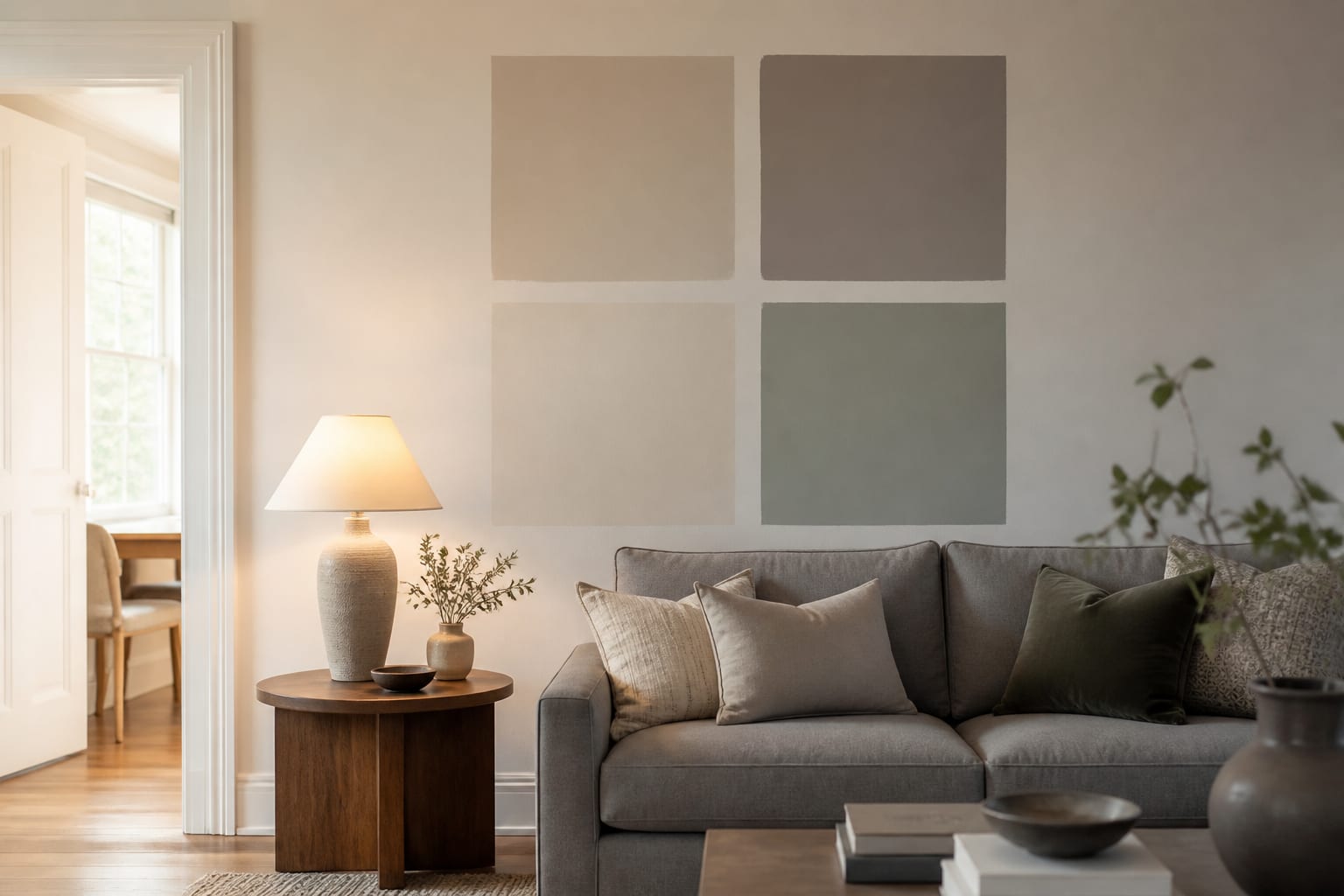
AI can't guarantee one perfect color, but it can preview how shades look against your real floor, trim, and furniture, narrowing dozens of options to a short list of 2-4 worth sampling physically before you buy any paint.
What photo works best for an AI paint preview?
A straight, well-lit shot taken from standing height (48-60 inches) in clean daylight, showing the floor, trim, ceiling line, windows, and any furniture staying in the room, gives the AI the most accurate information to work with.
Should I trust AI over a physical paint sample?
No. Use AI to eliminate poor options quickly, then always confirm with a physical sample at least 24 by 36 inches, viewed under morning, afternoon, and evening light with your normal lamps on.
How do I write a good AI prompt for paint color?
Include fixed details: room dimensions, ceiling height, floor material, trim color, bulb temperature, and what should stay unchanged, then request specific color directions like warm white, muted sage, or soft mushroom.
Why does my AI-previewed color look different once painted?
Screens smooth out undertones and lighting differs from your room's real daylight and lamps. This is why every preview should end with a physical sample tested at multiple times of day before committing to gallons.