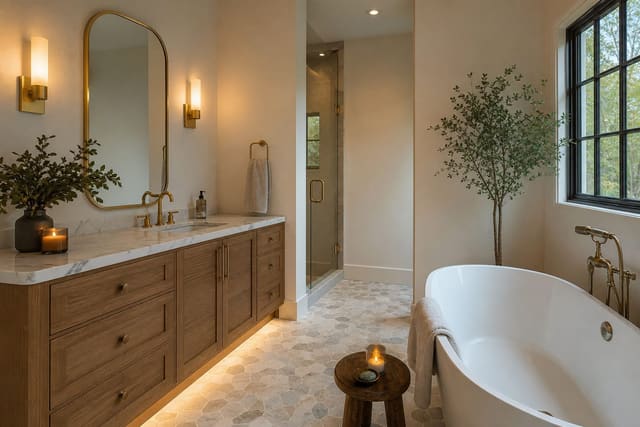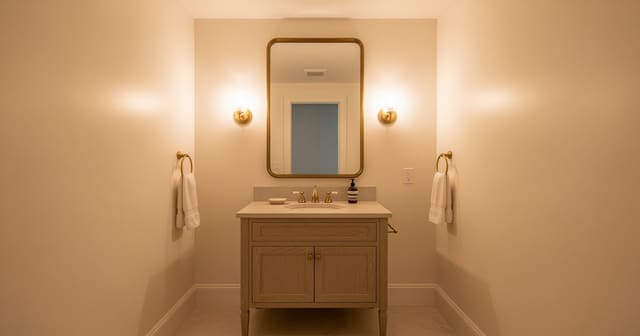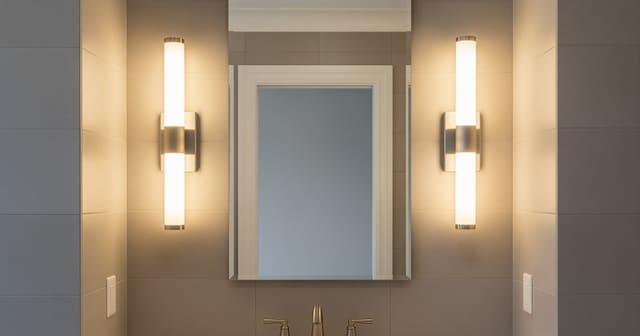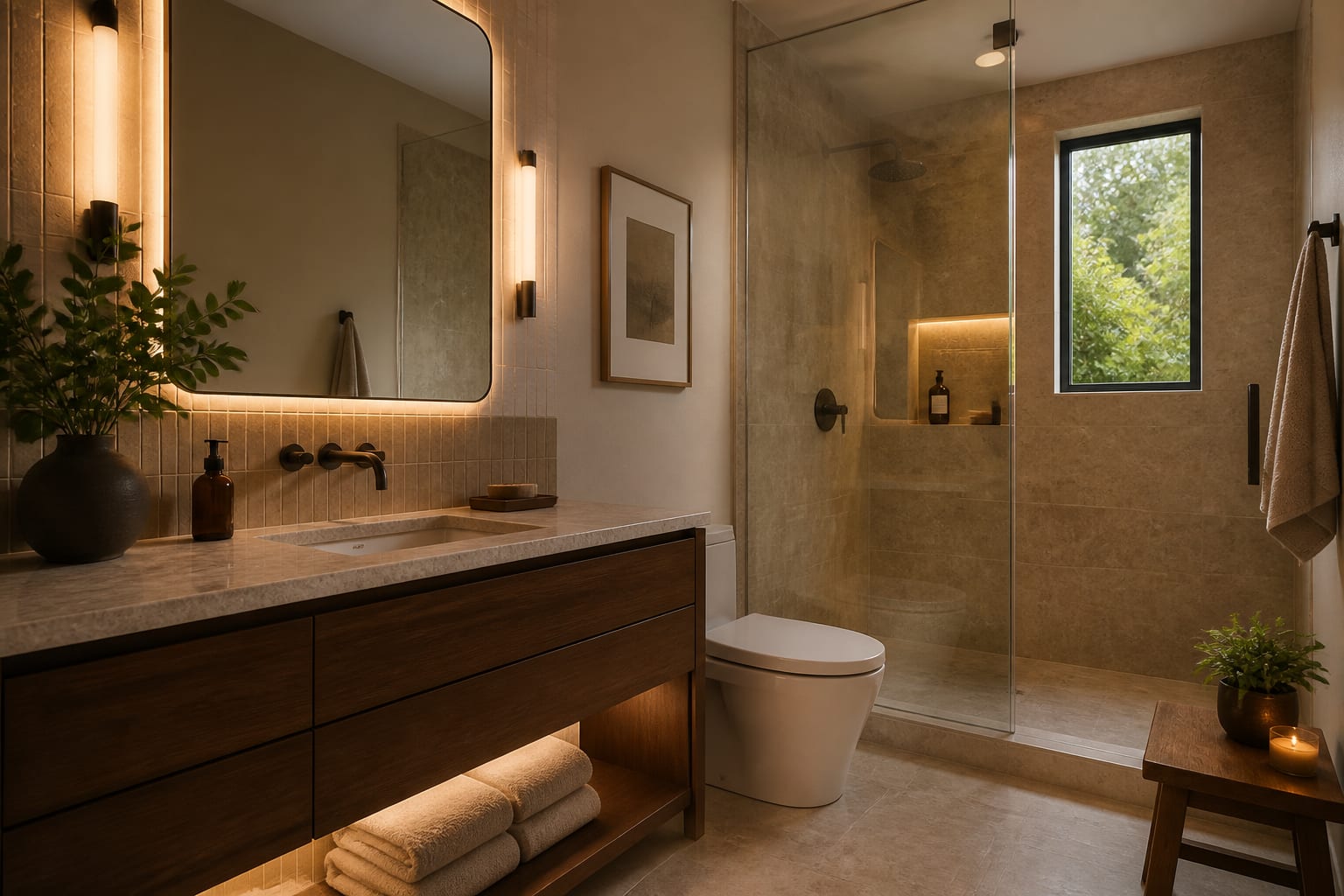
AI bathroom remodel planning lets you upload a photo of your bathroom and preview layout, tile, vanity, lighting, and storage changes before hiring trades or buying materials. It is not a plumbing drawing or permit set, but it helps you test tub-vs-shower, tile tone, and storage decisions early, while changes still cost nothing to reverse.
How should you use AI early in a bathroom remodel?
Use AI while the remodel is still flexible. A preview can show whether a floating vanity makes the room feel larger, whether the tub should stay, or whether a medicine cabinet looks cleaner than open shelving. That is real value because bathroom mistakes get expensive fast once waterproofing, electrical rough-in, and tile go in.
Keep the workflow narrow. Ask the tool to test one question at a time: keep or remove the tub, warm or cool tile, single or double vanity, larger mirror or better sconces. If you want to compare tools before committing, start with this guide to AI bathroom design apps so the preview process matches the seriousness of your remodel.
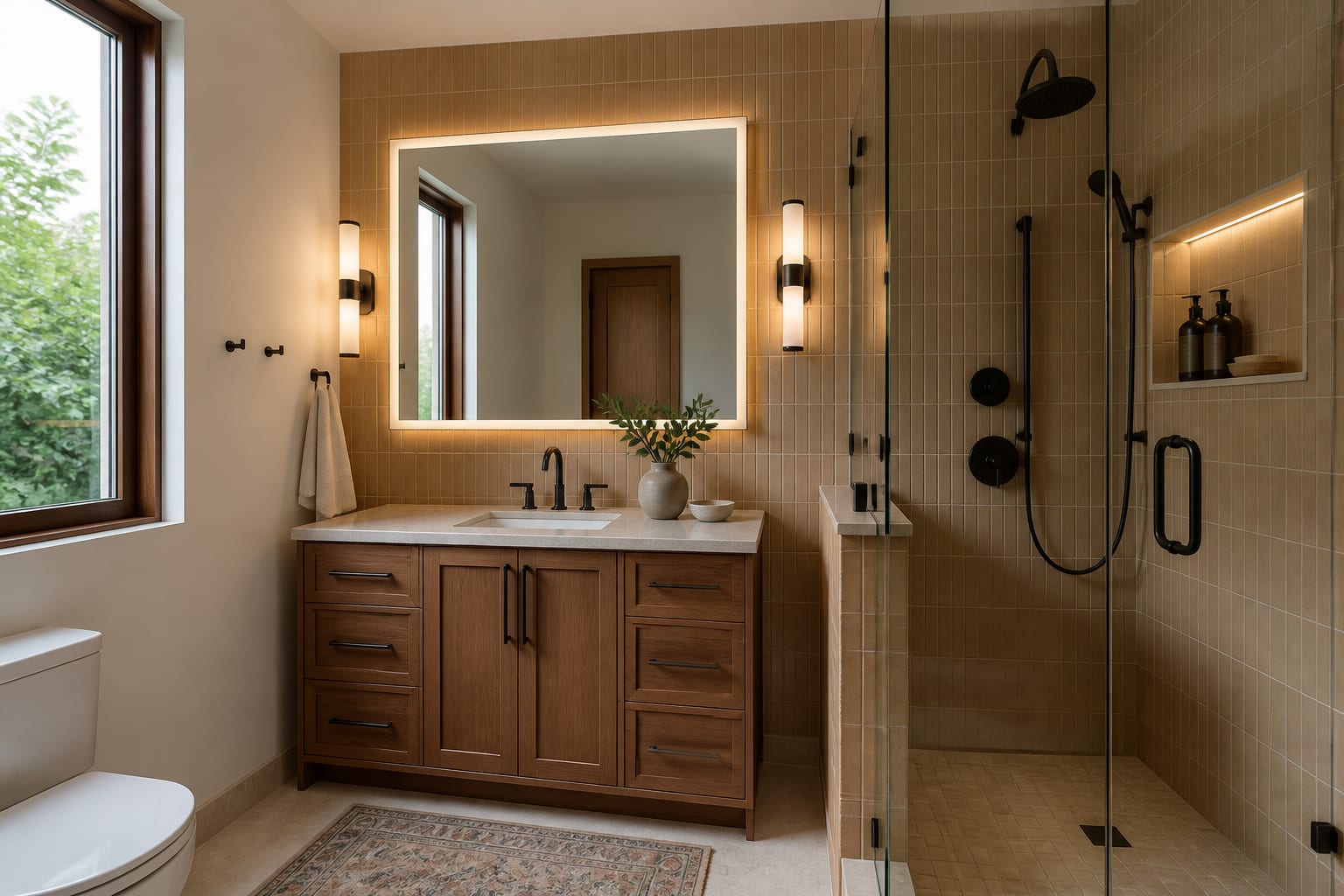
Which bathroom decisions should happen before tile?
Tile is a finish, not a plan. A bathroom with gorgeous zellige can still be miserable if the toilet crowds the vanity or the shower door hits the bath mat.
Start with fixtures attached to plumbing: decide whether the toilet, tub, shower, and vanity stay put before debating marble versus porcelain. Moving a toilet stack or converting a tub to a curbless shower changes cost and schedule; AI can show the payoff, but it cannot approve the hidden work. Clearance comes next:
| Item | Recommended size or clearance |
|---|---|
| Alcove tub | 30 x 60 in |
| Comfortable shower | 36 x 36 in minimum (32 in feels tight) |
| Toilet centerline to wall | At least 15 in |
| Clearance in front of toilet or vanity | 21 in minimum, 30 in comfortable |
| Daily-use vanity width | 30-48 in (24 in works for a powder room) |
After clearance, choose storage. Medicine cabinets are underrated because they steal space from the wall cavity instead of the floor. Shower niches work well only when placed away from the main spray and detailed properly for waterproofing.
What specs make an AI bathroom plan believable?
A believable bathroom preview has real numbers underneath the pretty parts. Without scale, AI may generate a vanity, mirror, or shower that photographs well and lives badly.
| Element | Spec to include in your prompt |
|---|---|
| Vanity depth | ~21 in standard; ask for 18 in or a wall-mount sink in tight rooms |
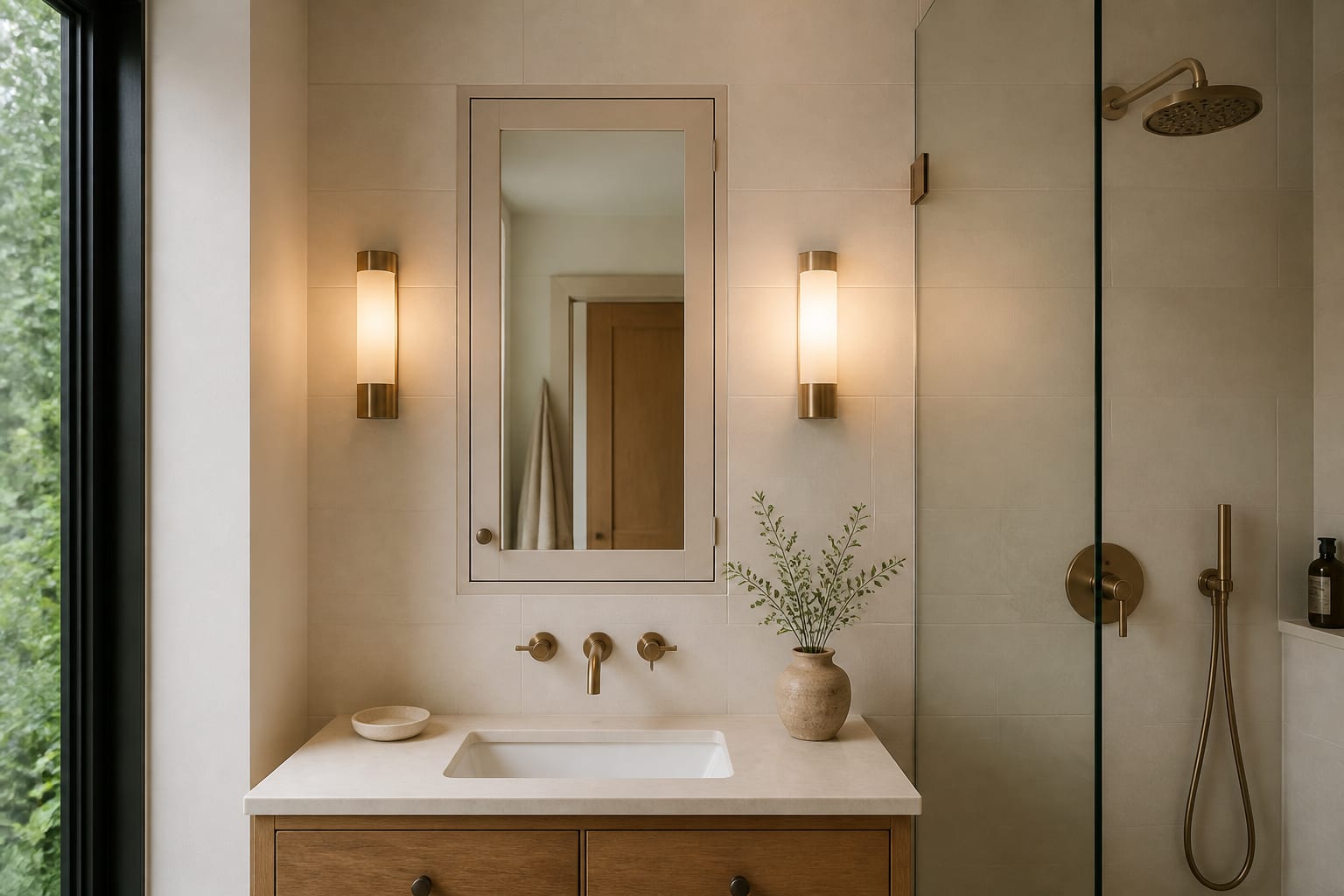
| Mirror width | 2-4 in narrower than the vanity, paired with side sconces |
| Sconce height | ~60-66 in from the floor, at eye level |
| Bulb color | 2700K-3000K, high CRI for accurate skin tone and grout color |
| Shower entry | Specify fixed panel, slider, or curtain if door swing is tight |
If your bathroom has no window, lighting deserves its own round of planning. The ideas in how to brighten a windowless bathroom pair well with AI previews so you can test pale tile, layered lighting, and warmer bulbs before locking a finish palette.
Common bathroom remodel mistakes to avoid
The most common mistake is letting the prettiest AI image outrank the wet, code-sensitive reality of the room. Bathrooms are less forgiving than living rooms because of water, steam, and tight clearances.
- Choosing floor tile before layout. Tile cannot fix a bad fixture plan; decide what stays and what moves first.
- Trusting an oversized shower in a small room. A 48 in shower may look generous in a render but can collapse vanity and toilet clearance around it.
- Ignoring ventilation. If the mirror fogs today, ask about bath fan capacity and duct path while the plan is still open.
- Picking a vanity without checking drawers. Plumbing often eats the center, so a bottom drawer may hit the toilet paper holder.
- Relying only on overhead light. It flattens even expensive tile; compare it against side sconces or a lighted mirror using this bathroom mirror lighting guide.
How do you preview your bathroom with AI before committing?
Upload a straight-on photo showing the floor, ceiling line, vanity wall, shower or tub, toilet, door swing, and any window. In a tiny room, shoot from the hall and keep vertical lines straight so the tool reads the true envelope instead of a distorted corner.
Write the prompt like a remodel brief: room size, ceiling height, fixtures that must stay, and how much work you'll consider. Example: "redesign this 5 x 8 ft hall bathroom with an 8 ft ceiling, keep the toilet location, replace the tub with a 36 in shower only if clearance works, use a 30 in warm wood vanity, pale porcelain wall tile, matte black fixtures, layered mirror lighting, no open shelving."
Run targeted versions: one keeps the tub and upgrades finishes, one tests a shower conversion, one keeps all plumbing and focuses on vanity, lighting, and storage. The comparison usually reveals the honest path, whether that's a full remodel or just a better vanity wall and lighting upgrade. If a preview shows a wall-hung toilet, curbless shower, heated floor, or relocated plumbing, flag it for a contractor before you fall in love with it; the image is an argument for investigation, not proof the work is simple.
When is the bathroom plan ready for a contractor?
The plan is ready when the AI preview has been translated into measurable decisions: 30 in vanity, toilet stays, tub converts to shower if drain and framing allow, 12 x 24 in porcelain wall tile, recessed medicine cabinet, two side sconces, warm white ceiling light, closed linen storage, matte nickel or black hardware.
Before the first estimate, measure the room, ceiling height, door width, vanity width, tub or shower footprint, toilet rough-in, window size, and vanity-to-toilet distance. Photograph the plumbing wall, floor transitions, fan, outlets, and any damage so a pro can price the real bathroom, not the fantasy version.
Order samples next. AI can make cream tile, brushed brass, and soft green paint look coordinated, but your bathroom has its own light. Hold tile and metal finishes beside the faucet and view paint near the mirror in morning and evening light. For rentals or low-budget refreshes, apply the same preview process to reversible moves: a better mirror, safe plug-in lighting, peel-and-stick floor samples, a shower curtain, and new hardware.
Frequently Asked Questions
Does AI bathroom planning replace a contractor or permit set?
No. AI bathroom remodel planning is a visual draft that helps you test layout, tile, and lighting decisions before you build. Plumbing moves, structural changes, waterproofing, and permits still require a licensed contractor and, often, a permit set drawn to code.
What kind of bathroom photo works best for an AI preview?
A straight-on shot that shows the floor, ceiling line, vanity wall, tub or shower, toilet, door swing, and any window works best. In small bathrooms, shoot from the doorway and keep vertical lines straight so the tool reads accurate proportions instead of a distorted corner.
Should I generate more than one bathroom layout with AI?
Yes. Run separate versions that test specific scopes, such as keeping the tub versus converting to a shower, or upgrading only the vanity and lighting. Comparing 2-3 targeted options reveals the realistic path faster than one all-in-one fantasy render.
How do I make an AI bathroom render more realistic?
Give the prompt real dimensions: room size, ceiling height, vanity width, mirror size, sconce height, and bulb color temperature. Naming fixtures that must stay, like the toilet location, keeps the preview grounded in what your bathroom can actually fit.
Can AI help plan a windowless bathroom?
Yes. Use AI to test pale tile, layered lighting, reflective surfaces, and warmer bulbs together, since a windowless room depends more heavily on artificial light. See how to brighten a windowless bathroom for specific lighting and finish strategies to try in your preview.