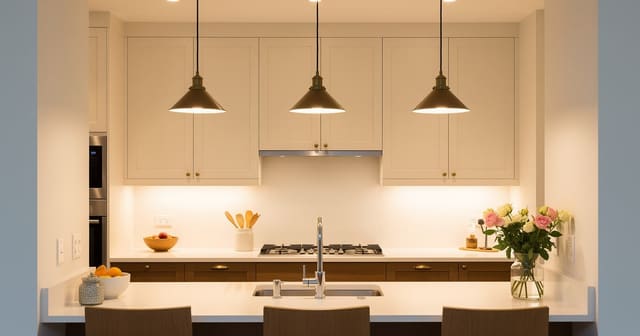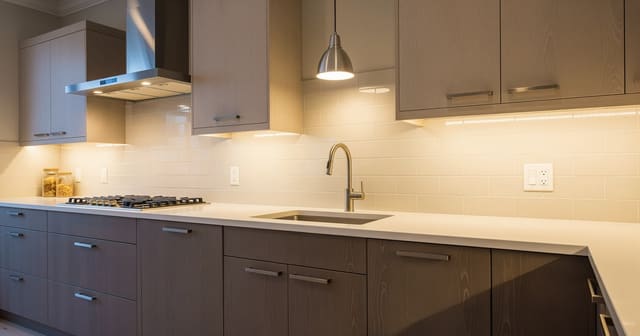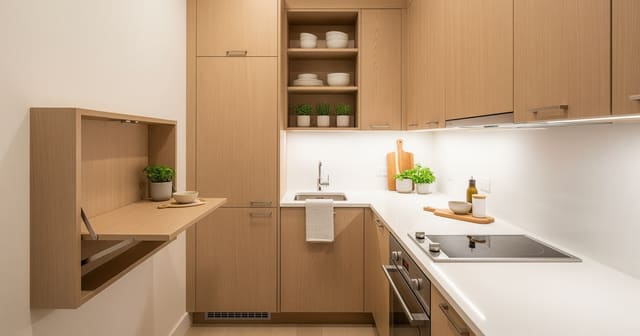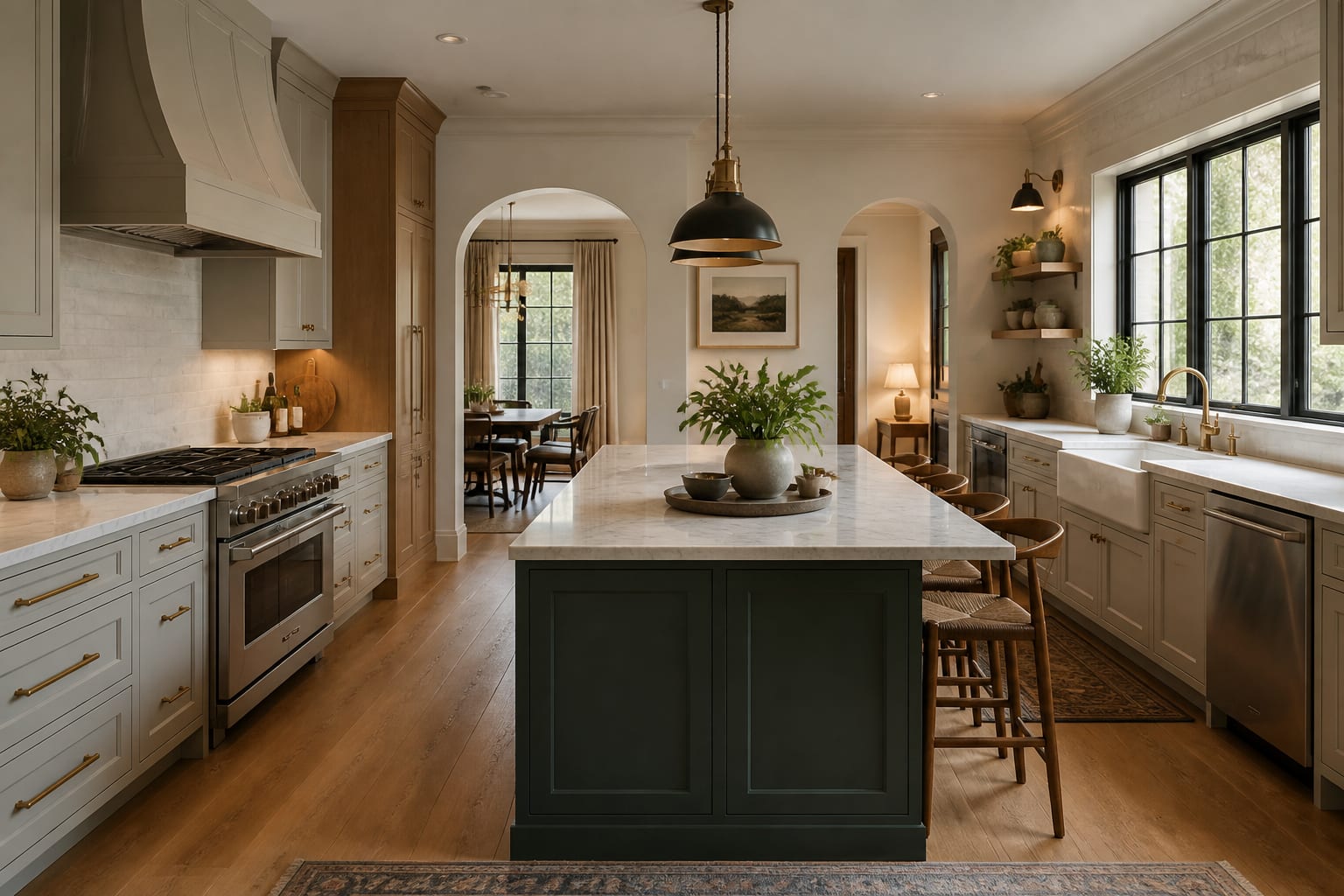
Yes, AI can help you plan a kitchen renovation: upload a photo, test layout and finish options, and use the strongest preview as a visual brief before hiring trades or ordering materials. It won't replace a contractor or electrician, but it exposes weak ideas before they become invoices.
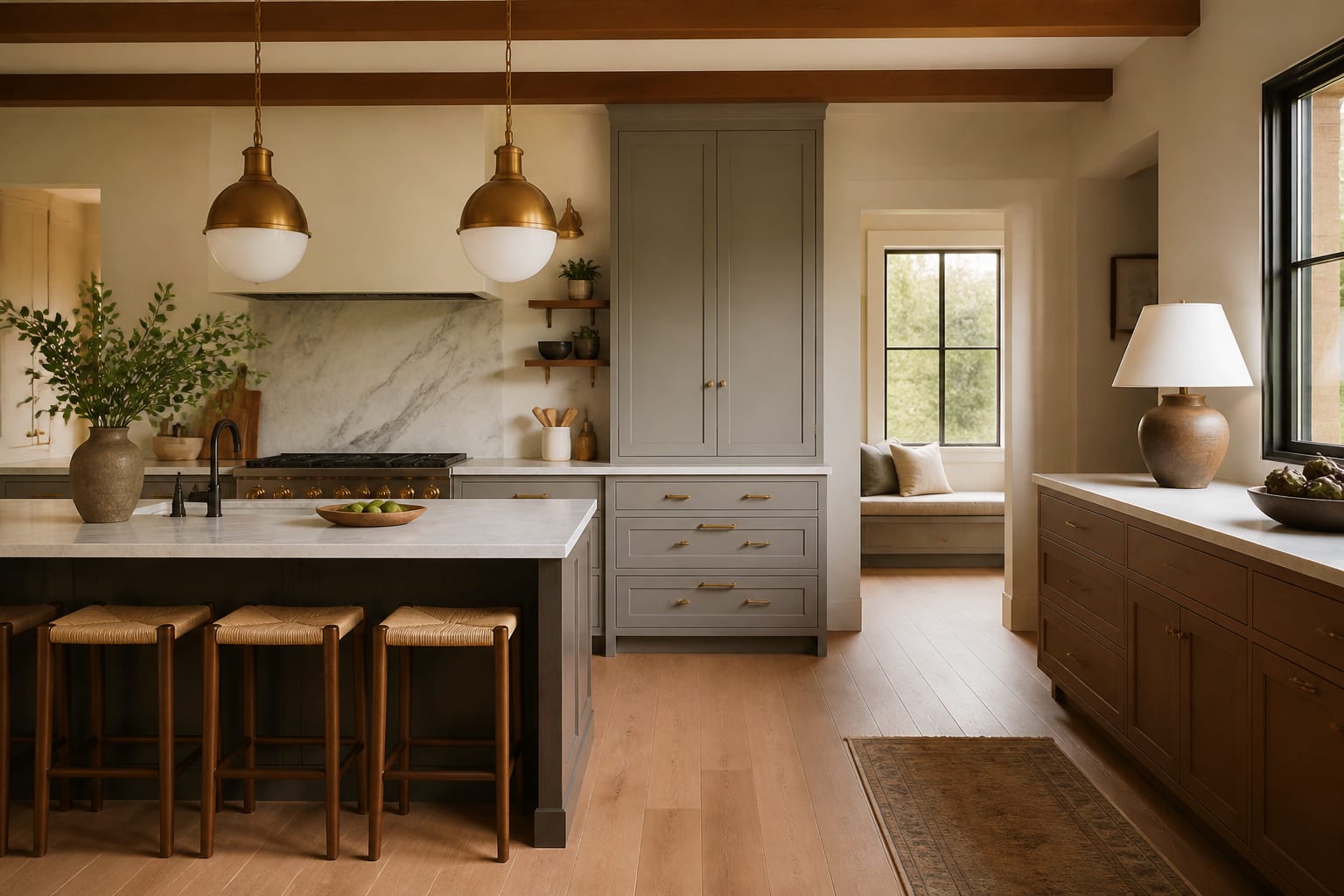
What can AI actually do for a kitchen remodel?
The useful part is comparison. Test a white oak island against painted perimeter cabinets, check whether dark lowers cramp the room, or compare open shelves with closed uppers before anyone removes a hinge. If your kitchen is gloomy, start with color and light: the same logic behind making a dark kitchen feel bright applies when you prompt AI to keep counters clear and avoid heavy finishes everywhere.
Treat the first preview as a sketch with better lighting, not a promise. A generated island might look generous while stealing the clearance you actually need. AI is strongest when it helps you ask sharper questions, not when it hands you a finished decision.
Which decisions should happen before you pick finishes?
Cabinet color feels urgent because it's visible, but the harder decisions are quieter: what moves, what stays, and where light actually lands. Use the working triangle only if it still fits your life; the bigger issue is often the daily path between fridge, sink, and pantry crossing a kid's or pet's route.
Work through this order before asking AI for a beautiful version:
- Lock the appliance wall first. Plumbing, gas, and ventilation drive cost faster than paint. Verify a 30-inch range fits and don't let a preview hide the hood in a fantasy wall.
- Decide where prep happens. Aim for 30 to 48 inches of continuous counter near water, trash, and cutting boards.
- Place storage by task. Drawers near the dishwasher matter more than another glass-front cabinet; everyday items should live within a few steps of use.
- Plan lighting before backsplash. Under-cabinet strips, pendants, and sconces should serve tasks, not just symmetry.
Once these are visible, cabinet color becomes lower risk: a navy island or warm white shaker door can be judged against real work zones instead of a mood board.
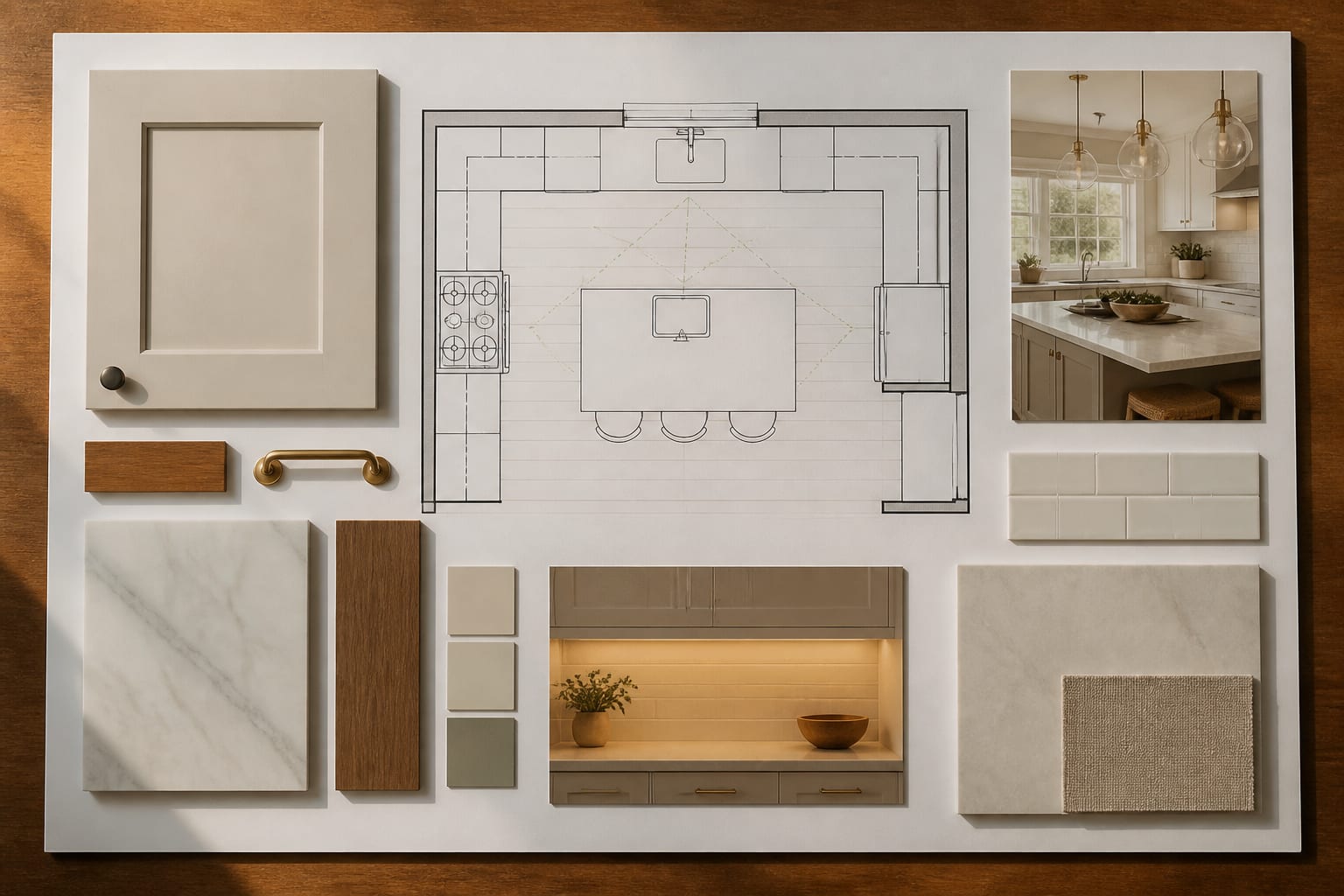
How do you build a planning sequence that stays honest?
A renovation needs a boring backbone under the pretty preview. Measure the shell first: wall lengths, ceiling height, window width and sill height, door swings, and the size of appliances that stay. A 10-by-12-foot room with an 8-foot ceiling and a 46-inch window is a fact, not a suggestion.
Write one prompt that protects those facts: "Redesign this 10 by 12 foot kitchen with an 8 foot ceiling, existing oak floor, 30 inch range, 36 inch refrigerator, sink under the window, and no wall removal. Test warm white cabinets, improved task lighting, a washable runner, better drawer storage, and a small island only if 36 inches of clearance remains."
Compare three versions changing one variable at a time: same layout with new finishes, a peninsula instead of an island, and a darker cabinet direction with unchanged counters and floor. In compact rooms, borrow discipline from micro kitchen design ideas: shallow storage, fewer visual breaks, and work surfaces that earn their footprint.
Once a version wins, turn it into a checklist: aisle clearances, cabinet depths, drawer pulls, outlet locations, and backsplash height. Standard base cabinets run 24 inches deep, counters finish around 36 inches high, and uppers typically start 18 inches above the counter. These ordinary numbers keep the rendered kitchen honest.
What mistakes derail AI kitchen planning?
- Trusting a polished image that ignores real constraints. A calm-looking preview may have deleted a soffit or widened a wall that can't actually move.
- Asking for a dream kitchen too early. Request the same layout with better lighting and storage first, then test structural changes only if that isn't enough.
- Ignoring clearance. If you can't keep 36 to 42 inches around an island, test a narrow work table or peninsula instead.
- Choosing cabinet color without the floor. Keep the existing floor visible in prompts, then sample doors against it in real light.
- Letting the preview invent lighting. Kitchens need ambient, task, and accent layers, not one glow. See kitchen task lighting placement before approving pendant spacing.
- Forgetting daily mess. Ask for closed storage and a landing zone for groceries and chargers, not three perfect bowls on an empty counter.
How should you run the AI preview process?
Upload a straight, daylight photo showing cabinets, floor, ceiling line, windows, and the main counter run. Run specific prompts: "Keep the existing stainless appliances and oak floor, test warm white cabinets with a walnut island, add under-cabinet lighting, keep the sink location, and show no open shelving" beats "make my kitchen modern."
Work in stages: layout first, then lighting, then cabinet color, then counters, backsplash, hardware, and stools. A backsplash tile that looks wonderful in one image still needs a real sample beside the counter, but the preview shows whether the direction belongs with the cabinets at all.
The final image should become a brief you can hand to a contractor: keep the range wall, add drawer bases, use warm white perimeter cabinets, consider a 72-inch island only if clearances work, add 2700K to 3000K task lighting, and avoid glossy black counters. A picture only describable as "bright luxury kitchen" needs more work.
Frequently Asked Questions
Can AI design my whole kitchen renovation for me?
No. AI can preview layouts, finishes, and lighting on your actual room, but it can't verify structural changes, code requirements, or plumbing and electrical feasibility. Use it to narrow direction, then confirm the winning design with a contractor, cabinetmaker, or engineer before ordering materials.
What information should I include in a kitchen AI prompt?
Include room dimensions, ceiling height, window locations and sizes, appliance dimensions that stay, existing flooring, and any budget-driven constraints like no wall removal. Specific facts keep the preview grounded in your real kitchen instead of a generic showroom layout.
How much clearance does a kitchen island need?
Keep at least 36 inches around an island for a single cook, and closer to 42 inches if two people work in the kitchen at once. If a preview can't maintain that clearance, test a narrower work table or a peninsula instead.
Should I pick cabinet color before or after the layout?
After. Lock the appliance wall, prep zone, storage plan, and lighting first, then test cabinet colors against the real work zones and existing floor. Choosing finishes first often leads to expensive layout regrets later.
Why does my AI kitchen preview look different from what a contractor can build?
Previews sometimes quietly remove constraints like soffits, windows, or narrow walls to produce a cleaner image. Always cross-check the preview against your actual measurements and appliance sizes before treating it as a real plan.