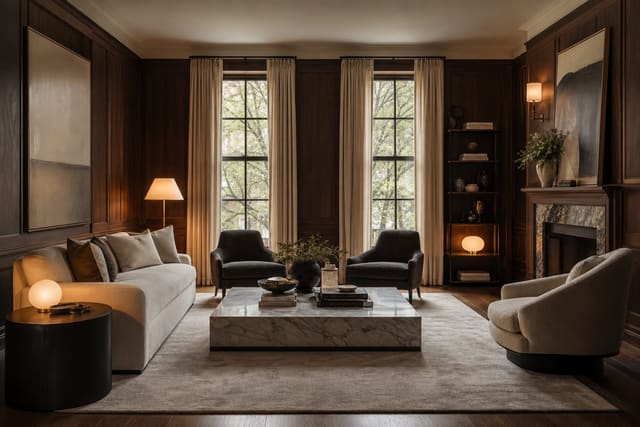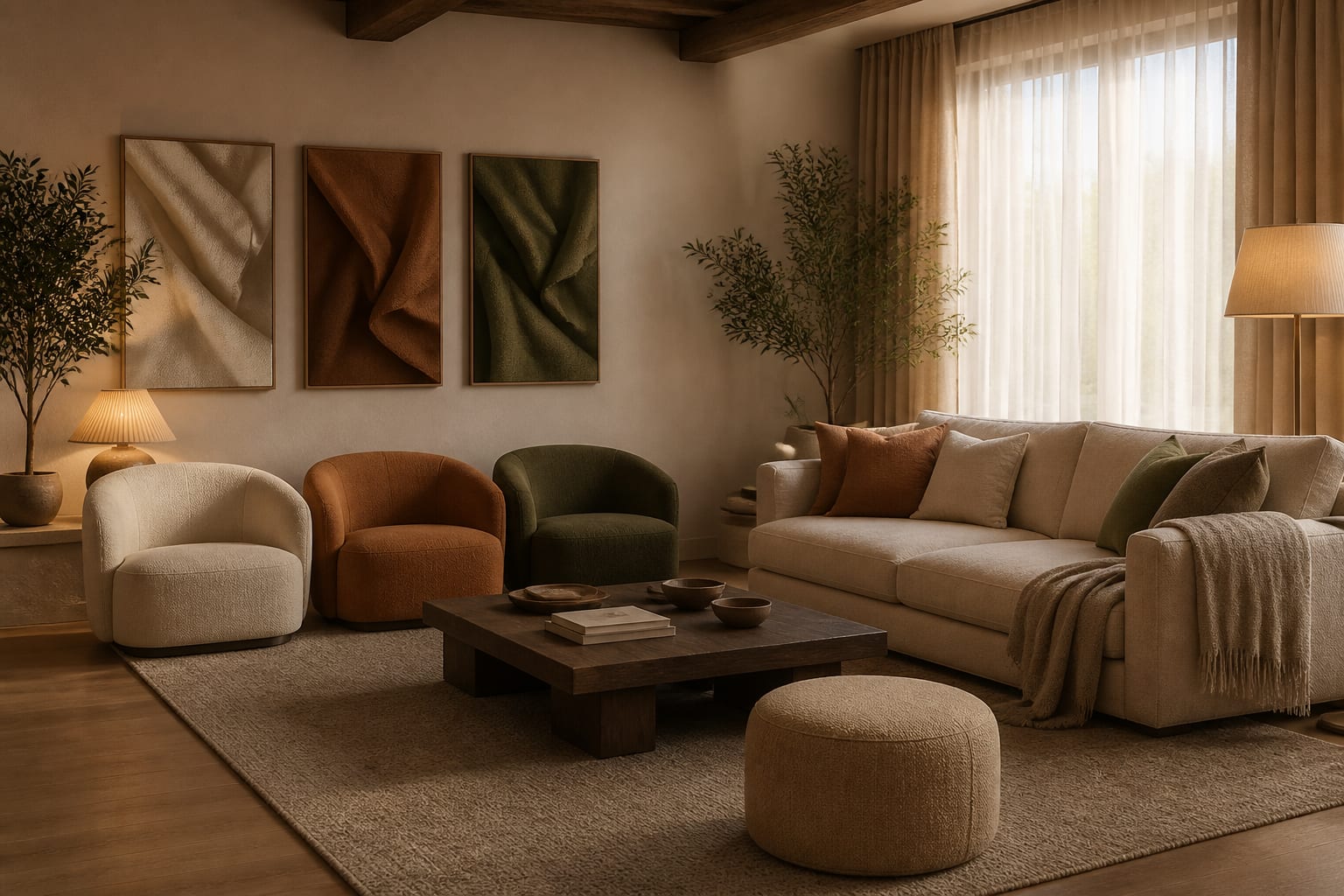
AI room design can replace a designer for quick visual exploration, but not for measured planning, material judgment, code compliance, or trade coordination. On AI vs interior designer quality, AI wins on speed and idea generation; a trained designer wins on execution, scale, and accountability once real money and installation are involved.

Where does AI beat a human designer?
AI wins on speed, low-stakes exploration, and emotional clarity. If you can't tell whether your beige living room wants warm white, muted olive, or dark wood accents, a photo-based preview makes those directions visible in minutes, without buying six paint samples first.
| Decision | AI room design is good for | A real designer is better for |
|---|---|---|
| Style direction | Comparing warm modern, traditional, organic, or industrial looks on your room photo | Building a design language across multiple rooms |
| Paint and palette | Narrowing to 2–4 sample colors beside existing floors and trim | Reading undertones in person under changing daylight |
| Furniture mood | Testing lower seating, a round table, or darker storage | Specifying exact pieces, comfort, delivery limits, durability |
| Layout ideas | Trying 2–3 arrangements before moving furniture | Producing measured plans with clearances, outlets, doors |
| Budget control | Rejecting weak ideas before you shop | Prioritizing spend and sourcing alternatives |
The quality gap is smallest for visual, reversible decisions. AI can even suggest a temporary wallpaper treatment for a rental bedroom before you commit to samples. The gap widens once comfort, money, or construction are on the line.
What does a real designer catch that software misses?
A designer brings friction, and a real room needs that friction. Software makes an idea persuasive; a designer asks whether it should exist once the dog, the toddler, and the electrician arrive.
- Scale with consequences. A 96-inch sofa may look calm in a render, but a designer checks whether it leaves 32 inches to the hallway and clears the stair turn.
- Material behavior beyond the image. Boucle, white oak, honed stone, and performance fabric look similar on screen but age and clean very differently.
- Fixed architecture. Radiators, vents, off-center windows, outlets, and ceiling height decide whether a design installs without expensive improvisation.
- Maintenance debt. For kids or pets, the better investment may be the right kid-proof flooring, not another delicate chair a pale render made look perfect.
That is the core of AI vs interior designer quality: AI shows desire, a good designer edits desire through use. The goal isn't a less exciting room, just one that survives daily life.
What mistakes happen when comparing AI and a designer?
The worst comparison is "AI is free, designers are expensive." That skips the real question: what does being wrong cost?
- Choosing the prettiest AI image over the physical constraint. Dark paneling may look rich in a render, but with an 8-foot ceiling and a north-facing window, check dark wood paneling options to separate warmth from visual weight before committing.
- Hiring a designer with no brief. Bring AI images, but annotate them: keep the walnut storage, drop the open shelves, no hardwired lighting.
- Skipping the budget number. A $700 refresh and a $70,000 renovation need different plans, even if the AI images share the same cream palette.
- Expecting a designer to copy the AI image. Its value is revealing direction; the designer's value is translating that into layout, sourcing, lead times, and restraint.
How should you use AI to preview a room before hiring or buying?
Use AI before the expensive phase, not after you've already fallen for a sofa or wall treatment. Upload a straight room photo, request two or three controlled versions, and keep fixed facts present: ceiling height, floor finish, window position, door swings, and furniture that must stay.
A strong prompt reads like a compact brief: redesign this 12x14 foot living room with an 8-foot ceiling, keep the oak floor and gray 84-inch sofa, test a warmer modern look with a 9x12 rug, walnut storage, cream curtains mounted 6 inches above the casing, and 32 inches clear to the hallway.
Judge the output like a skeptical client. Did it preserve the window? Shrink the sofa? Add built-ins in a rental? If the preview survives those questions, it's useful evidence for you or your designer.
Re-Design's upload-and-preview loop is built for exactly this step. Test the room's direction quickly, then arrive with sharper questions: rug size, wall color temperature, storage needs, and whether the designer meeting is about taste or a deeper layout problem.
Which route should you choose for your project?
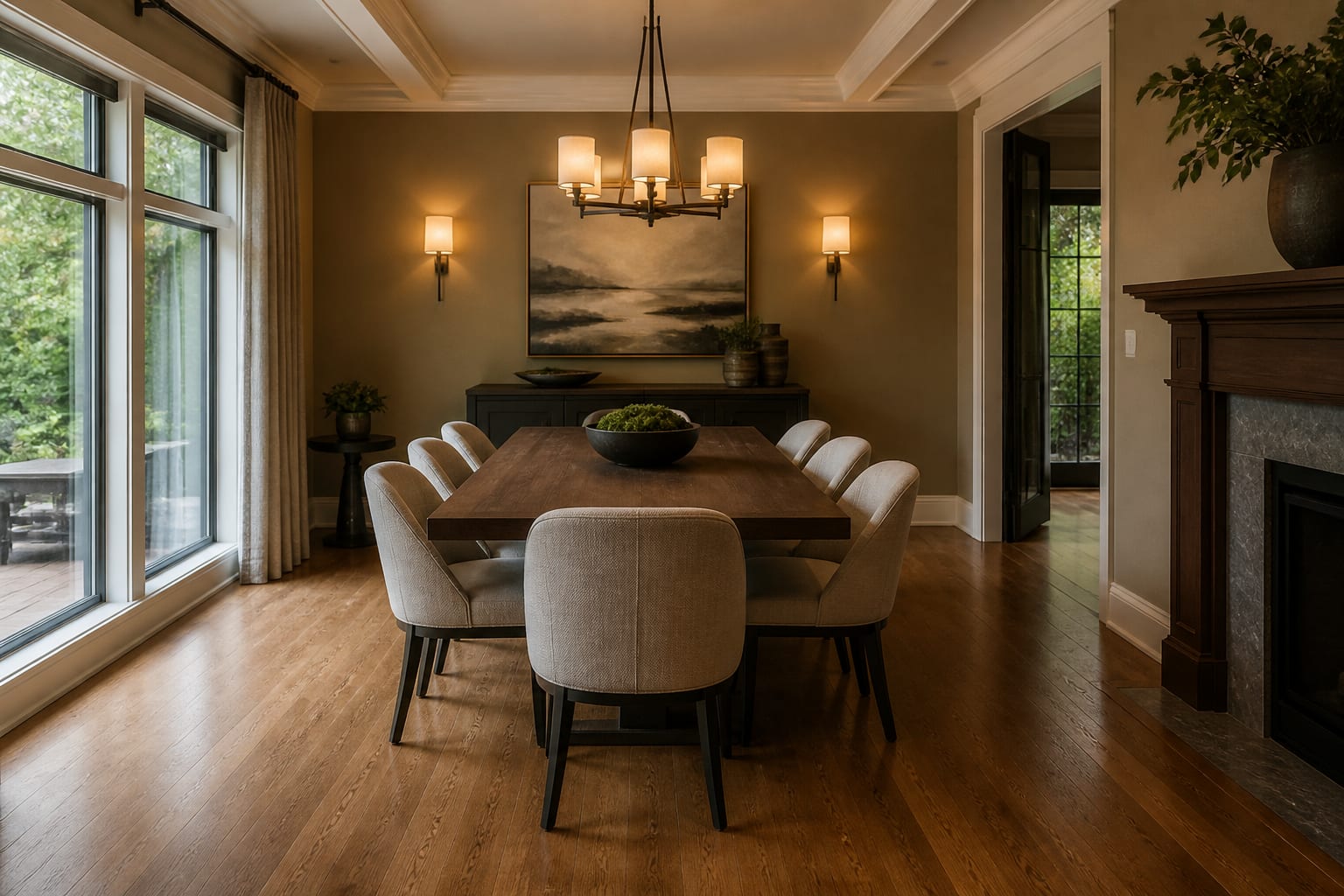
Choose AI alone when the project is reversible and low risk: paint direction, curtain mood, rug shape, furniture style, or a rental-friendly refresh, then verify with samples and measurements.
Choose a designer when the project has many dependencies: kitchens, bathrooms, custom storage, built-ins, and lighting plans, where one decision triggers ten others. Use both when you want speed plus judgment. AI sharpens your taste and cuts decision fatigue; the designer turns the strongest direction into a room that fits, ships, and installs correctly.
AI hasn't replaced designers, and designers shouldn't ignore AI. AI makes you a faster, more disciplined shopper. It still can't stand in your doorway, feel the fabric, call the electrician, or tell you the room needs subtraction instead of another object.
Frequently Asked Questions
Is AI room design as good as a real interior designer?
For visual exploration, AI is often just as fast and useful as a designer's mood board. For measured planning, material sourcing, code compliance, and installation judgment, a trained designer is still significantly better and carries accountability AI cannot.
When should I use AI instead of hiring a designer?
Use AI for reversible, cosmetic decisions like paint color, curtain style, rug shape, or furniture mood on a rental or low-budget refresh. Once a project involves plumbing, electrical work, built-ins, or a large furniture budget, bring in a designer.
Can AI room design help me prepare for a designer meeting?
Yes. Generate two or three AI previews of your room, annotate what you like and dislike, and bring them as a visual brief. This gives the designer a clear starting point instead of a blank page.
What can't AI room design see that a designer catches?
AI can't verify real clearances, door swings, outlet placement, or how a material actually feels and wears. Designers check these physical, fixed details in person, which prevents costly installation or comfort problems later.
Does AI room design understand my budget?
Only if you tell it. AI generates the same polished-looking images regardless of price point, so you must specify whether you're planning a $700 refresh or a $70,000 renovation to get realistic suggestions.