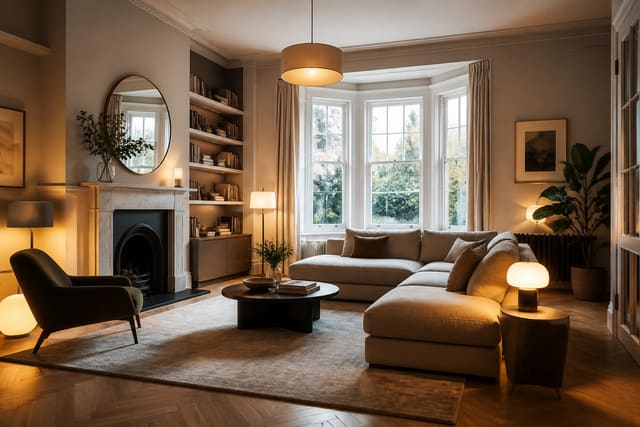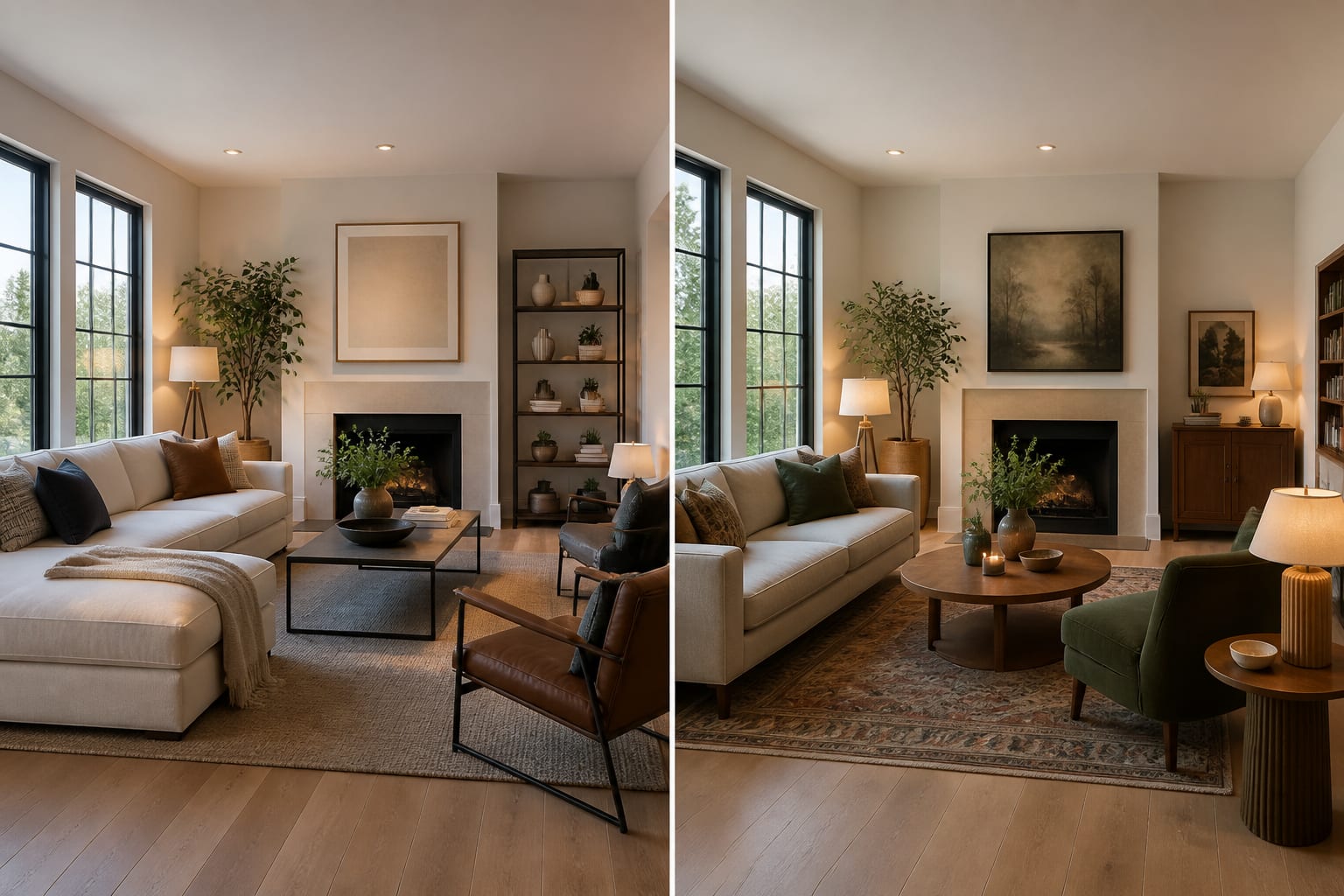
AI room design vs virtual staging comes down to purpose: AI room design helps you rework a real room for daily life, while virtual staging dresses a real estate photo to market a property. Mixing them up produces a polished image that isn't actually useful for the decision you're trying to make. Pick based on whether you're living in the room or selling it.
What's the actual difference between the two?
| Question | AI room design | Virtual staging |
|---|---|---|
| Main goal | Improve a room for the person using it | Make a listing photo more marketable |
| Starting point | A current room photo with real constraints | An empty or sparsely furnished listing image |
| Best output | Multiple directions to compare before shopping | A polished image that shows potential |
| Biggest risk | Trusting the render's unverified measurements | Making the property look better than it feels in person |
| Human follow-up | Measure, sample, price, check comfort | Disclose staging clearly, keep the image believable |
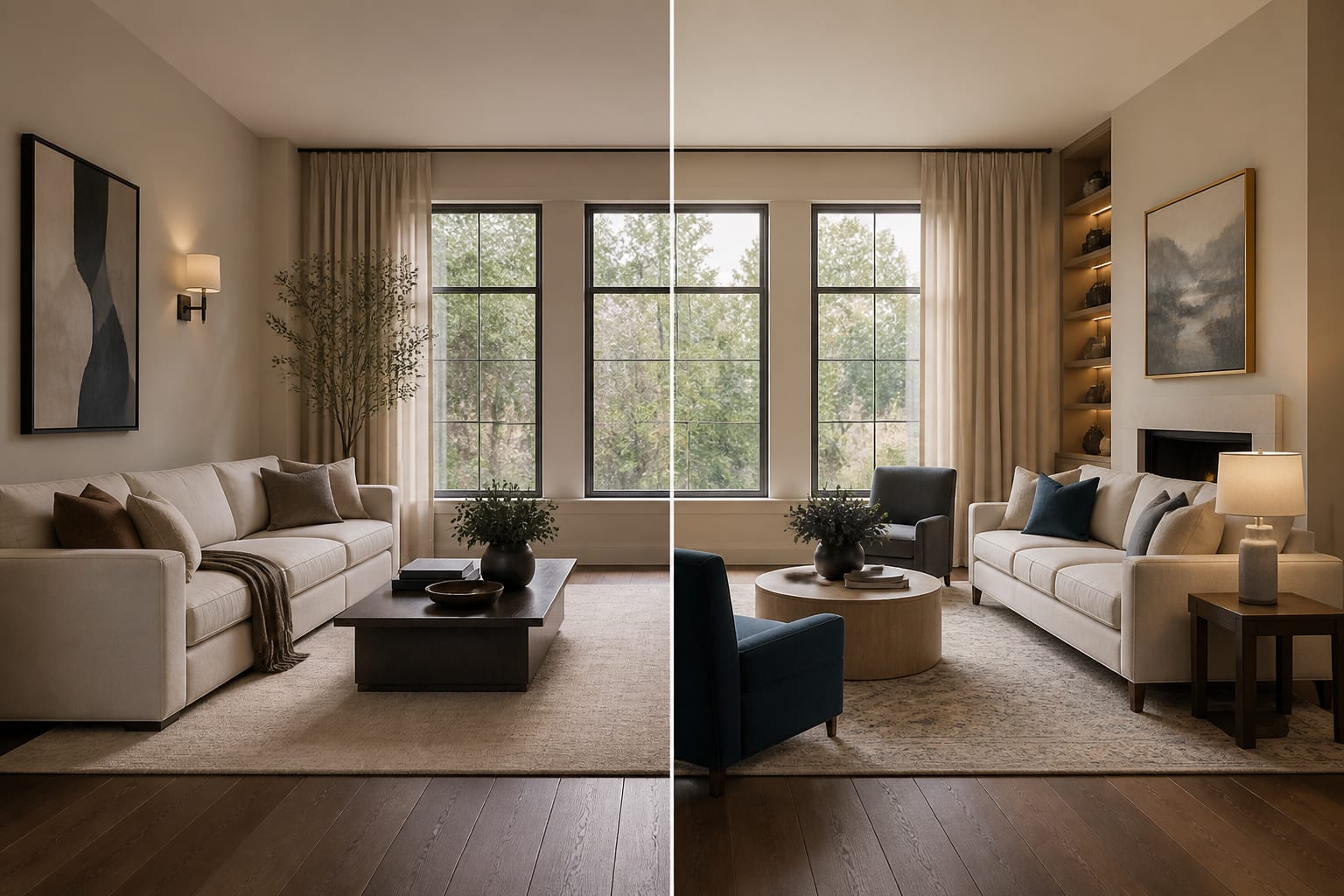
AI room design cares about your sofa depth, the oak floor you're keeping, the north-facing window, and the path from kitchen to hallway. It might test a 9x12 rug against an 8x10, compare warm 2700K bulbs to cool white light, or show a traditional layout next to a cleaner transitional one.
Virtual staging cares about whether a buyer understands a room's function in seconds. It might add a bed to an empty bedroom or a sectional to a bare living room. That's useful for marketing, but it isn't designing around your storage habits, pets, or the chair your partner refuses to give up.
For the broader verdict on when these tools deserve your trust, see this plainspoken AI interior design review.
Which tool fits the job in front of you?
Choose based on the decision you need to make, not on which image looks prettier.
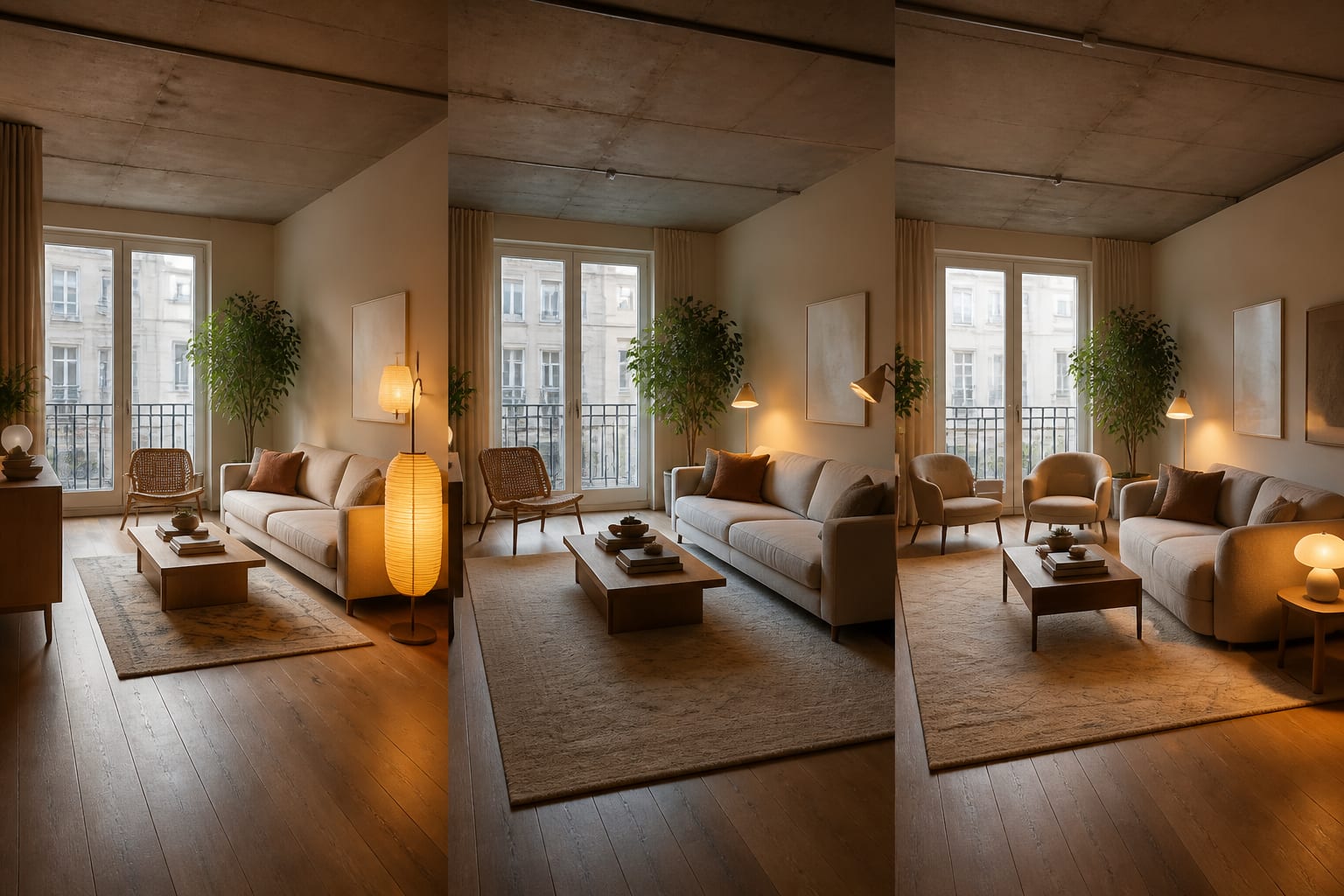
- Use AI room design when you're keeping the home and changing how it works. Ask for three directions using the same sofa, floor, and windows, then check what repeats: taller curtains, a wider rug, darker contrast behind the TV.
- Use virtual staging when the room is being photographed for someone else. An empty 11x12 bedroom reads better with a queen bed and two 18-inch nightstands than a fantasy suite that couldn't fit through the door.
- Use both when selling a property that also needs renovation imagination. One image shows the listing furnished; a separate concept image can suggest a future kitchen color or built-in without pretending it already exists.
The common trap is asking virtual staging to solve a living problem. If your chairs block the balcony door, a staged photo won't tell you whether you need a 32-inch deep sofa or a smaller round coffee table.
If you're bridging old and new furniture, AI transitional style design ideas can test clean lines versus classic shapes before you order large pieces.
Where do the tools overlap and mislead you?
They overlap in the most seductive place: both produce images that feel finished, which can make you skip the boring questions that actually decide whether a space works.
Virtual staging misleads when it quietly shrinks the room's perceived scale. A tiny sofa and slim table with no visible cords can make a compact condo look easier to furnish than it is. Honest staging respects door swings, ceiling slopes, and real-world use.
AI room design misleads differently. It may show a gorgeous library wall without knowing there's a return vent behind it, or center art perfectly while ignoring the standard 57-60 inch eye-level line. It also can't tell you whether your dog will destroy that wool rug.
How do you use AI design to preview your room?
Upload the room you're actually working with instead of describing a dream room from scratch. The photo anchors the tool to your window placement, floor color, and furniture you're keeping.
- Take one straight-on photo, plus a second angle for an important doorway or fireplace wall.
- Turn off artificial lights if daylight is strong, so mixed color temperatures don't distort wall color.
- Ask for a narrow comparison: same room and furniture with three palettes, or same palette with three layouts.
That narrowness is the trick. Change everything at once and you can't tell which decision helped. Test one layer at a time and patterns emerge, like every strong version using larger art or swapping black fixtures for aged brass. Sometimes the fix is simpler: a 96-inch curtain rod mounted 6-10 inches above the casing.
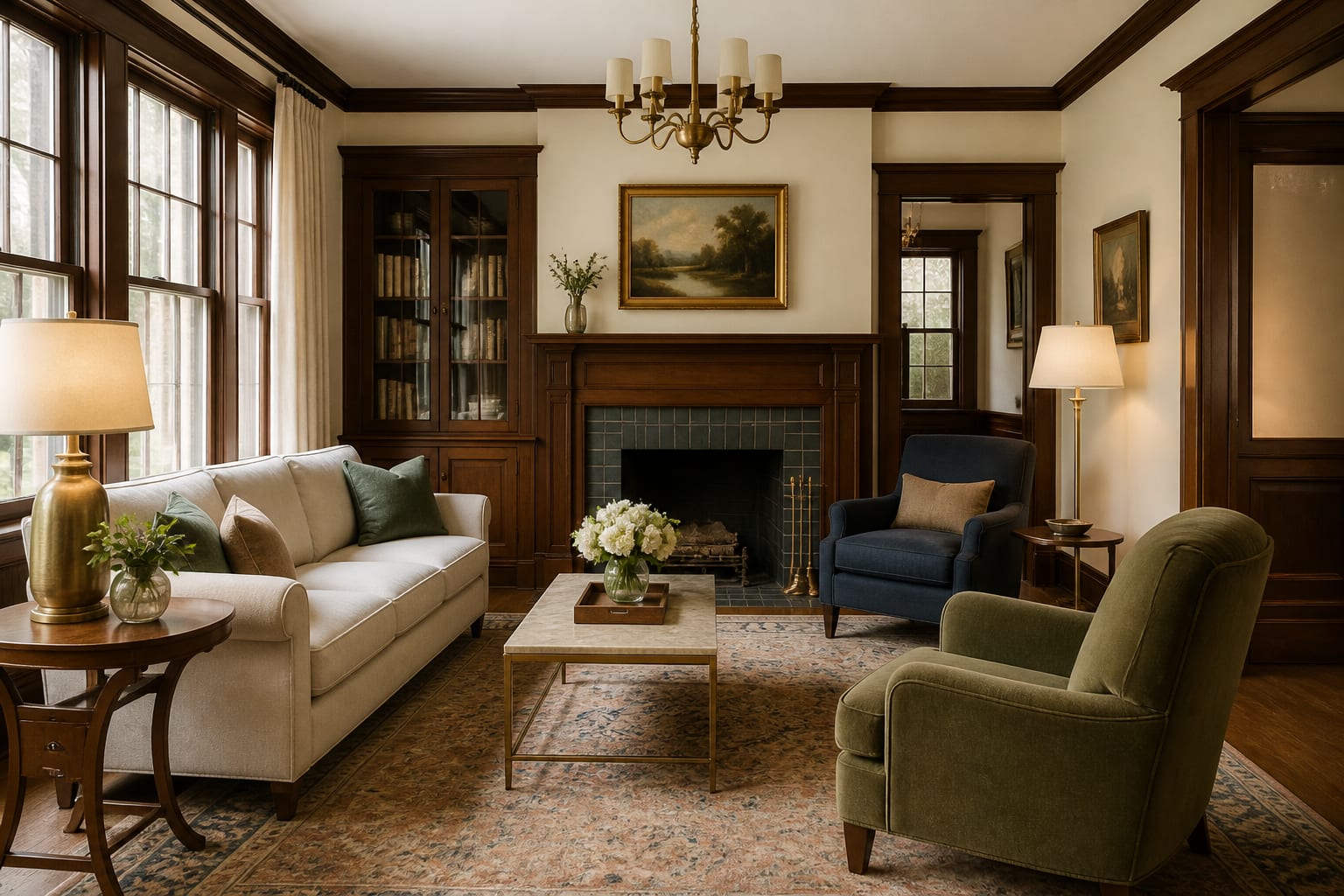
For older homes, compare previews with AI traditional interior design guidance so the tool preserves casing, millwork, and antique pieces instead of sanding them away.
What mistakes make the wrong tool look right?
The wrong tool often looks convincing because the image is clean. Clean isn't correct.
- Planning a renovation with staging images. Tape the real furniture footprint on the floor and keep 30-36 inches for circulation before trusting the picture.
- Treating an AI render as a measured drawing. A dining chair typically needs about 36 inches behind it to pull out, and the render won't always protect that space.
- Hiding the ugly constraint from the upload. Keep the radiator, bulkhead, or pet crate visible so the preview solves your actual room.
- Over-staging a listing. Falsely generous furniture scale can make a showing feel like a letdown; keep pieces sized realistically for the room.
- Buying without samples. Test paint with a 12x12 inch swatch and check fabric under bulbs in the 2700K-3000K range before ordering.
Should you design for living or stage for selling?
Ask one question before opening a tool: who needs to believe this room works? If it's you, your family, or your budget, choose AI room design and tie every decision to a tape measure. If it's a buyer or tenant scrolling listings, choose virtual staging and keep the image honest enough that the showing still feels credible.
For a home you live in, the best preview survives the tape measure, the paint sample, and a normal Tuesday night. For a listing, the best staged image helps someone understand proportion and possibility without confusing decoration for reality.
Frequently Asked Questions
Is AI room design the same as virtual staging?
No. AI room design reworks a real room you live in to test layout, palette, and furniture choices, while virtual staging dresses a real estate photo to help sell or rent a property. They serve different goals and shouldn't be used interchangeably.
Can I use virtual staging to plan a renovation?
You can look at it, but it's risky. Staging images prioritize how a photo reads to a buyer, not real clearances, storage needs, or daily function, so measure the room yourself before making purchase decisions from a staged photo.
Does AI room design account for real measurements?
Not reliably. AI previews are visual drafts based on a photo, not verified drawings, so always confirm furniture dimensions, door swings, and clearances with a tape measure before buying anything shown in a render.
When should I use both tools together?
Use both when selling a property that also needs renovation imagination: one staged image shows the listing furnished for buyers, and a separate AI room design concept can suggest future changes like a new kitchen color without implying they already exist.
What's the biggest risk of trusting either tool too much?
Both produce finished-looking images that can make you skip essential checks. AI room design might ignore vents or outlets; virtual staging can shrink perceived scale. Always verify with samples, measurements, and in-person visits before committing.