Yes, AI furniture placement visualization can show how a sofa, table, or rug will look in your actual room before you buy it, using a photo of your space. It won't replace a tape measure, but it catches bad scale, wrong color, and awkward style early, so you never buy the biggest piece in the room until you've seen it against your own walls.
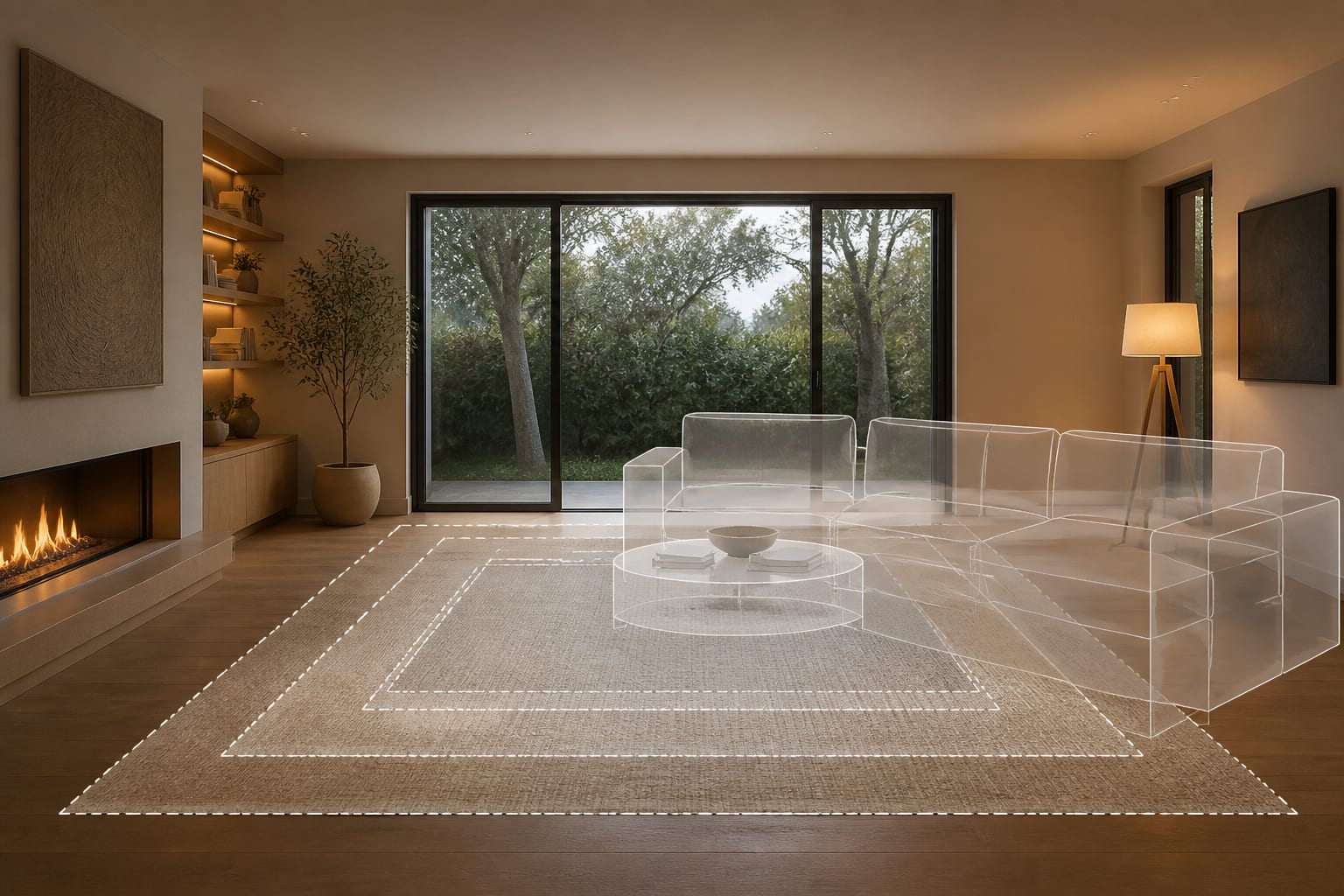
What Must a Furniture Preview Prove Before You Trust It?
A good preview proves fit and compatibility with everything you're not changing, not just good looks. A velvet chair can look wonderful in a generated image and still block the balcony door every morning.
Use these benchmarks to judge any preview instead of trusting it on style alone:
| Element | Target Clearance/Size |
|---|---|
| Main walking path | 30–36 inches |
| Coffee table to sofa edge | 16–18 inches |
| Dining chair pull-back | 24 inches (36 if people pass behind) |
| Rug under a full seating group | 8x10 ft minimum, 9x12 ft for a settled look |
If a preview shows a huge table floating beautifully in the center, ask whether someone can actually sit, stand, and reach a drink. New furniture also has to answer the existing floor, trim, and cabinets. If you have orange oak, glossy gray tile, or a red brick fireplace, ask the preview to keep those finishes visible instead of washing them into a generic neutral room. If the room is dim to begin with, pair the furniture test with ideas for making fake natural light look believable, since new furniture alone won't fix bad lighting.
How Should You Photograph and Measure the Room First?
The AI can only place furniture believably when the photo gives it the full room envelope, not a close-up of a sofa arm.
- Shoot from standing height (48–60 inches), keeping the phone level so door frames and bookcases don't lean and distort scale.
- Show at least two walls. Corners reveal depth, window placement, and the distance between furniture zones better than a single flat wall.
- Keep existing anchors in frame — the current sofa, bed, dining table, or fireplace — so the tool has a size reference.
- Measure anything expensive: sofa length and depth, rug size, table diameter, dresser depth, and drawer clearance.
- Shoot in honest light. If you use the room mostly at night, test the preview under warm 2700K–3000K lamp light instead of bright noon sun.
A mirror can help a preview feel brighter, but only if it reflects something worthwhile. If you're adding one near a new console or dining wall, follow the logic in rooms where mirrors amplify light: aim it at a window, lamp, or long sightline, not a blank corner.
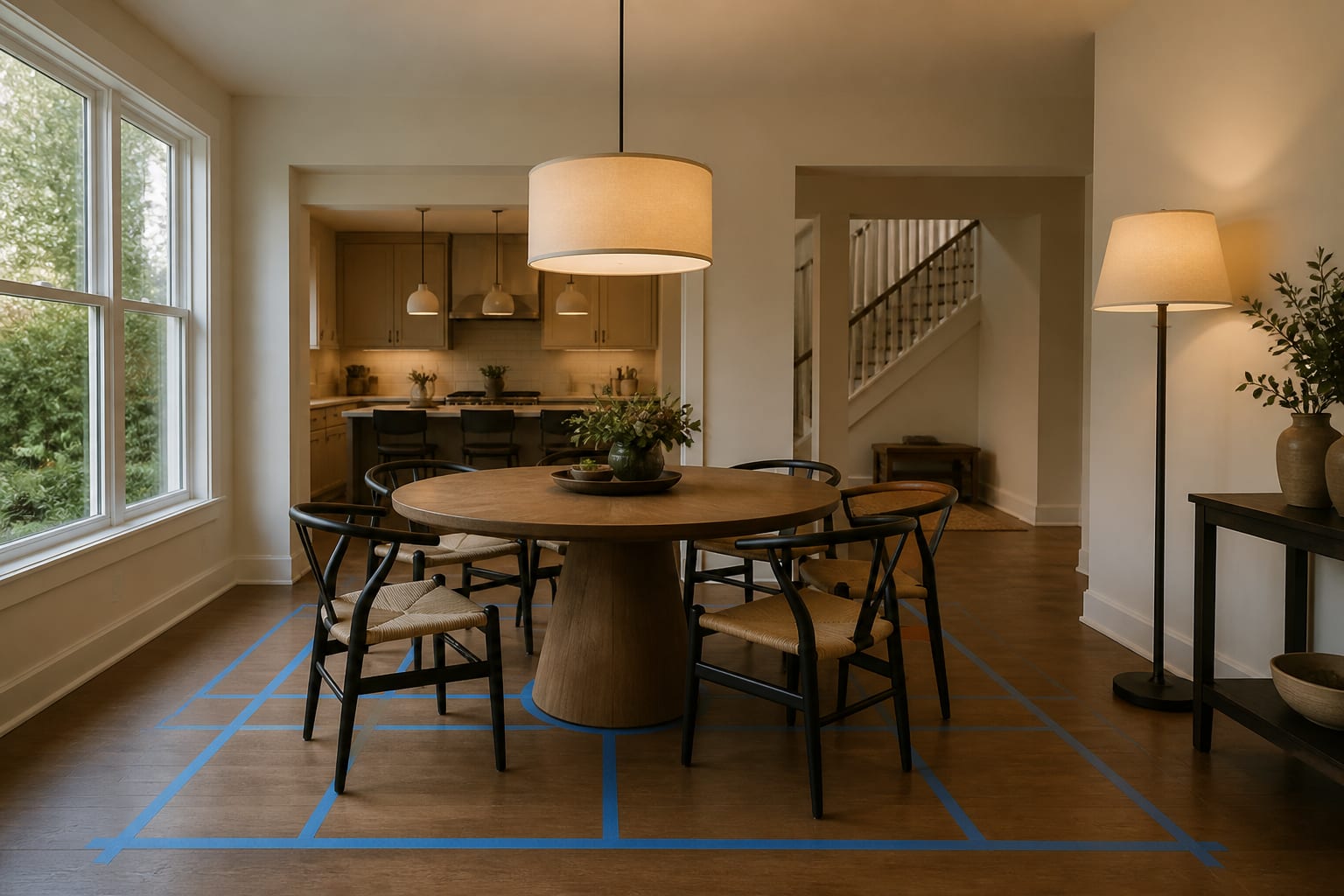
What Furniture Visualization Mistakes Should You Avoid?
The most common mistake is trusting the prettiest preview over the most livable one. Furniture has to survive bodies, pets, cords, and delivery day.
- Buying the largest option: if a 96-inch sofa looks relaxed on a short wall, tape its exact footprint and check every route around it first.
- Ignoring chair movement: dining chairs need real pull-back room, especially where people must pass behind a seated guest.
- Trusting a floating rug: generated shadows often hide whether furniture legs actually sit on the rug. Compare 8x10 versus 9x12 pricing before deciding.
- Letting the AI erase the wrong piece: if the old sofa or floor must stay for budget reasons, name that constraint in the prompt and repeat it if a preview tries to remove it.
- Forgetting doorways: in a chopped-up room with three openings, read the layout advice for a room with too many doorways before adding another cabinet — circulation may be the real problem.
A good preview should make you calmer, not more reckless. If you're still unsure where people walk or where lamps plug in, the image isn't ready to become a cart.
How Do You Use AI to Preview a Furniture Arrangement?
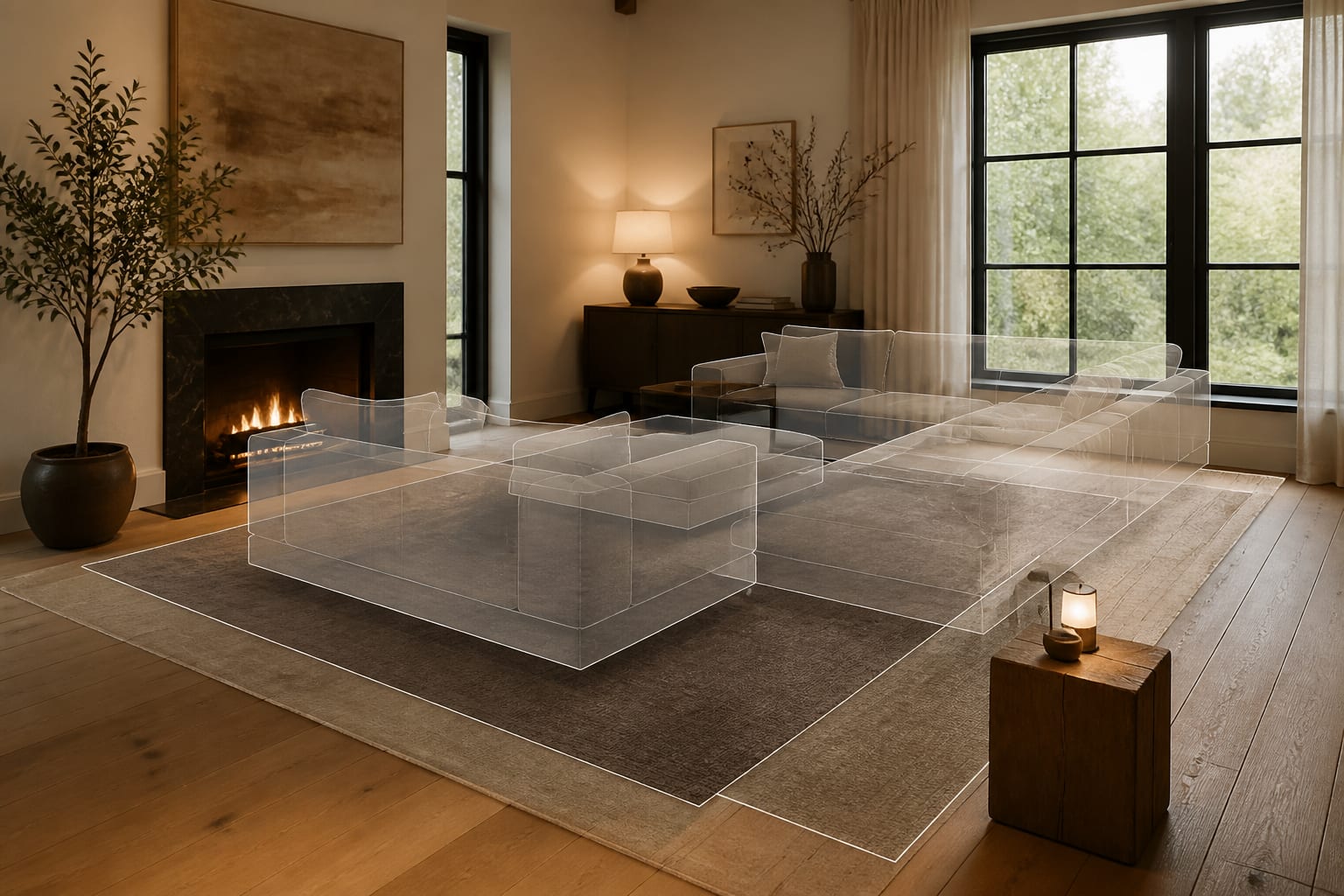
Upload one clear room photo and ask for two or three arrangements so you can compare how each handles the same fixed space. One version might keep your existing sofa and add a bigger rug; another might swap the coffee table shape; a third might test closed storage where a messy bookcase sits now.
Write the prompt like a buying brief: "Preview furniture placement in this 12x15-foot living room with an 8-foot ceiling, oak floor, existing gray sofa, and two black-framed windows. Test an 84-inch sofa, a 36-inch round coffee table, a 9x12 rug, closed walnut media storage, and keep 32 inches clear to the hallway."
That level of detail protects the room from fantasy. If the first preview blocks the doorway or adds built-ins in a rental, revise before changing the style: keep the floor visible, freestanding storage only, narrower chairs. Re-Design works here because the decision is personal — a generic product render can't know your window is off-center or your landlord forbids drilling into brick.
How Do You Turn the Best Preview Into a Safer Purchase?
The preview has done its job once you can describe the room in numbers: 84-inch sofa, 9x12 rug, 18 inches to the coffee table, 32-inch path to the hall.
- Tape the footprint of the sofa, table, or storage piece on the floor.
- Walk the room carrying whatever you normally carry through it — a laundry basket, a tray.
- Open every door and drawer against the taped layout to check real clearance.
- Check heights, not just footprints — seat height, table height, and TV viewing height all matter.
- Order fabric and finish samples before committing, since velvet, boucle, and wood stain all shift under real bulbs.
The final purchase should feel almost boring, because you've already answered the risky questions: fit, clearance, and finish under your own light. That's the real value of AI furniture placement visualization — not speed, but making the wrong piece much harder to justify.
Frequently Asked Questions
Can AI furniture placement replace measuring my room?
No. AI previews are a visual rehearsal for scale and style, not a measured drawing. Always confirm sofa length, rug size, and clearances with a tape measure and painter's tape on the floor before ordering, especially for large or expensive pieces.
What size rug should I use under a sofa?
An 8x10 rug is the minimum for most living rooms, while a 9x12 rug usually makes a full seating group feel settled. A 5x7 rug under a full-size sofa typically looks too small, even if a generated preview makes it look fine.
How much walking space does a living room need?
Most main paths need 30 to 36 inches of clear space between the entry, seating, and hallway. You can accept slightly less in a low-traffic corner, but a sectional or oversized table should never cut off the room's primary route.
How do I stop AI previews from exaggerating scale?
Give the tool real numbers in the prompt, such as ceiling height, existing furniture dimensions, and the exact sofa or table size you're considering. Then verify the preview by taping the furniture's footprint on your actual floor before buying.
Should I photograph my room in daylight or lamp light?
Photograph in whichever light you'll actually use the room under most often. If evenings matter most, test the preview with warm 2700K–3000K lamp light rather than relying only on a bright midday photo.