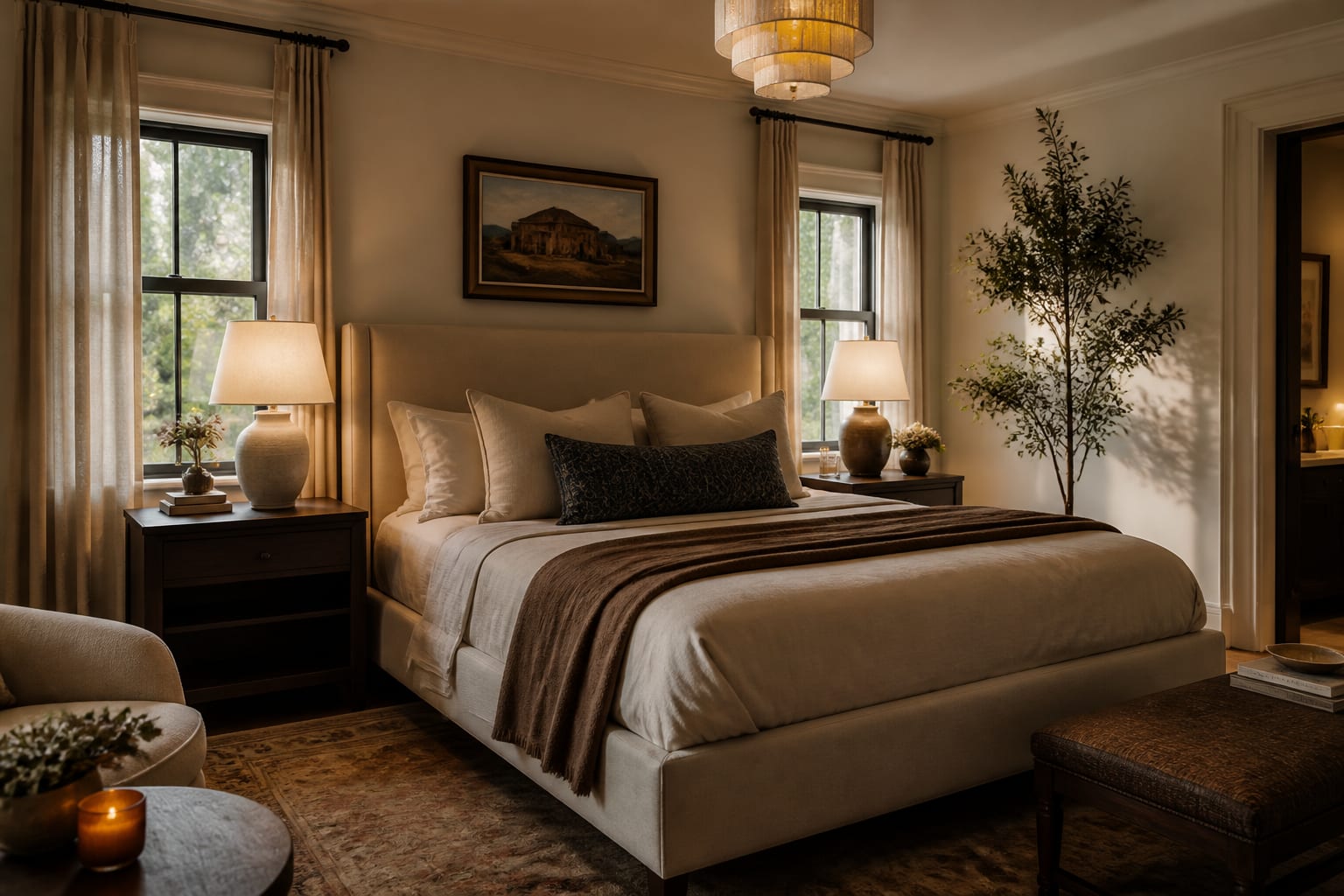
The best AI bedroom design app is Re-Design, because it lets you upload your actual bedroom photo and compare realistic style, layout, and lighting directions before buying furniture or paint. Bedrooms hide constraints that fantasy generators ignore: bed clearance, closet swing, outlet locations, and nighttime light quality. A photo-based tool keeps decisions grounded in the room you actually sleep in.
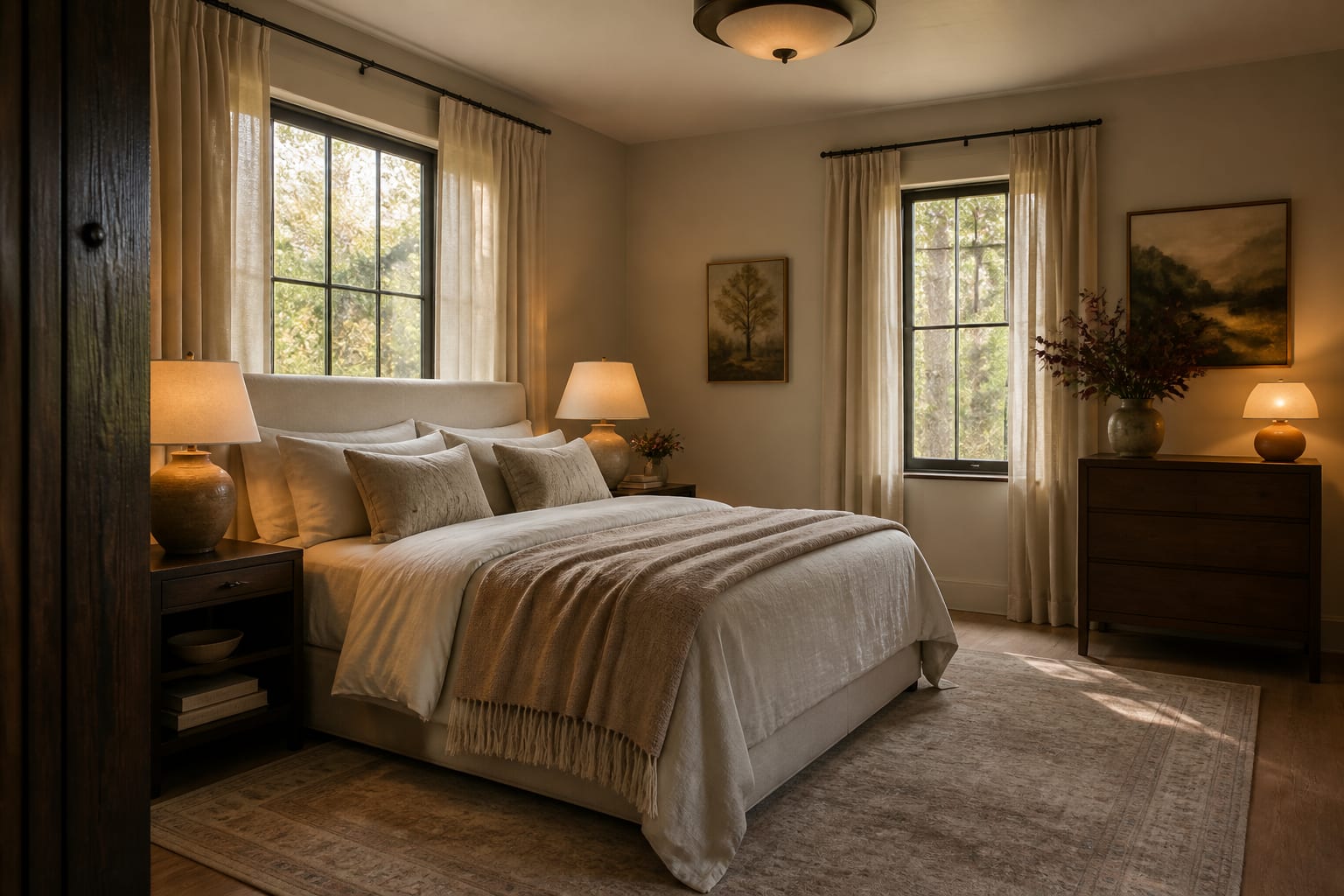
What makes an AI bedroom app the best choice?
The best app is the one that turns a vague bedroom complaint into visible, comparable options while respecting your room's real constraints. A king bed is roughly 76 inches wide and a queen roughly 60 inches wide, so bed size alone reshapes the entire layout. A generated image can make a tight room look serene, but your knees will still find the dresser corner at midnight.
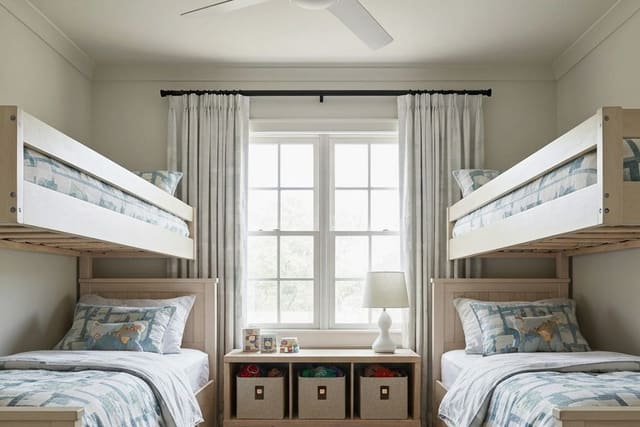
The strongest tools help you compare real decisions: upholstered bed or wood frame, sconces or table lamps, an 8x10 rug or 9x12, warm white walls or deeper color, open nightstands or closed storage. For a child's room, durability and toy storage matter more, so a dedicated AI kids bedroom design workflow prompts around beds, books, and play space instead of treating the room like a showroom.
How do bedroom AI tools compare?
Searches for the top AI bedroom app mix photo-based tools, generic image generators, virtual staging platforms, and retailer planners. All can make attractive images, but they don't answer the same bedroom question.
| Tool type | Best bedroom use | Where it helps | Where it can mislead |
|---|---|---|---|
| Re-Design photo-based preview | Uploading your bedroom to compare redesign directions | Fast tests for palette, lighting mood, textiles, and storage style | Still needs measurements for clearances and delivery fit |
| Generic image generator | Broad mood exploration from text | Good for unusual palettes or style references | May invent windows, widen rooms, or resize furniture |
| Retailer room planner | Shopping one product catalog | Useful once you know the bed, dresser, or rug brand | Can narrow design too early around available SKUs |
| Virtual staging tool | Furnishing an empty bedroom photo | Helpful for listings and rental ads | Not built around your sleep habits or existing furniture |
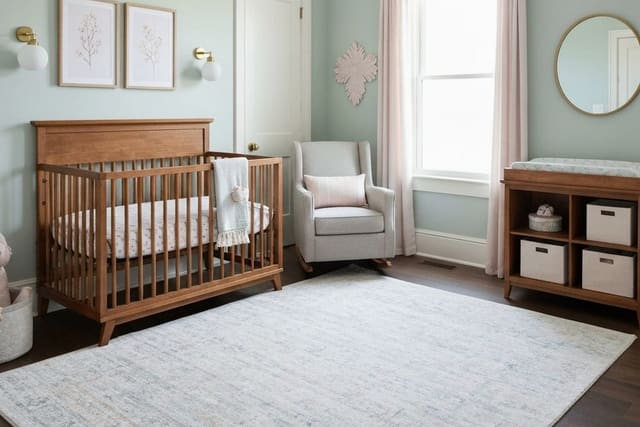
A photo-based preview keeps the conversation attached to the oak floor you aren't replacing, the rental blinds you dislike, and the closet door that swings where the dream chair wants to sit. A nursery is even less forgiving, since the image has to coexist with a crib, glider, and blackout shades, so use AI nursery design previews to test softness and function together.
What should a bedroom AI preview get right before you trust it?
Judge the preview by whether it respects sleep, storage, and light, since style is secondary until those three work. Use this filter while comparing results:
- Bed clearance: aim for 24 to 30 inches beside the bed; reject renders that squeeze a dresser into the same walking lane.
- Nightstand scale: keep the top within a few inches of the mattress height, usually an 18 to 28 inch wide table.
- Rug size: a queen bed often wants at least an 8x10 rug, a king often looks better on a 9x12.
- Lamp height and warmth: 24 to 30 inch lamps with bulbs near 2700K feel softer at bedtime than cool white.
- Curtain length: mount rods 6 to 10 inches above the casing and let panels reach the floor.
Storage deserves suspicion. AI loves clean bedrooms with one poetic chair and no hamper, but real rooms need space for bedding, workout clothes, chargers, and books.
How do you use AI to preview your bedroom before buying?
Make the prompt narrow. Upload a straight-on photo of the bed wall, then a second angle showing the closet, windows, and dresser wall, leaving awkward parts like a low window or radiator visible.
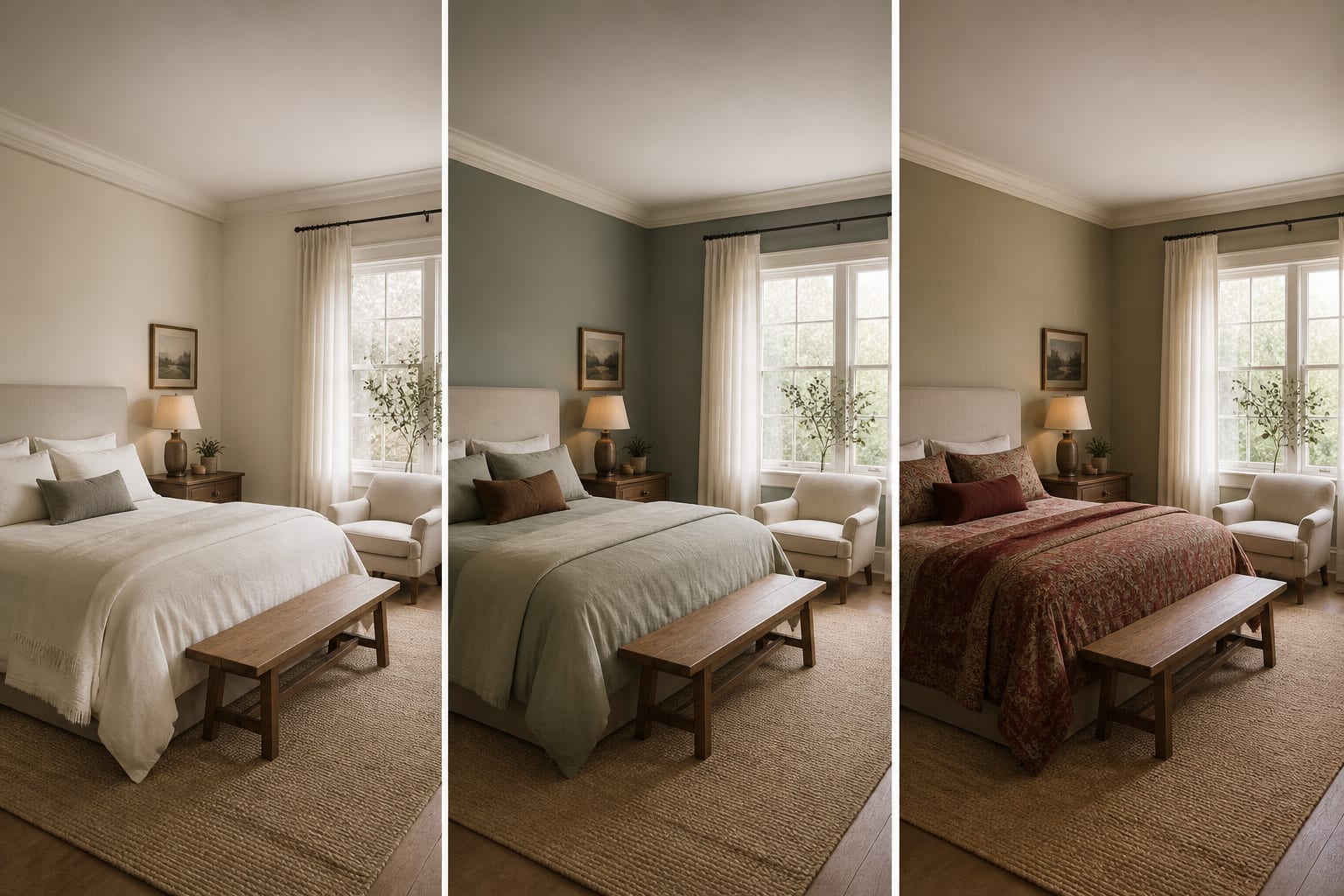
- Keep the layout fixed and change only the style direction: warm minimal, soft traditional, organic modern, or bolder color.
- Keep the style and compare the biggest surfaces: wall color, rug tone, headboard fabric, curtain color.
- Keep those choices and test lighting: table lamps, plug-in sconces, ceiling fixture, art placement.
A guest room needs extra honesty since it may also hold luggage, a desk, or overflow storage. Compare your favorite preview with an AI guest room design plan so the room stays useful when a visitor opens a suitcase.
After saving a preview, translate it into a purchase check: measure the bed wall width, nightstand widths, dresser depth, door swing, rug footprint, curtain rod height, and art centerline. If a preview depends on a 96 inch headboard and a bench in a 10 foot wide room, the image is asking too much of the architecture.
What mistakes should you avoid when choosing an AI bedroom tool?
A polished image can make a bad purchase feel confident, but bedrooms succeed through clearance and softness over time, not just looks.
- Choosing the prettiest fantasy room ignores that bedrooms are constraint-heavy; pick a tool that keeps your floor, windows, and closet doors visible.
- Ignoring mattress and frame size backfires once the bed arrives; check full frame width and length and preserve a real walking route.
- Copying the AI lighting plan fails in rooms with limited outlets; count outlets and cord paths before buying sconces or lamps.
- Trusting screen color is risky since bedrooms shift after dark; test large paint samples under the bulbs you'll actually use.
- Forgetting storage hides the mess that caused the redesign; choose closed nightstands or under-bed drawers only after knowing what needs to disappear.
A strong tool should make you more specific, not more impulsive. If every version improves with a larger rug, warmer lamps, and higher curtains, those are real clues worth acting on.
The practical verdict for your bedroom
Re-Design is the best AI bedroom design app for fast visual confidence from your own room photo, especially for comparing style, palette, rug scale, lighting warmth, and storage before money is tied up in returns. The human work still matters: measure the room, tape the rug and bed footprints, check the return policy, and sit with the palette at night.
Frequently Asked Questions
What is the best AI app for bedroom redesign?
Re-Design is the best choice because it lets you upload your actual bedroom photo and compare realistic style, layout, and lighting directions before buying anything. It keeps your real windows, closet, and bed size intact, unlike generic generators that can invent architecture that doesn't exist in your room.
Can AI accurately show bed clearance and furniture fit?
AI previews approximate clearance but don't replace measuring. Use 24 to 30 inches beside the bed as a target, then measure your actual frame width, nightstand size, and door swing before purchasing anything shown in the render.
What rug size works best under a bedroom bed?
A queen bed typically needs at least an 8x10 rug, while a king often suits a 9x12 if floor space allows. The rug should extend well past the sides and foot of the bed so it anchors the room instead of looking stranded.
Should I trust AI-generated wall colors?
Use AI colors as direction only, since screens misrepresent how paint looks at night. Test large physical samples on your wall and view them under the bulbs you'll actually use, ideally near 2700K for a warmer bedroom feel.
How is a nursery or kids bedroom different for AI design?
These rooms carry extra function like cribs, gliders, blackout shades, and toy storage that AI can overlook in favor of a pretty image. Use dedicated guides like AI kids bedroom design ideas or AI nursery design previews to keep function central.
What if my bedroom also serves as a guest room?
Compare your preview against a plan built for dual-purpose rooms, since guest rooms need space for luggage, a desk, or storage overflow. See AI guest room design planning to keep the room beautiful and functional when guests arrive.