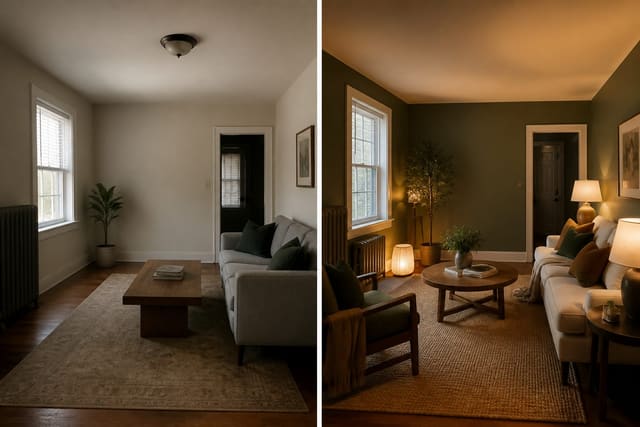
Re-Design is the best AI room design app for Android because it turns a real room photo into fast, comparable previews without erasing your actual windows, floor, or furniture. Android users testing living rooms, bedrooms, and offices get more value from photo-based accuracy than from generic style galleries that ignore their room's real constraints.
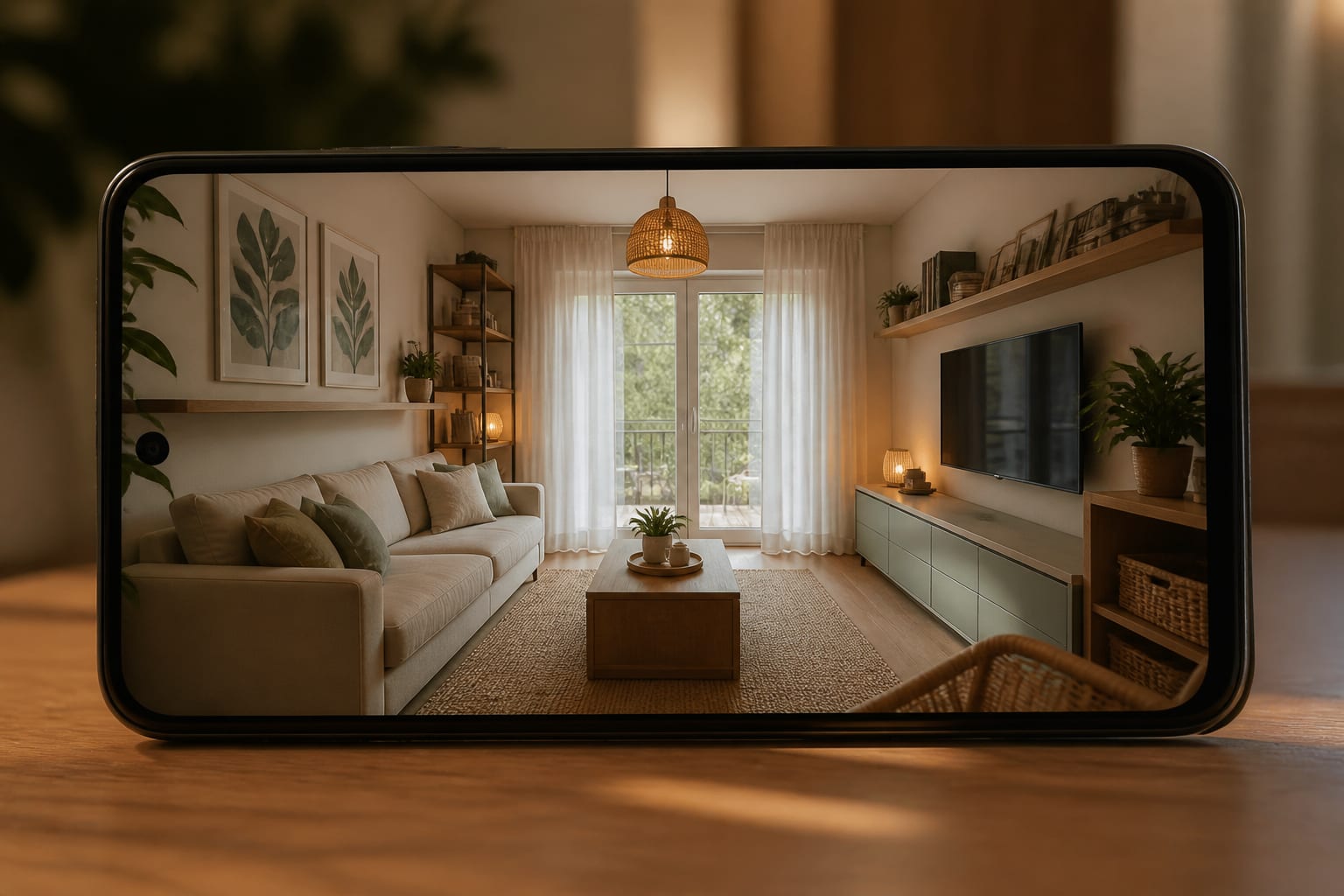
Why Re-Design Fits Android Users Best
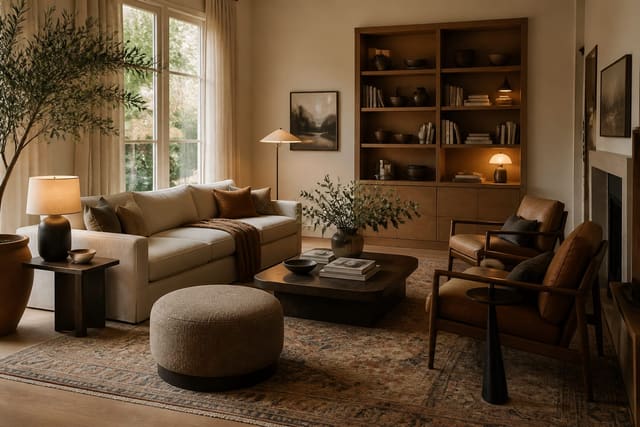
Re-Design's strength is answering "what should this room become?" You can test warm minimal, industrial, traditional, colorful, darker, lighter, renter-friendly, or storage-forward directions without building a floor plan from scratch. That helps with living rooms, bedrooms, offices, and multi-use spaces where a style label isn't enough.
The app won't tell you if a 92-inch sectional fits beside a balcony door - measure that yourself. Its real value is speed: upload the same Android photo, keep the angle consistent, and see which direction still works once windows, floor, ceiling, and current furniture stay visible.
If you're weighing a pure visual generator against a more practical workflow, read this Interior AI app review before assuming every preview app works the same way. Some are great mood machines; fewer help you reject a bad idea before it becomes a delivery problem.
Which Features Actually Matter in an Android App?
- Photo upload over blank-room guessing. Your current shell controls the design, so the app should read floor, windows, doors, ceiling height, and bulky furniture from a real photo.
- Multiple controlled previews. Run at least three versions - conservative, bolder, renter-safe - from the same photo so repeat ideas surface.
- Preserved scale. Oversized furniture is the most common AI lie; check that an 8x10 rug, 84-inch sofa, or 54-inch headboard still respects the room's paths.
- Visible, realistic lighting. Look for lamps, sconces, or pendants at 2700k-3000k rather than an impossible golden haze over the whole room.
- Storage that stays in frame. Closed cabinets around 14-18 inches deep often matter more than another accent chair.
The best workflow: shoot from the doorway or main sightline, avoid heavy wide-angle distortion, and leave the irritating details in frame - ceiling, floor, windows, doors, outlets, blinds, and furniture that must stay.
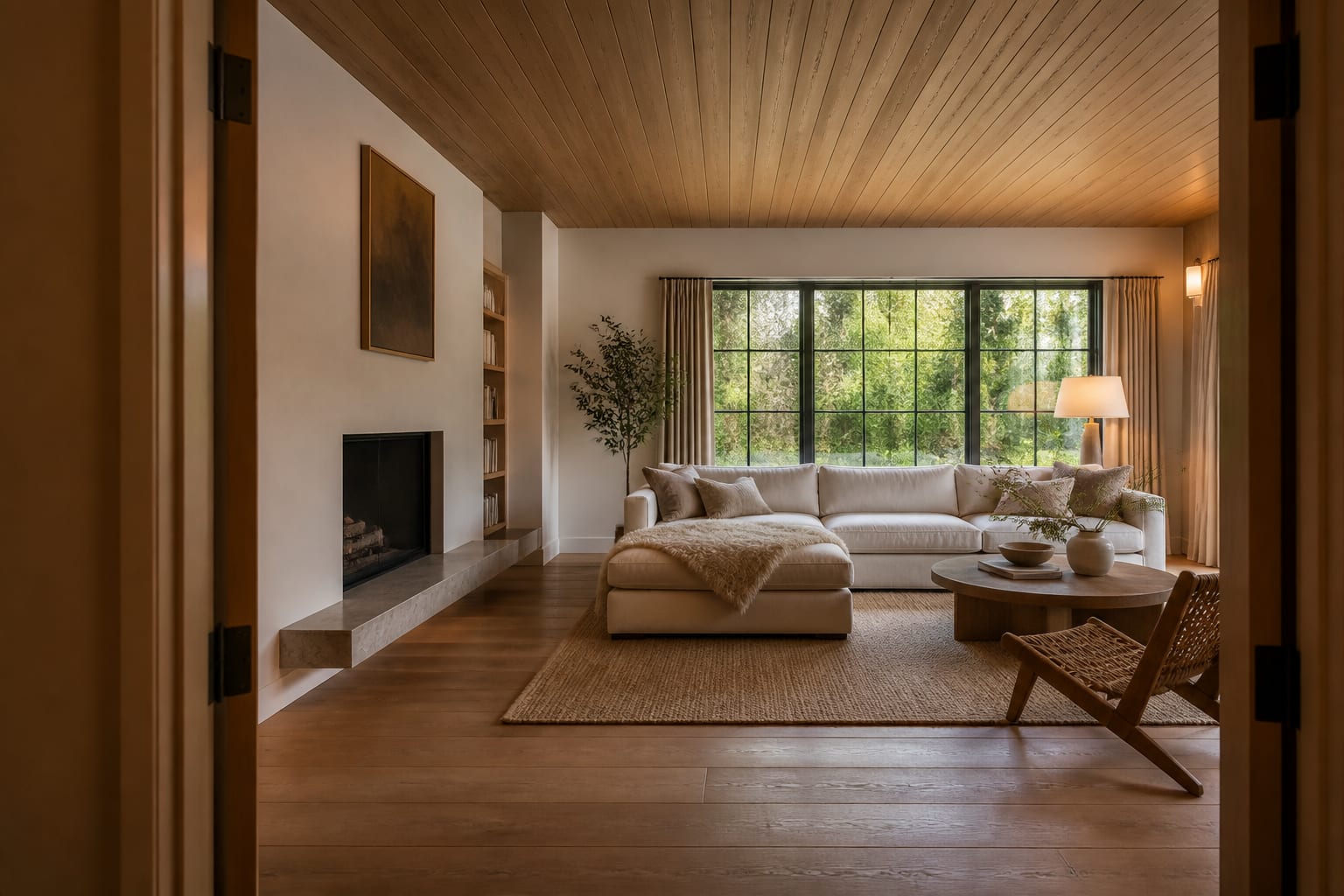
How Do Re-Design, Interior AI, and Collov AI Compare?
| App | Best Android use | Watch closely | Practical read |
|---|---|---|---|
| Re-Design | Uploading a real photo and comparing redesign directions fast | Large furniture still needs measuring before purchase | Best first choice for practical visual decisions |
| Interior AI | Testing broad style shifts and dramatic before/afters | Invented architecture, changed proportions, flattering light | Good for mood, less reliable as a final plan |
| Collov AI | Guided decor direction and styled concepts | Renders that feel finished before scale is proven | Useful for a curated direction, not raw options |
| Planner-style apps | Building or adjusting a layout with more control | More setup and manual correction | Better once you already know the direction |
Re-Design wins when the question is both emotional and practical: will this bedroom look better darker, softer, or more industrial? You don't need a measured model to test whether warm wood, a larger rug, and better lighting are worth exploring.
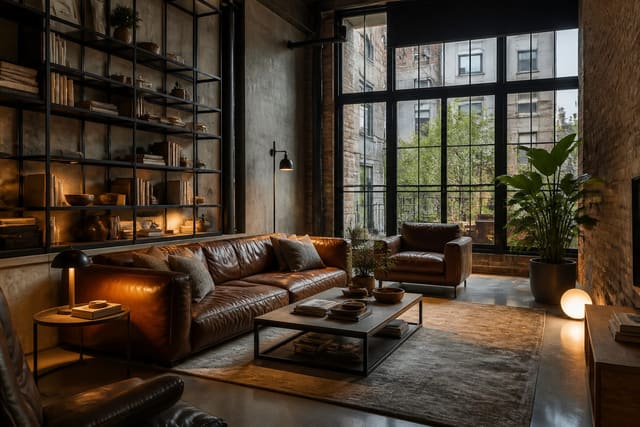
Interior AI can widen your visual range, but watch for quietly added windows, removed ceiling fans, or builder-grade flooring turned into herringbone. For raw, black, leather, or loft-like styles, compare results with this AI industrial interior design guide so the app doesn't sell a fake warehouse fantasy.
Collov AI suits people who want a directed experience. A polished render may help a scattered room find a palette, but still verify sofa width, rug size, and door clearance - see the Collov AI review for how guided concepts differ from fast previews.
What Mistakes Should You Avoid When Choosing an App?
- Trusting gallery images over your own test. Marketing photos don't prove your room will improve; upload your own photo before trusting style samples.
- Accepting changed architecture. If a preview removes a closet door, widens a window, or raises the ceiling, regenerate with stricter wording to keep the existing structure intact.
- Skipping measurements. A queen bed is 60x80 inches, a dining chair often needs about 36 inches of clearance behind it, and a desk needs room for the chair to pull back.
- Confusing style variety with quality. Five useful versions of your room beat forty generic styles you'll never use.
- Buying from one render. Tape out furniture footprints and check the room at night with the lamps you actually plan to use before ordering anything.
How Should You Use AI Design From an Android Phone?
Use it as a comparison loop, not a one-image verdict. Start with a clean doorway photo at chest height showing the room's awkward details, then generate a small set of previews that each test a different decision.
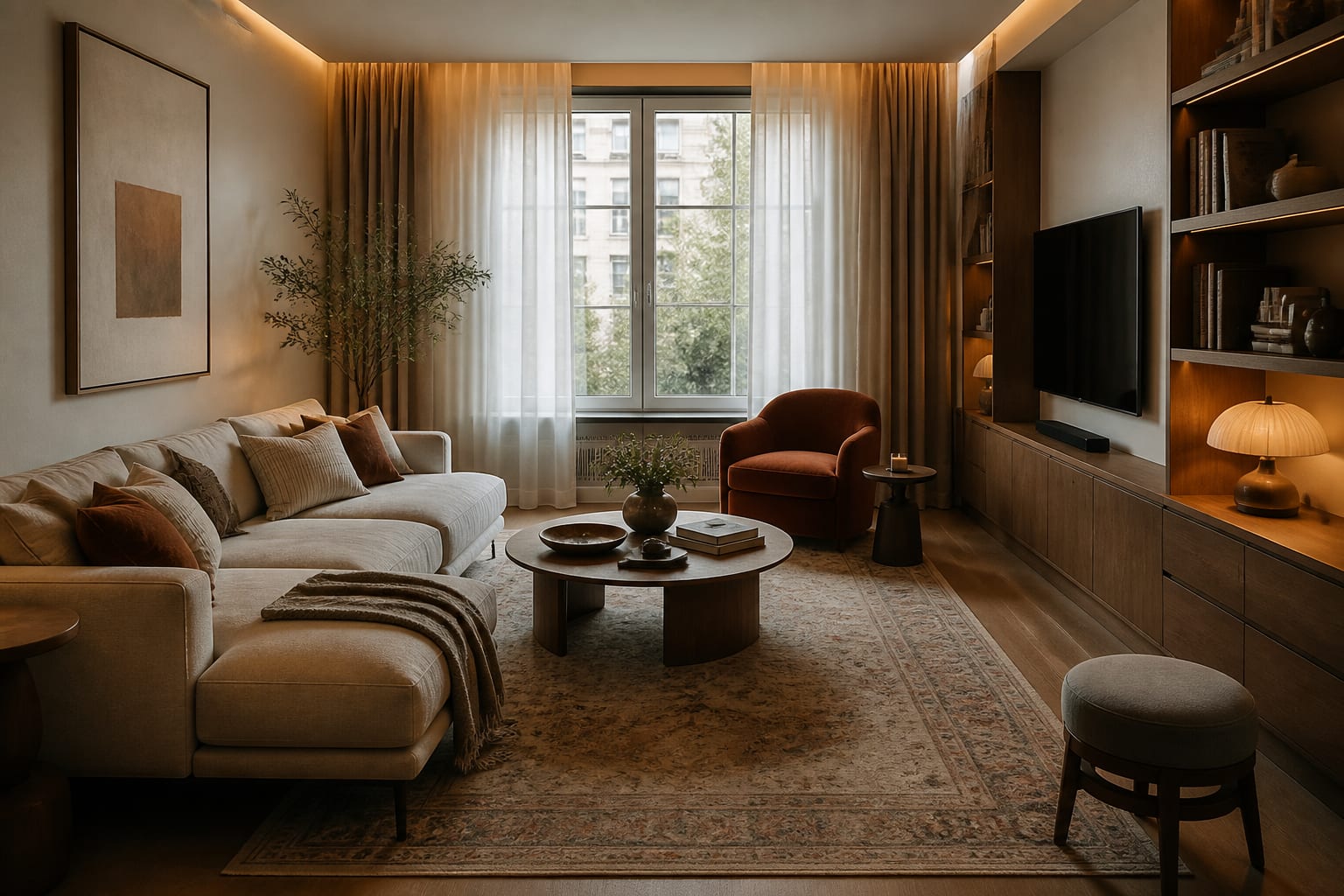
For a living room, specify an 84-inch sofa, 8x10 rug, 16-inch-deep media storage, full-length curtains, and two 2700k lamps with no window changes. For a bedroom, name the bed size, headboard height, nightstand width, and closet location. For an office, specify a 24-inch-deep desk, calm video-call wall, and task lighting.
The winning preview isn't the most dramatic one - it's the version that still works with your real floor, window height, outlets, and the furniture you're keeping. If the same larger rug, warmer lamps, or darker storage piece keeps appearing across versions, that's your direction.
Frequently Asked Questions
What is the best AI room design app for Android?
Re-Design is the strongest choice because it works directly from a real room photo, generating multiple redesign previews while keeping your actual windows, floor, and furniture visible for comparison.
Can AI room design apps replace measuring furniture?
No. AI previews help you choose a direction, but you still need to confirm dimensions like sofa width, rug size, and walkway clearance before buying anything, since renders can misjudge scale.
How many preview versions should I generate per room?
Generate at least three versions from the same photo - a conservative option, a bolder option, and a renter-safe option - so you can spot which changes repeat and matter most.
Do AI apps change my room's real architecture?
Some do. Watch for removed radiators, widened windows, or raised ceilings, and regenerate with specific instructions to keep your existing structure, floor, and trim intact.
Is Interior AI or Collov AI better than Re-Design?
It depends on your goal: Interior AI suits broad style exploration, Collov AI suits guided decor direction, and Re-Design suits fast, photo-based comparisons before a purchase decision.