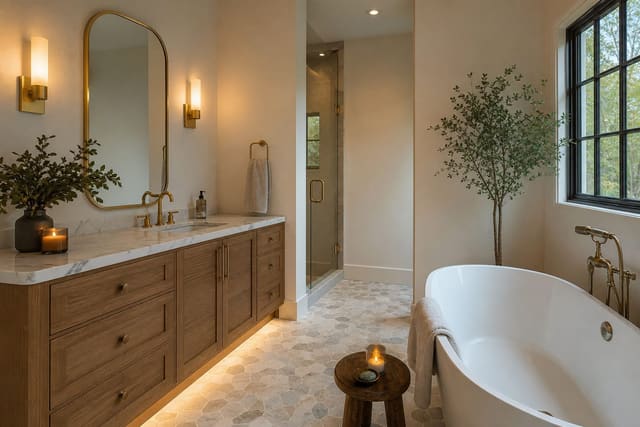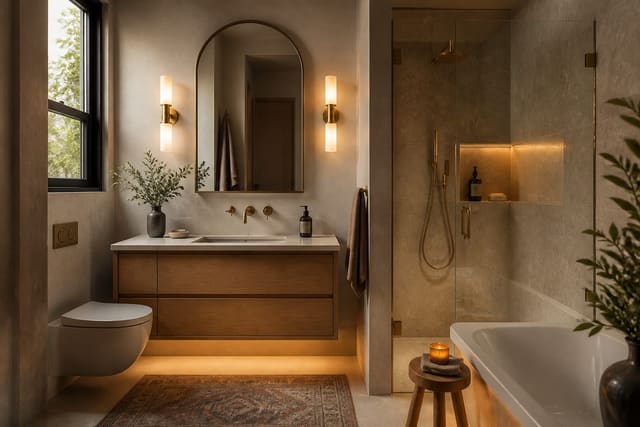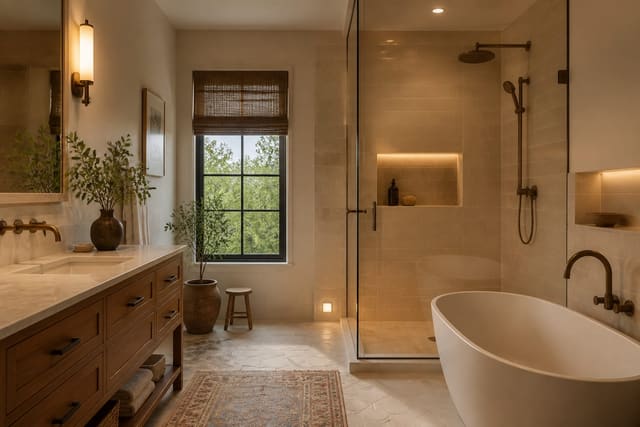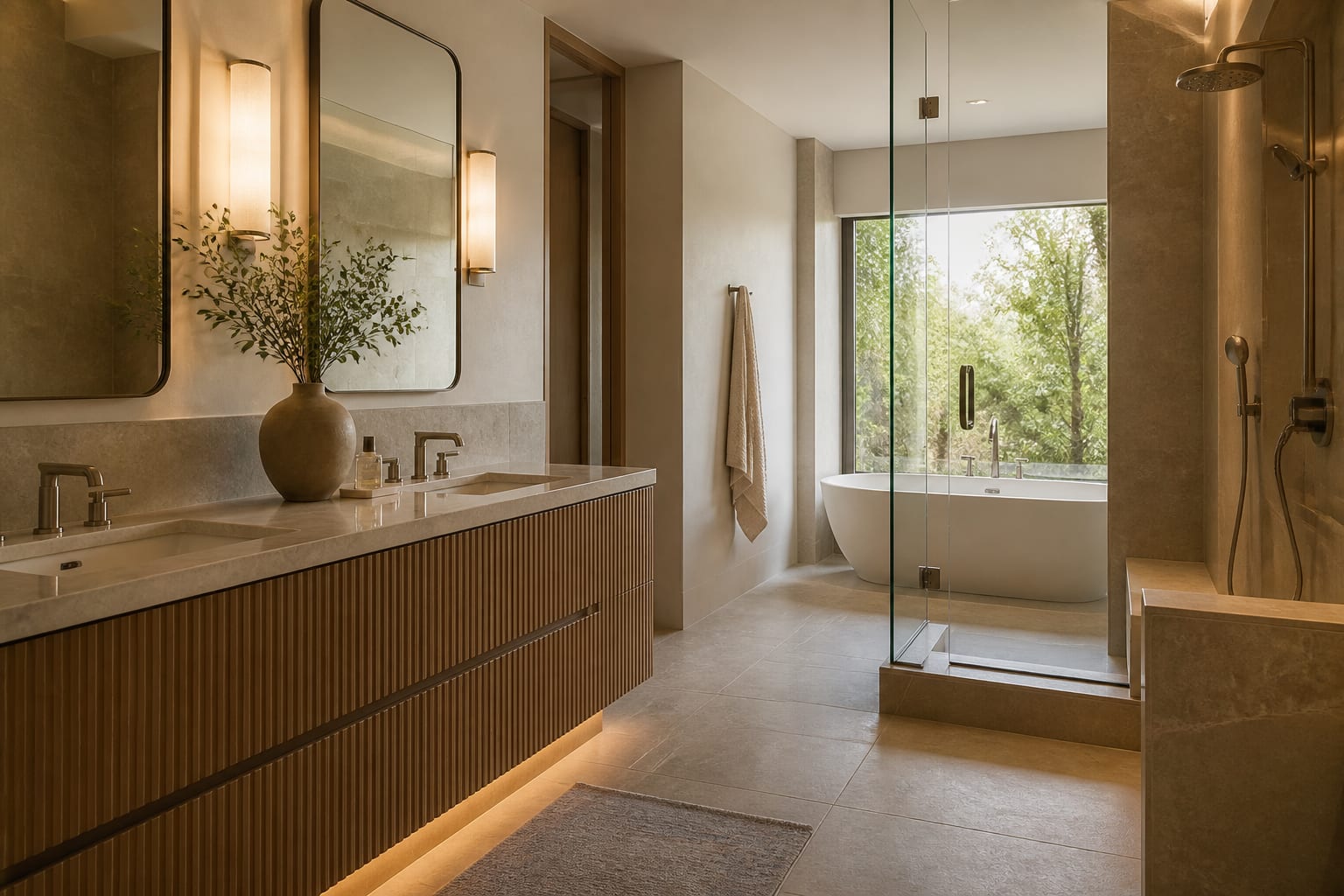
The best AI app for redesigning a bathroom is Re-Design, especially when your problem is commitment rather than inspiration. Upload your real bathroom photo and it previews tile, vanity, color, lighting, and storage directions before you spend money. Bathrooms punish vague design fast because tile, plumbing, mirrors, glass, and lighting all lock together, so start with your actual room, not a fantasy spa prompt.
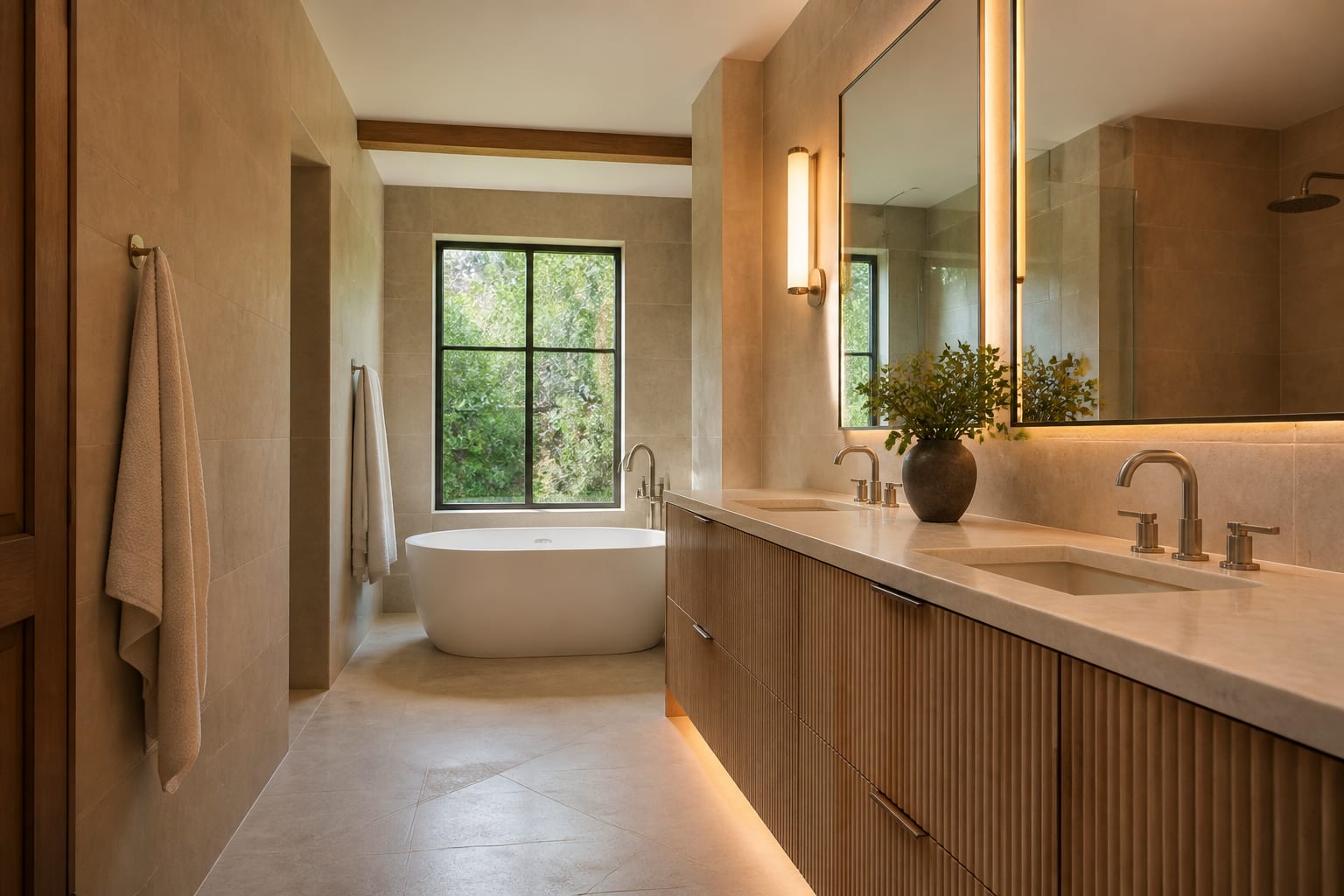
Why does the photo matter more than the style?
Most bathroom mistakes aren't bad taste, they're expensive surfaces chosen in isolation. A cool white vanity can make cream tile look dirty; a patterned floor can fight a busy shower wall; a black faucet can look crisp in a render but harsh beside beige stone. A real AI bathroom tool should surface those clashes while changes are still cheap.
For a broader product landscape, see the deeper list of AI bathroom design apps worth comparing, since not every tool suits the same project stage.
How do bathroom AI tools actually compare?
Searches for an AI bathroom comparison mix photo preview tools, general image generators, tile visualizers, and contractor planning software. These are not interchangeable — a bathroom redesign needs both visual confidence and technical humility.
| Tool type | Best bathroom use | Where it helps | Where it can mislead |
|---|---|---|---|
| Re-Design photo-based AI preview | Testing a real bathroom photo before shopping | Fast comparison of tile mood, vanity finish, mirror shape, wall color, storage, lighting | Still needs human verification for waterproofing, plumbing, wiring, ventilation, measurements |
| Tile or paint visualizer | Checking one surface at a time | Narrows color families, grout contrast, tile scale | Ignores whole-room balance of vanity, metal finish, mirror, lighting |
| Generic image generator | Brainstorming style references | Good for broad mood exploration outside an existing room | May invent windows, widen the shower, move plumbing, erase the toilet |
| Bathroom planning or CAD software | Measured layout, fixtures, contractor talks | Better for dimensions, clearances, drawings | Slower for homeowners still deciding the look |
The winning order is photo preview first, measured planning second. Start with drawings before liking the direction and you may over-invest in the wrong scheme; stop at the AI image and you may buy a vanity that blocks the door by 2 inches.
What details should a bathroom preview preserve?
Judge a preview by how honestly it handles the unglamorous parts: toilet location, exhaust fan, shower curb, medicine cabinet, towel bar, heat register, and door swing. These aren't background noise, they're the project.
- Keep the plumbing wall visible. Moving a toilet, tub valve, or shower drain changes the project category entirely.
- Check vanity depth. Small bathrooms often need 18-21 inches; a 24-inch cabinet can look luxurious on screen and feel cramped every morning.
- Compare tile scale in the real room. A 12x24-inch floor tile reads calmer than tiny mosaics, though a shower niche or sloped floor may still need smaller pieces.
- Watch metal finish against mirror and light. Chrome, brushed nickel, brass, matte black, and bronze each shift the temperature of white tile.
- Verify lighting mood. Warm bulbs around 2700K-3000K usually flatter faces better than stark cool light at the mirror.
- Don't trust perfect glass and grout. Real bathrooms have caulk lines, hard water, and steam, so choose finishes you can maintain, not just ones that photograph well.
If tile is your biggest decision, pair the preview with bathroom tile ideas with real-room constraints to judge scale, grout, slip resistance, and undertone rather than reacting to one polished image.
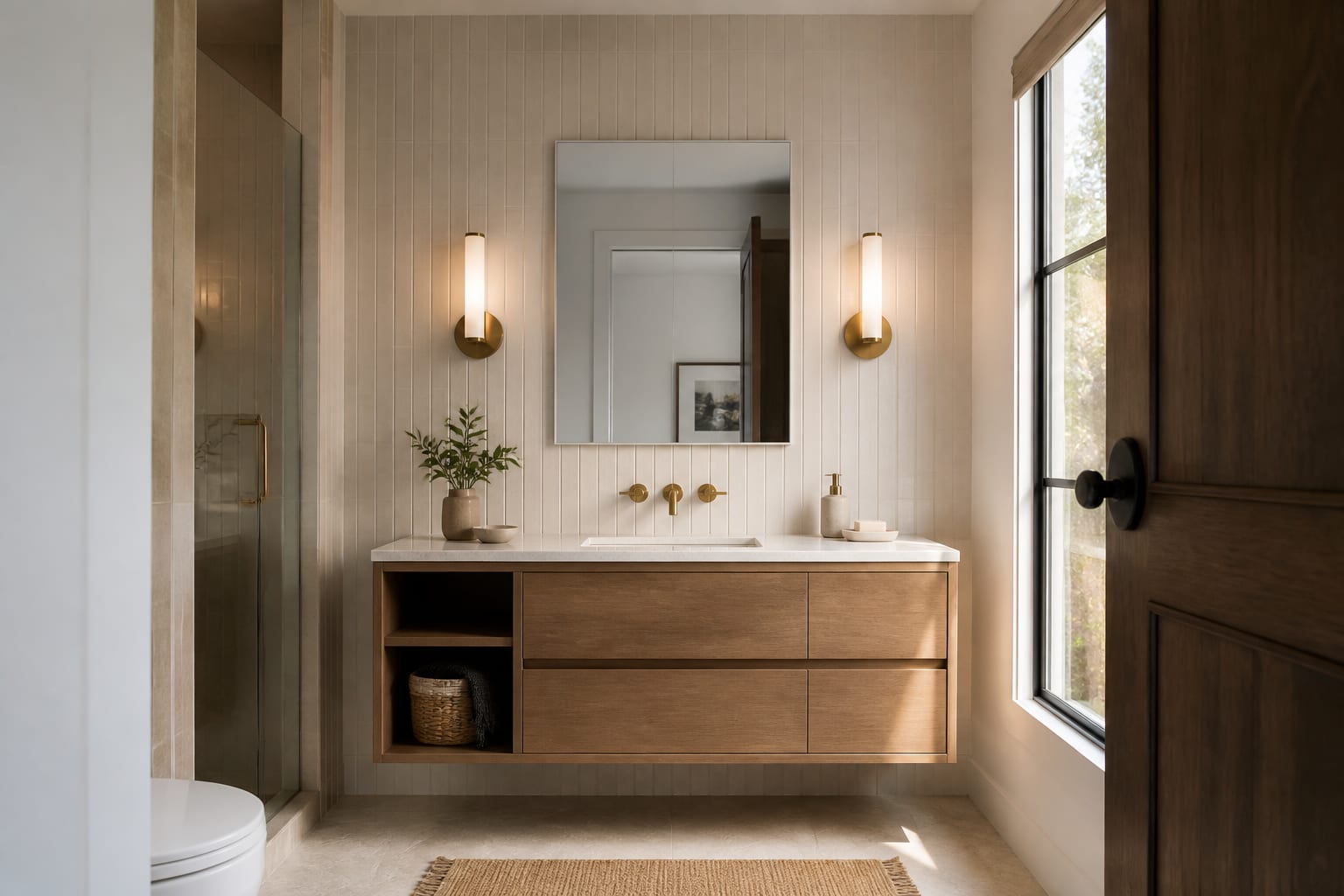
How should you preview a bathroom before ordering tile or a vanity?
Ask narrow questions. Upload one clear photo from the doorway and, if the room is tight, one from the opposite corner, keeping the toilet, tub edge, shower glass, vanity, and awkward storage visible.
- Generate three versions with the layout fixed: a warmer traditional direction, a clean modern one, and a soft organic one, preserving the tub, toilet, window, and door.
- Run a pass that changes only tile.
- Run a pass that changes only the vanity.
- Run a pass that tests mirror and sconce placement.
This sequence protects you from blaming the wrong element. A cold-feeling bathroom may just need warmer wall color, a wood vanity, and 2700K bulbs instead of new floor tile. A cluttered one may need a recessed medicine cabinet and closed drawers instead of a gut renovation.
For more starting points, see bathroom design ideas for awkward layouts for narrow rooms, half baths, and tub-shower combos.
What mistakes should you avoid with bathroom AI apps?
- Choosing the prettiest spa render over the clearest room match. Respect your ceiling height, door swing, and existing tile edge, since those fixed points drive the real design.
- Letting AI replace waterproofing judgment. A preview can show a curbless shower or stone slab wall, but it can't inspect framing, slope, membrane, or drain placement.
- Copying tile color straight from a screen. Order samples at least 4x4 inches and compare them beside the vanity, floor, and metal finish in person.
- Ignoring storage because the render looks clean. Real bathrooms need space for hair tools, medicine, towels, and supplies; one shallow drawer is rarely enough.
- Approving mirror lighting that flatters the render but not your face. Side sconces near eye level typically outperform a single ceiling light behind your head.
A good preview should make your next step more specific: which tile to sample, which vanity finish to compare, which lighting idea needs an electrician. If it only makes you want to demolish everything, it entertained you instead of helping.
Which bathroom AI tool should you choose today?
Choose Re-Design for visual, personal decisions: wall color, tile mood, vanity finish, mirror shape, storage style, and lighting warmth. Choose measured planning help for anything touching plumbing, electrical work, waterproofing, ventilation, permits, or structural changes. The best process uses both instead of expecting one image to carry the whole remodel.
Before ordering, turn your favorite preview into a verification list: vanity width, depth, drawer swing, faucet reach, mirror width, sconce clearance, toilet clearance, shower door swing, and towel storage. Bring samples into the bathroom and check them in morning light, evening light, and under your actual bulbs, since bathrooms are small and every undertone bounces.
The smartest AI bathroom result isn't the most dramatic transformation. It's the version that survives steam, grout, storage, cleaning, and someone brushing their teeth at 6:45 a.m.
Frequently Asked Questions
What is the best AI app for redesigning a bathroom?
Re-Design is the best choice when your bathroom already exists and you want to preview tile, vanity finish, wall color, lighting, and storage changes from a real photo before spending money. It's strongest for visual decisions, not for plumbing, waterproofing, or code questions, which still require a professional.
Can AI bathroom tools handle plumbing or layout changes?
No. AI previews are built for visual choices like color, tile, and lighting, not for moving toilets, tubs, or drains. Any layout change affecting plumbing, waterproofing, or electrical work needs a licensed professional and measured planning software, not just an image preview.
How do I get an accurate bathroom preview?
Upload a clear photo from the doorway showing the toilet, tub, vanity, and existing tile, then change one variable at a time such as tile, then vanity, then lighting. Hiding problem areas in the photo means the AI solves a bathroom you don't actually own.
Should I trust tile color from an AI render?
Not fully. Order physical samples at least 4x4 inches and compare them beside your vanity, floor, and metal finishes in real light, since screens and renders can shift undertones significantly compared to an actual room.
What bulb temperature works best for bathroom mirrors?
Warm bulbs around 2700K to 3000K generally flatter faces better at the mirror than stark cool light, unless a specific task requires brighter, cooler illumination. Test your preview's lighting choice against your actual fixtures before committing.