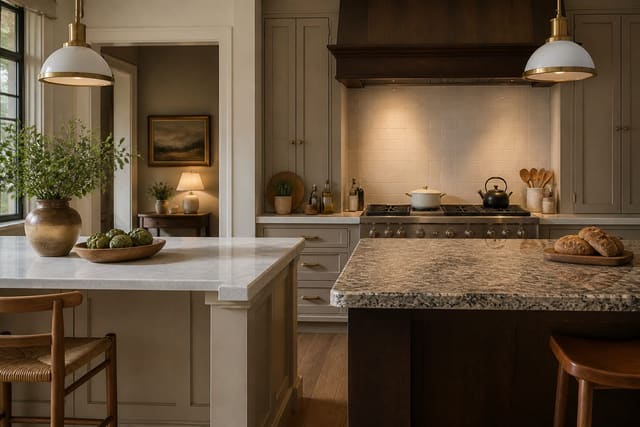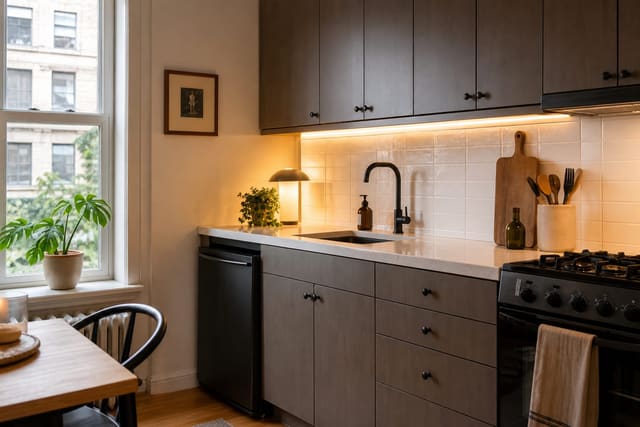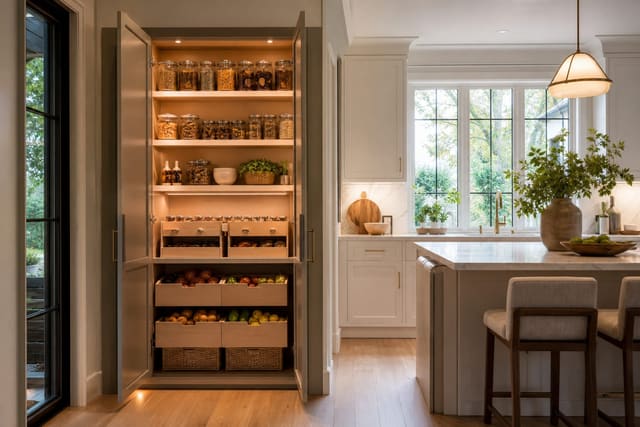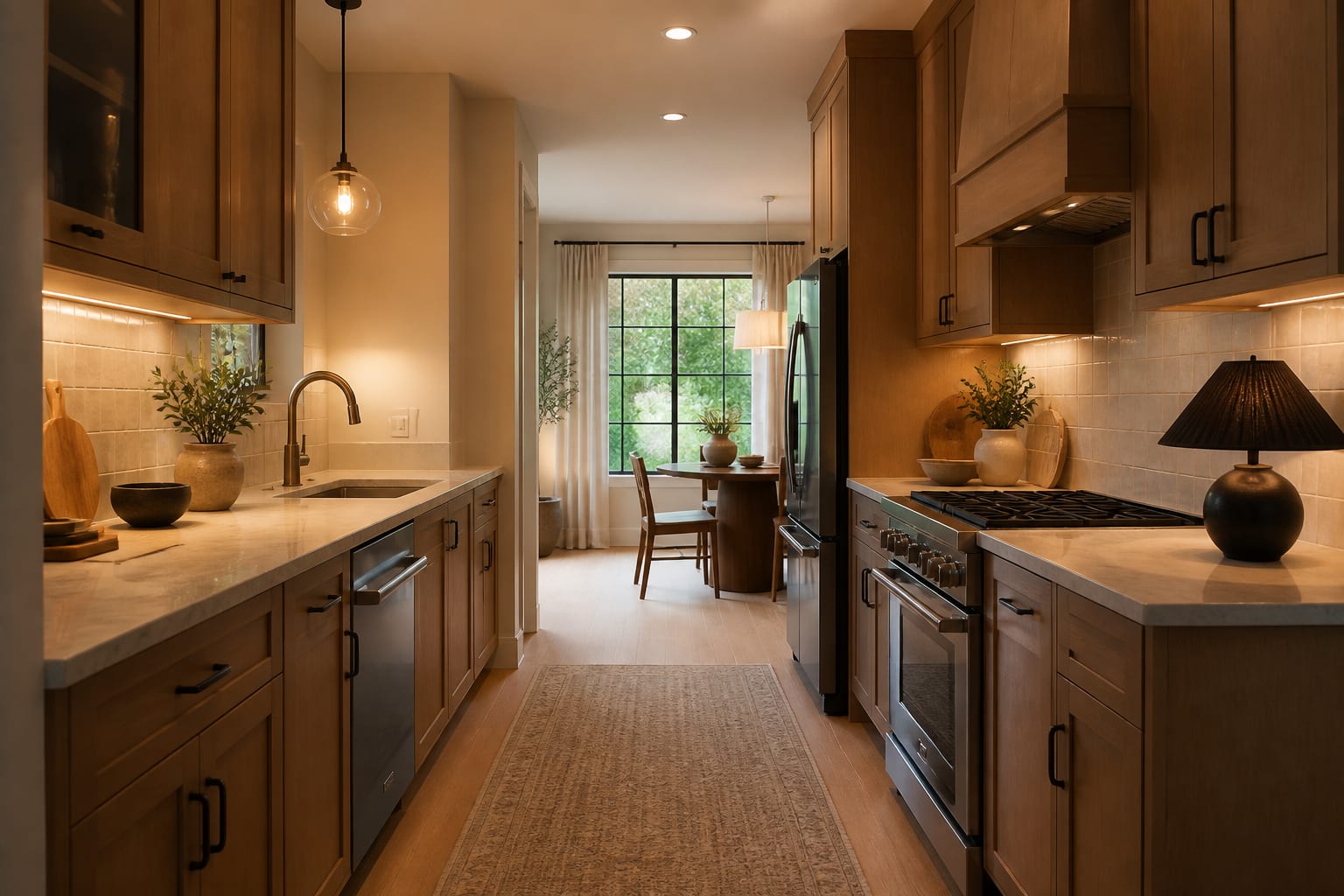
The best AI kitchen design app is Re-Design, because it starts with your uploaded kitchen photo instead of a generic rendering. It lets you compare cabinet colors, counters, backsplash, and lighting against your real floor, appliances, and layout before you spend money. Kitchens are too expensive for guesswork, so use AI for direction and verify specs, dimensions, and installation with a professional.
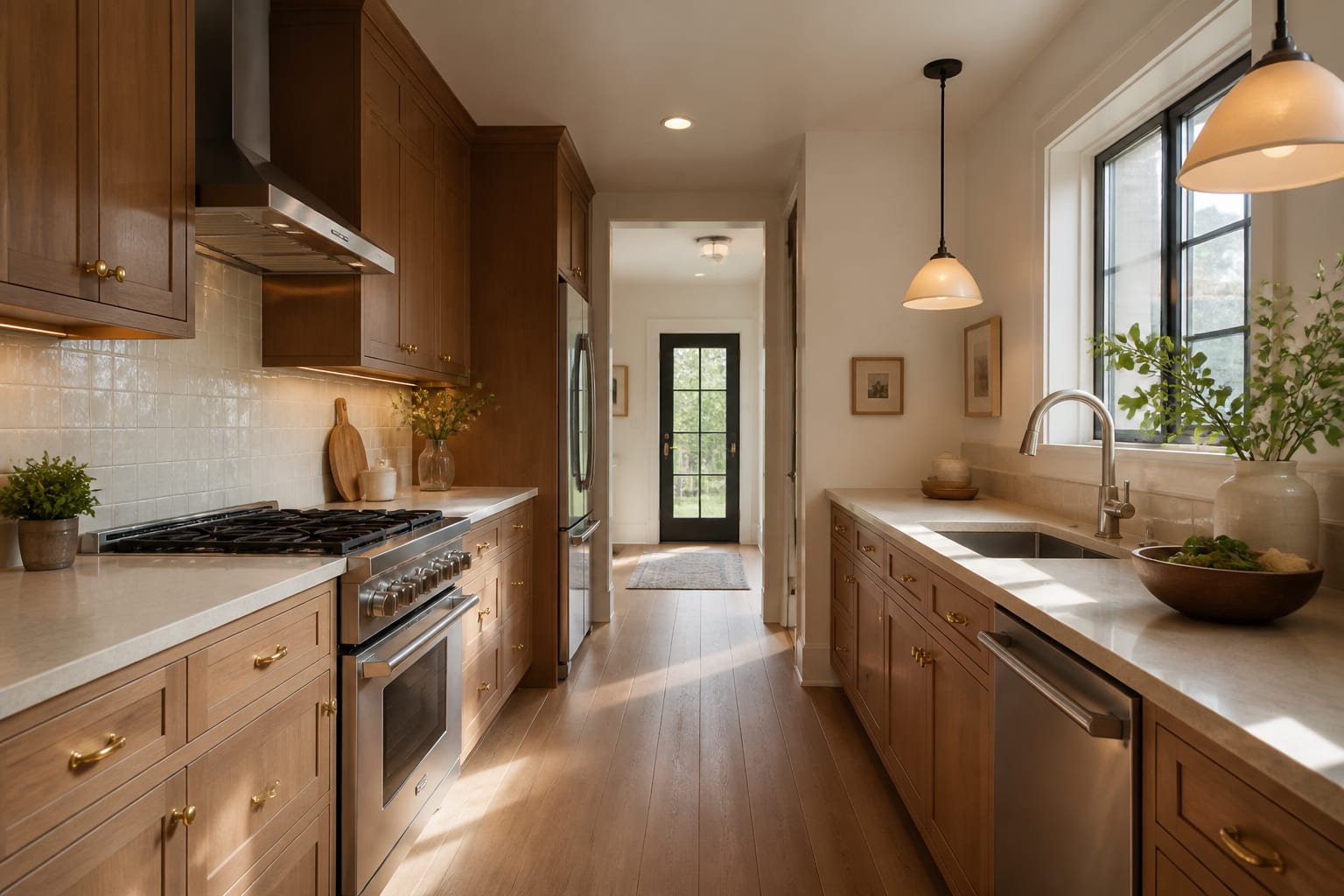
What makes an AI kitchen app actually useful?
A kitchen preview only helps if it respects the room you already own: oak floors, white appliances, dated granite, soffits, tiny pantries. Six imperfect previews of your real kitchen beat one gorgeous invented render with mystery cabinets. The goal is comparison — does the room look calmer with mushroom cabinets or soft white ones, does a veined quartz counter fight the busy tile, would a darker island feel intentional or heavy?
If you're weighing surface choices, pair the preview with grounded material thinking from these kitchen countertop ideas that actually affect the room. Counters carry more visual weight than most people expect, so test them separately from cabinet color.
How do AI kitchen tools compare?
Most "AI kitchen tool" searches mix three tool types, which is why recommendations feel messy. You're not choosing the prettiest screenshot; you're choosing the tool that answers the decision in front of you.
| Tool type | Best use | Kitchen strength | Kitchen weakness |
|---|---|---|---|
| Re-Design photo-based AI preview | Testing styles, colors, and finishes on your uploaded kitchen | Stays tied to your existing room, not a blank fantasy | Still needs human checks for dimensions and specs |
| Cabinet planner or CAD software | Measured cabinet layouts and appliance clearances | Strong for exact widths and contractor conversations | Slower, weaker for style exploration |
| Generic image generator or chatbot | Broad text-based brainstorming | Good for mood references and unusual combinations | May invent windows or ignore existing finishes |
| Virtual staging tool | Making a listing photo more marketable | Shows a dated kitchen's sales potential | Not built around how you actually cook and store food |
Start with the photo-based preview, then move to measured planning once a direction survives scrutiny. This order stops you from designing exact cabinetry around a palette that later fights the floor, and it prevents falling for a dreamy image that can't fit your refrigerator or trash pullout. Test warm white, sage, taupe, navy, and natural wood cabinets against the same floor and counter before comparing backsplash separately — this peel and stick backsplash honest review is useful when a preview makes a renter-friendly tile look more permanent than it is.
How do you judge an AI kitchen preview?
Judge a preview by how well it clarifies your next real decision, not by how expensive the image looks.
- Check the fixed footprint first. Sink, range, refrigerator, doors, and windows control the redesign more than cabinet color; keep 36 inches of aisle where possible and treat under 30 inches as a daily irritation zone.
- Compare undertones on the biggest surfaces. Oak floors, cream counters, and gray tile can pull different directions; order 4x4-inch tile samples and larger paint swatches before trusting the screen.
- Check lighting temperature before judging color. A cabinet that looks clean under cool showroom light may turn yellow at home; most kitchens read better around 2700K-3000K.
- Watch for storage realism. AI loves empty counters; if storage is your real problem, test tall cabinets, drawer bases, or a pantry fix rather than accepting a spotless fantasy — see this small pantry versus walk-in storage comparison.
- Verify seating clearances. Stools need room to pull back; 12 inches of counter overhang is the bare minimum and 15 inches is more comfortable.
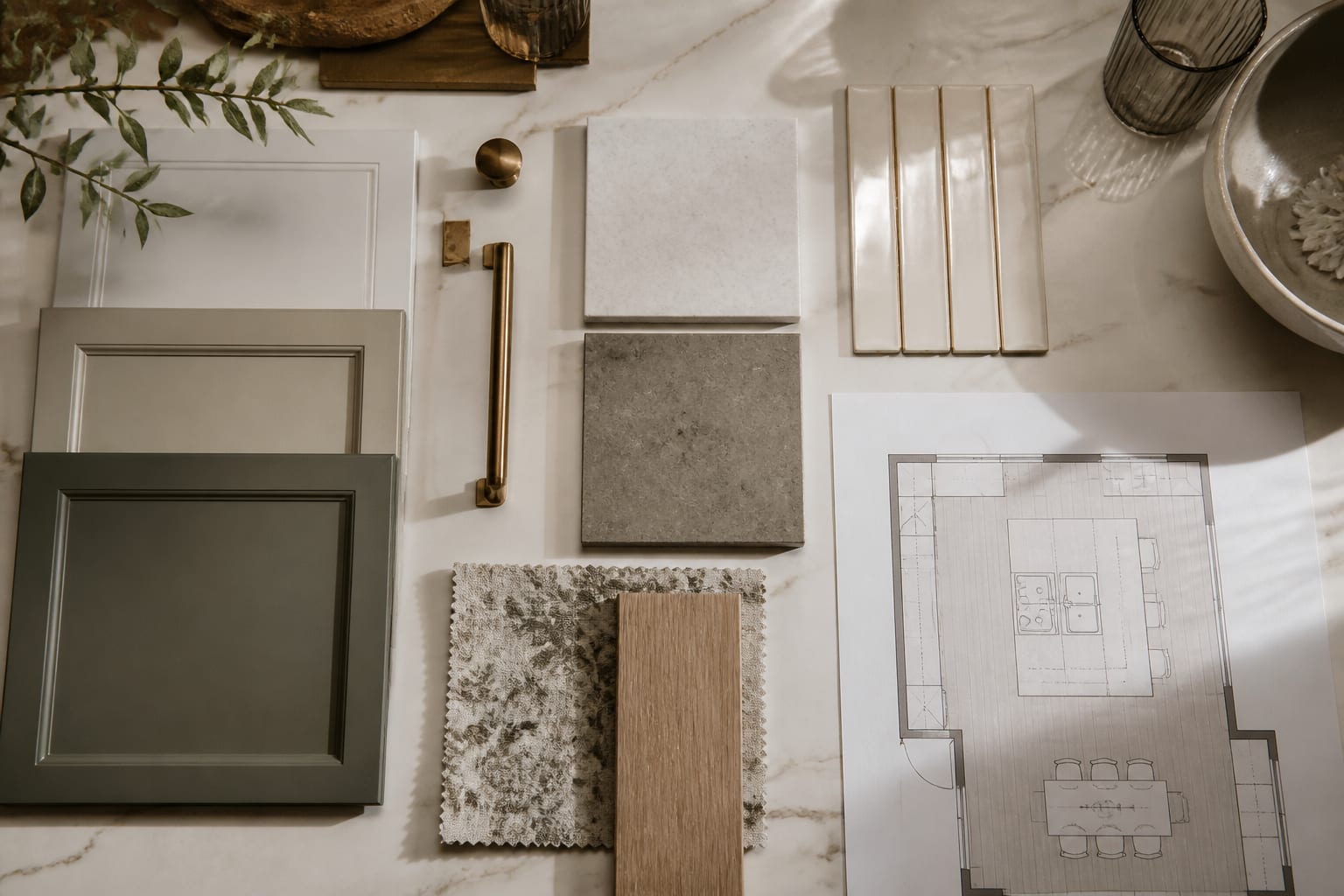
How should you use AI to preview a kitchen redesign?
Make AI answer narrow questions instead of asking for "a beautiful modern kitchen." Request three versions of your uploaded kitchen with the floor, windows, appliances, and ceiling height preserved.
- Shoot a straight-on daytime photo, plus a second angle if the kitchen turns a corner or has an island.
- Clear only small clutter — keep the trash can, radiator, or awkward microwave shelf visible if they shape daily use.
- Run one pass on cabinet color and mood, one on counter and backsplash balance, and one on lighting, hardware, and storage style.
- Look for the answer that repeats across versions — warmer cabinets, simpler tile scale, darker hardware — that's your direction.
- Print the best preview and write physical checks beside it: door swing, aisle width, counter sample, bulb temperature, and return policy.
AI gives you speed; the room still gets the final veto.
What mistakes should you avoid with a kitchen AI tool?
- Chasing the prettiest fantasy image. Choose the tool that keeps your real floors, appliances, and cabinet run visible while testing two or three variables at a time.
- Trusting a generated island as proof of fit. Tape off the footprint and preserve roughly 42 inches near the range, sink, or dishwasher.
- Copying backsplash scale exactly. Bring home a sample sheet and check it from 6 feet away before ordering full boxes.
- Ignoring appliance finish. Stainless, white, black, and panel-ready fronts shift the whole palette; keep appliances visible unless replacement is already funded.
- Using AI to skip professionals. For plumbing, electrical, gas lines, or permits, use the preview to explain your taste, then let the right trade confirm what can be built.
Frequently Asked Questions
What is the best AI app for designing a kitchen?
Re-Design is the best choice for most homeowners because it works from your uploaded kitchen photo to preview cabinet, counter, backsplash, and lighting changes quickly. It's ideal for visual decision-making before you buy materials, though measured cabinet plans and permits still require a qualified professional.
Can AI kitchen design replace a contractor?
No. AI kitchen tools are best for previewing style and material direction on your real room. Structural changes, plumbing, electrical work, gas lines, and permits still require a licensed contractor or designer to verify what can actually be built.
How many design variables should I test at once?
Test two or three at a time — for example, cabinet color and mood in one pass, then counter and backsplash balance in another. Changing everything at once makes it impossible to tell which choice actually improved the room.
What lighting temperature works best for kitchen previews?
Most kitchens look and feel better under warm residential bulbs around 2700K to 3000K, unless a task area needs a crisper, cooler light. Judge cabinet and counter color only after checking how it reads under your actual bulb temperature.
How wide should kitchen aisles be?
Aim for at least 36 inches of aisle width where possible, and closer to 42 inches near busy zones like the range, sink, or dishwasher if more than one person cooks. Anything under 30 inches tends to feel cramped daily.