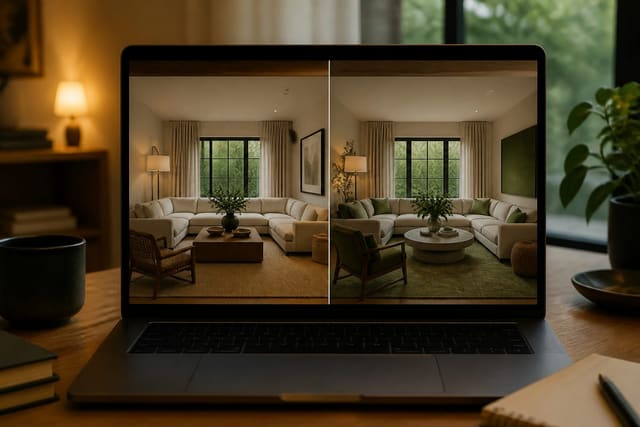
The best free AI room design tools let you upload a real room photo, test a believable direction, and reject bad ideas fast rather than admire a fantasy render. This guide compares which no-cost AI interior design tools actually work in 2026, where free tiers pinch, and when paying is worth it.
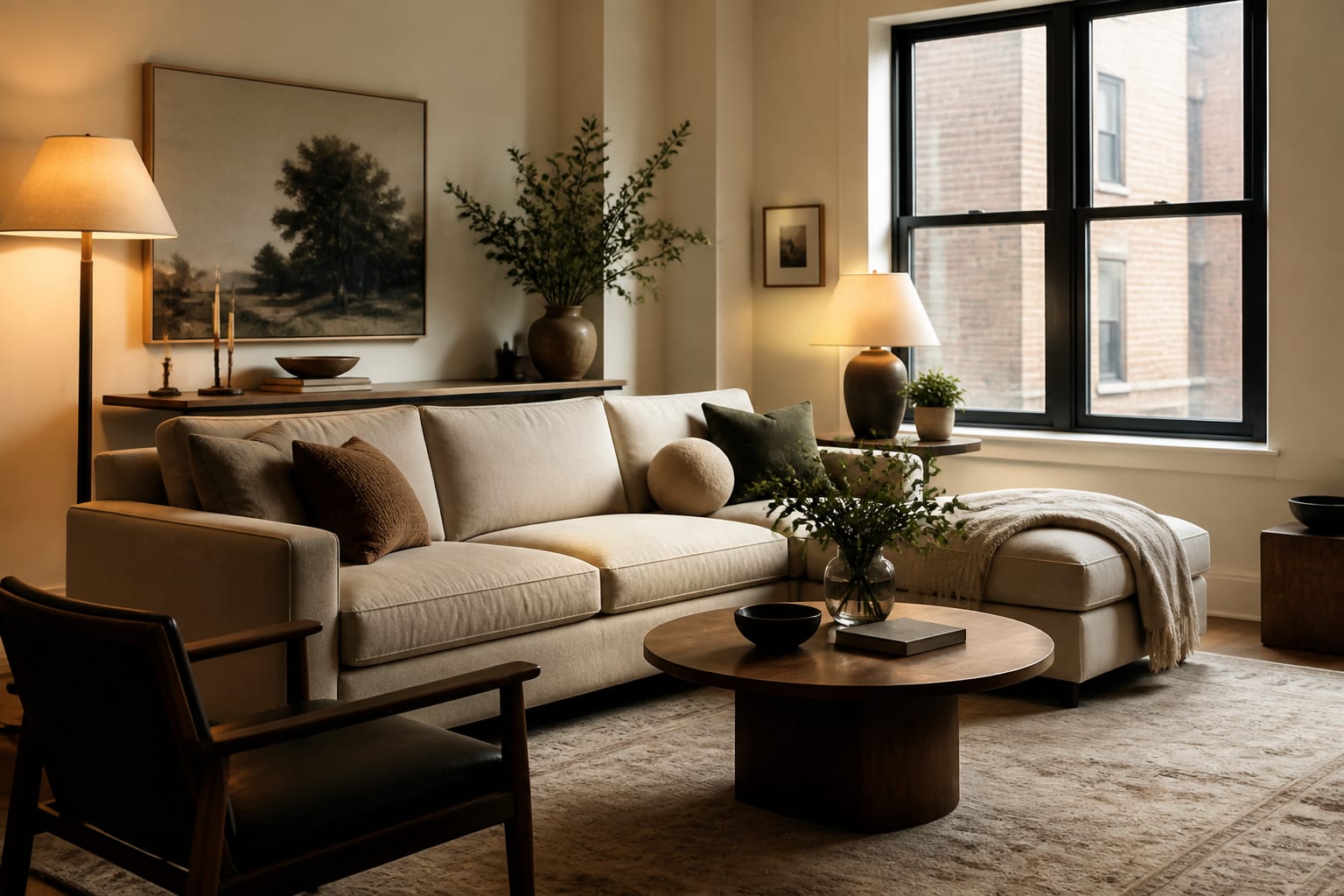
Which free AI room design tools are worth your time?
The useful categories are photo-based room preview apps, free floor-plan planners, mood-board tools, retailer visualizers, and general image generators used carefully. No single tool does the whole job, so a small stack beats one "magical" app.
Start with a photo-based tool when your room has real constraints: beige carpet you're not replacing, one usable bedroom wall, cabinets that must stay, or a fixed rental light fixture. Re-Design fits here: upload the room, test directions fast, and use the result to decide what's worth measuring next. For a deeper product comparison, see the Re-Design app versus competitor breakdown.
Floor-plan tools answer fit, not mood. Use one to check whether a queen bed, two 24 inch nightstands, and a 30 inch path coexist. Mood-board tools enforce palette discipline (cream sofa, walnut table, aged brass lamp). Retailer visualizers help once you like a specific product line, but they keep you inside that catalog. General image generators inspire but need the most supervision since they may invent architecture your home doesn't have.
How do the free tiers compare?
Judge a free tool by decision quality, not cinematic flair. Three useful directions for your actual room beats one flashy unlimited tool that shrinks the furniture.
| Free tool category | Best use | Free-tier watchout | Verdict |
|---|---|---|---|
| Photo-based AI room preview app | Testing style, palette, and direction from an uploaded photo | Limits on generations, exports, room types, or resolution | Best first stop for an existing room |
| Floor-plan or layout planner | Checking furniture fit and traffic paths | Slower to style, less emotionally realistic | Use to verify the promising AI image |
| Mood-board or collage tool | Building color/material language before shopping | Doesn't prove scale inside the room | Great for stopping random purchases |
| Retailer room visualizer | Seeing specific furniture or finishes from one brand | Catalog bias narrows the design early | Use late, after direction is chosen |
| General image generator | Exploring unusual styles or broad concepts | Ignores measurements, windows, outlets | Treat as inspiration only |
Upload the real room first, compare two or three directions, then check fit with measurements. For budget-heavy or construction questions, read the AI design versus interior designer cost guide before assuming free is cheapest.
What do free AI interior design apps get wrong?
Free apps usually fail by making a room look better through making it less true. Check these before trusting any preview:
- Protect measurements first. Keep 16-18 inches between sofa and coffee table, 30-36 inches on main paths, and confirm dining chairs can pull back.
- Keep fixed architecture visible. A radiator, low sill, sloped ceiling, or off-center fireplace should stay in the photo so the AI solves the real condition.
- Ask for lighting by temperature and task. Use 2700k for bedrooms and lounges, around 3000k for kitchens, desks, and bathrooms.
- Reject furniture with no believable footprint. Verify sofa length, rug size, dresser depth, and doorway delivery before you buy.
- Separate style from shopping. The exact chair or faucet shown may not exist; shop by silhouette, material, size, and finish instead.
Vague prompts return vague taste. Instead of "make this cozy," try: "Keep the 86 inch sofa, oak floor, white walls, black TV console, north-facing window, and 36 inch entry path; add warm neutral color, an 8x10 rug, two 28 inch lamps, closed storage, and linen curtains hung 6-8 inches above the casing."
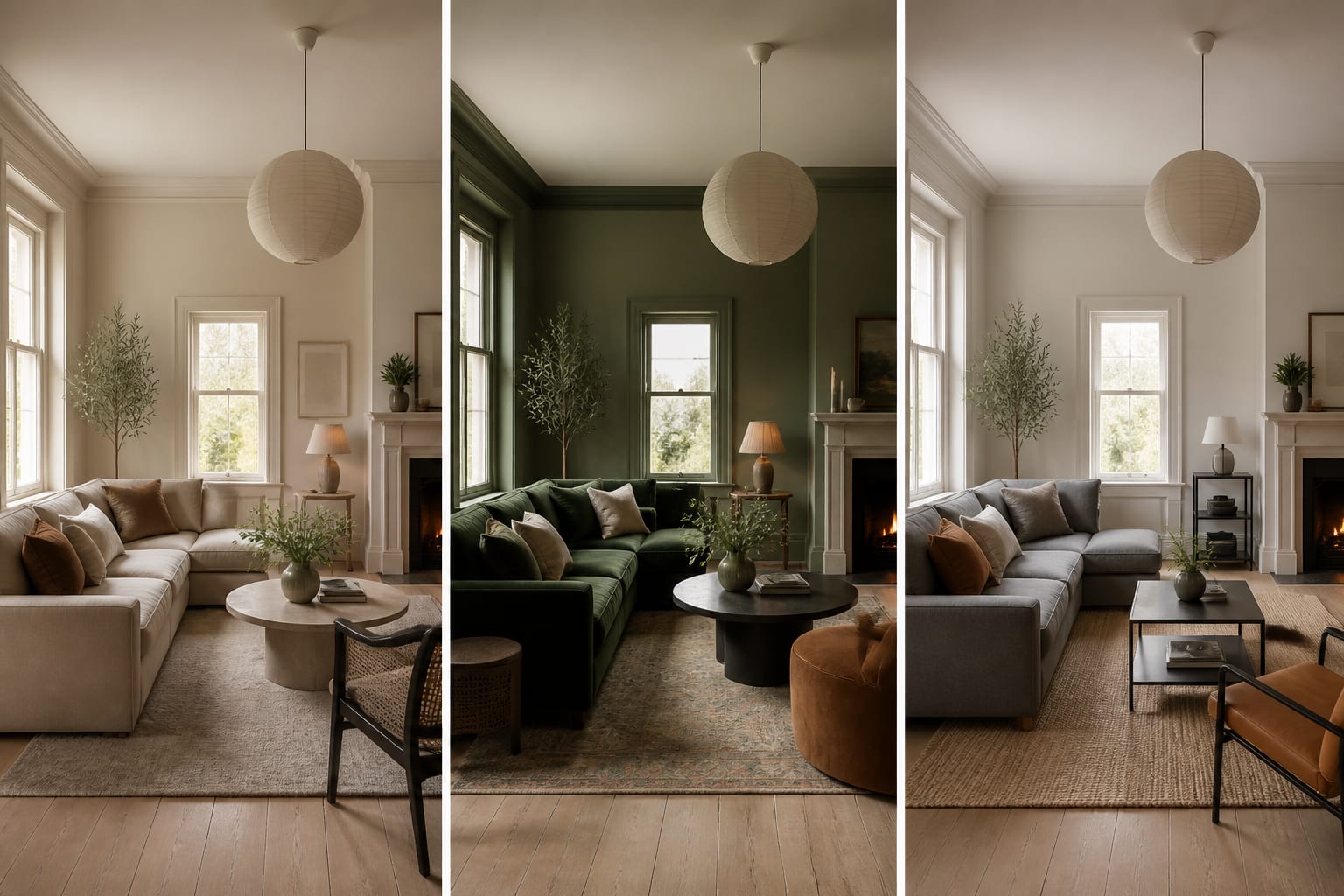
How do you test a free tool before committing?
Pick one room with a real decision attached: paint or keep white, replace the sofa or the rug, round table or rectangular. Upload a wide daylight photo from the doorway showing floor edges, windows, and large furniture. Leave the mess if it explains the problem, whether that's storage, pets, or an awkward traffic lane.
A strong test prompt: "Redesign this 12x15 foot living room keeping the beige sofa, oak floor, white walls, window location, and black media cabinet. Add a warmer neutral palette, 9x12 rug, closed toy storage, two 2700k table lamps, linen curtains, and a 36 inch path from entry to balcony. Show one low-cost version, one bolder color version, and one calmer version for kids and pets."
Judge the result: Did it keep the sofa size believable? Respect the path? Place lamps near plausible outlets? Still look like your room? If you're wondering whether software can replace paid help, see whether AI can replace an interior designer - free visualization narrows options but can't carry professional risk.
How do you choose the right free tool?
Choose based on the risk of the decision. A reversible color idea or furniture mood deserves a fast photo preview. A construction change, kitchen island, electrical move, or built-in wall deserves professional verification no matter how convincing the image looks.
Renters should prioritize tools that respect existing floors, no-drill rules, and portable furniture: plug-in sconces, removable wallpaper, freestanding cabinets, washable rugs. Homeowners planning cosmetic updates should focus on palette, lighting, rug size, and arrangement. For whole-home direction, test the same palette across rooms so styles don't drift apart.
A free tier is enough to choose a direction or write a better shopping brief. It's not enough for exact sourcing, technical drawings, permits, or code review - that's where paying may still be the frugal choice.
Before moving on, tape the largest proposed items on the floor: rug, sofa, table, bed, or storage cabinet. Walk the path with a laundry basket and stand where the lamp would go. If the free preview survives that test, it earned your attention.
Frequently Asked Questions
What is the best free AI room design tool?
A photo-based AI room preview app is generally best because it works from your actual room rather than a generic showroom. It lets you test style, palette, and layout mood quickly before you invest in measuring, sampling, or shopping.
Can free AI design tools replace a paid interior designer?
No. Free tools are strong for narrowing style direction and rejecting bad ideas, but they can't carry professional risk for construction changes, permits, or code review. Use free previews for reversible decisions and paid help for structural or technical ones.
What are the biggest limits of free AI design apps?
Common limits include capped generations, restricted exports, lower resolution, limited room types, and weaker editing control. Some free tiers also affect image ownership, so check terms before building a full project around one plan.
How do I get better results from a free AI room design tool?
Use specific prompts with real measurements: furniture sizes, rug dimensions, path widths, and lighting temperatures like 2700k. Vague prompts like "make this cozy" produce generic results, while detailed constraints force the tool to solve your actual room.
Are free floor-plan tools as useful as photo-based AI tools?
They serve a different purpose. Floor-plan tools verify fit and clearances well but are less emotionally convincing, while photo-based tools show mood and style but need a floor plan check for accurate scale.