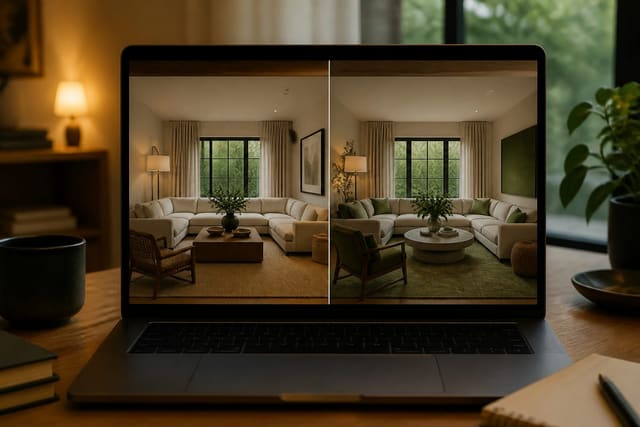
AI cannot fully replace an interior designer. It excels at fast visual exploration but can't take legal responsibility, verify site conditions, coordinate trades, or judge a room's physical constraints the way a trained professional can. The smartest approach uses AI to test style and layout early, then hires expertise once a project involves real cost or risk.
Can AI fully replace an interior designer?
No. AI can generate strong visual concepts, but it cannot confirm whether a wall is load bearing, whether a shower slope meets code, or whether a 96" sectional in the image leaves a real 36" walkway. Design is a chain of decisions: brief, measurement, layout, materials, lighting, budget, procurement, and installation. AI is strongest at the early visual link in that chain; a designer earns their fee once a project turns expensive, technical, or physically messy.
AI vs interior designer: where each wins
AI wins when a decision is visual, reversible, and cheap to test. A designer wins when it's physical, expensive, layered, or hard to undo.
| Decision point | AI design tool is stronger when... | Interior designer is stronger when... |
|---|---|---|
| Style direction | Comparing 5–10 looks from one room photo in minutes. | Building a whole-home palette that works across rooms and light. |
| Layout concepts | Testing furniture positions before moving pieces. | Door swings, outlets, radiators, or custom millwork change the plan. |
| Color and materials | Comparing warm white, olive, or charcoal quickly. | Checking undertones, samples, grout, and sheen in person. |
| Budget decisions | Deciding if a room needs cosmetic changes or more. | Handling procurement, trade pricing, lead times, and sequencing. |
| Renovation risk | Mood imagery for a kitchen, bath, or facade idea. | Plumbing, electrical, waterproofing, permits, or structural questions. |
If you're only deciding whether a rental living room should go warm neutral or moody green, start with a tool. For a bigger decision like a 120" kitchen island or combining two rooms, bring in expertise earlier. See the Re-Design app vs competitors guide for how to pick a tool based on whether you want inspiration, realistic previews, or deeper editing control.
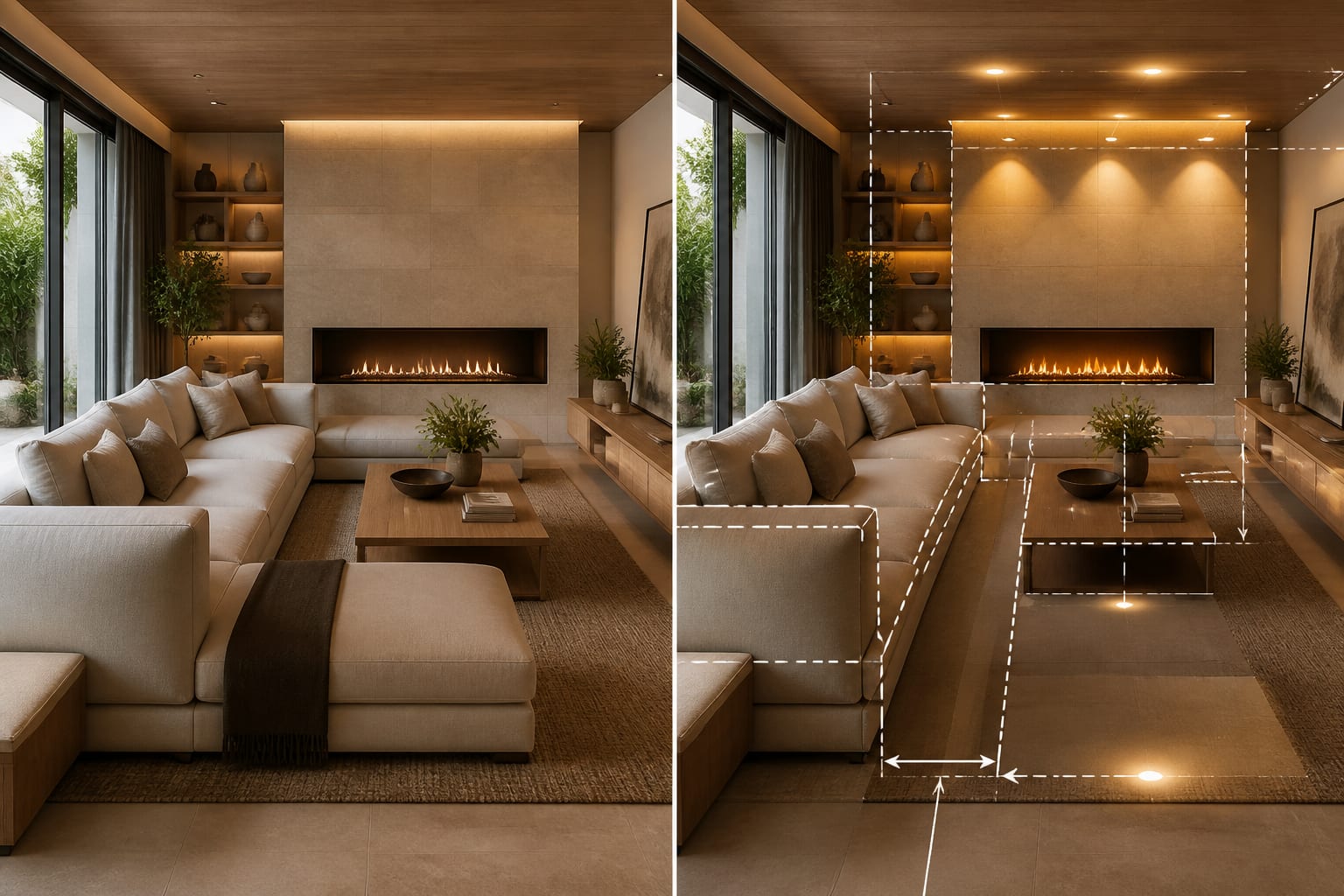
What AI still cannot judge inside a real home
The most dangerous AI outputs look almost believable. A render may show an arched bookcase over a baseboard heater, pendant lights with no junction box, or a marble bathroom wall that ignores waterproofing and door swing.
- Measurement discipline: rooms need real clearances, not vibes. Expect roughly 16"–18" between sofa and coffee table, 30"–36" for main paths, and enough chair pullout at a dining table.
- Material judgment: a render can't show how boucle handles a shedding dog, how black faucets show hard-water residue, or whether glossy tile turns a north-facing bathroom cold.
- Construction knowledge: a soffit, radiator, low window, drain location, or sloped ceiling is the actual assignment, not visual noise to erase.
- Emotional mediation: a designer can negotiate priorities between spouses, budgets, and objects people refuse to discard in ways software can't.
"Will AI replace designers" misses the point. AI will replace low-stakes visualization work, not the professional judgment that catches a beautiful answer that's wrong for the house.
Common AI vs interior designer mistakes
Most bad outcomes come from assigning the wrong job to the wrong tool.
- Treating an AI image as a shopping list. Use it to choose direction, then verify rug size, sofa length, and console depth against the real room before ordering.
- Hiring a designer before clarifying taste. Run AI previews first, then bring the strongest two directions to a designer instead of paying them to decode indecision.
- Using AI for technical renovation calls. A floating vanity with a curb-free shower may look great, but drain slope, blocking, fan capacity, and glass clearance still need professional review.
- Undervaluing what designers actually do. They check proportion, installation details, vendor quality, and whether the room still works after the delivery crew leaves.
- Dismissing AI as a toy. A fast preview can reveal that painting built-ins solves the problem better than replacing the sofa.
Cost is another place people get vague. A full-service designer, an hourly consult, and a photo-based AI workflow are different products. Compare the tradeoffs in AI design vs interior designer cost before assuming the cheapest option is the smartest.
How to use AI design before you hire
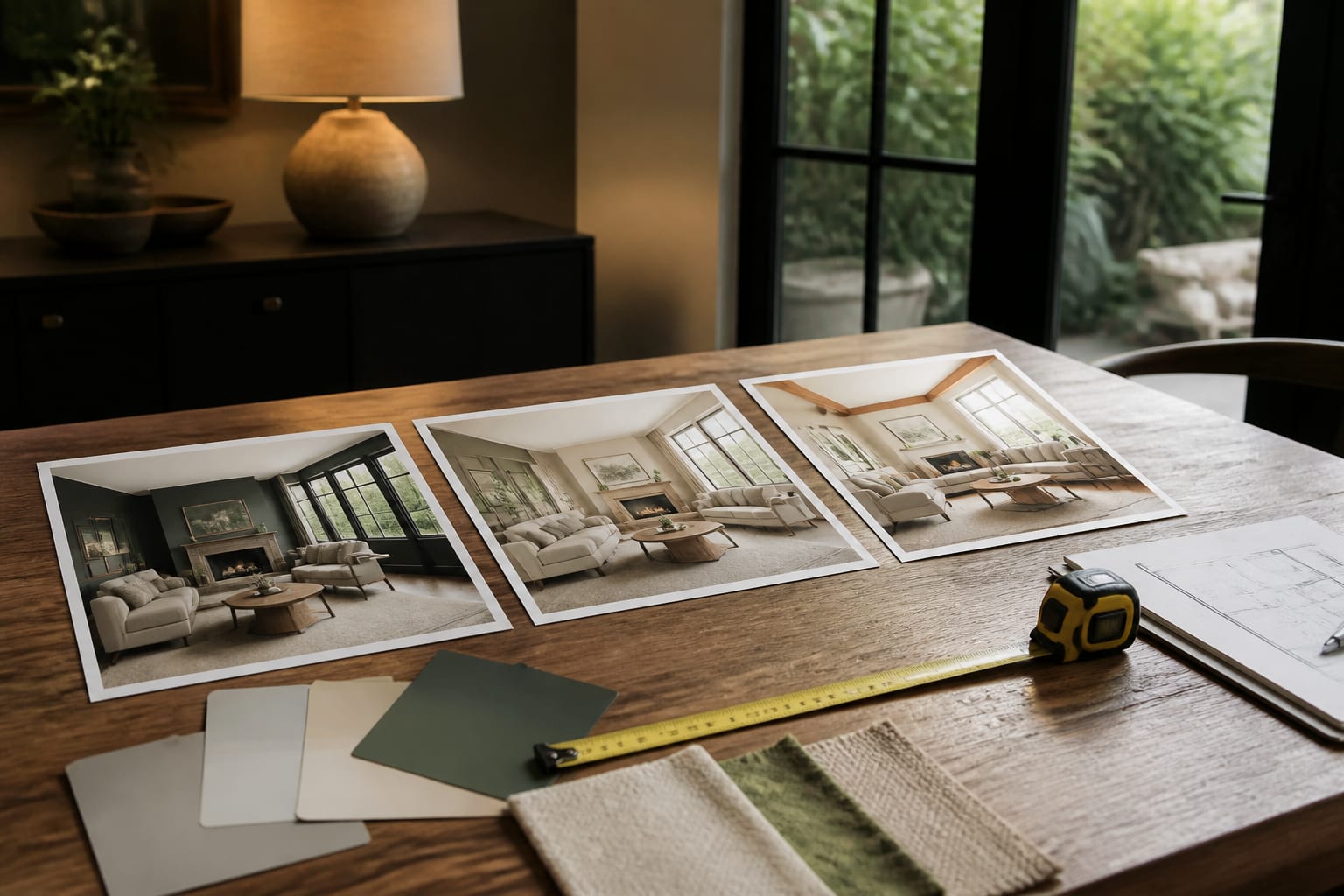
Upload the most honest photo of the room: straight-on, daylight, with windows, doors, floors, and awkward fixed elements visible. Don't crop out the radiator or dated fireplace if that's the feature you need solved.
Write a prompt like a design brief, not a wish list: "Keep the existing oak floors, white kitchen cabinets, 84" sofa, and north-facing windows. Create a warm contemporary palette with cream upholstery, walnut accents, closed storage, layered 2700K lamps, and a 36" clear path from entry to kitchen. Show one lower-cost version, one bolder color version, and one calmer version for kids and pets."
Then compare previews on the decisions that matter: Does one palette flatter the floors? Does a smaller coffee table fix circulation? Does the dining light need to move? The best free AI room design tools for 2026 is a good starting point before committing to a paid workflow.
How to choose the right level of help
- Choose AI alone for cosmetic, reversible, taste-driven decisions: paint color, furniture mood, art scale, rug direction, rental styling. Measure the room yourself; the risk is contained.
- Choose a designer consultation when you're stuck on a few decisions but don't need full service. Bring AI previews and measurements like ceiling height, window width, and sofa length to make the session count.
- Choose full professional design for construction, custom millwork, expensive purchasing, or multi-room projects. Kitchens, bathrooms, additions, and built-ins need risk reduction, not just taste.
The strongest answer is a hybrid: let AI make options visible fast, use your own judgment to reject the fantasy versions, and hire a professional where consequences get expensive.
Frequently Asked Questions
Can AI replace an interior designer completely?
No. AI can generate strong style and layout previews, but it can't take legal responsibility, verify structural conditions, coordinate trades, or judge material performance in a real room. It's best used to narrow taste and test ideas before hiring professional help for anything involving construction or major cost.
When should I use AI instead of hiring a designer?
Use AI when a decision is cosmetic and reversible, such as paint color, furniture mood, rug choice, or early layout ideas. Save a designer for decisions involving plumbing, electrical work, structural changes, custom millwork, or multi-room coordination where mistakes are expensive to undo.
What are the biggest limits of AI interior design?
AI struggles with measurement accuracy, material feel, and construction constraints like radiators, soffits, or drain locations. It can't confirm code compliance or verify a wall is load bearing. Treat AI renders as concept boards for direction, not final instructions for anything structural or technical.
Is it cheaper to use AI design tools than hire a designer?
Usually yes for early-stage exploration, since AI previews cost little and let you test multiple directions instantly. A full-service designer or hourly consultation costs more but reduces risk on procurement, installation, and construction decisions. Compare specifics in the AI design vs interior designer cost guide.
Can I bring AI previews to a real designer consultation?
Yes, and it often makes the session more productive. Arrive with your strongest one or two AI-generated directions plus real room measurements, so the designer spends paid time refining and executing rather than decoding your taste from scratch.