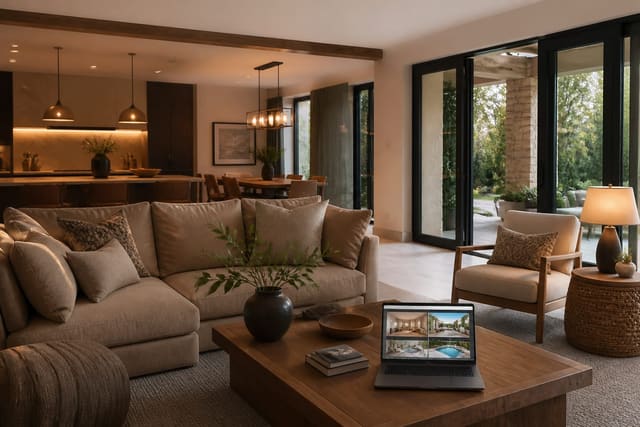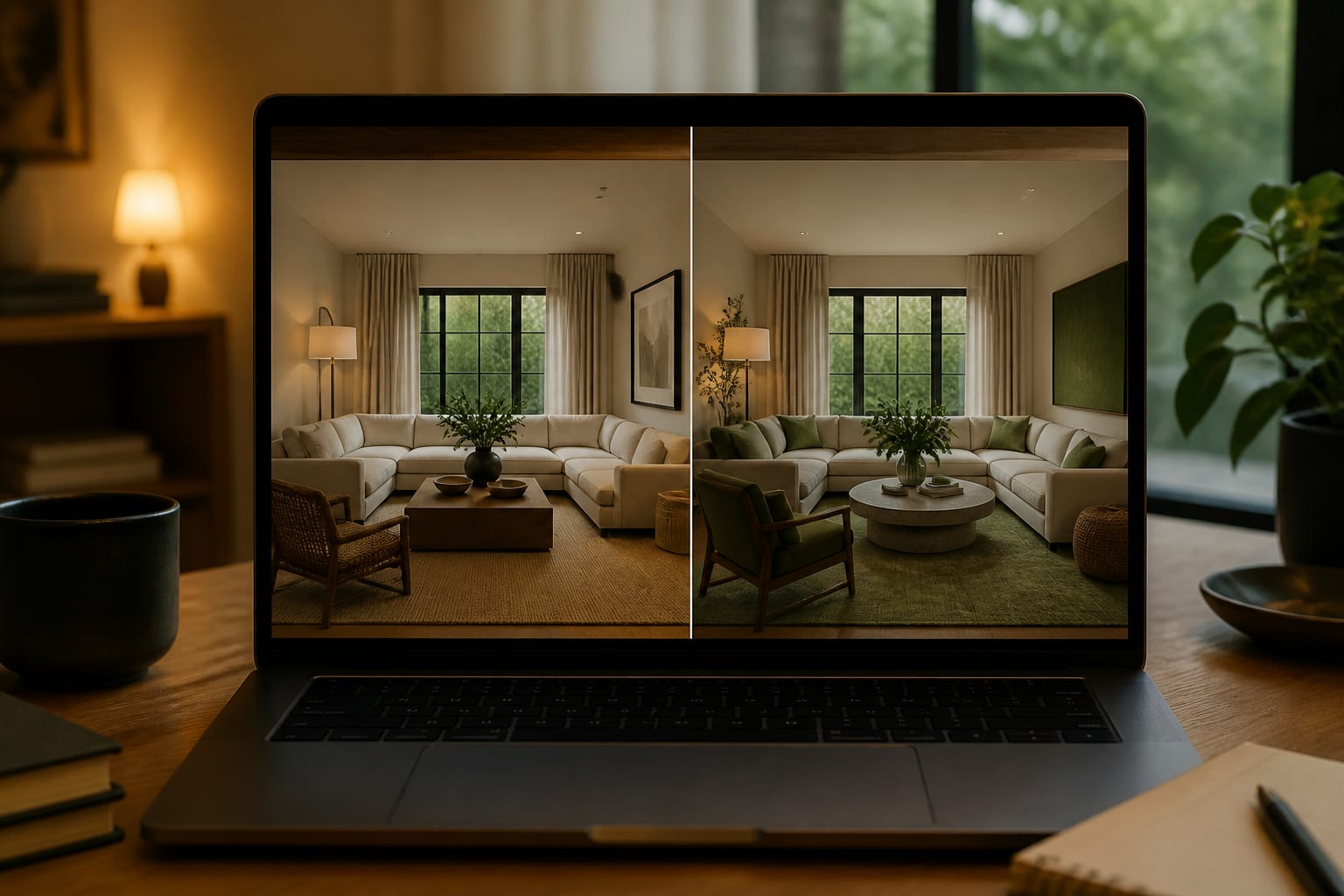
ReDesign differs from other AI room design apps by treating your uploaded photo as a fixed constraint, not a disposable backdrop. The best AI tool helps you make a safer decision, not the most dramatic picture. A useful preview keeps your real window, sofa, ceiling height, and traffic path in play so you can judge paint, layout, or furniture before you buy.
Where is ReDesign strongest compared with other AI design tools?
ReDesign is strongest when you want a quick, room-specific preview that helps you pick a direction before spending on furniture, paint, lighting, or decor. That is the practical difference between an AI image that entertains you and one that changes what you do next.
| Comparison point | ReDesign is stronger when | Another tool may be better when |
|---|---|---|
| Starting point | You upload a real room photo and want believable redesign directions. | You want imaginary rooms generated from text with no space constraints. |
| Decision type | You compare palette, layout mood, furniture scale, and overall direction. | You need pixel-level editing, masking, or advanced image manipulation. |
| Homeowner use | You want low-friction testing before ordering samples or moving furniture. | You are a professional producing technical drawings or construction docs. |
| Room realism | Windows, doors, floor color, and existing pieces should shape the result. | You want inspiration art where architectural accuracy matters less. |
| Buying confidence | You want to narrow choices before spending on rugs, lamps, or a designer. | You already know the direction and need procurement or trade coordination. |
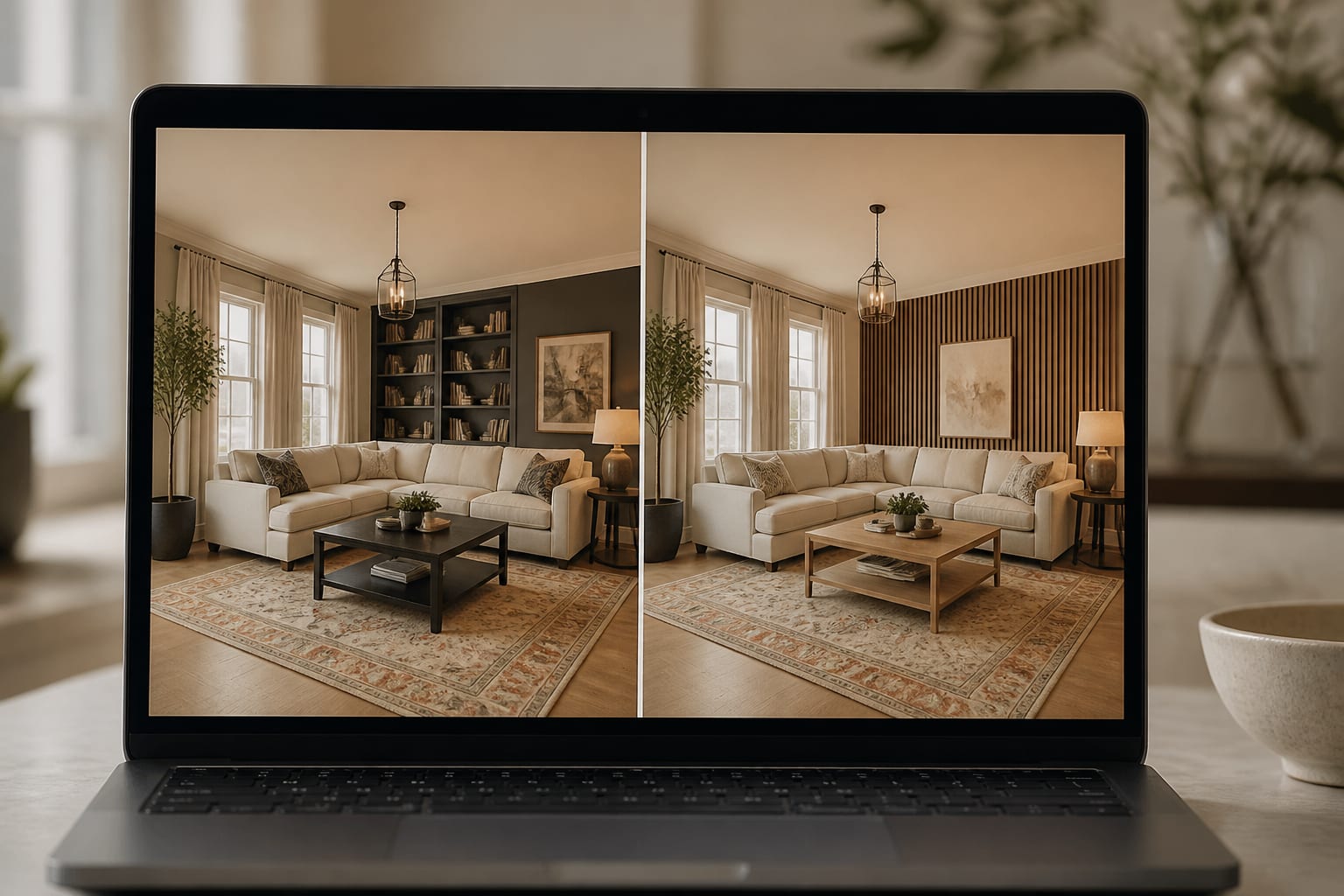
Most people are not choosing between ten abstract styles. They are deciding whether an oak table survives a darker wall, whether a cream rug calms the room, or whether a sectional blocks the path to the balcony. For a broader market view, see the best free AI room design tools for 2026.
ReDesign sits best in the early-to-middle design moment, when you have doubts and need options before the cart fills with irreversible purchases.
What should you compare before choosing an AI room app?
Choose an app by weighing the problem it solves, the accuracy it preserves, and how much real-world checking it expects afterward. A beautiful output isn't enough if it shrinks the sofa or invents a window where your TV wall sits.
- Favor photo-based previews for existing rooms, since doors, windows, and bulky furniture decide what can work; include specs like an 84-inch sofa, 8' x 10' rug, or 30-inch path in the prompt.
- Check how scale is handled. AI rooms can look convincing while quietly resizing furniture; a coffee table still needs 16–18 inches from the sofa, and a main path wants 30–36 inches.
- Look for control over what must stay. A useful app lets you preserve the fireplace, rental flooring, or existing cabinet color instead of replacing the whole room.
- Compare style output by material language. "Modern cozy" can mean ten rooms; ask for walnut, linen drapery hung 6–8 inches above trim, matte black lighting, and 2700K lamps if that's the goal.
- Match the app to project risk. A cosmetic refresh and a bathroom renovation need different help; if plumbing or electrical work enters the plan, weigh the tradeoff in AI design versus interior designer cost.
The right app makes you more precise, not more impulsive. If the preview gives you a better question for a painter, landlord, or contractor, it has earned its place.
Common comparison mistakes that lead to the wrong tool
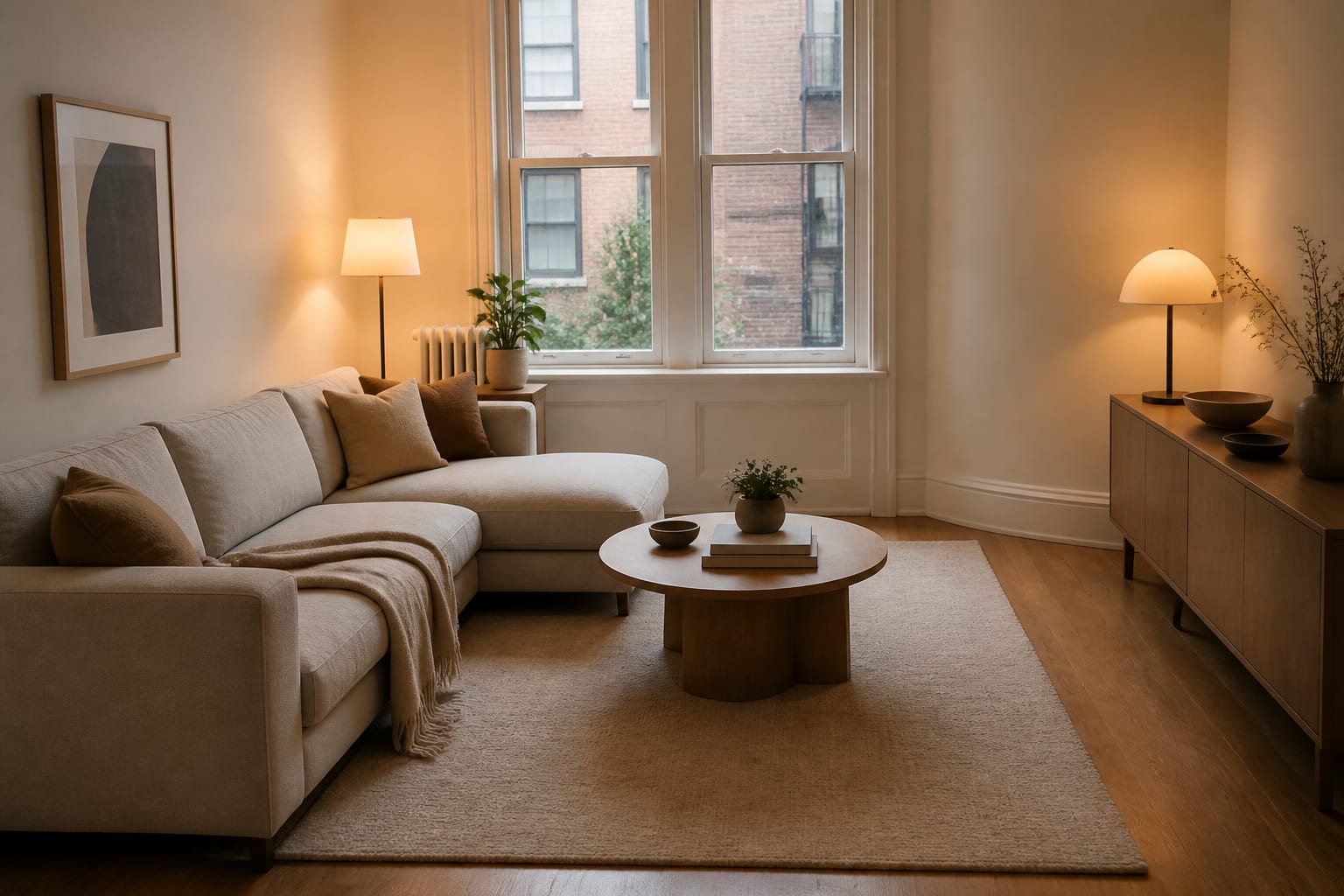
Most people judge apps by the prettiest screenshot, which is the wrong test. The better question is whether the tool protects the room from bad assumptions.
Choosing the most dramatic render often rewards deleting the hard parts. If the app removes your low ceiling or swaps the floor, the image may be fun and still useless for planning.
Ignoring workflow fails because not every user needs the same control. ReDesign suits homeowners and renters who want a few quick directions rather than pixel-level masking or pro exporting.
Treating AI as a designer replacement breaks down on technical projects. AI can compare a moody dining room or a warmer palette, but it can't inspect wiring, check code, or feel a fabric's texture. Read whether AI can replace an interior designer before handing a renovation over to any app.
Forgetting the boring inputs weakens results. A prompt without measurements, lighting conditions, and fixed pieces is basically a wish; a prompt with a 72-inch console and no drilling gives the tool a real problem to solve.
How should you use AI to preview your home before committing?
Write down what the room must keep, what it must fix, and what you'll change before prompting. ReDesign's upload-and-preview loop lets you test those choices in seconds while the real room stays untouched.
A strong prompt might read: "Redesign this open living and dining room while keeping the oak floors, white walls, black dining table, 84-inch beige sofa, and rental ceiling light. Add a warmer neutral palette, an 8' x 10' rug, two 28-inch lamps, closed toy storage, and a 36-inch path from entry to kitchen. Show one calm version, one bolder color version, and one lower-cost version."
That prompt works because it marks what's non-negotiable and returns three distinct answers instead of random styles. After the first preview, change one variable at a time: keep the layout and test a darker wall, or keep the palette and try a round table. This isolates the decision instead of redesigning the whole room every time doubt appears.
Which app fits which kind of project?
Use ReDesign for quick, realistic direction from a real room photo when you're still deciding what the space should become. It fits living rooms, bedrooms, kitchens, rentals, and whole-home style direction where visual confidence matters before spending.
Use a technical design platform for measured floor plans, construction drawings, or permit coordination, tasks that need accuracy a concept preview shouldn't fake. Use a general image generator when the room is imaginary or the goal is mood rather than implementation.
The fairest comparison isn't "which app makes the prettiest room?" It's "which app helps me make the next real decision with less regret?" For most homeowners, that means seeing the actual space in believable directions, then checking measurements before anything ships.
Frequently Asked Questions
What makes ReDesign different from other AI room design apps?
ReDesign treats your uploaded room photo as a fixed constraint, preserving windows, floors, and existing furniture instead of generating a generic showroom scene. This focus on real-room accuracy helps you compare layout, palette, and furniture scale before spending money, rather than just producing a dramatic but unreliable image.
Can AI room design apps replace an interior designer?
No, AI apps are strongest for visual comparison, not technical execution. They can't inspect wiring, check building code, manage installers, or judge fabric texture in person, so technical or structural projects still need a professional's involvement alongside any AI preview.
What details should I include in an AI room design prompt?
Include real measurements and constraints: furniture dimensions like an 84-inch sofa, rug size, ceiling height, path widths, rental restrictions, and lighting direction. Prompts without these details produce generic results, while specific inputs give the tool an actual design problem to solve.
Is a more dramatic AI render always the better result?
No, dramatic renders often come from deleting hard constraints like a low ceiling or an awkward window. A useful preview keeps your room's real limits intact so the image reflects what's actually achievable in your space.
When should I use a general AI image generator instead of ReDesign?
Use a general image generator when the room is imaginary or you want mood and inspiration rather than an accurate plan for your actual space. ReDesign is the better choice when you have a real room with fixed features you need the design to respect.