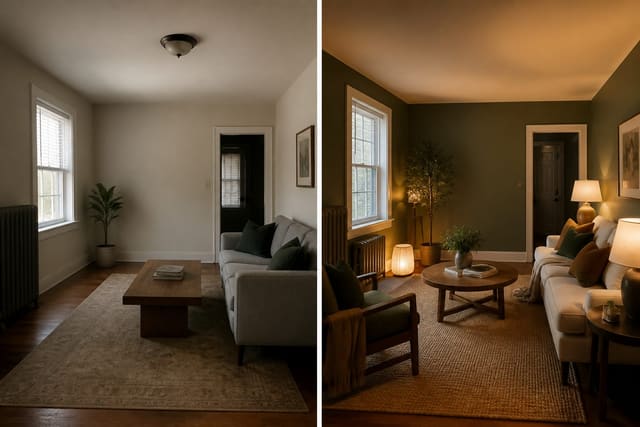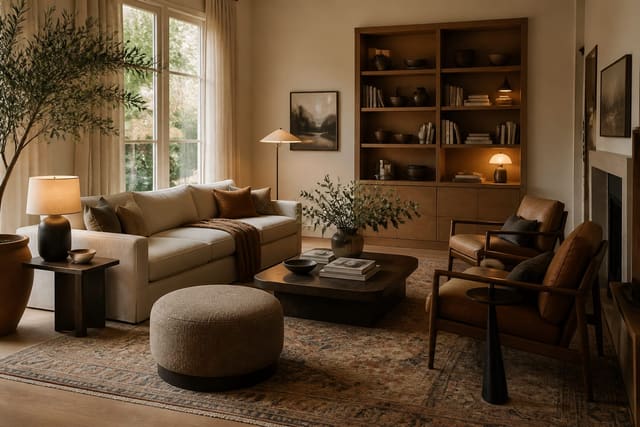
Yes, free AI room design apps that skip sign-up do exist, letting you upload a photo and get one or two style previews instantly. Use free anonymous AI interior design to test paint direction, layout, or style vocabulary, not for final measurements or a shopping plan. Treat privacy and export limits as part of the decision before you upload.
What Does "No Signup" Actually Give You?
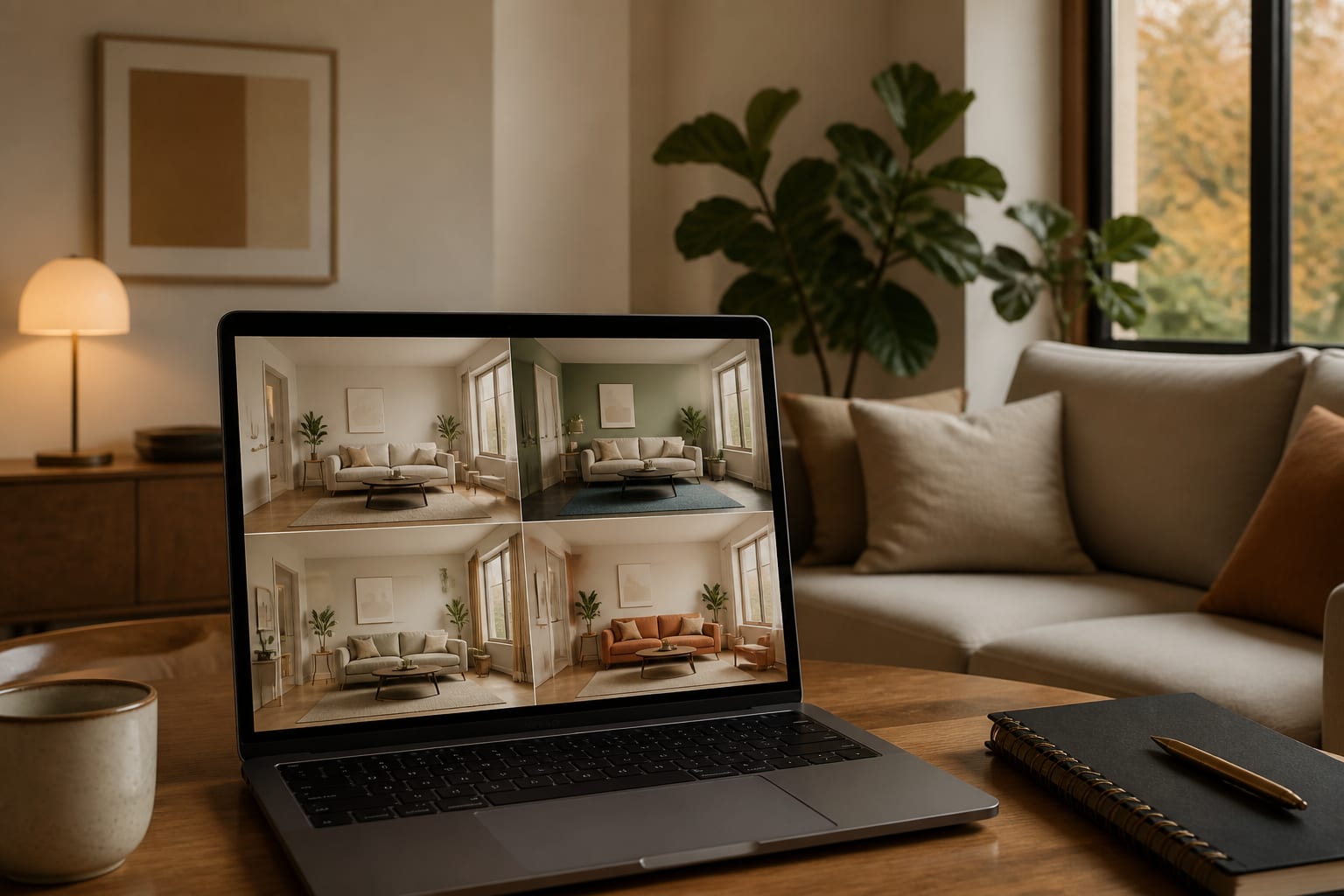
"No signup" usually means you can upload one room photo and get one AI-generated preview before hitting an account wall. It rarely means unlimited images, private storage, high-resolution downloads, or an editable furniture plan. A 900-pixel preview is enough to judge whether a beige living room wants olive paint, but not enough to spec a 96-inch sofa or a 30-inch coffee table.
The best free ai room design no account workflow is quick and slightly skeptical: upload one clear photo, ask for two or three style directions, then decide if the output earns a closer look. For a broader comparison of account-based tools and their real limits, see the full interior AI app review.
Which No-Account Option Fits Your Room?
Judge a tool by what it lets you do before the email wall, not by its homepage photos. A renter testing a bedroom wall color needs a different workflow than an owner planning a kitchen refresh.
| No-account option | Best use | Watch-out | Practical test |
|---|---|---|---|
| Browser upload preview | Fast style checks for bedrooms, living rooms, offices, dining rooms | May cap downloads or blur final images | Try one daylight photo at 1,500 px or wider |
| Prompt-only room generator | Mood boards when you don't want to upload a private photo | Won't respect your real windows, doors, or ceiling height | Describe room size, fixed flooring, and light direction |
| Limited guest trial in a full app | Serious comparison before registering | Guest sessions may vanish after closing the tab | Generate 2 styles, then check if revisions save |
| Retailer-adjacent visualizer | Paint, rug, or cabinet color exploration | Product bias can narrow the design too early | Test one neutral and one bolder option |
For full-service comparisons, the Collov AI room design breakdown separates visual polish from the practical issues: edits, exports, saved projects, and whether the tool still understands an awkward floor plan after the first image.
How Do You Prepare a Room Photo for Anonymous Upload?
A no-signup tool still receives your image, so prepare it as if a stranger were briefly viewing your home. Clean visual input means better design output.
- Crop personal details first. Remove mail, screens, and house numbers; a 4:3 crop showing all four room corners beats a wide shot full of clutter.
- Shoot from standing eye height (48–60 inches). A corner angle showing two walls with straight vertical lines reads better than an ultra-wide, distorted shot.
- Use natural light and steady exposure. Dark shadows trick AI into inventing finishes; open the shades and avoid colored LEDs so whites read accurately.
- Decide what can't change before generating. If the floor stays or trim can't be painted, state it in the prompt so the tool doesn't waste its one shot on a fantasy renovation.
These checks matter even more when you can't save a project history, since a guest session gives you fewer chances to get it right.
What Mistakes Should You Avoid With No-Signup Tools?
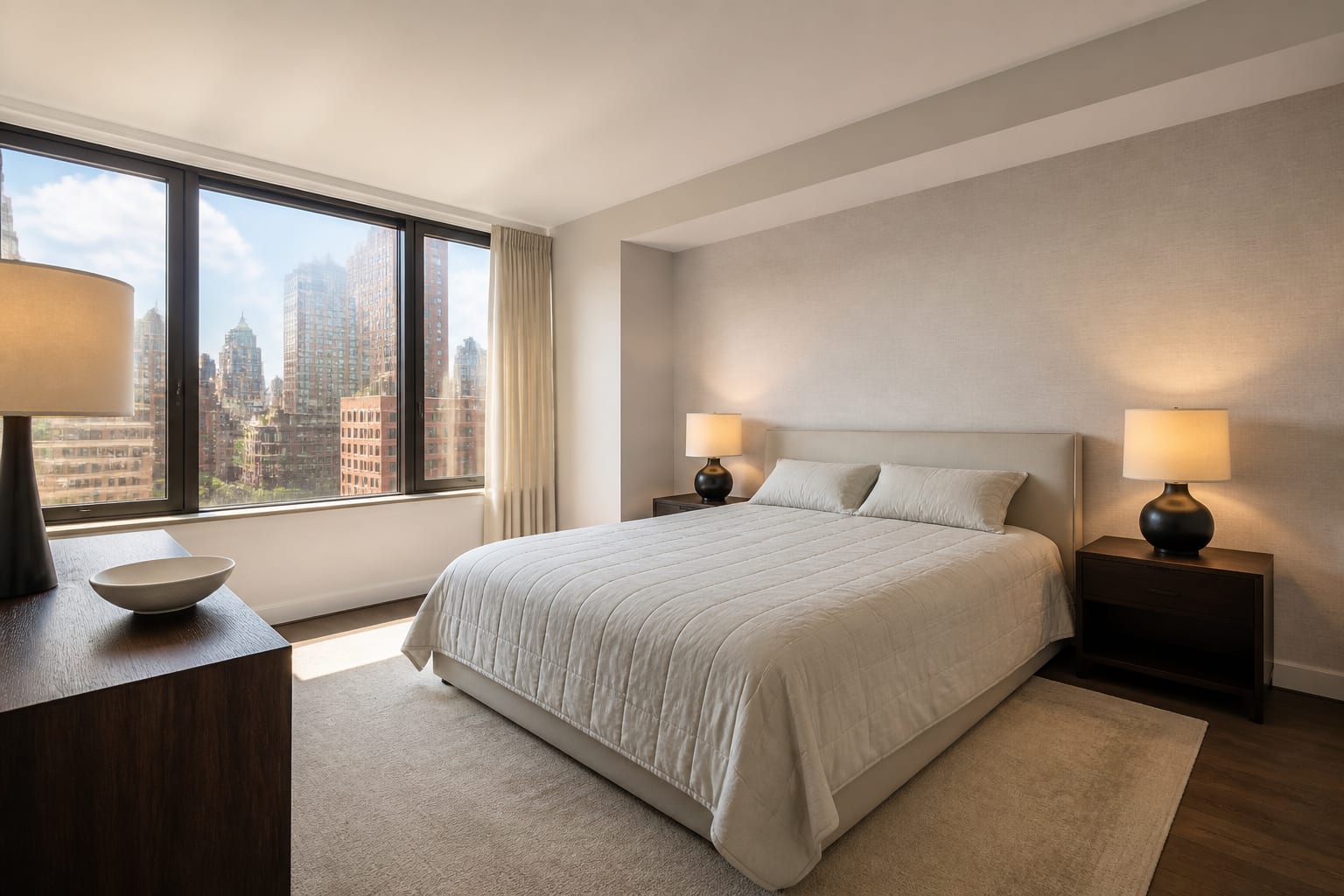
The biggest mistake is treating a free anonymous preview as a finished design package. It's a sketch with good manners.
- Chasing the first pretty image hides scale problems behind flattering light. Check that a shown sectional still leaves 30–36 inches of walking space and 18 inches between sofa and coffee table.
- Uploading a dark, cluttered photo makes the tool redesign mess instead of architecture. Clear the floor and shoot once from the doorway, once from the opposite corner.
- Requesting too many styles at once produces visual soup. Pick one style, one material, one color constraint: "warm modern, walnut furniture, keep the gray sofa."
- Trusting AI furniture sizes is risky since most free previews are visual composites, not measured plans. Tape the footprint on your floor before buying: 8x10 feet for a living room rug, 24 inches for a nightstand.
A good no-account test should make your next decision clearer, not multiply options until everything looks equally plausible.
How Do You Use AI Previews Before Committing?
Use AI here as a fast visual argument: upload the room, compare a few directions, and find the version that solves the room's real friction. In a north-facing bedroom that might mean testing mushroom, clay, and warm white paint before buying samples. In a rental living room it might mean checking whether a black bookcase, a 9x12 rug, and linen curtains can offset builder-grade flooring without touching the walls.
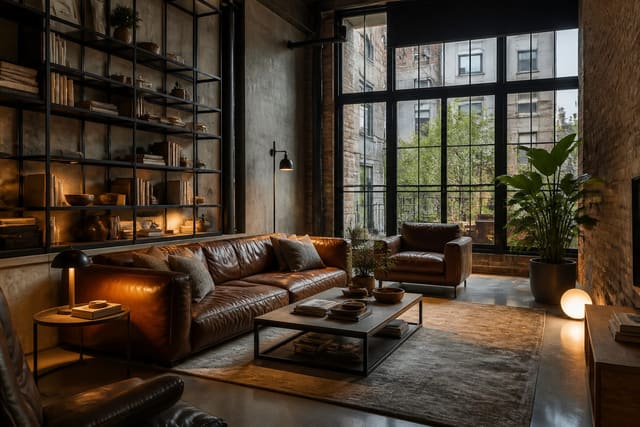
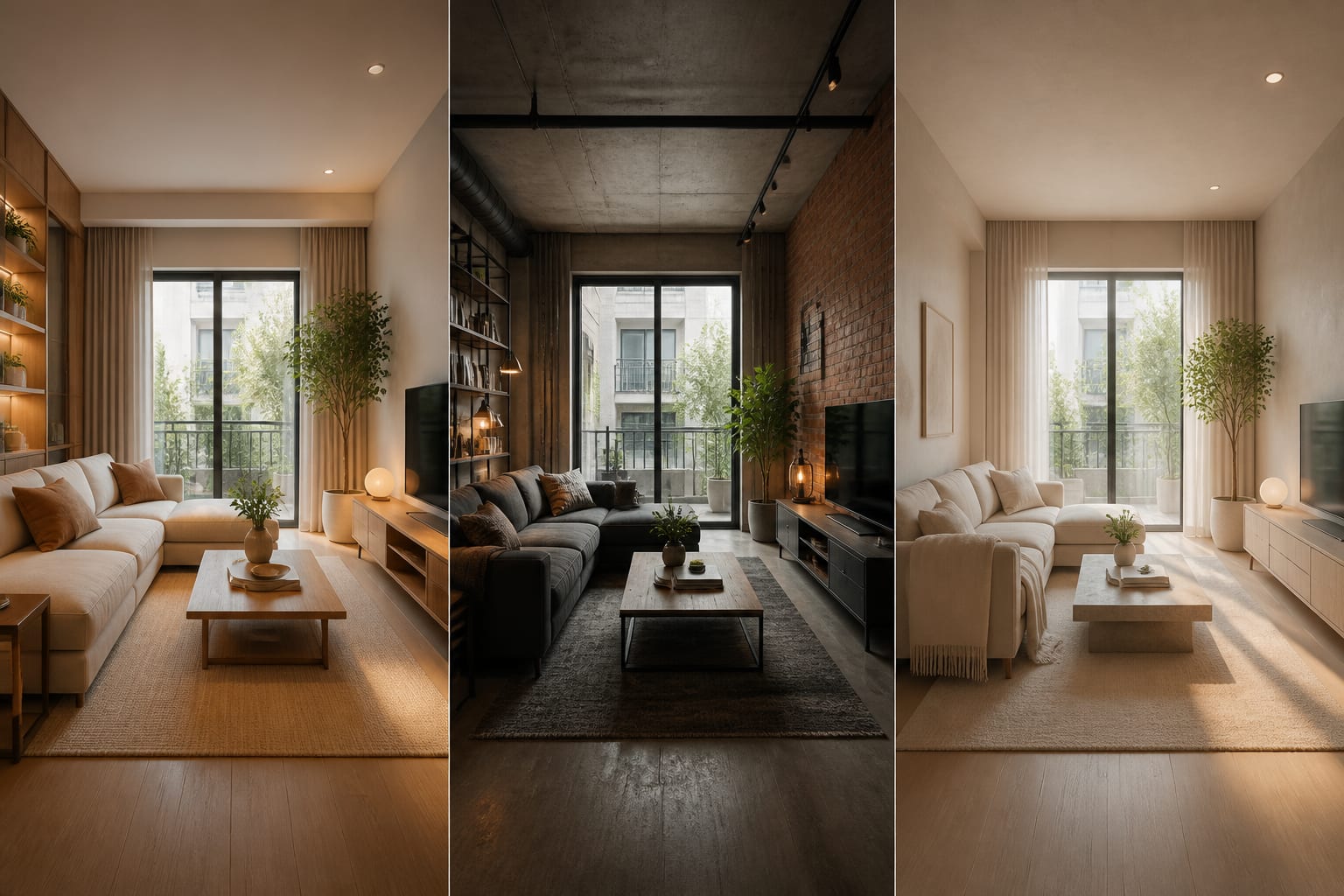
This loop helps most when you're unsure which style language fits a room's bones. A loft with exposed ductwork or black window frames can look cold if the AI overuses gray; AI industrial interior design examples can help you prompt for leather, walnut, wool, and warmer 2700K lighting instead.
Run the same photo through two or three specific prompts rather than twenty vague ones. "Quiet modern bedroom, low oak bed, linen drapery, warm white walls, two shaded sconces" beats "make it beautiful" every time.
When Is Creating an Account Worth It?
Register only after the anonymous pass proves the tool understands your room. If a guest preview ignores your window, swaps flooring you said to keep, or turns a 12-foot living room into an impossible showroom, an account won't fix that underlying mismatch.
An account earns its place when you need saved versions, sharper exports, or follow-up edits. For a paint-only decision, one free preview plus real sample sheets may be enough. For a $900 sofa or a 78-inch media console, saved iterations matter because you'll compare details over several days.
Stay anonymous while testing taste ("Do I like dark green cabinets?"); register when testing commitment ("Will this 96-inch sofa overpower the room?"). The second kind of question deserves a tool that saves the evidence.
Frequently Asked Questions
Can I really use AI room design without creating an account?
Yes. Many tools let you upload one room photo and generate one or two style previews before requiring sign-up. These are best for testing paint colors, layout ideas, or style direction, not for final measurements, high-resolution exports, or saved project history across multiple sessions.
Is it safe to upload a photo of my room to a no-signup tool?
It can be, if you prepare the photo first. Crop out personal details like mail, screens, and visible house numbers, and only include what the AI needs: the room envelope, furniture, windows, and fixed finishes.
Why does my free AI preview show furniture that won't actually fit?
Most free previews are visual composites, not measured floor plans, so sofa or rug sizes shown may be inaccurate. Before buying, tape the actual footprint on your floor, such as 8x10 feet for a rug or 24 inches for a nightstand, to confirm it fits.
When should I stop using no-account tools and sign up?
Sign up once you need saved versions, sharper exports, or edits across multiple sessions, which usually happens with bigger purchases like sofas or built-in-style walls. Stay anonymous for lower-stakes taste questions, like testing a paint color or a style direction.
What's the best way to prompt a no-signup AI room design tool?
Give one style, one material direction, and one fixed constraint instead of a vague request. For example, "warm modern, walnut furniture, keep the gray sofa" produces a clearer, more usable result than "make it beautiful."