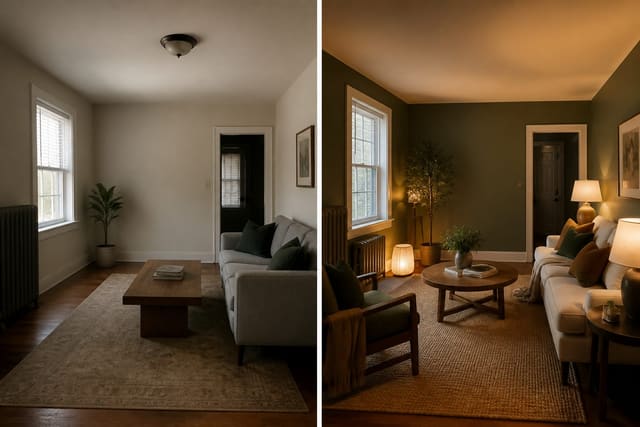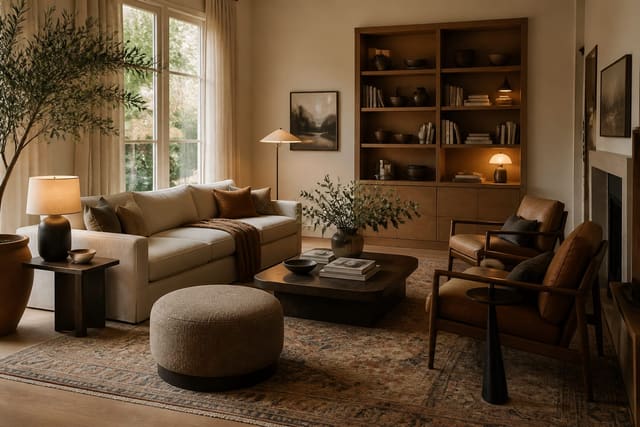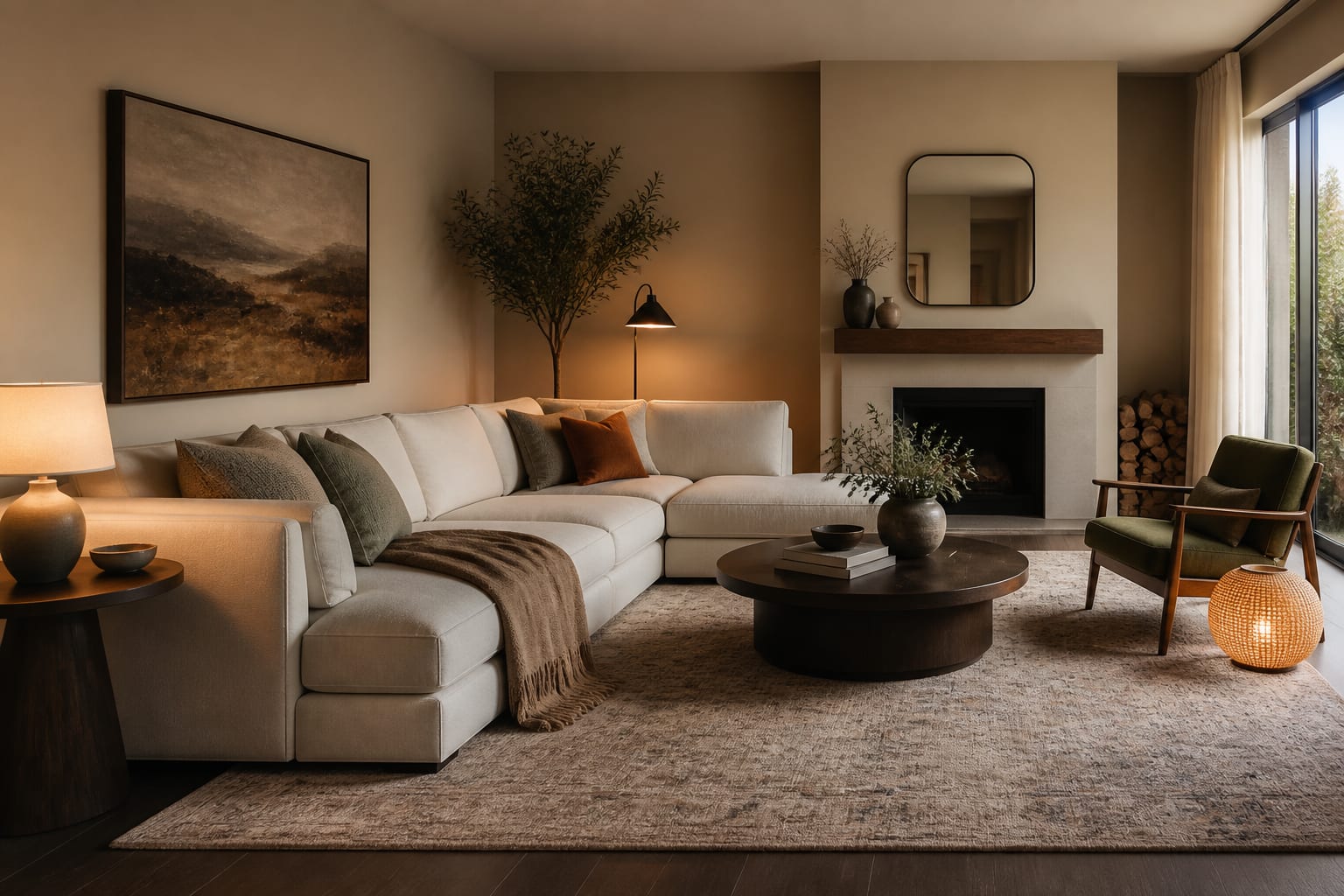
Yes, there is a free app to visualize room redecoration, and the good ones start with a photo of the room you actually live in. A free visualizer is worth using before any paint, rug, lamp, or sofa purchase because imagination is a poor measuring tool. Redecorating mistakes happen when one pretty item gets judged alone instead of inside the room's actual light, floor color, and clutter.
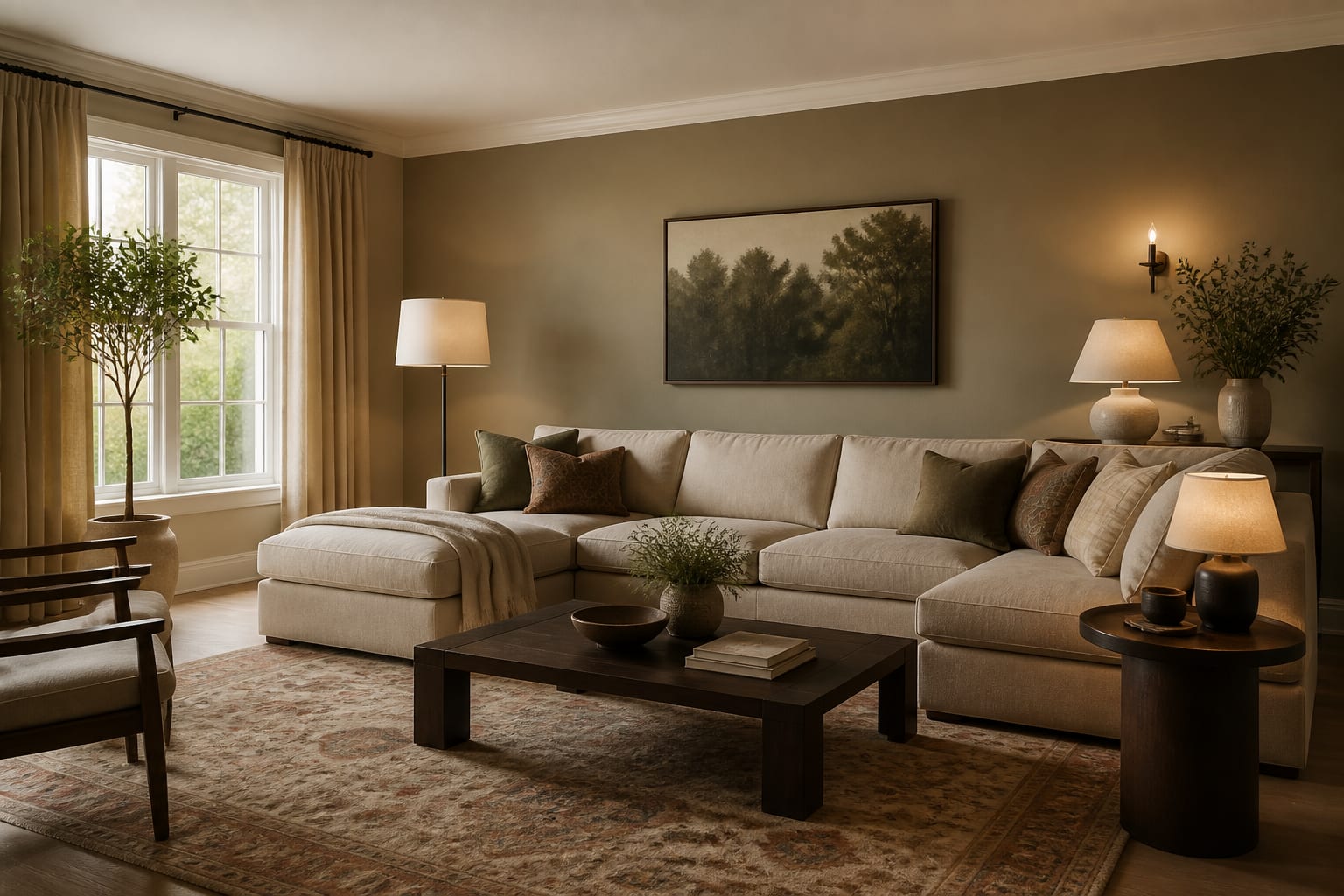
What should a free redecorating app show before you spend?
A free redecorating app should reveal whether a design idea belongs in your specific room before money goes to paint, furniture, art, or lighting. The useful output isn't a flawless magazine image; it's a comparison that makes your next decision clearer.
Upload a current room photo and test several versions while keeping the architecture recognizable. If your rental has orange oak floors, white mini blinds, and a brown sofa, the preview should work with those facts unless you ask otherwise. A tool that quietly swaps the floor, widens the window, and adds hidden lighting is offering wishful staging, not redecorating help.
The first preview round should answer broad questions: warmer or cooler walls? A larger rug under the sofa (8x10 instead of 5x7)? Closed storage or taller vertical pieces? 2700k bulbs instead of cold white light? A free room redesign visualizer answers these quickly. For a wider look at how these tools behave in real projects, see this plain-English AI interior app review, which separates pretty output from decisions you can actually act on.
Free app vs. paid design help: which is right for your room?
The right choice depends on risk. Redecorating with paint, rugs, curtains, lamps, and movable furniture suits a free app. Renovating with construction, electrical work, plumbing, built-ins, or expensive non-returnable pieces needs more than a generated image.
| Decision | Free app preview | Paid designer or trade help |
|---|---|---|
| Wall color, rug, art, bedding, lamps | Excellent for comparing mood and proportion | Helpful for tricky undertones or a full plan |
| Sofa, dining table, bed, storage piece | Good for scale; verify width, depth, delivery clearance | Worth it for costly or custom pieces |
| Window treatments | Good for testing height, softness, color | Better for exact measuring and custom fabrication |
| Built-ins, lighting moves, plumbing | Visual direction only | Necessary for drawings, code, installation |
| Listing or sale presentation | Sometimes useful for concepting | Virtual staging may be the better tool |
Free is not careless. A no-cost preview can save you from a chair that fights your walls, but it can't confirm a 38-inch-deep piece leaves a decent path to the door. Keep about 30 to 36 inches for a main walkway, and be suspicious of any image that fills that path with extra furniture.
How do you judge the preview instead of the fantasy?
A convincing preview can still be wrong for your home. Judge it by how well it respects unglamorous facts: traffic, light, storage, outlet placement, and the piece you already own.
- Keep the largest fixed surfaces visible. Floors, counters, and big upholstery control the palette, so compare paint or fabric ideas beside them and sample paint at 12x12 inches before committing.
- Check scale against real dimensions. Tape a sofa or table footprint on the floor and open doors and drawers around it; a dining chair often needs 30 to 36 inches behind it to pull back.
- Read the lighting temperature before judging color. A beige wall can look creamy under 2700k bulbs and flat under cooler lamps, so test actual bulbs in the room at night.
- Compare the repeated answer across versions. If three styles all improve with curtains mounted 6 to 10 inches above the casing, the room wants taller window treatment.
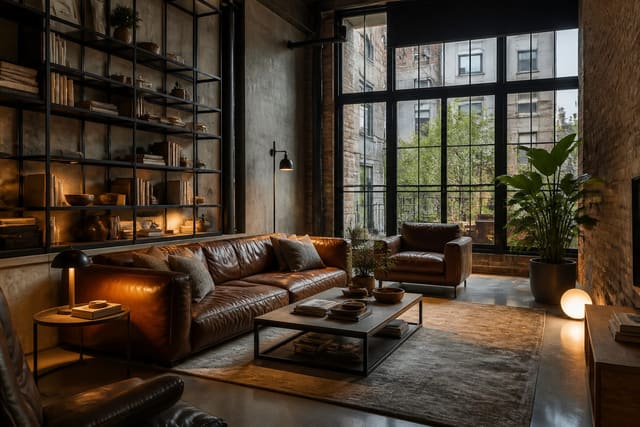
A free visualizer also lets you test styles you'd normally avoid. If you're curious about a darker, warehouse-inspired look, this AI industrial interior design guide helps you prompt for black metal, worn wood, brick, and warmer lighting without a themed-restaurant result.
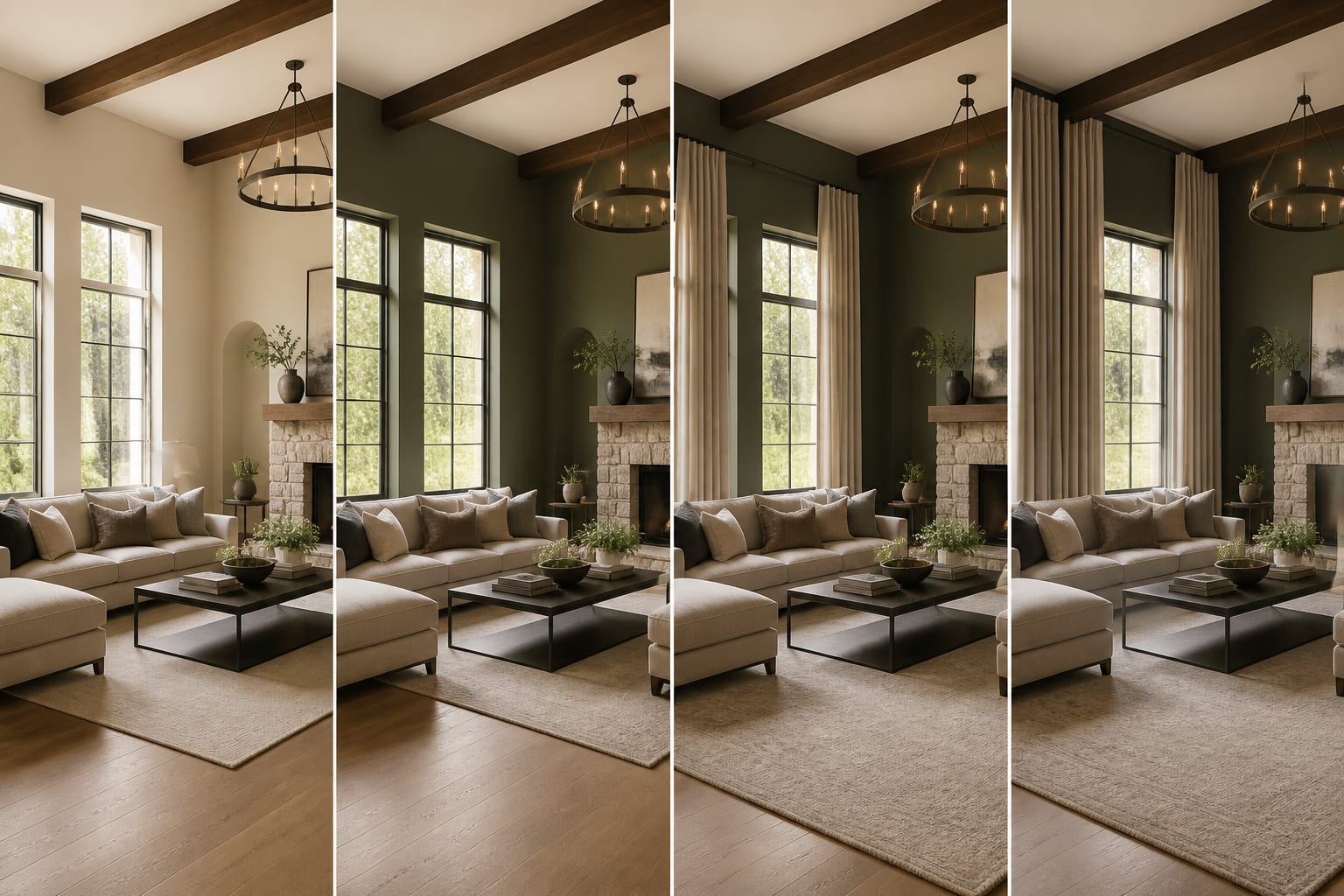
How do you use AI design to preview a redecoration before shopping?
AI design works best when the photo tells the truth. Take one straight-on image showing the floor, ceiling line, windows, and the problem wall, plus a second angle for a fireplace, open kitchen edge, or blocking furniture.
Start narrow: ask for three redecorating versions that keep your existing sofa, flooring, and storage. Change only the palette first (warm neutral, muted green, deeper blue). Keep the best palette, then test rug size, art scale, and lighting, then textiles and accessories.
This slower sequence produces better decisions than a total-transformation prompt. If you change everything at once, you won't know what actually helped. Renters should request removable options: plug-in sconces, freestanding bookcases, washable rugs, peel-and-stick color, and tension rods. Owners can preview permanent ideas, but built-ins and hardwired fixtures still need professional review. For another reference point on image quality versus real-room control, see this Collov AI review for room redesign.
What mistakes make a free visualizer expensive?
A free tool can still lead to costly choices if you trust the image too quickly. The problem is rarely the app; it's an impatient shopping cart.
- Uploading a cropped beauty shot instead of the whole room. The app can't design around a hallway, radiator, or low window that's outside the frame.
- Treating screen color as paint color. Order samples and view them beside the floor and largest fabric piece in different light before buying gallons.
- Accepting impossible storage. A peaceful-looking preview still needs real places for chargers, mail, shoes, and toys.
- Copying furniture scale without reading specs. A chair may look slim on screen but measure 34 inches deep.
- Redecorating every layer at once. Buy easy-to-return accents first, confirm the palette, then move to larger pieces.
Frequently Asked Questions
Is there really a free app to visualize room redecoration?
Yes. Several apps let you upload a room photo and generate redecorating previews at no cost, including palette, furniture, and lighting changes. Free tiers usually limit the number of renders or resolution, but they're enough to test style direction before spending on paint, furniture, or decor.
Can a free app replace hiring an interior designer?
For reversible redecorating like paint, rugs, and accessories, a free app often covers what you need. For structural changes, custom millwork, or costly non-returnable purchases, a designer or trade professional adds measuring, code knowledge, and installation guidance an app can't provide.
How accurate are AI-generated furniture dimensions?
Not accurate enough to trust alone. Generated furniture can look proportionate on screen while being the wrong size for your room. Always tape the real footprint on your floor and check product specs before buying anything you saw in a preview.
Should I upload a wide shot or a close-up of my room?
Upload a straight-on shot that shows the full room: floor, ceiling line, windows, and doorways. A cropped or close-up photo hides the fixed facts, like radiators or awkward corners, that the app needs to design around realistically.
What's the best first change to test in a free visualizer?
Start with wall color alone before touching furniture, rugs, or lighting. Testing one layer at a time tells you what actually improved the room, instead of guessing which of five simultaneous changes made the difference.
The Practical Verdict
Use a free app when you need visual confidence before reversible redecorating choices. It can show whether your room wants softer contrast, larger art, warmer lamps, a bigger rug, or a different style direction entirely.
Don't skip the physical checks. Measure furniture footprints, compare samples in actual light, read return fees, and think about who uses the room daily. The winning preview is the one that still works after the tape measure, paint sample, and awkward door swing are allowed back into the room.