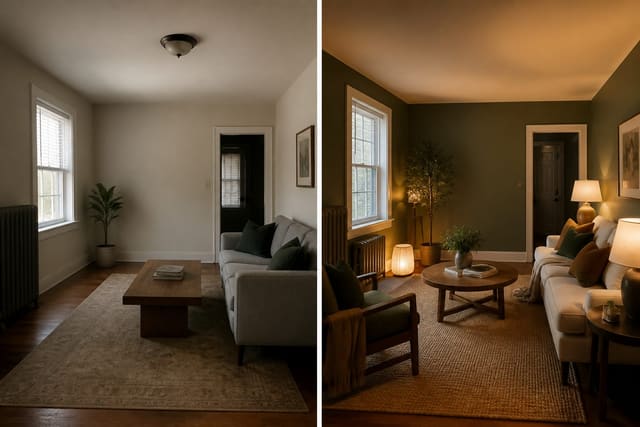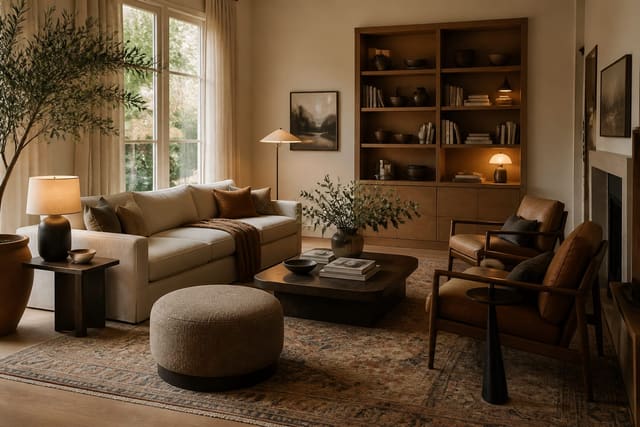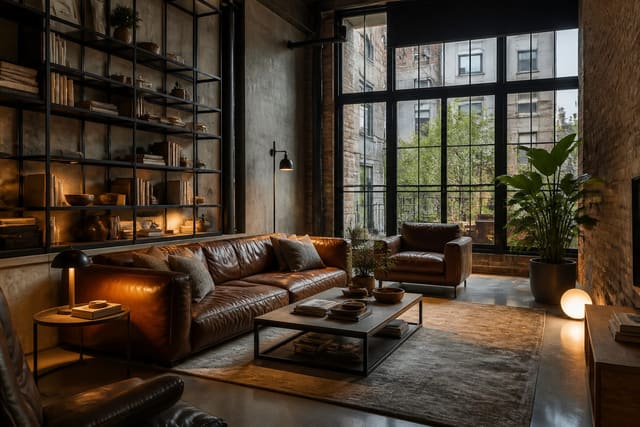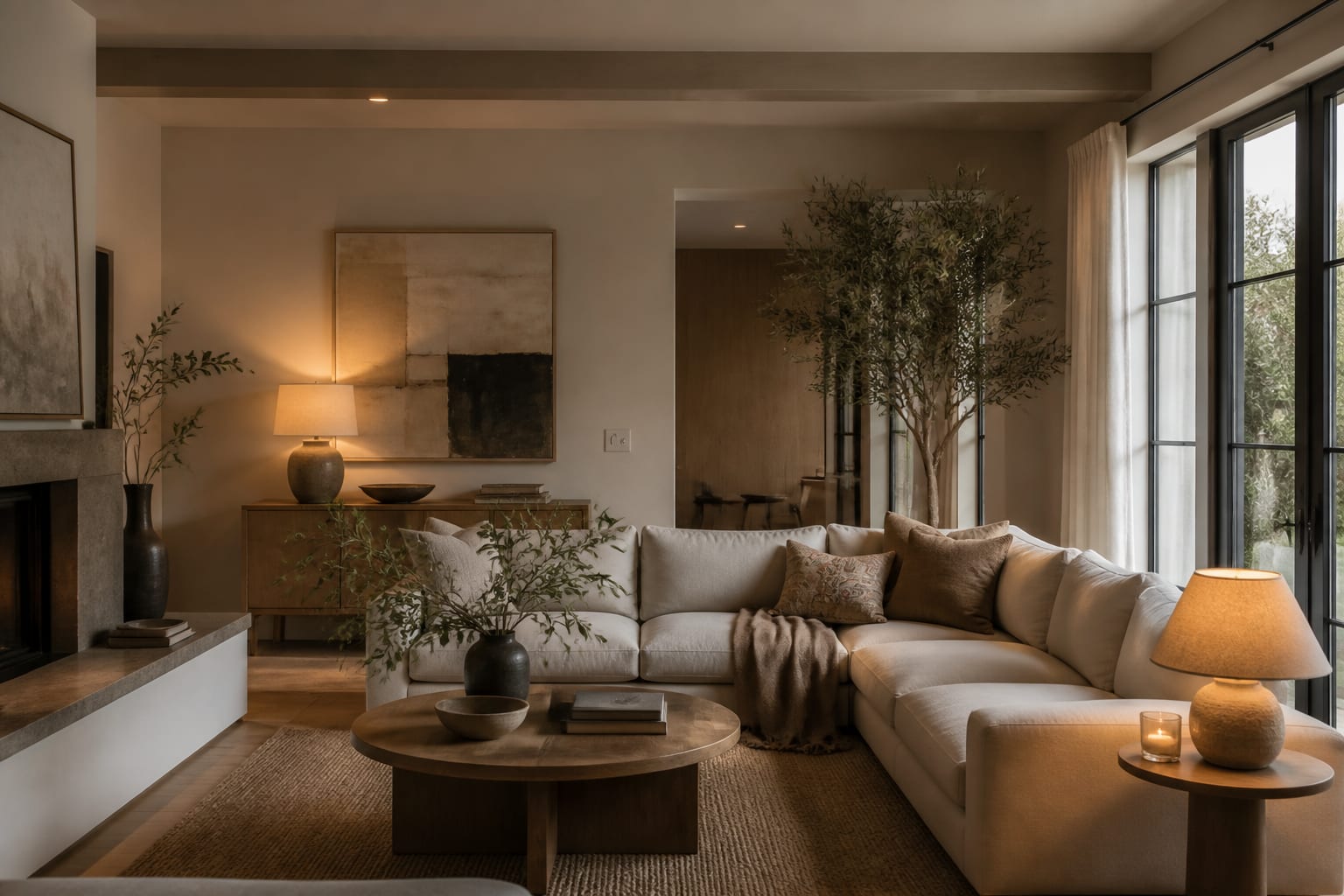
Homestyler AI works best as a fast concept tool for style, layout, and material ideas, not a substitute for a measured plan. This Homestyler AI review finds it can make any room look instantly finished, but polished renders can hide scale, lighting, and furniture-fit problems you still need to verify before spending money.
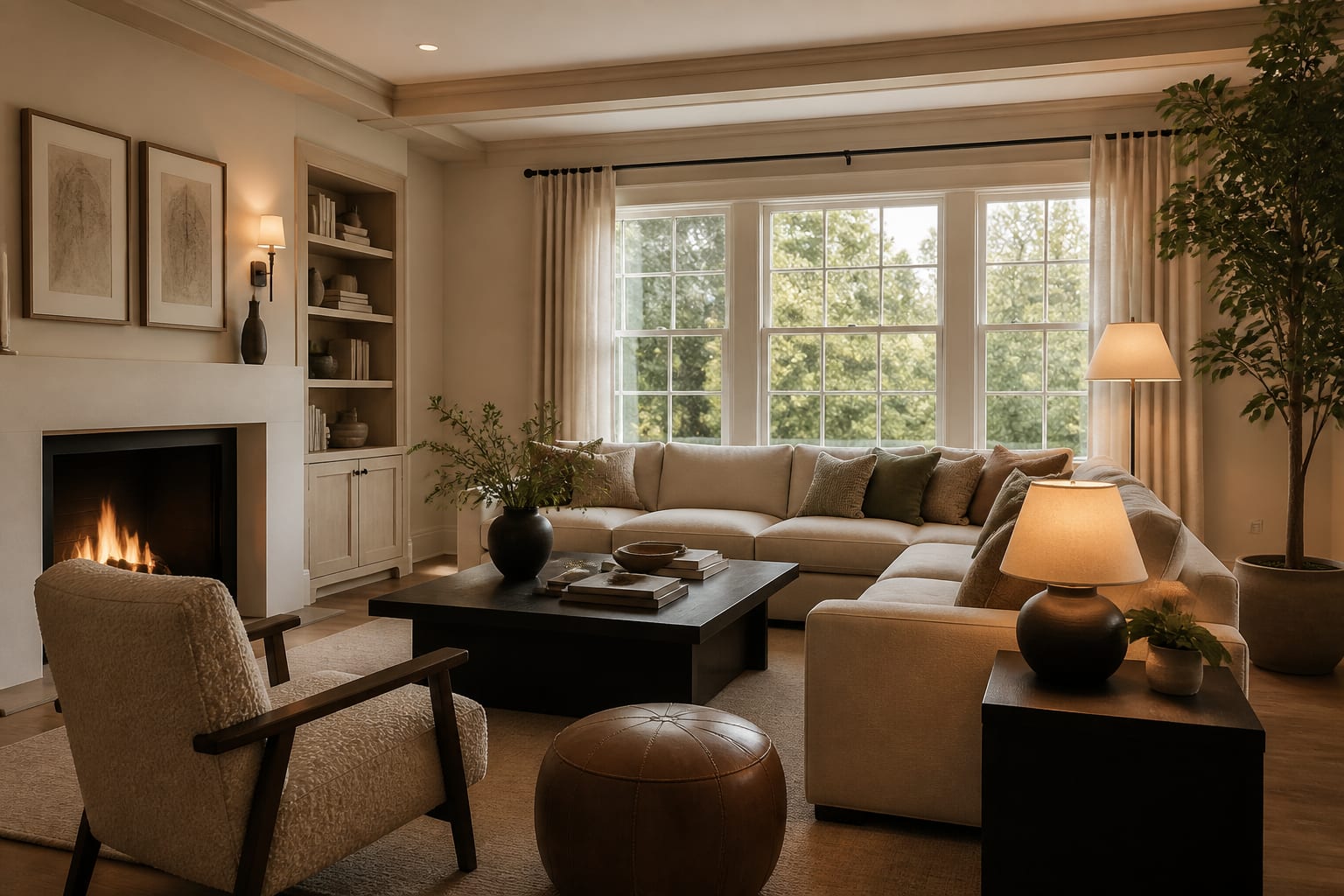
What AI features does Homestyler have, and do they work?
Homestyler's AI generates room concepts, restyles interior photos, suggests decor directions, and speeds up rendering. It answers "what could this space become?" well, but it's unreliable for "will this 92-inch sectional fit beside my patio door?"
Unlike simple upload-and-transform tools, Homestyler sits inside a broader planning and rendering environment, which suits people who want to tinker with layout and furniture rather than accept one finished AI image. Treat the AI as a sketching layer: it shows a convincing warm transitional bedroom or Japandi dining nook fast, but it won't solve a bad outlet location or confirm a chair needs 36 inches of pullback. That's still your job with a tape measure.
Homestyler vs. photo-first AI design apps
Homestyler suits AI inspiration inside a fuller design workspace; photo-first apps suit fast redesigns from one uploaded room image. For a comparison, see the full Interior AI app review, which shows how a fast visual generator handles awkward real-world constraints.
| Tool type | Does well | Watch for | Best use |
|---|---|---|---|
| Homestyler AI | Combines AI styling with a broader room design workflow | Can make scale, lighting, or product realism look more resolved than it is | Concept design plus manual refinement |
| Photo-first AI app | Fast before-and-after ideas from one photo | May invent architecture or ignore clearances | Quick style comparison from a real room |
| Guided AI interiors tool | More directed decor and presentation help | Less flexible for free experimentation | Shaping room mood before shopping |
| Manual floor planner | Full control over walls and openings | Slower to build and furnish accurately | Layout-heavy projects where inches matter |
Compared with Collov, Homestyler feels like an experimentation workspace, while Collov leans more guided toward a decorated result. See the Collov AI room design review for that more directed experience.
Where does Homestyler's AI output get useful, and where does it cheat?
The most useful output isn't the most cinematic image; it's the version where you can name the decisions: bigger rug, warmer wall color, better storage, softer lamps. A render you can't translate into sizes is only mood. Before trusting a result:
- Check the largest furniture first. A sofa, bed, desk, or table pressed to every edge signals a scale problem, even in a dramatic image.
- Read window and door behavior. AI often makes awkward openings feel resolved emotionally while they remain physically blocked; reject layouts that ignore a closet, sliding door, or radiator.
- Audit lighting sources, since rendered glow flatters weak rooms. Specify 2700K lamps for living rooms and bedrooms, 3000K near desks or vanities.
- Translate materials into real surfaces. Name oak, walnut, linen, wool, matte black, aged brass, or plaster-look paint instead of accepting vague terms like "warm modern."
Homestyler can also overdo style cues, like too much brick and black metal in industrial rooms; compare results against AI industrial interior design guidance before trusting every finish.
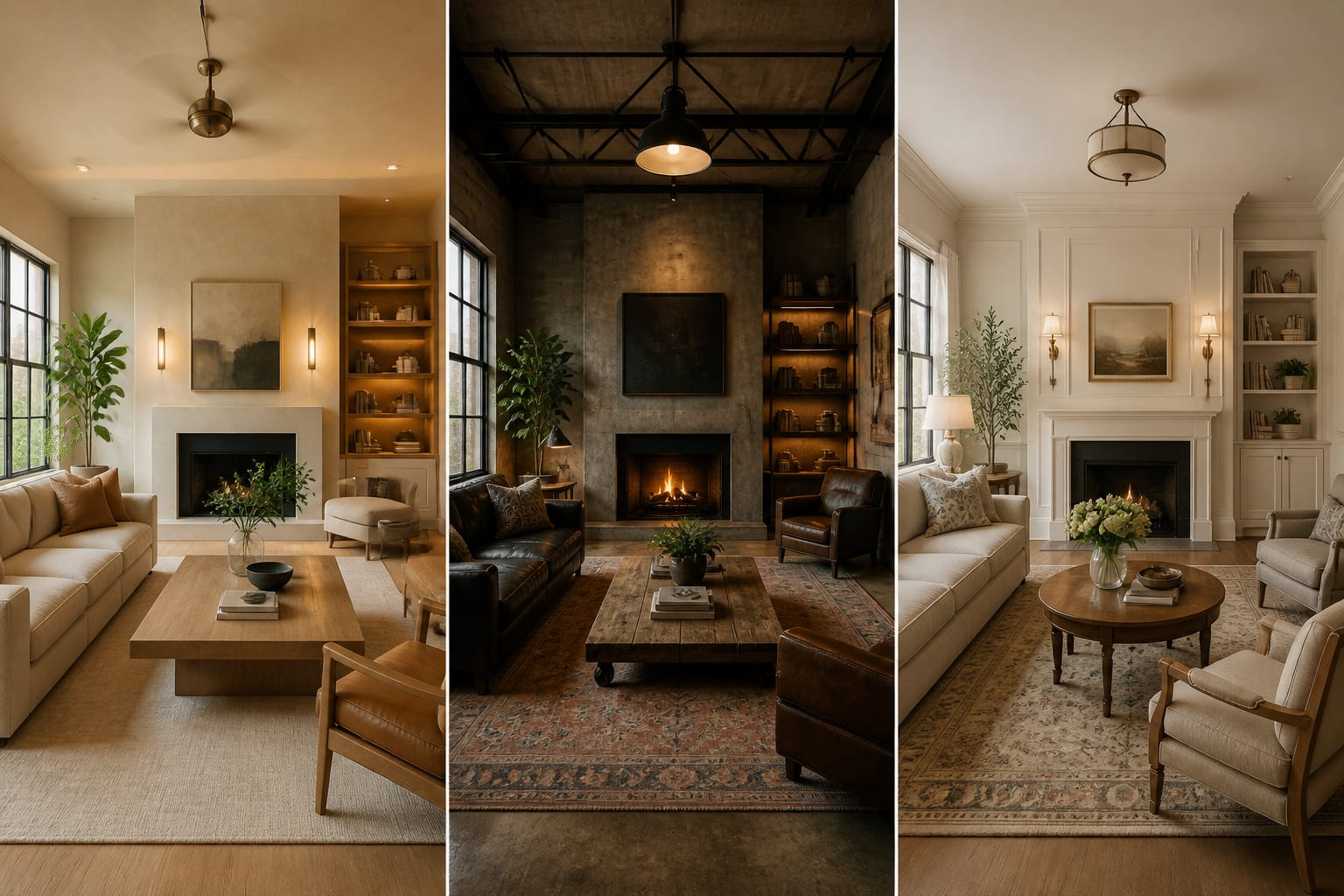
What are the most common Homestyler AI mistakes?
- Prompting by style name alone. "Make this modern" decorates a generic room instead of yours. Specify existing elements plus real dimensions: an 84-inch sofa, 16-inch-deep storage, 2700K lamps.
- Accepting fake architecture. Homestyler may add taller windows or built-ins never in the brief. Renters should prompt for no drilling and freestanding storage only.
- Ignoring product reality. AI furniture can look real without matching a purchasable product. Record sofa width, chair depth, rug size, and nightstand width before shopping.
- Judging only the daytime render. Ask for an evening version with lamps visible, then check whether the room has real spots for that lighting.
- Letting the prettiest image win too fast. Generate three versions with the same angle and a different constraint each time; trust ideas that repeat.
How should you use Homestyler alongside your own room photo?
Treat Homestyler as one stage in a tighter workflow: generate the idea, test the mood, then verify it in a photo-based preview before spending money. Start with a straight shot from the doorway showing floors, windows, trim, outlets, and current problem furniture.
Write prompts with constraints, not wishes: "redesign this room with the existing 8-foot ceiling and oak floor, warm neutral palette, 84-inch sofa, 8-by-10 rug, closed media cabinet, and 2700K lamps." For bedrooms, specify bed size, headboard height, and whether the design must stay renter-friendly.
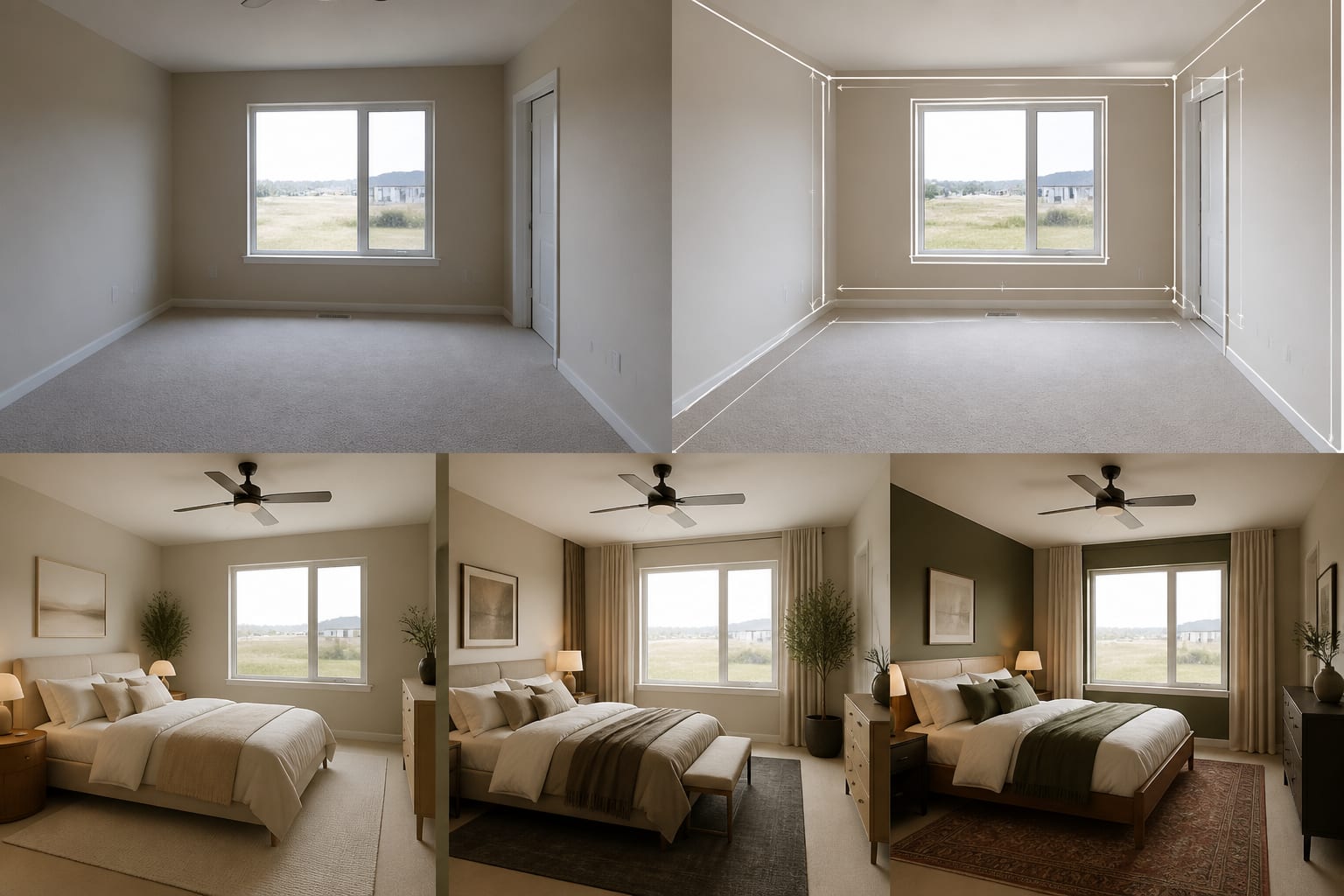
Once Homestyler gives you a direction, use Re-Design to preview that same idea directly on your current room photo in seconds, checking it against your real window height, furniture scale, and light level before buying anything.
Is Homestyler worth paying for AI room design?
Homestyler suits homeowners, renters, and design enthusiasts who enjoy building out concepts with more control than a one-click generator offers. Be more cautious if your project depends on tight measurements, custom cabinetry, kitchen planning, or expensive furniture that must fit within an inch; the visual direction still needs dimensions and sometimes professional review.
Make the AI result prove itself: measure the main wall, map the walkway, check the room at night, and price real furniture in the sizes shown. If the concept survives, Homestyler helped; if it only worked because the software made the room taller and cleaner, rebuild the plan around the room you actually have.
Frequently Asked Questions
Is Homestyler AI accurate for real room measurements?
No. Homestyler's AI renders prioritize style and mood over exact scale, so a polished image can hide a tight walkway or an oversized sofa. Always verify furniture dimensions, clearances (30 inches for main paths), and window or door placement against your actual room before buying anything.
Can Homestyler AI design a room from just a photo?
Yes, Homestyler can generate style directions from an uploaded room photo, similar to photo-first AI apps. However, it also offers a broader floor-planning and rendering workspace, making it better suited to users who want to refine layouts rather than accept a single instant image.
How does Homestyler compare to Re-Design?
Homestyler is a fuller design workspace for experimenting with concepts, while Re-Design focuses on fast, photo-accurate previews of your actual room. Many users generate ideas in Homestyler, then confirm scale, lighting, and furniture fit using Re-Design before committing to a purchase.
What is Homestyler's biggest limitation?
Its biggest limitation is that renders can look finished even when they ignore real-world constraints like blocked doors, wrong lighting temperature, or furniture sizes that don't match purchasable products. Treat every Homestyler output as a starting concept, not a measured plan ready for shopping or construction.
Should renters use Homestyler AI?
Renters can use Homestyler for style direction, but should prompt against fake architecture changes like new built-ins or altered windows. Specify "no drilling" and freestanding storage only so the AI-generated concept stays realistic for a rental unit's actual constraints.