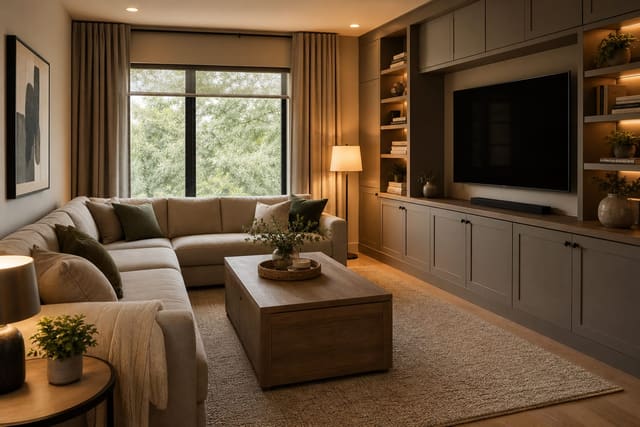
A TV stops dominating a living room when it sits inside millwork painted the wall's color, the seating faces a fireplace or window instead of the screen, and the screen stays under 65 inches in rooms narrower than 15 feet. The TV is allowed to exist in the room; it isn't allowed to eat it. The fix is treating the screen as one part of a wall composition, sharing the job with storage, art, lighting, and furniture.
"A TV wall stops dominating when the wall, console, and lighting become the composition around it."
What makes a TV wall feel calm instead of dominant?
A TV overpowers a room when it's the darkest, largest, highest, and most centered object in it. Change two of those conditions and the wall relaxes. Reduce contrast, give the wall other strong shapes, and let the seating plan serve conversation as well as viewing.
Mount height matters most: for most sofas, the screen center should land 42 to 48 inches from the floor, slightly higher only for deep, reclined seating. A TV near the ceiling turns the room into a sports bar look regardless of budget. If you use a console, make it wider than the screen by at least 12 inches per side so the TV has a visual base instead of floating alone.
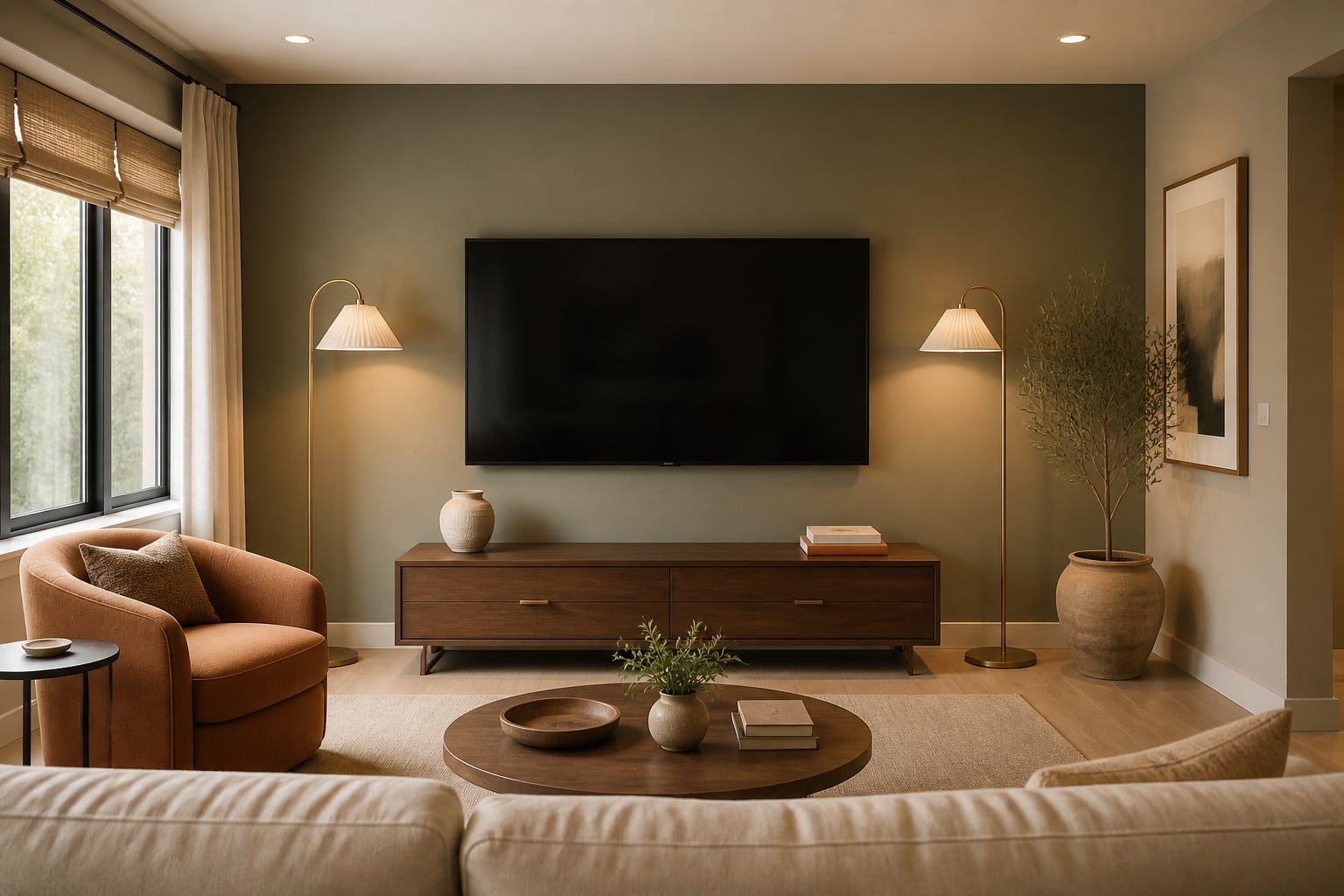
Contrast is next. A black screen on pure white paint reads graphically wrong. Warm neutrals, smoky blue, olive, clay, charcoal, or wood paneling soften the jump between screen and wall without darkening the whole room.
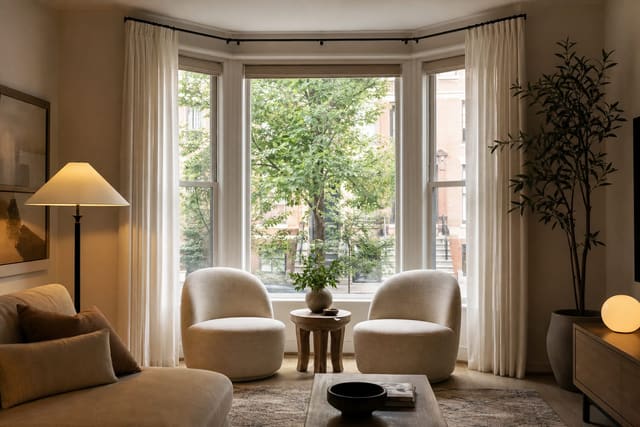
Furniture completes the fix. If every seat points at the TV, the room announces one purpose only. Angle a chair 15 to 30 degrees toward the sofa, or pull stools near the coffee table so the layout works for people who aren't watching. Near a window, apply the same discipline used arranging furniture around a bay window: protect the view and the path before centering on the screen.
Build a wall composition that shares attention
Treat the TV wall as a rectangle with several visual weights: the screen, storage below, vertical elements beside it, and layered lighting. When those pieces relate, the TV feels included, not displayed.
The easiest formula is a long, low console, the TV above it, and asymmetry on one side — a tall plant, framed art stack, narrow bookcase, or floor lamp. For a 55-inch TV, a console 72 to 84 inches wide usually looks more grounded than one matching the screen exactly. Leave 6 to 10 inches between the console top and the TV bottom unless a soundbar needs a clear sightline.
Built-ins work only when shelves are edited: a 14-inch vase, a stack of books, a lidded box, one framed piece, and open space beat twenty small objects. Shelf depth of 12 to 15 inches holds books and components without bulking up the wall. If clutter already orbits the TV, solve that first with storage that avoids visual chaos before styling.
Art shouldn't pretend the screen is art. Place one large piece nearby, or two vertical pieces on the opposite side, to balance the black rectangle. Repeat a finish already in the room — black metal, walnut, brass, or pale oak — across the frames.
Test this on your own room photo with ReDesign before finalizing the layout, keeping the room structure, daylight, and main path visible.
How do color, lighting, and materials make the TV less obvious?
Daylight softens a dark screen; at night, a dark screen in a dim room becomes a hole in the wall. Add warm light near the wall, not directly over the screen — a table lamp on the console, a floor lamp beside it, or sconces 60 to 72 inches up on either side. Bulbs around 2700K keep the room relaxed; avoid bright downlights aimed at the screen, which create glare.
Texture gives the wall a reason to exist beyond the screen: fluted wood, limewash, grasscloth, plaster-look paint, or a stone surround. Use one quiet texture if the wall already has a fireplace or large window; use more architecture, like full-height slats, if the wall is plain drywall. Renters can try peel-and-stick grasscloth, a freestanding cabinet, or picture ledges, keeping the panel at least 18 inches wider than the TV on both sides.
Cable control is nonnegotiable — a single dangling cord makes the whole wall look temporary. Use an in-wall cable kit where allowed, a paintable cord channel otherwise, and closed console storage for the router and remotes. If a pet crate lives nearby, give it its own zone rather than letting it crowd the media cabinet; see integrating a dog crate into furniture.
Common mistakes that make the screen louder
- Mounting too high to fill empty wall space. Fill that space with art, a taller lamp, or shelves instead — if your neck tilts back on the sofa, the mount serves the photo, not the viewer.
- Buying too small a console. A narrow stand makes even a modest screen look top-heavy; go at least 20 inches deep and generous in width. Keep floating consoles 6 to 8 inches off the floor for cleaning clearance.
- Hiding the TV with a daily annoyance. Sliding panels, cabinet doors, and lifts work only if they don't turn Tuesday night into a chore.
- Making the wall too symmetrical. Perfect shelves on both sides of a centered screen look stiff, especially in small rooms — use controlled asymmetry instead.
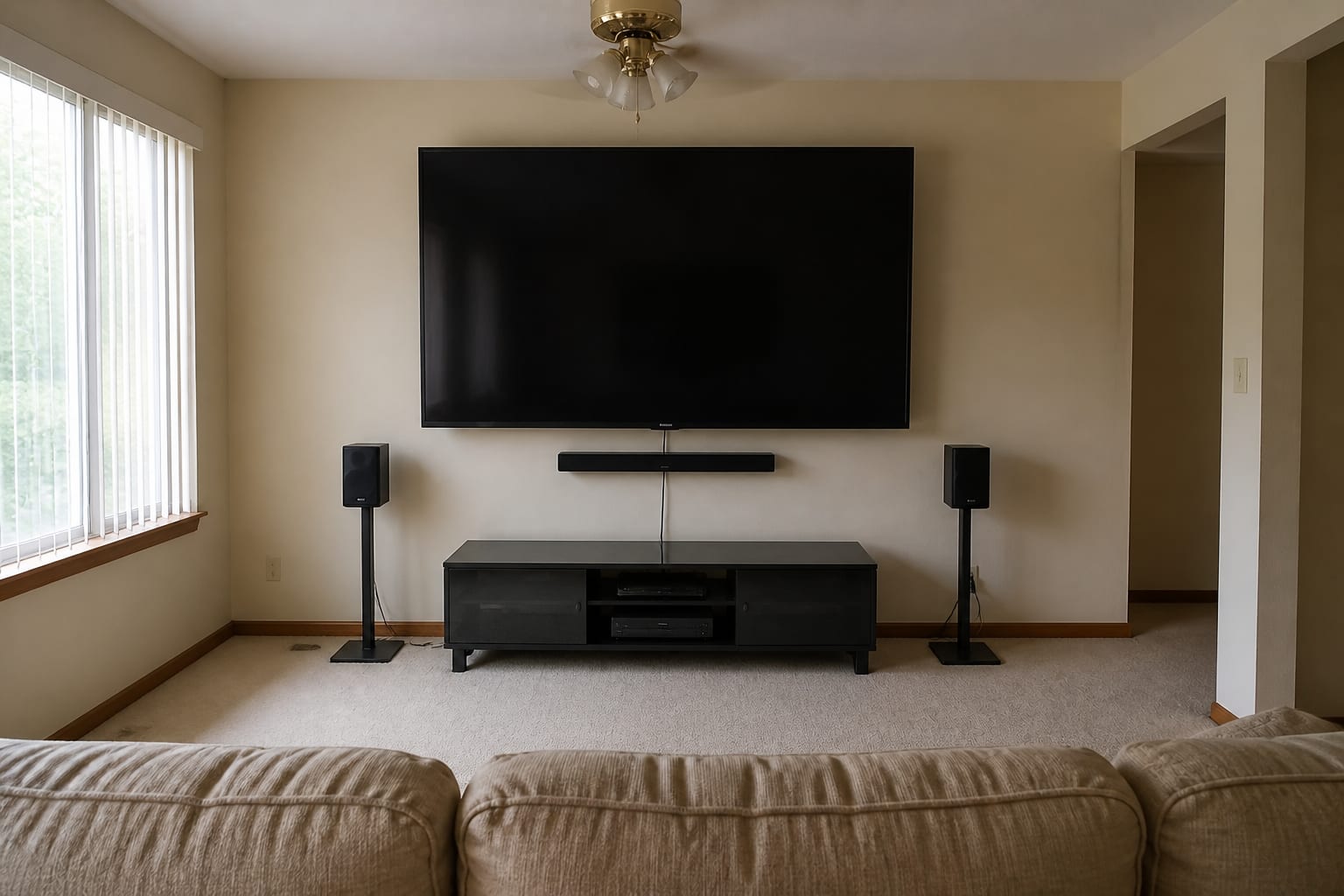
- Forgetting sound. A soundbar wider than the console or a marooned subwoofer undoes the composition; plan a shelf and outlet locations before styling.
Use AI design to preview your TV wall before you commit
Scale is hard to judge from a product page and a shopping cart. A 65-inch screen can look reasonable online and enormous above your actual console; a dark paint color might make the screen disappear or make the whole room feel smaller.
Photograph the room from the main seating corner with the sofa, TV wall, windows, rug, and walking path visible — leave real objects like speakers and side tables in frame for an honest read. Test one variable at a time: a wider console, a darker wall, asymmetrical shelving, or the TV shifted off-center with art balancing the other side. Ask for practical specifics: screen center at 42–48 inches, console 12 inches wider than the TV per side, hidden cords, and warm 2700K light.
The best preview isn't one where the TV vanishes — it's one where the room still feels like a living room with the screen off. For the broader workflow, see the AI design complete guide, then return here for scale and layout choices.
Frequently Asked Questions
Where should the TV go if I don't want it to dominate?
Mount it inside a built-in cabinet, behind a sliding panel, or on a wall perpendicular to the main seating arc. Centering a TV on the longest wall almost guarantees it becomes the room's focal point regardless of styling.
Can a TV and a fireplace share a wall?
Only with a stacked layout, screen center at 48 to 56 inches, letting the fireplace anchor the room. Side-by-side placement usually creates two competing focal points and an uncomfortable viewing angle.
What is the right TV size for my room?
Divide your viewing distance in inches by 1.5 (9 feet = 108 in / 1.5 = 72 in) to get the max diagonal. A screen larger than that overruns a small living room and becomes the only object people notice.
Should the TV match the wall color?
Yes — a deep neutral like charcoal or clay behind a black screen lets it disappear when off, while bright white walls amplify the screen's blackness and make it the loudest object in the room.
How do I run cables without a wall-mount mess?
Use a recessed power-and-cable kit behind the TV with a low-voltage pass-through to a cabinet about 18 inches below. Surface-mount raceways are functional but read as a visible DIY shortcut in photos.
> Try this: Open ReDesign and preview your TV wall before you buy, paint, drill, or move furniture.
Three transformations to try 1. Built-in millwork wall painted to match with TV recessed 2. TV on a perpendicular wall with fireplace as focal point 3. Stacked TV-over-fireplace with deep accent paint behind both