Most media rooms fail for one boring reason: they are decorated before they are planned. People buy the biggest screen that fits the wall, push a sectional against the back, and wonder why the picture looks washed out and half the seats have a bad angle. The screen size, the seating distance, and the light control are engineering decisions, not style choices, and you have to settle them first. Get the geometry right and almost any furniture looks great in the room. Get it wrong and no amount of LED strips and movie posters will save the experience.
Get the screen and seating distance right first
The single most important number in a media room is the gap between the screen and your eyes, and most people get it wrong by sitting too far back. For a 4K screen, plant the primary seats at about 1.5 times the diagonal. That puts a 65-inch TV around 8 feet from the couch and a 75-inch screen at roughly 9 to 10 feet. Push past 2 times the diagonal and the image shrinks into a window across the room, which is exactly the timid setup that makes people regret not buying a bigger screen.
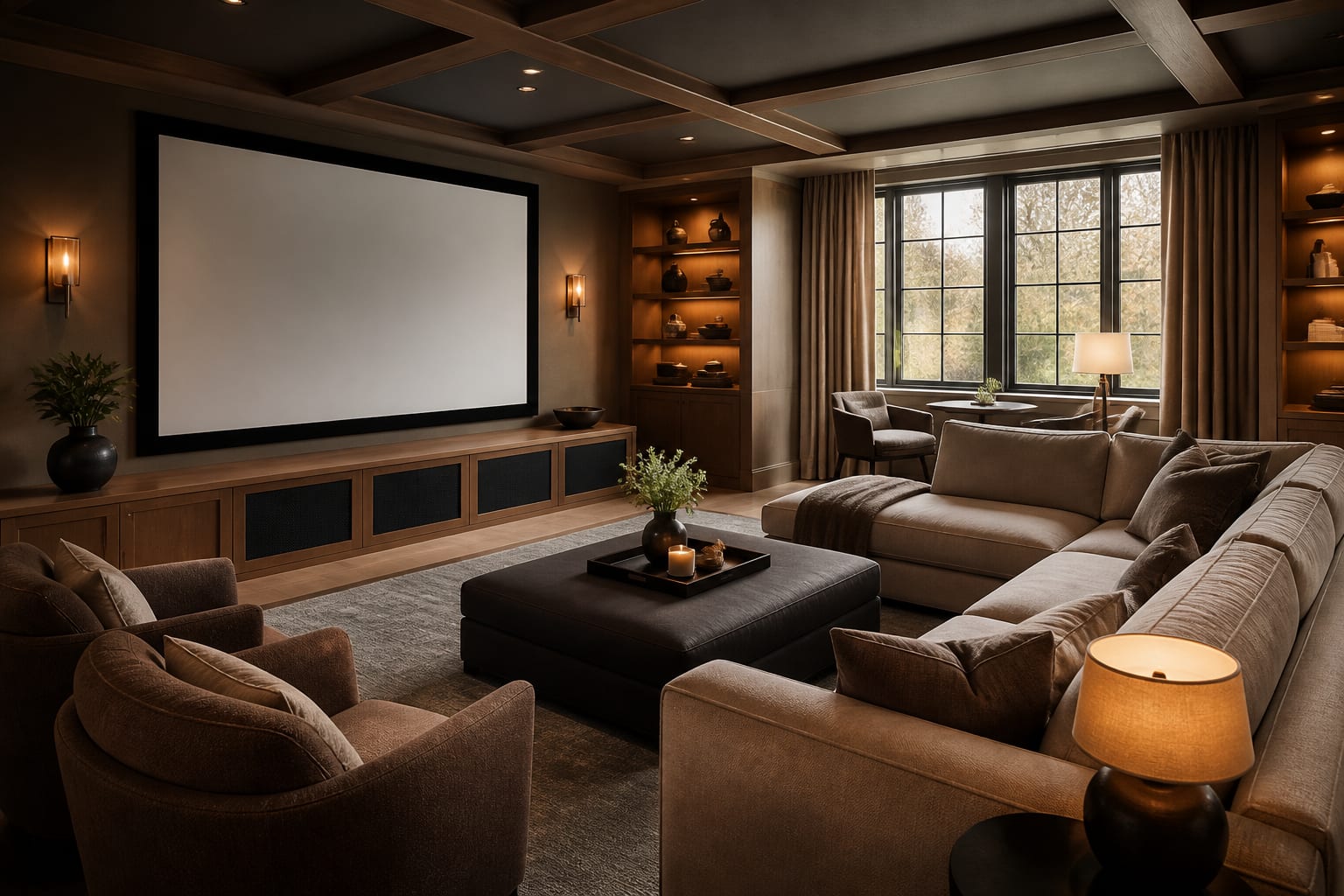
Height matters as much as distance. A media room is not a kitchen, so do not mount the screen above a fireplace where you crane your neck up for two hours. Set the vertical center of the screen near seated eye level, roughly 42 inches off the floor for a standard sofa. If you are running a projector, size the image for the throw distance and the seating, then commit to the screen wall before you place a single chair, because everything else in the room orbits that wall.
Control the light or nothing else matters
A media room lives and dies on light control. The best screen in the world looks gray and flat the moment ambient light hits it, and a single bare window in the afternoon will defeat a projector entirely. Start with the windows. Blackout roller shades or lined drapes with a wraparound return that blocks the side gaps will kill 95 percent of incoming light, and that side seal matters more than people expect because the slivers of daylight at the edges are what wash out the image.
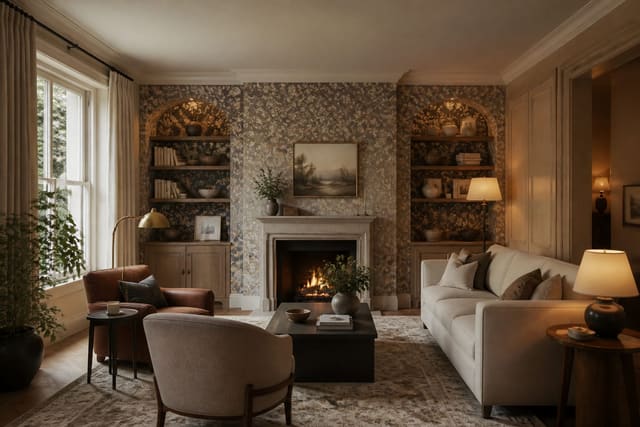
Then handle the room's own surfaces. Bright white walls and a glossy ceiling act like mirrors, bouncing the screen's light back at itself and lowering contrast. Paint the front wall and ceiling a deep, matte color, charcoal, navy, or a true dark gray, so the room absorbs stray light instead of reflecting it. Keep any sheen at flat or matte; even an eggshell finish reflects more than you want. A dark accent wall behind the screen also hides the bezel and makes the picture feel like it floats. If you want a richer surface than flat paint, a dark textured wallpaper on the screen wall reads as intentional and still keeps reflectance low. Finally, put your bias and accent lighting on a dimmer set to a warm 2700K, so you can keep a faint glow that eases eye strain without lifting the black levels on screen.
Plan seating, risers, and sound
Comfortable seating that everyone can see is what separates a media room from a living room with a big TV. If you want two rows, you need a riser. Build the back platform 6 to 8 inches high so the rear seats clear the heads in front, and run a recessed strip light along the riser's leading edge so nobody trips in the dark. Leave at least 36 inches of walkway behind the front row to reach the back seats.
For sound, pull the seating a few feet off the back wall if you can; sitting with your head against the wall muddies the bass and collapses the stereo image. A center channel belongs directly below or above the screen, aimed at ear level, and surrounds sit slightly above and beside the seats. Soft surfaces are your friend here. Carpet, upholstered seating, and fabric panels tame the echo that hard floors and bare walls create, which is why a media room often sounds better than a tiled living room running the same speakers. A built-in shelving run along the side walls can hold components and absorb a little sound at the same time, as long as you leave airflow behind the gear.
Media room ideas to make it a destination
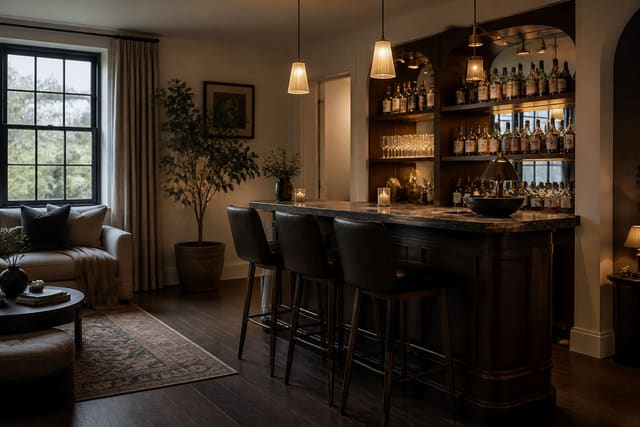
The planning gets the room working. These touches make people actually want to spend the evening in it: - Add tiered LED step lights along the riser and aisle so the room reads like a real theater the moment the lights drop. - Build a snack-and-drink counter at the back with a bar sink and a beverage fridge so nobody pauses the film for the kitchen. - Hang acoustic fabric panels framed like art on the side walls to cut echo without making the room look like a recording booth. - Install a deep sectional or two rows of recliners with cup holders and a 6-inch riser under the back row for clear sightlines. - Float a thin shelf below the screen for components and keep every cable in-wall so the front of the room stays clean. - Mount blackout drapes on a ceiling track that closes the side gaps, then add a smart switch to drop them at the start of a movie. - Tuck a home bar into a back corner so drinks and the film share one room instead of competing for the evening.
See your media room before you commit in Re-Design
A media room is a serious spend on a screen, seating, and often built-ins, and the dark walls that make it work can be hard to picture from a paint chip. Take the guesswork out. Upload a photo of the room into Re-Design and preview a charcoal screen wall, a riser, and two rows of recliners in the actual space before you buy a thing. You can test a navy wall against a true black, see how a sectional reads versus theater seating, and judge whether the screen wall feels balanced once the surrounds and shelving go in. Watching the layout settle into your own four walls tells you fast whether the proportions work, so you order the furniture and paint you have already seen perform.
Frequently Asked Questions
How far should seating be from the screen in a media room?
For a 4K screen, set the main seats at about 1.5 to 2 times the screen's diagonal measurement. That places a 65-inch TV around 8 feet from the couch and a 75-inch screen roughly 9 to 12 feet back. Sitting closer than 1.5 times can strain the eyes, while pushing past 2 times shrinks the image into a small window and wastes the screen you paid for.
What color should media room walls be?
Paint the walls and ceiling a deep, matte color such as charcoal, navy, or true dark gray. Bright or glossy surfaces bounce the screen's own light back at the picture and flatten the contrast. A matte dark finish absorbs that stray light, deepens the black levels, and makes the image look richer. Keep the front wall behind the screen darkest of all to hide the bezel.
Do I need a riser for a second row of seats?
If you want two rows, yes. Build the back platform 6 to 8 inches high so the rear seats see over the heads of the front row. Run a recessed light strip along the riser's leading edge so people can navigate it in the dark, and leave at least 36 inches of walkway behind the front row so guests can reach the back seats comfortably.
How do I control light in a media room with windows?
Use blackout roller shades or lined drapes with a wraparound return that seals the side gaps, since those edge slivers of daylight wash out the picture the most. That setup blocks roughly 95 percent of incoming light. Pair it with dark matte walls and dimmable bias lighting at 2700K so you keep a faint, eye-friendly glow without raising the black levels on screen.